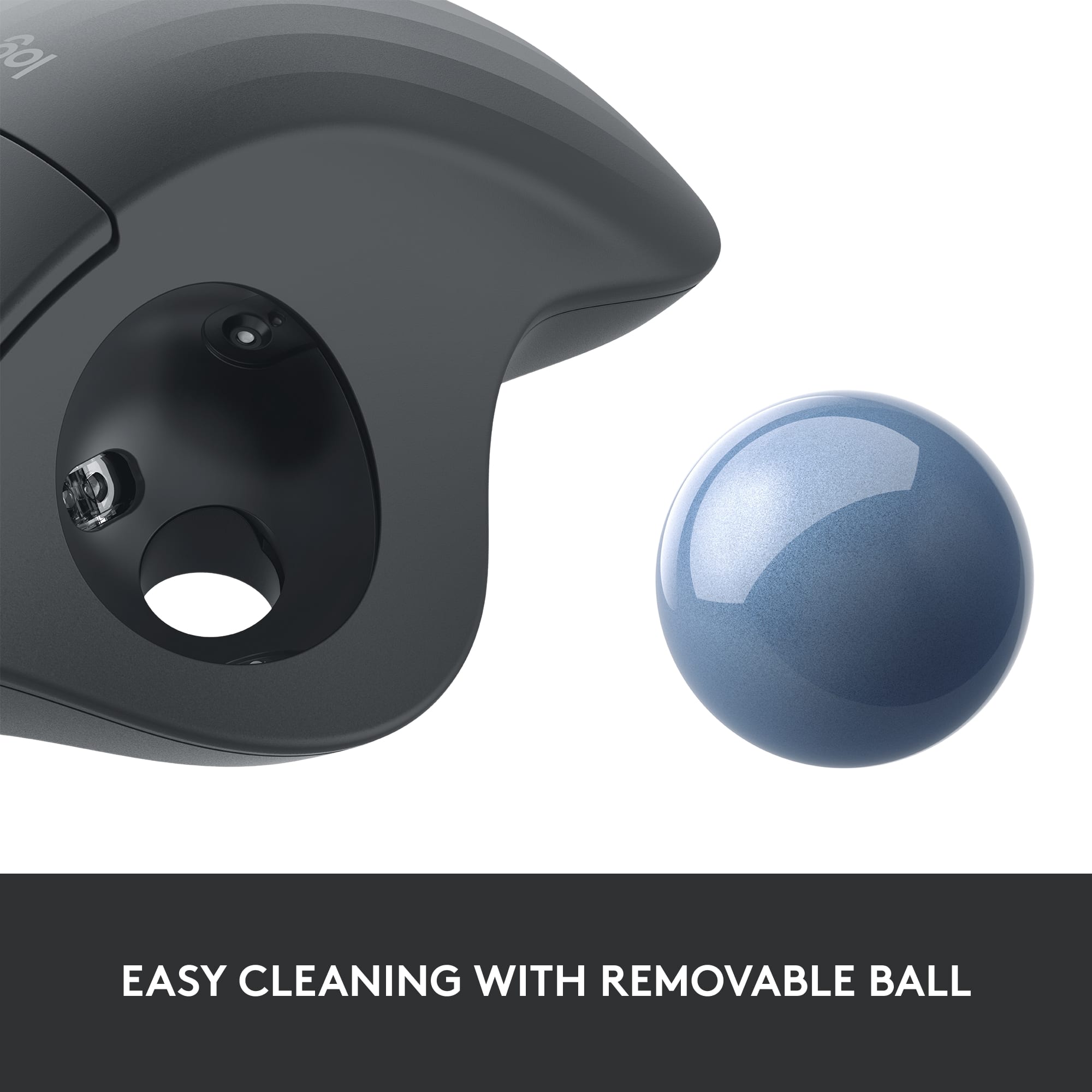
A:Answerturn it over, tale a pen or pencil, push the ball out, and clean the inside. then simply pop the ball back in. I do this every so often. you get lint or dust build up over the little pins.
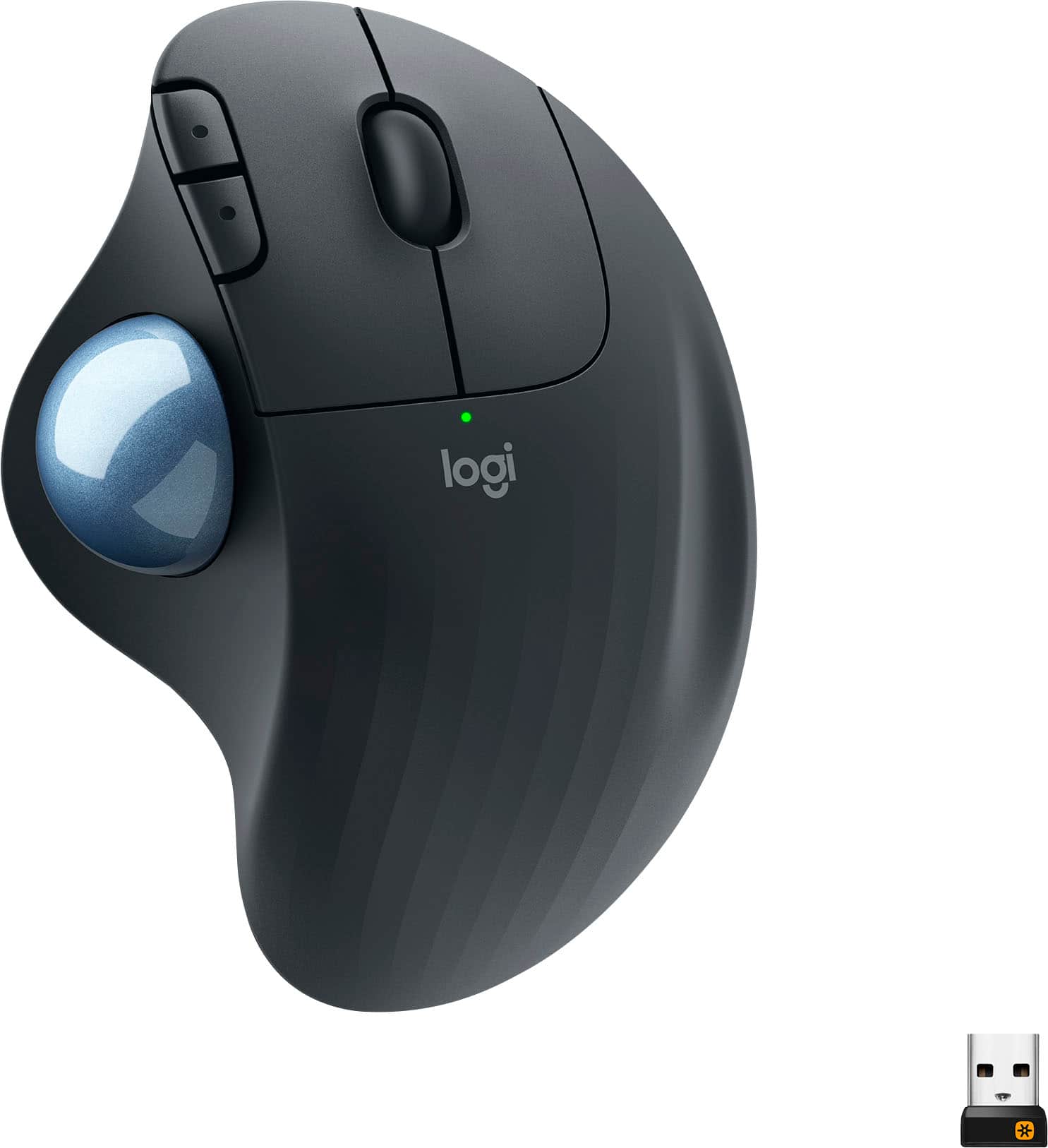
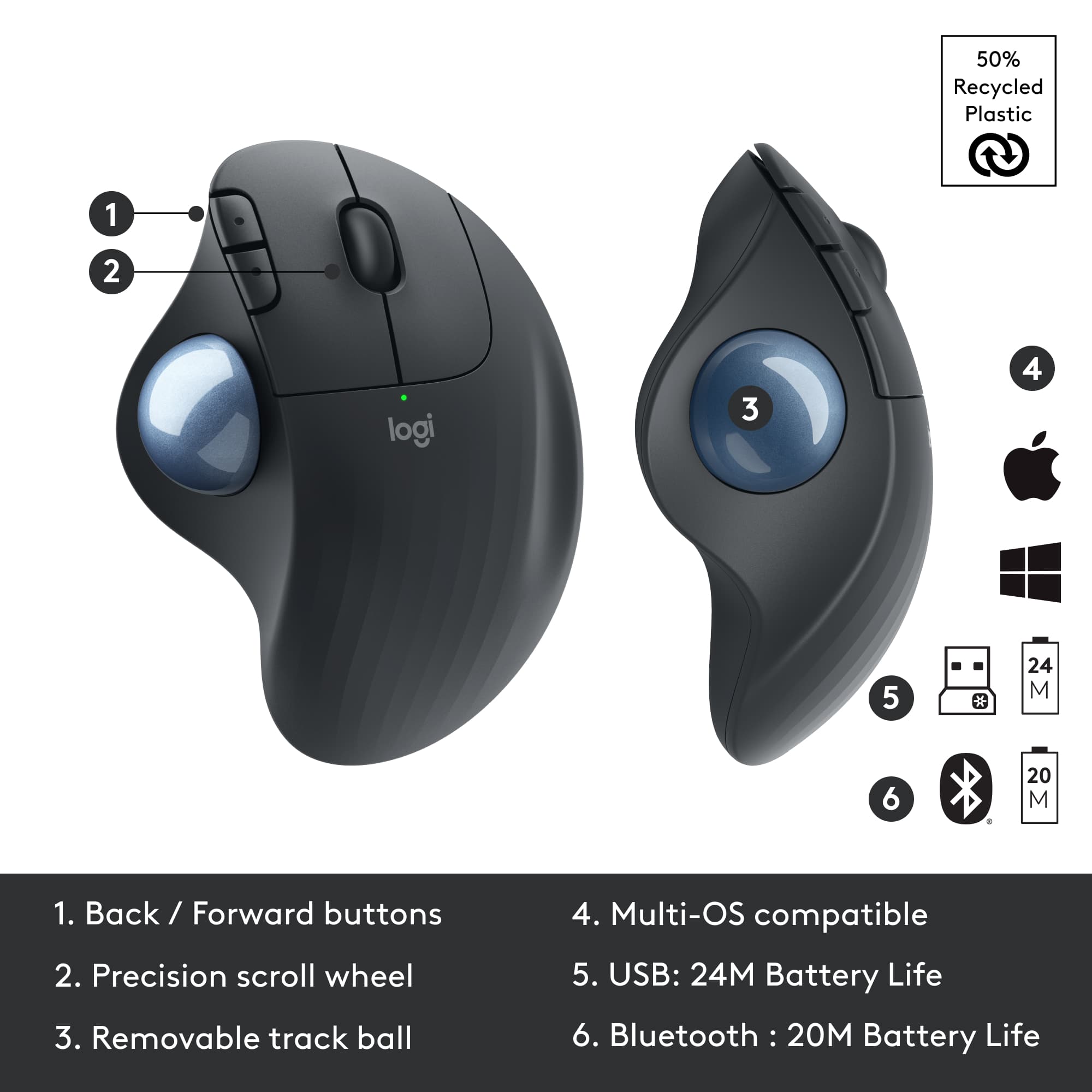
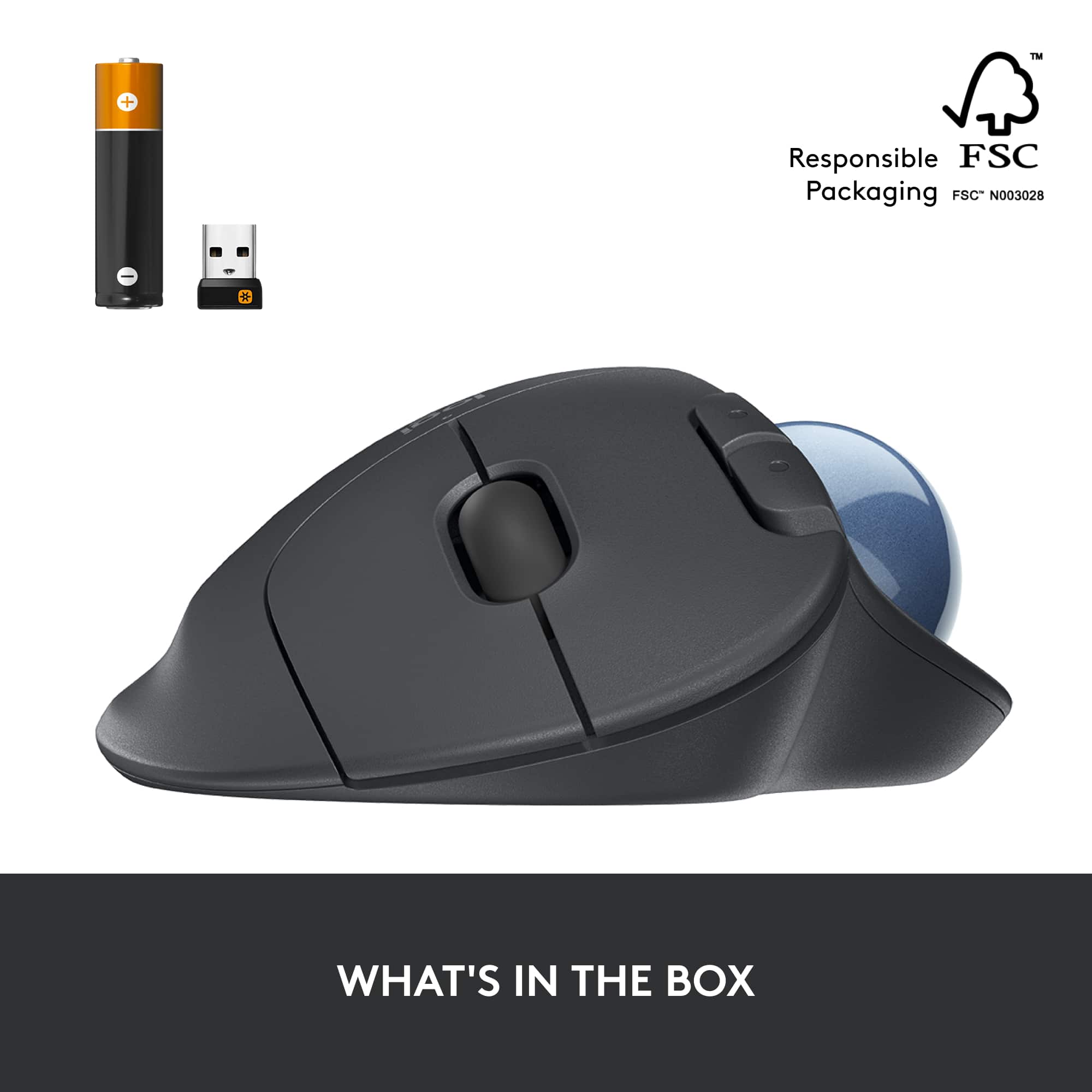
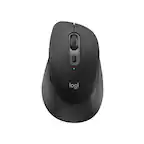
A:AnswerThe extra value is the addition of Bluetooth connectivity. The M575 provides Bluetooth for devices that do not have a USB port in addition to the usb receiver for those devices that do not have Bluetooth.
A:AnswerHello, I am sorry to hear about the double click issues you are experiencing. It does come with a 3 year warranty through Logitech so if it is that time span you may file a warranty claim. Here is the link for that: https://support.logi.com/hc/en-us/articles/360025078553-Warranty-Wireless-Trackball-M570. If it is outside that window, you may contact our support team and see if they can help further through that same link. I hope that helps!
-Danielle from Logitech
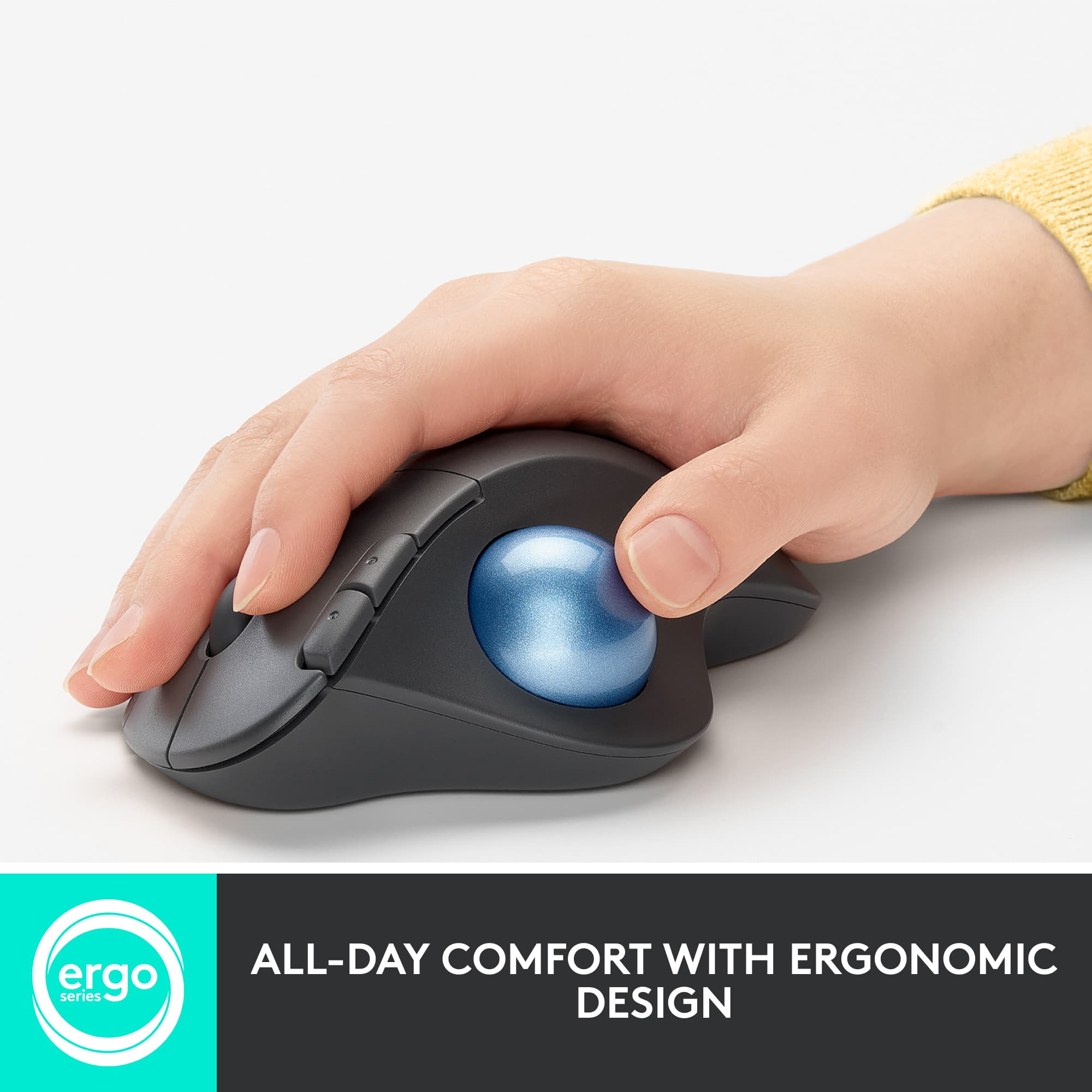
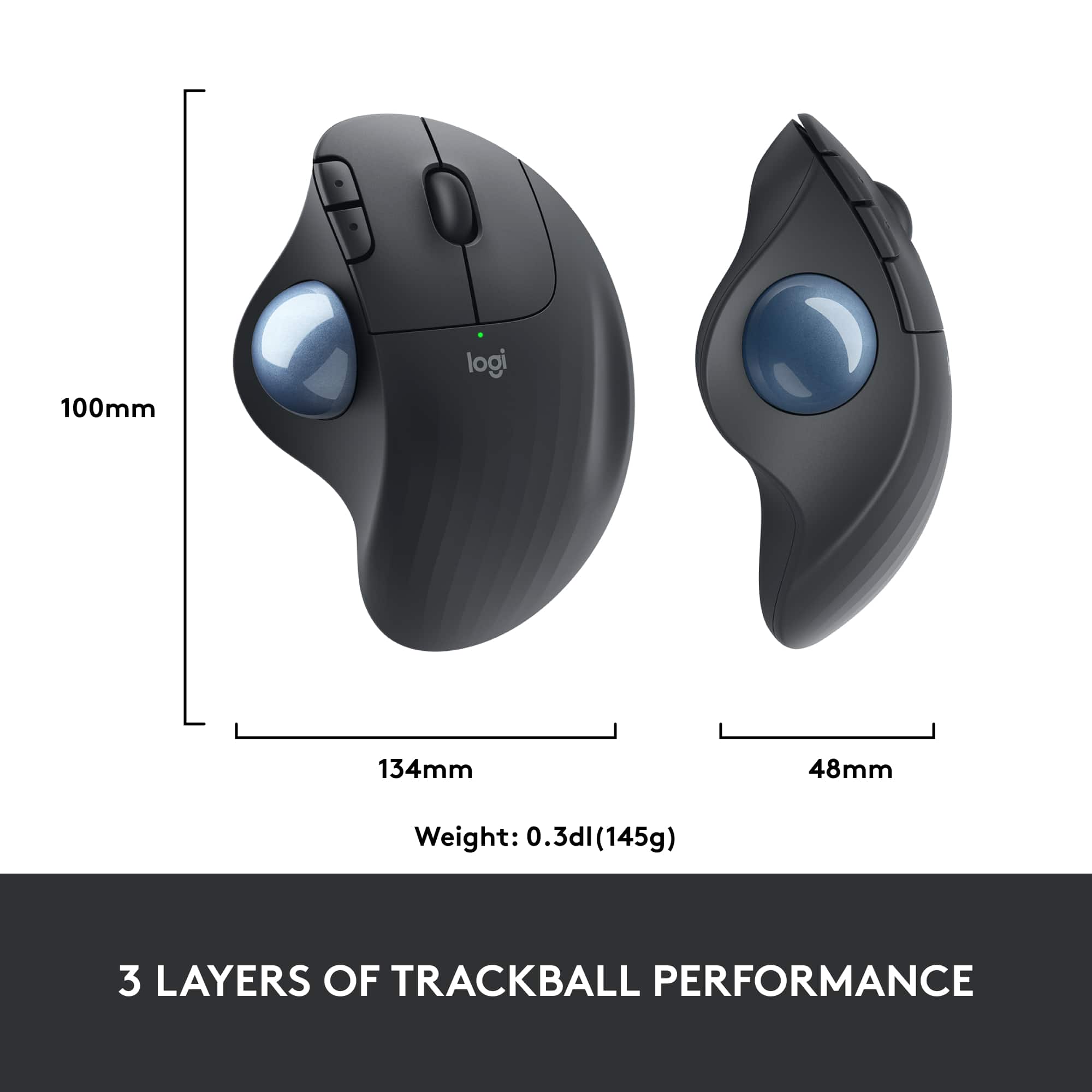
A:AnswerHey there JayK. The M575 has an extremely similar size and shape to the M570, but tweaked slightly for more ergonomics and ease of use. Personally my wife used both and barely noticed a difference between the two. -Weston from Logitech
A:AnswerHello Tardis, The ERGO M575 Wireless Trackball Mouse should work with macOS 10.15 or later. If you are a Mac user, starting with macOS Mojave (10.14), Apple has a new policy that requires user permissions for our Options software. Here is a link to the Logitech permission prompts for macOS Big Sur: https://support.logi.com/hc/en-us/articles/360023203954. - Richard from Logitech
A:AnswerI have never tried to go swimming or take a shower with my Logitech Trackball. I do not believe it is advertised as being even water resistant.
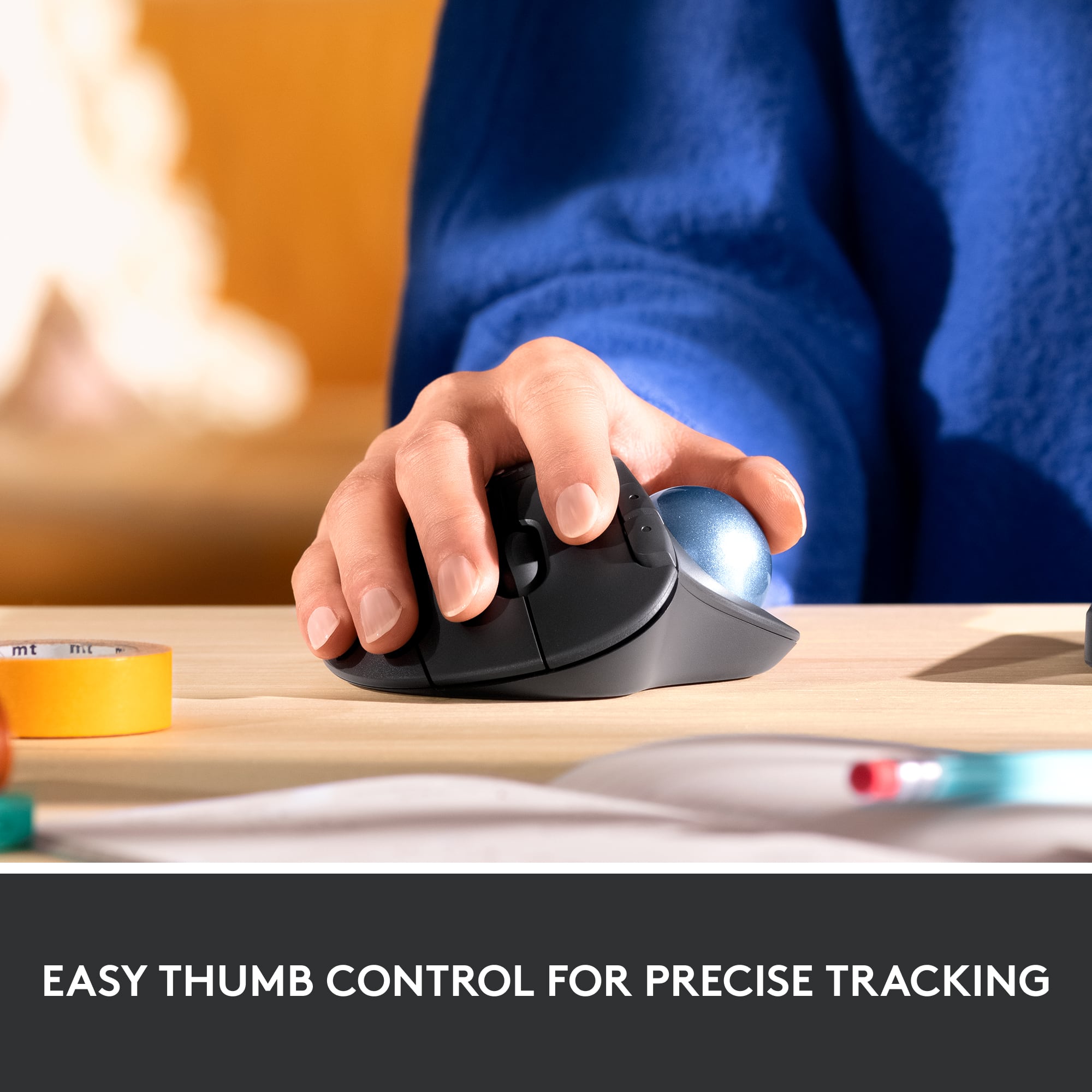
A:AnswerI'm not sure where the instructions are, but by default the two buttons are for forward and back. You can use them in this manner in your web browser and in File Explorer if you have a Windows PC. Additionally, you can program them to be almost anything you want by using the Logitech Options software from the Logitech website.
A:AnswerHello, Me! These buttons are preprogrammed to be "Forward" and "Back" while you are using different programs. You can program them to do more with our Logitech Options software. - Maggie from Logitech
A:AnswerI buy Amazon Basics batteries. I work at least 40 hours a week and never turn my mouse off using the switch. I change batteries once every 6-9 months. I have an older M570 downstairs, for personal use. It's also never switched off, but not used as much as my upstairs mouse. I might change those once a year.
A:AnswerThat's unexpected! In order to help you effectively, please provide your information to our support team via email at socialcare@logitech.com with your
- Name:
- Email Address:
- Country:
- Product Name:
- Brief description of issue:
A:AnswerI wasactually diappointed with my logitec mouse, I thought the control was combersome. As for it making the keyboard not work, I haven't experienced that, Of copurse I no longer use it, I use the keypad on my laptop.