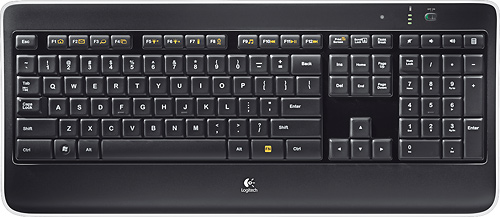
A:Answer Hi, You can manually adjust the backlighting by pressing the FN + F5 to decrease and FN + F6 to increase between 5 levels: 0%, 25%, 50%, 75%, and 100%. So, yes, you can turn the backlighting off and on. A reminder, after three hours of inactivity or if the keyboard is restarted, the backlighting level will return to automatic adjustment. Hope that this answered your question and that all is going well. - Richard from Logitech.