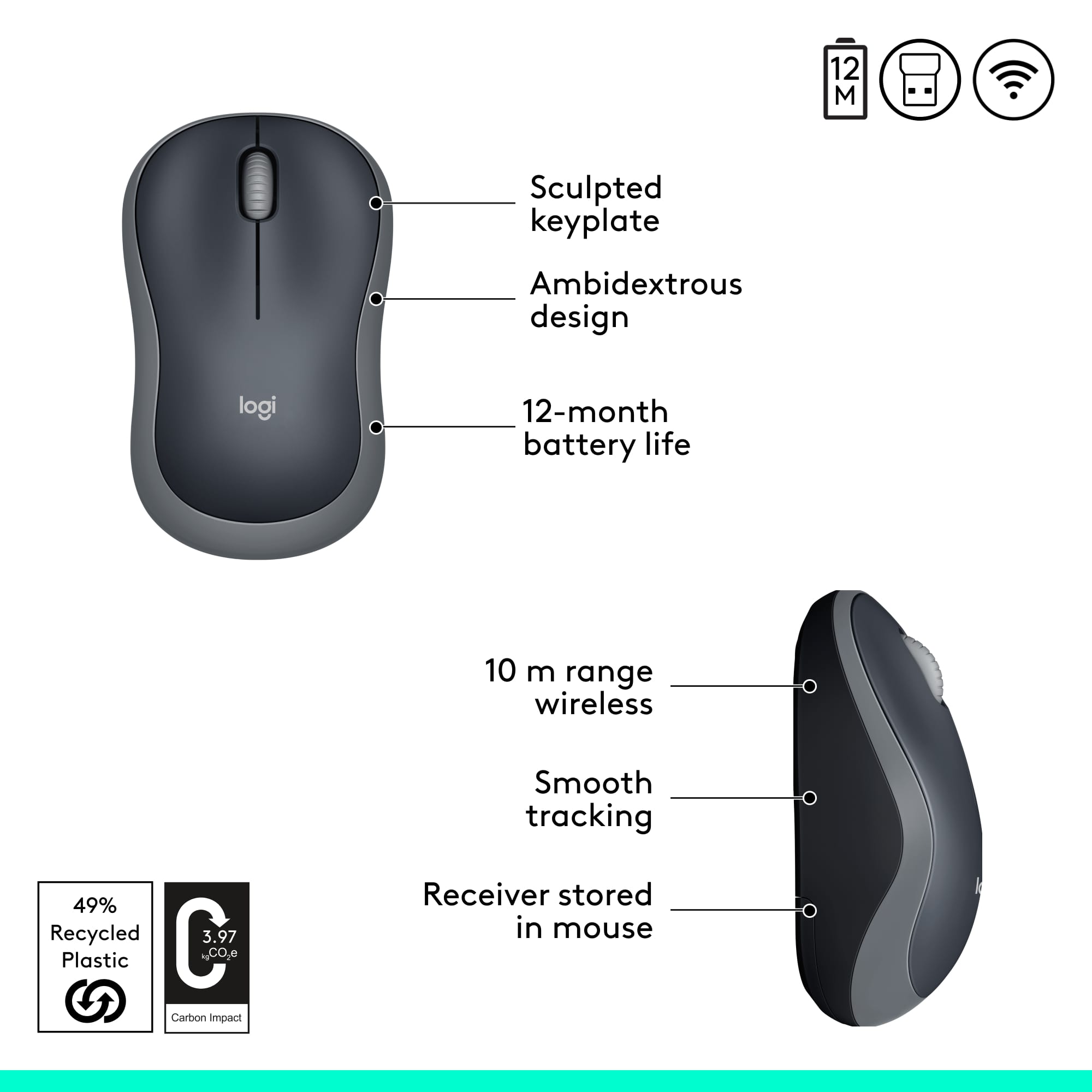
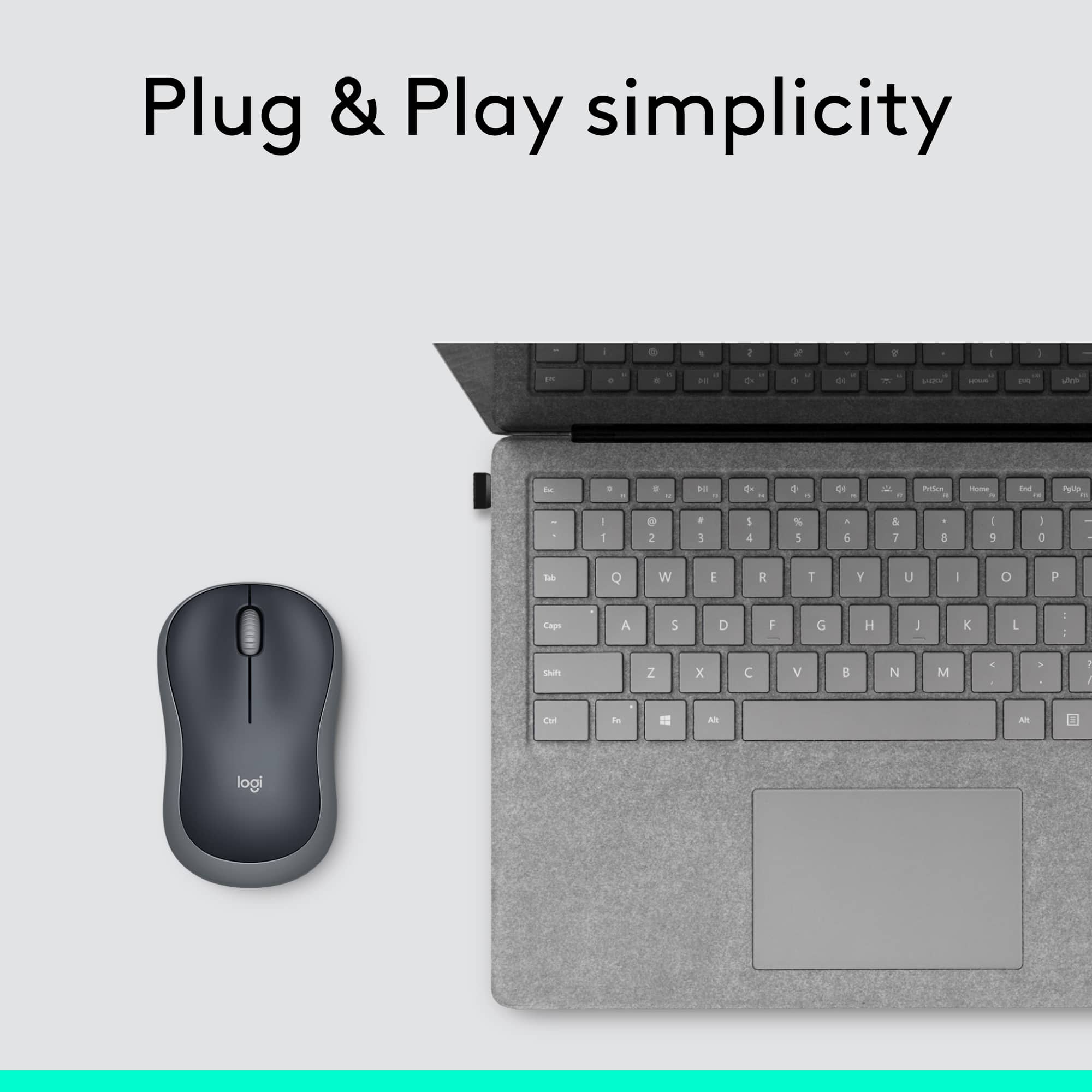
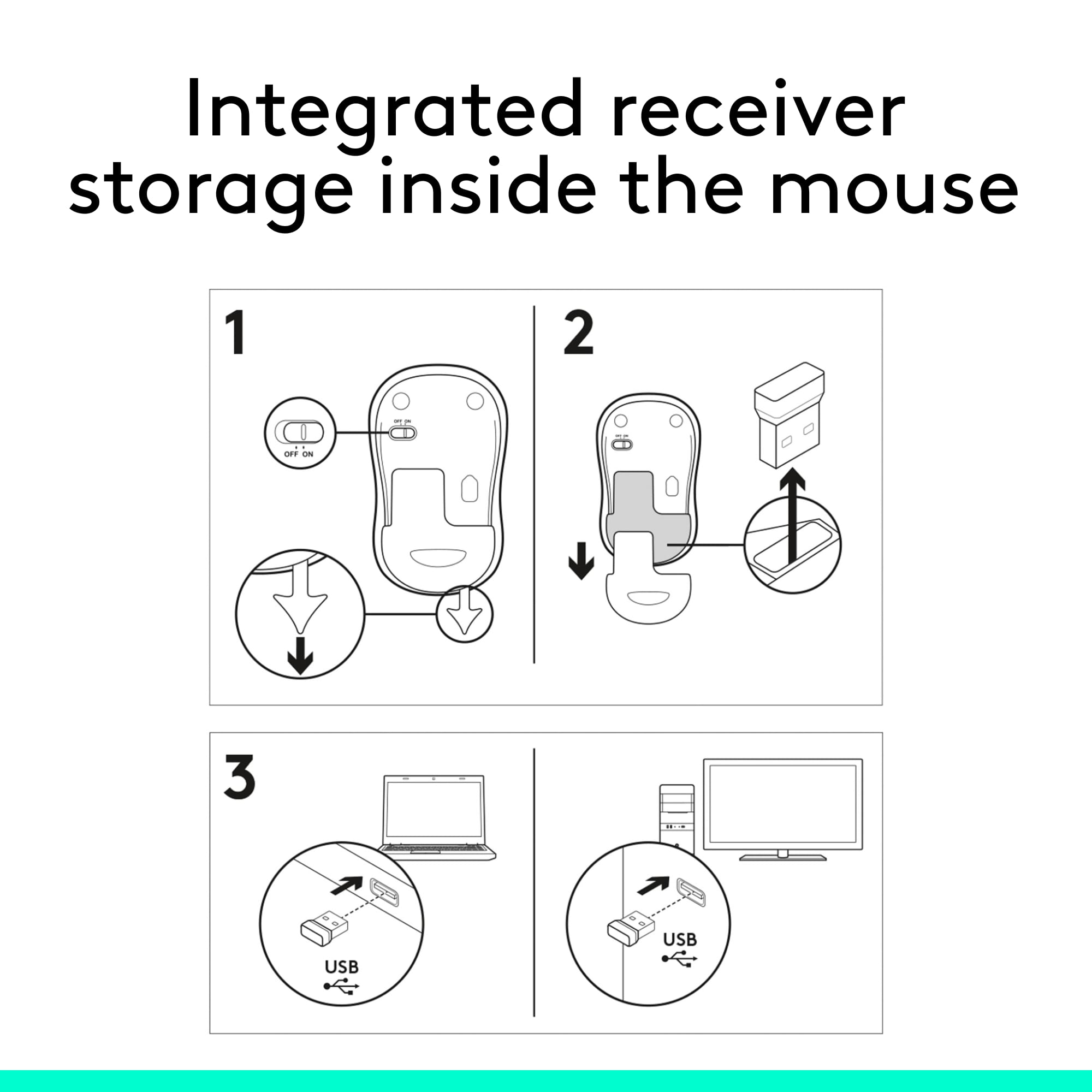
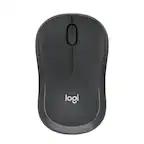
A:AnswerOnce you plug in the remote dongle and install battery and turn on the mouse with button on the bottom of mouse your MAC should automatically continue to do a driver download. If the 1st attempt fails always try again.
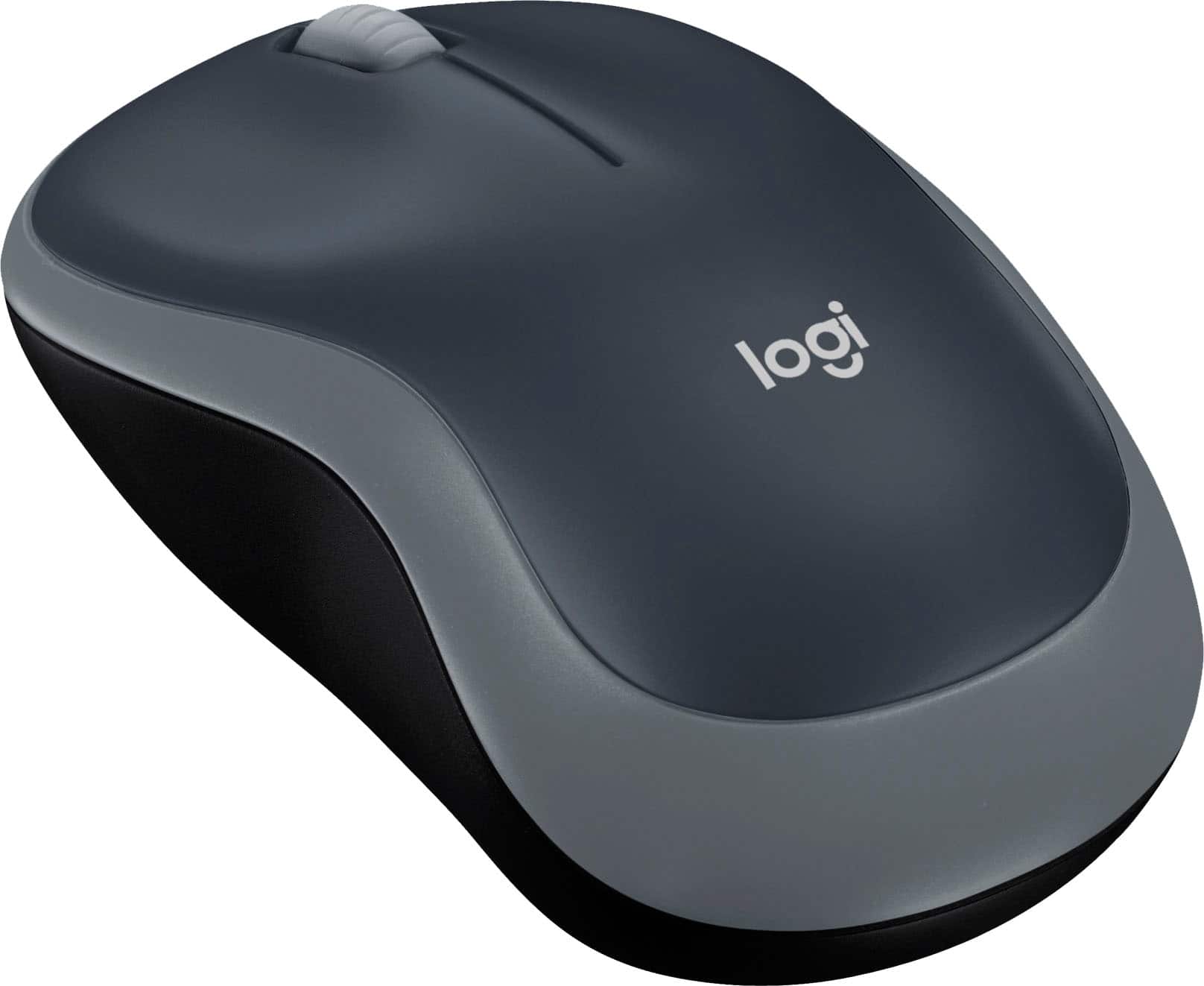
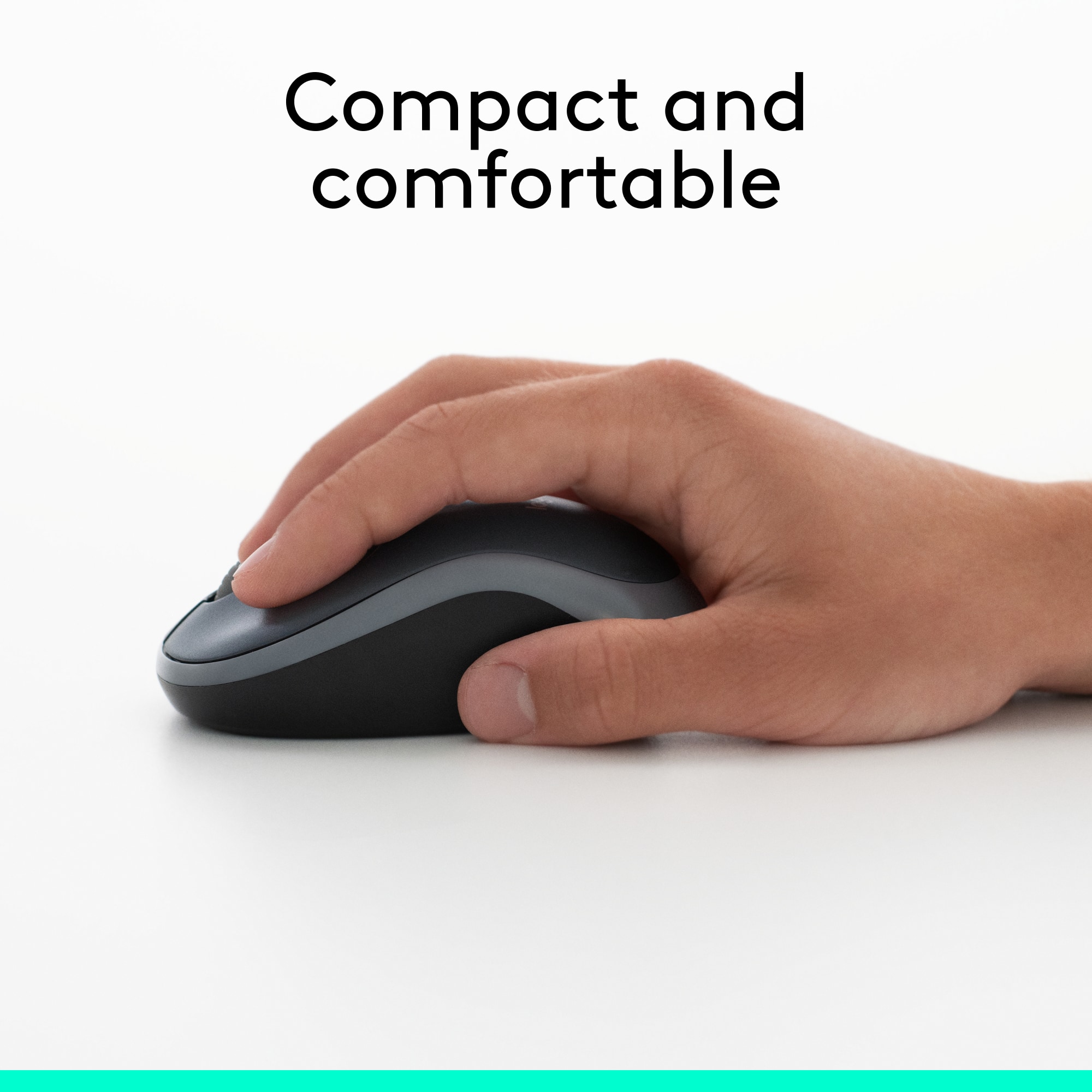
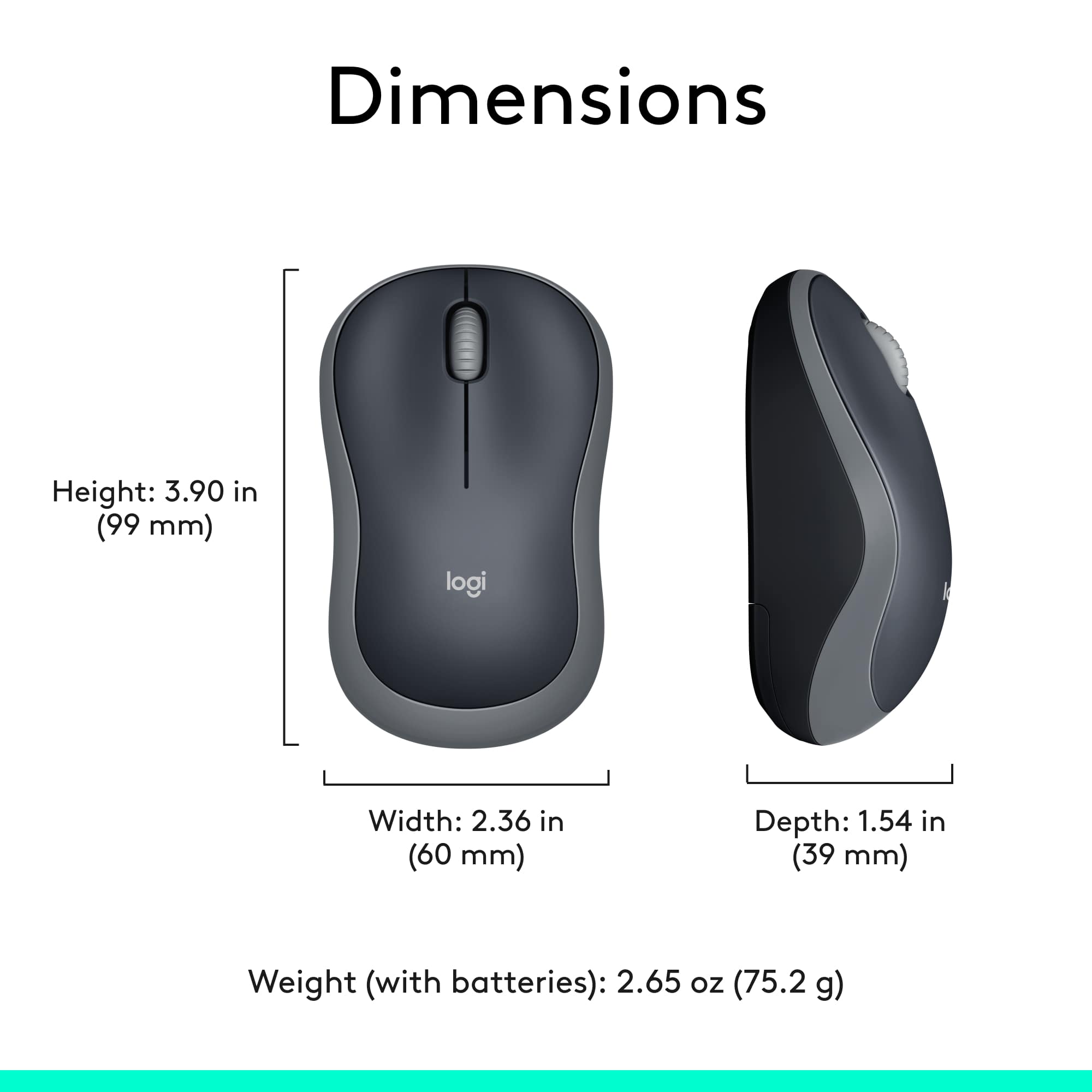
A:AnswerI'm not sure if it's ergonomic or not. It is a basic mouse shape. I purchased it for my elderly Mom, who has small hands. This mouse is smaller than than the typical mouse, and it works well for her.
A:Answeryes you need a usb for this mouse. I would suggest that you go to a Best Buy with your I Pad Pro and one of the folks in either the computer area or the Geek Squad will be able to find a good mouse for you to use.
A:AnswerI actually gave the Logitech to my daughter and bought a Microsoft for myself. No complaints on either one, just that the Logitech wasn't working as well with my newer computer.