Questions & Answers
- Model:
- 910-003120
- |
- SKU:
- 5422358
Q: QuestionCan the USB thing be left in the computer all of the time, or does it have to be put in every time you use the computer ?
Asked by katnip.
- A:Answer Yes it can stay in the USB port all the time.
Answered by FearlessBjj
Q: QuestionIs this mouse compatible with Mac Yosemite OS? Ii got a cheap generic wireless mouse and it claimed to be compatible with Mac OS 10 and beyond. It wasn't. I like Logitech, but I want to be sure this will work
Asked by Anonymous.
This question was asked about the related product: Logitech - M325 Wireless Optical Ambidextrous Mouse - Wireless - Light Silver
- A:Answer Mine works just fine for me. No problems.
Answered by Charlie
Q: QuestionMy M325 lasted 5 months and now is not working. The Logitech support site is the worst I have ever seen! And it DOES NOT tell you how to return the product even though it is under warranty! I would NEVER buy another Logitech product!
Asked by Rob48.
- A:Answer Return it to the store you purchased it.
Answered by MikMin
Q: QuestionWill this mouse work with Linux operating system? Thanks
Asked by Rgsnodak.
This question was asked about the related product: Logitech - M325 Wireless Optical Ambidextrous Mouse - Wireless - Red
- A:Answer Yes. Just Google "Logitech M325 Wireless mouse Linux" There is an article on Linux.com reviewing the mouse.
Answered by PNYUser
Q: QuestionCompatible with MacBookPro with Retina Display?
Asked by Oki.
- A:Answer Works with any computer that had a USB port as far as I know. I've used it with my MacBook Pro without any issue.
Answered by Mouser
Q: QuestionKingsleyaHow do you charge it or do you have to replace the battery?
Asked by Kingsleya.
This question was asked about the related product: Logitech - M325 Wireless Optical Ambidextrous Mouse - Wireless - Red
- A:Answer It comes with a battery, so it doesn't need any initial charging. There is a On/Off switch on the bottom, so you just have to remember to turn it on to use it and turn it off after use, so it doesn't drain the battery. I haven't had it very long, but from what I understand the batteries last quite a long time during normal use. My nephew has a similar mouse and his battery lasted well over a year and he uses his daily for school.
Answered by Norge2
Q: Questionis it compatiblewill it work w/ win 8.1?
Asked by Anonymous.
- A:Answer Yes
Answered by Yankee
Q: QuestionWhat is the life of the batteryHow long does the battery last with daily use.
Asked by Rainman.
- A:Answer I have multiple M-325s operating 4 different desktops. I also will use a M325 with a laptop infrequently. Desktops are used a few hours a day, everyday. I think I have probably replaced batteries in 2 of the M325 in the last 4 years.
Answered by Shannon
Q: Questioncompatible with microsoft surface pro 3?is this mouse compatible with a surface pro 3?
Asked by ffachini.
- A:Answer Should be as long as you have wi fi & a usb drive.
Answered by Missy
Q: QuestionBlue tooth mouseWhat is the difference between a blue tooth and a digital optical mouse?
Asked by Richard.
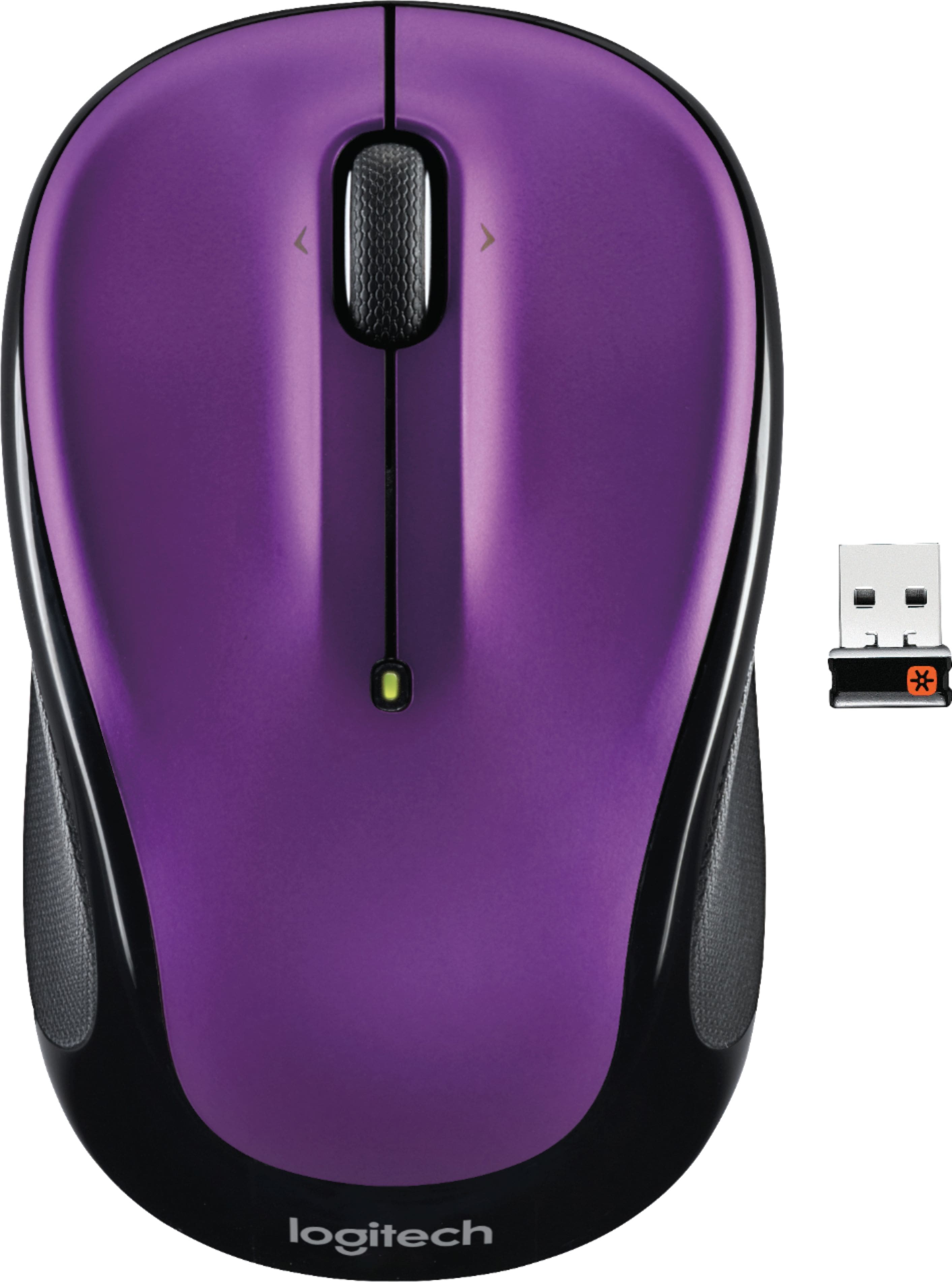
- A:Answer They're two different things. "Digital optical" refers to how the mouse senses that it's being moved over a surface. Old-style mice used a physical ball cupped inside the mouse to detect motion, translated that analog motion of the ballot digital signals which it then relayed to the computer. An optical mouse uses a low-powered laser, reflected off the surface over which the mouse moves, to detect how the mouse is being moved. Bluetooth is how the mouse communicates the movement to the computer. An old-style was physically connected to the computer with a cable that ran from the mouse to the computer to transmit the signals of how the mouse was being moved. With a Bluetooth (cordless) mouse, you connect a small dongle to the computer, and the mouse communicates wirelessly with that dongle, using the Bluetooth wireless protocol to tell the computer how the mouse is being moved.
Answered by SQLGeek
Q: Questioncan I use it with Chrombook PC ?
Asked by AppleTree.
This question was asked about the related product: Logitech - M325 Wireless Optical Ambidextrous Mouse - Wireless - Blue
- A:Answer I use with surface so I'm sure that's fine if you haven't gotten answer yet
Answered by Joedogs
Q: Questionis this mouse good for gaming?
Asked by Anonymous.
This question was asked about the related product: Logitech - M325 Wireless Optical Ambidextrous Mouse - Wireless - Blue
- A:Answer No, you will have to buy the expenses ones.
Answered by VicCar
Q: QuestionWhy does it work only intermittantly?Mouse refuses to move sometimes.
Asked by Anonymous.
- A:Answer The mouse doesn't work well on slick smooth surfaces like glass or polished surfaces. Try using a mousepad or a simple paper pad
Answered by Spyder2002
Q: Questionis this usb-c
Asked by dan.
This question was asked about the related product: Logitech - M325 Wireless Optical Ambidextrous Mouse - Wireless - Red
- A:Answer No, usb-a
Answered by Kernel32
Q: QuestionDoes this work on a glass table
Asked by Anonymous.
- A:Answer Hi, the M325 will not work on a glass table. The Logitech MX Anywhere 3 mouse as well as the MX Master 3 have Darkfield high precision sensor that is able to track on glass.
Answered by Logitech
Q: QuestionDoes this work with windows xp?
Asked by mrnice.
- A:Answer -------- it works with mine . . .
Answered by BigWayne
Q: Questionwill this mouse work on any surface?
Asked by Anonymous.
This question was asked about the related product: Logitech - M325 Wireless Optical Ambidextrous Mouse - Wireless - Red
- A:Answer Most not all. Need something with variances like a notepad, grain wood counter, desk. Don't use on a clear glass table. Test it and see
Answered by SouthBayflic
Q: QuestionMy unit continually flashes BLUE. Is that normal?
Asked by Djuroslav.
- A:Answer Not sure.. Because I've not noticed that happening on my mouse... You might want to check your battery.. When you change/check your battery, make sure you put it in correctly.... and if it still flashes blue... Then I might return to Best Buy. As long as it's within warranty time, then maybe get a replacement.. Its probably the battery if you've used a lot and its been over 4 months.. like you said above..
Answered by LLL1951
Q: QuestionWHAT TYPE BATTERIES DO THE M325 WIRELESS MOUSE USE ?
Asked by 123OATS.
- A:Answer AA battery, quantity = 1
Answered by MacIt
Q: QuestionCan this wirelsss mouse be used for a chromebook? Specifically, the Samsung 3 Chrimebook.
Asked by MMBRC.
- A:Answer Yes
Answered by Strick813
Top Rated
- $119.99Your price for this item is $119.99
- $99.98Your price for this item is $99.98
- $22.99Your price for this item is $22.99
- $11.99Your price for this item is $11.99$14.99The comparable value for this item is $14.99
- $119.99Your price for this item is $119.99
- $79.99Your price for this item is $79.99
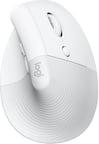
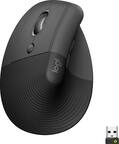
Logitech - Lift Vertical Wireless Ergonomic Mouse with 4 Customizable Buttons - Wireless - Off-White$79.99Your price for this item is $79.99- $23.99Your price for this item is $23.99$25.99The comparable value for this item is $25.99
- $22.99Your price for this item is $22.99
- $49.99Your price for this item is $49.99
- $29.99Your price for this item is $29.99
- $23.99Your price for this item is $23.99
- $129.97Your price for this item is $129.97
- $65.11Your price for this item is $65.11$69.99The comparable value for this item is $69.99
- $20.99Your price for this item is $20.99
- $39.99Your price for this item is $39.99