






Questions & Answers
- Model:
- 910-006944
- |
- SKU:
- 6578480
Highly rated by customers for: Ease of use, Battery Life, Scroll Wheel
$74.99Your price for this item is $74.99
Comp. Value: $89.99
The comparable value price is $89.99
Page Showing 1-8 of 8 questions
Q: QuestionThe non mac MX anywhere is compatible with Mac. So what exactly is different about this one?
Asked by FitProMT.
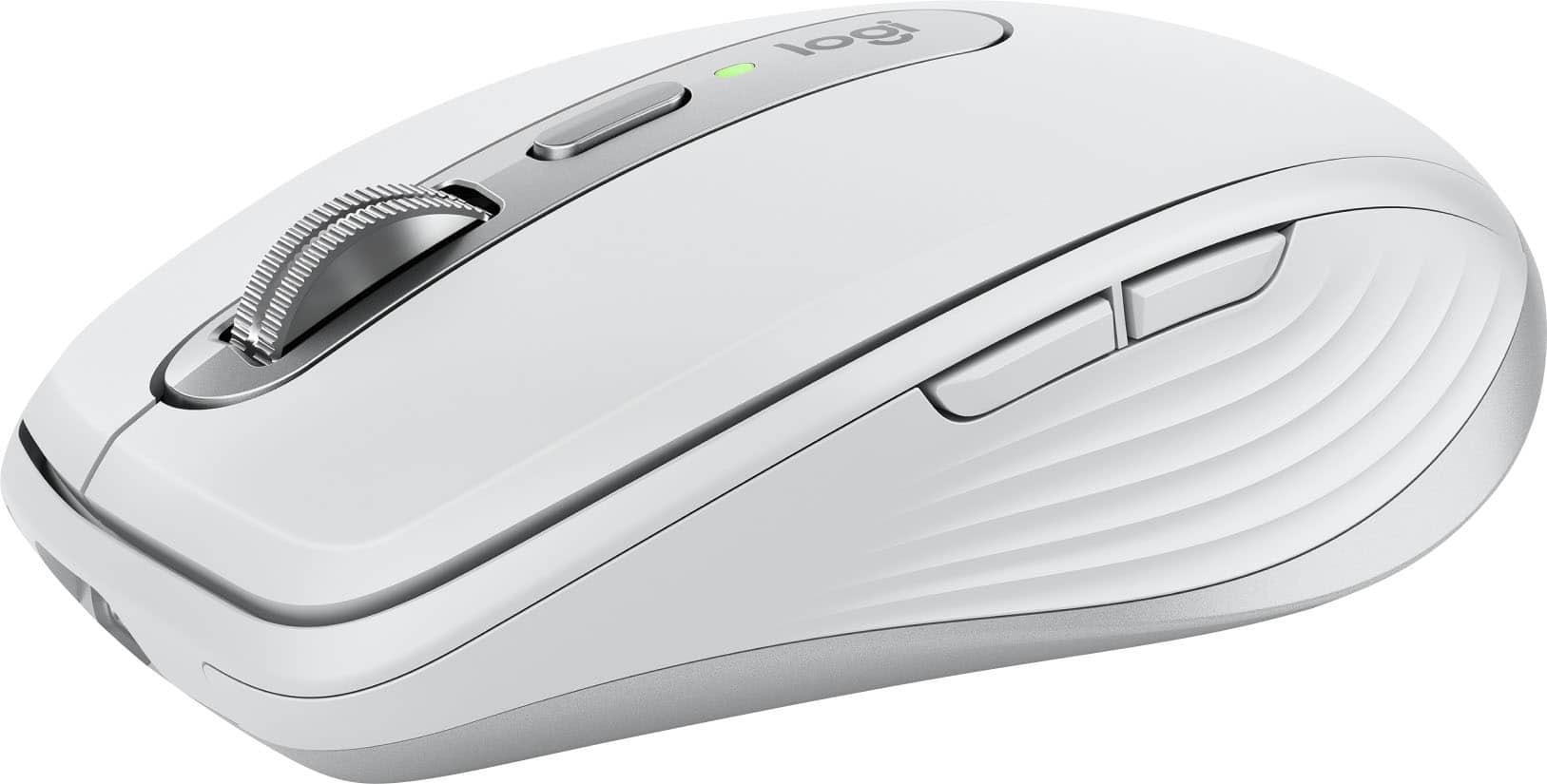
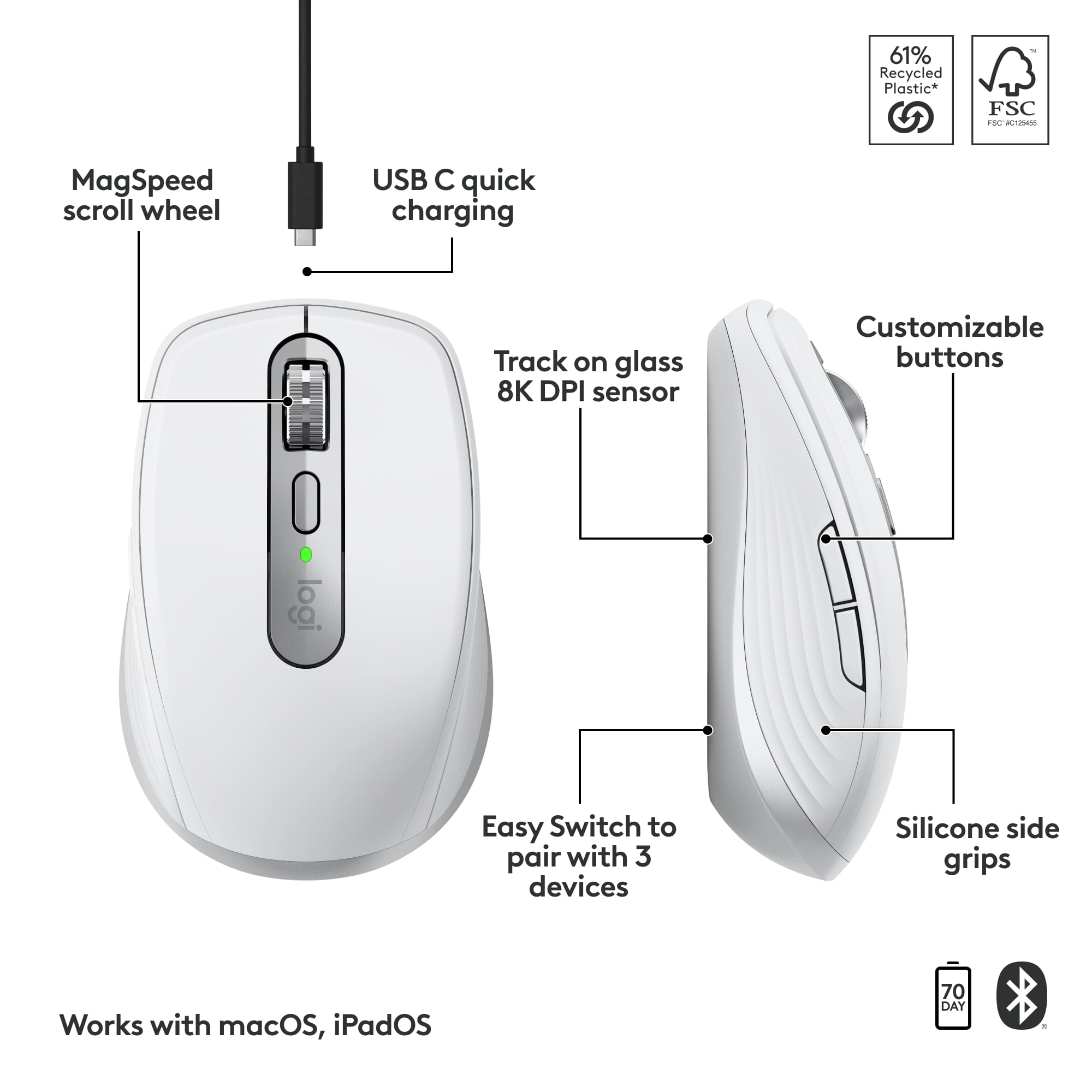
- A:Answer The Logitech MX Anywhere 3S and MX Anywhere 3S for Mac are largely the same. The main differences are the included USB receiver and color options. Both offer the same features, including MagSpeed scrolling, Track Anywhere technology, USB-C charging, Flow technology, and customizable buttons.
Answered by Logitech
Q: QuestionMy Mac does not have USB ports. Will this connect to my Macbook without the need of a plug in adapter?
Asked by KOS.
- A:Answer Yes, the Logitech MX Anywhere 3S for Mac connects to your Macbook via Bluetooth, so it should work without a USB port or adapter.
Answered by Logitech
Q: QuestionDoes it work with iPad mini?
Asked by Anonymous.
- A:Answer Yes, the Logitech - MX Anywhere 3S for Mac mouse works on iPadOS 14 or later via Bluetooth® Low Energy.
Answered by Logitech
Q: QuestionDoes it work for Windows laptops
Asked by Som.
- A:Answer yes but there are cheaper buy logiteck with better controls
Answered by Nedacrew
Q: QuestionHow do you clean the white mouse? It stains very easily.
Asked by BrendaW.
- A:Answer Thank you for your question about cleaning the white Logitech MX Anywhere 3S for Mac. Logitech provides detailed cleaning instructions at Cleaning Recommendations. https://support.logi.com/hc/articles/360023416333
Answered by Logitech
Q: QuestionDoes this mouse require a USB dongle or does it connect directly to the Bluetooth in a MacBook Air the same as an Apple Magic Mouse does?
Asked by Elwood.
- A:Answer No dongle required it hooks up with Bluetooth very easily on the iMac
Answered by Tabletreview
Q: Questionis the mouse compaitble with the MX mini keyboard and wil it switch between devices when the keyboard is switched
Asked by SatisfiedBuyer.
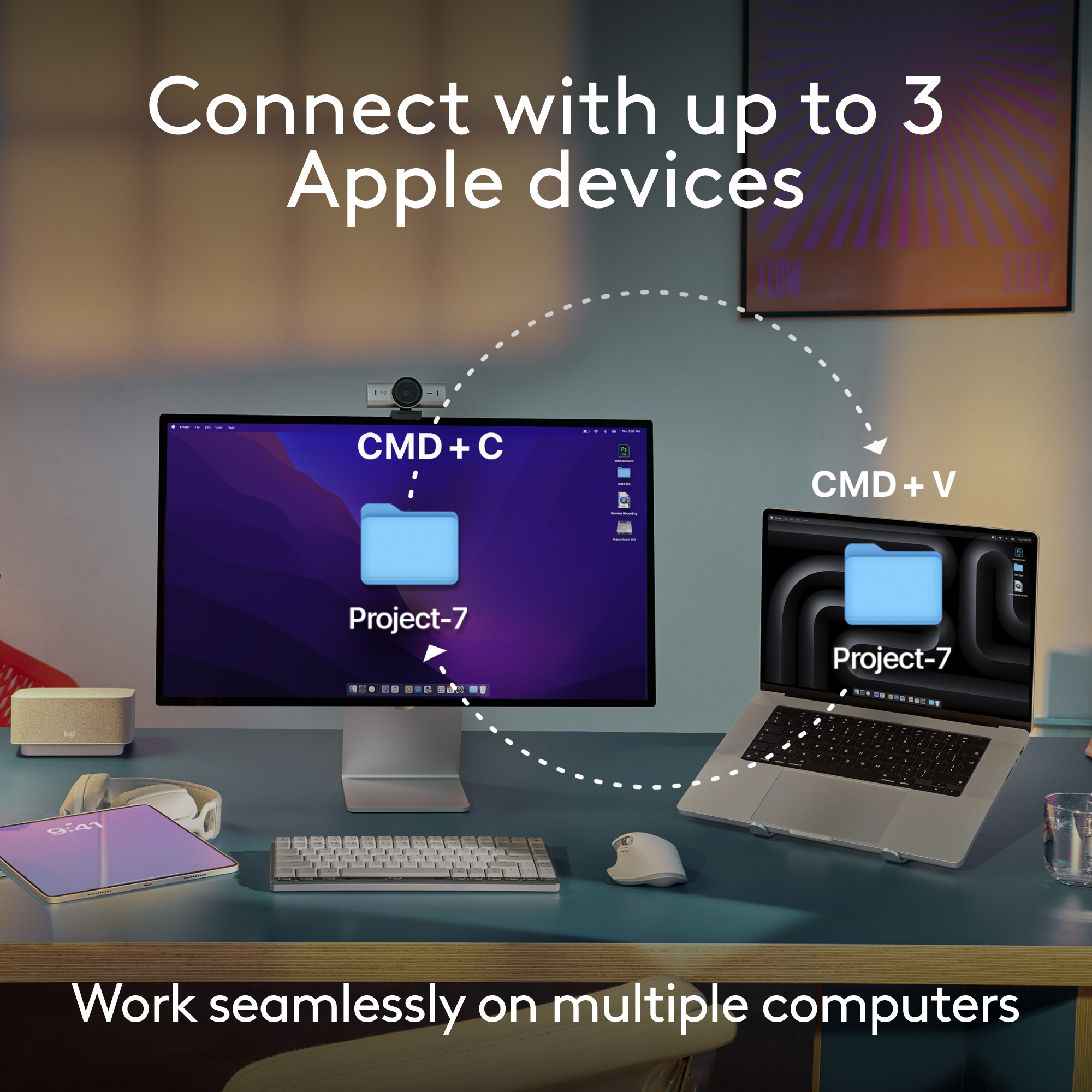
- A:Answer Yes, the mouse pairs perfectly with the MX mini keyboard ( my actual set-up) and as long as you have programmed both your mouse and keyboard to work with your other device, switching between devices is simple. Both the keyboard and mouse can be paired with three devices at a time.
Answered by RichardL
Q: Questionhow to open mouse to change battery
Asked by Anonymous.
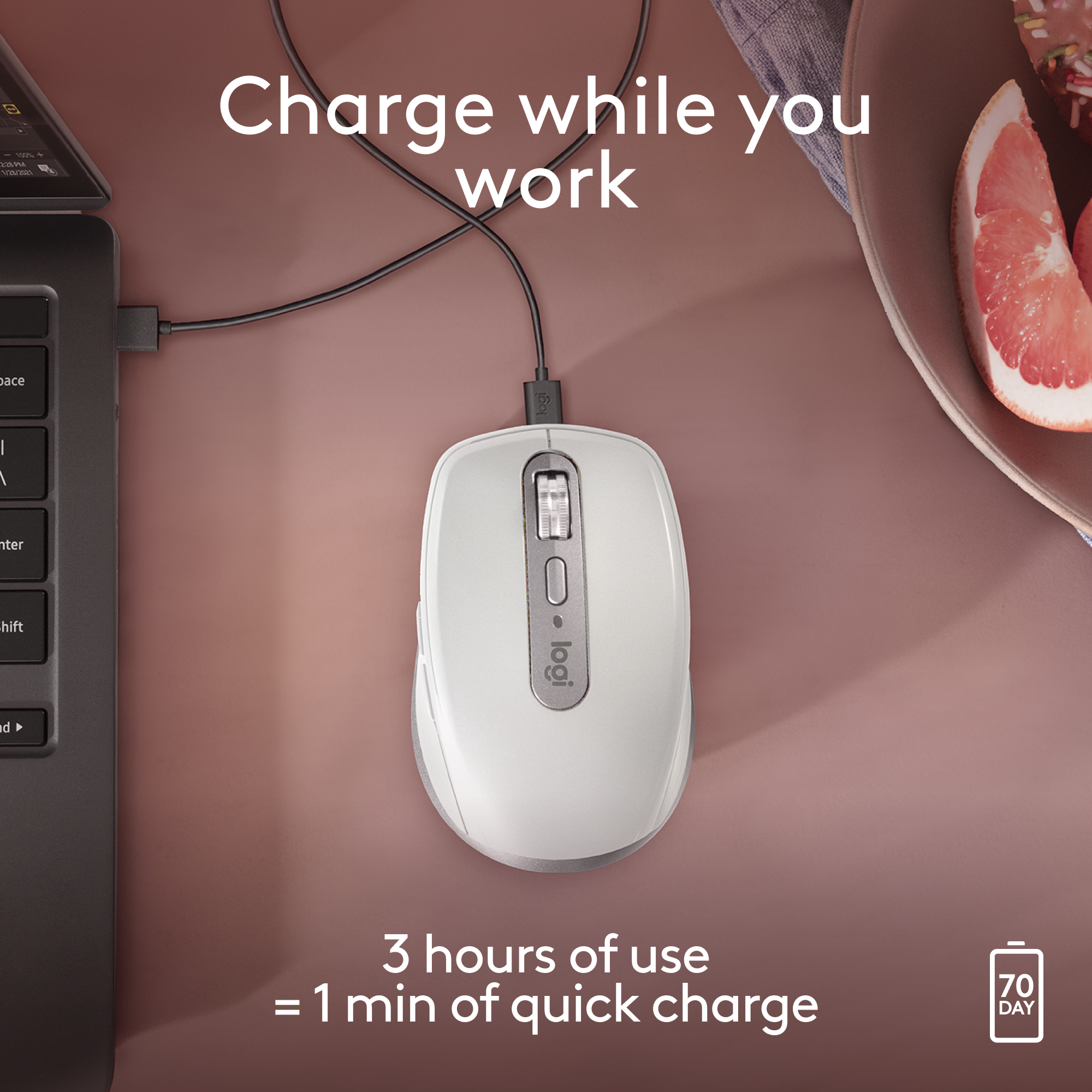
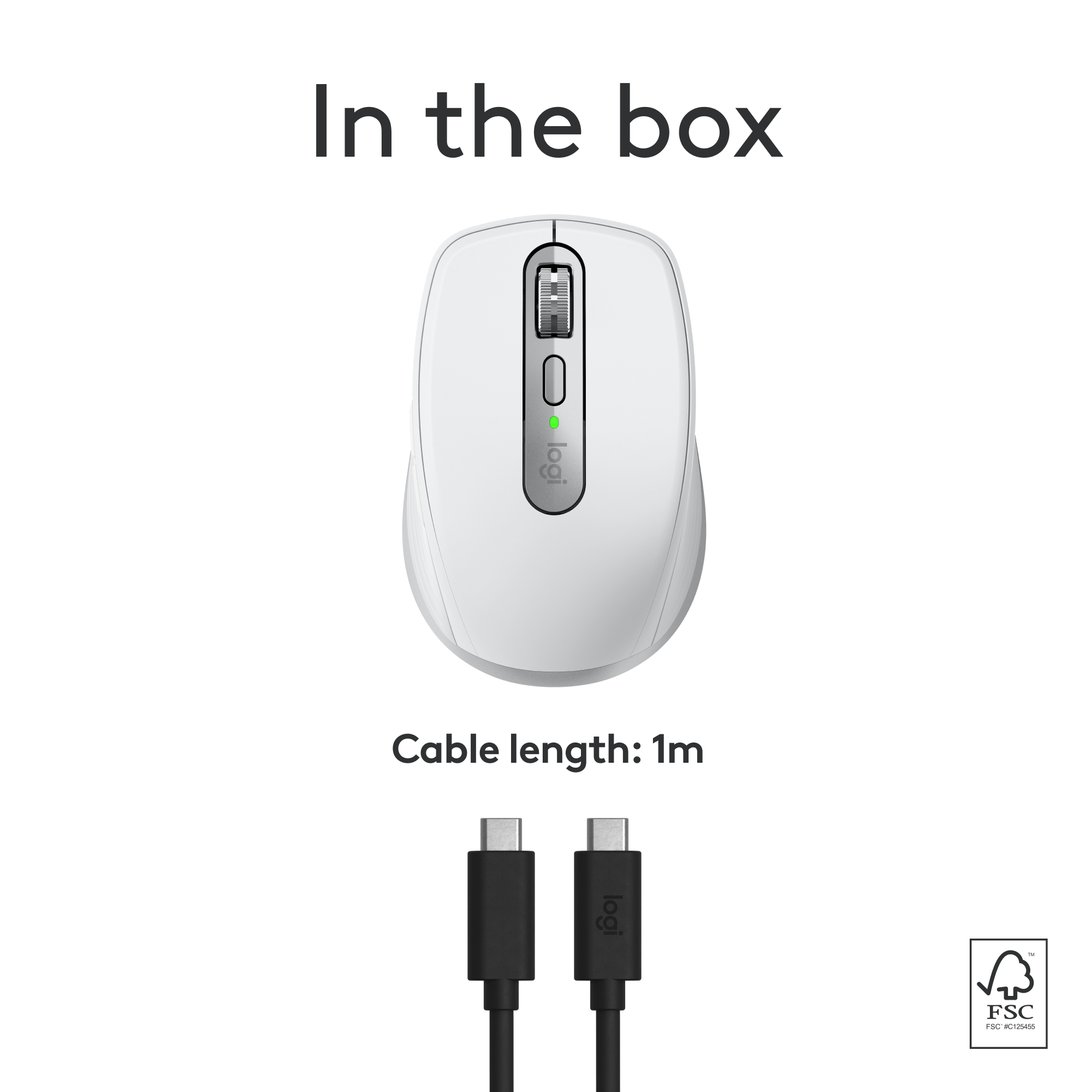
- A:Answer Use the included USB cord to connect mouse to MacBook to recharge mouse
Answered by AlanJ
Page 1, Showing 1-8 of 8 questions
Best-selling mice
- $79.99Your price for this item is $79.99
- $119.99Your price for this item is $119.99
- Black Friday Deal$12.99Your price for this item is $12.99
- $39.99Your price for this item is $39.99
- $12.99Your price for this item is $12.99$16.99The comparable value for this item is $16.99
- Black Friday Deal$19.99Your price for this item is $19.99
- Black Friday Deal$9.99Your price for this item is $9.99
- $9.99Your price for this item is $9.99
- $31.99Your price for this item is $31.99$39.99The comparable value for this item is $39.99
- Black Friday Deal$79.99Your price for this item is $79.99
- Black Friday Deal$39.99Your price for this item is $39.99
- $36.08Your price for this item is $36.08$44.99The comparable value for this item is $44.99
- $9.99Your price for this item is $9.99$22.99The comparable value for this item is $22.99
- $12.99Your price for this item is $12.99$22.99The comparable value for this item is $22.99
- $19.99Your price for this item is $19.99$24.99The comparable value for this item is $24.99
- Black Friday Deal$29.99Your price for this item is $29.99
- Black Friday Deal$19.99Your price for this item is $19.99
- Black Friday Deal$9.99Your price for this item is $9.99
- Black Friday Deal$27.99Your price for this item is $27.99