A:AnswerThere is no light to indicate caps lock, but there is an onscreen notification that appears near the bottom of the screen. I attached pics of what it looks like for caps lock on and caps lock off. I'm using Windows 10.
A:AnswerGood day! The Pebble 2 Combo is compatible with the following:
- Logi Bolt USB Receiver: Required: USB-A Port, Windows 10 and later, macOS 11 or later, Linux and ChromeOS.
- Bluetooth: Required: Bluetooth Low Energy, Windows 10, 11 or later, macOS® 11 or later, Linux,
ChromeOS, iPadOS 14 or later, iOS® 14 or later, Android™ 9.0 or later and Works With Chromebook.
A:AnswerThe Pebble 2 Combo connects via Bluetooth, so it can pair with your Samsung Tab A9+. Just keep in mind that while the keyboard and mouse will work for everyday typing and navigation, some advanced shortcut functions are optimized for Windows/macOS/iPadOS. For basic use on your Tab A9+, you should be good to go.
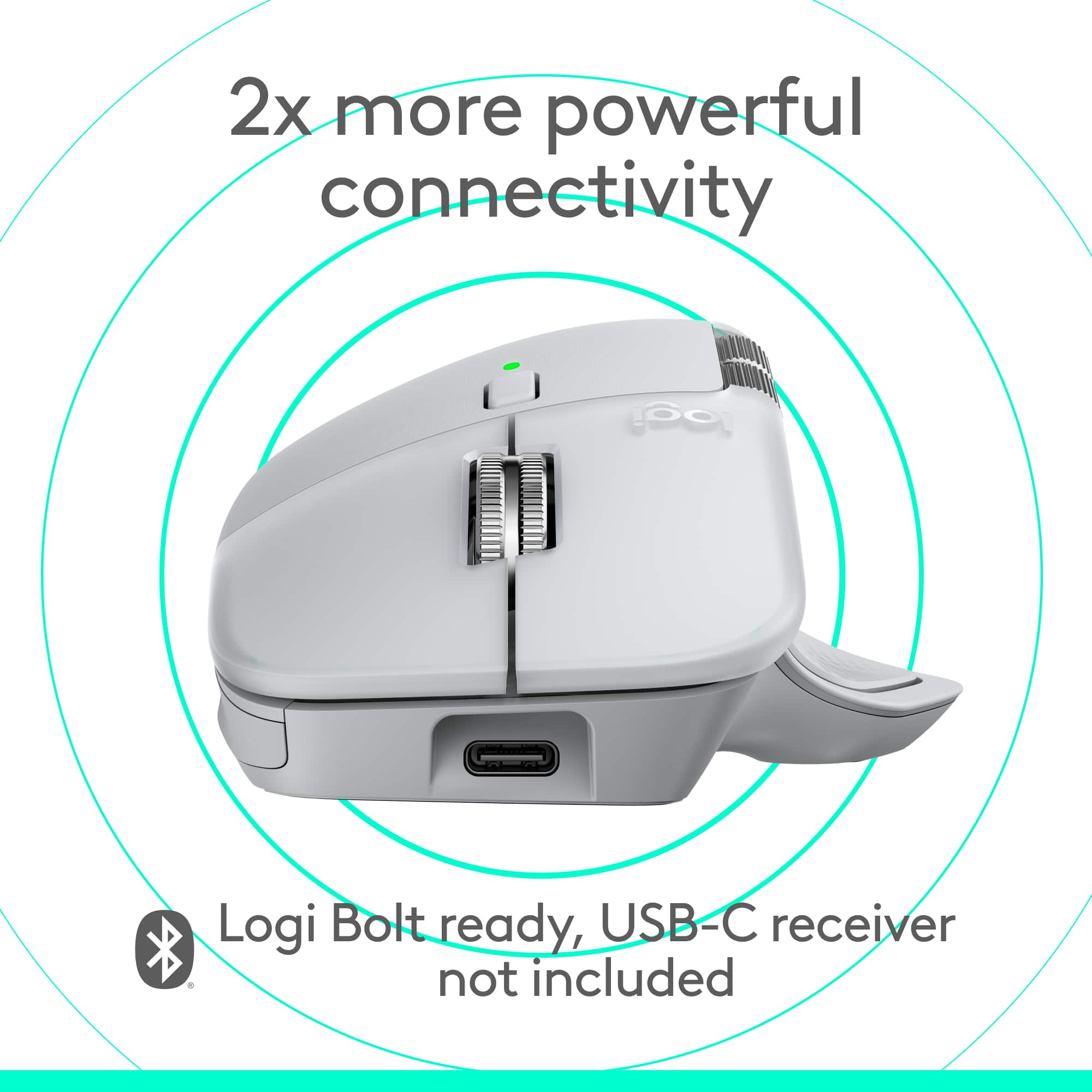
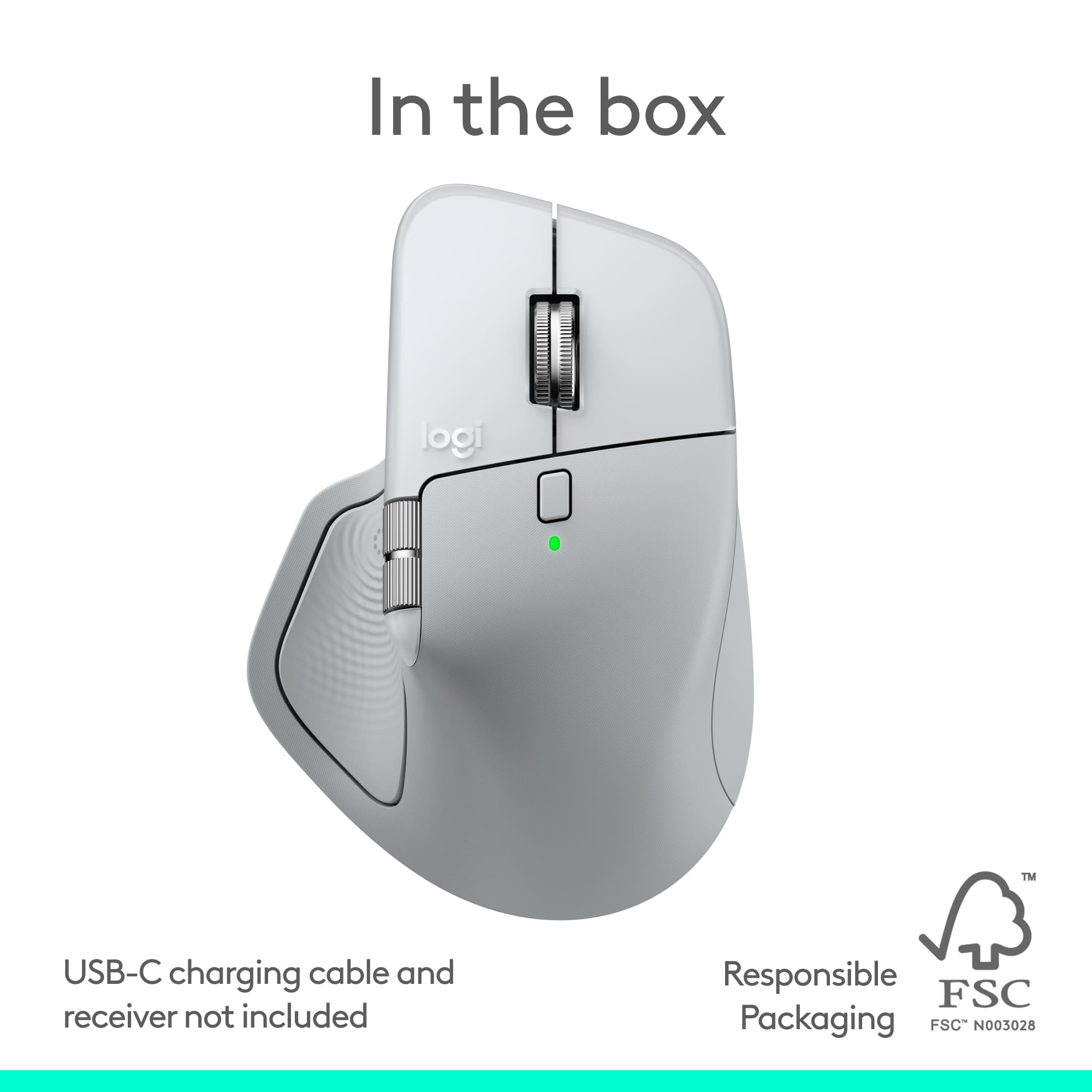
A:AnswerIt does not include a USB-C dongle in the box but mentions a "new USB-C dongle (not included)" which may be purchased separately for enhanced connectivity. It connects via Bluetooth and Logi Bolt receiver.
A:AnswerThis device is officially compatible with Windows 10, 11 or later, macOS 11 or later, Linux, ChromeOS, iPadOS 14 or later, iOS 14 or later, Android 9.0 or later, and Works with Chromebook.