Questions & Answers
- Model:
- C11Z
- |
- SKU:
- 6432741
Highly rated by customers for: Picture Quality, Zoom, Setup
$54.99Your price for this item is $54.99
Clearance
Comp. Value: $179.99
The comparable value price is $179.99
Page Showing 1-15 of 15 questions
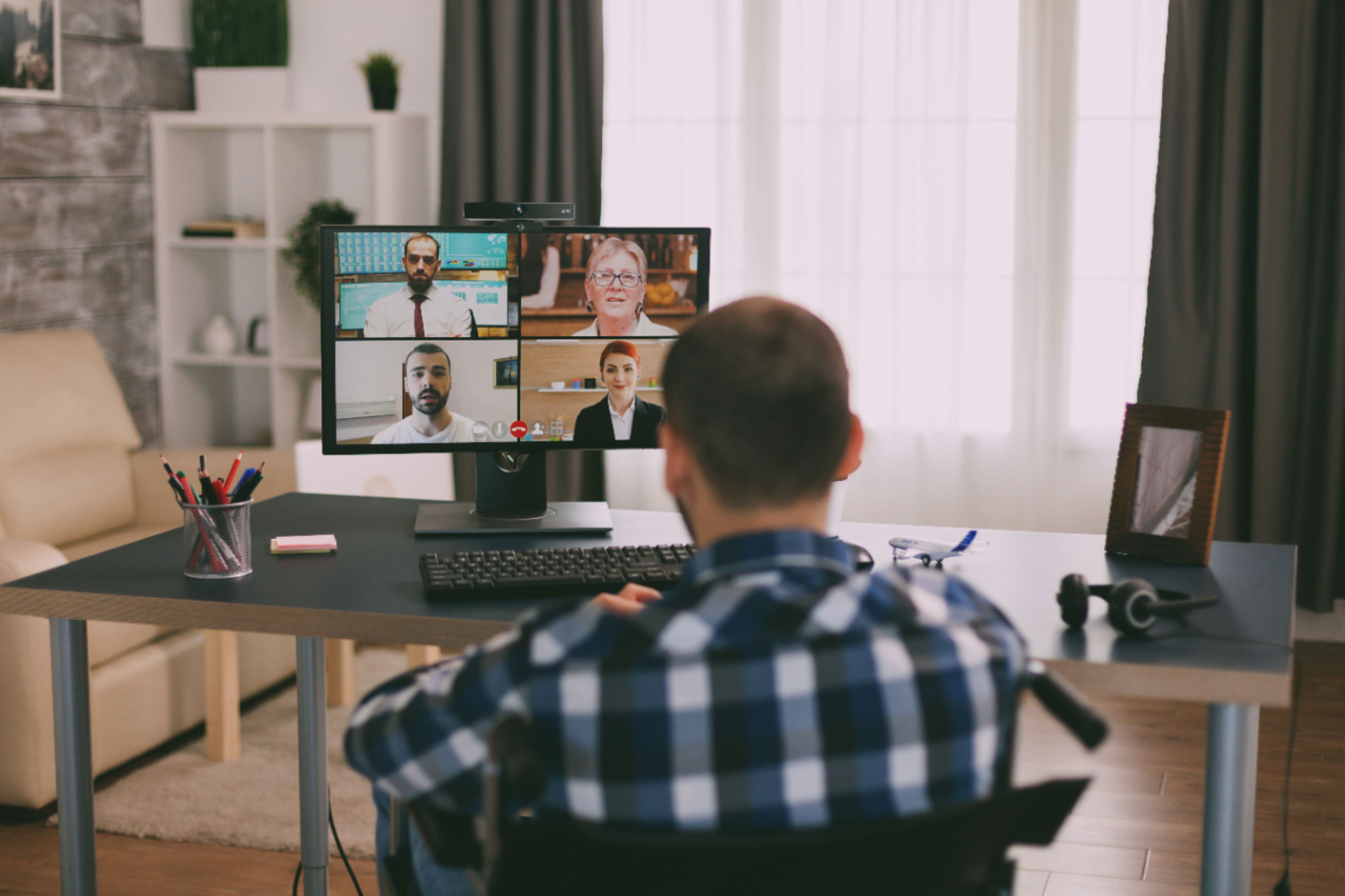
Q: QuestionWhat is picture qualityin reference to lighting and auto focus? does it have built in mic? is this model going to be discounted?
Asked by S.
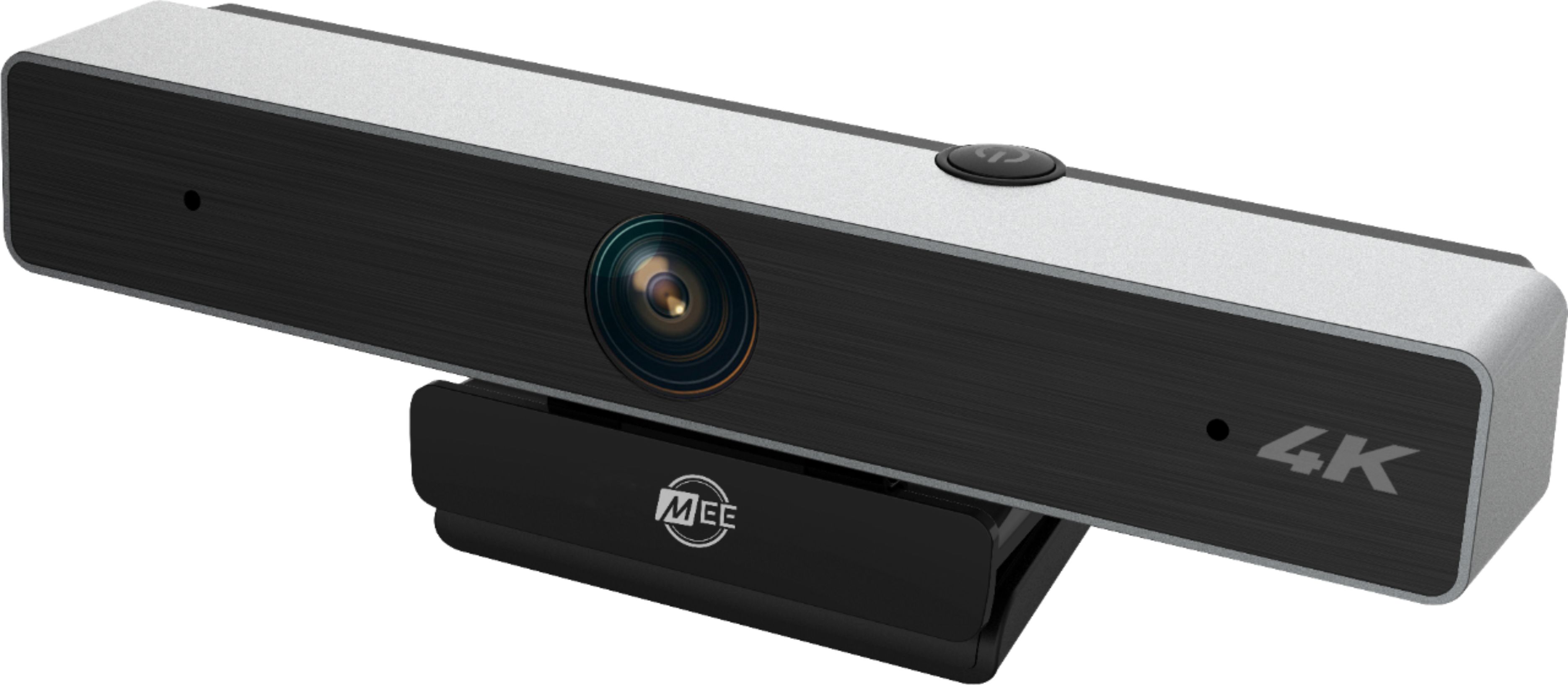
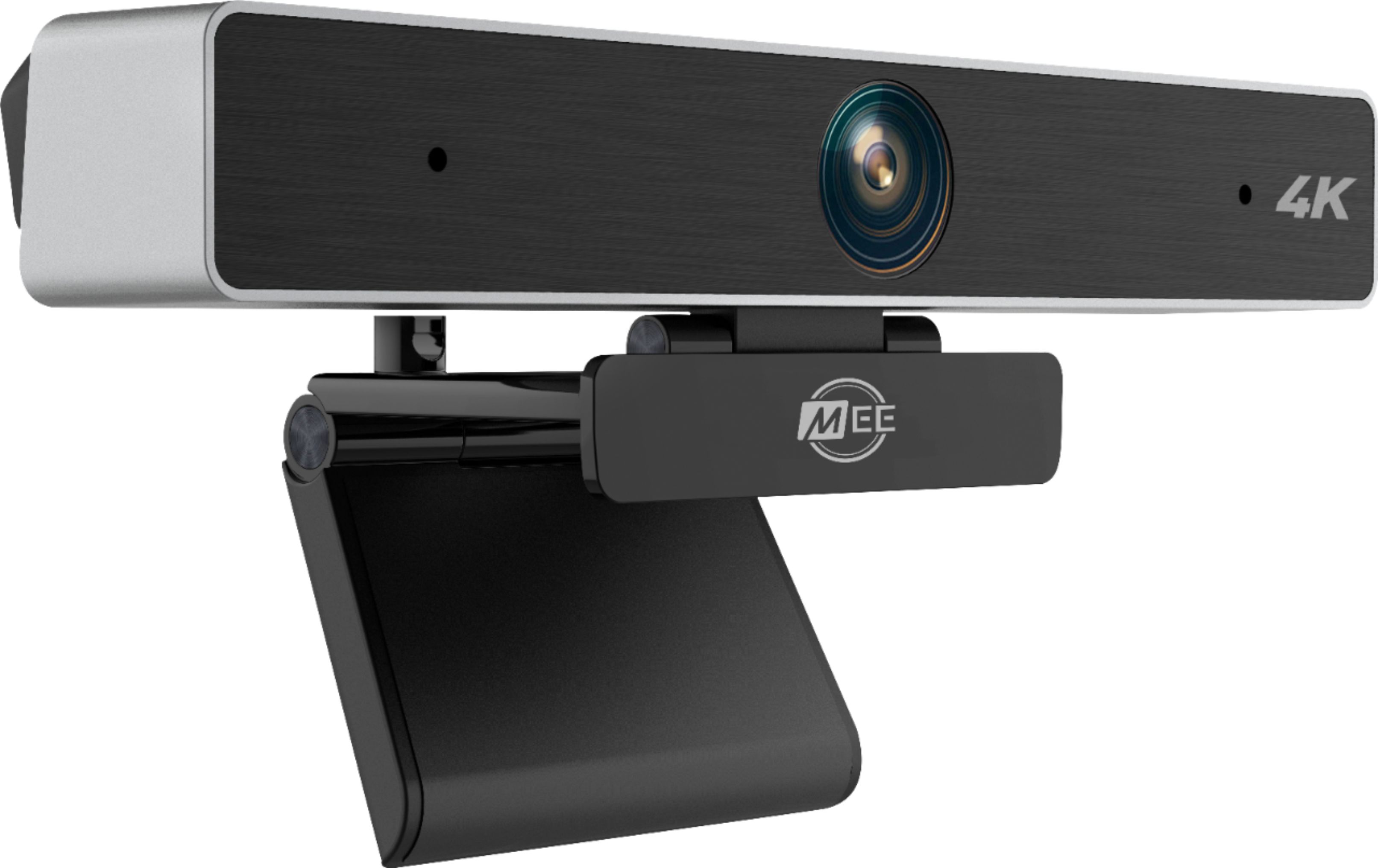
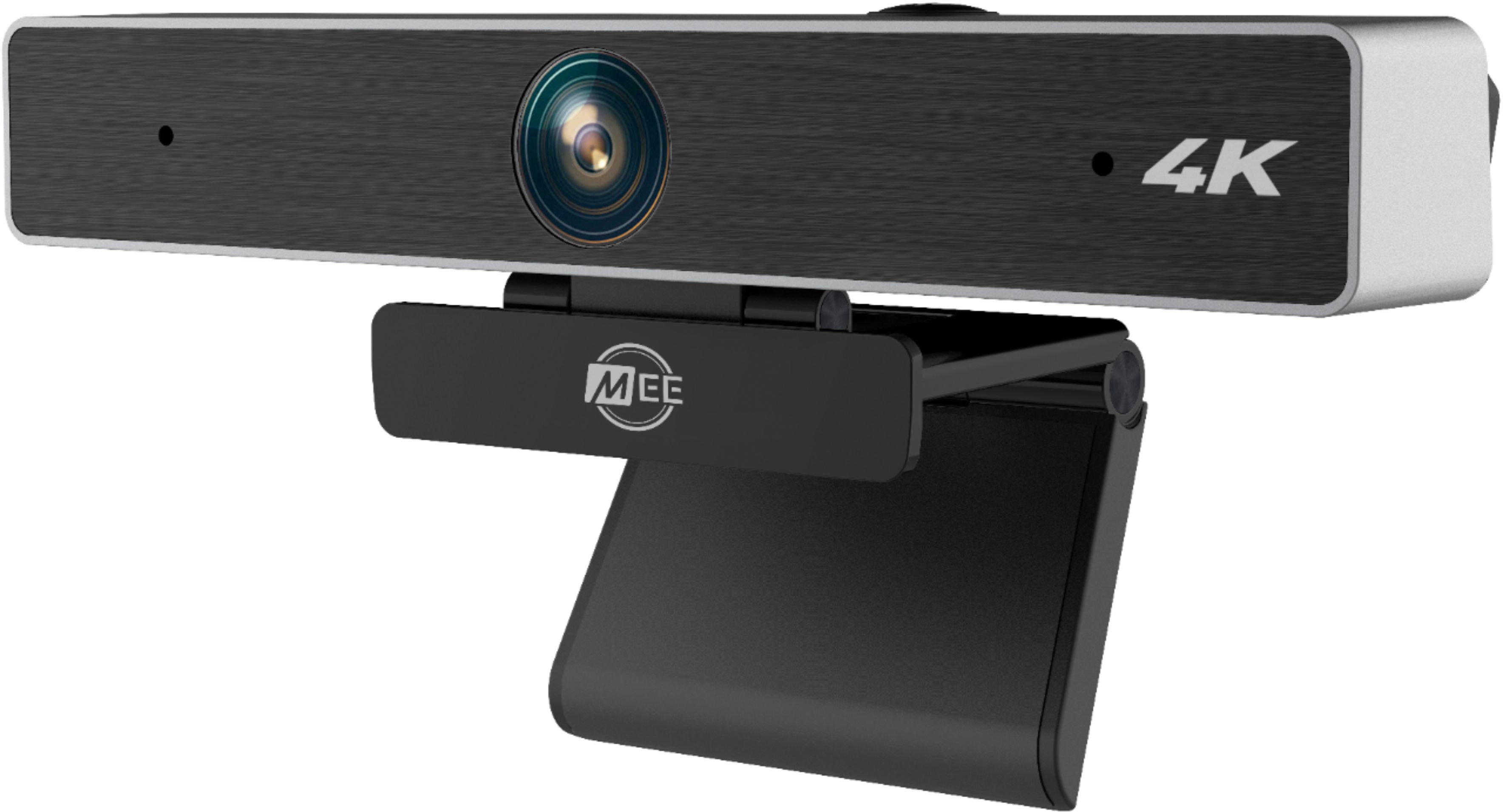
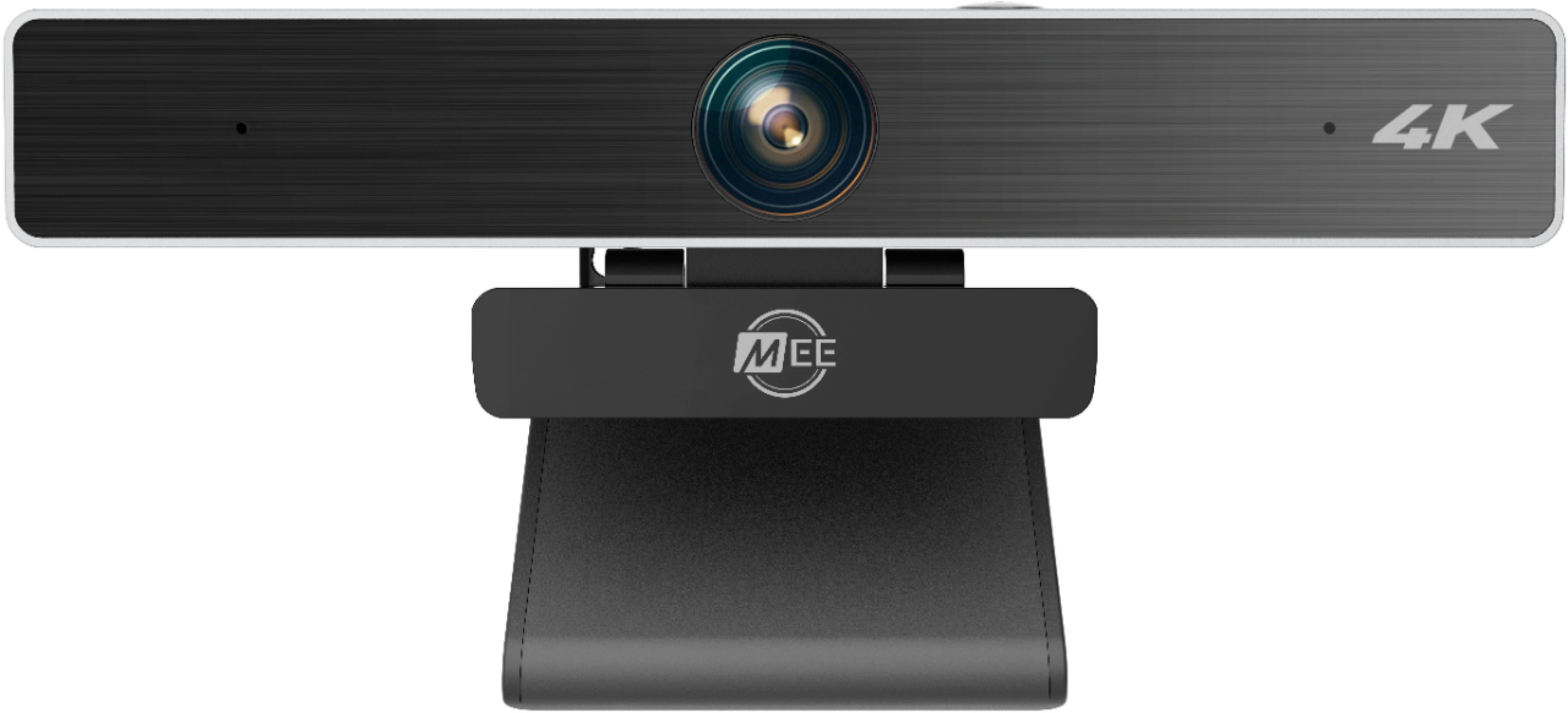
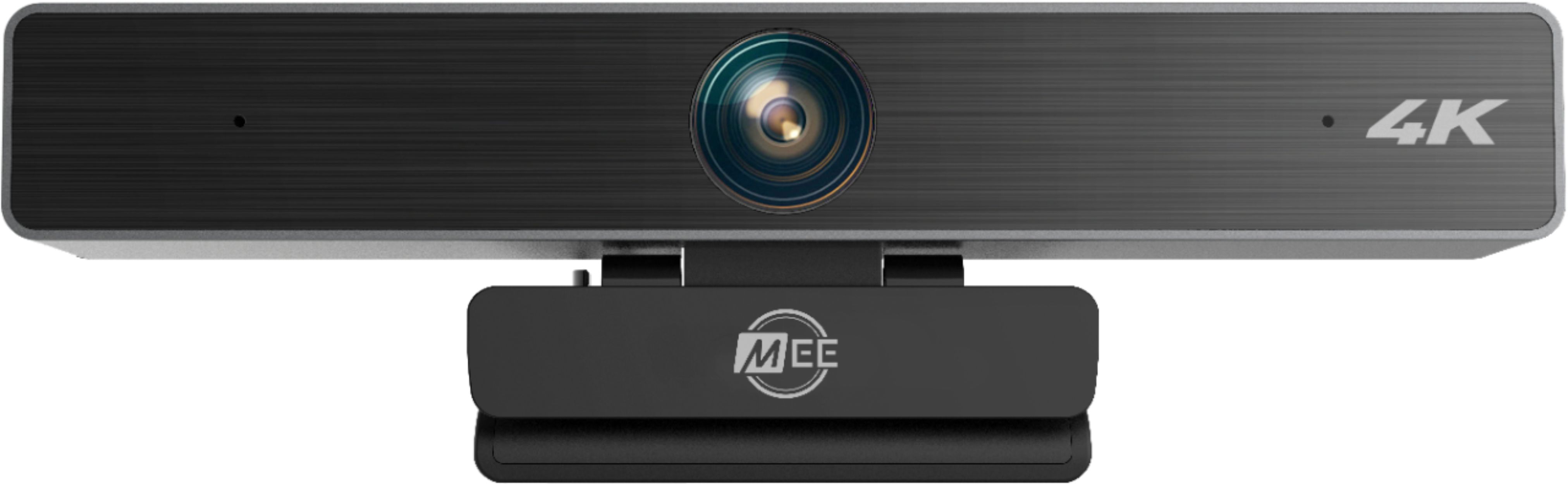
- A:Answer This camera does not have its own light source and uses a fixed focus lens. Anything further than approximately 10 inches from the camera will always be in focus. If you are looking for a camera that has adjustable lightning and autofocus we have a different model for that (model# CL8A). However, in well-lit areas this model (C11Z) will provide superior video performance as there is no need to adjust focus. This camera also has 2 built-in mics. It is still in production at this time.
Answered by MEE audio Support

Q: QuestionHow long is the USB cable?
Asked by CAZZZZ.
- A:Answer The cable is approximately 200 cm (78 inches) long
Answered by MEE audio Support

Q: QuestionWILL I BE ABLE TO VIEW MYSELF DURING THE CONFERENCE? (Picture in Picture)
Asked by SAVVY.
- A:Answer Depending on the app you use, yes. I use it with OBS and it works great. Pretty sure it would work for conferencing.
Answered by Paulie
Q: QuestionCan I connect Samsung ear buds bluetooth?
Asked by G420.
- A:Answer This is a webcam. You cannot connect earbuds or headphones to it directly - they would be connected instead to your laptop or whatever device your videoconferencing software is running on. This webcam does not help you to or hinder you from using Samsung or any other Bluetooth earbuds.
Answered by MEE audio Support

Q: QuestionDoes the MEE audio - 3840 x 2160 webcam have speakers?
Asked by HPELM.
- A:Answer This webcam does not have speakers.
Answered by MEE audio Support

Q: QuestionIs this camera compatible for a LG smart tv
Asked by Jenna.
- A:Answer Yes, the camera is plug and play with smart TVs as long as you have one that supports webcams.
Answered by MEE audio Support

Q: QuestionDoes it work with PS5?
Asked by Redeyed.
- A:Answer No, the PS5 does not support third party USB webcams - you have to purchase the official PS5 camera.
Answered by MEE audio Support

Q: QuestionWould this camera work for streaming on twitch through my xbox series x?
Asked by Sideshow.
- A:Answer Yes, this webcam supports the YUY2 codec required by the Xbox. While we have not verified the specific application of live streaming on Twitch, there is no reason why it wouldn't work.
Answered by MEE audio Support

Q: QuestionDoes this register as a USB 2.0 or USB 3.x device?
Asked by WillH.
- A:Answer This is a USB 2.0 device
Answered by MEE audio Support

Q: QuestionWill this work on my Samsung smart TV
Asked by Lynn.
- A:Answer Yes, this unit can be connected to a smart TV.
Answered by MEE audio Support

Q: QuestionIs the dedicated zoom button physical? Where is it located? Does it zoom in fixed steps, or is it continuous?
Asked by prof2000.
- A:Answer The dedicated zoom button is physical, located on the top of the camera. The button supports both zooming in steps (with around 30 steps) or holding for continuous zoom, and if you are using it with a standard video tool such as the Windows "camera" app, you will be able to do either. However, some videoconferencing software may restrict one of both of these zoom methods.
Answered by MEE audio Support

Q: QuestionQuestion#1: Specs seem to list NO auto-focus. Is this so? Able to manually lock focus? The auto-focus on some webCams cause issue w minor movement in chair Question#2: Interface available to set/adjust color parameters of video? White Balance,etc.
Asked by KM.
- A:Answer This is a fixed-focus camera, it does not need to lock focus or adjust - you will remain in focus as long as you are further from the lens than the minimum focus distance of around 1.5 feet. The camera is plug and play, so any adjustment settings will depend on the software you are using. For example, Skype allows you to adjust all of these settings for your connected cameras, but other applications may not.
Answered by MEE audio Support

Page 1, Showing 1-15 of 15 questions
Best-selling webcams
- $54.99Your price for this item is $54.99$69.99The comparable value for this item is $69.99
- Black Friday Deal$24.99Your price for this item is $24.99
- Black Friday Deal$19.99Your price for this item is $19.99
- Black Friday Deal$149.99Your price for this item is $149.99
- Black Friday Deal$179.99Your price for this item is $179.99
- $69.99Your price for this item is $69.99$99.99The comparable value for this item is $99.99
- Black Friday Deal$74.99Your price for this item is $74.99
- Black Friday Deal$149.99Your price for this item is $149.99
- Black Friday Deal$109.99Your price for this item is $109.99
- $39.99Your price for this item is $39.99
- $99.99Your price for this item is $99.99$129.99The comparable value for this item is $129.99
- $129.99Your price for this item is $129.99$169.99The comparable value for this item is $169.99
- $99.99Your price for this item is $99.99$149.99The comparable value for this item is $149.99
- $199.99Your price for this item is $199.99
- $20.99Your price for this item is $20.99$39.99The comparable value for this item is $39.99
- $49.99Your price for this item is $49.99$59.99The comparable value for this item is $59.99
- $1,099.00Your price for this item is $1,099.00
- $69.99Your price for this item is $69.99
- $169.99Your price for this item is $169.99