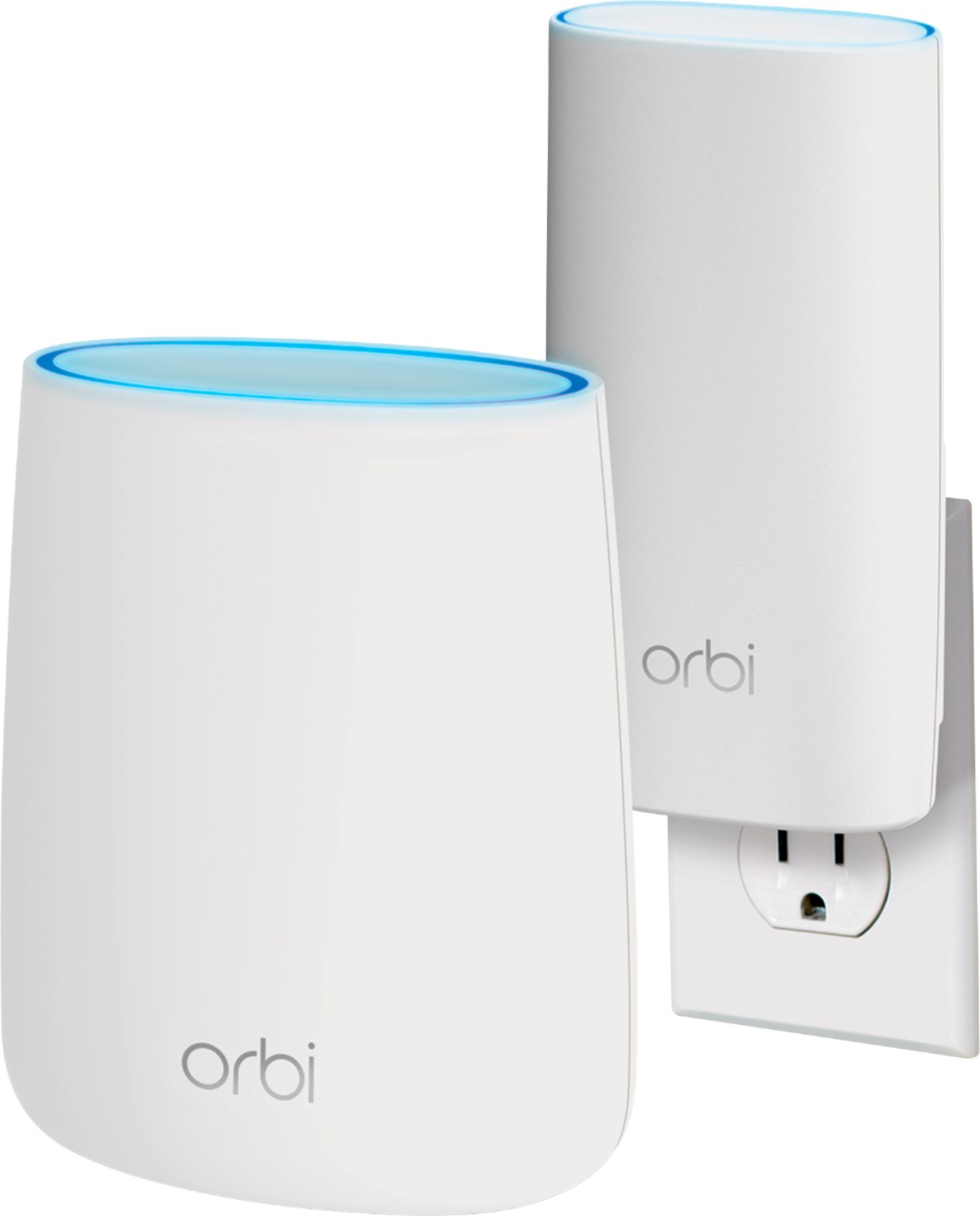
A:AnswerYou have the option of either replacing your Comcast provided router (i.e. turning off the WiFi signal on your current device if it's a combo unit) and using strictly the Orbi's signal, or running the Orbi alongside your current router in Access Point mode.
A:AnswerI have the orbi 74 with one booster and I live in a old 2800 sq ft house with dense walls on almost 3/4 of an acre of land -the system works well in the house with multiple devices and most of the yard .
A:AnswerIt depends on why your streaming is interrupted. If it's a matter of how many connected devices or the strength of your WiFi signal, it's possible you may see an improvement across all connected devices. If it is due to your signal from your ISP, you will likely not see an improvement as routers in general can only transmit the signals they receive (i.e. they cannot improve your existing subscribed speeds or your ISP's base signal).
A:AnswerYou would still use the DSL modem but from there you would plug it into the Orbi and then the Orbi would give you a strong wifi signal over all your house. You can also plug from the Orbi directly into your iMac still as the Orbi has 3 network plugs on the back of it, in addition to its wifi capabilities.
A:AnswerStep 1 is to ask your ISP (internet service provider) if they can register a self-purchased modem. If they can then get the one they recommend, hook it up to the internet cable and call them to register your modem then link in the wireless router to the modem- I got the orbi wireless router from netgear and love it as it is pleasing on the eye and you have the booster included to get the strong signal out where you may need a boost.
A:AnswerYes, I was not interested in the smartphone app and was able to set this up entirely through the web interface on my desktop PC (just like most other routers). Of course the PC needs to be connected to the router to do this.
I have our Orbi set up on the second floor at one end of a 2000 SF house. I set up the satellite unit on the first floor at the opposite end of the house. This gives perfect coverage.
If you are looking at purchasing only the single base station with no satellites, then I can't tell you how far the signal will reach but I would be surprised if it did not reach. But it kind of defeats the purpose of buying a mesh router if you only get the base station, I'd at least get the AC2200 kit which has a single small satellite (that's what I got).
A:AnswerI can't tell you about the compatibility of the modem, however I can tell you that I have a 2000 sq ft ranch and this setup works very well. I do not think you need the Orbi AC3000.
A:AnswerI have Spectrum for internet/phone and DIRECTV for tv. I needed a stronger router for a new 4K tv. This satisfies all needs, and was easy to set up.
A:AnswerHi Juju -- the Orbi is designed to work with an ISP that provides an Ethernet connection for Internet (e.g., from a cable or DSL modem.) If your hotspot provides an Ethernet output of open Internet, then you may be able to use it with the Orbi. (This will depend on the model of hotspot, provider you're using, etc.)
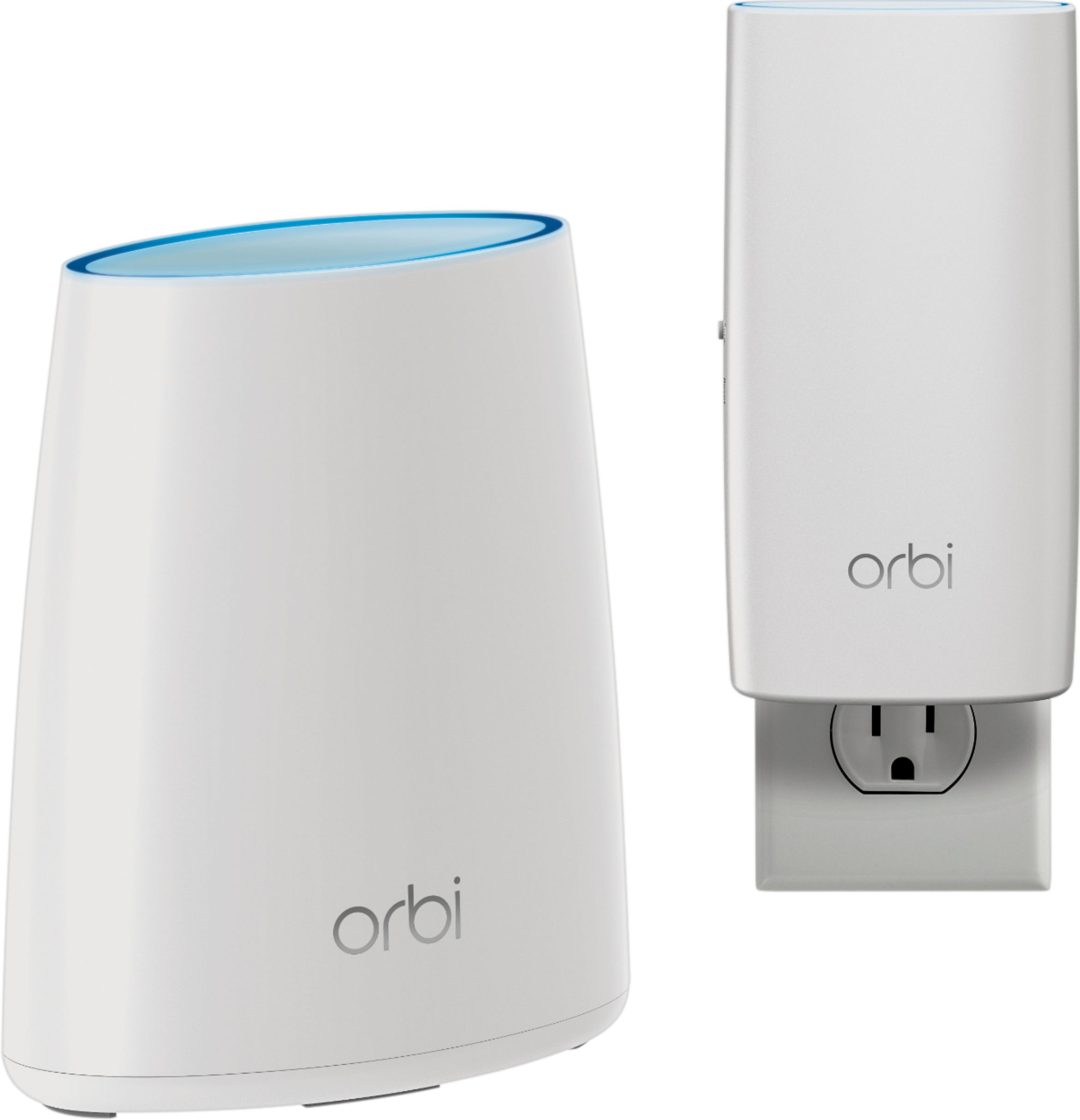
A:AnswerUntil recently the main players with the wi-fi (mesh system) using satellites are the Orbi and the Eero. Others seem to keep popping up monthly! Prior to purchasing my Orbi system I tried expensive and powerful routers claiming all kinds of crazy signal strength, but to no avail! Even after purchasing a Netgear Range extender(or repeater). In the end nothing gave me the "Whole Home" mesh coverage I was hoping for until I bought the Orbi on Sale fo $246 at Best Buy! You'll be happy you spent the extra money on this!
A:AnswerIt depends on the size of your desired coverage area. You can compare our various Orbi packages here to find the one that's right for you: https://www.netgear.com/orbi/
A:AnswerThe primary differences between the 2 systems are the speeds, backhaul, and size with the RBK30 having the advantage. To find the system that's right for your specific needs, we recommend using our Find your Orbi tool here: https://www.netgear.com/orbi/
A:AnswerThe Orbi router system supports up to 250 devices using average bandwidth applications, or up to 50 devices running high-bandwidth applications such as gaming or HD video streaming.
A:AnswerWhile any router can be used to connect your internal devices together (i.e. your laptop in one room to your printer in another), no router can give you access to the Internet without a subscription to an Internet Service Provider. The Orbi router system is compatible with virtually all modems via direct Ethernet connection.