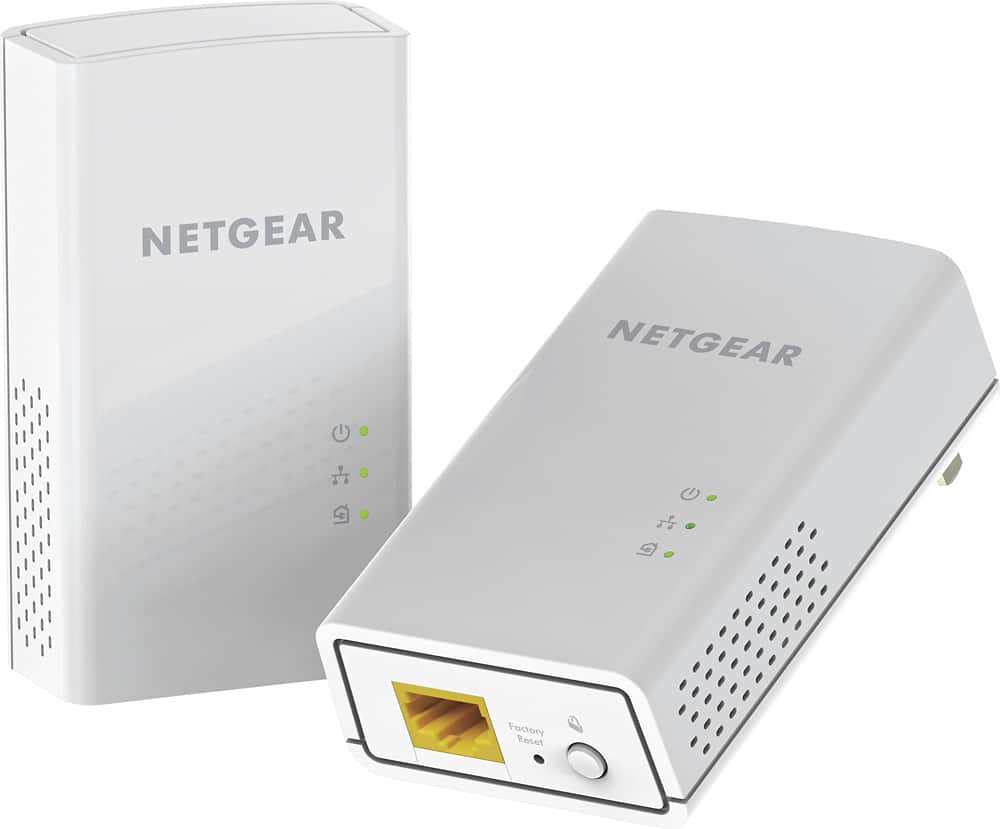
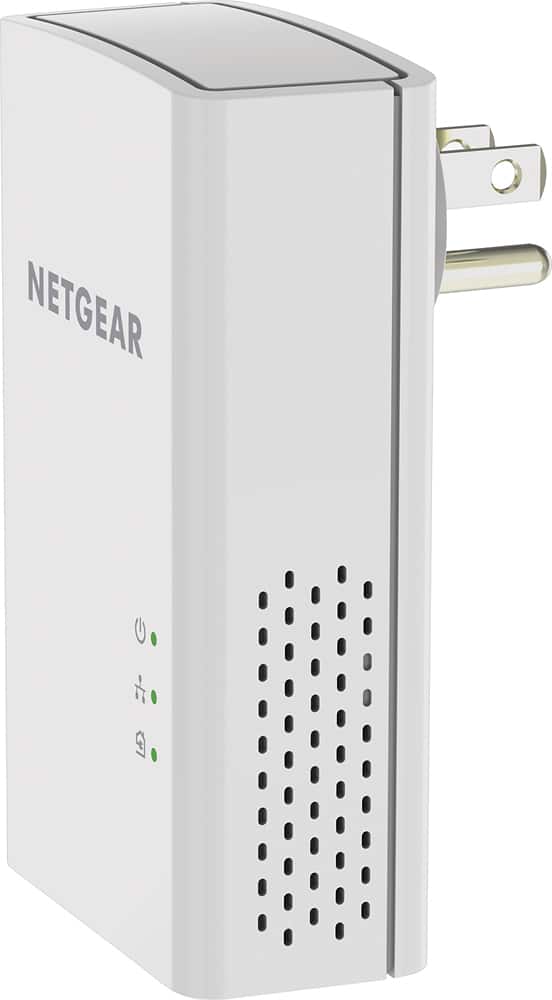
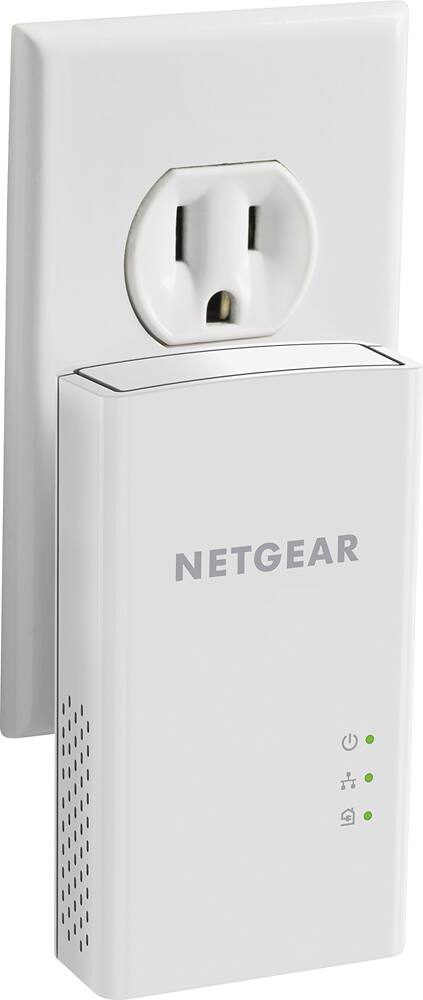
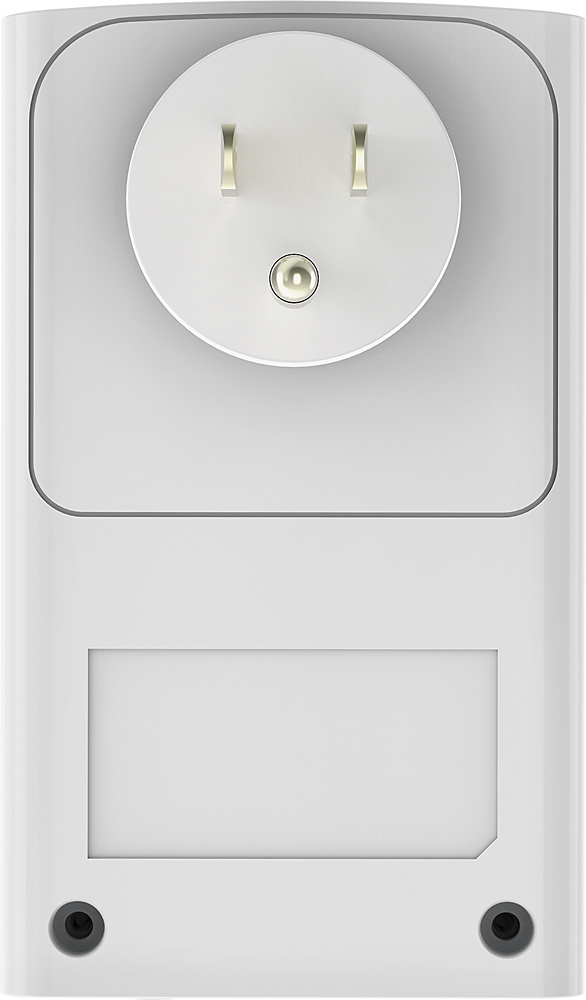
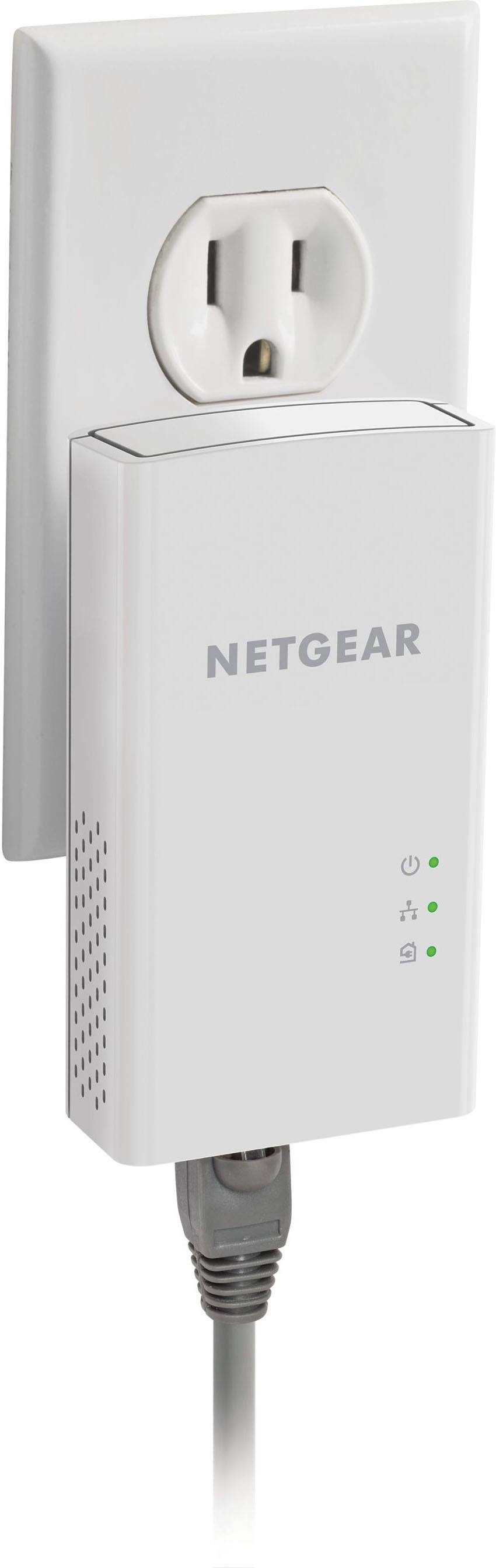
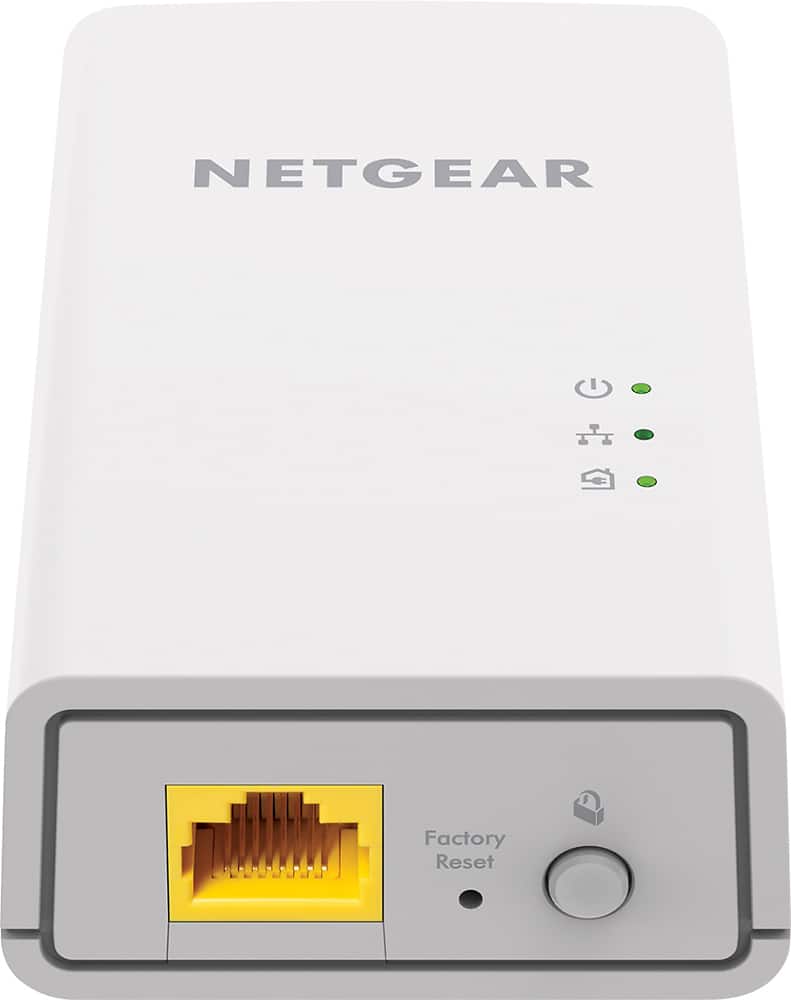
A:AnswerU get 2 adapters. 1 goes into an outlet near your router, with an ethernet cable going from your router into the outlet adapter. The 2nd adapter goes into a wall outlet near the device you are trying to bring connectivity to, with an ethernet cable going from the wall adapter into the device you are trying to connect. Do not plug the adapters into a power strip. It needs to go into the wall outlets.
A:AnswerIt will work however how great also depends on the router and cable used... you’d want to use thicker gauge catv or 6 which will allow the low voltage current to flow through much more easily
A:AnswerI’m using a five port switch with one right now to run a television PS4 Roku box, video cameras and Xbox one. I haven’t had any real issues, but the speed can be inconsistent if you have older wiring in your home
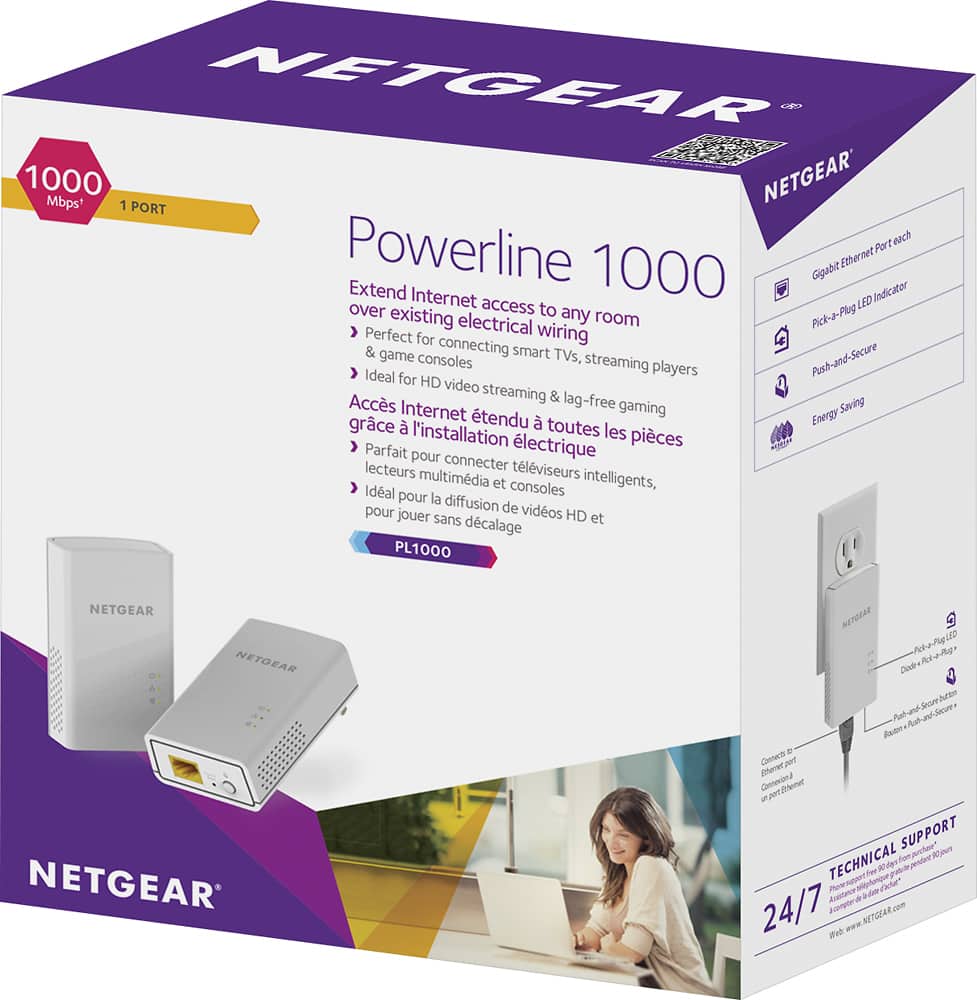
A:AnswerNo. Everything you need is included in the box (two hubs/units, two 6.5ft Ethernet cables, Quick start/user manual).
That said, depending on your setup, you may desire longer Ethernet cables.
A:AnswerYes. Though it comes down to the quality of your wiring and interference between connections. If your wiring is old with a lot of splicing it may not be the best quality. However, generally it should be fine.
A:AnswerThis extends the range up to 500 meters, or 1,680 feet, so the extender should work in either configuration unless there is interference with the signal.
A:AnswerYes, the ethernet extender goes connected to your power outlet extending your computer’s cat cable connection from your computer. I have two ethernet extenders for my smart tvs and they work great.