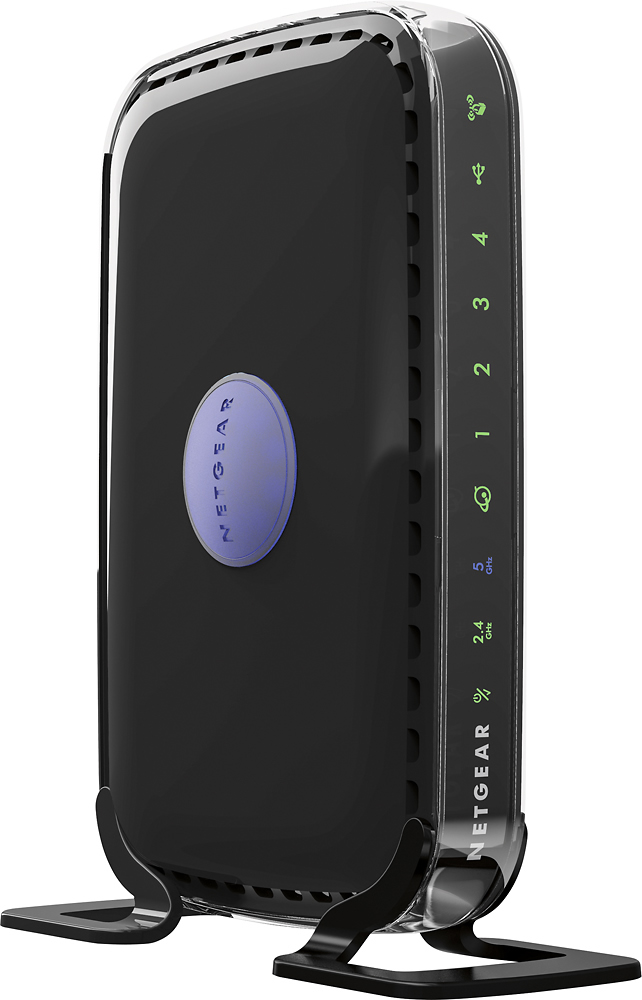
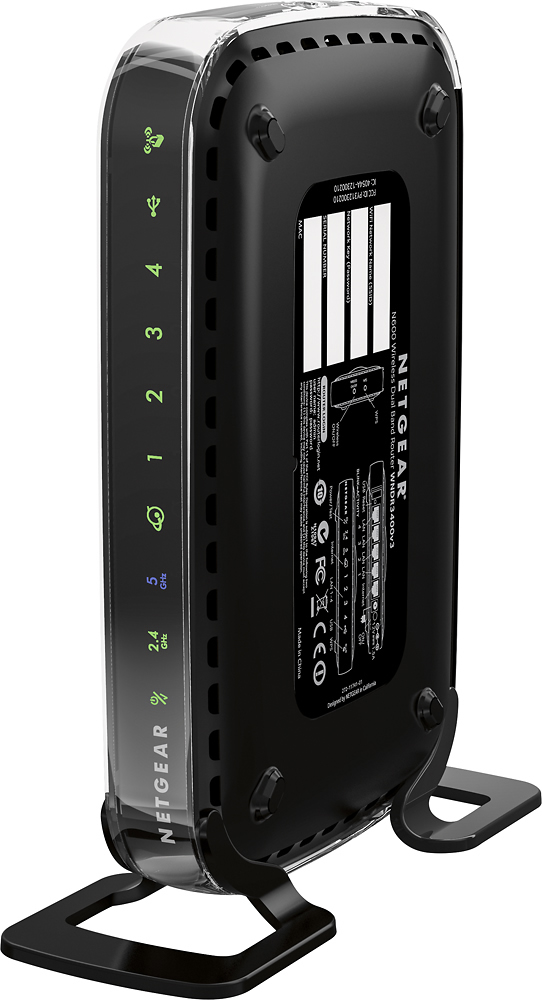
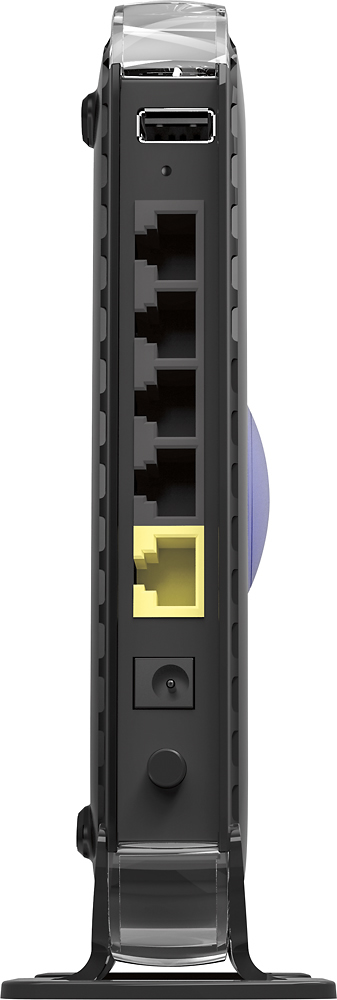
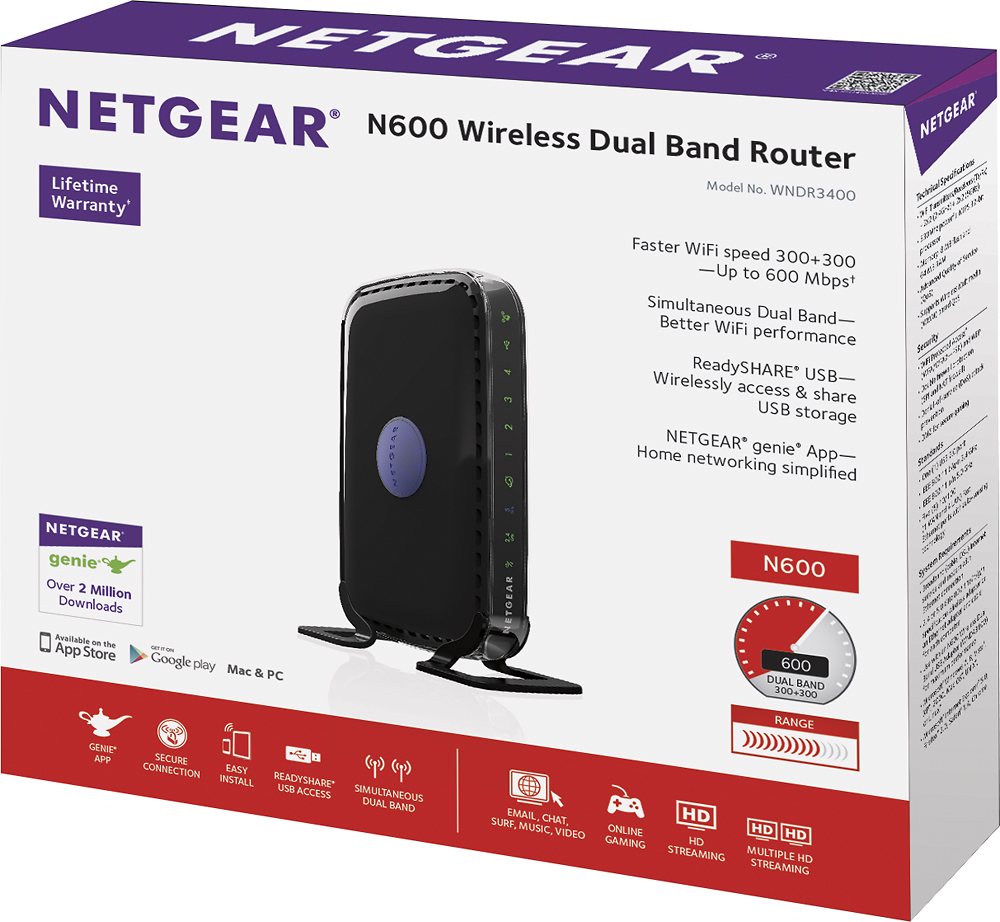


A:AnswerHi, Dawn. Coming from a purely networking point of view (I have years of experience working with electronics and networking), it seems to me that you have a weak router that can't process all of the data. Here's how it works: a router picks up the signal from your internet company, encrypts it, then sends it to your TV, computer, video game console, etc. Now once it gets to your wifi device, that device has to unencrypt it in order for it to be used. This takes time and, in the case of too many signals and not enough bandwidth, causes buffering and stuttering. Let's say you have 2 devices using wifi but one of them is severely hogging the internet (google TV vs wifi cell phone). It is going to take most of that bandwidth and have to unencrypt it before the cell phone will be able to get its info from the wifi but unfortunately, they like to push and shove each other while being in line to get the data so you end up having them fighting over available bandwidth (your mbps) and the data itself so they both are affected and thus go very slowly. If you are using a single band router, it just makes the problem that much worse. You can think of a single band router as a 6 slot extension cord. It has enough room for a couple devices that take a little data and very little room for those devices plus data hogs (computer, google TV, etc). A dual band router gives you more extension slots (ports to connect to) so they aren't fighting over the same data. My recommendation is to upgrade to a dual band router with at least 600 mbps. I currently have a NetGear Dual Band N600 Router and run many wifi enabled devices on it. I had the same problem you are having when I had a single band. Once you get that, it should take care of the problem immediately. I hope this helps.
A:AnswerHow can I find my password for my Netgear wireless router?
Connect directly to router with a CAT-5 cable.
Launch an Internet browser and type http://www.routerlogin.net into the address bar.
1.Enter the router user name and password when prompted. ...
2.Click OK. ...
3.Select Wireless.
4.Enter your new user name in the Name (SSID) field.
5.Enter your new password in the Password (Network Key) fields.
6.Click the Apply button.
A:AnswerZozo;
A firmware upgrade is a software update to a piece of equipment; it's similar to a software update in a computer. When you perform this kind of a update to a router, it could change your wireless username and password (assuming you had changed them yourself instead of using the default values). You could make a note of them when you go the website www.routerlogin.net. I don't think you have anything else to be concerned about. You might get better coverage from the suggested update.
Go for it. Good luck.
A:AnswerYou will need a cable modem in addition to this device. This is only a wireless router. It will not allow you to connect directly to cable internet services without a cable modem.
A:AnswerYou will need to connect to a service and you will need a modem as well. After you choose your provider, make sure the modem and router will be compatible with their service. Your local Best Buy will be able to answer that when you go in to purchase. Some providers will sell or rent you one but i have always bought my own in order to get a brand i know and that I can usually use if i change providers. I think most Netgear products work with most providers but you should ask a Best Buy sales person.
A:AnswerTurn off your computer. You will have to reboot your modem, turn on your computer and you're set. You will find the Router's login and password on the side of the unit. Once it's installed, you will have to log into that password and login, to connect you smartphone and tablet or ipad.
A:AnswerI replaced my WNR1000 NETGEAR Router with the ASUS LYRA VOICE AC2200.
But, if you have a multi-level space, you will need to add as many ASUS Range Extender nodes as required to take advantage of the AMAZON ALEXA LYRA VOICE enabled units. So, you would want to be able to use that feature wherever you are in the house to request music, weather, traffic, make Amazon searches and orders, to receive status reports on deliveries, etc. If you have a small space, you may only need the one unit.
A:AnswerA router is just a "highway" for your devices to get to the modem. You still have to have a monthly subscription to internet access with a modem, such as Time Warner Cable (spectrum). To explain a little more, the modem is what is connected to the internet. Yes, you can own your own modem as I do, but I still have to pay Spectrum(Time Warner) a monthly access fee to use my equipment. Routers, no matter which one you buy is only a way for your desktop computer, your laptop, your smart phone, and smart tv to talk to the modem at the same time and get what ever each device is looking for. I think you might be thinking of "cut the cable"...sorry it doesn't work with internet...LOL...believe me if I could find a way I'd tell ya!!! :-)
A:AnswerI don't understand what you mean by safe however this router will work as a replacement for another older one and it has basic security features that come with most routers.









