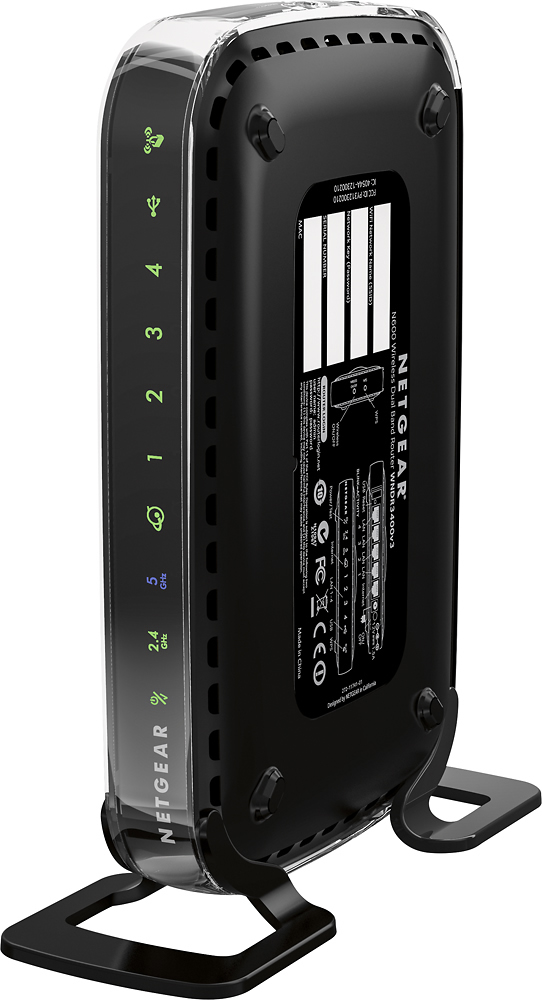
A:AnswerTurn off your computer. You will have to reboot your modem, turn on your computer and you're set. You will find the Router's login and password on the side of the unit. Once it's installed, you will have to log into that password and login, to connect you smartphone and tablet or ipad.
A:AnswerI replaced my WNR1000 NETGEAR Router with the ASUS LYRA VOICE AC2200.
But, if you have a multi-level space, you will need to add as many ASUS Range Extender nodes as required to take advantage of the AMAZON ALEXA LYRA VOICE enabled units. So, you would want to be able to use that feature wherever you are in the house to request music, weather, traffic, make Amazon searches and orders, to receive status reports on deliveries, etc. If you have a small space, you may only need the one unit.
A:AnswerA router is just a "highway" for your devices to get to the modem. You still have to have a monthly subscription to internet access with a modem, such as Time Warner Cable (spectrum). To explain a little more, the modem is what is connected to the internet. Yes, you can own your own modem as I do, but I still have to pay Spectrum(Time Warner) a monthly access fee to use my equipment. Routers, no matter which one you buy is only a way for your desktop computer, your laptop, your smart phone, and smart tv to talk to the modem at the same time and get what ever each device is looking for. I think you might be thinking of "cut the cable"...sorry it doesn't work with internet...LOL...believe me if I could find a way I'd tell ya!!! :-)
A:AnswerI don't understand what you mean by safe however this router will work as a replacement for another older one and it has basic security features that come with most routers.
A:AnswerYou would need a laptop to configure the router correctly otherwise, you will be setting it up with default settings (that is if you could set it up at all without a PC). The default settings may not be secure.
A:AnswerHi Beetlebeau,
So unfortunately internet service providers are pushing these "router/modem" combos on everyone probably for convenience however they typically lack the customization and raw power you get from a router. An example in your case is your bottom floor getting poor signal- with an aftermarket router you could upgrade either the router or antennas.
Now you CAN hook a router up to the modem as is and all of your devices hooked up however there are some major drawbacks to this such as increased interference and NAT issues as well as security (you're creating 2 options for people to enter your network, which ever is easier for them.)
To fix this you must enable a feature in the setting for the xinfinity device; typically it is called "Bridge mode" although not every modem/router will have this feature available (my Xfinity device did), once you turn that on you should be able to use it strictly as a modem however as some people will say, this usually isn't a 100% fix as the rental modem/router don't ENTIRELY shut off routing features- I found it was good enough for me; I had no issues with port triggering and NAT issues cleared up, speed tests showed good pings so I was satisfied.
TLDR: if you want 100% and ease, get a dedicated modem device;
if you want a fix that's easy and quick (no device change) - set xfinity device to bridge mode and buy a router.
A:AnswerDepends on your service provider. I know with Fios you will probably still have the phone, TV and internet, but things like the TV Guide and the caller ID display on your TV's will be lost unless you use there router (just put it in bridge mode).
A:AnswerIf you mean setting up a separate cable modem, my guess is you would have to pay for a separate incoming service for that modem. Your bandwidth issues are probably due to the satellite connection limitations.
If you mean setting up a separate router (for wifi or ethernet connection), you can do it, but you would still be limited by the incoming satellite connection.
Hope this helps.
A:AnswerThere is a lot to unpack in your question.
1. Your Xfinity Cisco is combo unit that both the modem (required to get the signal from Xfinity) and the wifi router, that broadcasts the signal wirelessly from Xfinity.
So, on one-hand, No it won't replace, as this Linksys unit is only one piece of what is needed to broadcast wifi in a place, but you could add this to your system. There would then be two wireless signals being broadcast. I am not sure if your current equipment can have the wifi radio's turned off via the settings menu. Also, your are being charged a monthly fee for having Xfinity equipment, you could purchase a DOCIS 3.1 Modem and replace your equipment. They do make combo units like yours as well to purchase, but these units (sometimes also called a gateway) typically don't have the range as having a two-device setup: modem and router.
2. The speed you state of 15Mbps for internet is first determined by your Internet Plan with Xfinity. Changing equipment won't get you a faster initial download/upload speed outside of what your plans limitations are. Changing your equipment will give you better wifi coverage and determining on the equipment change, may allow your other devices to "talk" to one another faster which is not based on Internet bandwidth, but determined by the network equipment ( namely the router).
So to recap just purchasing a new wifi router won't give you faster download speeds if your plan with Xfinity limits it to 15Mbps. If your plan is rated higher than that and you are not getting close to the rate speeds, then yes changing equipment may be necessary. In which case, you can either A) request new equipment from Xfinity and may require tech to come out (can be free if there equipment you are paying for is faulty) or B) purchase your own equipment (Cable Modem and Wifi Router) and return your equipment stating you are not canceling service, just using your own equipment.
A:AnswerI had this same problem. I solved it by disabling the QOS function (called "Media Prioritization" in the web interface). Changing cables should make no difference, as Cat-5e is more than enough cable for the throughput you will get.
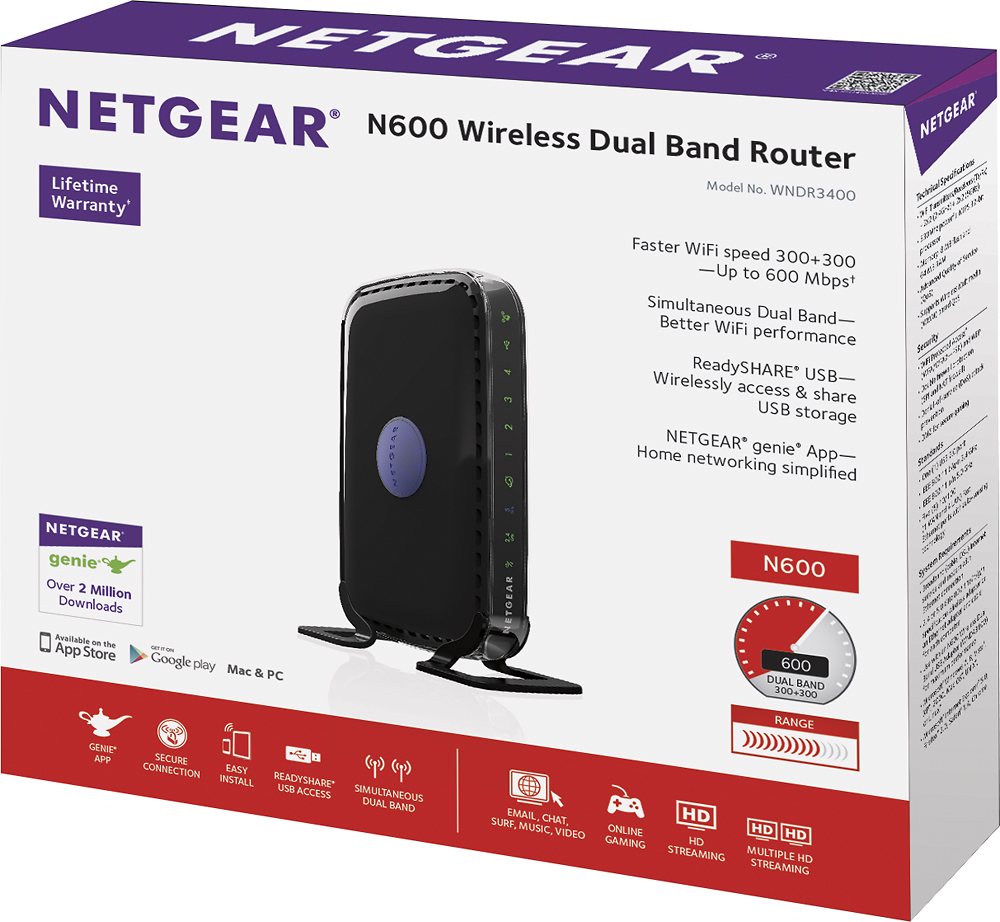
A:AnswerYes, and the Netgear is a wifi router, not a modem. Comcast will rent you a modem, or you can buy your own cable modem from their approved list. A modem brings the Internet service to your residence, the Netgear router connects to their modem by an ethernet cable.
A:AnswerWifi will only help your cell phone coverage if you have the ability to enable Wifi calling on your device. Just google that for your device and carrier and see what the directions are.