Early Black Friday DealsNew Doorbusters every Friday.Shop now

Main Content

Questions & Answers

Page Showing 41-60 of 69 questions
  • QuestionCan this specific doorbell be hardwired and hooked to the existing bell of the house

    Asked by Anonymous.

    • Answer Yes the instructions say so

      Answered by 242WestonGuy

  • Questionhow long is the video stored

    Asked by gelf.

    • Answer 30 days, however you can download videos to your phones camera roll!

      Answered by CodieR

  • QuestionCan i mount ring door bell on hurricane impact front door

    Asked by diana.

    • Answer Yes we have ours mounted on our door

      Answered by Ravenlove

  • QuestionHELLO, Wondering if I’m going to have an issue with Wi-Fi once purchasing this. I don't want an extender, they literally slow your internet by half speed. Once outside w/ door closed, I lose one bar of Wi-Fi, and it’s hard to reconnect if I try.

    Asked by DV.

    • Answer I didn’t have any problems with the connection

      Answered by LourdesP

  • QuestionWill the camera work on motion. Or does someone have to ring the bell

    Asked by Roger.

    • Answer Works on or off motion. You can easily set it in the app.

      Answered by JackJ

  • Questiondo this ring doorbell have color night vision

    Asked by skk.

    • Answer Yes

      Answered by KarenW

  • QuestionIs the battery replaceable?

    Asked by Caridura.

    • Answer Yes. I purchased an extra battery to change once the one in it needs recharging

      Answered by user684410

  • QuestionDoes the Solar Charging Bracket for Ring Video Doorbell 3 work with this newest Ring doorbell?

    Asked by Soso.

    • Answer Hi Soso. Thank you for your question. No, the Ring Battery Doorbell is not designed to work with the Ring Solar Charger for the Ring Video Doorbell 3. The Ring Solar Charger for the Ring Battery Doorbell uses the USB-C port on the back of the Ring Battery Doorbell to extend the battery life. If any additional information is needed regarding your Ring Alarm Kit, please reach out to our community. Ring Community is our first peer-to-peer community forum, giving our customers the ability to help one another and share their feedback and experiences directly with Ring. Sincerely, Matthew from Ring.

      Answered by Ring

  • QuestionIs there a solar charging bracket available for this newest Ring doorbell?

    Asked by Soso.

    • Answer Yes very simple install

      Answered by JackJ

  • QuestionIs this camera waterproof if there isn’t any cover on front door?

    Asked by Anonymous.

    • Answer Replacing a 10 year old ring with no weather issues,

      Answered by Chick

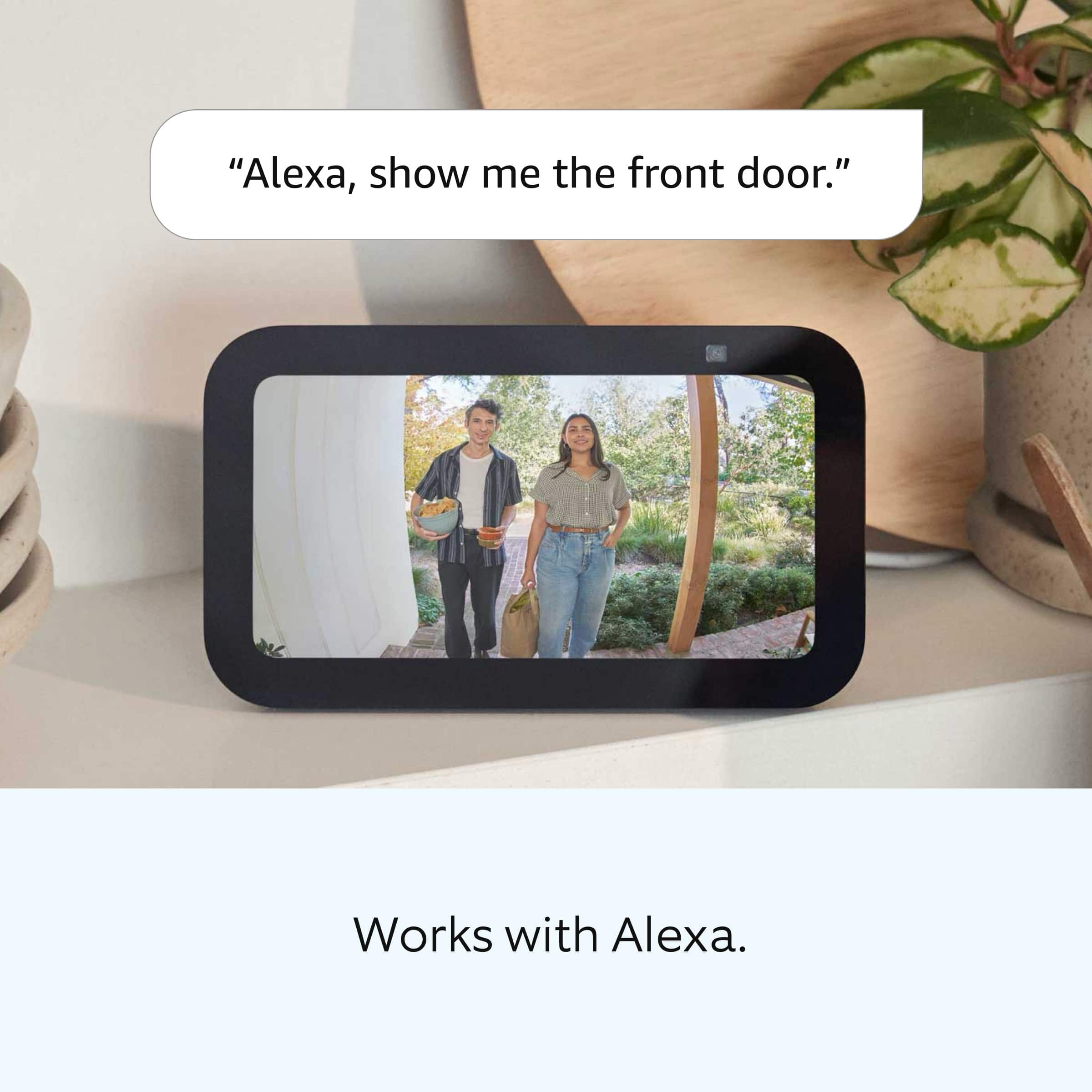
  • QuestionDo I need a special Alexa for this?

    Asked by Anonymous.

    • Answer No I don't believe so.

      Answered by AdrianjC

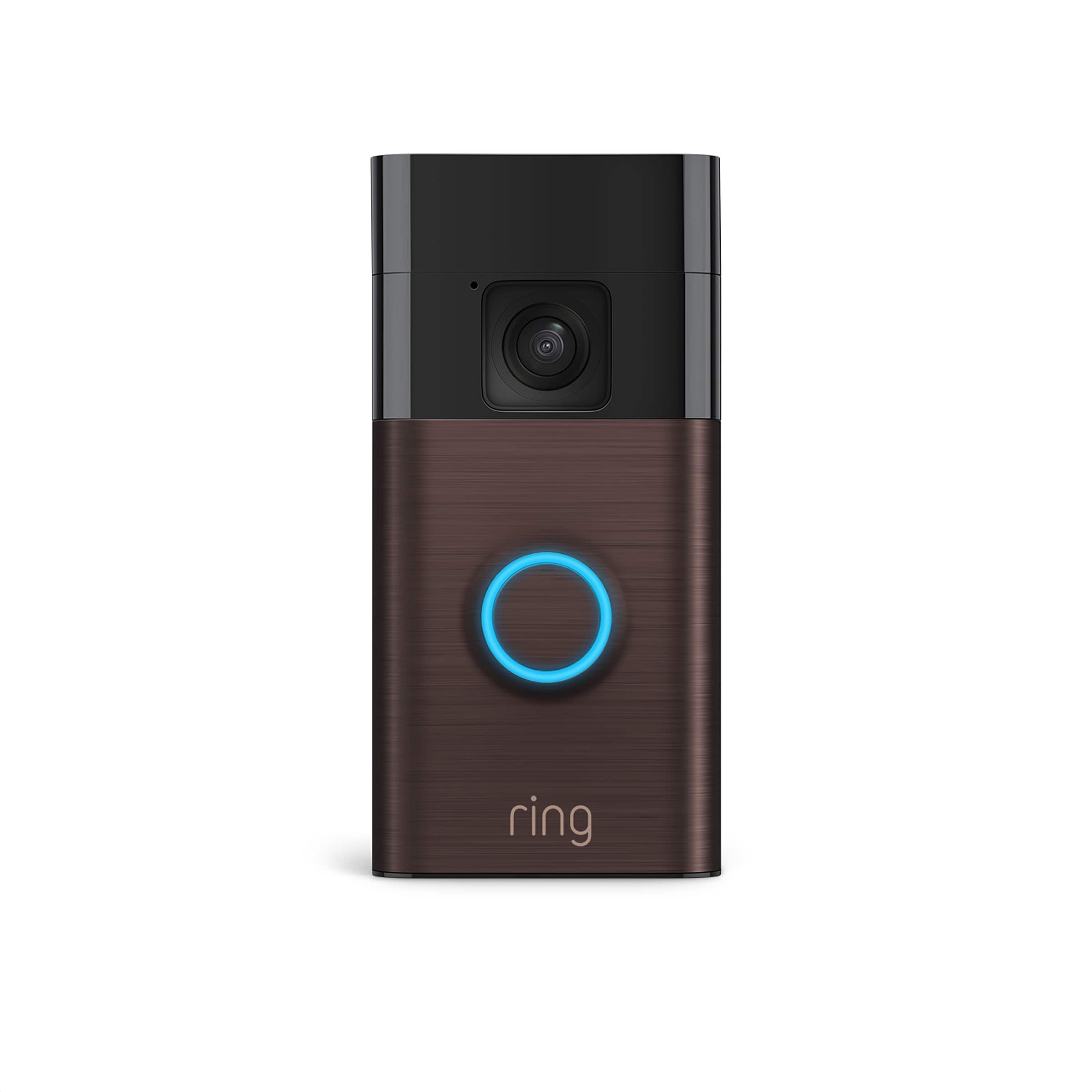
  • QuestionWhat year was this product msde?

    Asked by Dj.

    • Answer Hi Dj. Thank you for taking the time to ask this question. The Ring Battery Doorbell is Ring's 2024 release doorbell. If any additional information is needed regarding your question, please reach out to our community. Ring Community is our first peer-to-peer community forum, giving our customers the ability to help one another and share their feedback and experiences directly with Ring. Join the Ring Community today! Thank you, Amilia from Ring.
      Answered by Ring

  • QuestionCan the ring door bell only be used on 2.4ghz wifi?

    Asked by KC.

    • Answer Honestly IDK, but setting it up was very easy with my home wifi, just need to have an Amazon account t in order to properly set it up

      Answered by Eddie

  • QuestionCan my wife both use this on our i phones and echo show?

    Asked by Blake.

    • Answer Can be used on multiple I phones. Not sure of echo show

      Answered by Chick

  • QuestionCan I hard wire this model or is it only battery powered?

    Asked by Kens.

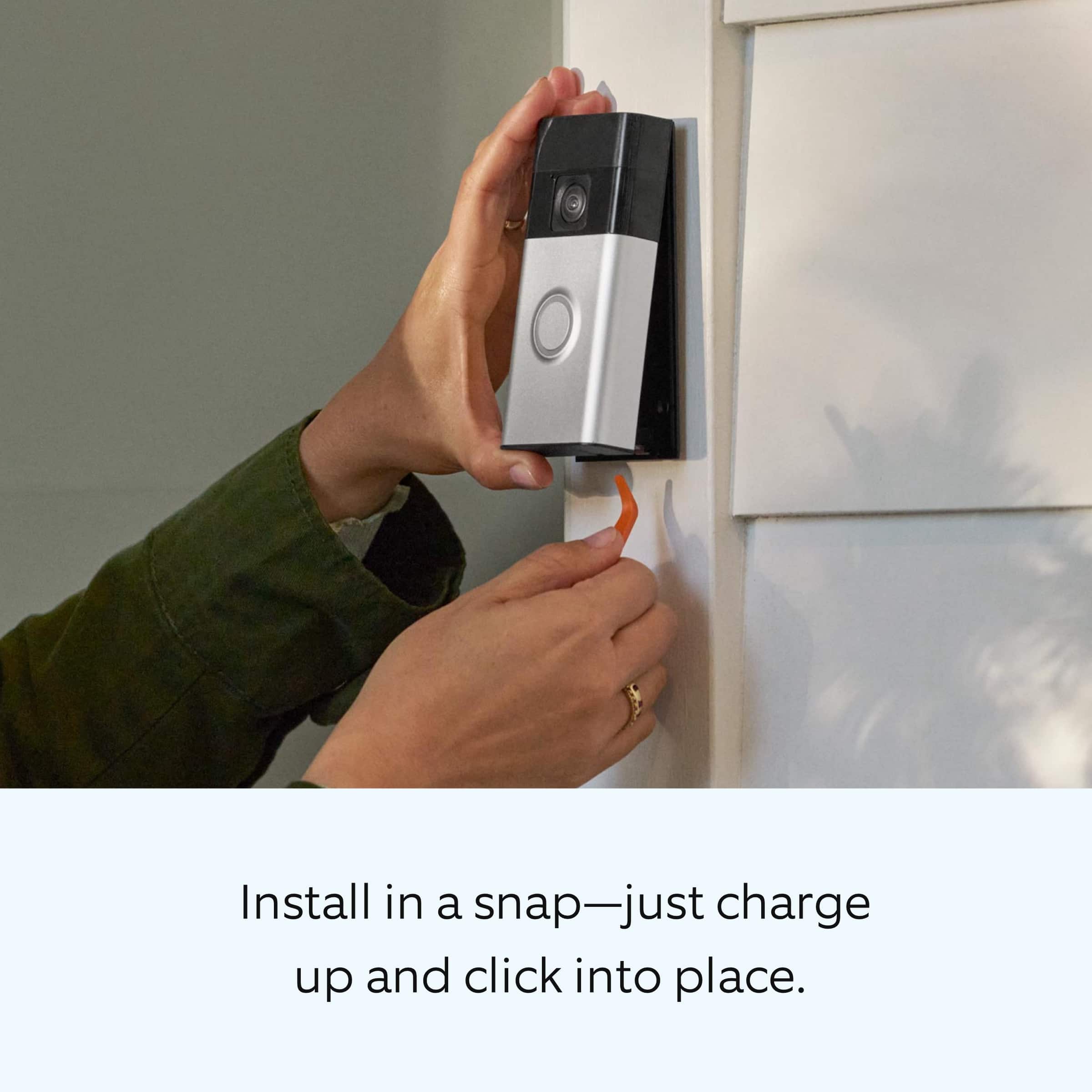
    • Answer Hi Ken01. Thank you for reaching out to us with your question. Yes, the Ring Battery Doorbell is designed with the ability to be hardwired. A hardwired transformer (8 to 24 VAC, 50/60Hz, 5VA to 40VA) is required. We have included the instructions here for installing the Ring Battery Doorbell to an existing doorbell: 1. Download the Ring app. 2. Scan the QR code. 3. Remove protective film. 4. Fully charge the battery. 5. Choose a location for your doorbell. Install your doorbell without connecting to an existing chime: 6a. Install the mounting bracket. Then, attach your doorbell to the bracket. On stucco, brick, or concrete, use a ¼ in (6 mm) masonry bit to drill holes for the included wall anchors. 7a. Press until you hear a click to secure. Install your doorbell and connect to an existing chime 6b. Shut off power at the breaker. CAUTION! You’ll be working with electrical wires during the install process. If you are uncomfortable or inexperienced with doing so, consult with a licensed electrician. Do not wire your Ring Doorbell to a DC-powered intercom system. 7b. Install the mounting bracket. Then, connect your doorbell to existing wires and attach. If any additional information is needed regarding your Ring Battery Doorbell question, please reach out to our community. Ring Community is our first peer-to-peer community forum, giving our customers the ability to help one another and share their feedback and experiences directly with Ring. Thank you, Melissa from Ring.

      Answered by Ring

  • Questionis this device 5g compatible?

    Asked by Anonymous.

    • Answer No, as it does not have a SIM card slot. It was designed to work on a WiFI network.

      Answered by Eddie

  • QuestionCan I add more cameras to this system

    Asked by Will.

    • Answer Hi Will. Thank you for your question. Yes, you can add multiple Ring cameras and doorbells to your location. You can also link your Ring devices for additional security. We have included a link here to an article on our website with more information on linking your Ring devices: https://ring.com/support/articles/1zghb/How-to-Link-Your-Ring-Devices-for-Enhanced-Security. We invite you to reach out to our community if any additional information is needed regarding your question. The Ring Community is our first peer-to-peer community forum, giving our customers the ability to help one another by sharing their feedback and experiences with each other. You can find it here: https://community.ring.com/. Thank you, Melissa from Ring.
      Answered by Ring

  • QuestionCan this doorbell be installed on siding trim that is aluminum? If not what type of surface can it be installed on? Thanks!!

    Asked by casualclass.

    • Answer I installed it through aluminum siding. No problem.

      Answered by JerryR

  • QuestionWhat is the temperature range of the rechargeable battery?

    Asked by Anonymous.

    • Answer Hi Neighbor. Thank you for taking the time to reach out to us with your question. The operating temperature range of the Ring Battery Doorbell is -4°F to 122°F (-20°C to 50°C). Prolonged exposure to direct sunlight and other conditions may increase the temperature of your device and affect performance. We invite you to reach out to our community if any additional information is needed regarding your question. The Ring Community is our first peer-to-peer community forum, giving our customers the ability to help one another by sharing their feedback and experiences with each other. Thank you, Melissa from Ring.
      Answered by Ring

  • QuestionDoes this have the option of local storage?

    Asked by Pam.

    • Answer Hi Pam. Thank you for taking the time to reach out to us with your question. The Ring Video Doorbell (2nd Gen.) does not have the option to store videos locally. With a subscription to the optional Ring Protect Plan, videos will be stored on the Ring cloud for up to 180 days. You will also have the option to download and share videos by following these steps: From a web browser: Sign in to your Ring account. Go to History and select Manage . Select the videos you want to save. Select Download. You may need to re-enter your password. Videos are time stamped and downloaded to your computer as a .zip file. Once unzipped, each .mp4 file can be opened and viewed individually. From the Ring app: Go to the menu. Select History. Scroll to the video you want to share, then tap more. Select Share then download. A pop-up screen will appear. If any additional information is needed regarding your question, please reach out to our community. Ring Community is our first peer-to-peer community forum, giving our customers the ability to help one another and share their feedback and experiences directly with Ring. Thank you, Melissa from Ring.

      Answered by Ring