Questions & Answers
- Model:
- C24F390
- |
- SKU:
- 5044601
Highly rated by customers for: Picture Quality, Curved Screen, Ease of use
Clearance
$28.99
Save $111
Comp. Value: $139.99
Page Showing 661-668 of 668 questions
Q: QuestionWill an optical mouse work with this monitor? Does it come with a power cord?
Asked by tap.
- A:Answer Yes, it comes with a power cord.
Answered by CommunityAnswer
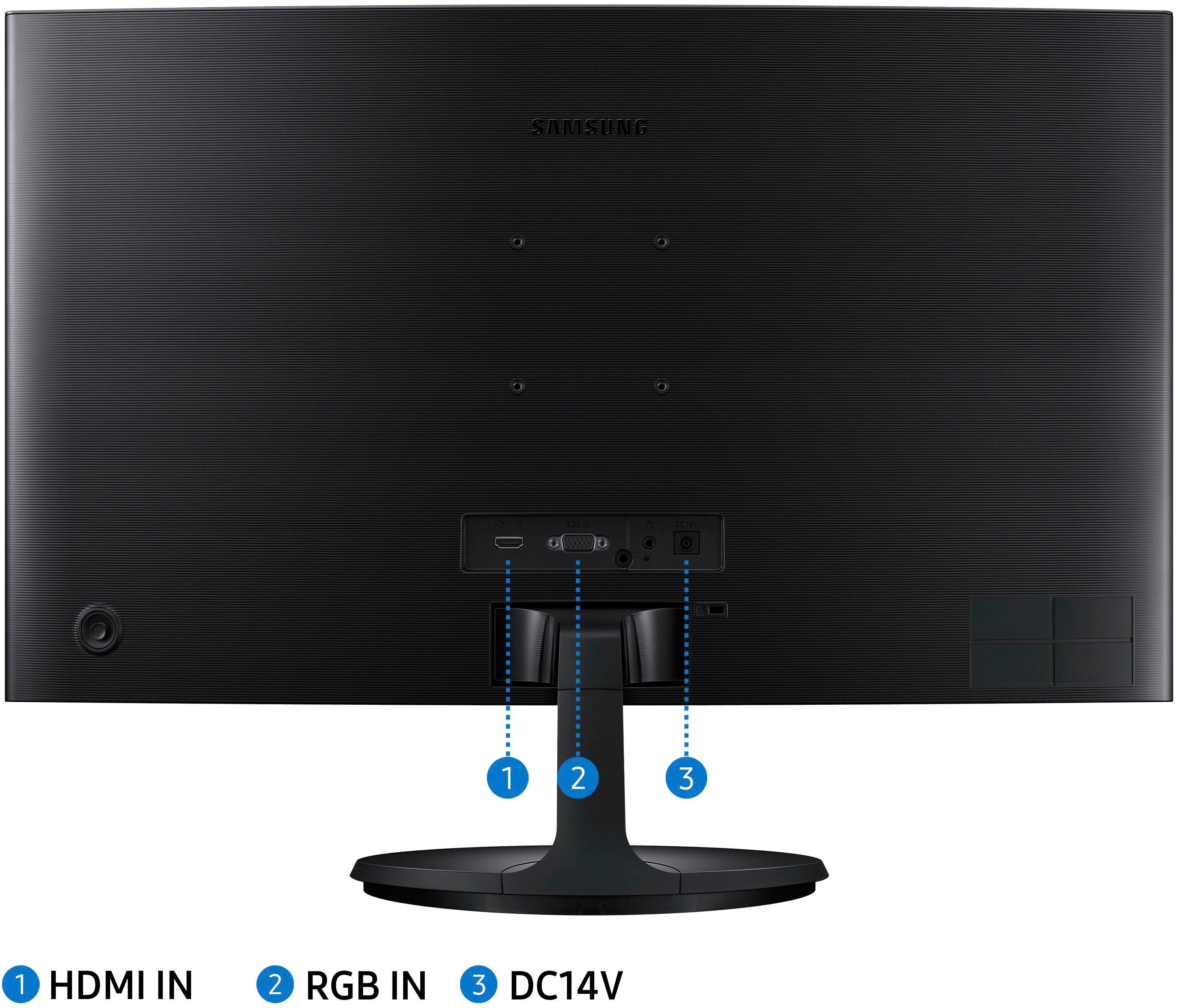
Q: QuestionIs this monitor included VGA cable ?
Asked by nquach.
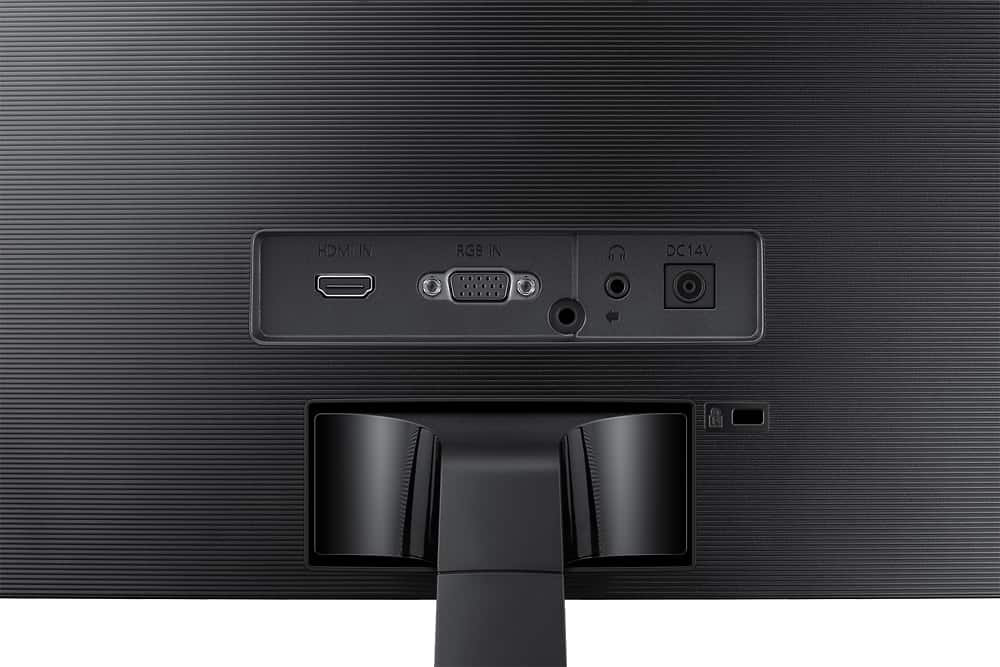
- A:Answer No. It comes with a power cord and an HDMI cable.
Answered by Steve
Q: QuestionGot a cord that not match the hole for the monitor. The D/C hole is for one prong and the cord has two prongs. Yes, I am using the correct ends. So strange.
Asked by lynn.
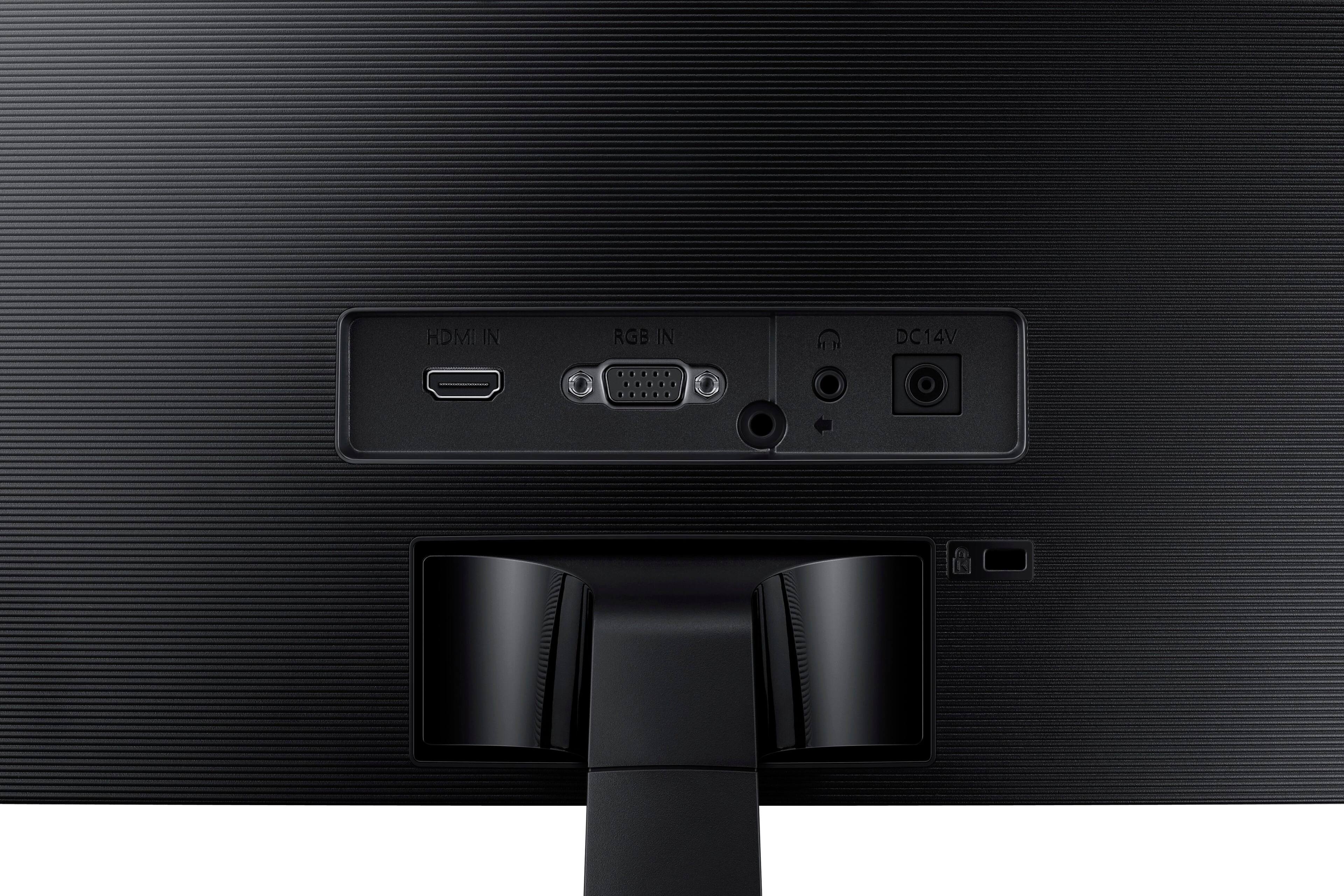
- A:Answer The power adapter with single pronged wire plugs into monitor. The power cord plugs into the adaptor.
Answered by Bill
Q: QuestionWhat's the difference between Samsung CF390 and CF591?They look exactly the same to me but the price is so different.
Asked by dreamflame103.
- A:Answer Cf591 has stereo speakers, has 1 display port, and the biggest difference is that cf591 is 27 inches instead of 24.
Answered by John
Q: QuestionWhat mount will fit with this? I know it is VESA compatible but which mount would you recommend?
Asked by HiThere.
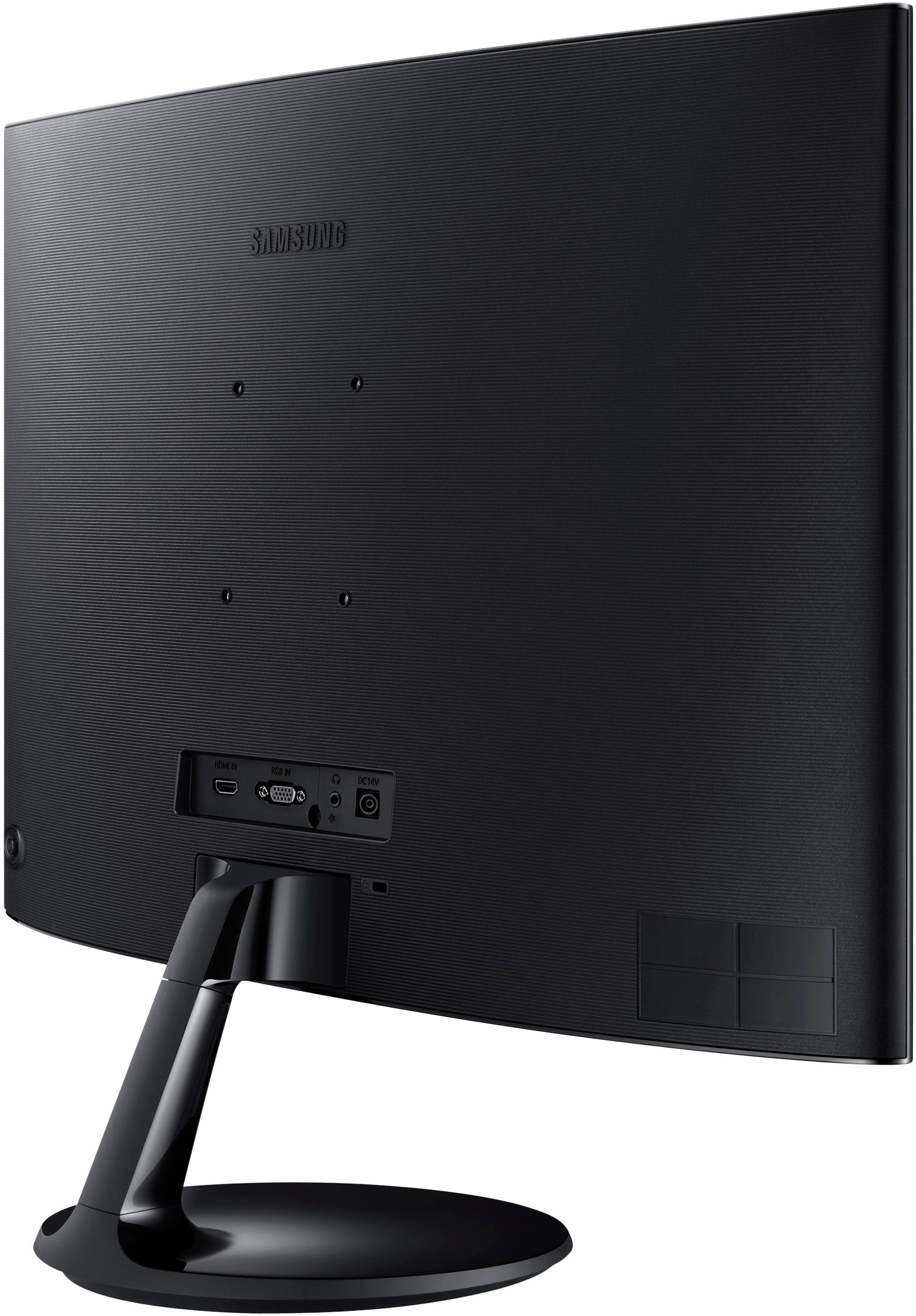
- A:Answer It's a standard. The VESA should not have an issue with these. One of the things I love about these monitors is they have holes to mount to so you don't need that stupid plate adapter which is clunky.
Answered by Elvis
Q: QuestionI purchased this monitor, but can't get the sound to work. Does it have sound capibility???
Asked by Sheila.
- A:Answer This unit does not have speakers, but it does have a 1/8" headphone plug in the back between the power and the video pin (d-sub) connector.
Answered by incognito
Q: QuestionWhat is the input lag on this monitor, not the 4ms gtg response time, but input lag response time.
Asked by Mike.
- A:Answer None that is noticeable
Answered by Shrek6ReleaseDate
Q: QuestionI connected this to my Asus desktop, HDMI and all, but it keeps flashing back and forth from sources, analog, and HDMI. After a while, it would flash to a screen that said to check the signal input:analog. Am I missing a cable, or..?
Asked by Jashua.
- A:Answer It should only flash back and forth when the computer is first turned off cause it's looking for a source, but after a short period it is suppose go to sleep.
Answered by Gerald