A:AnswerIf your laptop has a sata drive in it you clone it to the SSD, remove the
old drive and put the new one in close up your laptop and you are done.
Seagate and Western Digital have cloner software at their sites which you
can download (free). If your lap top does not have a second sata connection you can get a USB enclose and put the drive in there and clone
it. (Note your current drive has to match the software you down load.
Also Acronis has cloner software you can purchase that works with any drive.)
A:AnswerYes, this will work on almost any laptop PC that's been manufactured in the last decade. The previous Hard Disk Drive interface (IDE) has not been used for almost 10 years. It is a fairly safe bet that any laptop still in use is likely SATA and thereby able to utilize SSD technology to replace their spinning drives.
A:AnswerYou can go to Apricorn.com and download EzGigIV clone software. Then get a cable manufactured by Apricorn (about $35) to connect the new disk to a usb slot on the computer that has the disk you want to clone. Then run the clone software and follow the on-screen instructions.
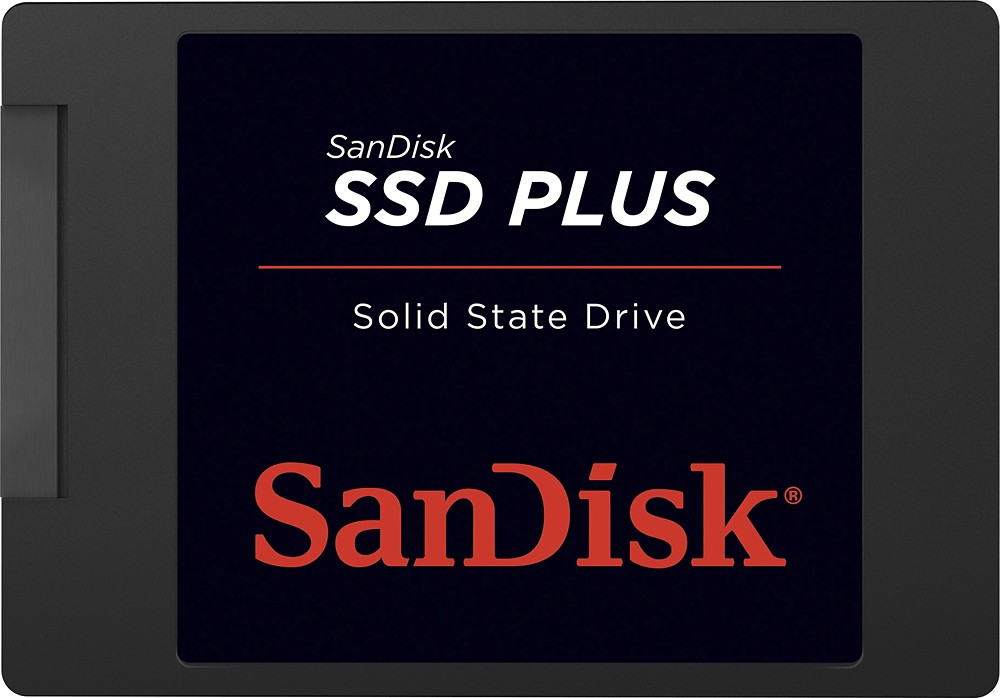
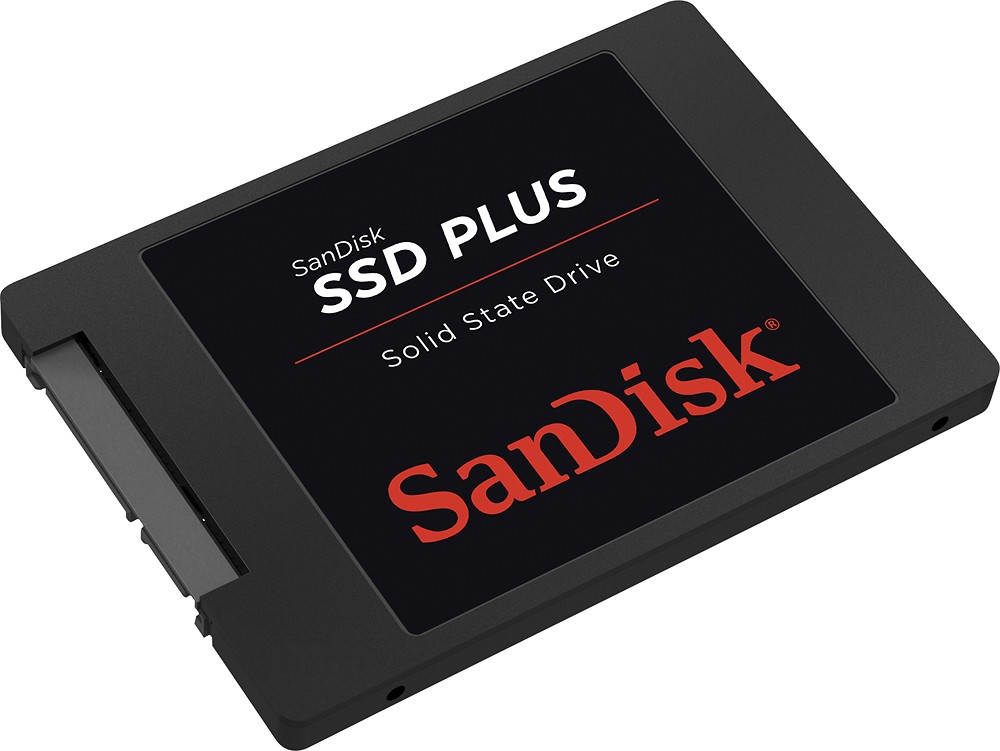
A:AnswerI haven't specifically installed it in that particular model, but the SanDisk 240GB appears like any normal drive, only FASTER.
The dimensions are a bit thinner than the original drive so fitment is not a problem. Screw slots are in the right position.
FYI this drive is not only faster but much lighter too. It's like an empty plastic box.
A:AnswerYes you can, but testing has shown that there is not much benefit on loading times using it on a PS4. It may shave a couple of seconds off when loading certain games but that's about it. You're better off spending the money on a more spacious drive, especially since you're trying to load movies on it.
A:AnswerYes you can use this drive in a laptop... When you use a solid state drive it is important that you access your BIOS and change or configure the SATA settings from IDE mode to AHCI.... When you do this make sure you do it before attempting to install windows.. If you try and switch to ACHI after you have installed windows you will have problems... You get a huge performance advantage in AHCI mode so it's important to remember to do that first
A:AnswerIf your computer has an extra sata port then it would work fine, but sometimes some motherboards have a limited amount which cant be added. Check your motherboard for further actions!
Much regards, Benji
A:AnswerYou would have to reinstall all your progress and operating system on the drive but you would be downgrading from 500 gig or 1 t depending on your model. I would would say to go with at least a terabyte if your upgrading.
A:AnswerYes, this should work fine since your laptop currently has a 2.5 inch Hard Drive. It will greatly improve your laptop's performance as well. Make sure you have your restore CD/DVD for your Operating System.
A:AnswerIf you buy an external reader for the SSD then sure, but the SSD is meant for desktop computers which requires it to be plugged into the motherboard
A:AnswerGenerally speaking if you have a newer (say 5 years old or less),it will work fine. I am typing this review on an older Macbook Pro from 2008. With windows, I believe you should have windows 7 or newer as Vista does not have trim required for newer solid state drives. With a solid state drive you don't defragmentation as there is a thing called trim that is automatic.