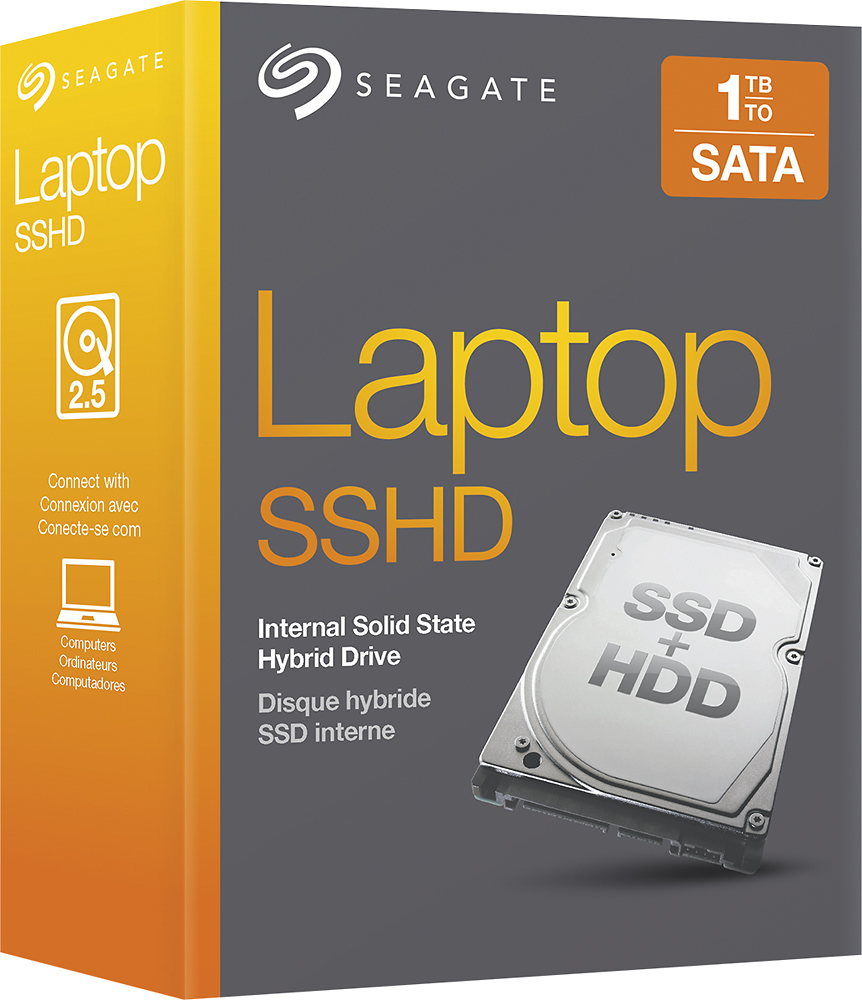
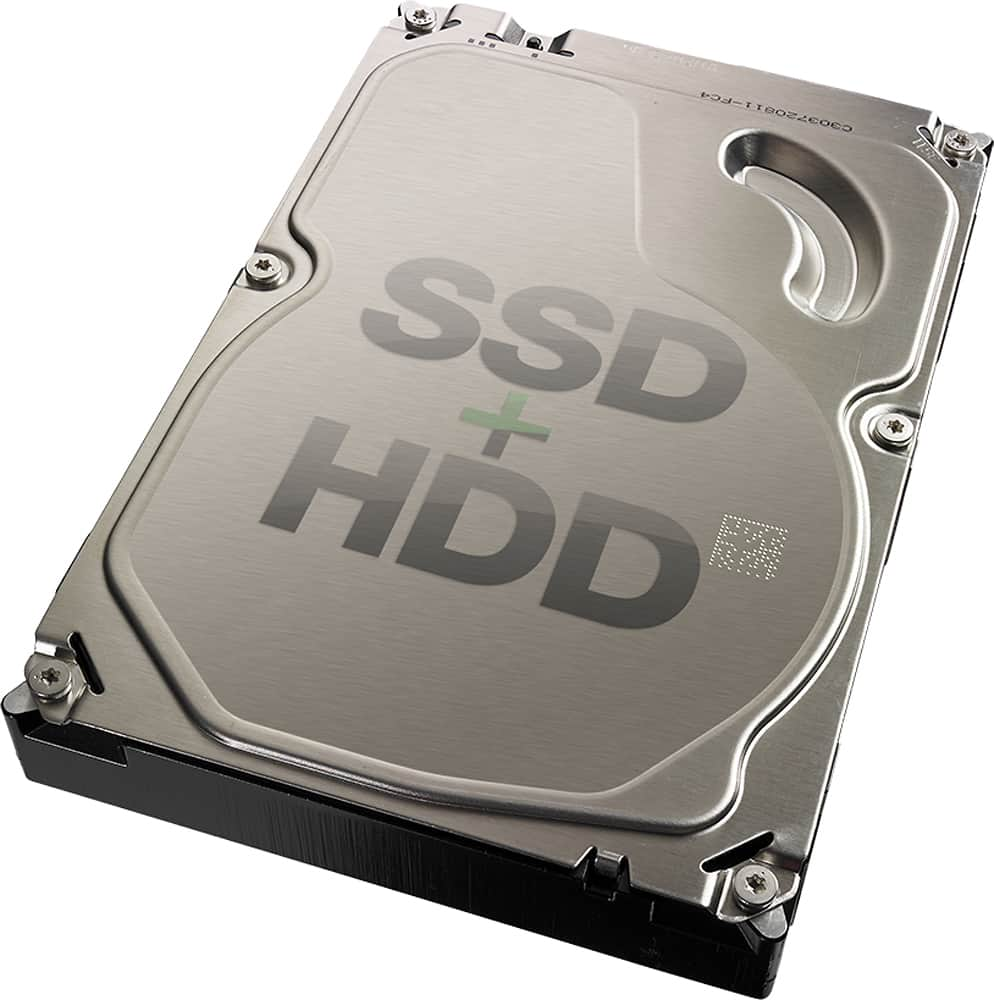
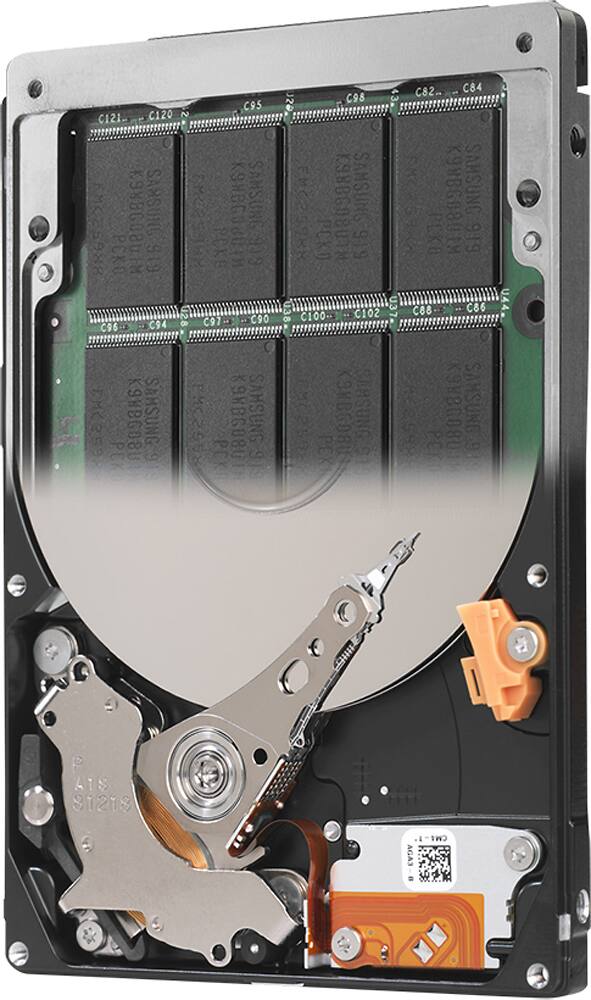
A:AnswerThat is exactly the MacBook I own and the SSHD fits perfectly. It took me more time to take out/put in the ten screws on the bottom then it did to replace the drive. I got a outter shell for the HD I removed and now have a spare HD.
A:Answermost assuredly its a SATA connector drive. 5400 rpm consideration. make sure use it often so that the SSD aspect can learn what programs/software needs to be your fastest.
A:AnswerYES, pull out your present drive and check against this WD, use their cage to place WD in if needed for access/removal. Just remember the clone software fro WD to download titled DiscWizard, which is essentially Acronis. Easy to work with.
A:AnswerIt can be used on all computers. Must be formatted first; make sure you save your files first. Must choose the partition you want to use. For more information, go to
knowledge.seagate.com
A:AnswerIf your laptop is like the one I see which has "1x 256 GB M.2 SSD NVMe + 1 TB HDD 7200rpm", this hard drive would not increase speed very much as its only 5400rpm. If your replacing the 7200 rpm drive it came with. There is a version of this drive that has 7200rpm around the same price. Get that one instead.
A:AnswerThis should be a direct replacement. If possible, create an image of your existing drive and change your boot options to the drive where the image will be before you change it.