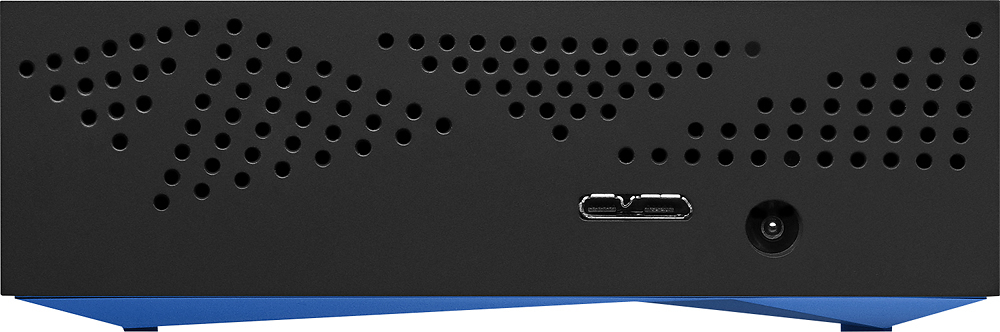
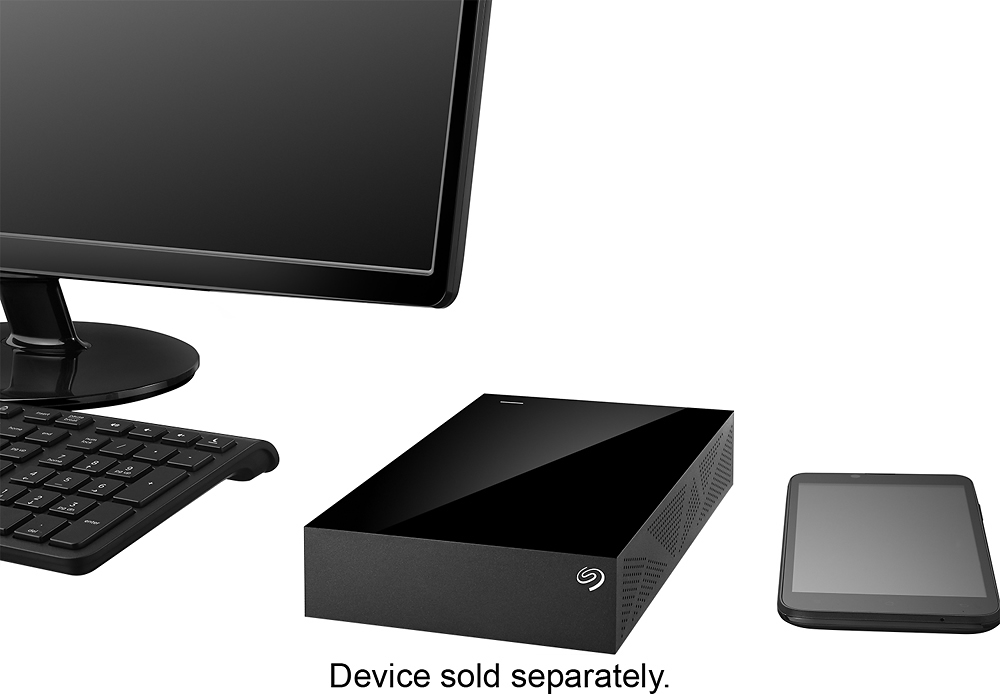
A:AnswerTechnically yes, although you would need to make sure the drive was formatted for EXT3 or FAT32. You would also need to have a USB OTG (on the go cable) or a gender bender adapter, so you have a female USB port to plug the drive's USB cable into. This drive might be overkill for a phone, but as a technical exercise it should work.
A:AnswerWith the included software, you can encrypt the data on the drive completely, or piecemeal. It's fairly easy to set up. I believe you can even make it so a person can't even see how much of what kind of files are on the drive, without knowing the proper passwords.
A:AnswerIt can be used for an iPad if it is connected to your router. I created an airport with mine and I can drop files from my iPad and iPhone with my home network.
A:AnswerYes. I connected it and it worked just fine. It has to be USB 3.0 and at least 250 gb to be able to be used for the Xbox One. This hard drive meets those requirements.
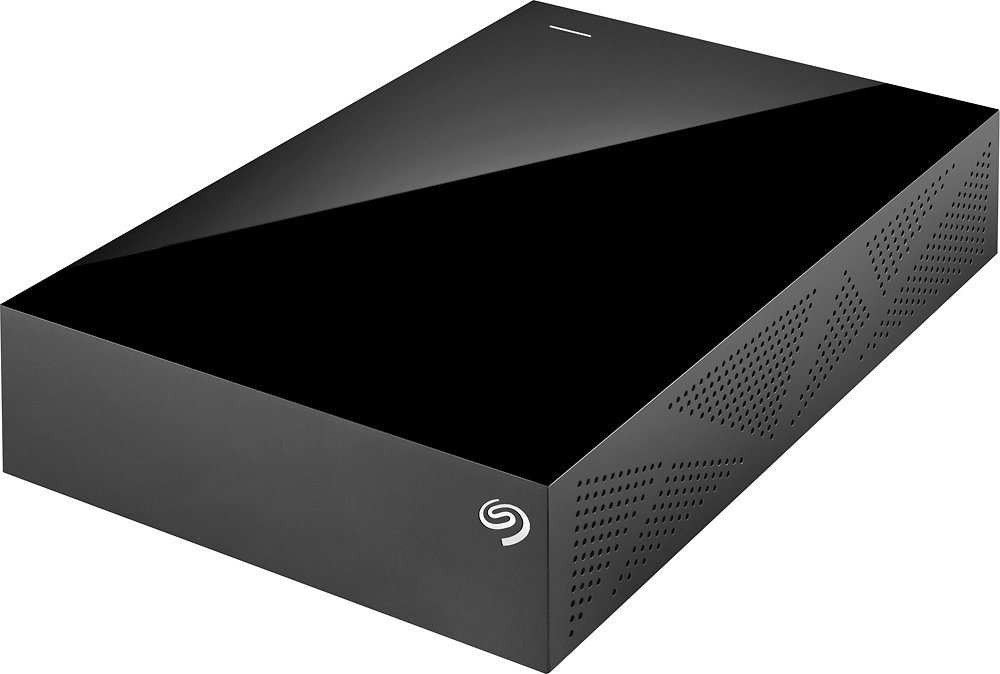
A:AnswerNo, not built into the hard drive. This is not a portable HD. It is relatively large and does require an external power source, so you especially wouldn't want to attach it, however you end up doing so, to your laptop.
A:AnswerI hope by now you have found the needed answers. I reformatted my drive for Mac per the instructions on the Seagate website, and all works fine with Yosemite. You can look up the drive on their website, I found the link for reformatting the drive for Mac to be very helpful.
A:Answerif you are moving file from windows to apple, it will have no problem. which means you won't have to install 3rd party software to transfer files.
A:AnswerFiles can be transferred wirelessly if set us as a network attached piece of storage, but faster moves can be accomplished by connecting to the actual computer.
A:AnswerYES. Absolutely. I did the same and it is working flawlessly. When you connect it, the Xbox One will recognize and ask you to format it for use. Easy as can be.