A:AnswerThe 6 0hm figure that Sony uses is just their way of getting around the U.S. requirements for stating output power. The receiver should be able to handle speakers from 4 to 16 ohms, if you just remember that as the nominal impedance of a speaker rises, there will be less current available to drive it. 4 ohm speakers will take more current (hence, somewhat louder for the same volume setting, and easier to drive the amp too hard), but it's unlikely that you'll have any problems unless you drive them way too hard. Remember also that the stated impedance of a speaker varies wildly with frequency, but the amp never spends too long on a single frequency in the very low impedance range. I would avoid highly capacitive loads like electrostats (e.g., Martin-Logan) with this receiver and any speaker known to drop below 4 ohms for a significant part of the frequency range (fairly rare birds). Sony's using the 6 ohm figure with only one channel driven to state their power output suggests that they did not go out of their way to produce a robust and stable power supply, but so far, I've been quite satisfied with the sound I'm getting using the front and rear surround/height outputs to biamp my tower speakers in front, and using the remaining outputs for the rear channels (explained pretty clearly in the manual). If you're electronically paranoid, avoid 4-0hm speakers or buffer them with a 2-0hm, 50 watt resistor in series with the + terminal on each speaker. (A 4-ohm resistor would effectively suck up half the amp's power, so you would probably get 35-40 watts per channel, rather than the 75 watts it normally produces for a speaker with all speakers driven; this would mean a 3dB drop in output, or a just noticeable difference (JND) in perceived volume. Most of the time, you're probably listening at 1 to 2 watts output, anyhow. This Sony has a very good Protection circuit, so it will shut off quickly if it's unhappy with the speaker's impedance.
If you're only getting sound from the front speakers, check all connections carefully, then recalibrate the receiver with its calibration microphone and choose the setting that gives you a balanced surround. You may have to play with recalibration for a while, and the menu is very informative as to how well you are doing. It will tell you, graphically, what you have done.
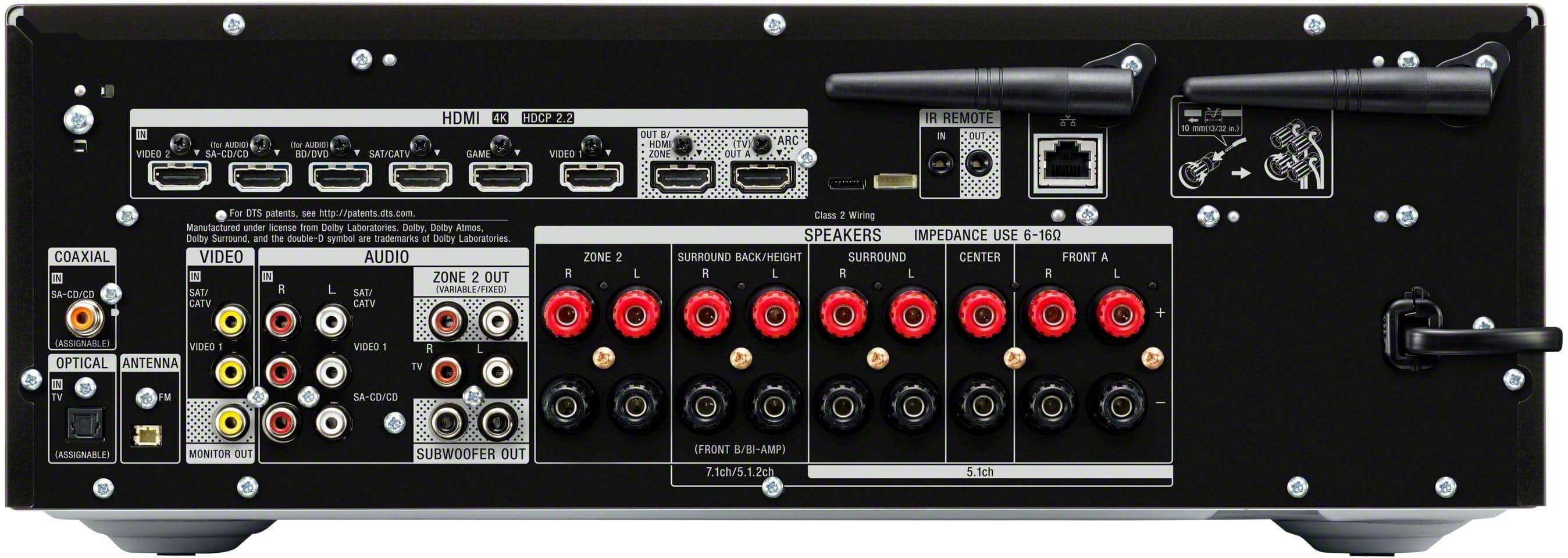
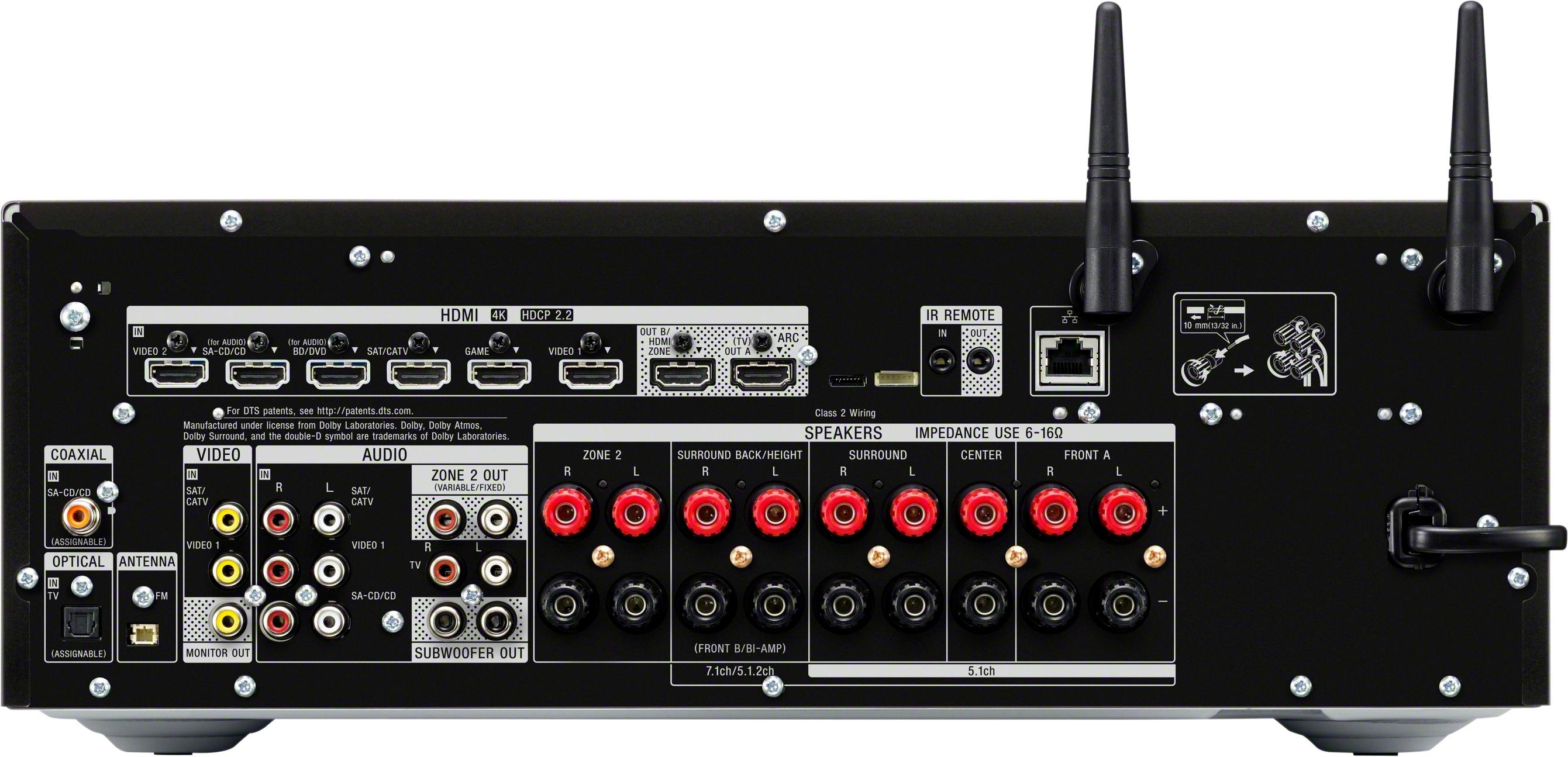
A:AnswerConnect the DVR and bluray to an HDMI input each. HDMI to the TV from the receiver using the ARC port on both sides. Optical is from the TV to the receiver for TV audio, HDMI carries audio for the other sources. Turtable via RCA red/white to the SACD/CD inputs (or the the others and leave the video open). Your turntable will need a preamp to line level, may be built in to it.
A:AnswerNo. Most 4k TVs have multiple HDMI inputs and optical outputs. This means that you can use your TV to switch between sources and have the audio sent to the receivers optical or digital audio input connection. That being said, I do have to point out that the Sony 1080 sounds amazing. It totally smokes my previous Denon receiver in sound quality. The one area that my Sony 1080 receiver is weak is in interconnection, it doesn't control other Sony components as promised and requires that I keep multiple remote controls handy to work different sources. This despite the use to HDMI 2.0b certified cables and following directions. My system consists of a 65in Sony x900 LED TV (XBR65X900E), Sony X800 4k blue ray player (UBPX800), Xbox, and Sony 1080 receiver (STRDN1080). Hope this helps .
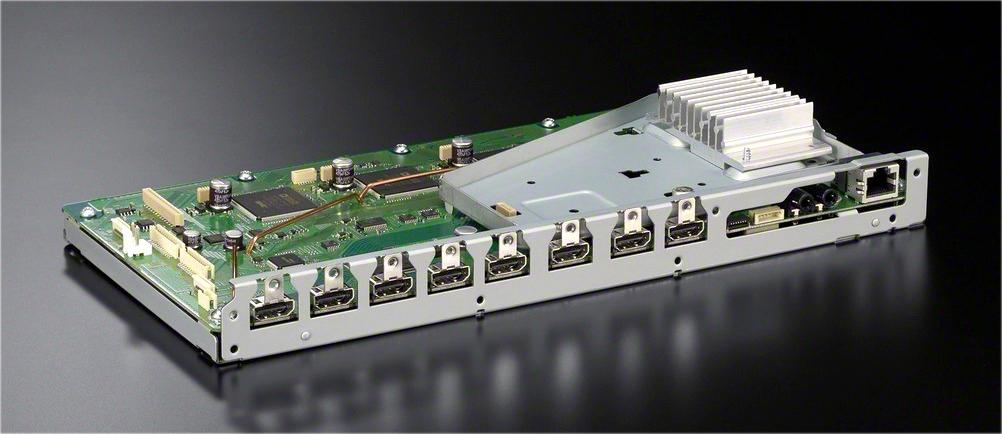
A:AnswerHi DrPhil, yes. Treat all the HDMI outs of this receiver as independent ports where you can play or output audio or video from different sources. Thanks, -Mark
A:AnswerI have successfully found the manuals on the Sony eSupport website for all Sony products. Perhaps the link below will work or you can search for "Sony eSupport"
https://esupport.sony.com/US/p/model-home.pl?mdl=STRDN1080&template_id=1®ion_id=1&tab=manuals#/manualsTab
A:AnswerThe way I understand AFD, is that it automatically decodes the signal in the way it was originally encoded. You would have to select a differenf sound field for it to stay the same. I leave mine in AFD so as to reproduce the sound the way it was meant to be heard
A:AnswerI haven't noticed any high pitched noises coming from the STRDN1080 while it's off but my hearing isn't that great. It wouldn't surprise me if it was.
I do know that the STRDN1080 makes an audible buzz or hum while the unit is on as does all of Sony's latest model A/V receivers, even the ES models are not immune. It's due to an inferior power supply. Even with my less then stellar hearing I was able to hear the buzz all the way from the couch. This was unacceptable to me and it was because of this reason that I returned the unit and went with a quality integrated amp.
I suppose the STRDN1080 would be fine if your priority was movies but if you're serious about music then I recommended passing on all the latest Sony A/V receivers as they just aren't built all that well.
A:AnswerHi GTP,
Currently, this AV Receiver is not capable of connecting to Wireless Surround Speakers. You might want to check this link for a link of Devices capable of that feature. https://www.sony.com/electronics/support/audio-components-receivers-amplifiers/articles/00154428
Regards, Sam
A:AnswerYes, it will drive the five Living room speakers (L, R, Center, Surround L, Surround R) and the other two can either play an independent source (zone 2) or the same source as the living room. Also will drive a subwoofer. (I moved into a house w/four speakers in the LR and two pool speakers.)
A:AnswerThe 2 answers above are incorrect. I have this receiver and it definitely is possible to output one source to HDMI A and a different one to HDMI B - by setting it to "HDMI Zone" in the settings and then using the "zone control" to set the source
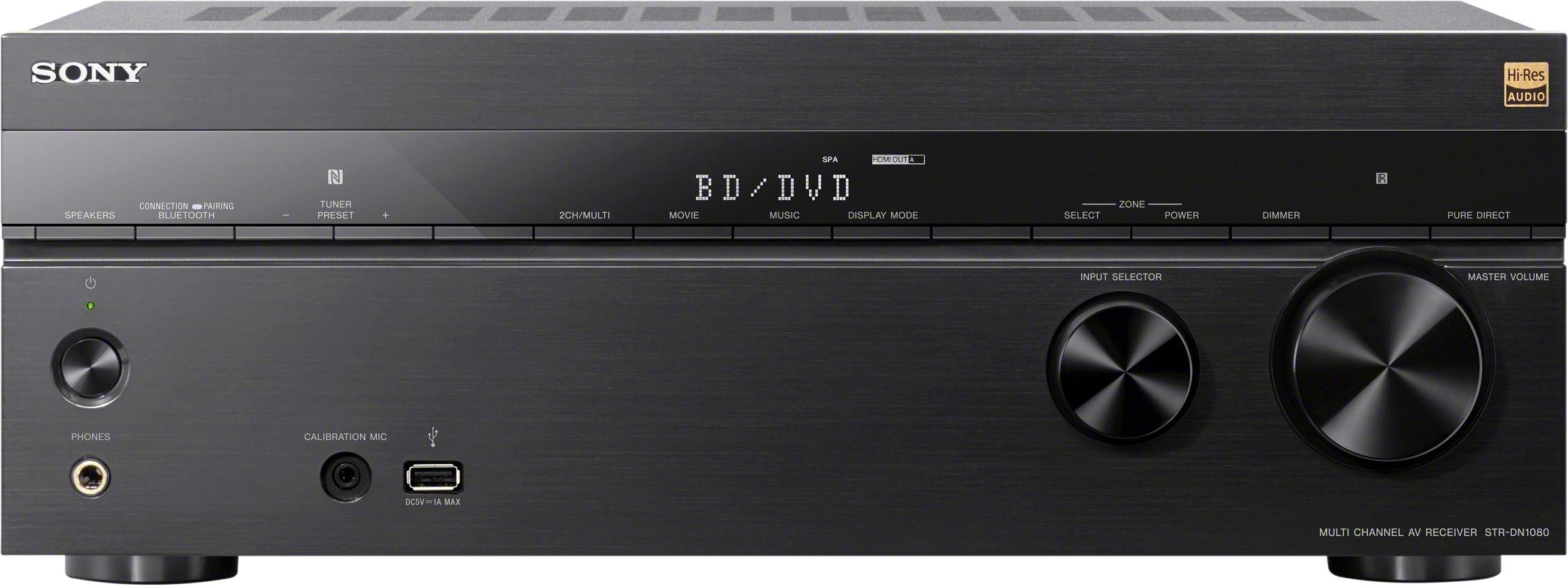
A:AnswerYes, but if you want to display the audio format by default, you need to press the Display buton on the front panel until it shows the audio method. I have a lot of 4K blu-ray movies with Dolby Atmos, and once you've setup everything right, it's great to see "D Atmos" on the panel and hear the great immersive sound.