A:AnswerHi VRR,
Thank you for your inquiry! The 65" X80K model does not support all the features associated with HDMI 2.1. This TV supports HDMI eARC/ARC, Auto Low Latency Mode, and has a panel refresh rate of 60Hz. Meanwhile our KD-85X80K supports HDMI2.1 4K120/eARC/ALLM.
For expanded HDMI 2.1 feature support including 4K at 120Hz signal format, VRR, and ALLM please check out our X85K, X90L, X93L, A90K, A80L, and A95L.
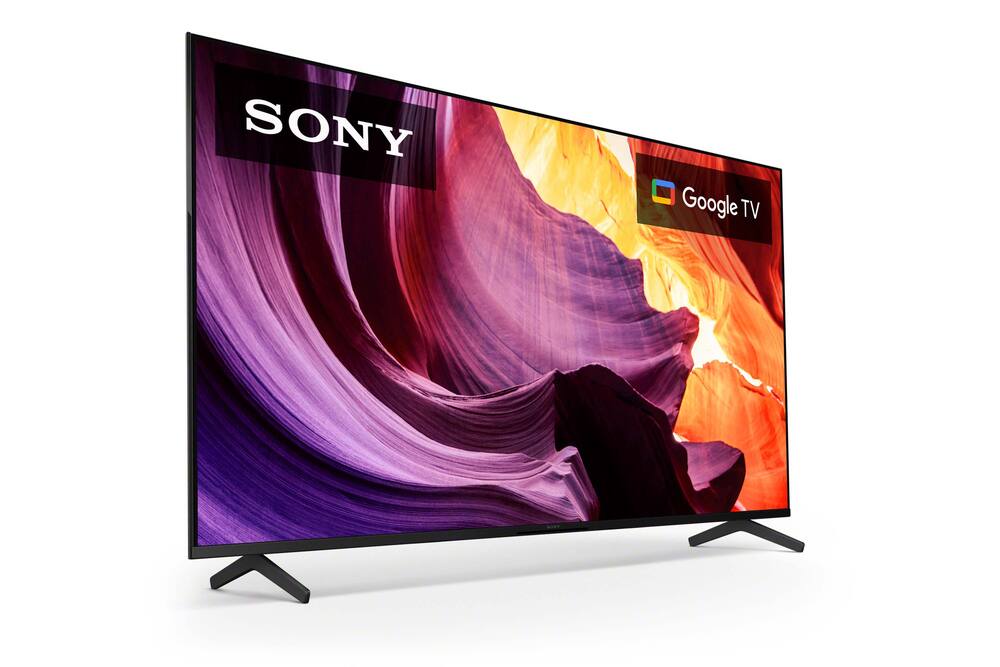
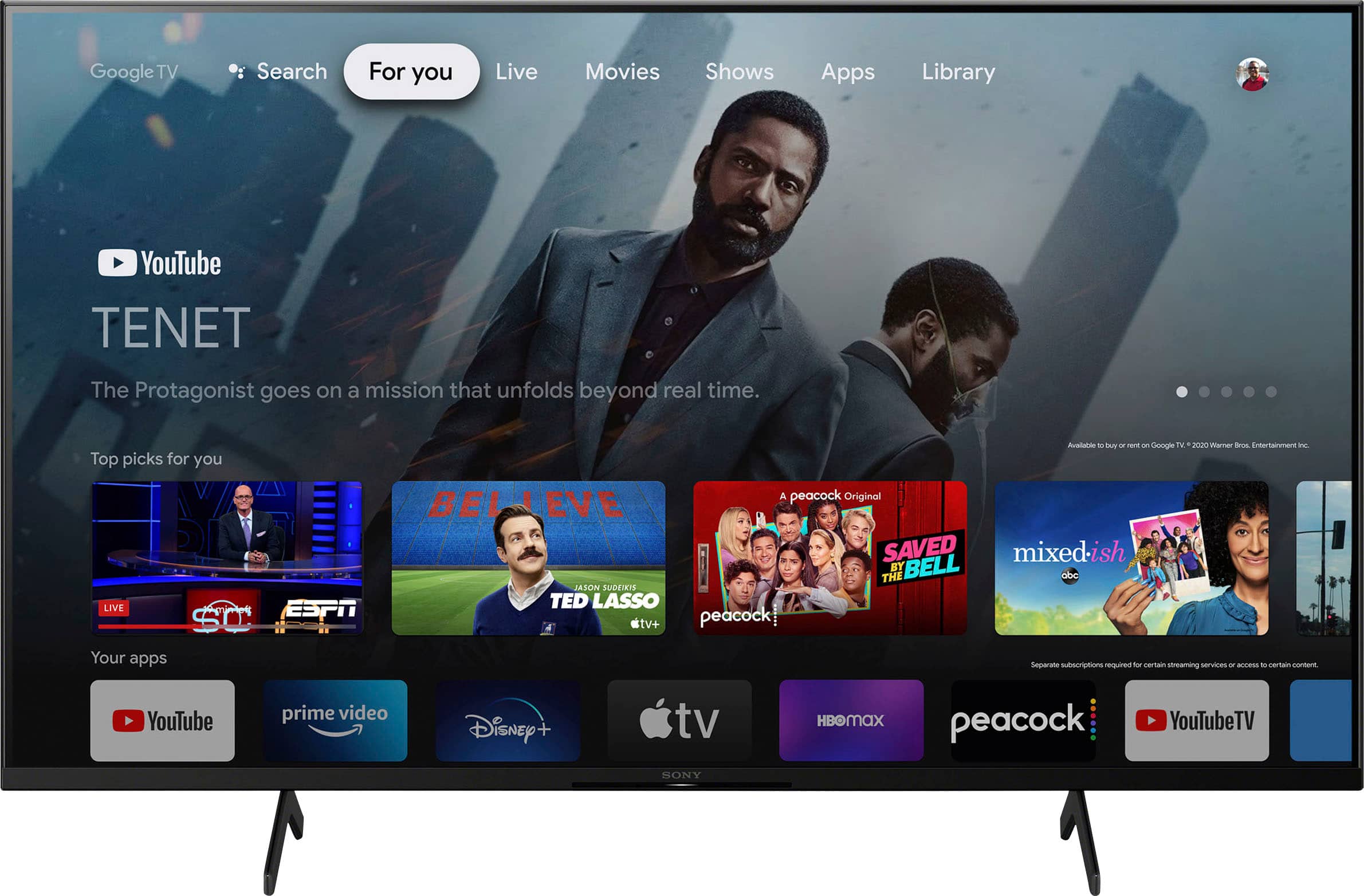
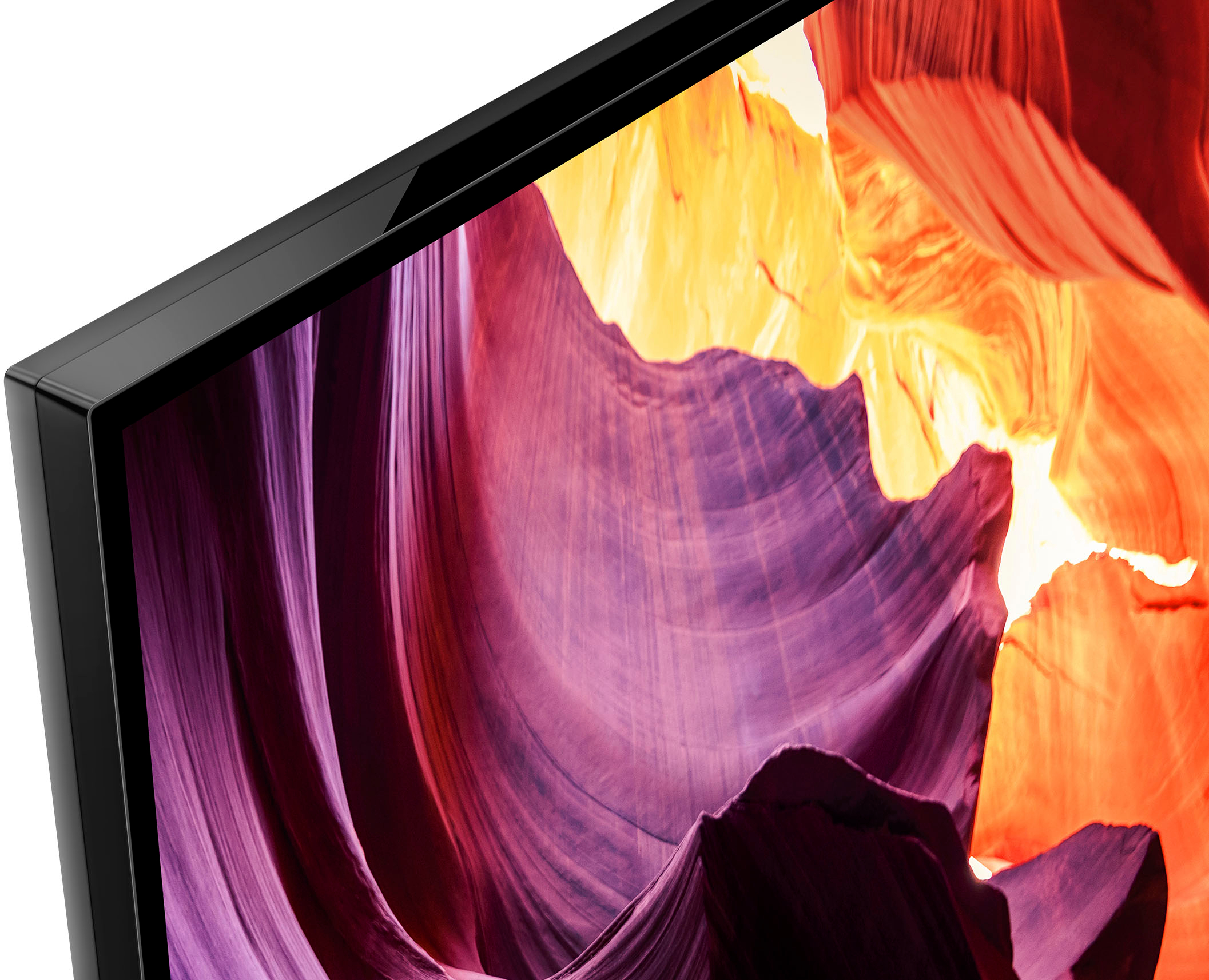
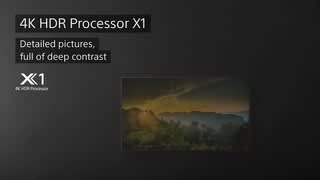
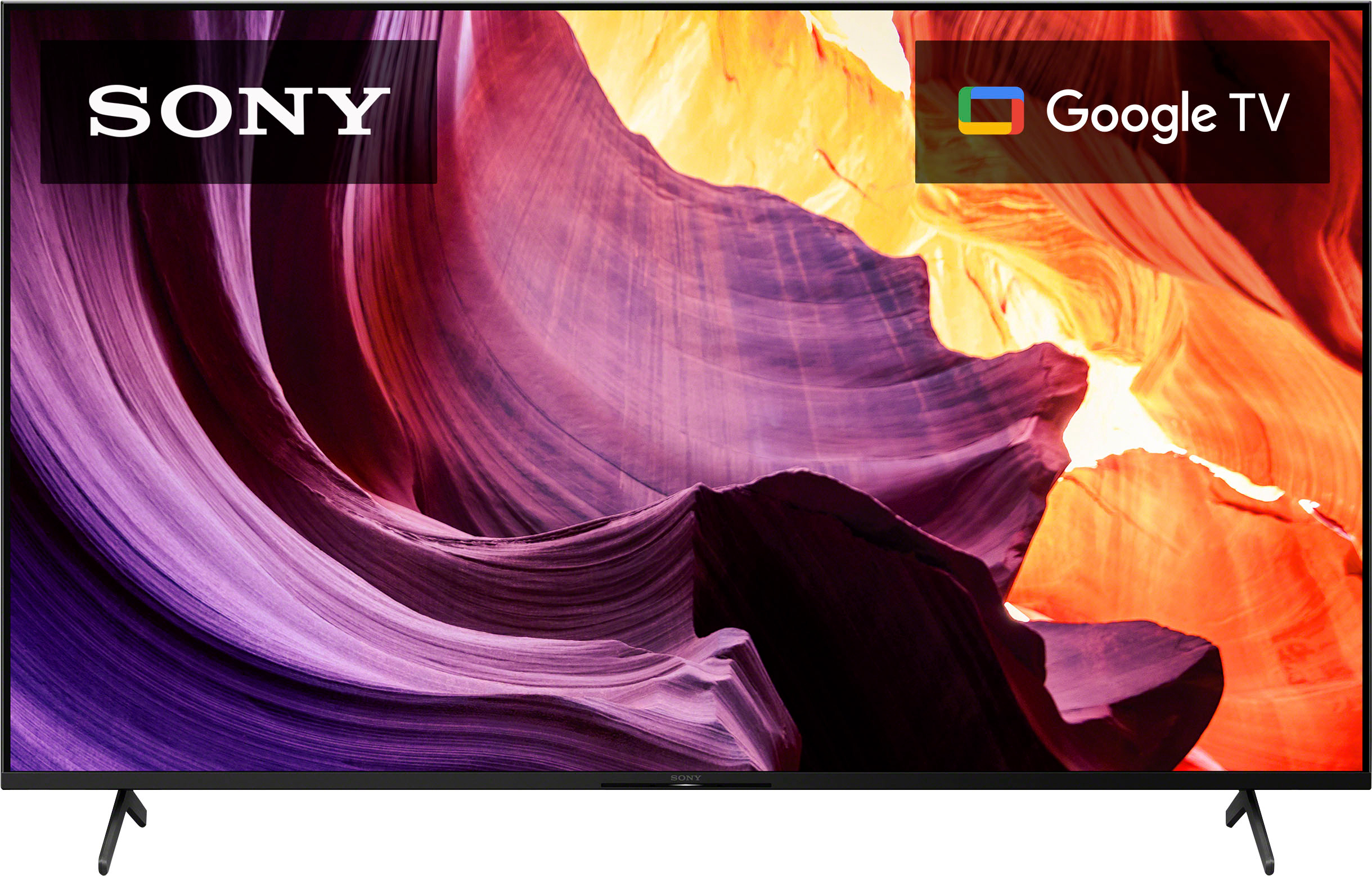
Enjoy an intuitive smart TV experience with natural color and clear sound with the BRAVIA X80K LED TV. The powerful 4K HDR Processor X1 reduces digital noise and boosts details for lifelike picture quality. Google TV gives you access to all your favorite streaming apps, while Google Assistant easily searches for content and controls your smart home simply by using your voice. Hope this helps! - Kris
A:AnswerUnless you urgently need that TV, and I mean really, really urgent, use the free shipping so that you won't be held liable for any damages to the TV. You got to remember that even when TVs are delivered when you unbox that set there can be sometimes defects, etc.
A:AnswerHi,
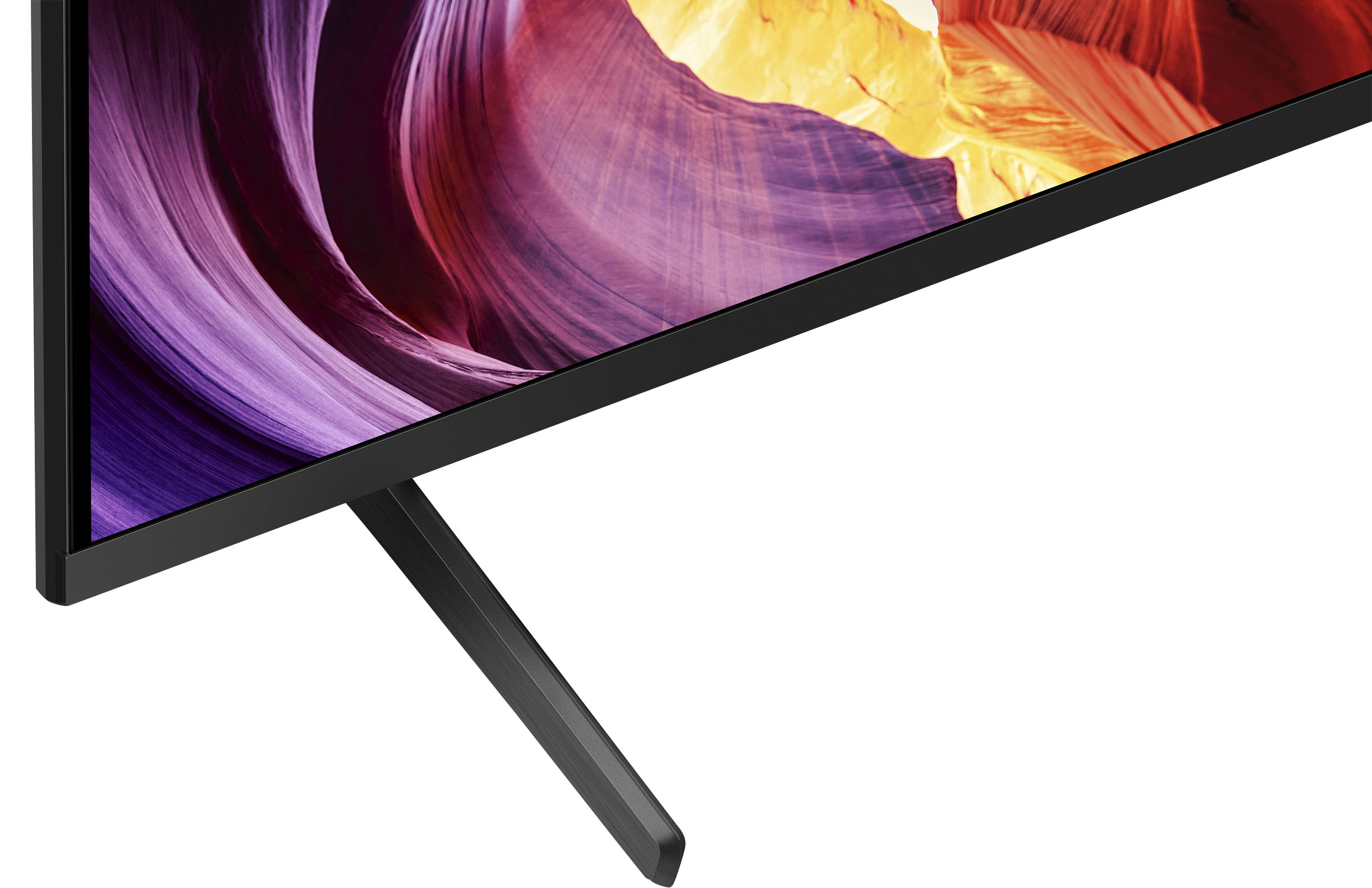
Thank you for your inquiry! Yes, you can operate the power and sound on the TV itself. It is located at the middle point of the lower panel of this TV. Look for the LED light in the middle(usually illuminated white) of the TV, under this is the power button. This model has 1 button on the TV (power button only), you can press the power button on the TV to display the operation menu and adjust the volume or change channels.
Additional information:
Enjoy an intuitive smart TV experience with natural color and clear sound with the BRAVIA X80K LED TV. The powerful 4K HDR Processor X1 reduces digital noise and boosts details for lifelike picture quality. Google TV gives you access to all your favorite streaming apps, while Google Assistant easily searches for content and controls your smart home simply by using your voice. Thanks for choosing Sony! Hope this helps! - Kris
A:Answeri have a 54 inch wide stand and it works fine. i think 44 inch is a little to small. even with a center stand and not the legs. invest in a little wider stand
A:AnswerHi there, Thank you so much for your inquiry! Yes, it does! The KD65X80K TV comes with the batteries for the remote controller. With the X80K TV, you can enjoy an intuitive smart TV experience with natural color and clear sound with the BRAVIA X80K LED TV. The powerful 4K HDR Processor X1 reduces digital noise and boosts details for lifelike picture quality. Google TV gives you access to all your favorite streaming apps, while Google Assistant easily searches for content and controls your smart home simply by using your voice.
Regards,
Carl
A:AnswerHi Steve,
Thank you for your inquiry with our KD65X80K! The stand width(STANDARD POSITION) is approximately 47.56 inch (1,208 mm). For reference: https://www.sony.com/electronics/support/televisions-projectors-lcd-tvs-android-/kd-65x80k/specifications
Enjoy an intuitive smart TV experience with natural color and clear sound with the BRAVIA X80K LED TV. The powerful 4K HDR Processor X1 reduces digital noise and boosts details for lifelike picture quality. Google TV gives you access to all your favorite streaming apps, while Google Assistant easily searches for content and controls your smart home simply by using your voice. Hope this helps! - Kris
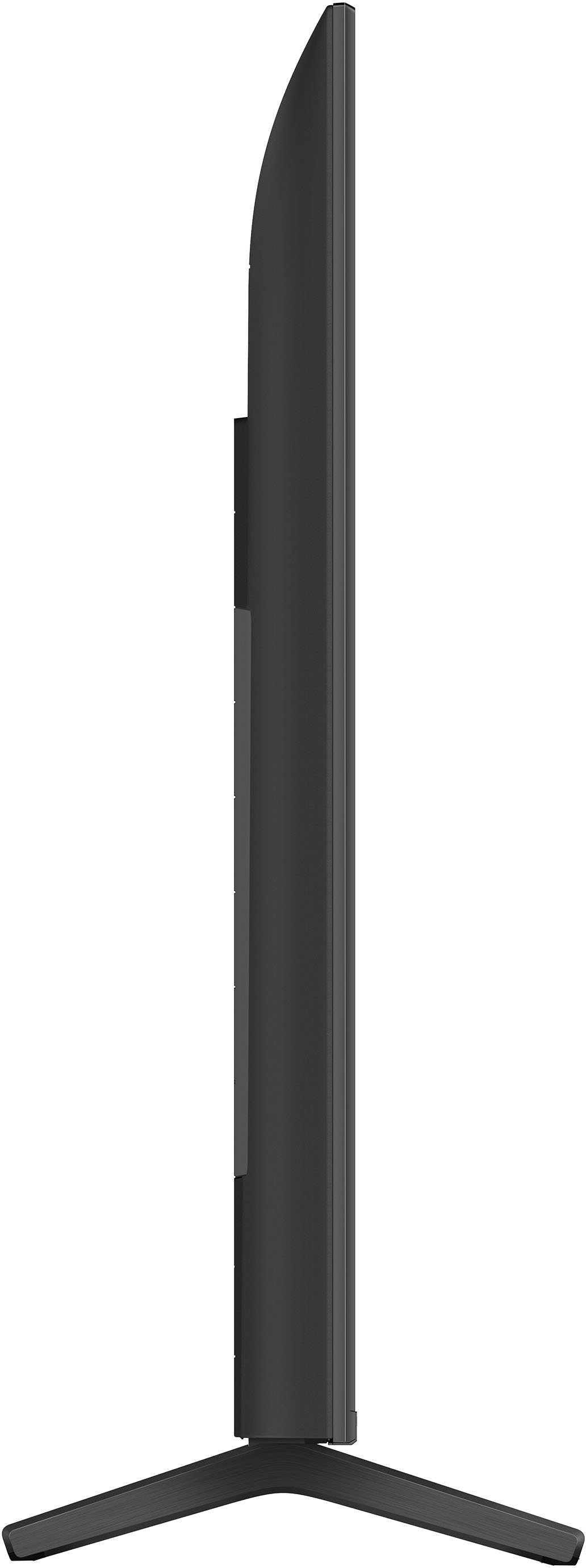
A:AnswerDepending on how far away you would be viewing the set a 65 inch or 70 inch screen would fit as the screen measurement is 'diagonal'. The 65 inch I have is 58 inches wide & needs about 14 inches of depth. This series are terrific TV's- you have to add about a $1,000 to do better.
A:AnswerHi Shirowintersbro,
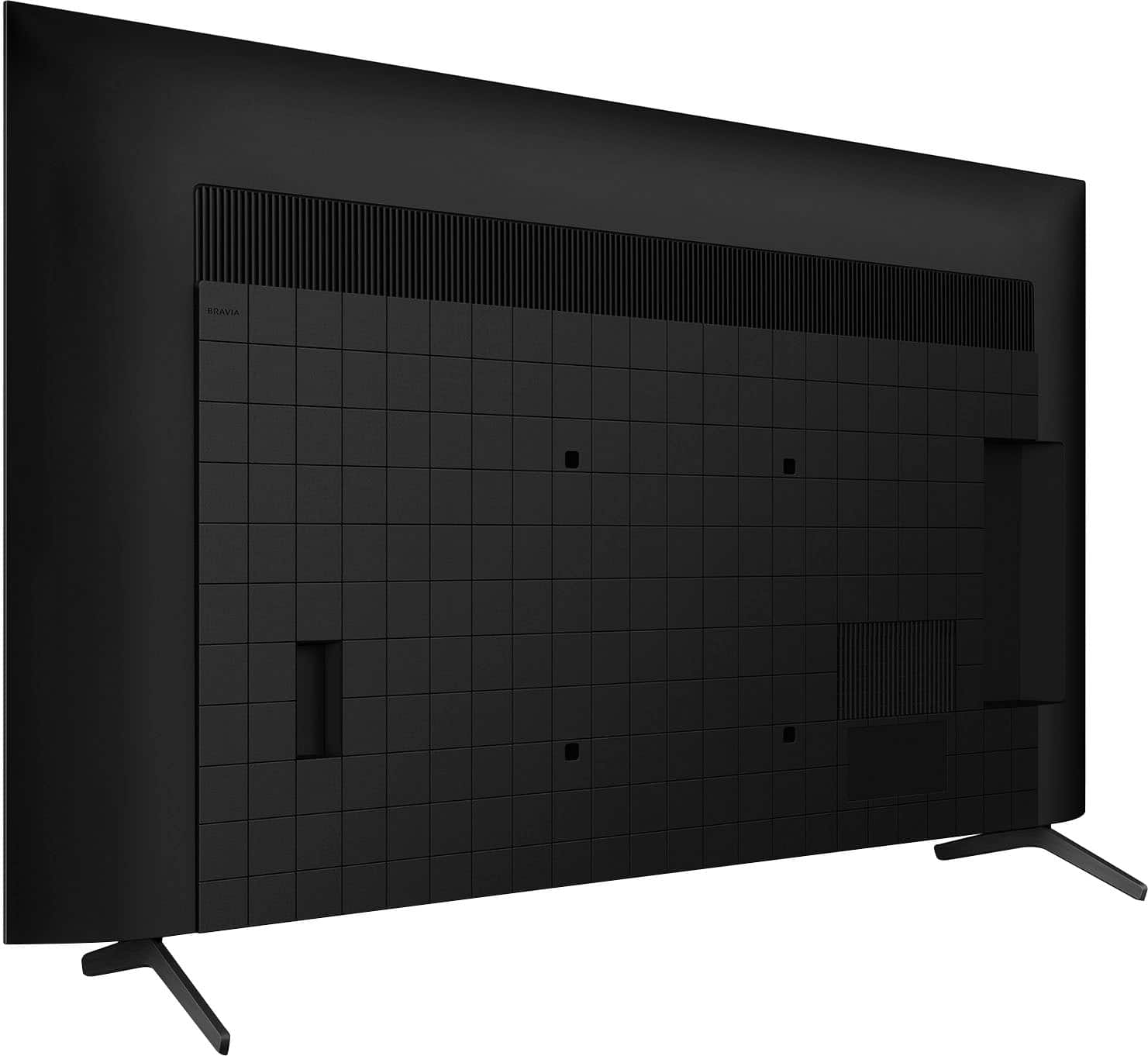
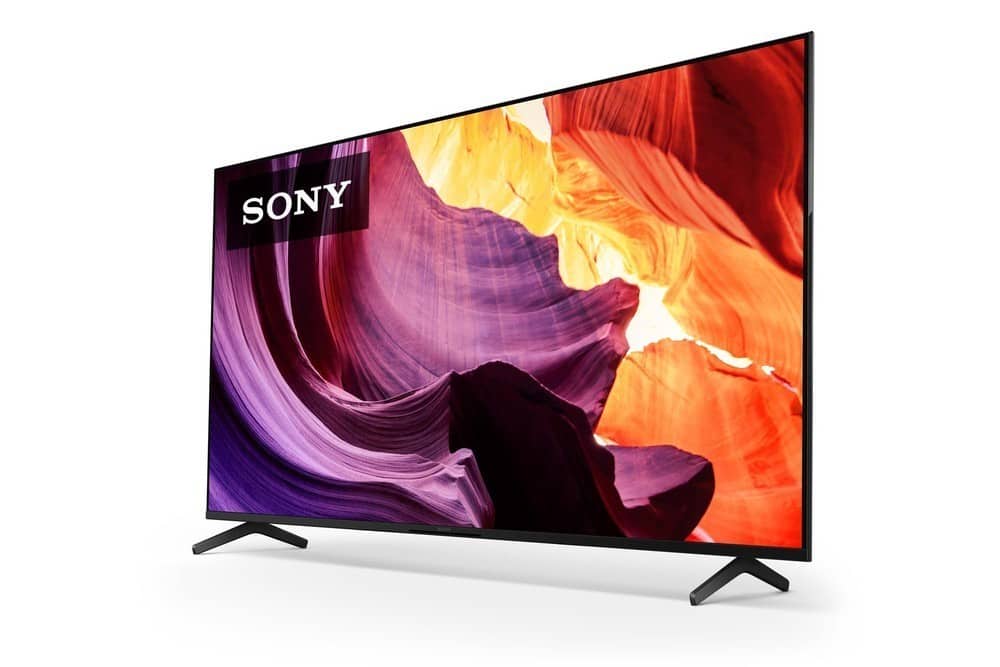
Thank you for your question. In addition to the feet that come with this TV, this TV is also compatible with most table-top TV stands and wall mounts that support a 11.81 x 11.81 inch (300 x 300 mm) VESA mounting pattern.
Note:
• Third-party stands are available that can work with the TV. We cannot recommend a certain one, but they do exist.
• We cannot guarantee the full operation and functionality of our products to any third-party accessories that is not manufactured by Sony.
Regards,
Jess
A:AnswerHi Service,
Thanks for reaching out to us. We're sorry to learn that the TV is not displaying any picture or a NO SIGNAL message is displayed on the screen. We'd love to troubleshoot this and make this a better experience for you. We appreciate the steps you've gone through to isolate the issue. There are few things that you can check moreover. Make sure your TV has the most recent system software installed. If there is no picture with an HDMI connection between your device and the TV, please follow the steps below to help resolve the issue.
- Restart the TV.
This issue can be fixed by simply restarting the TV. To do that, simply press and hold the POWER button of the remote control for about 5 seconds, or until a message Power off appears.
- Make sure that the input setting on the TV corresponds to the video output source.
- If you have an external device connected on the TV, turn the connected device on.
- Disconnect and reconnect the cable. A bad connection may occur temporarily and cause this issue. Also, cables can get damaged internally (e.g. when bending in sharp angles). You could test this with different cable.
Note: The quality of the HDMI cable will also cause drop out. To avoid any issues, please make sure that the HDMI cables you are using are rated for "premium high speed" and are at least 18 Gbps (or better).
- Reset the HDMI connection.
For instructions on how to establish an HDMI connection between a TV and other device, visit this link here: https://www.sony.com/electronics/support/articles/00019675
For further troubleshooting, you may also find this link helpful: https://www.sony.com/electronics/support/articles/00023611
Sony's commitment to customer satisfaction is our top priority. Please note we have a customer hotline that is happy to assist you and help troubleshoot any concerns you have, and your TV has a 1-year warranty from the date of purchase.
Please reach out to us directly to provide additional information to troubleshoot further.
For us to better assist you, you may email us at [email protected] with the following details:
Name:
Best Buy Username:
Model Number:
Issue:
Telephone Number:
We are sorry for the inconvenience and hope to speak to you to resolve this matter.
Sincerely,
Jess
A:AnswerHi Sherrie,
We regret to hear about what happened to the TV remote. You can purchase a replacement remote (model: RMFTX800U) through our authorized parts distributor (Encompass). Unfortunately, due to the current Best Buy phishing protocol for your protection, we cannot provide a direct email or phone number for customer support as of now. Please find Sony Electronics' Support information: Go to our support website > scroll down click on “Parts & Accessories” > click on "Consumer Electronics" and refer to "Encompass Parts".
NOTE: If the item that you are looking for has been discontinued or is not available from the Sony Parts and Accessories department, you may also be able to find it by doing an online search or at online retailers like Best Buy or Amazon.
Enjoy an intuitive smart TV experience with natural color and clear sound with the BRAVIA X80K LED TV. The powerful 4K HDR Processor X1 reduces digital noise and boosts details for lifelike picture quality. Google TV gives you access to all your favorite streaming apps, while Google Assistant easily searches for content and controls your smart home simply by using your voice.
-Ralph
A:AnswerHi Tnice,
Thanks for your inquiry. We understand you would like to know why Wide Mode settings to adjust how the video displays on the TV screen are disabled or greyed out. This may occur on your Google TV due to the following:
• If you stream an app and then press the WIDE button (if available) or select WIDE mode when you scroll down to Screen settings, the TV displays Feature not available.
• This is normal operation.
• Change the aspect ratio on the app's settings.
• Most applications don't have an option to adjust aspect ratio.
• Make sure to check for available app updates.
If watching programming from a connected cable or satellite set-top box, you may need to configure the aspect ratio output in the set-top box menu. Aspect ratio (aka TV Type) settings are typically found under Settings, Options, Preferences, TV Option, or another similarly-named location in a set-top box menu.
We do have good information that covers black bars appear on the top, bottom, and sides of the TV picture on our Sony Support website. Unfortunately, due to the current Best Buy phishing protocol for your protection, we cannot provide a direct link, email or phone number for customer support as of now. Please find Sony Electronics' Support information: Go to our support website > click on “Support” > scroll down click on “Contact Support” > click on ”Electronics Product Support” > click on "TV & Projectors" and from there you'll see different ways to reach us.
Regards,
Jess
A:AnswerHi Bluetooth,
Thank you so much for your inquiry! This TV has a Bluetooth function supporting the A2DP (Advanced Audio Distribution Profile). With supporting this Bluetooth profile, you can pair some wireless headphones, speakers, or soundbars to your Google TV through a Bluetooth connection. Please double check the specification of your headphones.
Note: This TV model doesn't have a wired headphone output function, and no headphone output terminal exists.
We do have good information and instructional video that covers the steps to pair Bluetooth headphones to your TV on our Sony Support website. Unfortunately, due to the current Best Buy phishing protocol for your protection, we cannot provide a direct link, email or phone number for customer support as of now. Please find Sony Electronics' Support information: Go to our support website > click on “Support” > scroll down click on “Contact Support” > click on ”Electronics Product Support” > click on "TV & Projectors" and from there you'll see different ways to reach us.
Regards,
Jess
A:AnswerHi Roge,
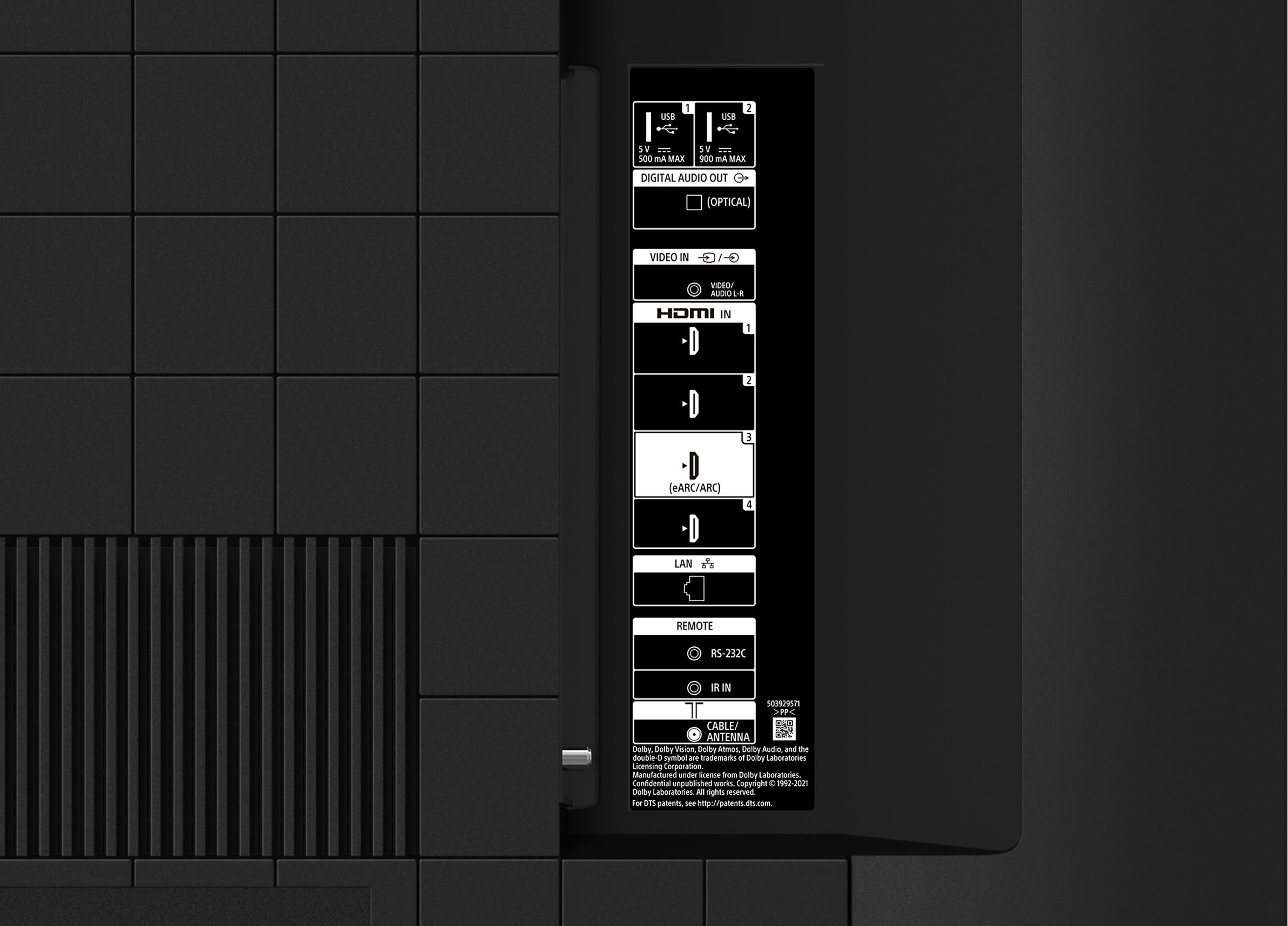
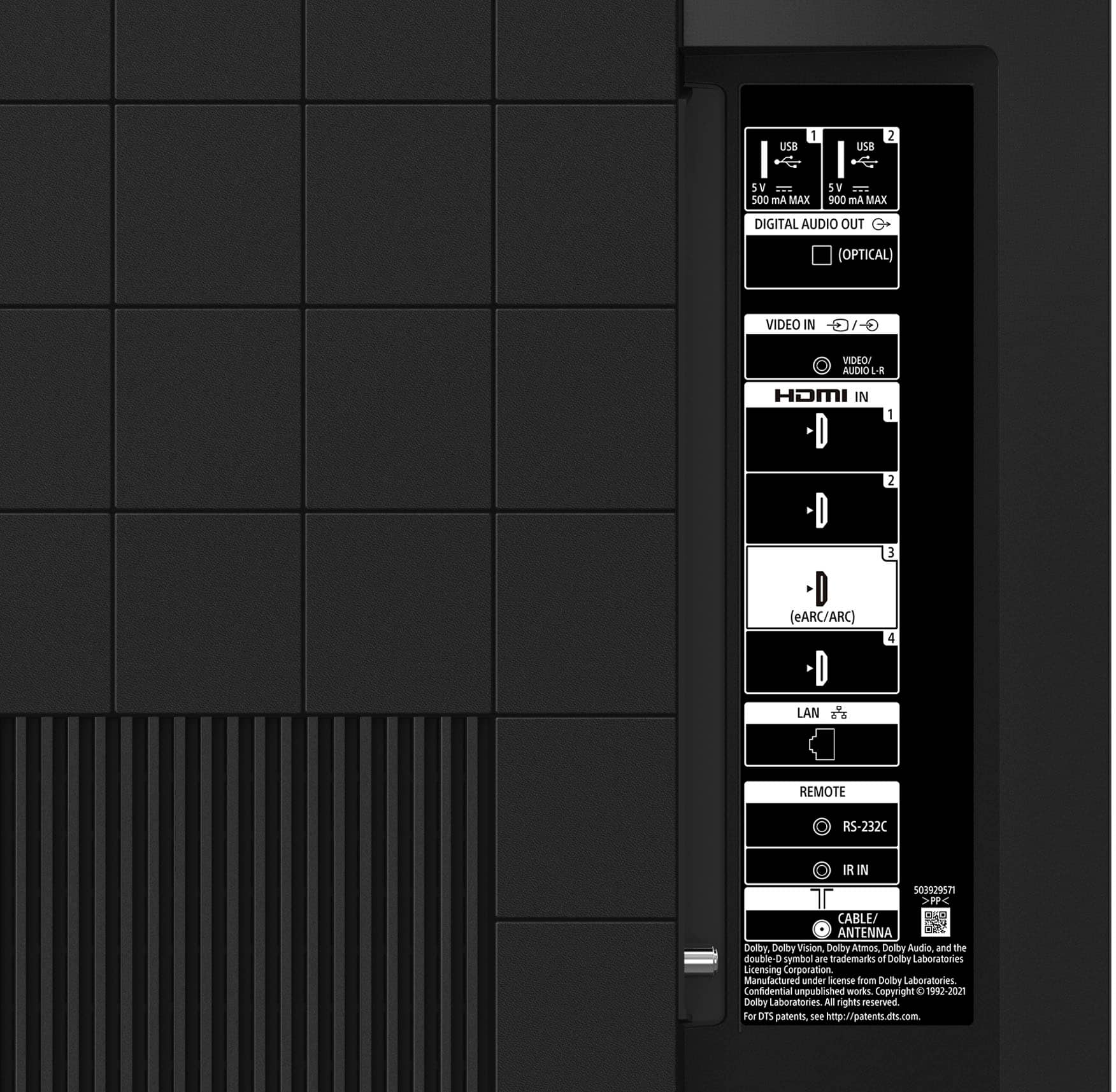
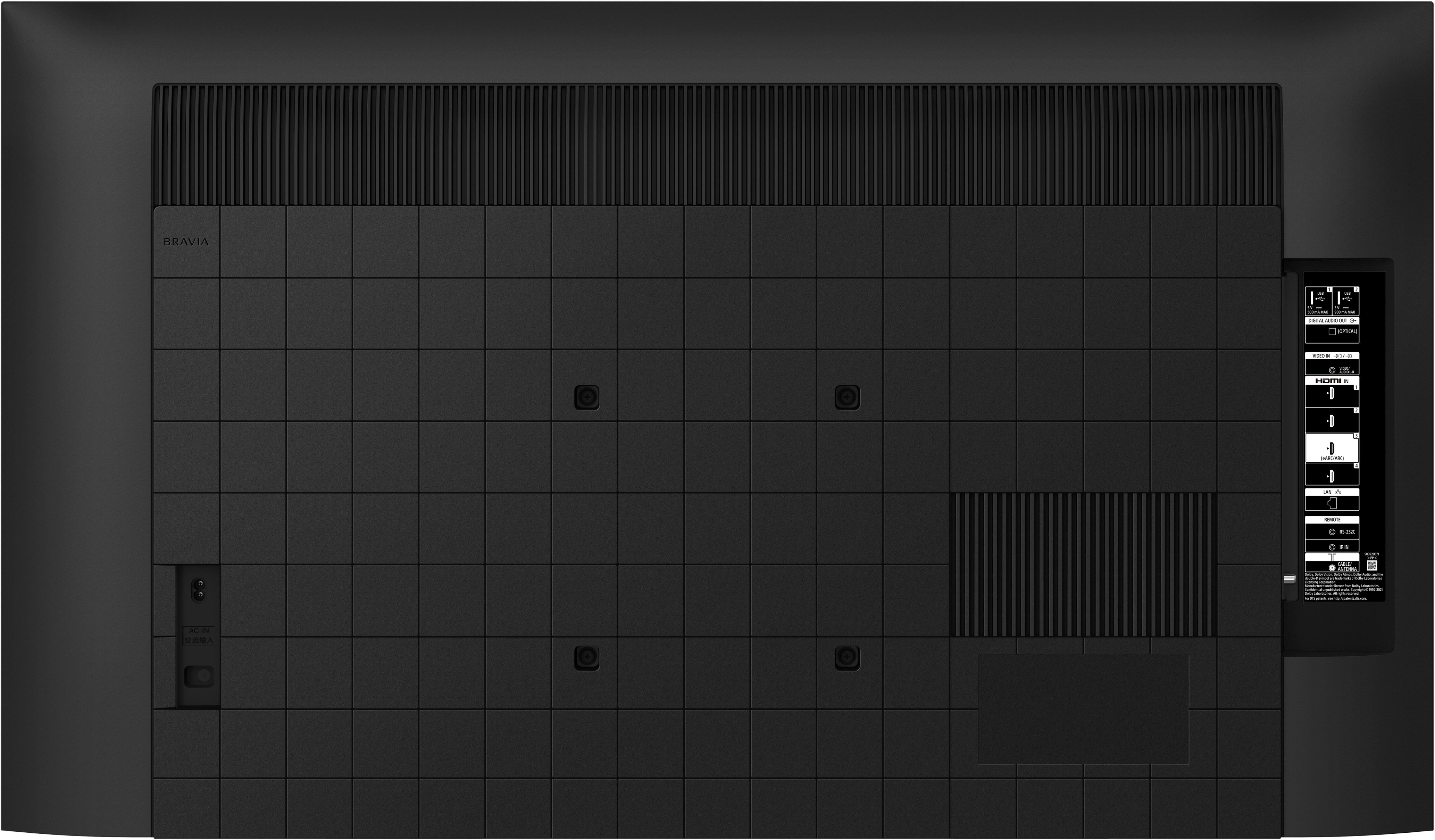
Thanks for your inquiry. Below are the input and output ports of our BRAVIA X80K:
• HDMI inputs (4) (4 side)
• RF (Terrestrial/cable) connection input (1) (Side)
• USB ports (2) (Side)
• Headphones audio out (N/A)
• Composite video input (1) (Side, Mini jack)
• RS-232C input (1) (Side)
• Digital Audio Output, optical (1) (Side)
• Ethernet Input (1) (Side)
To know more about the connections available for the TV, please check out the specifications of the product on our Sony support website.
Everything feels so real on this 4K Google TV with over a billion colors, excellent contrast, and effortless voice control. Thanks again for considering Sony! -Jess