A:AnswerAs long as the Sound Bar is plugged into the ARC HDMI on your TV you can plug all your devices into your TV and they will still use the sound bar. I have PS4, XBOX, Apple TV, and Nintendo all plugged into TV and my sound bar plugged into the HDMI that say ARC and all devices play through sound bar. Hope this helps
A:AnswerI actually got it resolved. It turns out even the HDMI cables supplied with the bar are not adequate. I purchased some 48 gbps HDMI 2.1 cables from Amazon, and, after I hooked up the bar using those, everything has been working fine now. No more audio drops, DV titles on Netflix and D+ all play perfectly. Not sure why this made a difference, as the cables work on my other 5.1.2 system with my Yamaha RX-A1080. Those same cables do not work with the soundbar however.
My guess is it's something to do with the HDCP handshake on your G700. Either way, it's working now.
A:AnswerHi there, Thank you for your inquiry! Unfortunately, no. For the Dolby Atmos feature, you will need to connect the HT-G700 using eARC. The eARC allows transfer of the signals of the object audio content, such as Dolby Atmos - Dolby TrueHD and DTS:X, or multichannel LPCM content using an HDMI cable by connecting the system and a TV compatible with eARC. For best results, please make sure to enable eARC of the TV and the Soundbar. I hope this helps! -Carl
A:AnswerIt could but would hang over about 4 1/2 inches on either side. If that’s all I had I’d get a cheap wall mount and do that. It would look better to me.
A:AnswerHi Ck2, thank you for your question. Yes, you can hook up the soundbar's HDMI EARC to HDMI ARC which will give sound. However, the bandwidth restrictions of ARC will mean you won't be able to experience the high bitrate audio that eARC can provide. EARC can be switched on/off for this unit. ~Earl
A:AnswerHi TK, Yes, this unit can be mounted on the wall. No specific kit is required. Please follow the step by step procedure on this link on how to mount your soundbar to the wall: https://www.sony.com/electronics/support/res/manuals/5013/c617d547e6b6b0e2ecfe0fbdb69b919c/50130581M.pdf (page 13). -Sam
A:AnswerHi LAGurl,
Thank you for choosing Sony.
We are sorry to hear that you are experiencing issues with the sound quality on certain channels using the HTG700. We'd love to troubleshoot and isolate the issue and make this a better experience for you. In the meantime, please follow these steps to troubleshoot the issue.
Unplug the Soundbar power cord and plug it back in
1. Turn off the soundbar.
2. Unplug the power cable from the wall outlet.
3. After one minute, replug the power cable back to the wall outlet.
4. Turn on the soundbar.
Verify if this resolves the issue.
- Disconnect the HDMI cable or the optical digital cable and then reconnect it
- Disconnect the cable from the soundbar and playback device and then reconnect the cable.
If the issue is resolved, the issue may have been caused by a faulty connection with the cable.
- If there is a device nearby that generates electromagnetic waves, such as a wireless LAN or a microwave oven in use, locate the system apart from it.
- If there is an obstacle between the bar speaker and the subwoofer, move or remove it.
- Do not cover the top of the bar speaker with metal objects such as TV frame, etc. Wireless functions may become unstable.
- Locate the bar speaker and the subwoofer as close as possible
May we contact you to help? If so, please email the below information to socialsupport@am.sony.com
Apologies if you disclosed some of this information in your review and to customer service, we just want to ensure that we have your accurate details at the time of communication.
Full Name:
Best Buy Username:
Telephone Number:
Model Number:
Issue:
Regards,
Carl
A:AnswerDoes your original sound source use Sony's Bravia Sync?
If not, you will need to connect your sound source to your new TV with an optical cable.
I found this answer in a Sony publication; somewhere in Space-Time.
A:AnswerI just purchased the same exact set of Sony TV + sound bar so I can attest to the fact that they work seamlessly with each other. With the sound bar plugged into HDMI port 3 (ARC port) on the TV using the HDMI cable provided in the sound bar box, I can turn both the TV and the sound bar on/off at the same time by pushing the power button on the TV remote. With the TV set to play sound through the audio system (which is very simple to do), whatever is connected to the TV via other HDMI ports will also play its audio through the sound bar simply by switching the TV input.
A:AnswerHi Fred, Thank you for your inquiry! Great news! The Soundbar HTG700 works with HDMI eARC. The HTG700 Soundbar will be great with your TV.
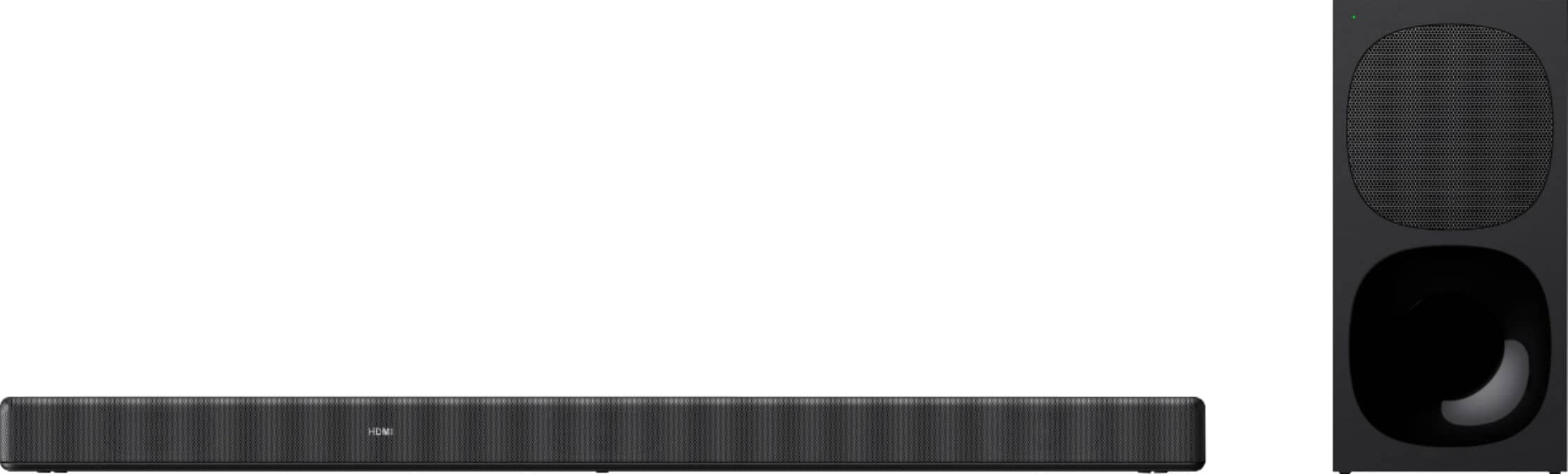
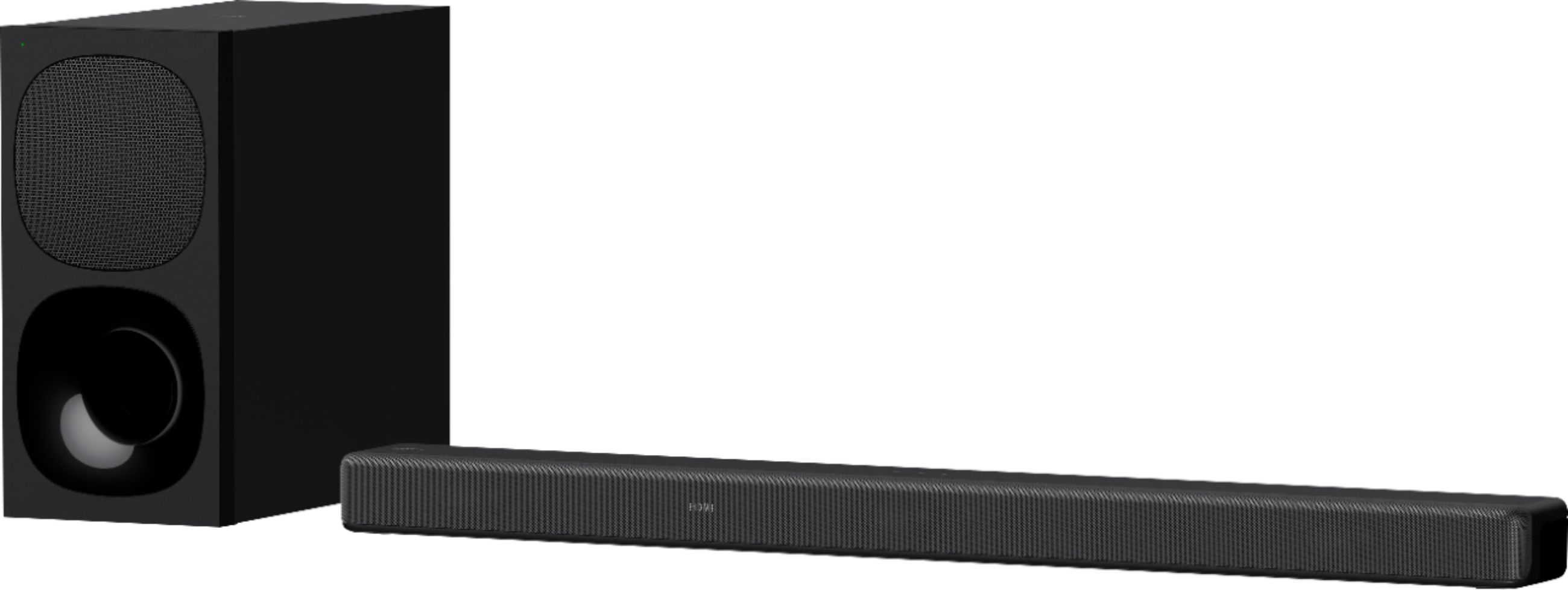
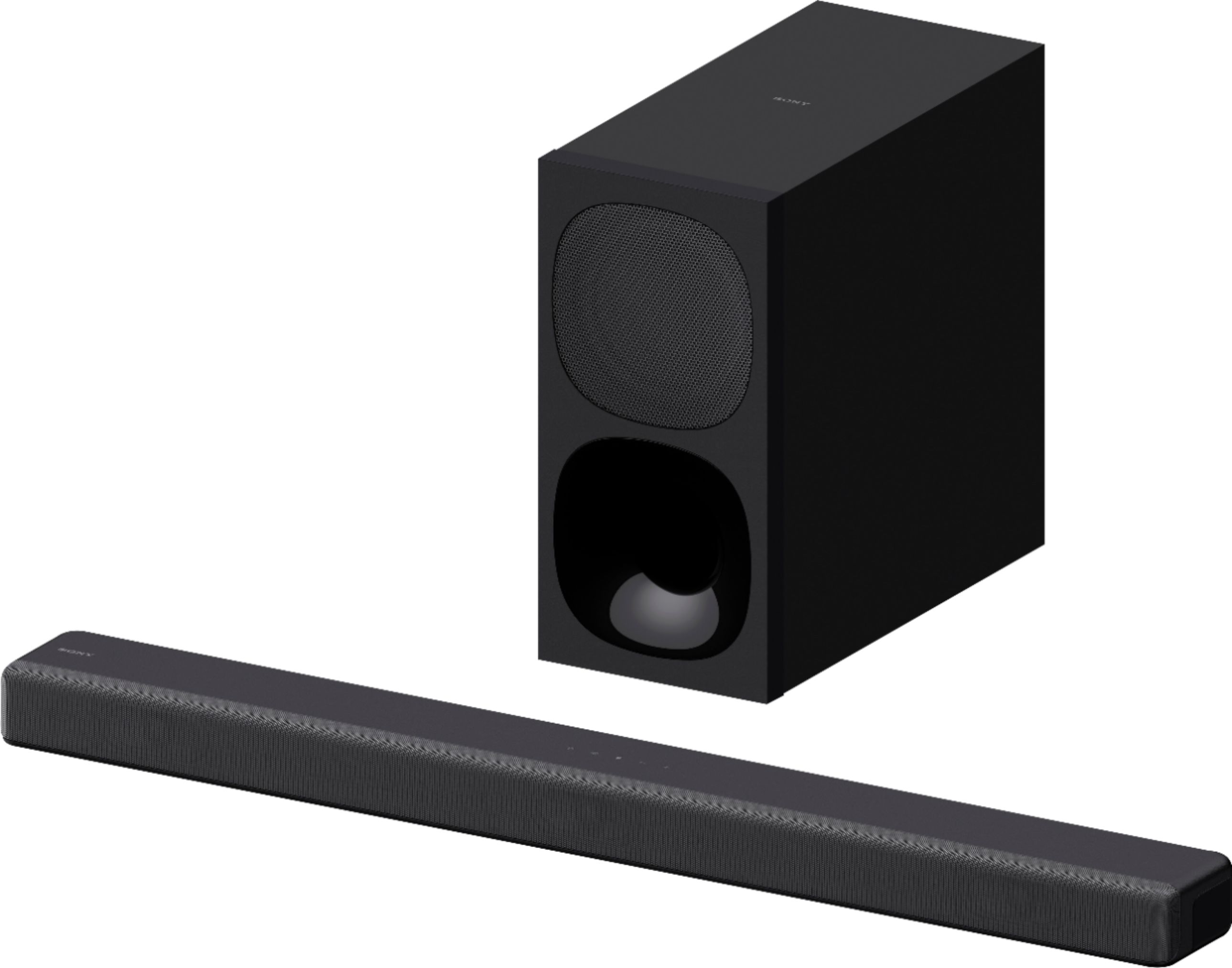
With the HTG700, you can immerse yourself in TV and movies with powerful, dynamic surround sound. Stylish and easy to use, this Dolby Atmos®️ soundbar even features a dedicated centre speaker for clearer dialogue.
Regards,
Carl
A:AnswerIf you're using a Sony TV with the sound bar I'm in the same boat, it's a filmWare issue that Sony is having and they are working on an update soon to fix it.
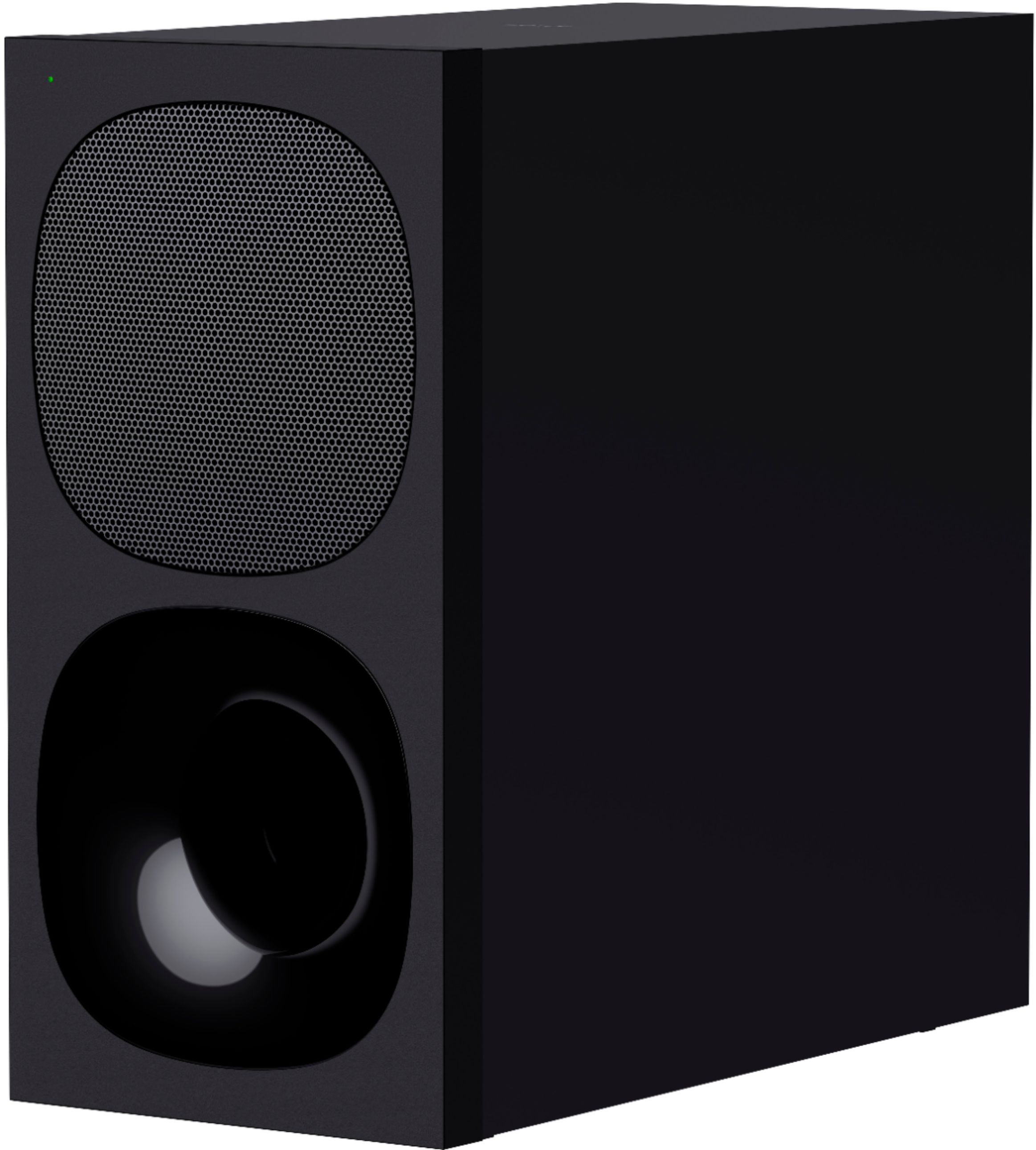
A:AnswerHi Tony2325! Thank you for your inquiry! Yes! the HTG700 will be a great pair with your A95K TV! The HTG700 has a rich, powerful bass sound! A powerful wireless subwoofer delivers a deeper, richer bass sound—and with simple wireless connection, where you place it is up to you.
Immerse yourself in TV and movies with powerful, dynamic surround sound. Stylish and easy to use, this Dolby Atmos®️ soundbar even features a dedicated center speaker for clearer dialog.
Regards,
Carl
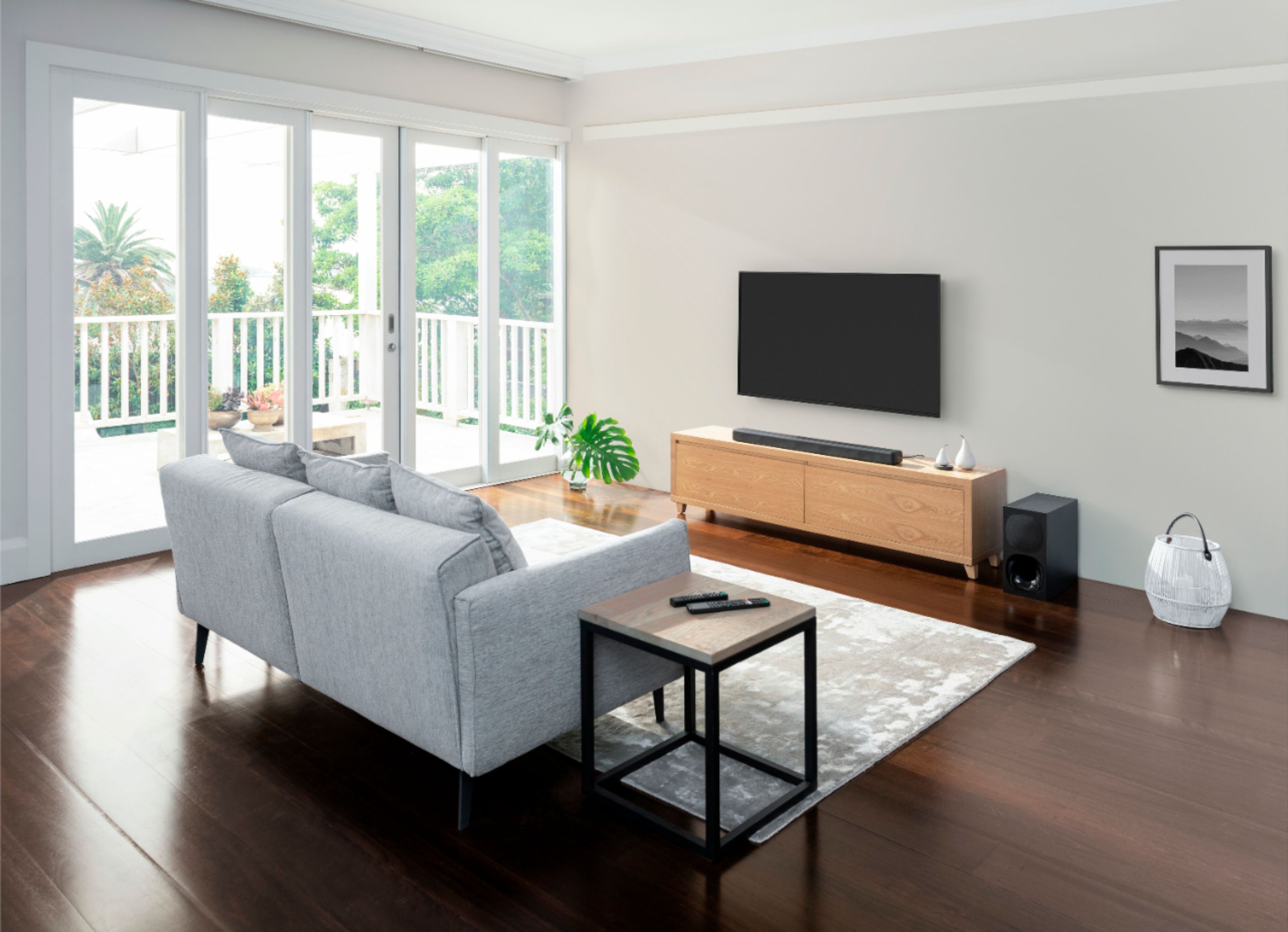
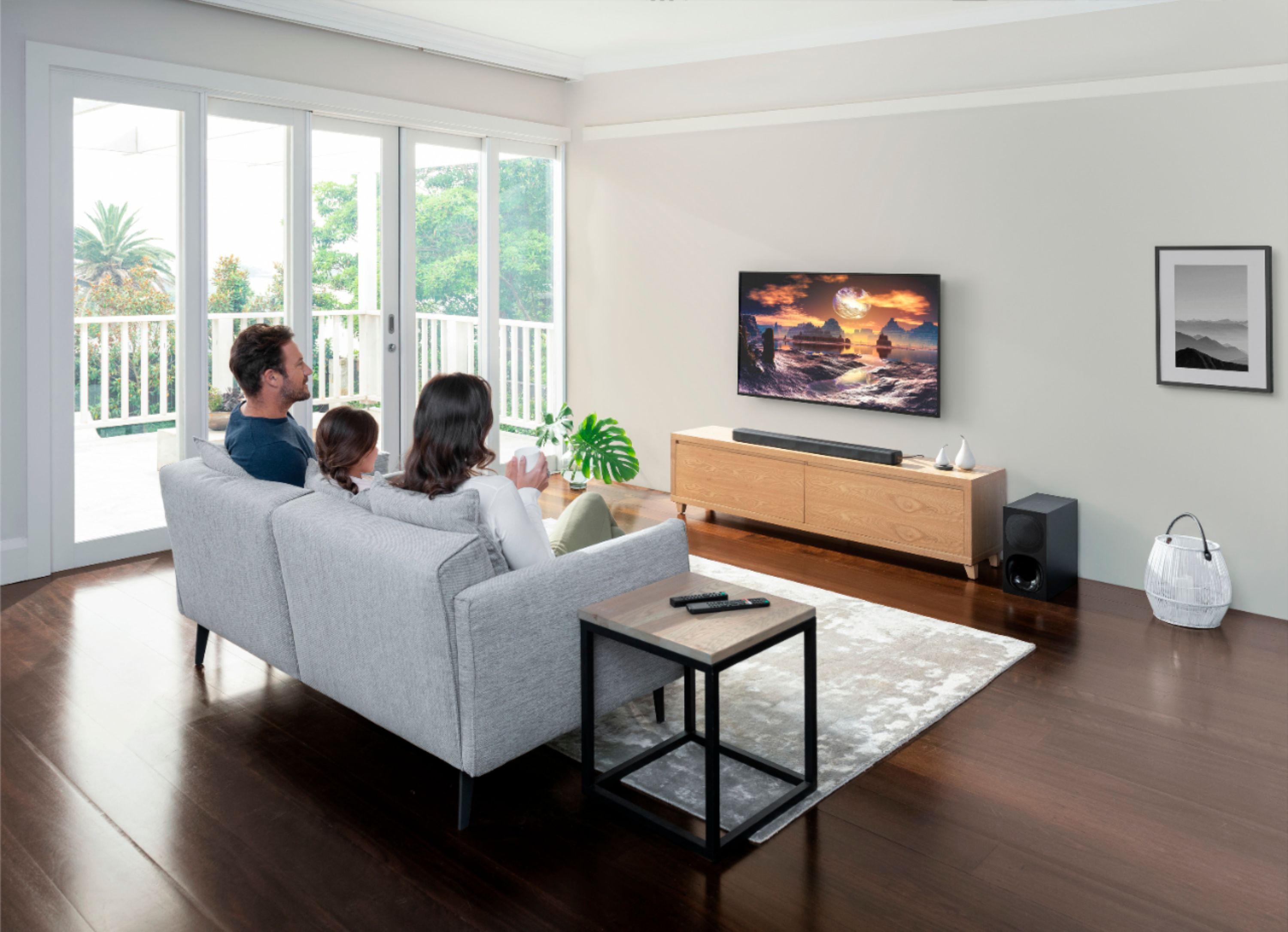
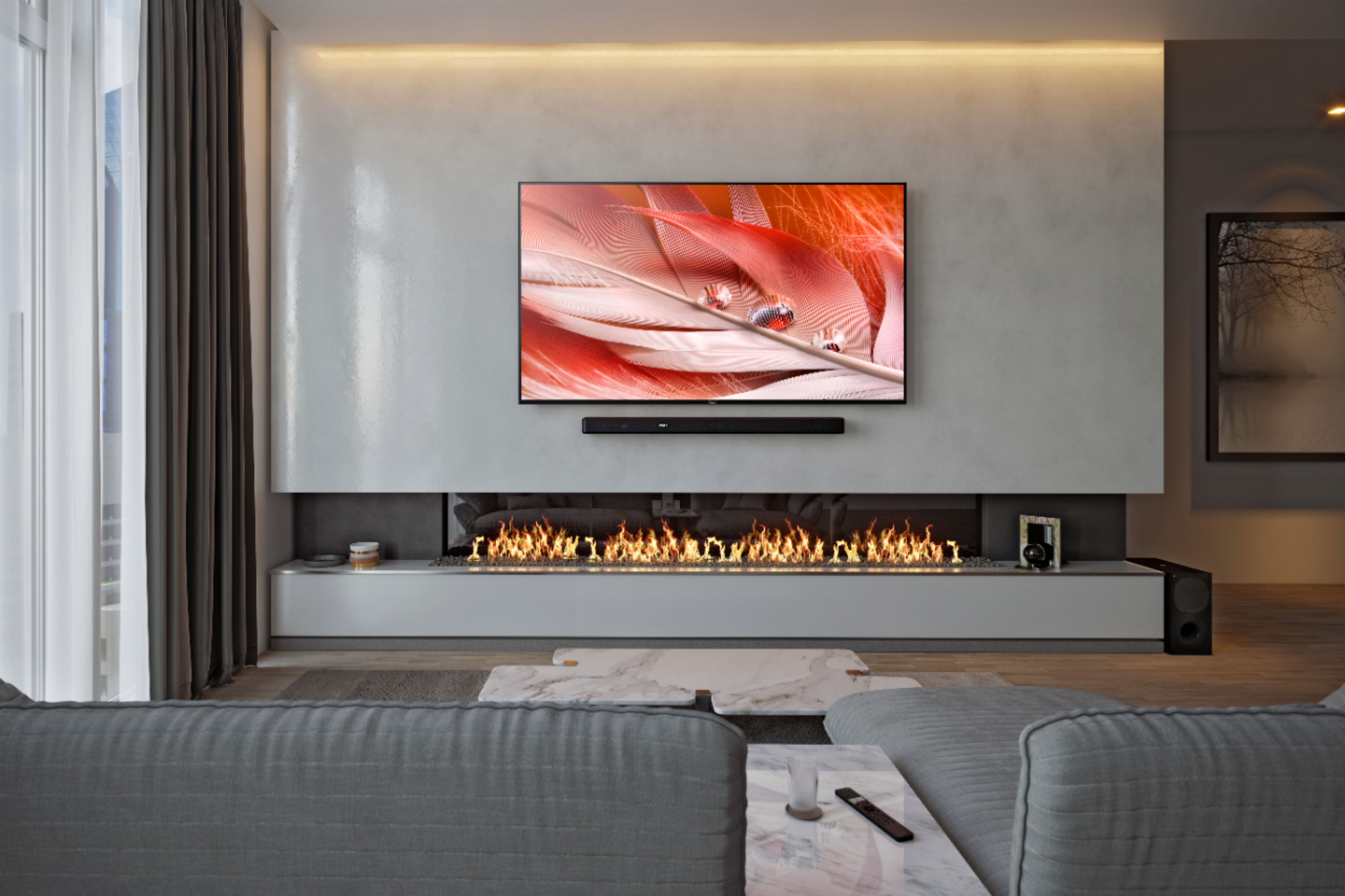
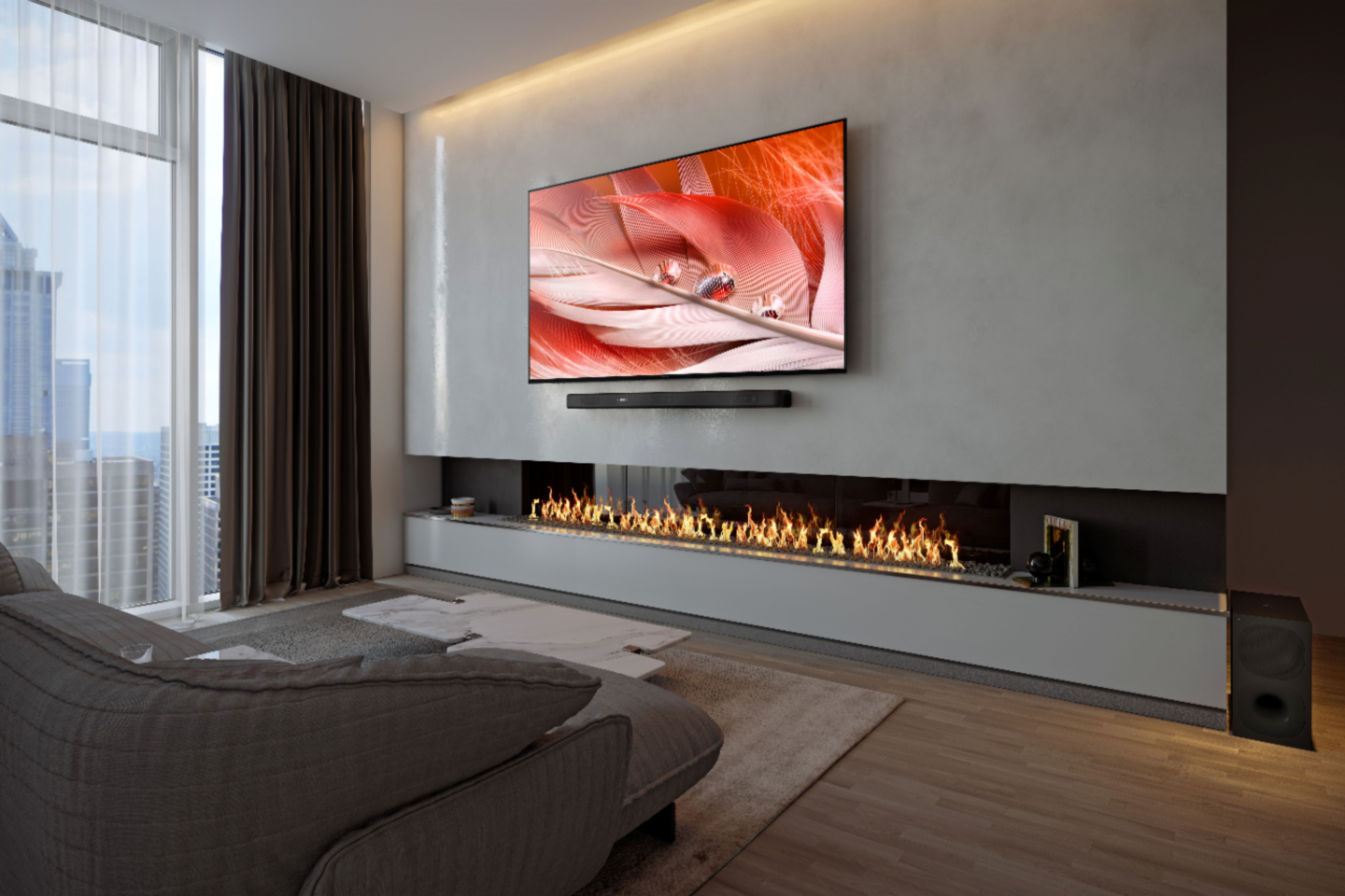
A:AnswerHad geek squad mount speakers to 65 inch tv . They are mounted below tv and I guess are front firing with woofer below tv. Tv is wall mounted. Sounds awesome . You can connect to Bluetooth and play music from them also!!!
A:AnswerHi Noley, Thank you for your inquiry! The wireless subwoofer of the HT-G700 does not support a wired connection to the soundbar. For audio drop out, some of these issues can be fixed by simply updating the firmware of the soundbar to the latest version 1.055 this includes improvement on Bluetooth function security. However, in any case you encounter an issue, you don't have to worry because we are always here to assist you.
Should you need assistance, please email the below information to socialsupport@am.sony.com
Apologies if you disclosed some of this information in your review and to customer service, we just want to ensure that we have your accurate details at the time of communication.
Full Name:
Best Buy Username:
Telephone Number:
Model Number:
Issue:
Regards,
Carl
A:AnswerHi Flamethrower, Thank you for your inquiry! Yes, you can! Please make sure that the TV and soundbar have Bravia Sync enabled for this feature. I hope this helps! -Carl