A:AnswerHi Kirt,
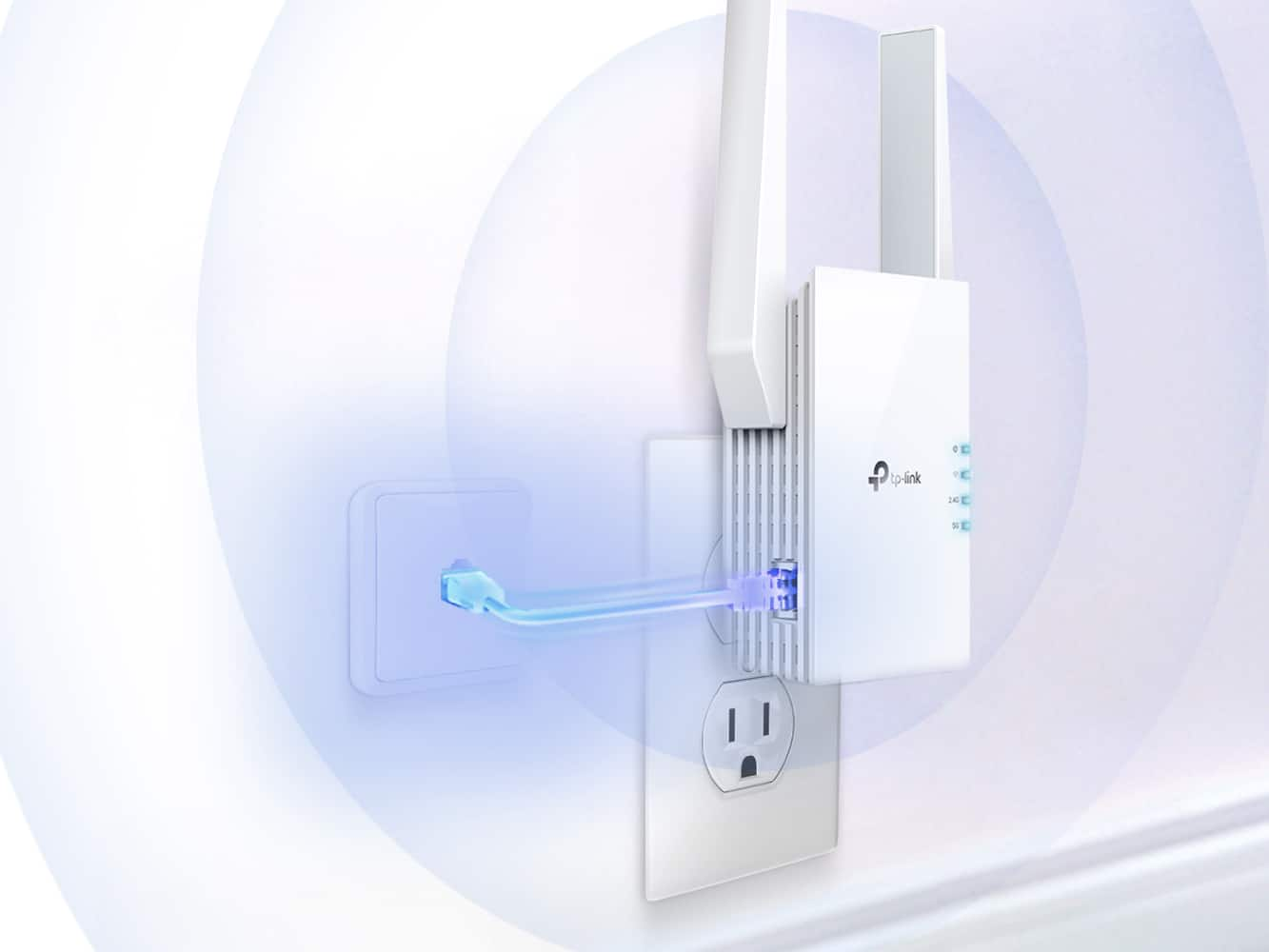
Yes, that can work if you configure the Range Extender in Access Point Mode, and the Ethernet wiring is properly installed and run between the locations.
A:AnswerHi JeffA,
This Wi-Fi extender is designed to provide additional coverage within the same dwelling as your router, to help reduce "Wi-Fi dead zones" in your house. Metal siding/walls will drastically disrupt or block Wi-Fi signals. If you are attempting to extend Wi-Fi coverage outdoors, we may suggest considering an outdoor Point-to-Point solution, such as our Omada Outdoor Access Points or Bridge Kits.
If you are unsure what would best suit your needs, feel free to stop by our official TP-Link Community Forum, or contact our support team using the support portal on our official website, and someone will gladly assist you.
A:AnswerHi Dug,
That would depend on how far your wireless router's signal currently reaches toward the pool house. The Wi-Fi Extender needs to be installed in a location that is still within the router's signal range but far enough from it to effectively extend its range further into the desired area. Additionally, the extender needs to be installed indoors.
Depending on the layout of your home and existing networking equipment, we may recommend contacting our support team directly to inquire further regarding the best product(s) for your specific scenario or discussing your needs on our official TP-Link Community Forum.
A:AnswerHi! If your hotspot supports 2.4 GHz and 5 GHz Wi-Fi connectivity, it should be compatible with industry-standard dual-band Wi-Fi devices, such as dual-band Wi-Fi Range Extenders.
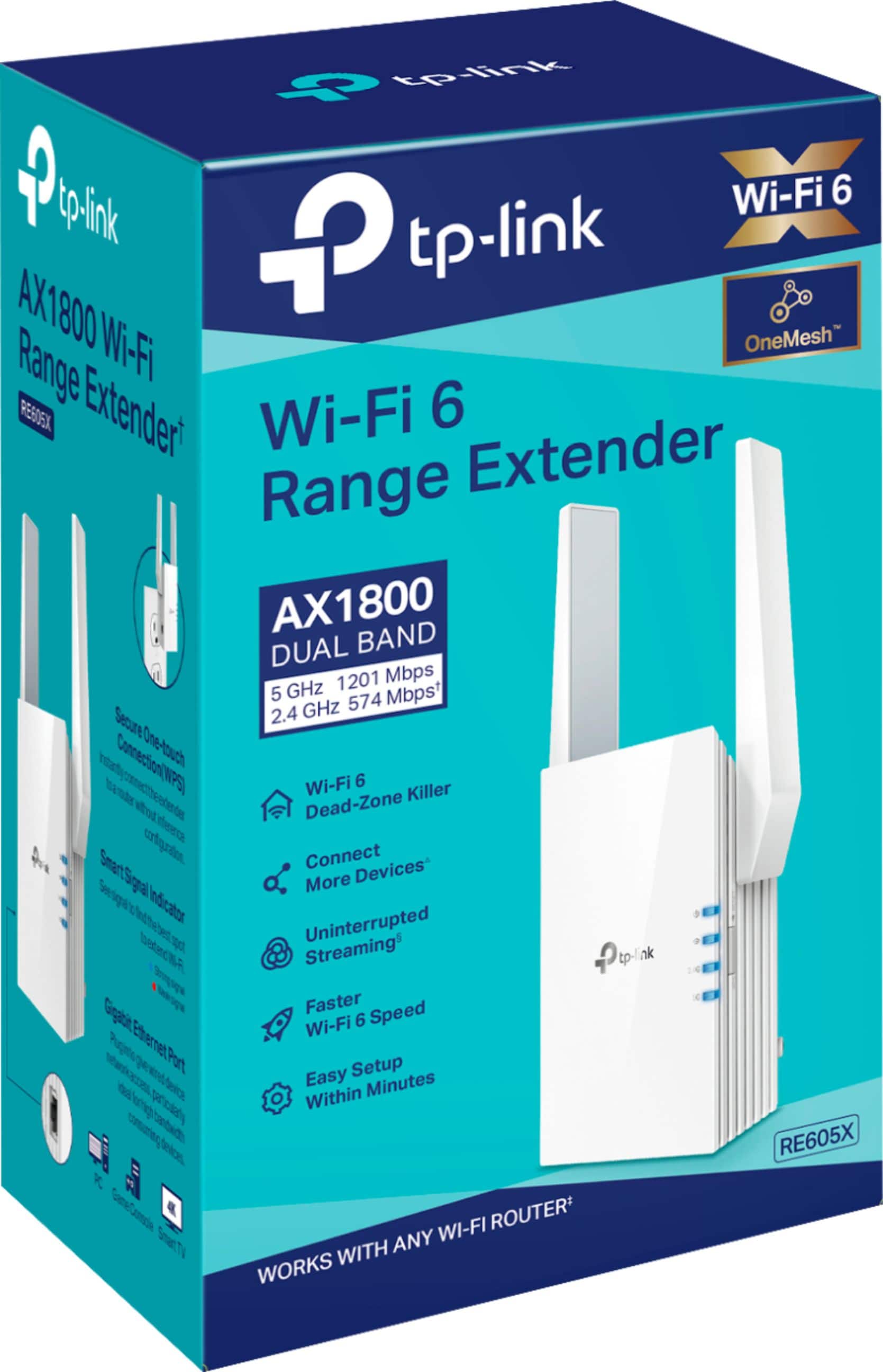
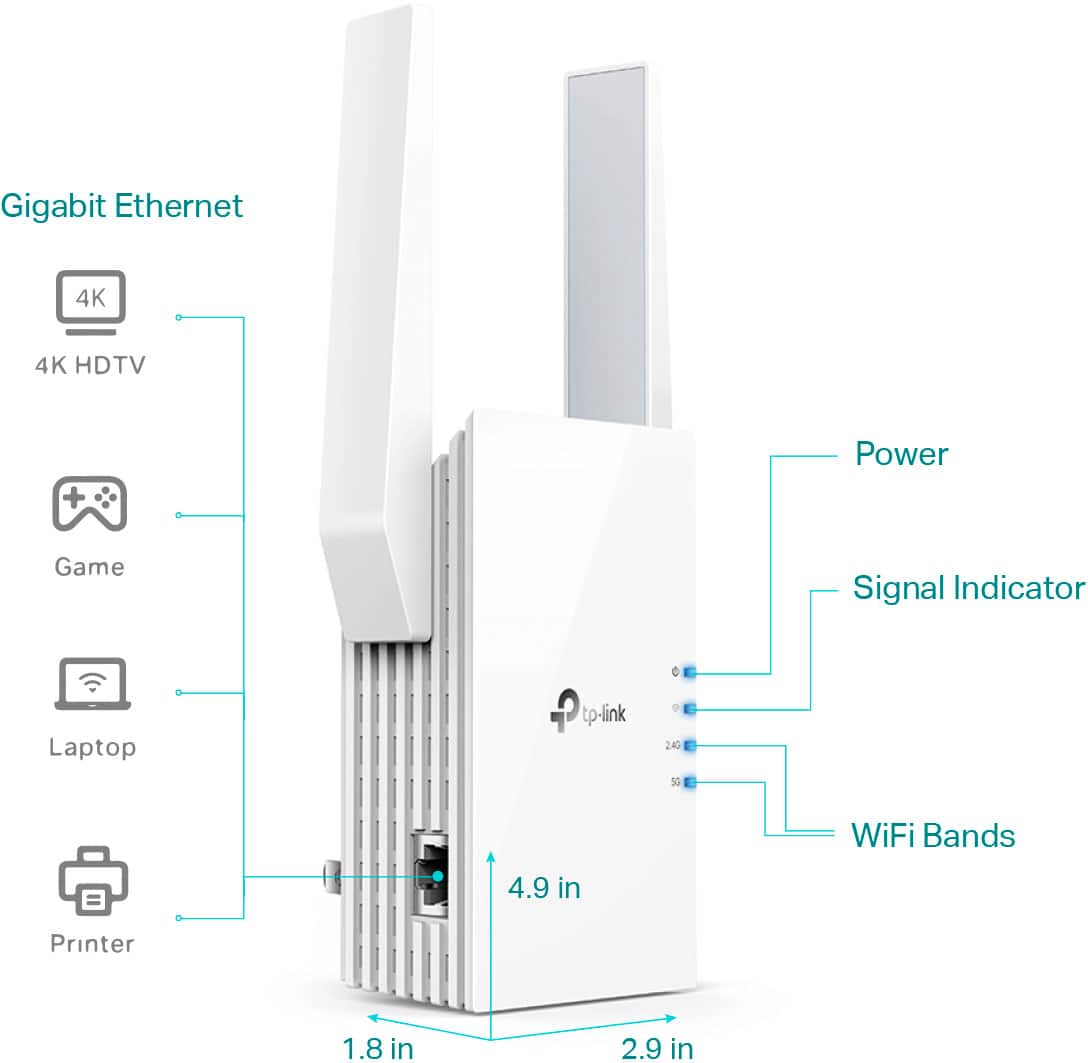
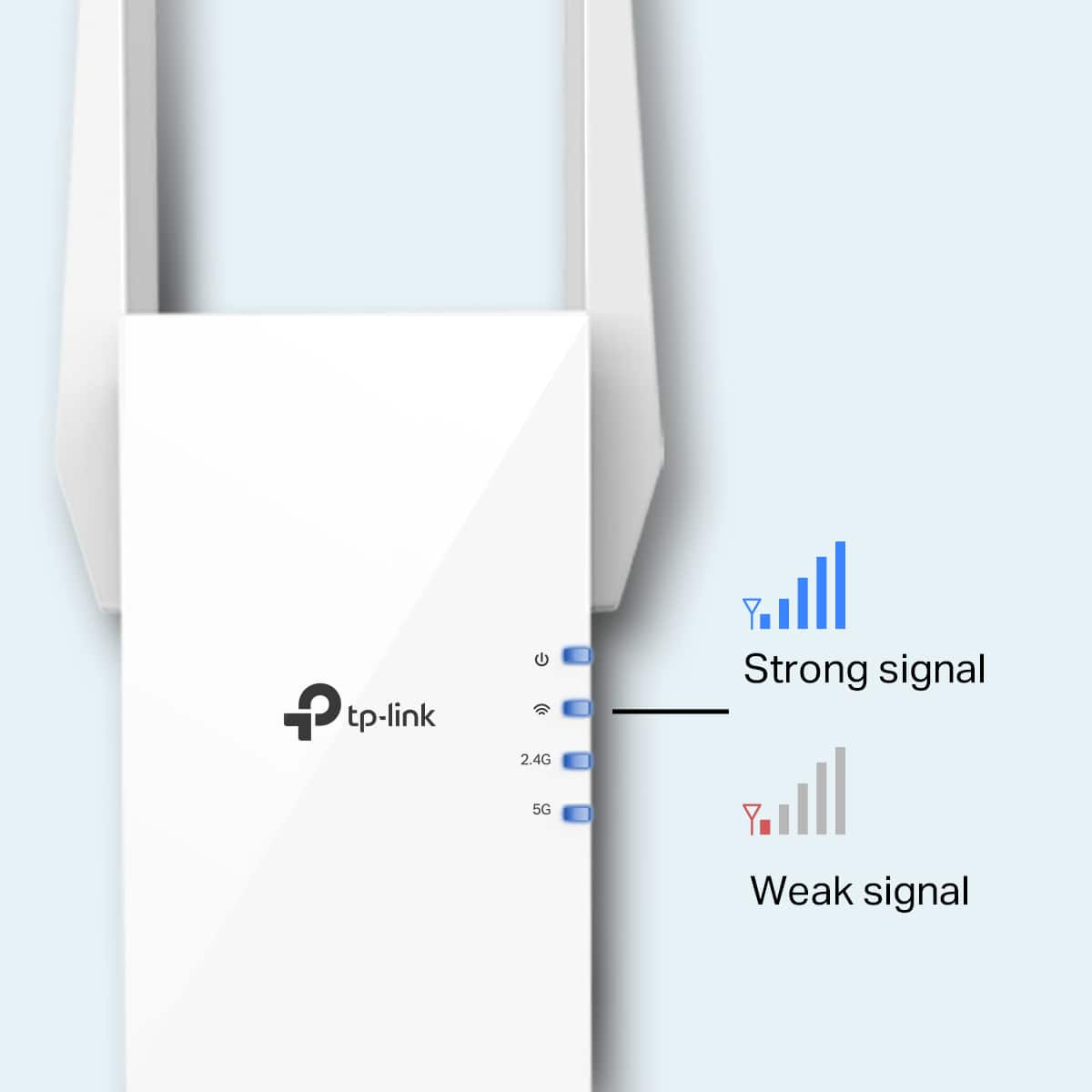
A:AnswerHi mic, the TP-Link RE605X is designed to help overcome Wi-Fi dead zones in your home with reliable, dual-band Wi-Fi 6 connectivity. Whether it will provide the signal you need for your TV will depend on how far your router's existing signal reaches and the layout of your home.
Ideally, you should install the extender where your existing router's signal reliably reaches while also positioned in an optimal location to provide further coverage toward or into the Wi-Fi dead zone.
Another option worth considering would be one of our Deco Mesh Whole Home Wi-Fi Systems.
A:Answerhow many devices can I connect? I have a Wi-Fi extender and after a couple of devices, Wi-Fi doesn’t really get slow rather that it just kicks out other devices so the rest work properly so I’m stuck with some devices connected to the Wi-Fi and some that say that are connected but they’re not really
A:AnswerHi! While it is normal for the RE605X to run relatively warm while in use, it should not be exceedingly hot to the touch. Please ensure the installation location is well-ventilated, and the device is not exposed to external heat sources.
If you have already confirmed these steps and the symptom persists, please unplug the device and contact our official TP-Link support team using the phone or live chat options on our website here: https://www.tp-link.com/us/support/contact-technical-support/#LiveChat-Support
A:AnswerHi! The RE605 Wi-Fi Extender is intended for use within a home where the router is also located. Generally, a Wi-Fi extender should be placed between the source router and the "dead zone" in which you need coverage. Placing it in a location that already receives poor signal may not yield significant improvements in all cases.
A:AnswerYes it does but limited by obstructions. I have no idea how far it will extend the signal and my router is 50 ft and one floor from the TP Link device. I tried it in a few locations but only sightly better Wi-Fi signal to my PC. I ended up putting it close enough to connect it directly with an Ethernet cable and there was a huge improvement in download speeds but very little for upload.
A:AnswerHow well it works will depend on your existing network environment, the placement of the extender in relation to the router, and the layout of your home. A steel-sided house will provide more of an obstacle for Wi-Fi than wood or drywall. This extender may work; however, if you need additional outdoor Wi-Fi coverage, we suggest considering our Deco X50-Outdoor or outdoor EAP models, such as the EAP610-Outdoor.
A:AnswerHi! The extender, once set up in Range Extender Mode, will use the same Wi-Fi network encryption and password as your main router. As long as your router's Wi-Fi is secured, the extender's network will be also.