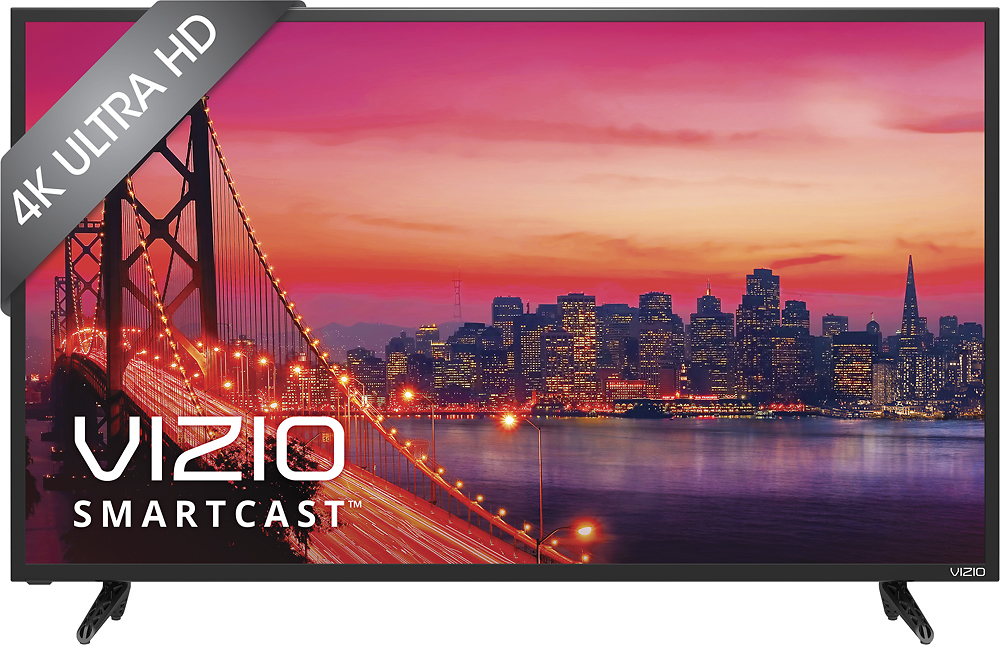
A:AnswerIf you have a cable box that will control the channels then this TV will work. However, since most cable companies only provide up to 1080p then the full benefits of this TV will be lost.
This is a 4K tv and to get 4K content you will need to use an Internet source like Netflix or youtube or have a 4K Blu-ray player.
A:AnswerThank you for a great question!
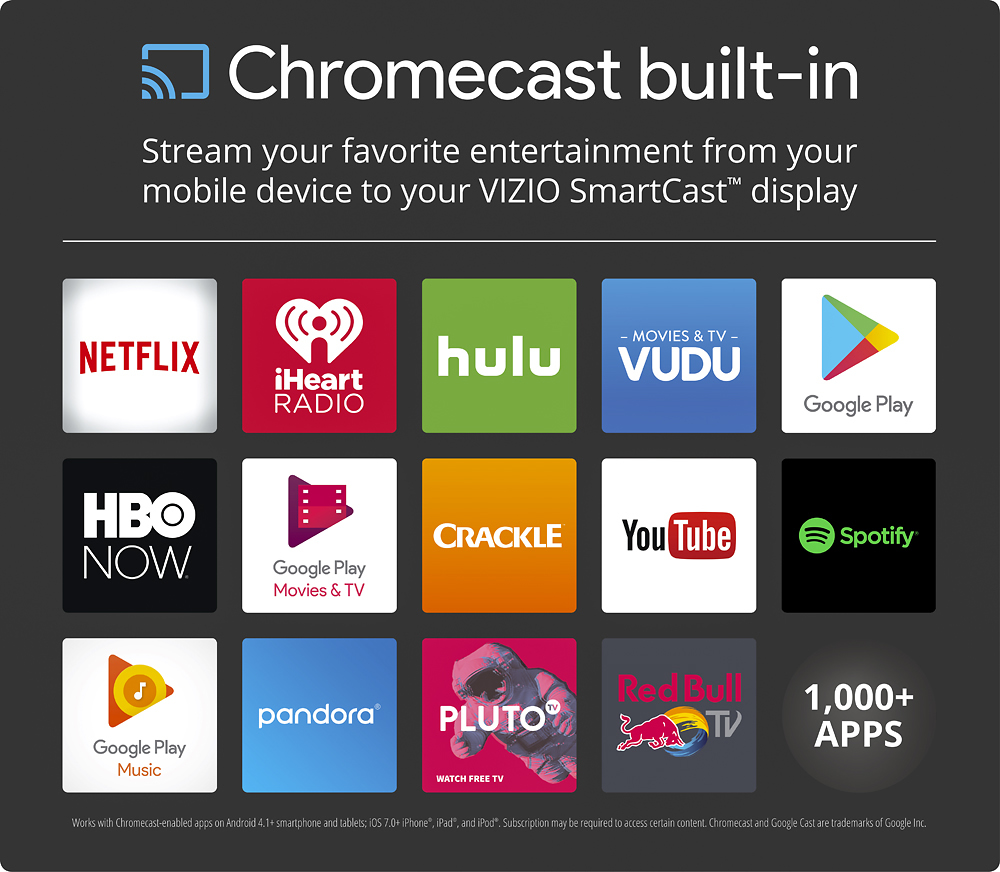
After being paired with the SmartCast application, you do still need a network connection, as the display and your smartphone will communicate through your wireless router.
Thanks again and have a great day!
A:AnswerHi mom! This model has a response time of 8ms. To help prevent gaming lag we recommend turning Game Low Latency mode on by using the VIZIO SmartCast Application.
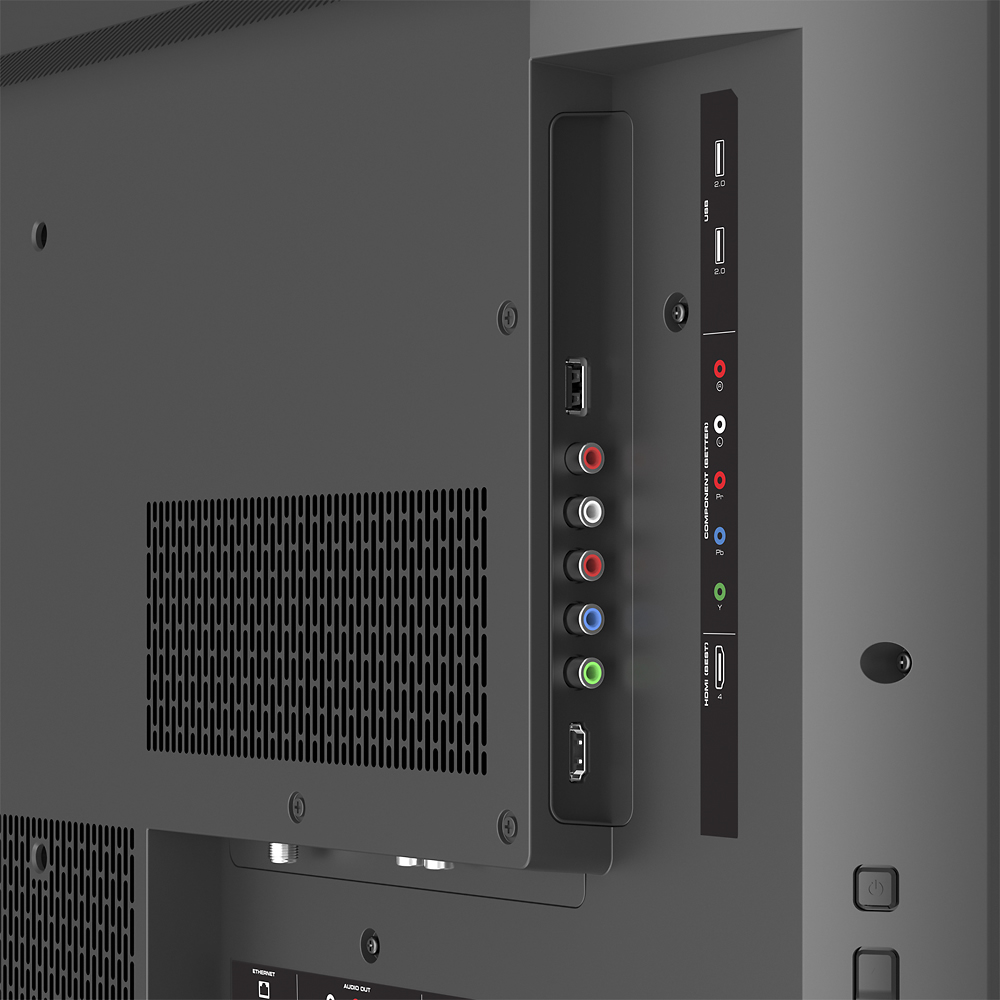
A:AnswerWe appreciate your interest. The USB port is for firmware updates. Various files may or may not work in the port, as it is not designed to be a media reader. It does have numerous inputs, such as HDMI, that can be used to connect devices. Thanks -Randal
A:AnswerIt actually only has RCA inputs for audio, not video. It does have the standard 5 component inputs, but that's prob not what you mean by old school.
A:AnswerSatellite and cable providers are still in the early stages of offering 4k live and on demand. However, you can watch 4k video using a Blu-ray player or by accessing 4k content using your computer (via streaming sites or downloaded files).
A:AnswerThe use of this display as a computer monitor depends on your use, if you have a video adapter cable of 4k output and want to use it to run application software and refresh rate (30hz) isn't that important then its a fine business display, good color and a crisp image. Just setup a new office with these displays and the users love them. Now if you are a gamer, this isn't the display you want, you will want to check into the P Series Vizios which have a 60hz HDMI port that is awesome for gaming (project cars at 4k is breathtaking).