Customer Ratings & Reviews
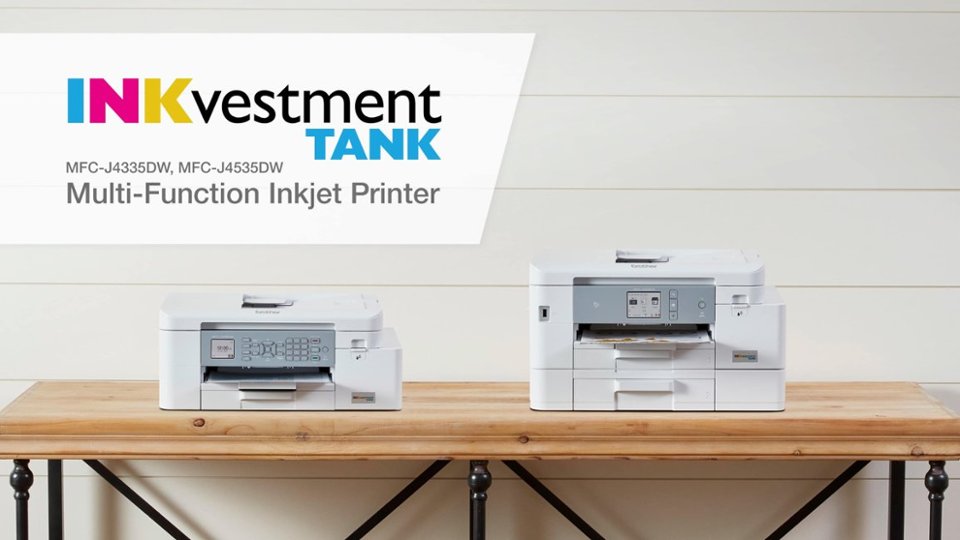
- Model:
- MFCJ4335DW
- |
- SKU:
- 6461536
Customer reviews
Rating 4.3 out of 5 stars with 726 reviews
(726 customer reviews)Rating by feature
- Value4.4
Rating 4.4 out of 5 stars
- Quality4.4
Rating 4.4 out of 5 stars
- Ease of Use4.3
Rating 4.3 out of 5 stars
Customers are saying
Customers express satisfaction with the INKvestment MFC-J4335DW printer's print quality and ease of use. Many appreciate its overall performance, easy setup, and suitable size for home offices. However, some users have reported issues with paper jams and slow scanning speeds.
This summary was generated by AI based on customer reviews.
- Pros mentioned:Print quality, Size
Rated 5 out of 5 stars
Seriously think about choosing the J995DW printer!
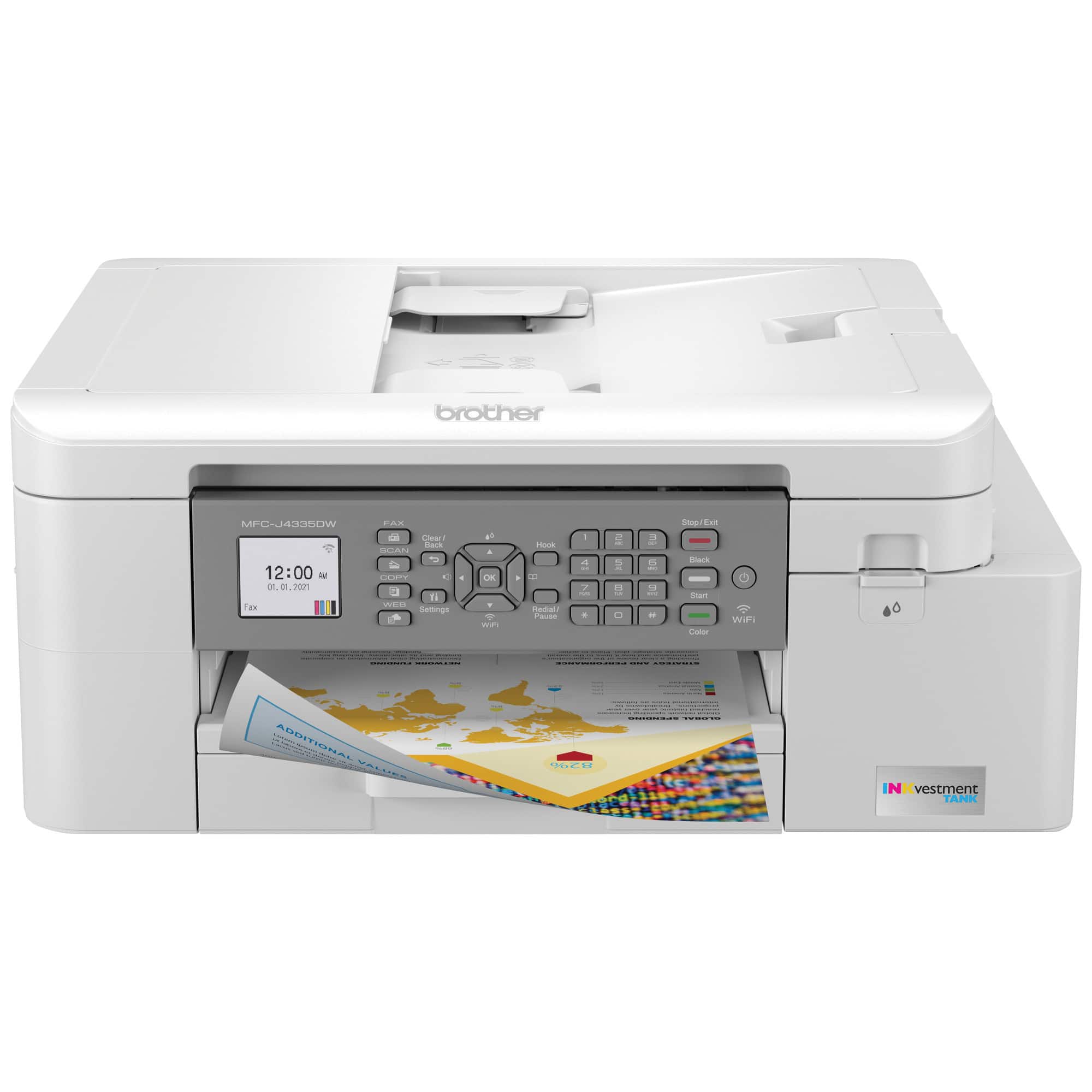
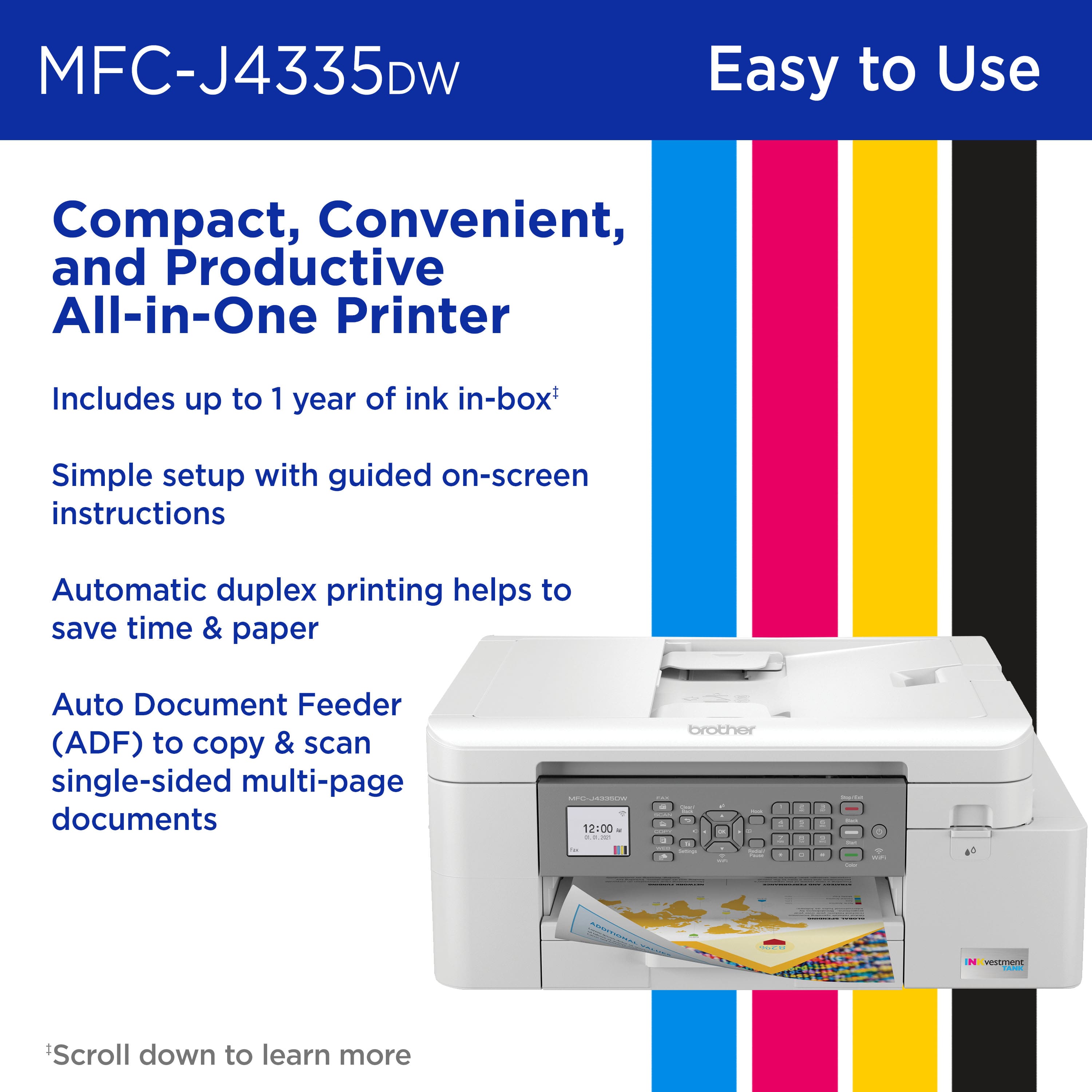
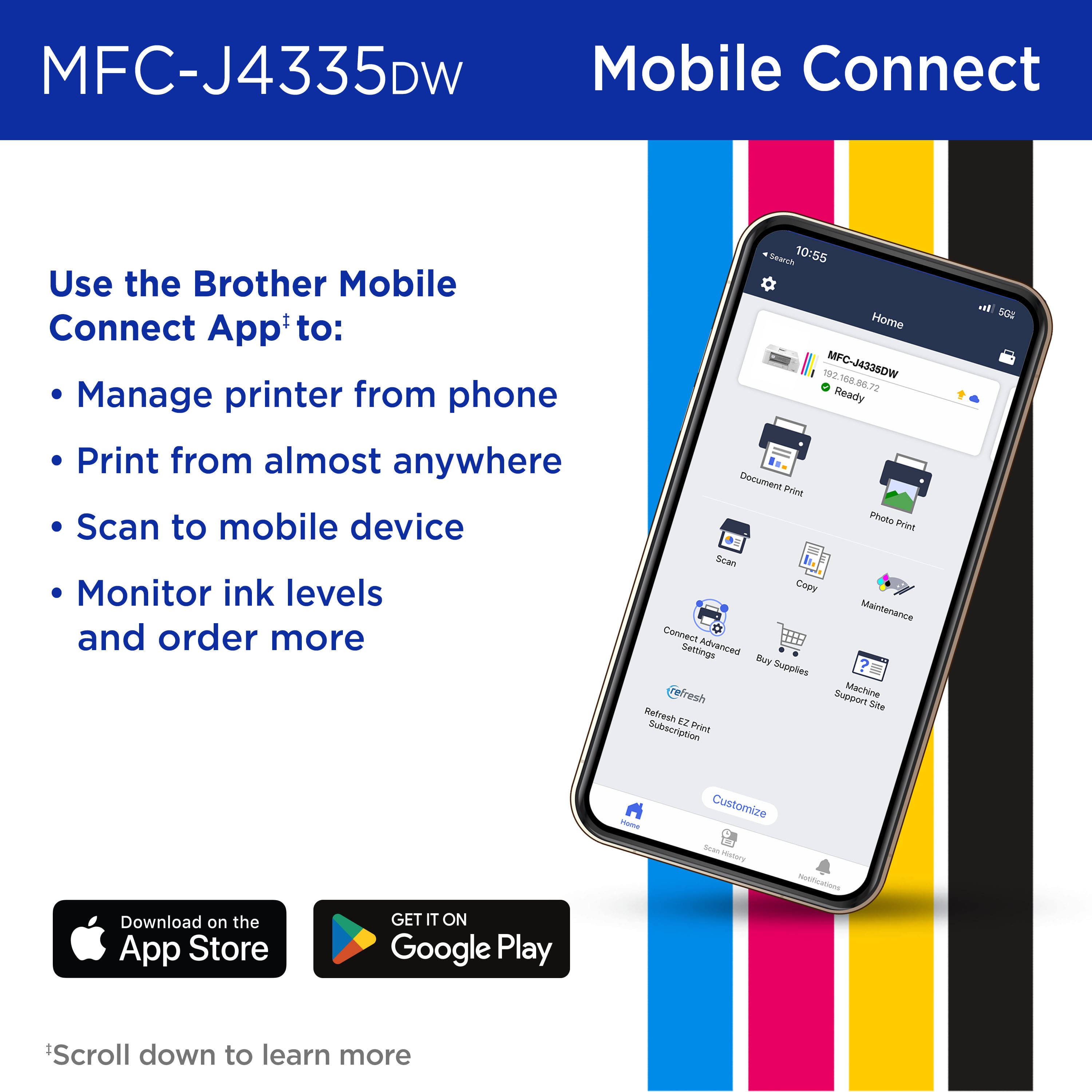
||Posted . Owned for 1 month when reviewed.This reviewer received promo considerations or sweepstakes entry for writing a review.I can't speak highly enough about my Brother J995DW Work Smart printer. It's compact, uses ink sparingly and prints flawlessly. I print pictures from my cell phone to the printer in easy steps. Downloading the manual certainly helps, but the fax, copy and scan features are easy to read and use. It's all good!
I would recommend this to a friend - Pros mentioned:Ease of use, Overall performance
Rated 5 out of 5 stars
Great Home Printer
||Posted . Owned for 3 weeks when reviewed.This reviewer received promo considerations or sweepstakes entry for writing a review.This is my third Brother ink jet printer and they are reliable, easy to set up and produce very good photos. I don't use this printer for heavy duty business printing so I can't comment on that aspect. Best Buy next day delivery was an additional bonus.
I would recommend this to a friend Rated 5 out of 5 stars
Finally found my perfect all in one printer
||Posted . Owned for 1 week when reviewed.This reviewer received promo considerations or sweepstakes entry for writing a review.I was tired of paying for overpriced ink cartridges so I purchased a different all-in-one printer in February of 24. I was quickly in need of a different printer as I found it to be very slow, flimsy and gave messages that the ink was running out constantly. By June, I was ready for a new all in one. I am so happy that I purchased this Brother MFC-J4335DW. I love how easy it is to put in the ink cartridges, the size and style is great and it is much faster than my prior printer.
I would recommend this to a friend- Pros mentioned:Ease of use, Print quality
Rated 4 out of 5 stars
So far, So good
||Posted . Owned for 3 weeks when reviewed.This reviewer received promo considerations or sweepstakes entry for writing a review.So far so good, the printer was pretty easy to setup. Nothing very hard to do but i would pay attention to the little setup guide. Print quality is good although i have yet to print a photo so i cannot comment on thar.
I would recommend this to a friend - Pros mentioned:Print quality
Rated 5 out of 5 stars
Just what I needed!
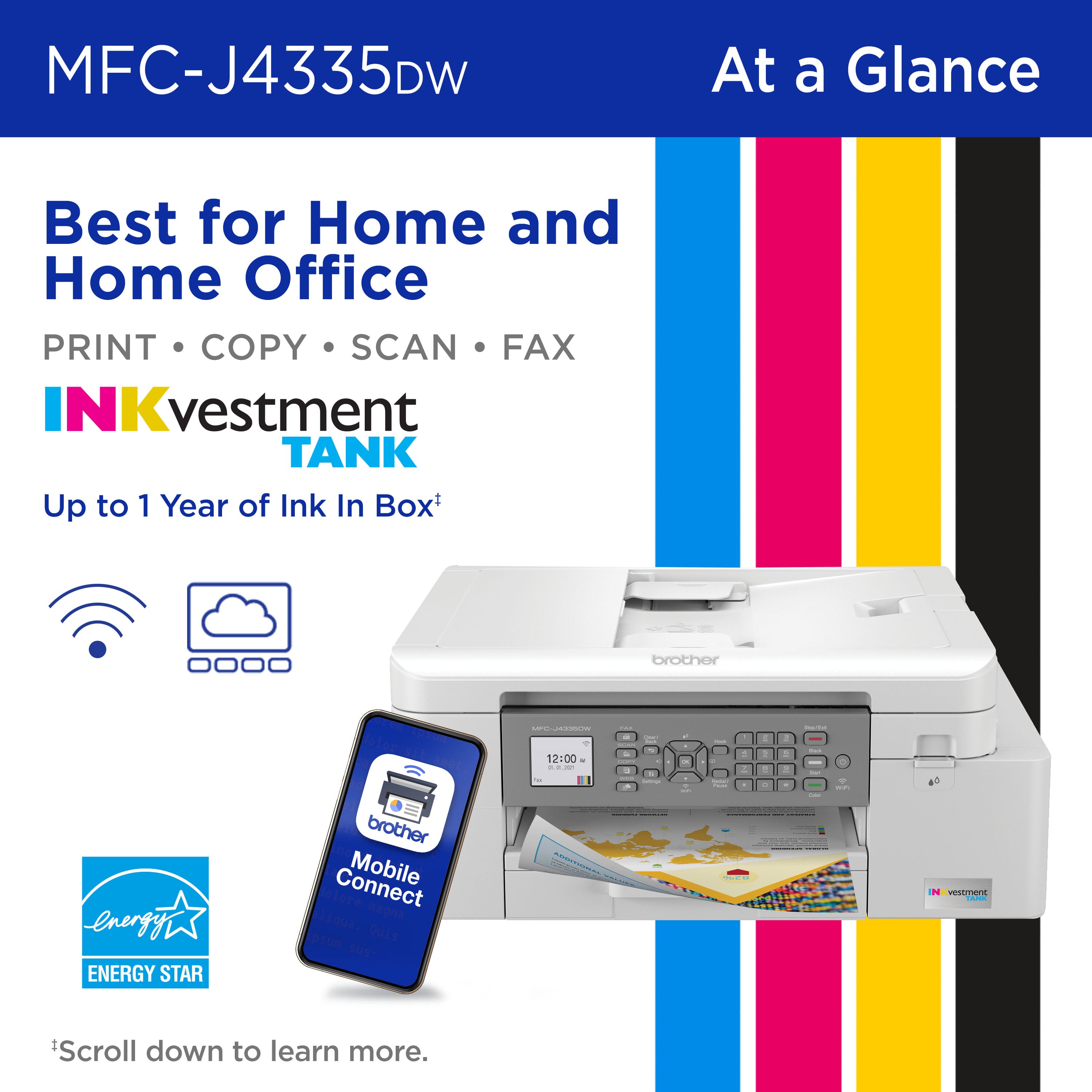
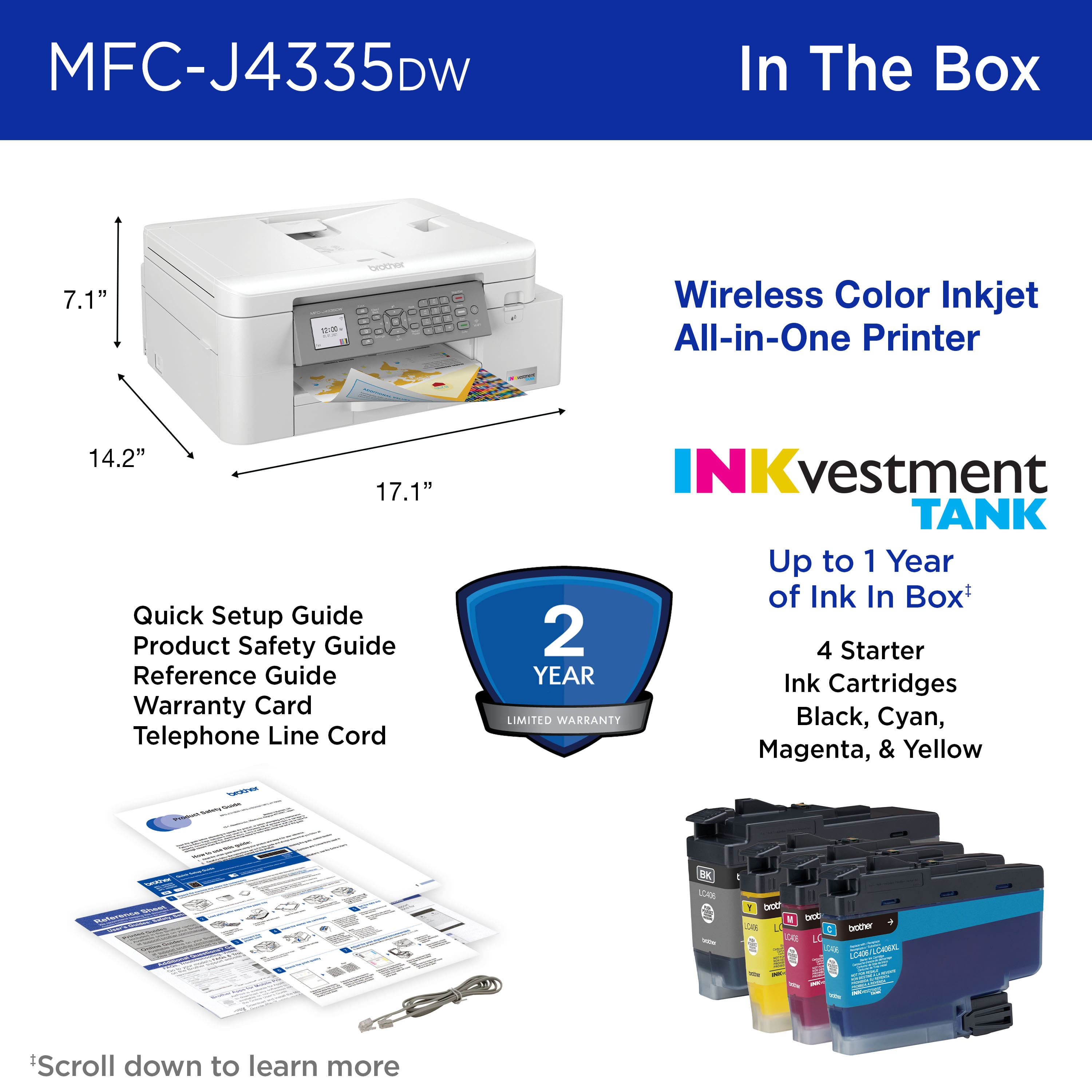
||Posted . Owned for 1 month when reviewed.This reviewer received promo considerations or sweepstakes entry for writing a review.Awesome all-around printer. I've been using HP printers exclusively for years, but needed a simple, no-frills all-in-one solution to replace my aging OfficeJet that finally gave up. This printer does not disappoint. Setup was simple. Print quality and speed is excellent; faster than my previous MFP, and the scan speed and quality is great as well. The ink that comes with it will be plenty for me and my family to last us the first year's usage and replacement ink bottles are far less than HP and yield more pages per bottle. The only knock on this printer is not really on the printer itself, but the companion apps for Mac. The app does not allow you to alter scanned documents and photos much prior to saving the file. Would be nice to have additional editing options, but it's not a huge issue as their are other third-party apps that will do the trick. All in all, a great printer for a great price. Very pleased with this purchase.
I would recommend this to a friend - Pros mentioned:Ease of use, Print quality
Rated 5 out of 5 stars
Brother makes great products!
||Posted . Owned for 1 month when reviewed.This reviewer received promo considerations or sweepstakes entry for writing a review.I’ve had canon printers for years that chug ink and only last 8 months to a year. People swear by brother sewing machines and now I swear by brother printers! An upgrade was long overdue. This one is super easy to use, prints very quickly and so far my ink levels look like new. I’m very satisfied!
I would recommend this to a friend - Pros mentioned:Print quality
Rated 5 out of 5 stars
Richard
||Posted . Owned for 3 weeks when reviewed.This reviewer received promo considerations or sweepstakes entry for writing a review.This is my 3rd Brother's printer and if it runs like the other two I know I am going to love it. Great Machine - quick,quiet and quality prints. Can't beat it.
I would recommend this to a friend - Pros mentioned:Ease of use
Rated 5 out of 5 stars
Good All-In-One Printer
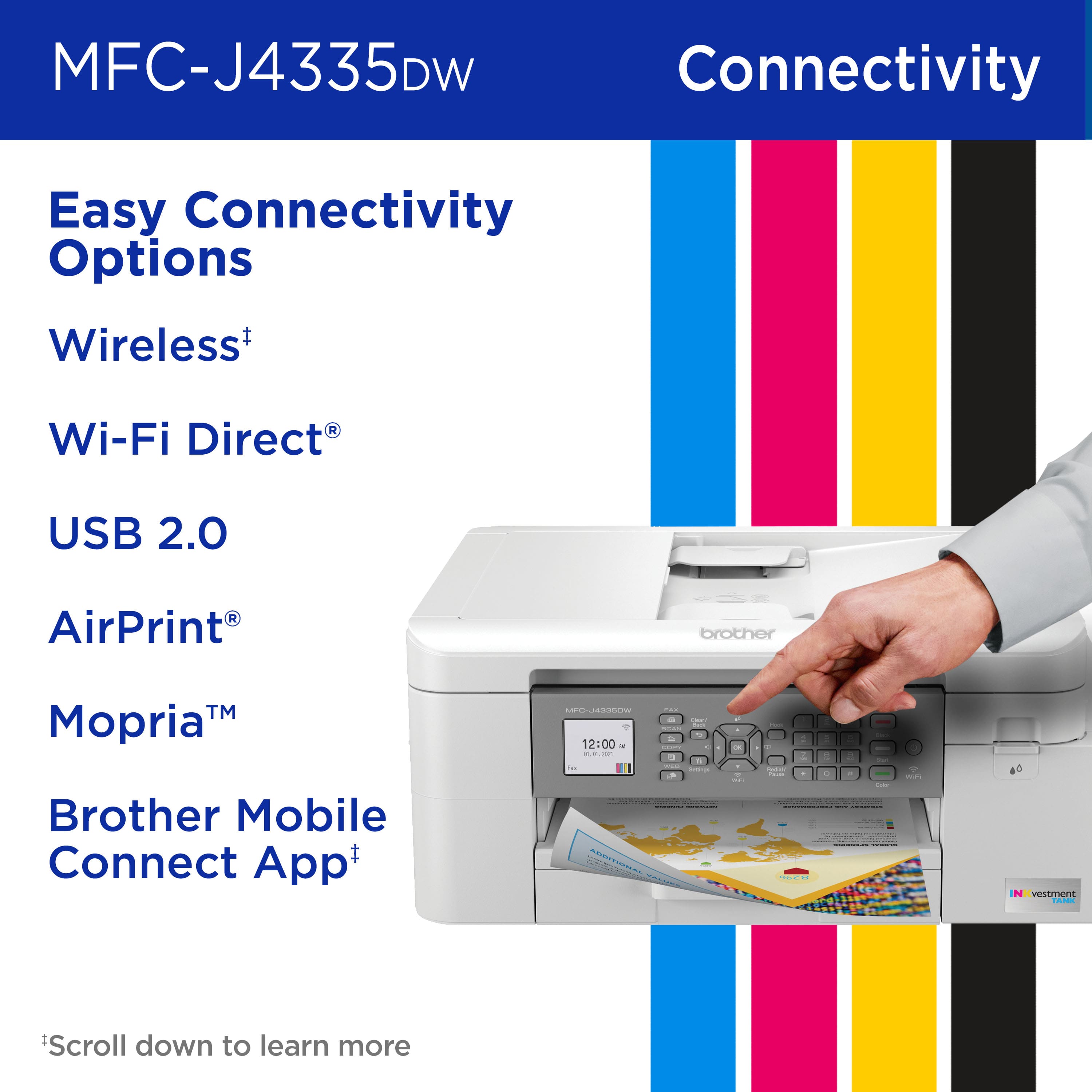
||Posted . Owned for 3 weeks when reviewed.This reviewer received promo considerations or sweepstakes entry for writing a review.The Brother MFC-J4335DW to replace an older Brother AIO that had worked well for 7 years. The light color of the housing is great, making it easier to see and read the various labels. It was relatively easy to set up and has worked flawlessly since setting it up. I'm able to print directly to it form my Apple iPhone and iPad. I am definitely a fan of the Brother MFC printers.
I would recommend this to a friend - Pros mentioned:Setup
Rated 5 out of 5 stars
Great for everyday usage
||Posted .This reviewer received promo considerations or sweepstakes entry for writing a review.Hopefully the ink will last a year. Otherwise printer was easy to set up. The ability to print from the iphone is a bonus. The machine is easy to use.
I would recommend this to a friend - Pros mentioned:Print quality
Rated 4 out of 5 stars
Happy so Far
||Posted . Owned for 2 months when reviewed.This reviewer received promo considerations or sweepstakes entry for writing a review.This is my first Brother printer which replaced a Canon all-in-one due an infamous error message. I've had this printer for two months now and so far I'm pleased with this purchase. It was easy to setup and now I'm printing via the wireless function. I like how quick it starts to print as my previous printers were always slow to start printing. So far I've only used the print and copy features. I did try the scan feature but I think I did something and will need to look into that. I do wish the screen was bigger and it would be nice if section with the screen and buttons was at a slant instead of straight down. In spite of this I am very pleased with the printer so far.
I would recommend this to a friend - Pros mentioned:Print quality
Rated 5 out of 5 stars
Good printer, excellent price for all it does
||Posted . Owned for 3 weeks when reviewed.This reviewer received promo considerations or sweepstakes entry for writing a review.Great product, ink is good, it prints a clear, crisp picture. I wish it would come with the directions. I know I can download it, but I would rather have a manual already printed for me. It has an easy set up directions pamphlet, but when I switched to photo printing it printed on the wrong side of the paper. I put the paper in the opposite way and it still printed the photos on the wrong side of the paper. I had it on the wrong settings, but I didn't want to have to find the website to download the manual to figure out how to change the settings. If it came with the manual, I could have just looked it up real quick. But nothing comes with a manual anymore because companies don't want to spend the money on paper or publishing it. I am happy it shipped super quick and it is a good price for how much ink it comes with and for the amount of things you can print quickly and scan if you need a scan or fax but I don't fax that much.
I would recommend this to a friend - Pros mentioned:Print quality
Rated 5 out of 5 stars
Great Print Quality and Print from phone
||Posted .This reviewer received promo considerations or sweepstakes entry for writing a review.Great print quality and I can print directly from my phone or iPad pretty easily.
I would recommend this to a friend - Pros mentioned:Print quality
Rated 5 out of 5 stars
Excellent all in one printer for home office
||Posted . Owned for 3 weeks when reviewed.This reviewer received promo considerations or sweepstakes entry for writing a review.Excellent all around printer. Overall fairly easy to set up. Prints quickly and quietly with good quality prints. Primarily used for documents. I haven’t printed any photos yet.
I would recommend this to a friend - Pros mentioned:Ease of use, Setup
Rated 5 out of 5 stars
Great Printer
||Posted . Owned for 1 month when reviewed.This reviewer received promo considerations or sweepstakes entry for writing a review.After having several HP printers and spending a small fortune in ink read the reviews and purchased this printer. Set was simple and seems the claim of "Ink for a year" may be true. Smaller footprint also. I like this printer.
I would recommend this to a friend - Pros mentioned:Overall performance, Print quality
Rated 5 out of 5 stars
Brother printer is a good investmenbt
||Posted . Owned for 3 weeks when reviewed.This reviewer received promo considerations or sweepstakes entry for writing a review.This latest purchase is my 5th MFC-j4335dw printer. It works quite well and the Inkvestment tank one year ink in the box is helpful and makes it easier to anticipate when I will need additional ink.
I would recommend this to a friend - Pros mentioned:Print quality
Rated 4 out of 5 stars
Very Good Value
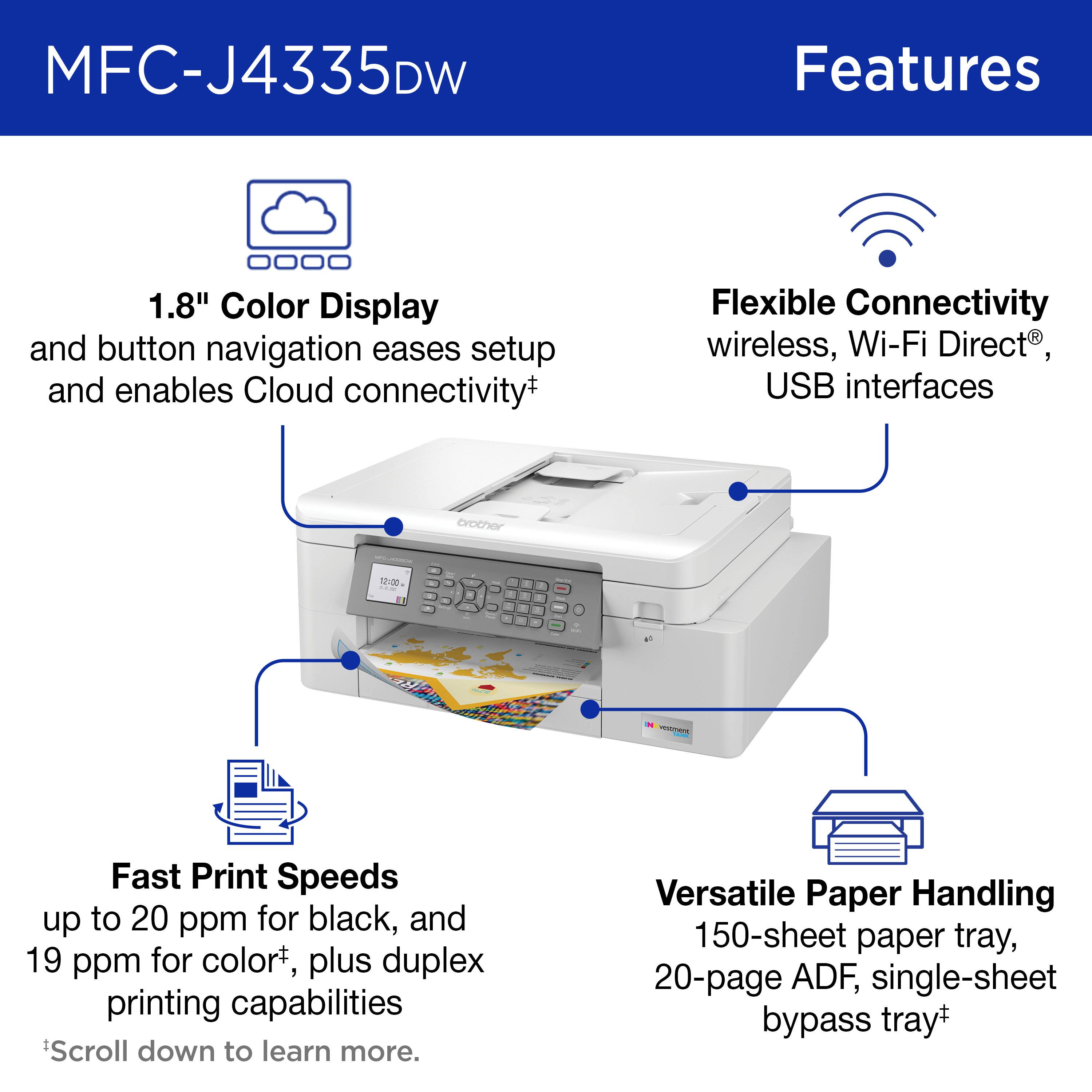
||Posted . Owned for 1 week when reviewed.This reviewer received promo considerations or sweepstakes entry for writing a review.Amazingly fast for an ink jet printer, I like the inkvestment tank system.
I would recommend this to a friend - Pros mentioned:Print quality
Rated 4 out of 5 stars
Great, after getting it setup.
||Posted .This reviewer received promo considerations or sweepstakes entry for writing a review.I must agree with several other reviews regarding the setup. It wasn't really difficult but was more time consuming than I expected. The performance and printing speed are terrific as well as the quality of print. I do miss a dedicated tray for photo paper that avoided having to remove the letter paper, reset the tray size, load photo paper and reverse it all to resume normal printing. The tray is adjustable to fit legal paper which is a plus but I would rather have the photo tray. I love the ink tank feature over ink cartridges but Brother does not list this model on their website to register for their ink replacement plan. Must be too new.
I would recommend this to a friend - Pros mentioned:Setup
Rated 4 out of 5 stars
Good deal
||Posted .This reviewer received promo considerations or sweepstakes entry for writing a review.Good printer at a good price. Easy set up. Connecting to the wifi was slightly confusing.
I would recommend this to a friend - Pros mentioned:Ease of use
Rated 5 out of 5 stars
Good buy at Best Buy
||Posted . Owned for less than 1 week when reviewed.This reviewer received promo considerations or sweepstakes entry for writing a review.After a lot of use, my old Brother MFC-465CN from 2008 finally broke after 14 years 11 months and a few days. I never even considered other brands, just went for a Brother with a similar set of capacities. I bought the J4335DW, set up was easy, and then I went to the Brother support site and downloaded the iPrint&Scan software which is like their old Control Center software. Their Brother Utilities module will also control the scanner functions from the laptop, but iPrint also works with your phone. The site identified the other updates also needed. It is noisier than the older Brother unit even on "quiet mode" but I was up and printing again within 3 or 4 hours.
I would recommend this to a friend - Pros mentioned:Size
Rated 4 out of 5 stars
Good choice
||Posted . Owned for 3 weeks when reviewed.This reviewer received promo considerations or sweepstakes entry for writing a review.Fast but a bit noisy nice size fits well on the desk.
I would recommend this to a friend


















