Customer Ratings & Reviews

- Model:
- MFC-J995DW
- |
- SKU:
- 6255013
Customer reviews
Rating 4.5 out of 5 stars with 777 reviews
(777 customer reviews)Rating by feature
- Value4.5
Rating 4.5 out of 5 stars
- Quality4.5
Rating 4.5 out of 5 stars
- Ease of Use4.5
Rating 4.5 out of 5 stars
Customers are saying
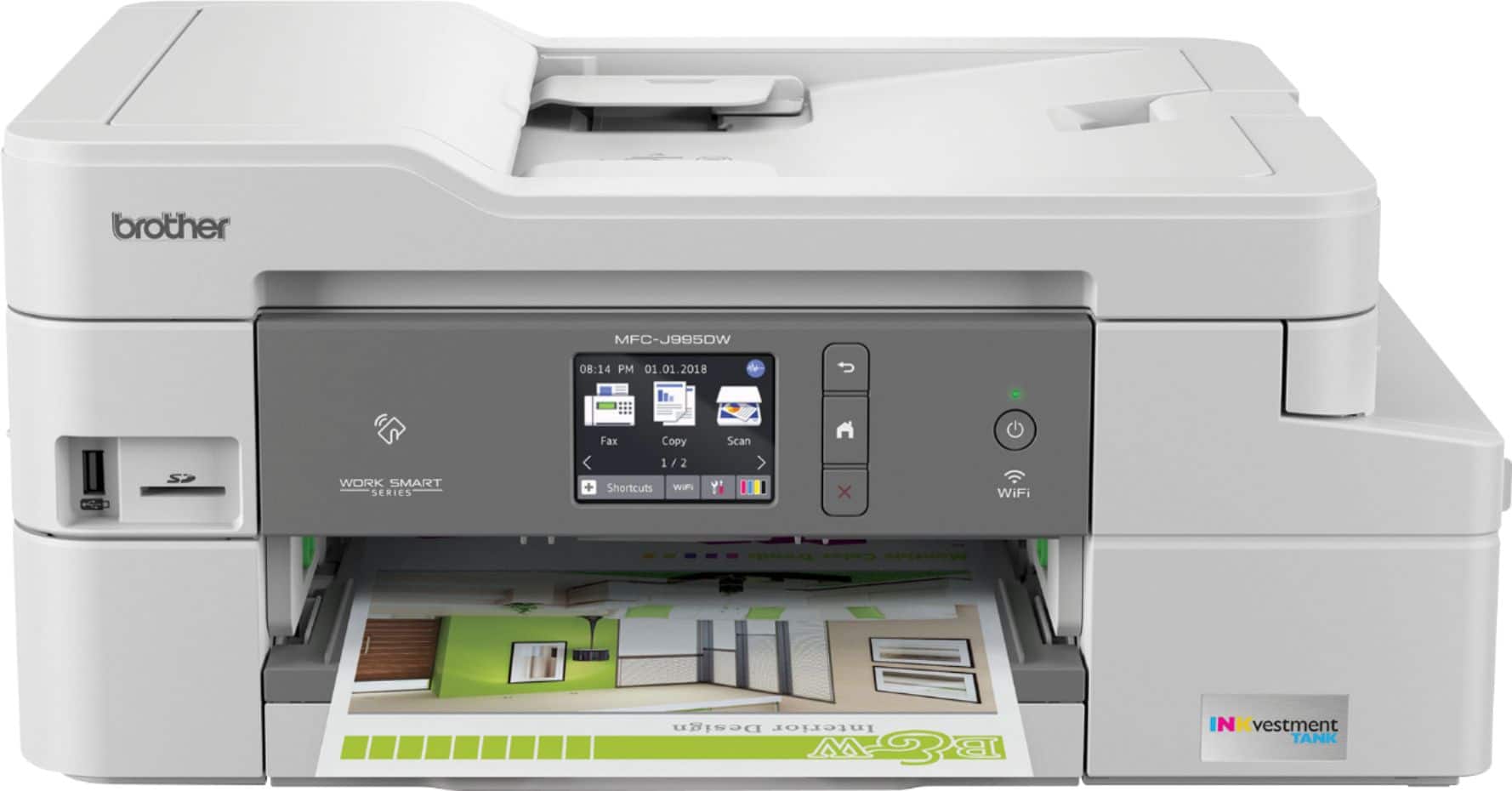
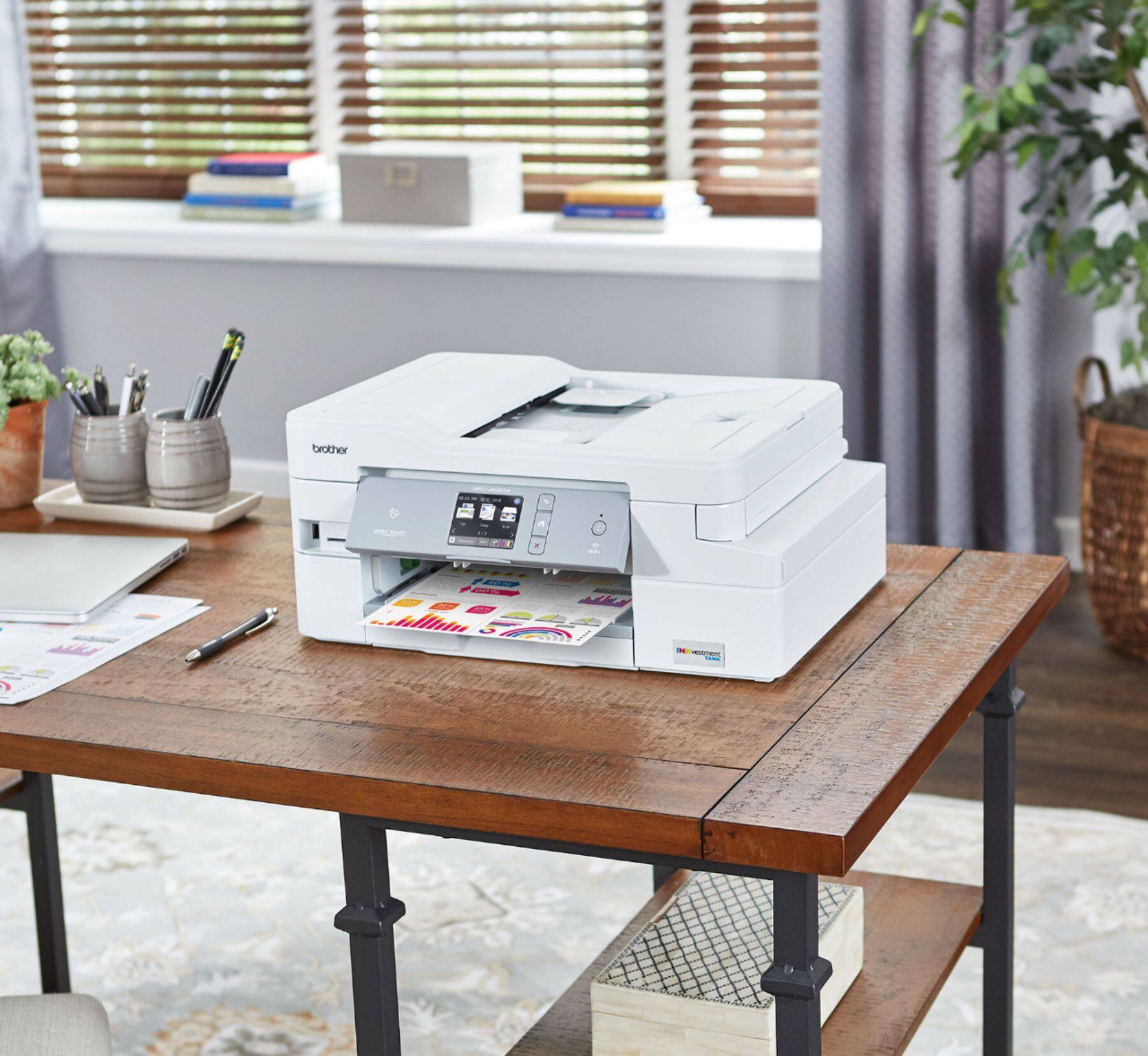
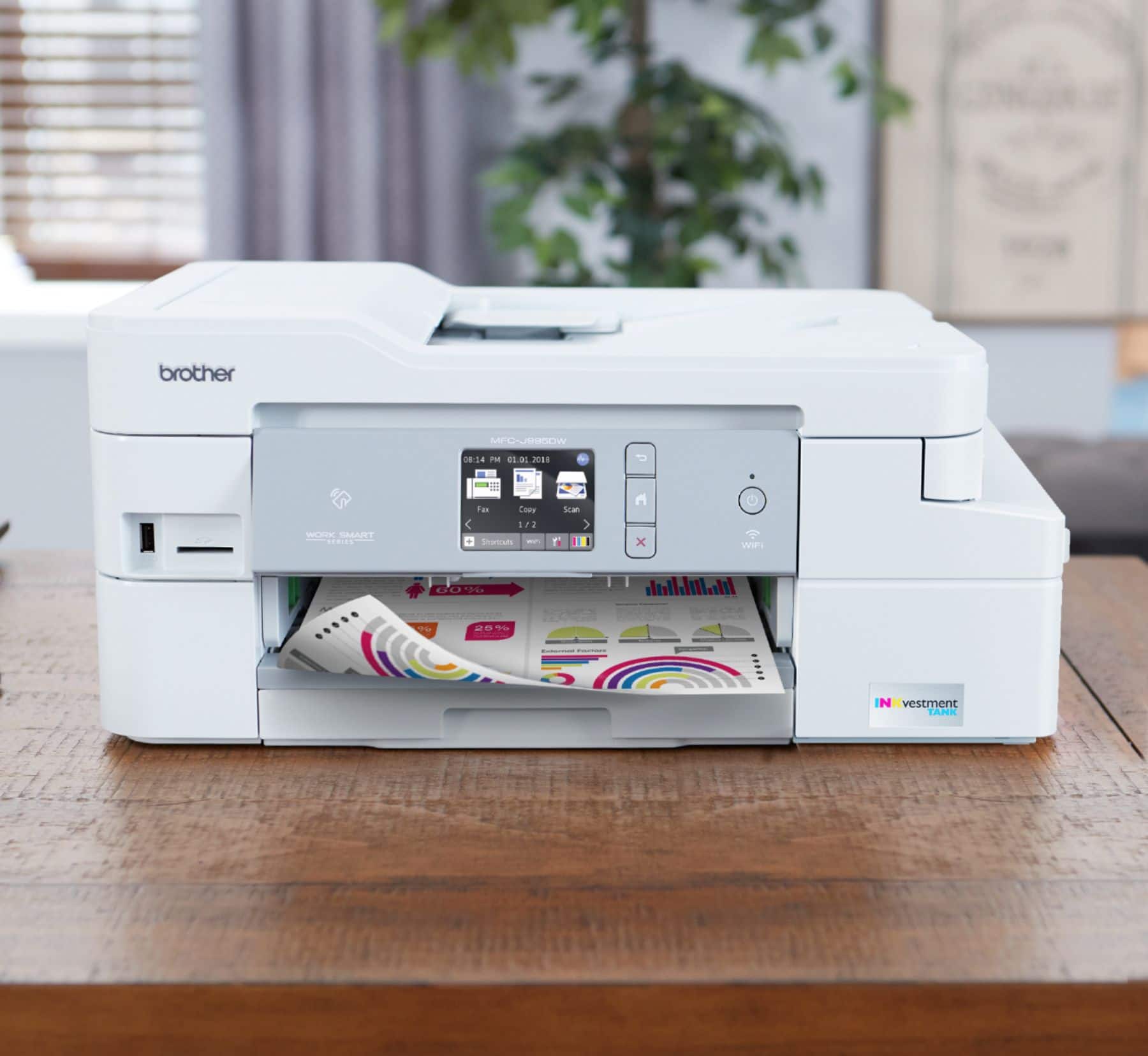
Customers often highlight the excellent print quality and ease of use of the INKvestment Tank MFC-J995DW Wireless All-In-One Inkjet Printer. Many also appreciate the printer's relatively compact size and straightforward setup process. Positive feedback also mentions the quiet operation and wireless connectivity. However, some users experienced issues with paper jams and occasional reliability concerns.
This summary was generated by AI based on customer reviews.
- Pros mentioned:Print quality, Size
Rated 5 out of 5 stars
Great printer
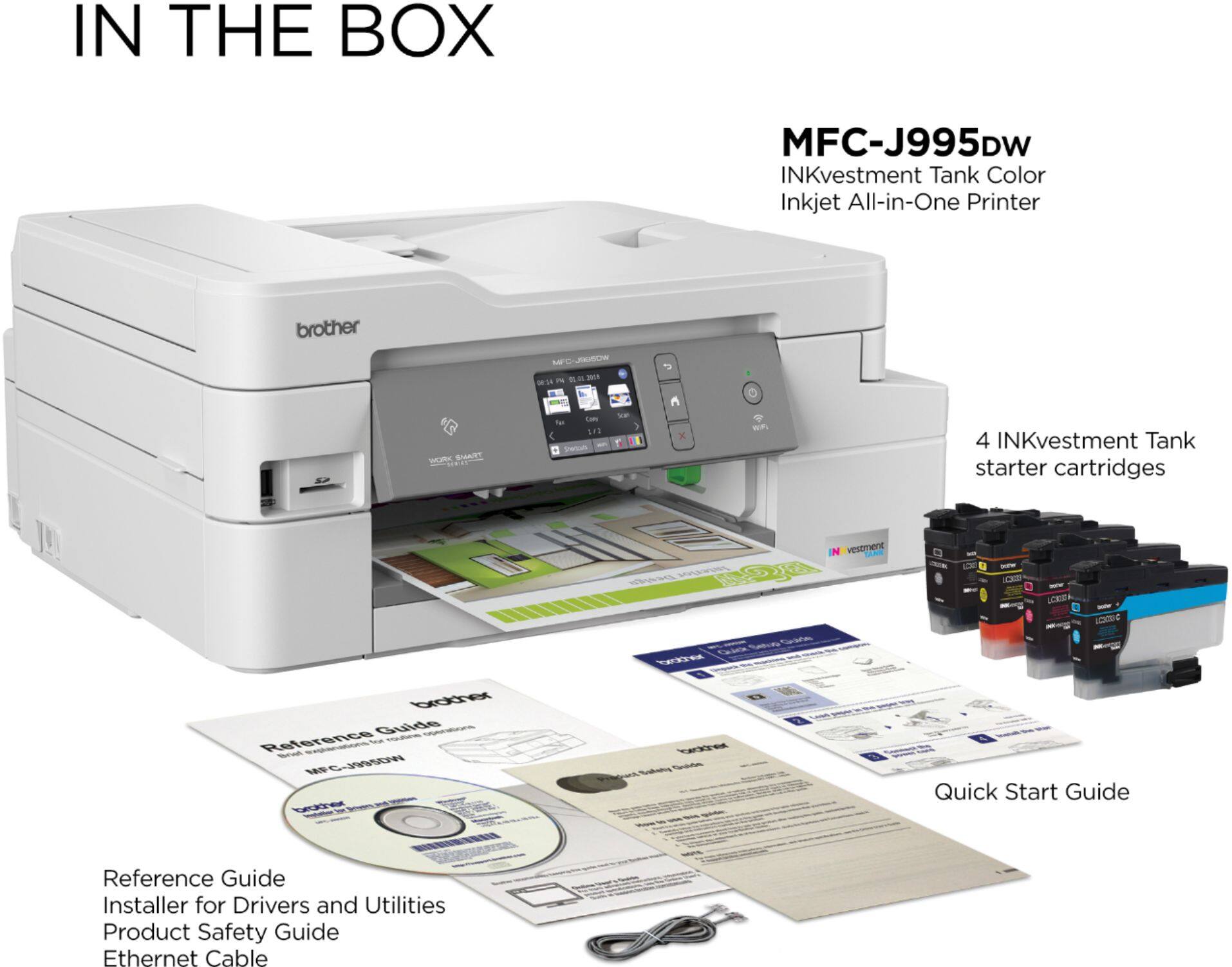
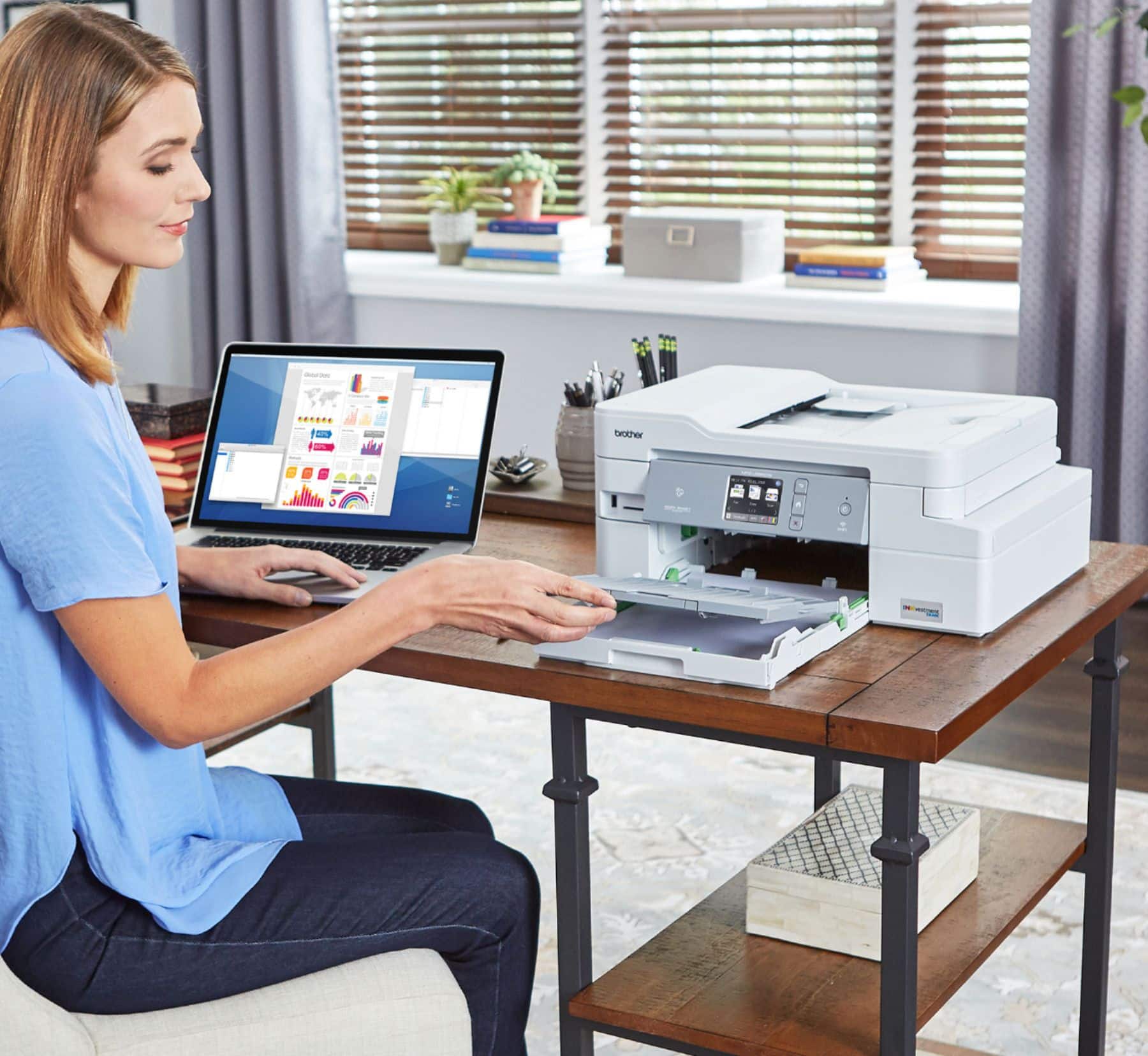
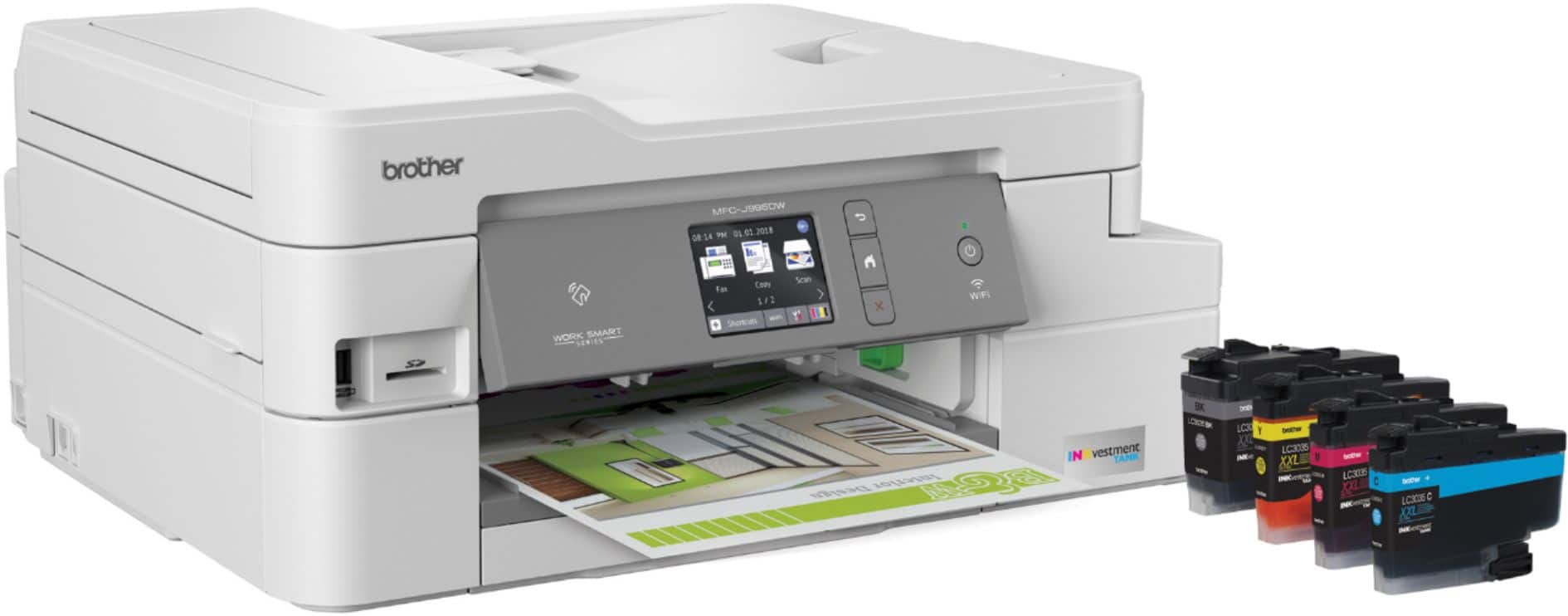
||Posted .This reviewer received promo considerations or sweepstakes entry for writing a review.Great product so far! I've had this printer for about a week and so far I'm very impressed. I had a lot of printers over the years and all of them have been HP. After destroying my old HP printer by putting off brand ink in it (their ink and new ink refill program are really expensive), I decided to try a Brother. I print a decent volume of items, but usually in batches, so I may not print much for a few months, then print a couple hundred pages in a couple days. With the HP auto refill program it just didn't make sense for my ink usage. I decided to try this Brother because it includes 2400 pages of black and 1200 pages of color worth of ink. My first impressions of this device out of the box is how can it be this small? I've gotten used to the HP Officejet 8000 series, which is at least more than double the size of the Brother. I have a small home office, so the space is much appreciated. The build quality also seems to be a little better than the HP printers. There is not as much paper storage in the tray, but there's plenty for me. The print quality is great for what I have printed so far. Document with text look good and crisp, even in fast mode. I also tried to print an edgeless 4x6 and it turned out great.
I would recommend this to a friend - Pros mentioned:Ease of use, Wireless
Rated 5 out of 5 stars
Great Printer for the $$$
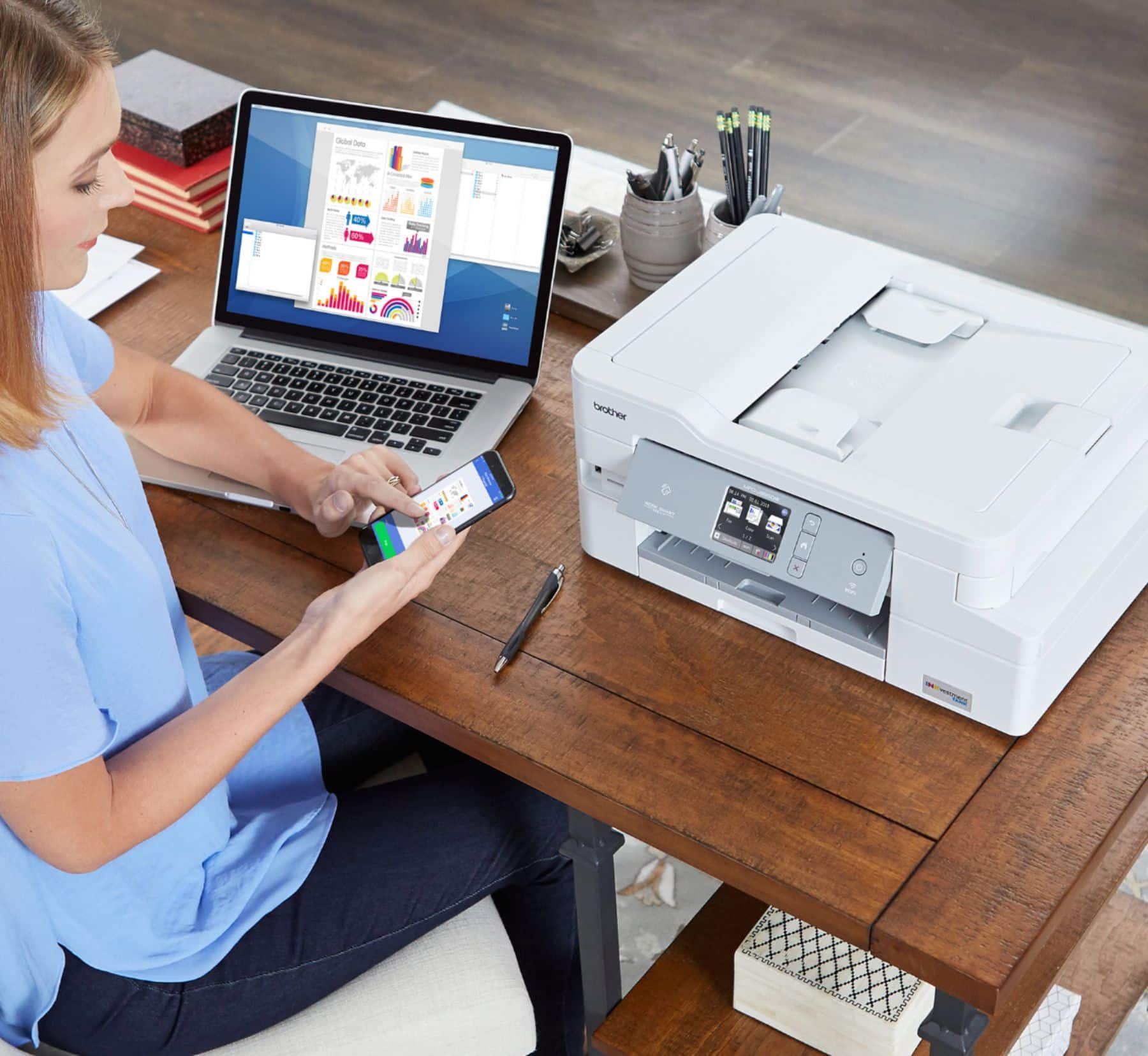
||Posted . Owned for 2 months when reviewed.This reviewer received promo considerations or sweepstakes entry for writing a review.This is my first Brother printer. I brought this printer to replace my previous printer that was over 10 years old. The setup was very easy and I'm able to print via USB or wireless network. Printer is much quieter than my previous printer. It's nice to be able to print from my smart phone too.
I would recommend this to a friend - Pros mentioned:Print quality
Rated 4 out of 5 stars
Good multipurpose; photo printing could be better
||Posted . Owned for 1 month when reviewed.This reviewer received promo considerations or sweepstakes entry for writing a review.We purchased this to replace another inkjet that died at only 3 years old. We've had it about a month now, and have been happy with its performance. It prints decently fast, isn't too noisy, and scans are good. I see folks complaining about the brother software being out of date, but honestly, it does everything I need without being overly complex so I can't complain. One area that could use improvement is photo printing. It is hands down the worst inkjet I've ever owned for that (hence only 4 stars and not 5). Pics are washed out and not vibrant at all. There is a setting called "vivid" you can select in the printer settings that helps, but they still look a bit washed out compared to pictures printed on my previous multi-function printers I've owned. I can't speak to ink longevity, but we've been using it a fair amount and the ink seems to be holding up so far.
I would recommend this to a friend - Pros mentioned:Print quality
Rated 5 out of 5 stars
What a printer!
||Posted . Owned for 3 weeks when reviewed.This reviewer received promo considerations or sweepstakes entry for writing a review.I purchased my Brother MFC-J995DW about a month ago. Last November I had purchased a new HP 9015e direct from HP which was a problem since the box on it was opened. After months of problems and fighting for support and finally fighting for my refund, I was researching every printer made in hopes of finding an all in one that actually did as it is advertised. I found it! This Brother J995 has flawless software that instantly downloads and works perfectly. They furnished a software CD too but the online versions usually have the latest upgrades in drivers and the like. I'm using mine wirelessly but you can wire it direct to your computer if you choose. You can use land line phone line or computer voice phone line for faxing. This printer is adjustable from printing your every day email or fax to printing the most intricate photos or documents you want to add that special touch to. The printer touch screen is simple to learn and to use. The on-screen print quality adjustments for your printing preferences are really simple to learn and to use. FAX's are a breeze with this machine. Scanning to email or computer files are simple to do. Copying is equally as easy. I print many documentss each day-some draft quality and some detailed quality and this machine has never falied to produce the job as perfectly as I could ever ask for! It's never had any communication problems with the computer, my smart phone, or my phone lines. The amount of ink remaining in the machine is on a very nice gague on the front of the machine. I haven't had it long enough to give a definite ink usage report but I will say that it appears it is using much less ink than my HP printers did. Installing the ink is a breeze too. (And the ink is very reasonably priced so any ink services shouldn't be required) For an all in one machine that can print from perfection to draft quality and be completely user friendly to operate I would have to recommend this Brother J995. And, purchasing from Best Buy is the smart move also. I'd have had that defective HP replaced long ago had I been dealing with Best Buy vs dealing with HP!! You can't go wrong with this machine for home, for student, or small business. Five stars across the board!
I would recommend this to a friend - Pros mentioned:Ease of use, Print quality
Rated 5 out of 5 stars
Brother - INKvestment Tank MFC-J995DW Wireless All
||Posted . Owned for 1 month when reviewed.This reviewer received promo considerations or sweepstakes entry for writing a review.This is our second purchase of a Brother INKvestment printer. We are repeat customers as we already own 2 Brother laser jets and have owned several inkjet printers over the past few years. The redesigned print engine and more efficient INKvestment cartridges keep the cost / page very low. Also, Brother printers are very rugged and last a long time and we are heavy users of them. It takes longer to unpack the printer than it does to install and configure it. We recommend that users clean the heads every few reams of paper, which only takes a few minutes and keeps everything tidy print-wise. Dollar-for-dollar users will enjoy the ease of this printer and save considerably on ink costs.
I would recommend this to a friend - Pros mentioned:Ease of use, Print quality
Rated 5 out of 5 stars
Great All-In-One Inkjet Printer
||Posted . Owned for 2 weeks when reviewed.This reviewer received promo considerations or sweepstakes entry for writing a review.The Brother INKvestment Tank MFC-J995DW wireless all-in-one printer was very easy to setup and get working right away. The directions were great, the ink cartridges were easy to install, and getting it connected to my wireless network was a breeze. Without me having to do anything, all of Win10 PCs in house located and were able to use the printer and it's different functions. The print quality is very good, and as of right now the ink usage seems to be managed well by the printer.
I would recommend this to a friend - Pros mentioned:Ease of use, Print quality
Rated 5 out of 5 stars
It’s been great, so far.
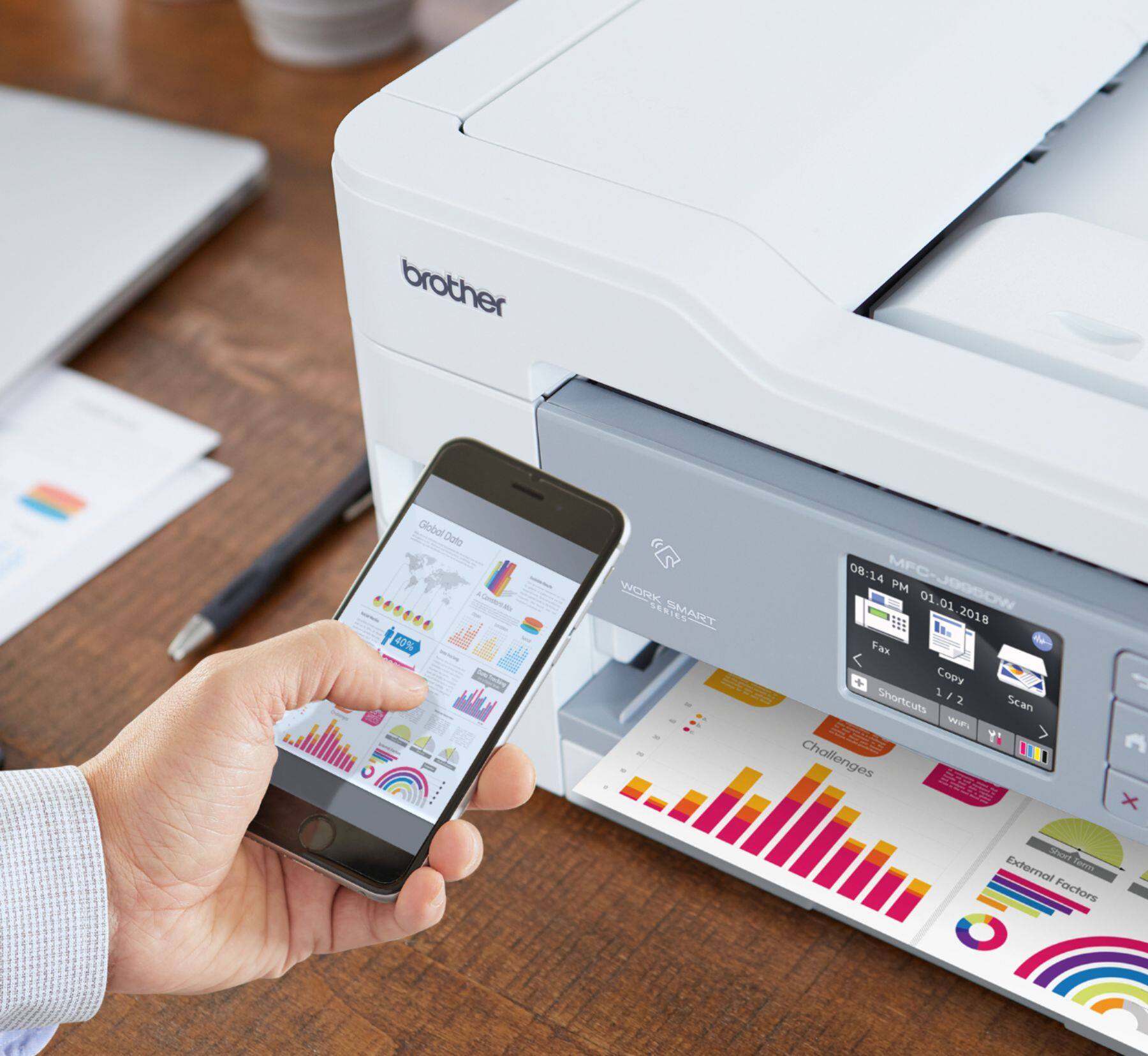
||Posted . Owned for 3 weeks when reviewed.This reviewer received promo considerations or sweepstakes entry for writing a review.All functions work perfectly. It’s quiet. (I expected it to be noisy, based on some of the reviews.) Two-sided printing works well, just a little slow to reverse the paper feed. Ink cartridge loading was easy. Waiting to see how long the ink lasts. Best of all-it’s air-print capable. I can print directly from my iPhone without using a cumbersome app. I’ve had inkjet printers from HP, Epson, Canon and Brother, and think this is the best one I’ve had. I still use the old (8yrs) Brother inkjet, I’ve discarded the others. Got it on sale at a great price.
I would recommend this to a friend - Pros mentioned:Ease of use, Print quality
Rated 5 out of 5 stars
Best printer ever!
||Posted . Owned for 1 month when reviewed.This reviewer received promo considerations or sweepstakes entry for writing a review.This unit is one of the best printer purchases I've made. It was super easy to set up, prints quickly and quietly.
I would recommend this to a friend - Pros mentioned:Print quality
Rated 4 out of 5 stars
Good buy
||Posted . Owned for 1.5 years when reviewed.This reviewer received promo considerations or sweepstakes entry for writing a review.Great utility printer for my home office. Love the big ink reservoirs. Print quality is very good. Just wish the single sheet tray were more accessible.
I would recommend this to a friend - Pros mentioned:Print quality
Rated 5 out of 5 stars
An Excellent start to a new relationship!
||Posted . Owned for 1 month when reviewed.This reviewer received promo considerations or sweepstakes entry for writing a review.So far, excellent. For home printing, believe me, I've cycled through them all ... HP, Epson, Canon, etc. ALL (repeat, 100%) have been ink-hogs. So far, the promise of Brother is coming through -- excellent print quality and NOT eating up ink to do so. And probably the quietest printer I've ever had as well. And scanning is easy with the on-screen app.
I would recommend this to a friend - Pros mentioned:Ease of use, Print quality, Size
Rated 4 out of 5 stars
Not bad
||Posted . Owned for 4 months when reviewed.This reviewer received promo considerations or sweepstakes entry for writing a review.Pros: ink lasts, easy set up, good size, fits almost anywhere Cons: only comes in white, output tray a little cheesy
I would recommend this to a friend - Pros mentioned:Print quality
Rated 4 out of 5 stars
Saving $$
||Posted . Owned for 2 months when reviewed.This reviewer received promo considerations or sweepstakes entry for writing a review.I have had for a few months & so far it has worked great. My last printer, it was costing me about $70 a month with minimal printing. It eventually started leaking & smearing ink everywhere. I was waiting for this to be in stock again & decided it was finally time to purchase when it was. I have been pleased with it. I have been printing a lot more. Color prints & photos aren’t as vibrant, but it’s decent. I use my phone’s hotspot to connect & print. It works most time, when I turn the hotspot on, the printer automatically connects. A few times I had to restart the printer to get it to connect. Holds a decent amount of paper. Love the automatic double sided print. Copier quality is decent. It doesn’t have auto 2 sided scanning though. You have to manually scan each side on the flatbed if the page you are copying is double sided. It will scan 2 pages automatically & print them double sided automatically. I have only used less than a quarter of the ink & it’s been a few months & I’ve printed a lot more then before. So far I am pleased with the printer & that I haven’t had to buy ink yet. Well worth the price. The cost in savings from not buying ink has already paid for it.
I would recommend this to a friend Rated 5 out of 5 stars
A good printer for home office
||Posted . Owned for 1 month when reviewed.This reviewer received promo considerations or sweepstakes entry for writing a review.We bought this for small home office after HP inkjet failed. We like the long-lasting ink tanks, which should save us money even though the printer was pricier than competitive HP products - at least we got a modest sale price on it. As we don't typically print a lot of pages, Consumer Reports indicates that we may not get the highest number of pages out of the ink supply, as there's an automatic daily nozzle-cleaning regardless of number of pages printed, so it will consume ink disproportionately relative to number of pages. Set-up instructions weren't the best, but my husband muddled through and finally figured it out. Wireless printing connection is good, and we haven't had any functionality issues after set-up. Fast enough and quiet enough for our needs. Haven't tried fax, although apparently it might be capable of wireless faxing. Will not print if either ink well is empty - manufacturer says it has deliberately disabled this capability in order to protect the printing heads, as the cleaning process pulls ink through both heads, and pulling air from an empty tank could damage a head. Probably doesn't hurt Brother's bottom line that this forces users to keep both inks stocked even if they don't need to print color...
I would recommend this to a friend- Pros mentioned:Print quality
Rated 5 out of 5 stars
The Best Overall Printer
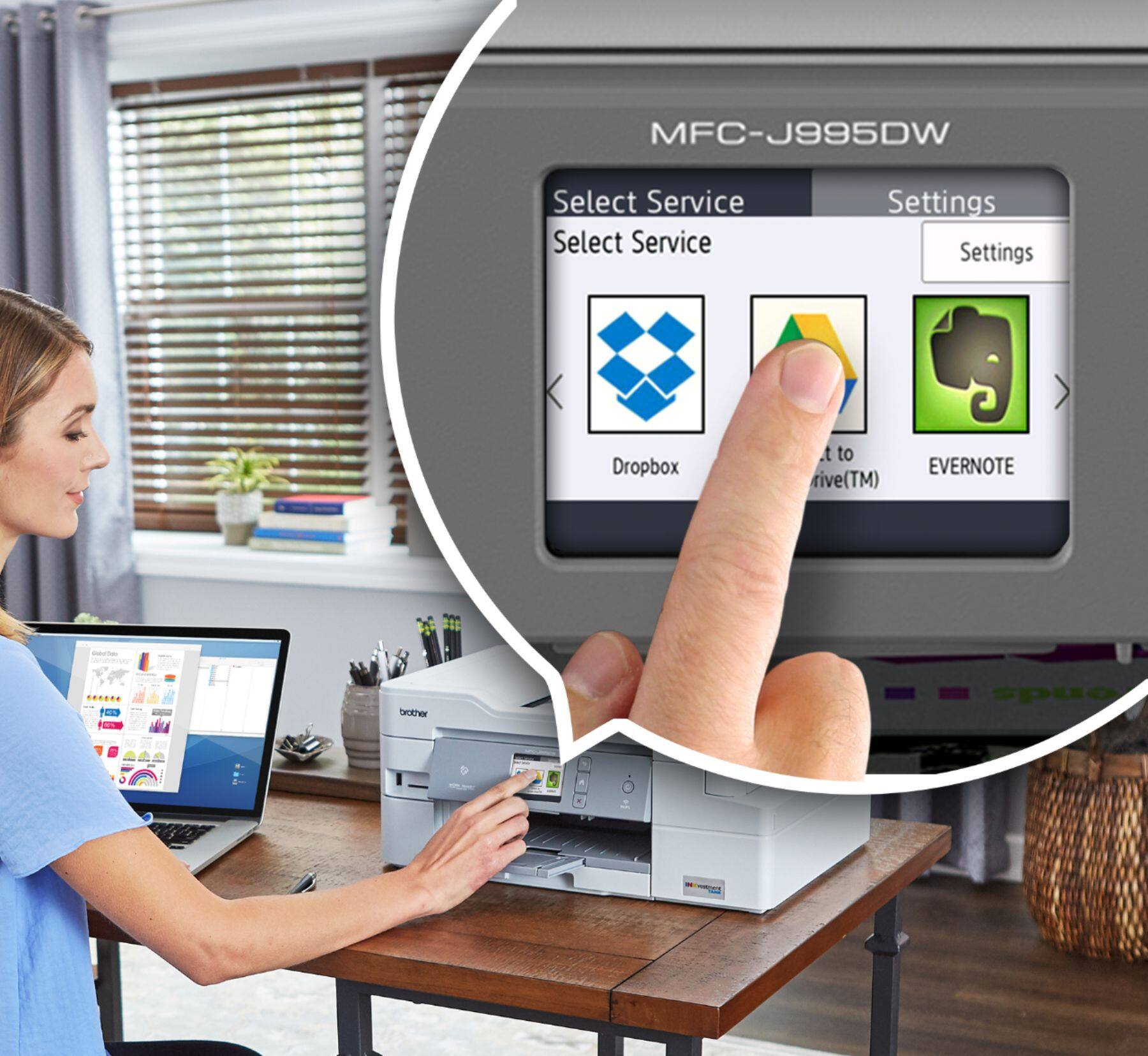
||Posted . Owned for 1 year when reviewed.This reviewer received promo considerations or sweepstakes entry for writing a review.Functionality and Features When you take into account the functionality of the printer, it's really unmatched. The printer sports a touch screen that's quick and easy to use, an automatic document feeder and scanner glass, USB, SD, and hard-wire computer connectivity, and, of course, WiFi and WiFi direct wireless printing capability. You can even set up shortcuts for scanned documents to send directly to your email similar to what a large office printer can do, and I use that feature daily. Super Tank Printing I've printed roughly 1,000-1,250 pages since I bought the printer, and I've only replaced ink cartridges once. With all four ink cartridges costing roughly $100 that's a color and B/W combined cost of $.08-$.10 per page, which is much lower than standard home office printers. The print quality is perfect for regular paper printing and is acceptable for photo printing (I printed a number of 4x6 pictures for a photo album). Overall I compared this printer with many other super tank printers, and this one had many more features than similarly priced ones from other brands. I've owned this printer for over a year, and it has been a great purchase; it's easy to use, has many connectivity features, and is reliable (it hasn't had any hardware or software issues to date). The only possible negative is the INKvestment cartridges cost slightly more per page than the bottles for Epson super tank printers.
I would recommend this to a friend - Pros mentioned:Ease of use, Print quality
Rated 5 out of 5 stars
Great value and quality for the money!
||Posted . Owned for 2 weeks when reviewed.This reviewer received promo considerations or sweepstakes entry for writing a review.Everything I was looking in a printer! Easy to use and to install, great printing quality and works perfectly on the wireless network (but it also has wired network and USB options for those who want total flexibility over the printer). It's not the cheapest printer out there but after reading several reviews I found out this print has everything I needed being also a pretty reliable printer
I would recommend this to a friend - Pros mentioned:Ease of use, Print quality
Rated 5 out of 5 stars
Perfect for the small home office
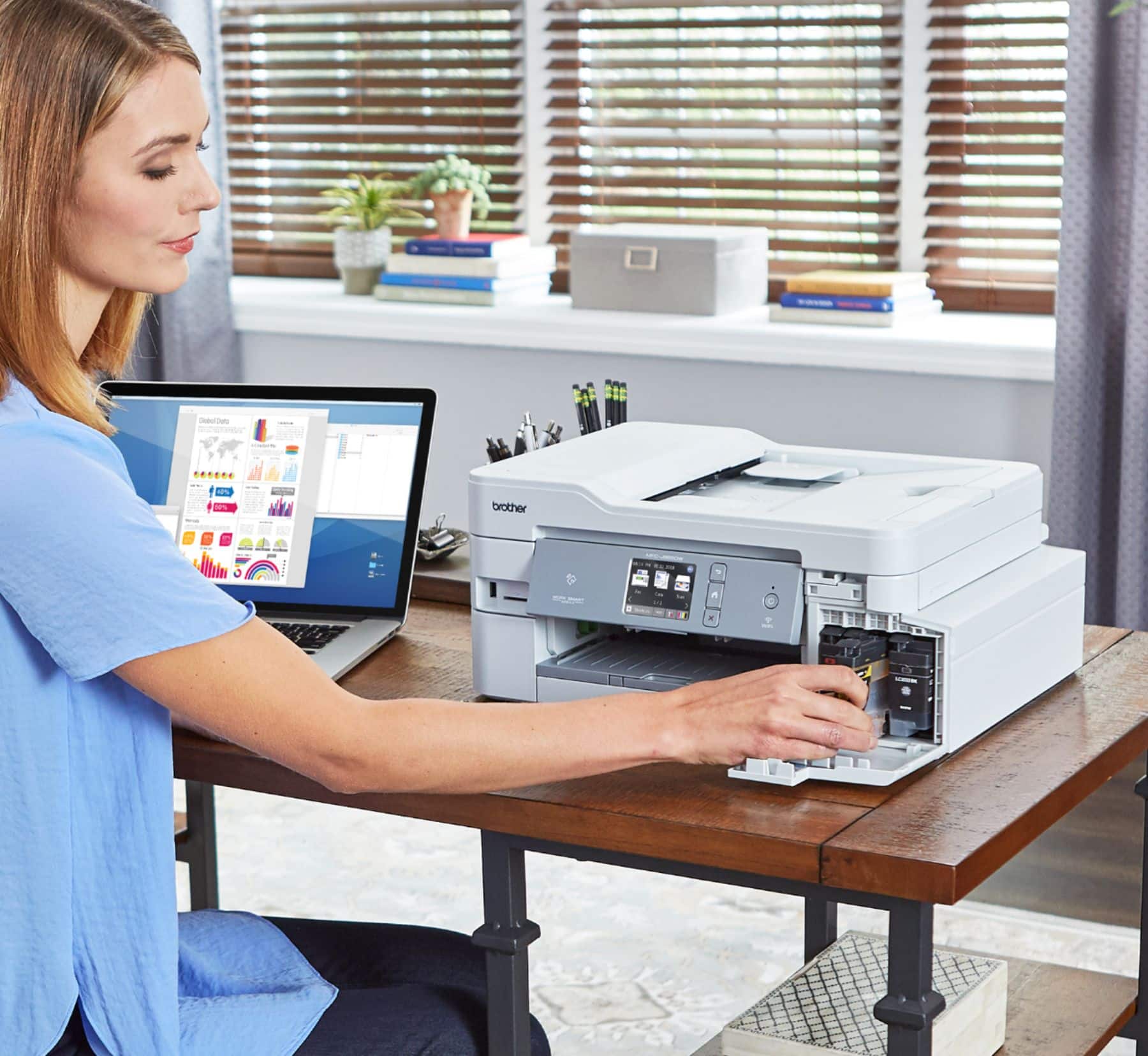
||Posted . Owned for 3 weeks when reviewed.This reviewer received promo considerations or sweepstakes entry for writing a review.Very easy to set up and start using. Love that i can print from my phone with the app. The print quality is great, better than the Epson this replaced. It's been used heavily for almost a month with no issues. I haven't had to restart it or redo the wifi setup yet, which was a major issue with our last one. Very convenient ink cartridge access in the front, so no lifting covers to get to the ink. Very happy so far.
I would recommend this to a friend - Pros mentioned:Ease of use, Print quality
Rated 5 out of 5 stars
Awesome printer
||Posted .This reviewer received promo considerations or sweepstakes entry for writing a review.I love this printer. Set up was easy and we were off and printing. I love that I get to print a minimum of 1500 copies before buying ink which will do for my home use nicely and should last a year. My ink dried out in my old printer before I could print 10 copies. I wanted a responsive printer and one that the ink did not dry up. I got what I wanted.
I would recommend this to a friend - Pros mentioned:Print quality, Setup
Rated 4 out of 5 stars
New Brother printer is promising
||Posted . Owned for 3 weeks when reviewed.This reviewer received promo considerations or sweepstakes entry for writing a review.So far, so good. Had to wait for out of stock and got it a day early. It has been working well and was not difficult to set up. Finding the correct Brother download was a bit difficult. Scanning works well. I can print ok but the iPrint feature keeps prompting for driver download but does not complete. The scan driver download processed without issue. Too early to assess ink usage but seems good.
I would recommend this to a friend - Pros mentioned:Print quality, Size
Rated 4 out of 5 stars
I like it!
||Posted .This reviewer received promo considerations or sweepstakes entry for writing a review.So, this isn’t the number one printer on the market but for someone like us who do not print a lot of pictures or documents, this does very well. You can load a tray of paper or insert a page at a time through the back. I like how quickly it wakes up and responds to any of our devices or laptops. It’s very convenient and doesn’t take up a ton of space on the desk.
I would recommend this to a friend - Pros mentioned:Print quality, Setup
Rated 5 out of 5 stars
Big upgrade from my old printer
||Posted . Owned for 2 weeks when reviewed.This reviewer received promo considerations or sweepstakes entry for writing a review.I had my old Canon printer for over 10 years. Suddenly, I stopped connecting to wifi. There was a deal on these printers. I had no idea what i was missing out on until I printed some full color pages. Lighting fast and very accurate. Set up took less than 15 minutes including.. most of that was spent waiting on the printer to do its initial setup process.
I would recommend this to a friend