Customer Ratings & Reviews
- Model:
- 3113C002
- |
- SKU:
- 6356231
Customer reviews
Rating 4.2 out of 5 stars with 1564 reviews
(1,564 customer reviews)Rating by feature
- Value4.3
Rating 4.3 out of 5 stars
- Quality4.3
Rating 4.3 out of 5 stars
- Ease of Use4.1
Rating 4.1 out of 5 stars
Customers are saying
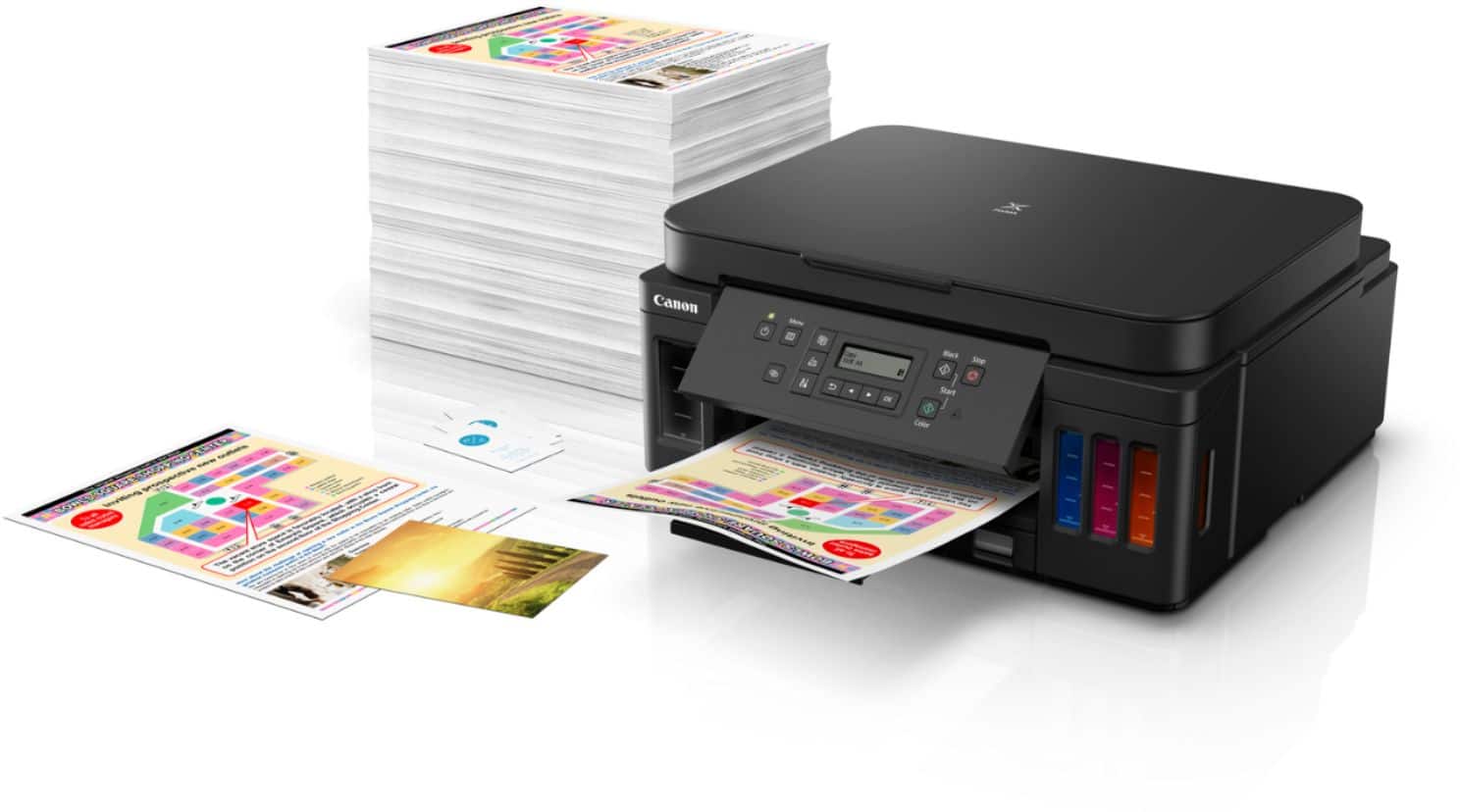
Customers find value in the PIXMA Megatank G6020's exceptional print quality, ease of use, and overall performance. The setup process is also considered simple. However, some customers have expressed concerns regarding the display, connectivity, control panel readability, and noise levels during printing.
This summary was generated by AI based on customer reviews.
- Pros mentioned:Ease of use, Print quality
Rated 5 out of 5 stars
Large tanks
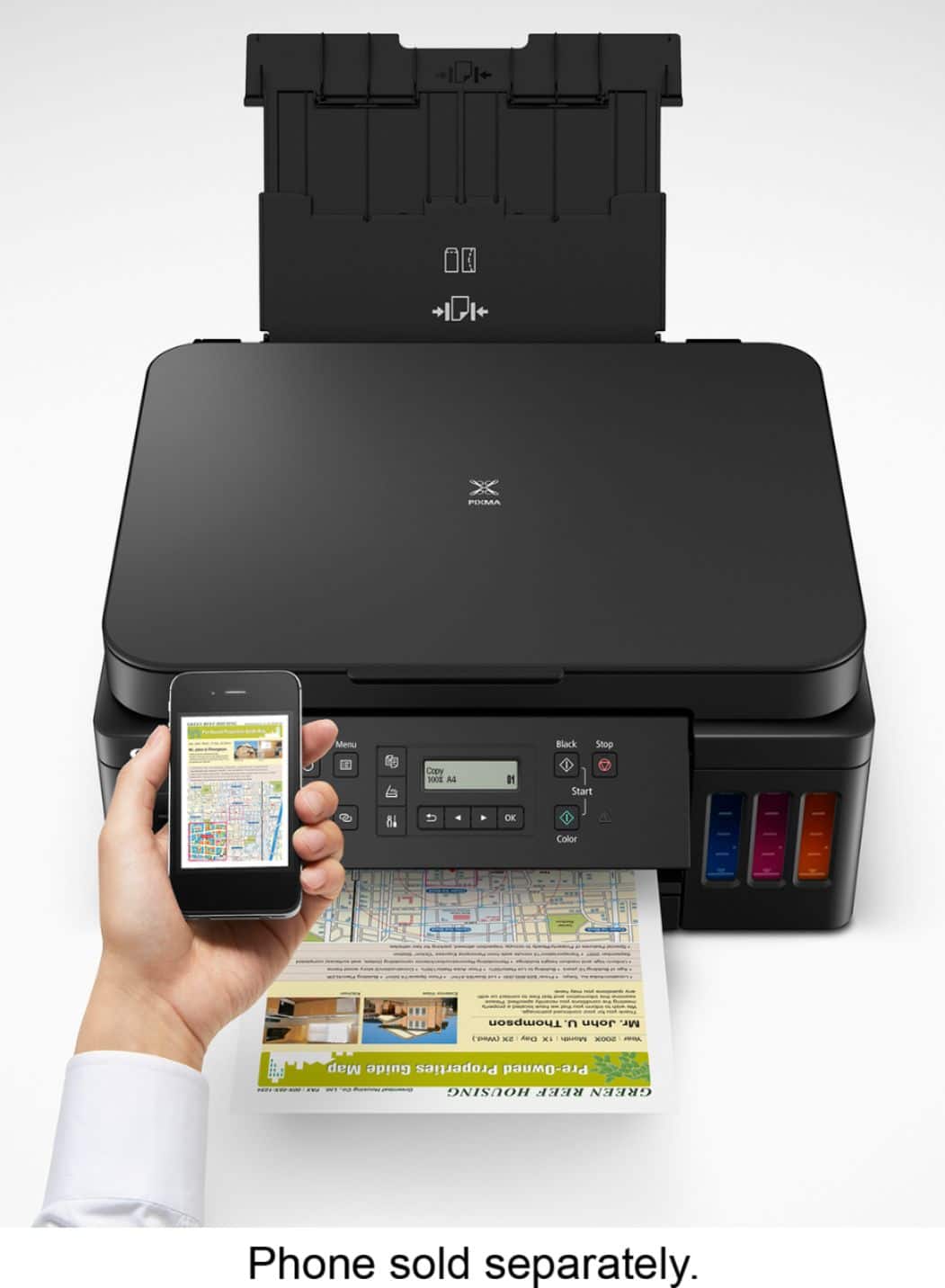
||Posted . Owned for 1 month when reviewed.This reviewer received promo considerations or sweepstakes entry for writing a review.Have not had it too long but so far does what it is supposed to do. I love the large tanks. Was going broke buying the cartridges. Easy set up and it is wireless which I like. It does seem to turn off so when you want to print you have to push the on button. Not a big deal unless I am not in the room and want to print from my ipad or phone.
I would recommend this to a friend - Pros mentioned:Print qualityCons mentioned:Display
Rated 5 out of 5 stars
A great printer for a reasonable price
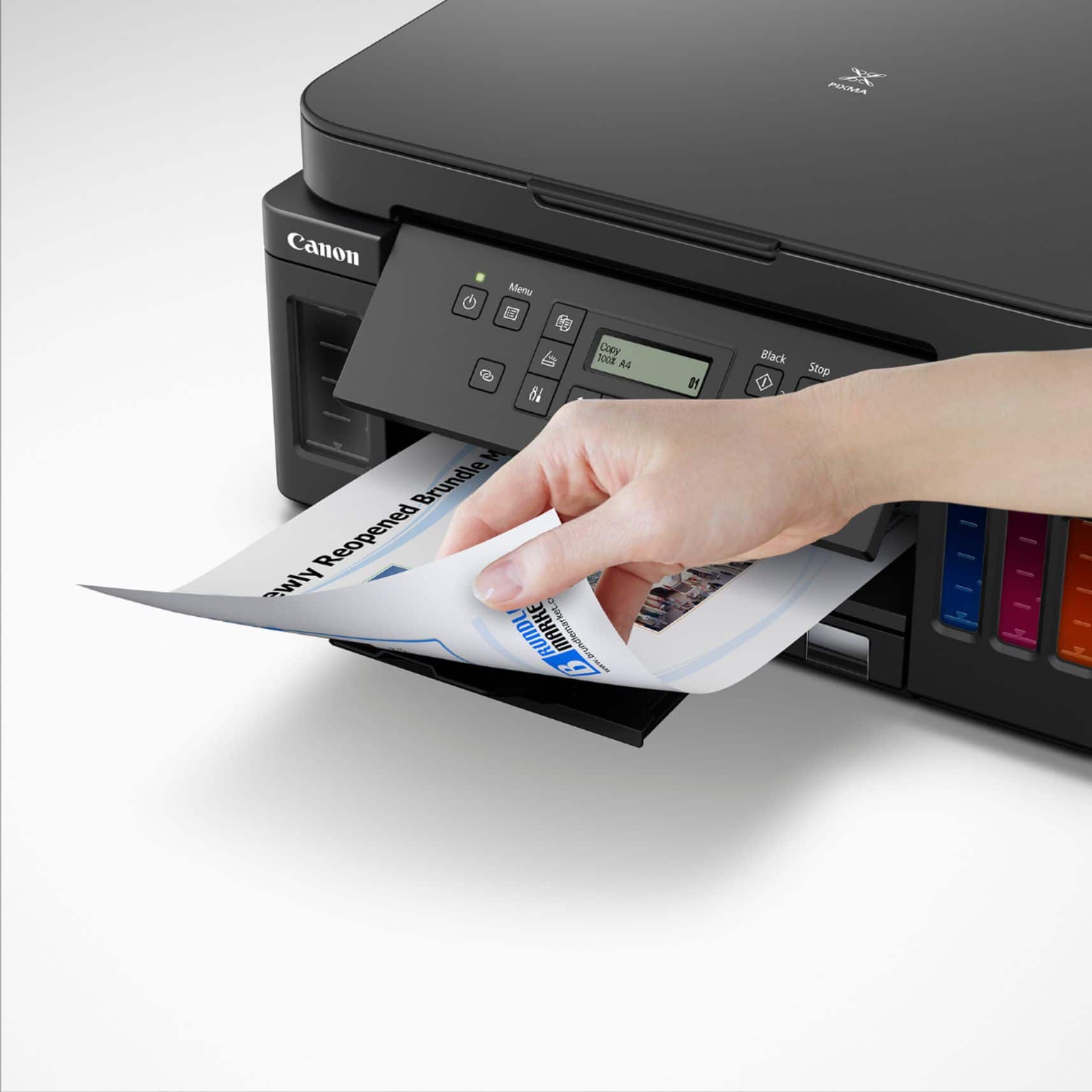
||Posted . Owned for 1 month when reviewed.This reviewer received promo considerations or sweepstakes entry for writing a review.This is a really good all-around multi-function printer. It prints, scans and copies as well as you should expect from a modern printer. If the printer is connected to your wired/wireless network a nice scan feature is that, from the control panel, you can select the destination of any computer with the printer driver installed. Double-sided printing is a bit interesting. After printing the first side, the printer holds on to the page for quite a while then sucks it back in to print the other side. We will assume that the delay is because the entire second-side image has to be loaded in to memory and flipped upside down so it can print from the bottom - up. Photo printing looks a good as any other ink jet printer. Of course, the main selling point is the MegaTank. It holds a lot of ink. You will not need it often, but the refills are reasonably priced. Note: it comes with 3 black refills -- that's a lot of 'free' ink. Ink-related: Not sure how long the print head lasts, but it is good to know that they are replaceable. A clogged / damaged print head would, otherwise, be the end of the printer. The only complaint is the display. It is difficult to read except from a small range of angles and under ideal lighting. Plus, if you have old eyes, some type of magnifying device is needed.
I would recommend this to a friend - Pros mentioned:Print quality, Setup
Rated 5 out of 5 stars
A Fantastic Printer at an Affordable Price
||Posted . Owned for 2 months when reviewed.This reviewer received promo considerations or sweepstakes entry for writing a review.When it comes to printers, the Canon Pixma Mega Tank stands out for all the right reasons. It’s a real game-changer, offering top-notch performance and value for your money. Whether you're using it at home or in the office, this printer has got you covered with its speedy printing, easy setup, and long-lasting ink system. Let’s take a closer look at what makes it so impressive. Setup and Ease of Use Setting up the Canon Pixma Mega Tank is a breeze. Right out of the box, you’ll find it’s a cinch to get up and running. The instructions are clear and straightforward, so you won’t be left scratching your head. Plus, navigating through its features and functions is a piece of cake, making your printing tasks a whole lot simpler. Print Speed When it comes to printing speed, the Canon Pixma Mega Tank doesn’t disappoint. It’s lightning-fast, handling your printing needs with ease. Whether you’re printing documents, reports, or photos, this printer gets the job done quickly without compromising quality. Its speedy performance is a real lifesaver, especially when you’re in a rush to meet deadlines. Ink Efficiency and Cost Savings What really sets the Canon Pixma Mega Tank apart is its ink system. Unlike other printers, it’s equipped with a high-capacity ink system that lasts much longer. This means fewer trips to the store for ink replacements, saving you both time and money in the long run. Plus, you can say goodbye to unexpected ink shortages, thanks to its predictable ink levels. It’s a real money-saver for anyone who relies heavily on their printer. Overall Performance and Quality In terms of performance and quality, the Canon Pixma Mega Tank delivers in spades. It churns out prints that are crisp, clear, and vibrant, perfect for a variety of printing tasks. Whether you’re printing text or photos, you can count on this printer to produce top-notch results every time. With its reliable performance and hassle-free operation, it’s a real winner in our books. Conclusion All in all, the Canon Pixma Mega Tank is a real powerhouse of a printer. Its impressive speed, ease of use, and cost-saving features make it a standout choice for anyone in need of a reliable printer. If you’re tired of constantly replacing ink cartridges and dealing with slow printing speeds, then the Canon Pixma Mega Tank is definitely worth checking out.
I would recommend this to a friend - Pros mentioned:Overall performance, Print quality
Rated 5 out of 5 stars
Perfect
||Posted . Owned for 7 months when reviewed.This reviewer received promo considerations or sweepstakes entry for writing a review.Works great, a little slow. The quality is quite good, the photos are not bad, there is printing on both sides, which is very convenient.
I would recommend this to a friend - Pros mentioned:Print quality
Rated 5 out of 5 stars
Future of printers
||Posted . Owned for 1 month when reviewed.This reviewer received promo considerations or sweepstakes entry for writing a review.I hated the business model of cheap printers but expensive inks for years and started refilling my own ink which is frustrating and ended up using laser printers. Im using a black and white laser printers for years and a 2nd Canon colored laser printer but is also has expensive toner, cannot print borderless and has is only good for graphics and text and not photos. These forms of printers are emerging where refillable tanks are now the primary reason for these line of printers. They are sold in high prices but will turn to save moderate to heavy users in the long run as these inks are getting sold in volumes that can print 5000+ pages before refill. These printers have their counterpart selling in less than $100 with ink cartridges. I have decided to buy a printer like this to support these types of printers and hope that the industry goes into this direction. Talking about their worth, my take is that these types of printers are low end printers ranging from poor quality, poor speed (im talking about tank ink printers in general) but Canon truly delivered. I tried other brands twice but they lack what I truly need on printer. Considering their high price, I think they should be packed with features but they do not. One major use for me is to be able to print with 3.5 index cards. The software supports it but the input of paper can only shrink to 4 inches width and all my prints where crooked. They lack a 2nd tray so I don’t have to remove the letter paper all the time. Also for a printer that is designed for longevity, I believe the print head should be serviceable or replaceable. These needs brought me to Canon g6020. I bought it at a local electronics store. Setup wasn’t any different from other refillable tank printers. Canon now have the newer line of ink bottles making refilling without any mess. No drops of ink anywhere versus older model. Where it lacks is that Epson has a sort of key on every color so that the wrong color cannot be inserted and won’t mess your printer. Canon has a lock on the tubes that delivers the ink to the printhead incase that the printer will be moved. Installation of printheads are easy and has a step-by-step picture guide. Turn it on and give in 15-30 minutes to prime, connect to your wifi/usb and you are now able to print. Pros Canon advertised that this could print 6000 black pages and 7700 color pages. So far I think these claims are true. Quality of photos are better with more vivid color ( im not a pro so this is subjective) Can print borderless 4x6 up to letter and A4. Legal size not included and I don’t understand why not. Not an issue with me. Has automatic duplex printing for almost any size. Tried letter size so far and works perfectly. Paper Cassette. 250 max and can take 150 more on the rear tray. Small footprint, enough for me. Software for scanning is easy to use. Can print more than your average entry level laser printer. Cons At this price point, other brands have an automatic document feeder for scanning multiple pages and doing multiple copies. No fax capability It has this annoying rear tray cover that is used to stabilize the paper inserted and must always be propped down or else the printer wont print. Has limited options for borderless printing but has commonly used photo paper sizes. Does not support borderless legal size. Future improvements I want to see the same printer with more colors. At least with black dye for photo printing or an added gray. Borderless envelope printing Still hoping that once this pattern is established, that more companies will follow this business model.
I would recommend this to a friend - Pros mentioned:Print quality, Setup
Rated 4 out of 5 stars
Canon G6020 Printer - A good buy!
||Posted . Owned for 1 month when reviewed.This reviewer received promo considerations or sweepstakes entry for writing a review.The G6020 Canon Printer was straight forward to set up. Air printing was successful. Print quality was satisfactory. So far, I’m very happy with this purchase. The printer would time out and turn off on its own, which was unexpected. This setting can be reconfigured in the Settings menu. The Best Buy salesperson was knowledgeable, patient and very pleasant.
I would recommend this to a friend - Pros mentioned:Print quality
Rated 5 out of 5 stars
Solid bang for the buck printer.
Posted .This reviewer received promo considerations or sweepstakes entry for writing a review.This is an amazing printer and super efficient on ink. I’ve owned it since April 2020. It’s now September 2024 and since that time I have only used 1 bottle of each color and 2.5 bottles of black. I’m still on my original ink that came with the printer. This printer comes with 3 black and 1 of each color in the box. I paid $250 back then and now’s it’s at $199. I would recommend this printer to anyone since it’s a solid printer with zero issues.
I would recommend this to a friend - Pros mentioned:Print quality
Rated 5 out of 5 stars
What a pleasant surprise
||Posted . Owned for 1 month when reviewed.This reviewer received promo considerations or sweepstakes entry for writing a review.Wow! What a pleasant surprise to click on the print button and hear the printer actually printing. Even after a week or more of not using the printer it just works, it stayed connected to our network, it still has ink and the print quality is excellent. After fighting with the previous two-year old HP printer, I wish we had made the switch sooner.
I would recommend this to a friend - Pros mentioned:Ease of use, Print quality
Rated 5 out of 5 stars
Printer recommendation.
||Posted .This reviewer received promo considerations or sweepstakes entry for writing a review.This printer has been great so far. It prints with quality and the print material is always clear. Easy to refill. Great product so far.
I would recommend this to a friend - Pros mentioned:Print quality
Rated 4 out of 5 stars
Good choice for home use
||Posted . Owned for 1 month when reviewed.This reviewer received promo considerations or sweepstakes entry for writing a review.This printer was delivered by Best Buy and set up by Geek Squad agents who were awesome. Chose this printer because of efficiency of the refillable ink, much more cost effective than the replacement cartridges. Small footprint which is nice. The only thing missing in an auto feeder on top which means you have to do a single page at a time. But, in my opinion, an okay tradeoff for the better cost of usage.
I would recommend this to a friend - Pros mentioned:Ease of use, Print qualityCons mentioned:Control panel
Rated 5 out of 5 stars
A Great Buy
||Posted . Owned for 1 month when reviewed.This reviewer received promo considerations or sweepstakes entry for writing a review.It was a very easy set up. The printing speed is slower than advertised but the print quality is good. One important flaw is the fact that the control panel has no light.
I would recommend this to a friend - Pros mentioned:Print qualityCons mentioned:Display
Rated 4 out of 5 stars
Excellent Printer for the Price
||Posted . Owned for 1 month when reviewed.This reviewer received promo considerations or sweepstakes entry for writing a review.We decided we wanted to try one of the ink tank printers, so we looked for one that had the features we wanted, at a reasonable price. We found this Canon, it does print, copy and scan, and has auto duplex printing and Wifi direct. It has 2 paper feeds, one tray and the back feed for envelopes and odd size paper. Setup was easy, we used the included disk, followed the steps for USB connection and everything worked. Setting up wifi direct was easy, again just followed the steps and it worked. Print quality is very good. We're very pleased with it so far. The only drawbacks are the display is tiny and not backlit, so very difficult to see. Use a flashlight to see it. It is somewhat slow, but not a big deal. Overall, a very good printer.
I would recommend this to a friend - Pros mentioned:Print quality, Setup
Rated 5 out of 5 stars
Solid, Do-It-All Printer
||Posted .This reviewer received promo considerations or sweepstakes entry for writing a review.Great home office workhorse printer. I’m an illustrator and I do a ton of printing for my work, as well as bulk prints of marketing materials and this printer has been able to handle everything I’ve asked of it. Setup is super easy, connected to my WiFi, computer and tablet without issue. The cartridge-less ink setup is absolutely a game changer for me. I’m so happy to not have to throw out a million plastic cartridges and that my ink lasts longer.
I would recommend this to a friend - Pros mentioned:Ease of use, Print quality
Rated 5 out of 5 stars
Canon Pixma
||Posted .This reviewer received promo considerations or sweepstakes entry for writing a review.Very easy to use and prints out wonderful quality pictures and pages. Very versatile
I would recommend this to a friend - Pros mentioned:Print quality
Rated 5 out of 5 stars
Recommend
Posted .This reviewer received promo considerations or sweepstakes entry for writing a review.interesting, wireless, color printer all in one. convenient, fast and quite simple. bought, installed and turned on in the children's room. now I don't worry about running out of ink in a few days. the ink supply in the printer box is enough, I think, for at least six months for my children. definitely recommend :)
I would recommend this to a friend - Pros mentioned:Overall performance, Print quality
Rated 5 out of 5 stars
Good printer
||Posted . Owned for 1 year when reviewed.This reviewer received promo considerations or sweepstakes entry for writing a review.My printer has been great, color prints are excellent. Over all good every day printer.
I would recommend this to a friend - Pros mentioned:SetupCons mentioned:Control panel
Rated 4 out of 5 stars
So far so good, after we got through WIFI setup
||Posted .This reviewer received promo considerations or sweepstakes entry for writing a review.So far it has worked well. Set up was (mostly) really easy. The ink tanks were easy to fill. The hardest part was connecting to the internet. They really buried the way to connect straight to the wireless without going through their software. It is literally not in the getting started guide. But you'll need to use the set up menu, and go to Wifi set up to connect straight to your wifi. (This is the only way to use the device with chromebooks as far as I can tell.) So far other than this is has been good. But they should add the wireless only set up to their getting started guide. Also the control panel is a bit a hard to read for an old lady like myself. Here are the instructions I used: https://ij.manual.canon/ij/webmanual/Tutorial/G6000%20series/EN/TRL/Top.html
I would recommend this to a friend - Pros mentioned:Ease of use, Print qualityCons mentioned:Display
Rated 5 out of 5 stars
Canon G6020
||Posted . Owned for 2 weeks when reviewed.This reviewer received promo considerations or sweepstakes entry for writing a review.This is a great printer. Prints quickly and effortlessly. Ink tanks are easy to fill. Not frustrating like the Canon MG7520, that keeps requiring verification of paper stock type. The Canon Print phone app is pretty worthless, but Airprint works well. Haven't printed in color, photos or specialty stocks yet, but have printed from paper cassette and back feed. The G6020 set up was pretty intuitive. So far my only complaint is the didital display, black print difficuot to tead on gray screen.
I would recommend this to a friend - Pros mentioned:Ease of use, Print qualityCons mentioned:Display
Rated 4 out of 5 stars
I like it.
||Posted . Owned for 1 month when reviewed.This reviewer received promo considerations or sweepstakes entry for writing a review.Very good deal, quality printer with lots of ink. The only problem is I wish it had a lighted screen. Otherr than thqat it's very good. Easy set-up.
I would recommend this to a friend - Pros mentioned:Print qualityCons mentioned:Display
Rated 3 out of 5 stars
Good printer with horrible display and set up
||Posted . Owned for 1 month when reviewed.This reviewer received promo considerations or sweepstakes entry for writing a review.It replaced my older PIXMA series printer bought in 2015 after it started printing blurry. All the attempts to make it work went futile. This one has the same footprint. Prints well. It tried photo, Vinyl sticker so far works well after a month. Setting up with MAC was just hooking up the cable. Cons The display is awful. At this price point, the display should be backlit. It is my daily nightmare to check what is being printed or shown on the display with a flashlight as it under the desk. It is a time wasting step and I do not have space to put it somewhere else. Second big cons is setting up phone (iOs/Android ) devices.
No, I would not recommend this to a friend


















