Customer Ratings & Reviews




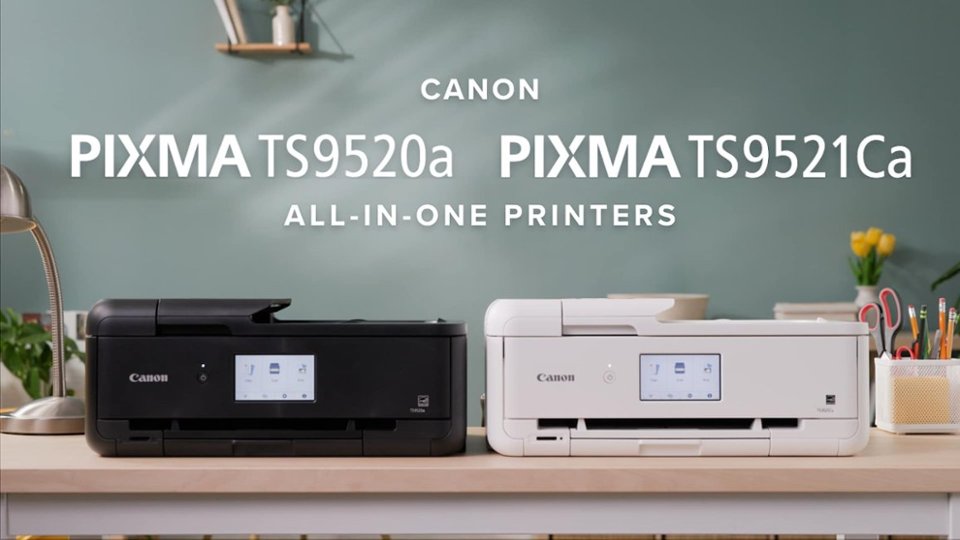
- Model:
- 2988C052
- SKU:
- 12210124
Rating by feature
- Value
Rating 4.4 out of 5 stars
- Quality
Rating 4.4 out of 5 stars
- Ease of Use
Rating 4.2 out of 5 stars
Great Printer
||Posted . Owned for 1 month when reviewed.This reviewer received promo considerations or sweepstakes entry for writing a review.Great Printer! Functions that I have been wanting.
I would recommend this to a friendGreat printer.
||Posted . Owned for 1 month when reviewed.This reviewer received promo considerations or sweepstakes entry for writing a review.Love this printer. The quality of prints is amazing
I would recommend this to a friendTerrible Software - Doesn’t Print all the time
||Posted .This reviewer received promo considerations or sweepstakes entry for writing a review.Had to keep reinstalling driver would not print all the time
No, I would not recommend this to a friendMac buyer beware
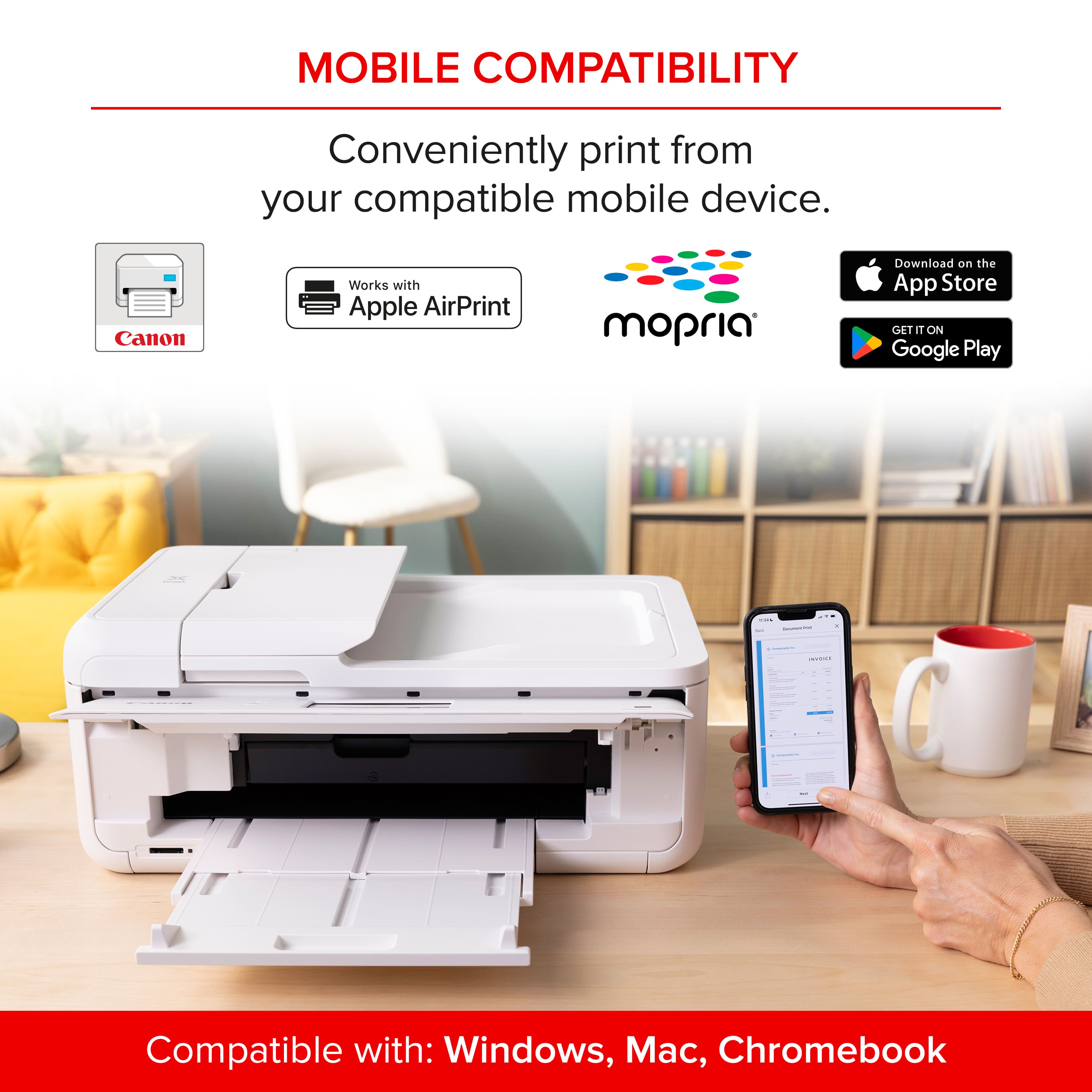
||Posted . Owned for 1 month when reviewed.This reviewer received promo considerations or sweepstakes entry for writing a review.bought this to start stationary biz. except it's not fully compatible with Mac. There is no canon driver, only Air Print option, which means you have zero control over the colors. They come out dark and blurry. I've spent days online researching all the "fixes" but unfortunately there just are none. Out of the money and mad because I did so much research and it said it was compatible. You've been warned.
No, I would not recommend this to a friendGreat priner
||Posted . Owned for 1 month when reviewed.This reviewer received promo considerations or sweepstakes entry for writing a review.Great printet, used for photos and was able to set up very easy
I would recommend this to a friendDependable Printer.
||Posted . Owned for 3 weeks when reviewed.This reviewer received promo considerations or sweepstakes entry for writing a review.I have always had HP printers but have been very unhappy with the last two I purchased. They never worked right, and HP did not help. This Cannon has done an excellent job so far with no problems. My only criticism is it is a little bulky.
I would recommend this to a friendTerrible printer
||Posted .This reviewer received promo considerations or sweepstakes entry for writing a review.The printer worked for a short while. Off and on I’ve been trying to get it to work again. It jams constantly and won’t recognize paper in the main tray. Some parts are made of cheap materials. I’ve never tried to print a photo because I can’t get it to work with paper.
No, I would not recommend this to a friendQuestionable
||Posted . Owned for 2 weeks when reviewed.This reviewer received promo considerations or sweepstakes entry for writing a review.Not sure if it is a good printer as it won't connect to the internet. It won't let me get to the password to enter it as I looked up ways to connect.
No, I would not recommend this to a friendOut of this world!
||Posted . Owned for 3 weeks when reviewed.This reviewer received promo considerations or sweepstakes entry for writing a review.Amazing! Customer service was outstanding. What ever I needed employees were on it.
I would recommend this to a friendMy Printer
||Posted . Owned for 5 months when reviewed.This reviewer received promo considerations or sweepstakes entry for writing a review.Love it! Perfect for crafting!! Perfect for printing stickers as well!
I would recommend this to a friendPRINTER
||Posted . Owned for 3 weeks when reviewed.This reviewer received promo considerations or sweepstakes entry for writing a review.GREAT PRINTE! RECOMMEND IT. GREAT VALUE! PEOPLE GIVE THIS A TRY
I would recommend this to a friend
Much More Than Just a Printer
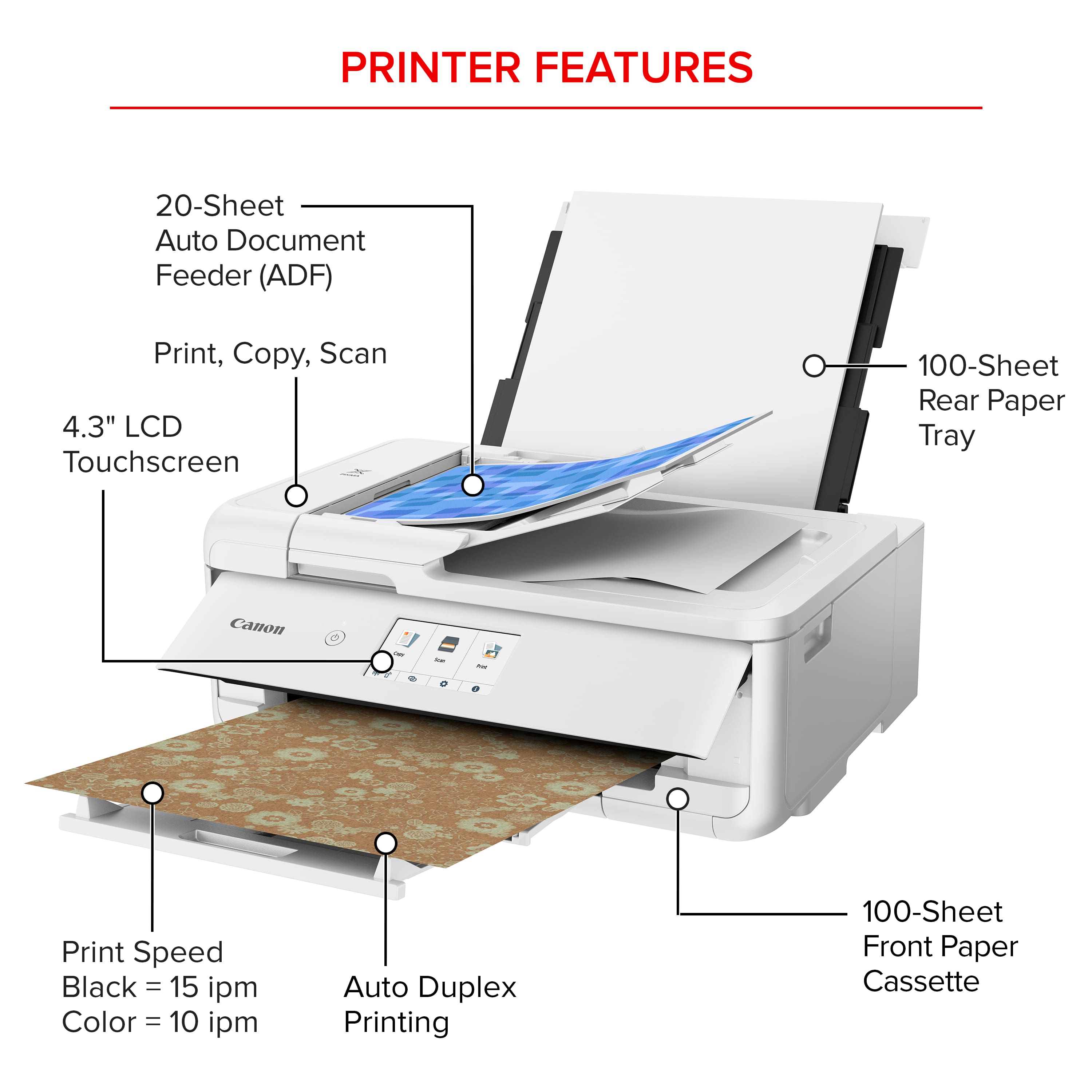
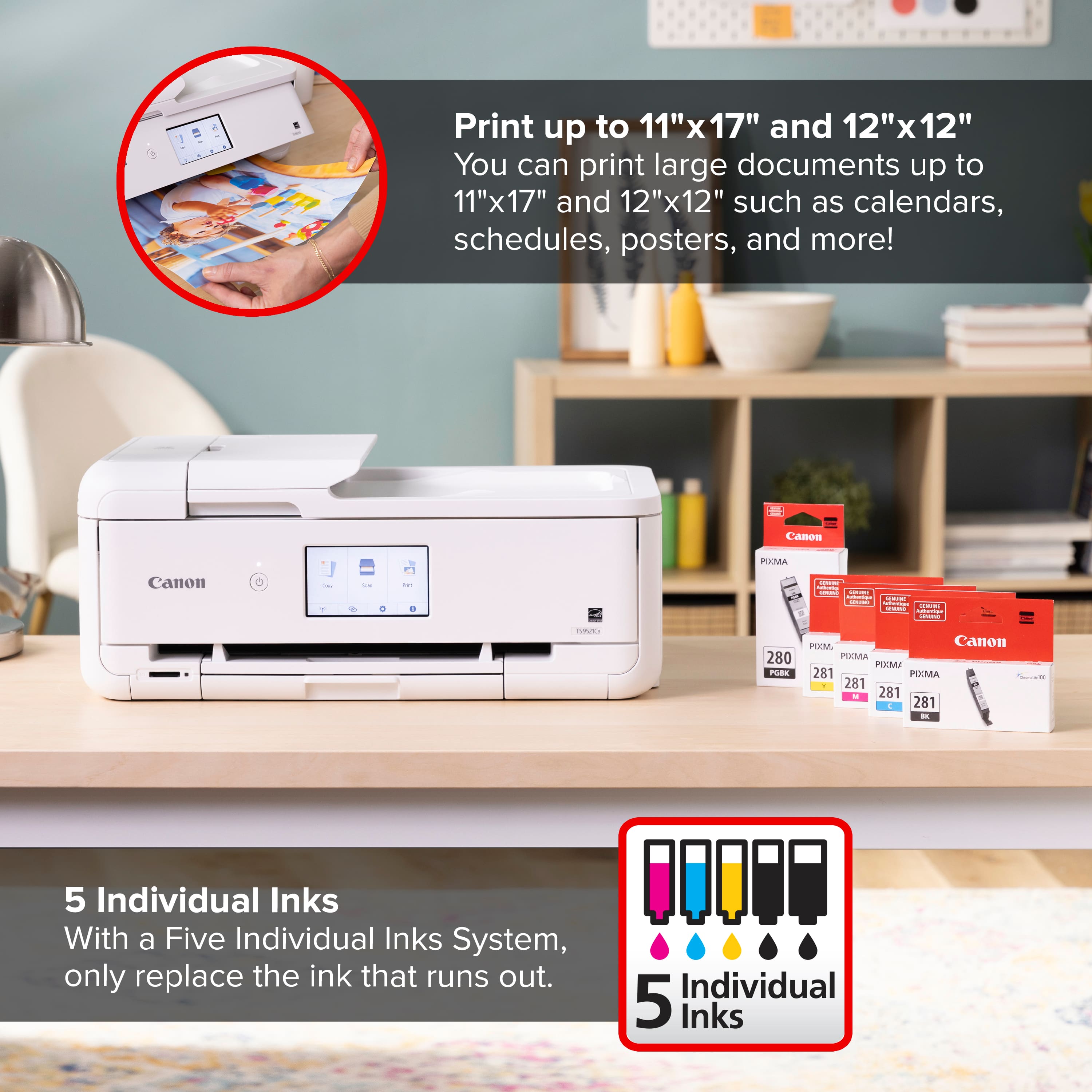
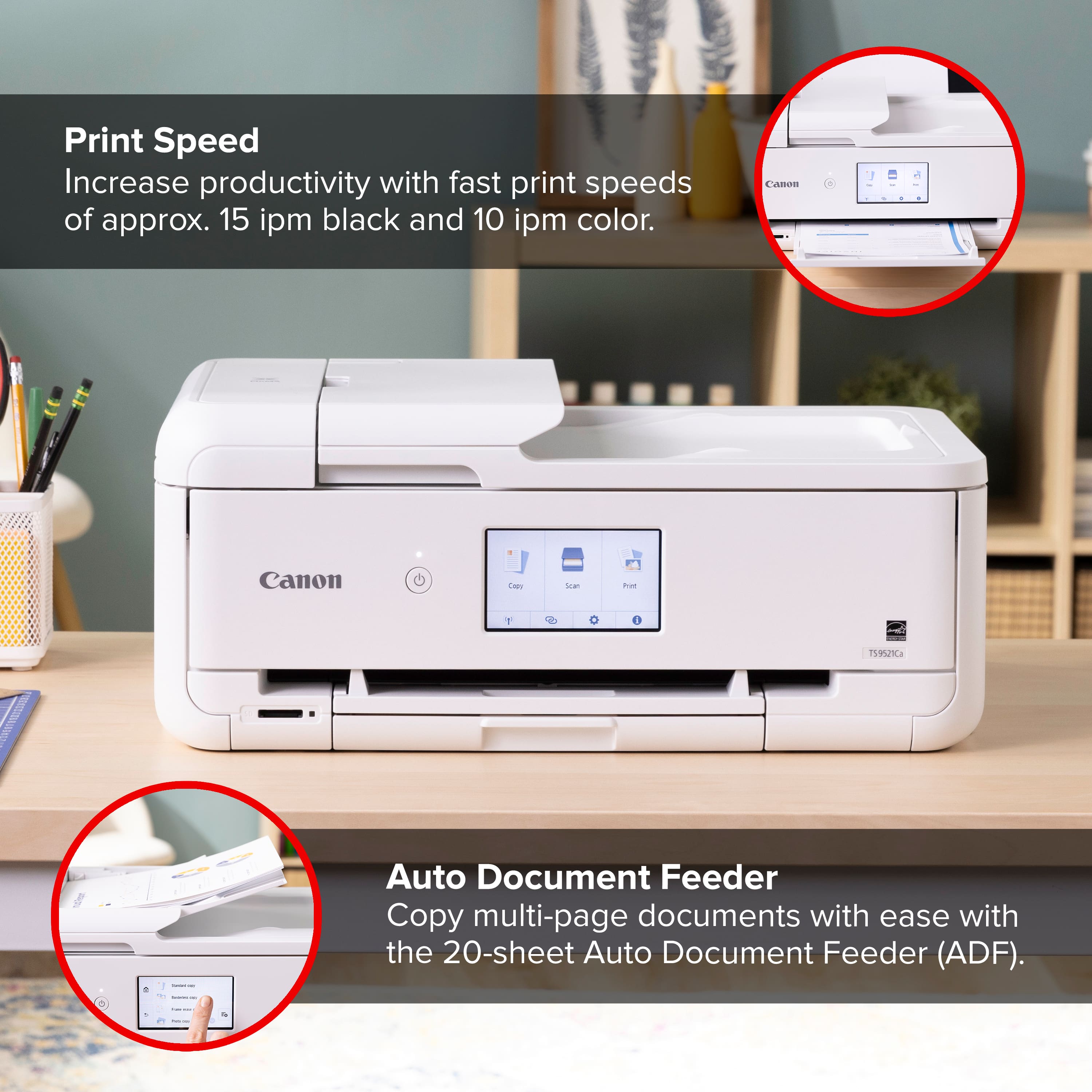
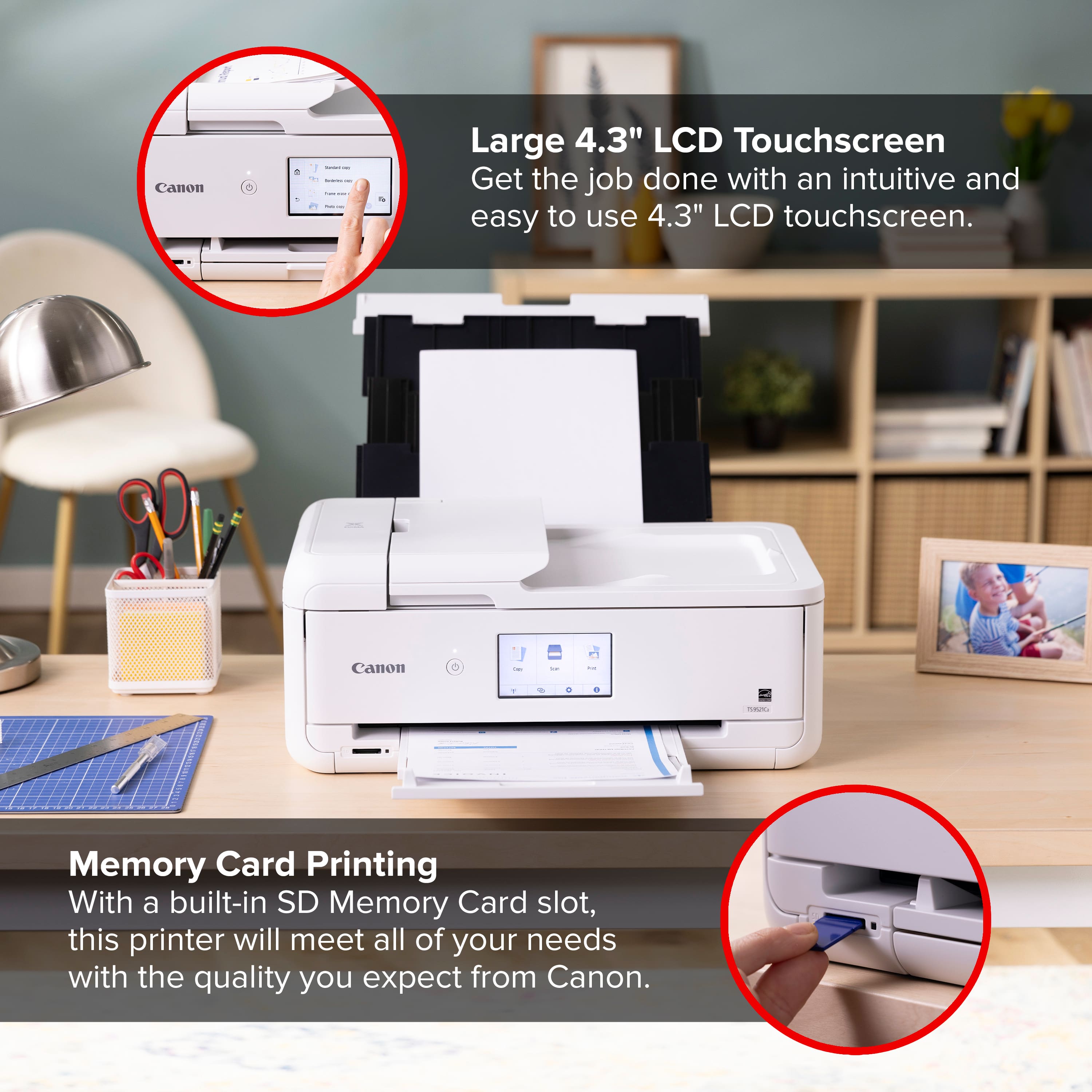
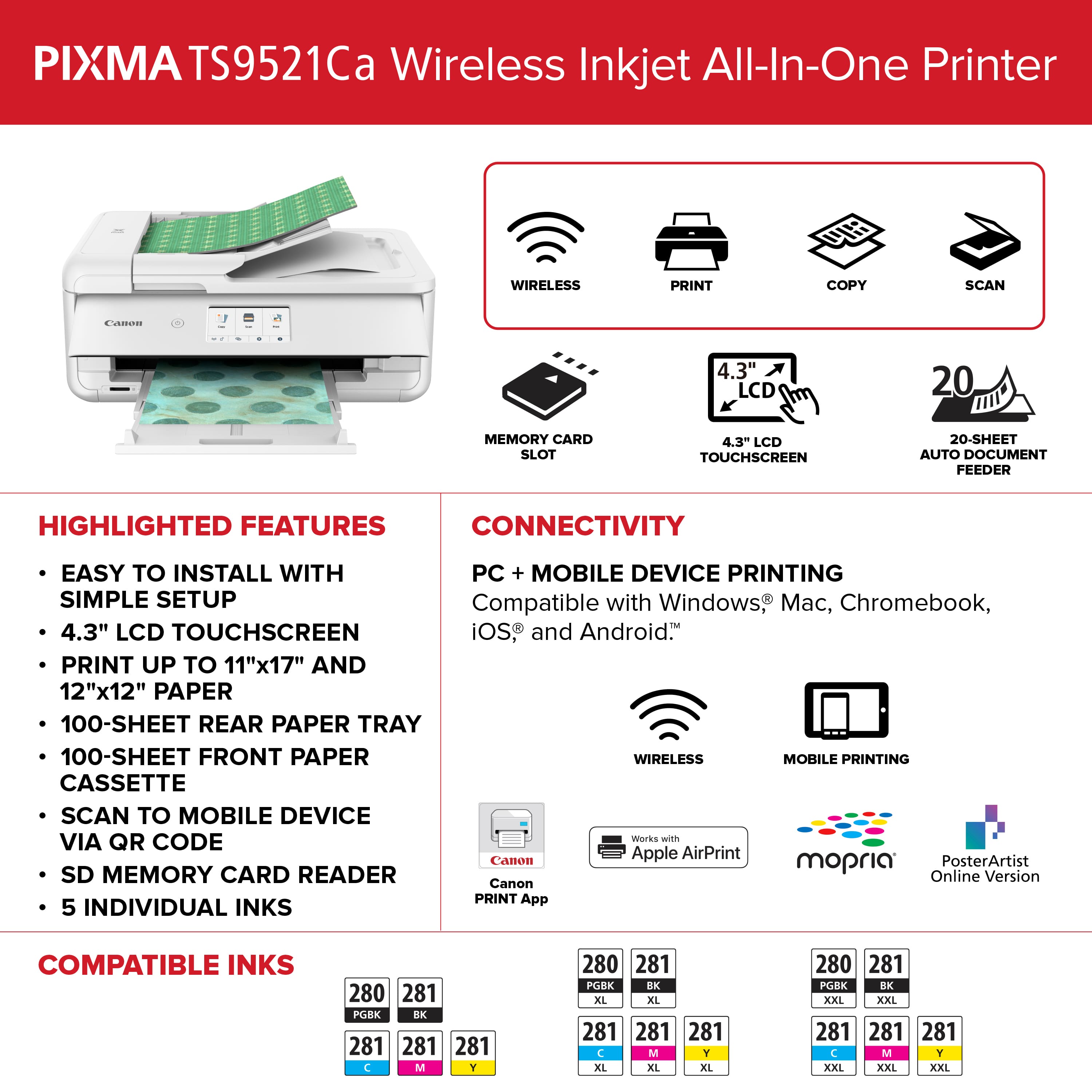
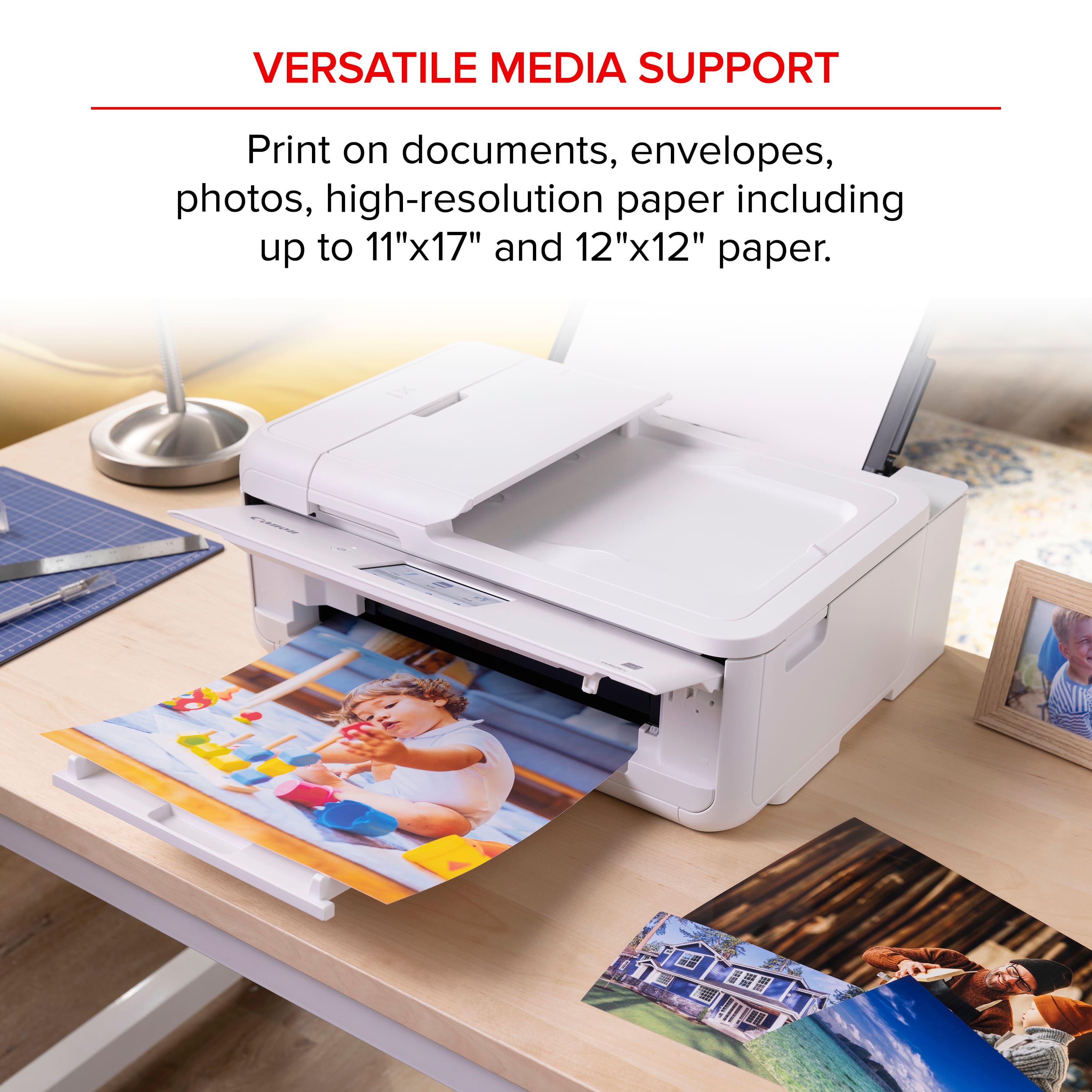
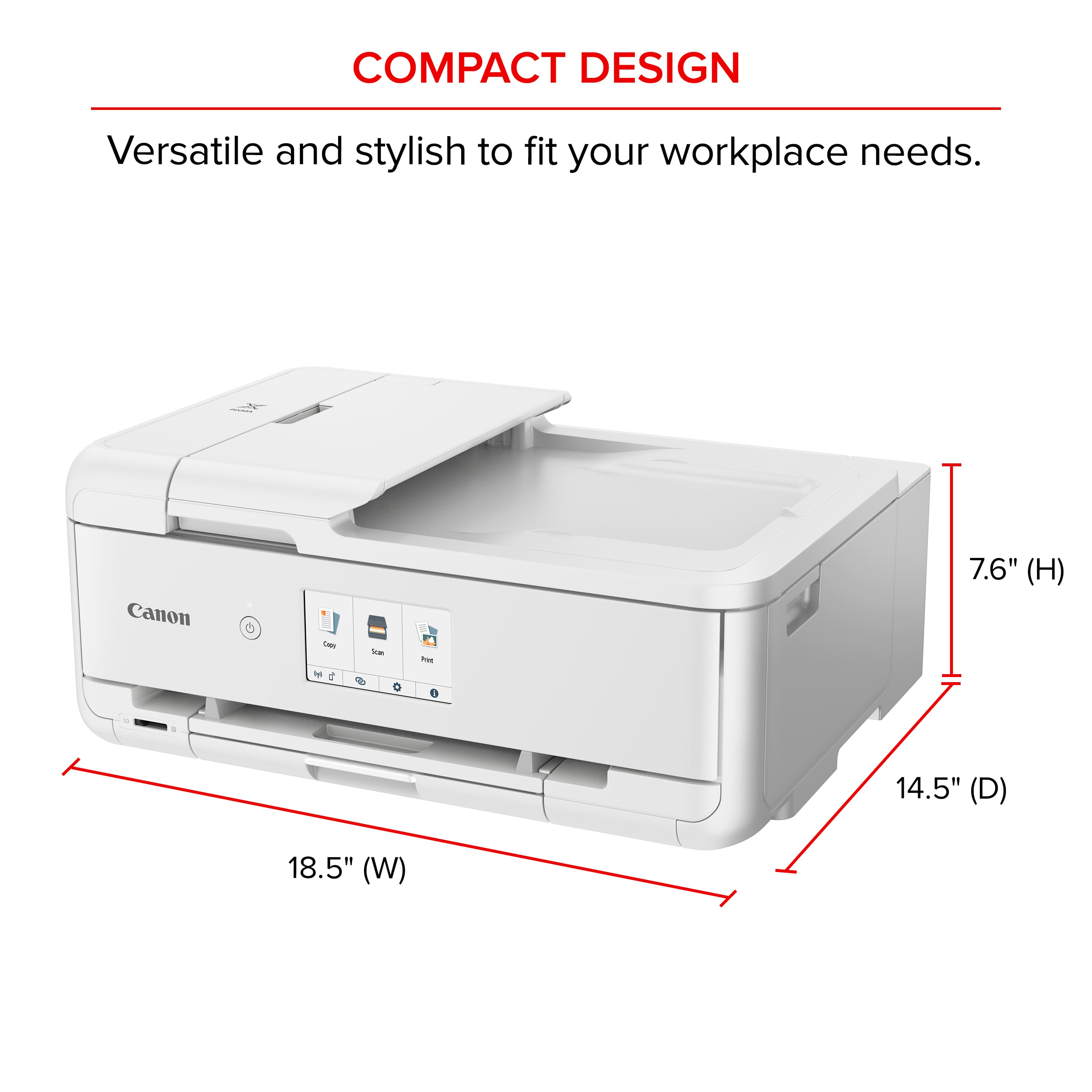
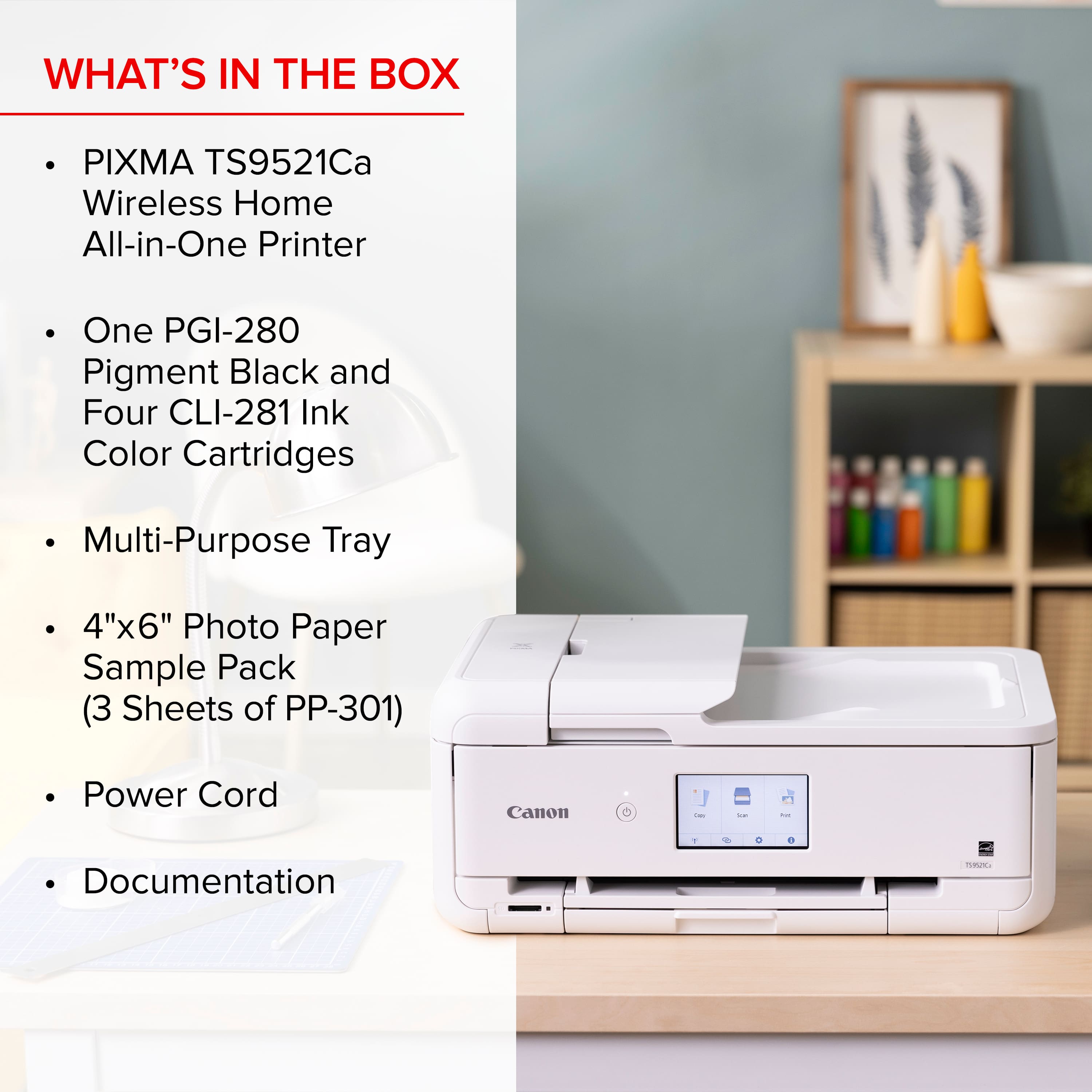
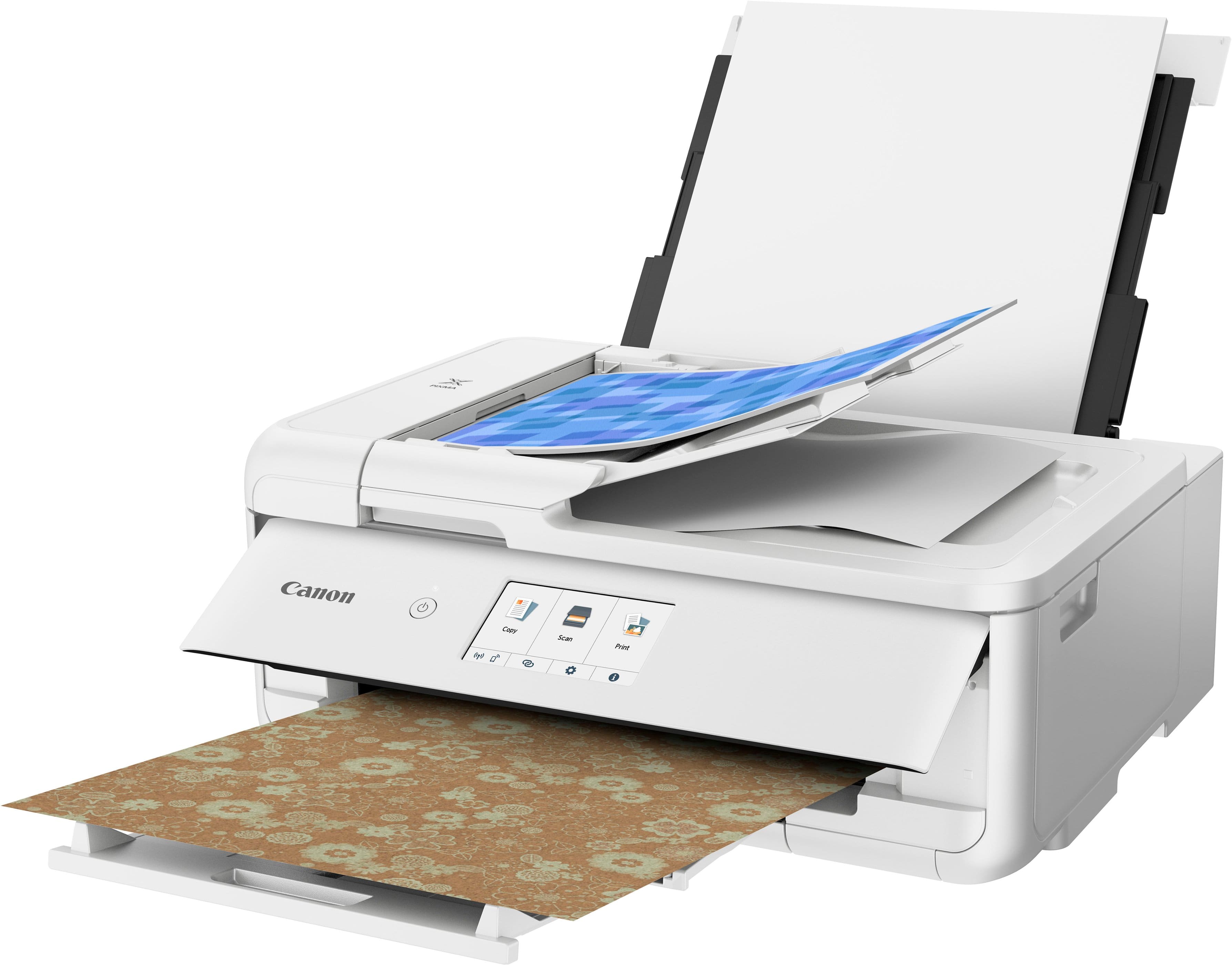
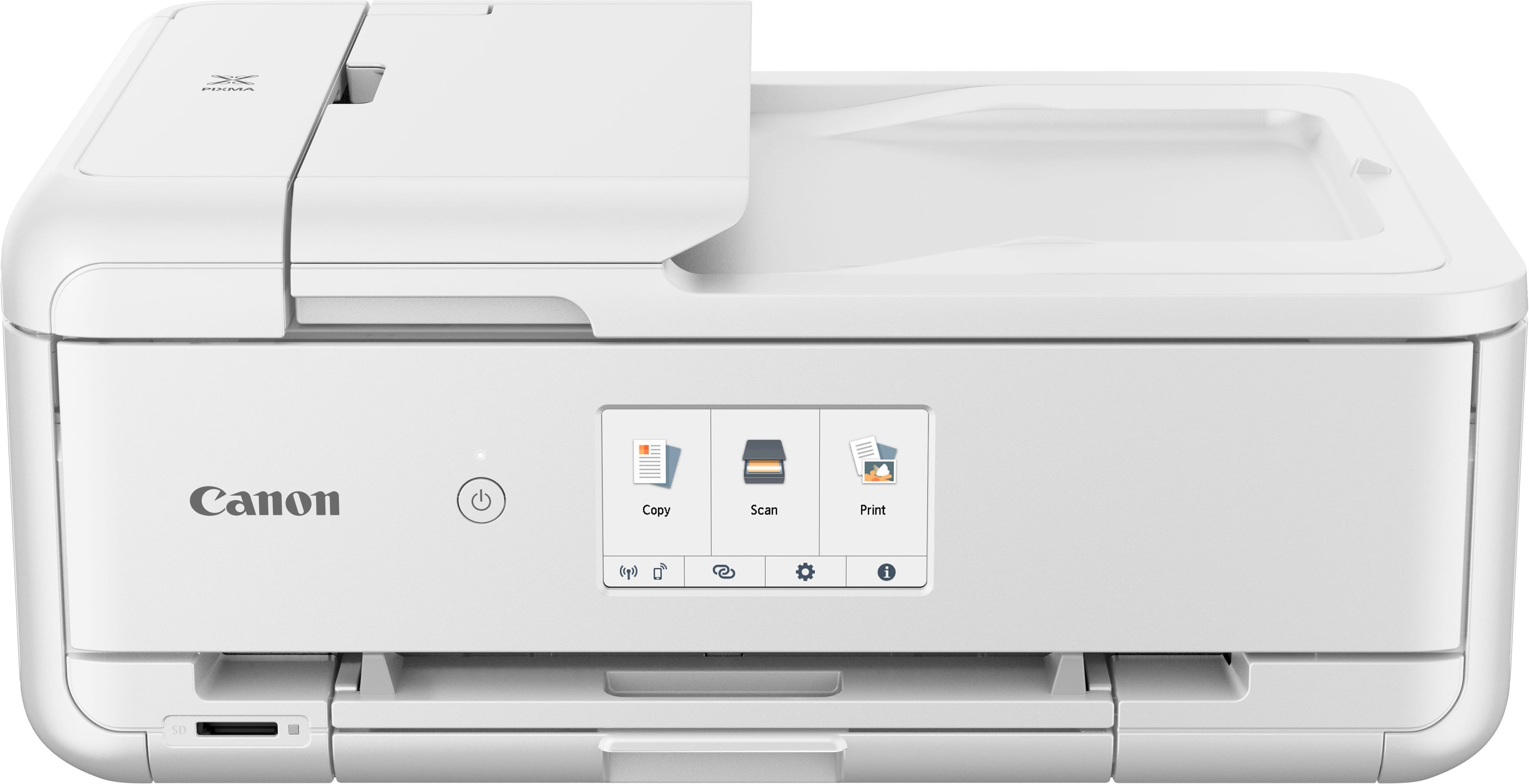
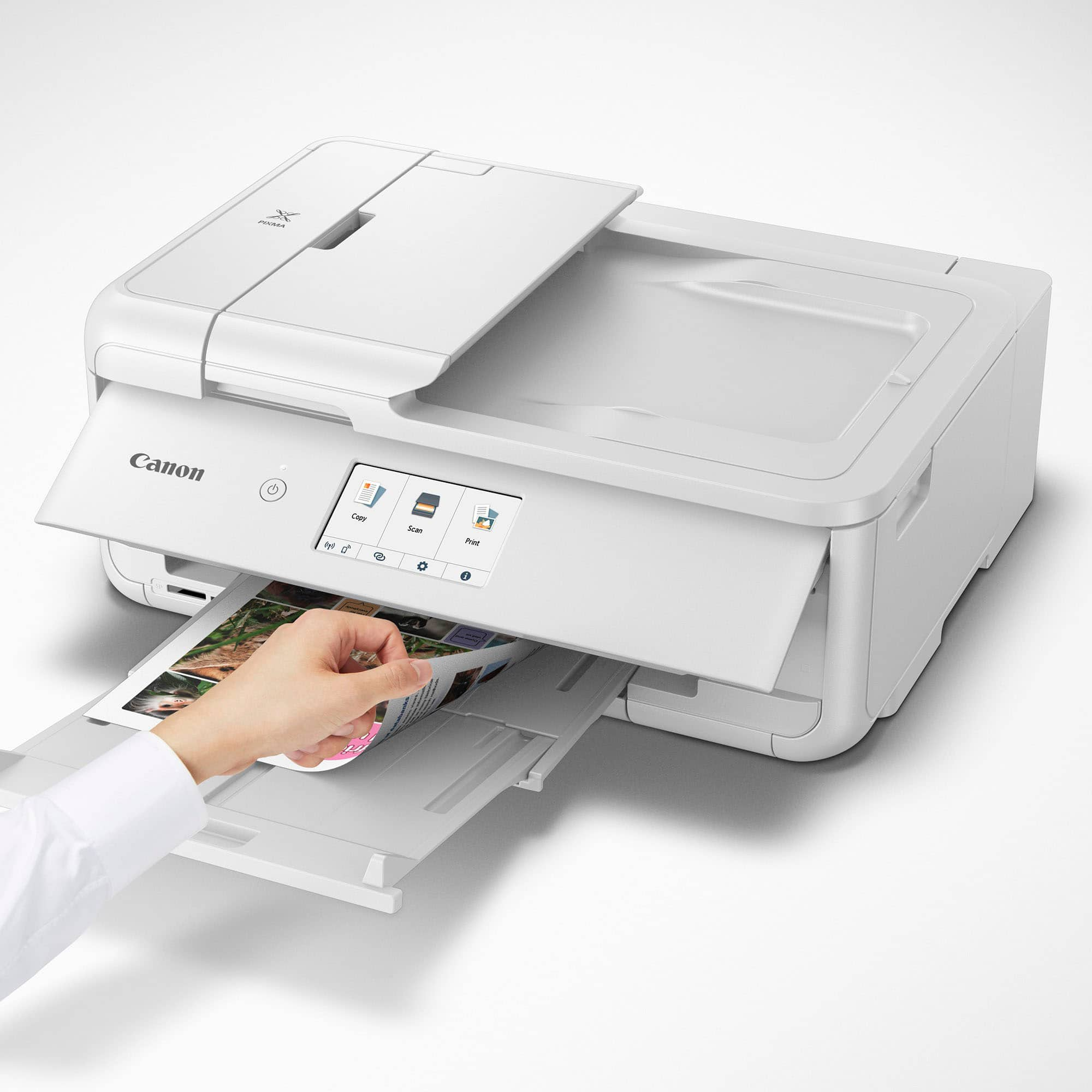
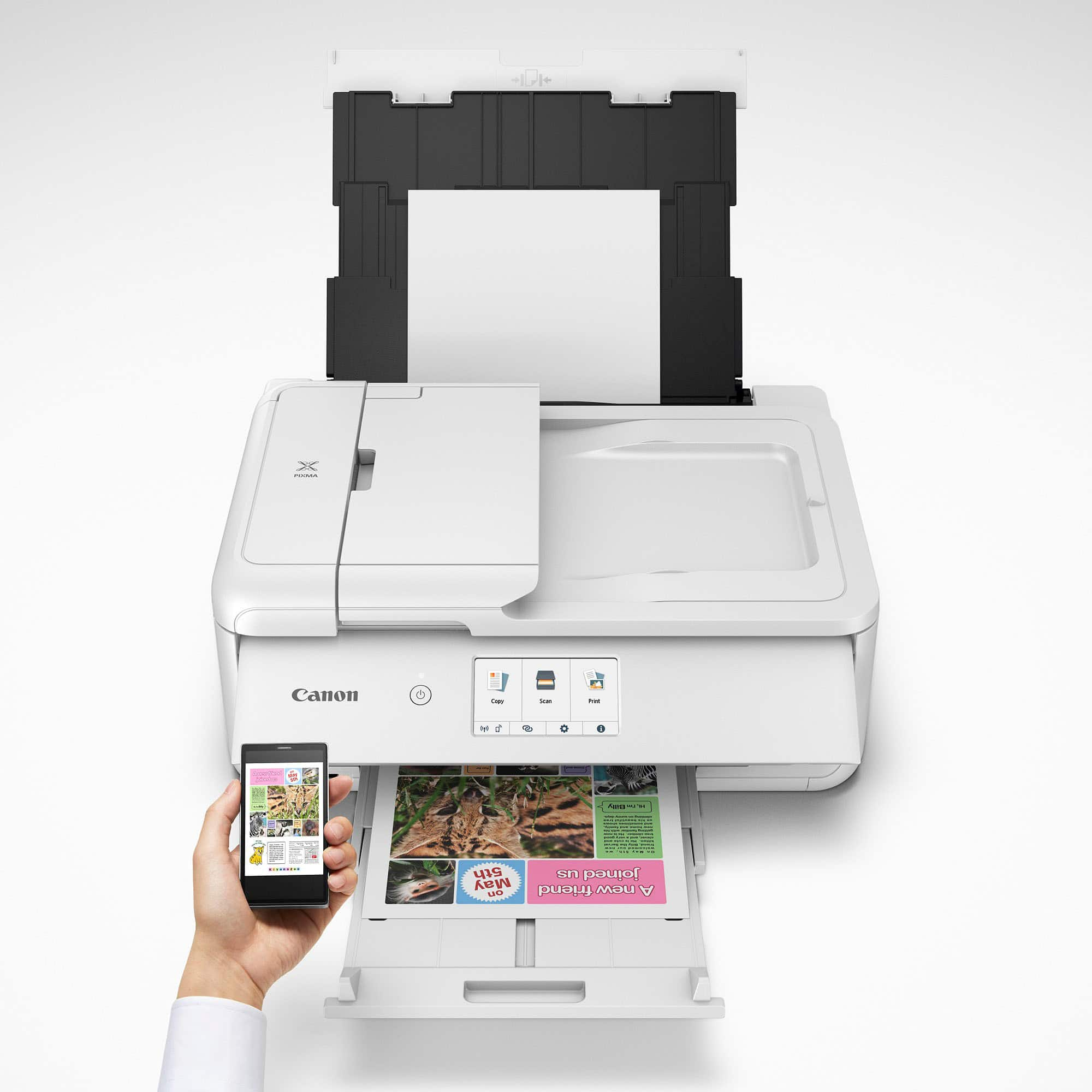
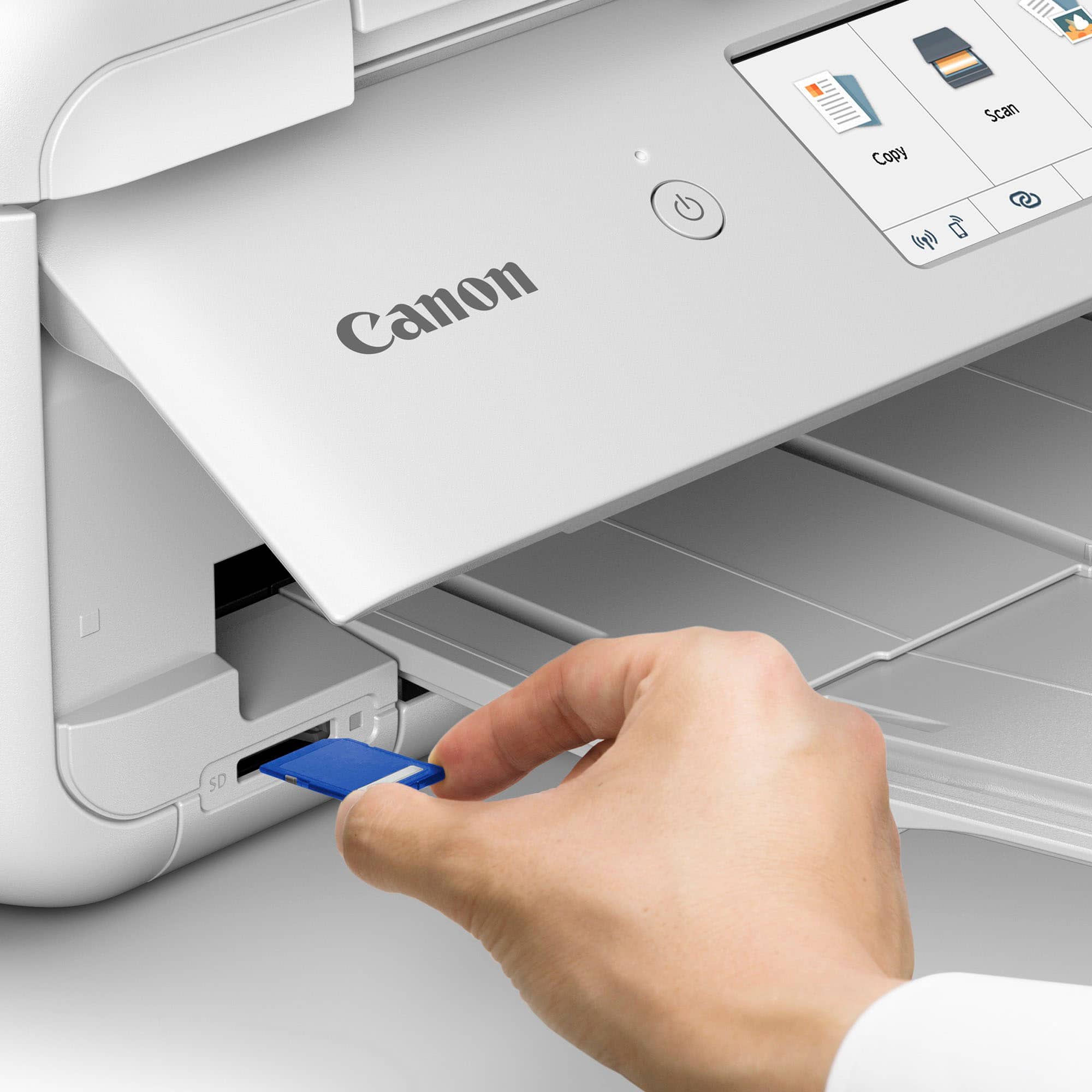
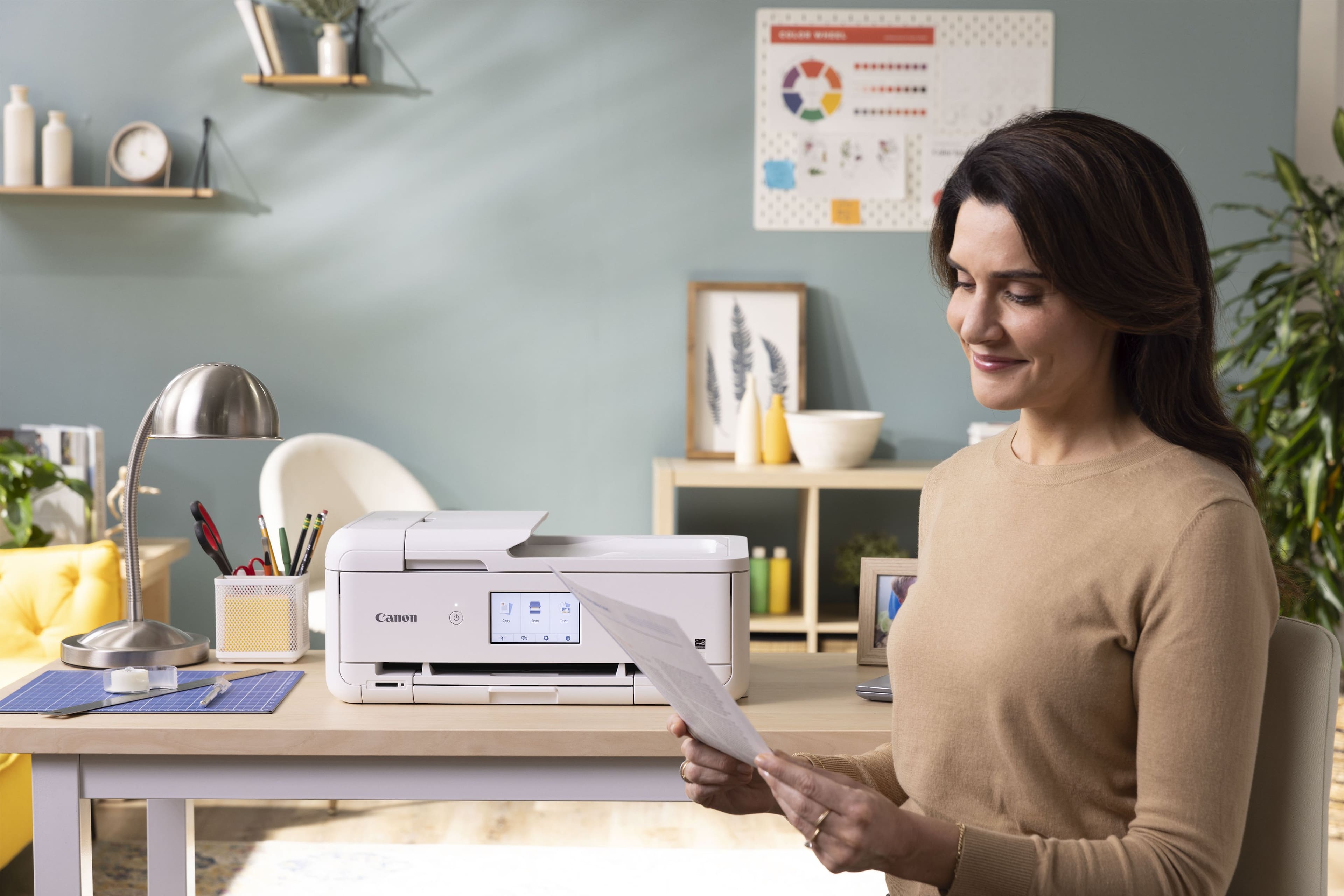
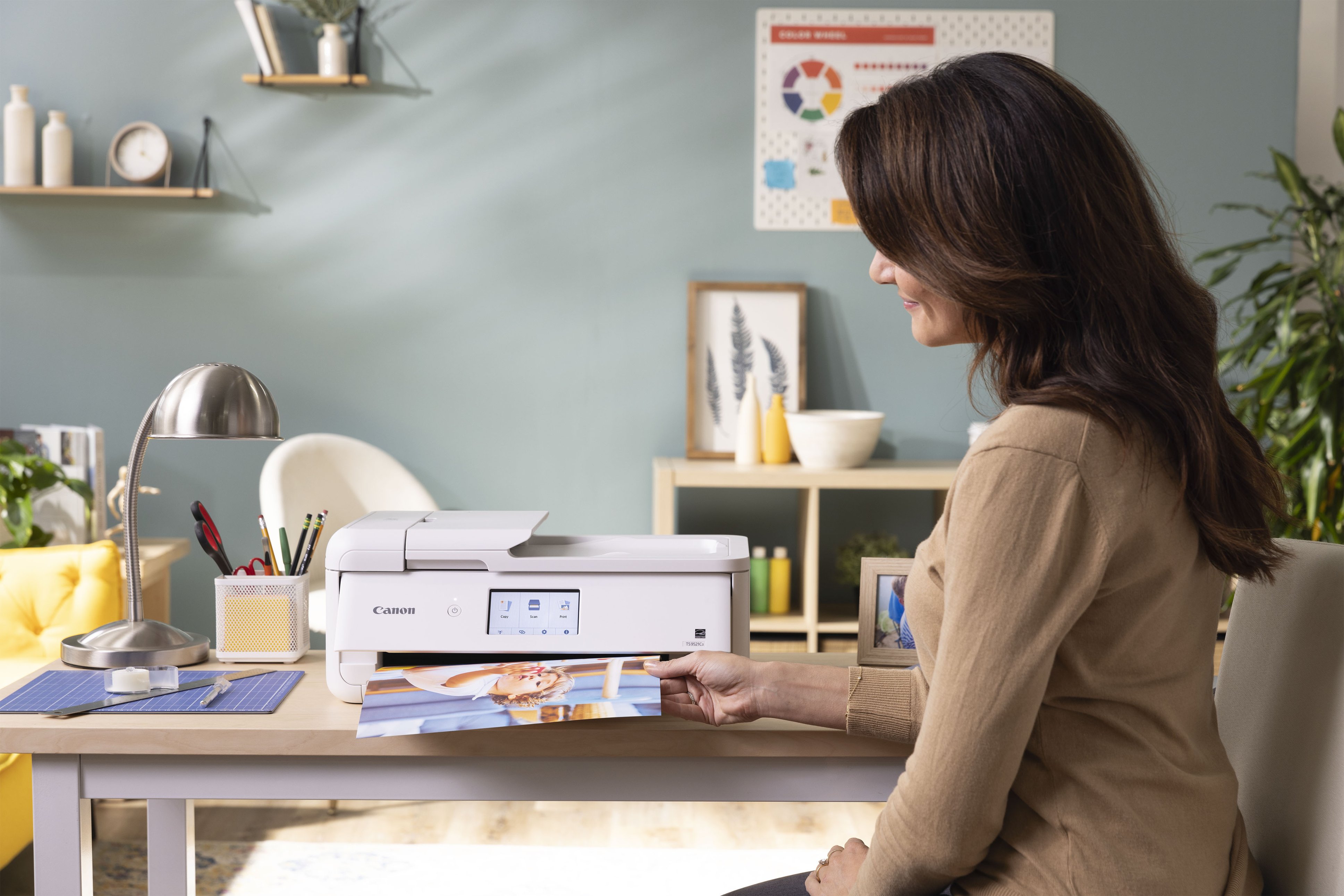
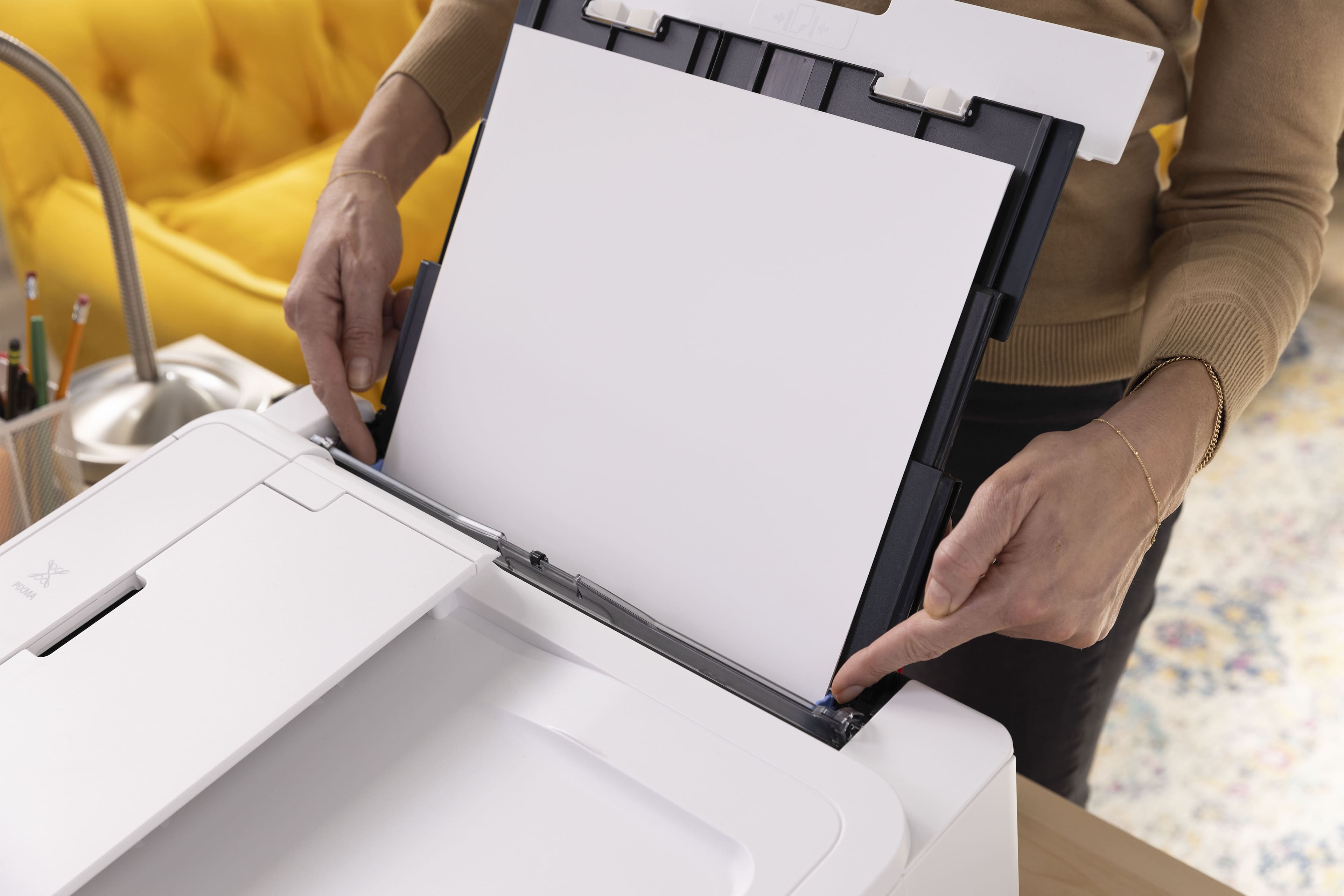
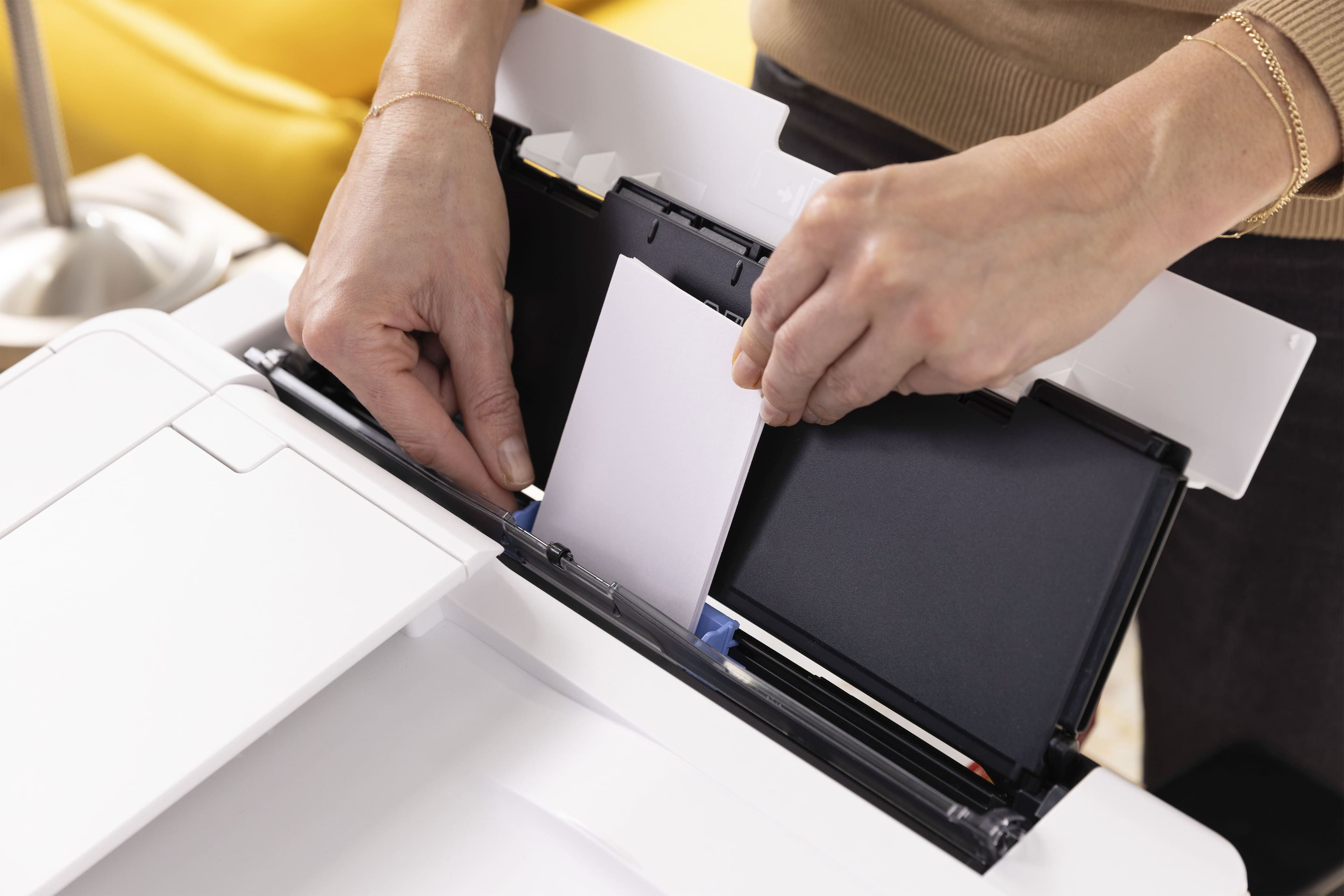
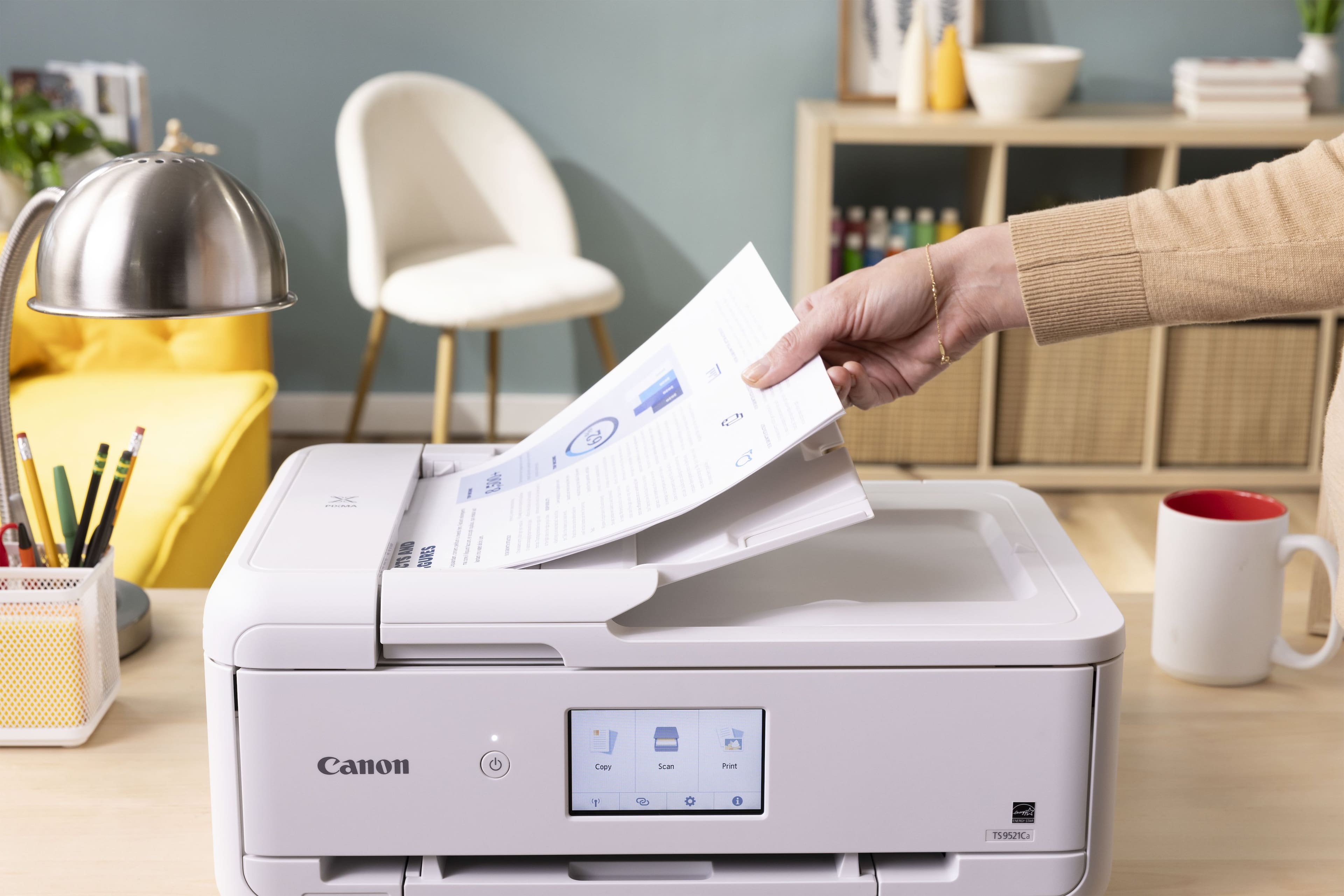
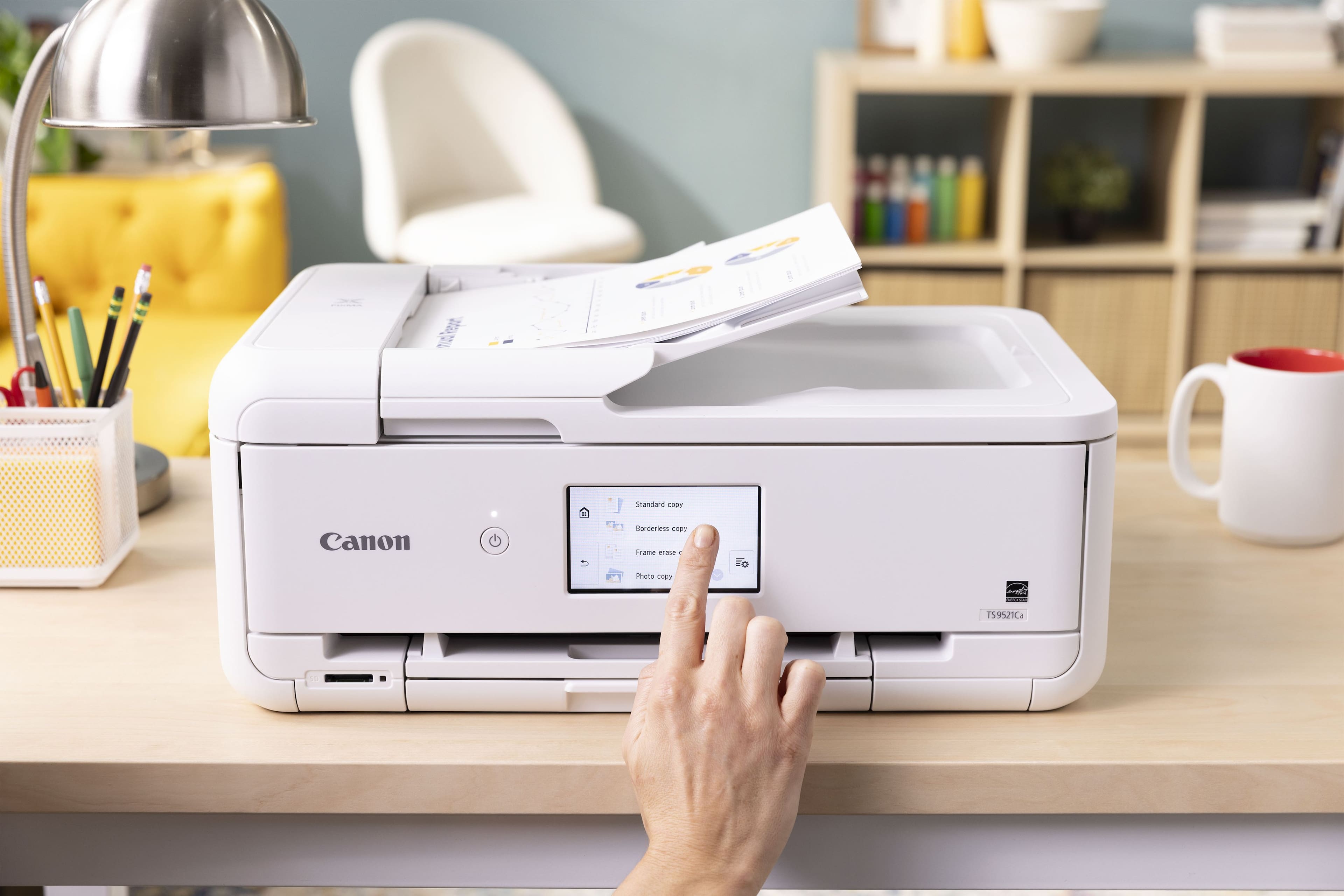
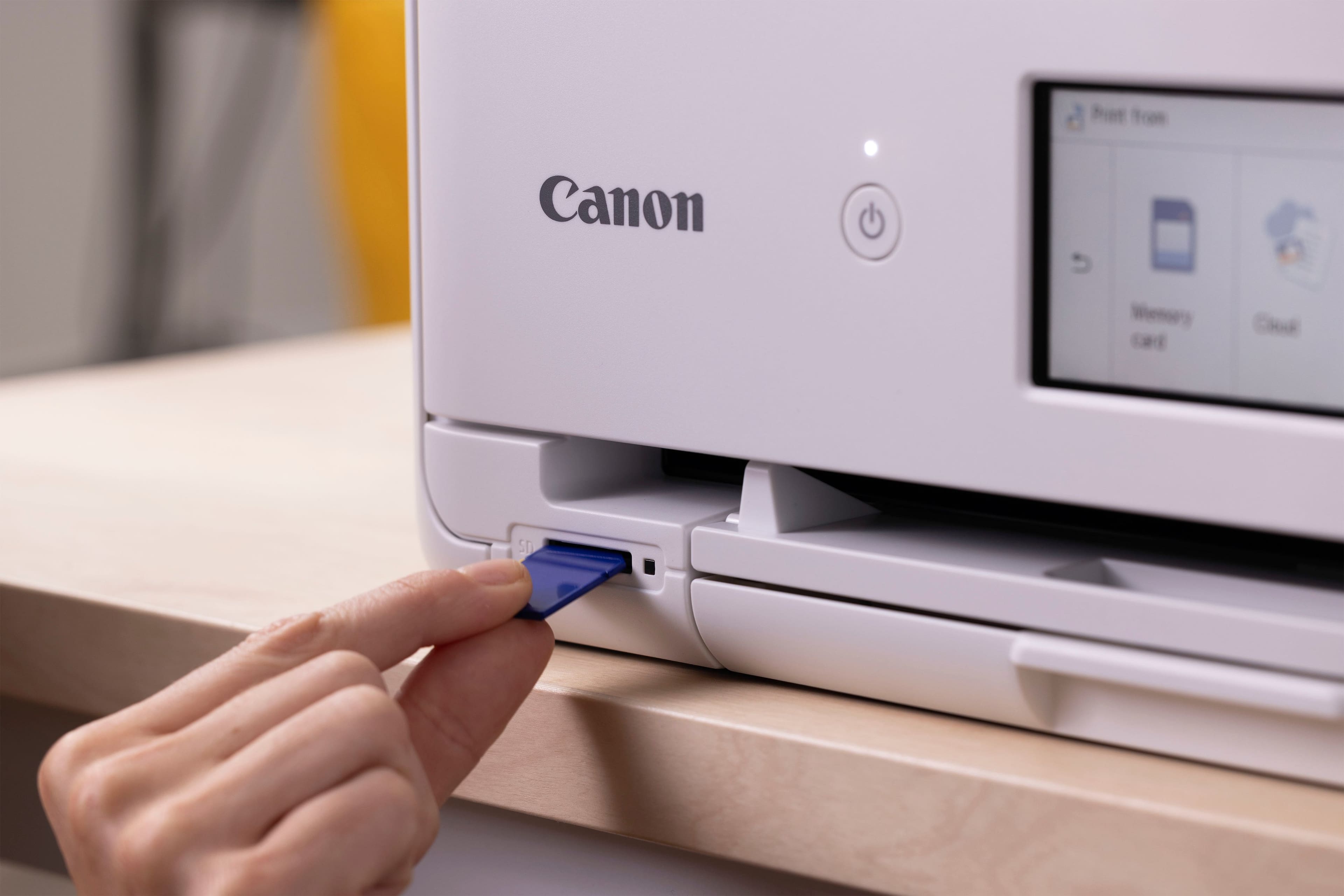
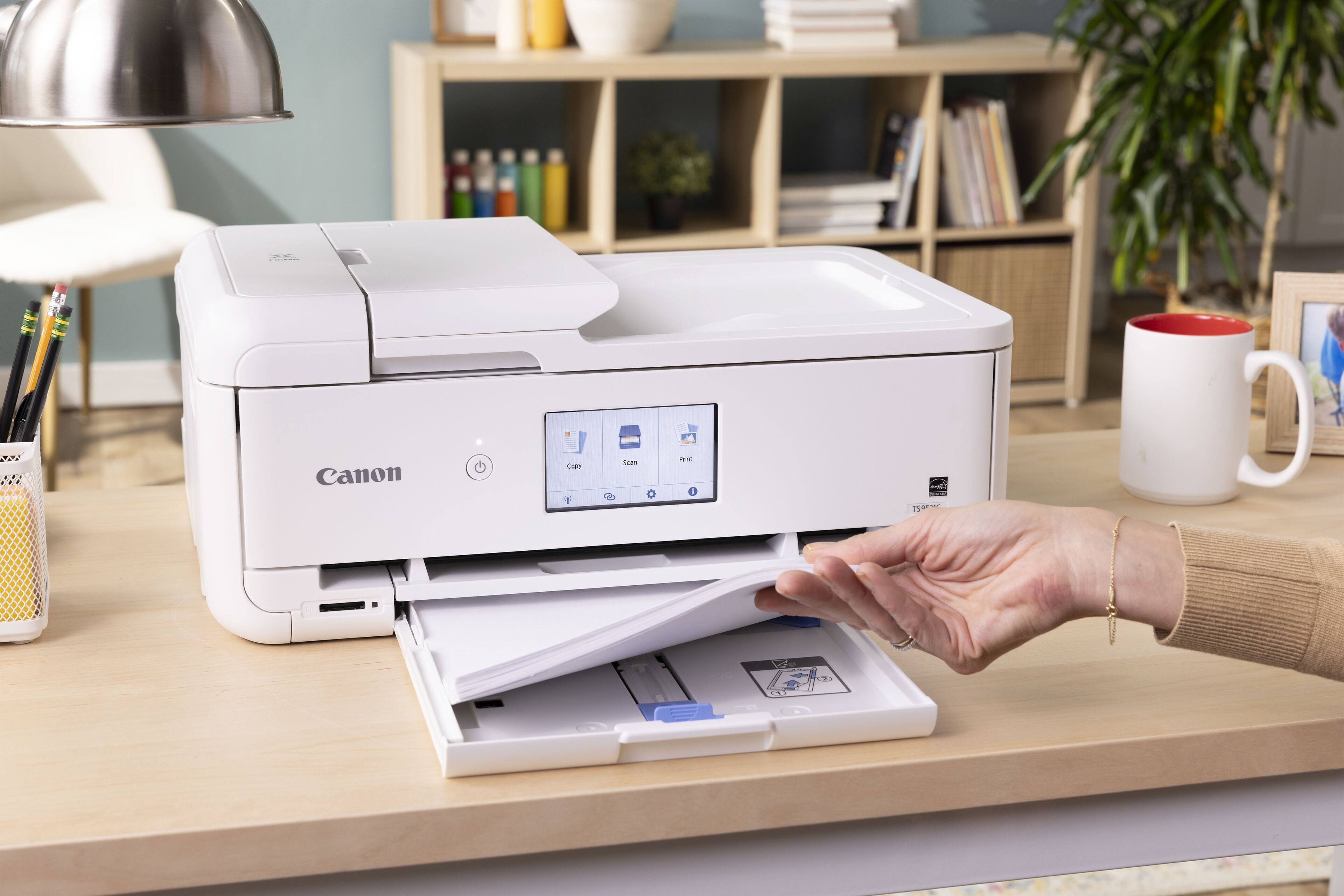
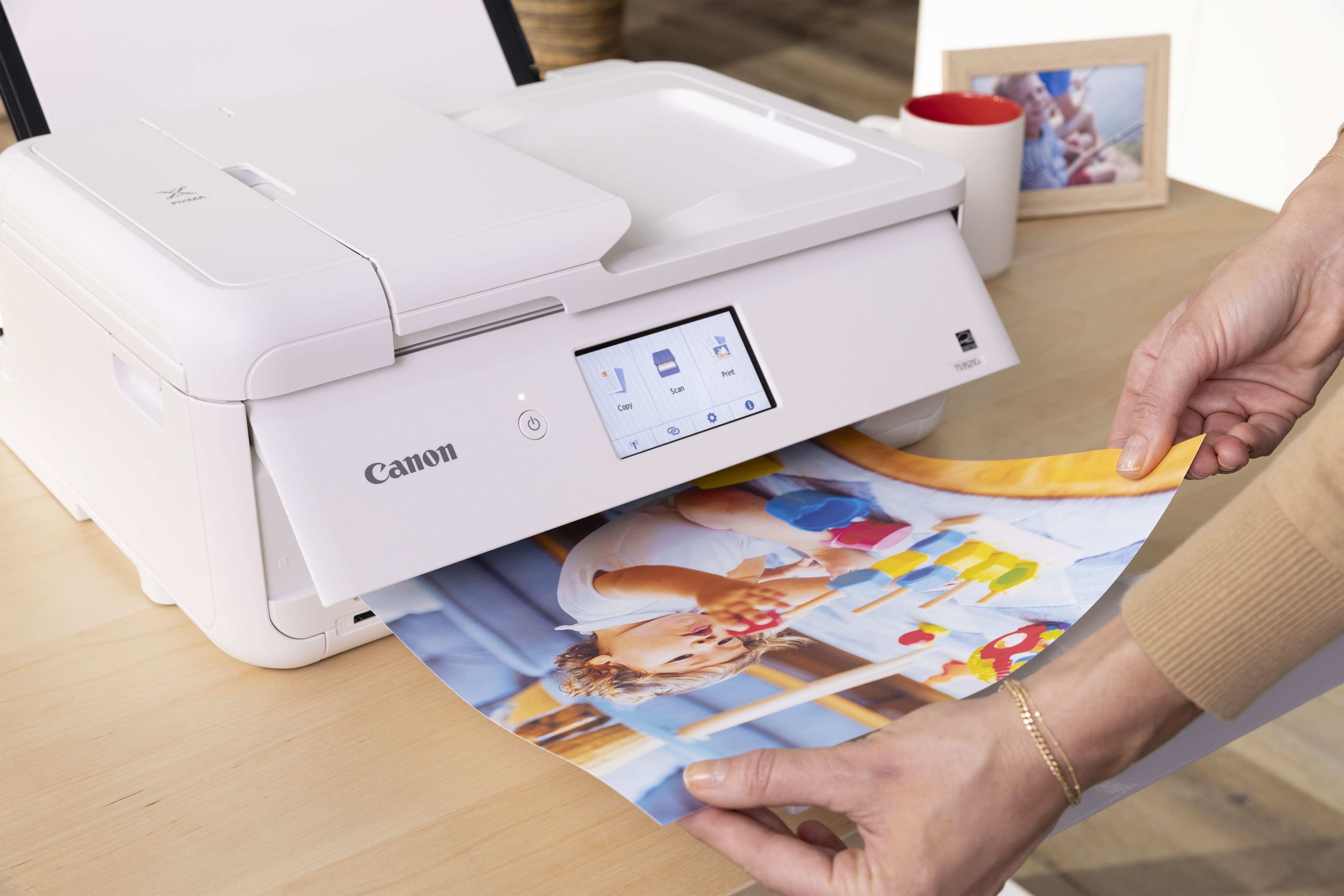
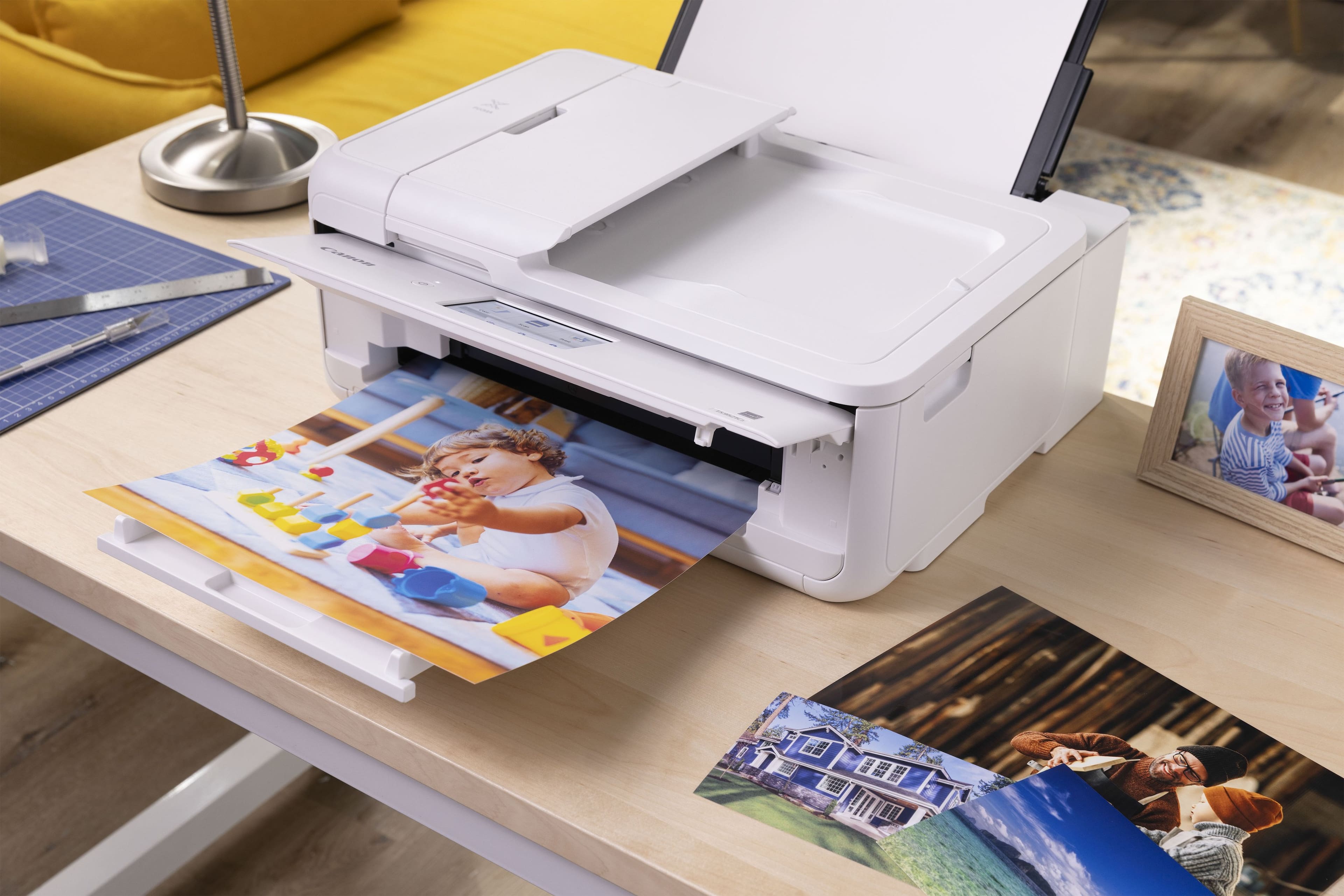
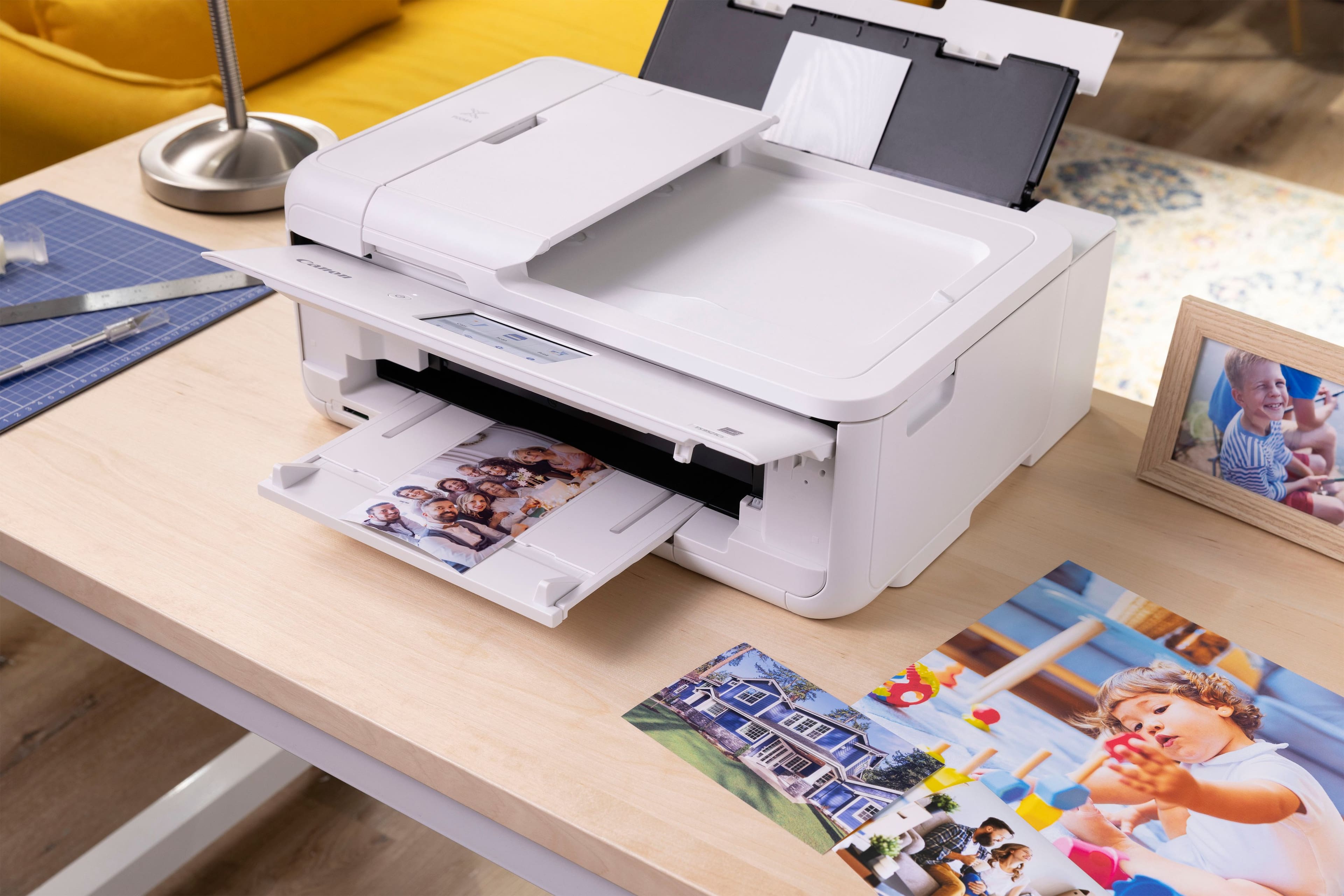
|Posted .This reviewer received promo considerations or sweepstakes entry for writing a review.Canon is one of my 'go-to' favorite brands for home office printers. I've owned and regularly used many well-known brand named printers over the years, and Canon has always lived up to my needs, and expectations. Setting up this printer was a straightforward process, since it is fairly similar to my other Canon printer; the one this is replacing. Of course, there's an app to use in conjunction with this Canon PIXMA TS9521Ca All-in-One inkjet printer, but that is a good thing. A very good thing. The app itself is easy to navigate, and makes using the printer wirelessly, and from your mobile devices, truly a breeze. While operating, the printer isn't overly loud. And though the printer isn't "compact" by any means, it also doesn't take up a lot of room either. The LCD touch screen 'control panel' display is actually more responsive than my previous Canon printer, so that's an improvement there. Speed and quality of printing for color and black & white documents was wonderful. I very much prefer being able to print photos by loading the paper into a specific slot on the backside of the machine, rather than in the shared paper tray. This printer has that feature. Replacement ink are the same cartridges from my previous Canon printer, which I appreciate. They've even included some sample photo paper sheets to get you started. This model Canon Pixma inkjet printer is "crafter friendly." And with the free Poster Artist software, you can create flyers, posters, calendars, menus, banners, photo collages, and more via your PC connected to the printer. As a writer and photo enthusiast, this feature is of particular interest to me. Purely as an aesthetic preference, I really like that the printer is offered in white which is a contrast to the basic black a great many electronics are these days. I try to blend with, or compliment rather, the color palette of the various technology devices I have around my home, and home office. The only feature I miss from my previous Canon printer, is the ability to fax. I hadn't used it, but it was nice to have that option. Overall, this Canon PIXMA TS9521Ca All-in-One inkjet printer is of the standard Canon quality and performance I'm familiar with, and the brand is known for. And while the price may seem a bit "more on the expensive side", this printer should serve you well for years to come.
I would recommend this to a friendCannon Printer
||Posted . Owned for 3 weeks when reviewed.This reviewer received promo considerations or sweepstakes entry for writing a review.I bought this printer because of it's ability to print directly on DVD/CDs. That it does and very well. It replaced my Epson that was always messing up my cds. They look great!
I would recommend this to a friendDelivery Fail
||Posted .This reviewer received promo considerations or sweepstakes entry for writing a review.Never delivered - took multiple contacts with BB over the course of multiple weeks to get a refund.
I would recommend this to a friendI am really liking this Canon printer
||Posted . Owned for 1 week when reviewed.This reviewer received promo considerations or sweepstakes entry for writing a review.I normally a hp product person but I am really liking this Canon printer. I also like the ink refill subscription.
I would recommend this to a friendInk Eater
||Posted . Owned for 8 months when reviewed.This reviewer received promo considerations or sweepstakes entry for writing a review.Horrible. The ink runs out super fast. I ran a test print and could watch the black ink level drop as I did it. Plus, the screen has to be tilted up or it won't print. The scanner works fine, but as a printer, it's a money pit. I'd return it but am outside of the return window.
No, I would not recommend this to a friendIf you cannot connect is it worth it?
||Posted .This reviewer received promo considerations or sweepstakes entry for writing a review.Since I tried the Canon walk through for setup which was a breeze and then wireless connect setup. Canon programmers should be sent to prison for fraud so that they can be treated like they treat their customers. The phone App just searches and searches for zero results which we can only hope the same happens to the programmers. The frustration only continues for PC when trying to connect wireless. The stupid software keeps loading and then saying setup failed which then it trys loading again. I shouldn't have to but I am contacting Geek Squad for help. I only hope that Canon gets treated the same way.
No, I would not recommend this to a friendfine printer, a little fragile
||Posted . Owned for 2 weeks when reviewed.This reviewer received promo considerations or sweepstakes entry for writing a review.Has many issues using rear cassette with heavy print media. Had to replace it twice before support suggested using a thinner material.
No, I would not recommend this to a friendMediocre at best.
||Posted . Owned for 1 month when reviewed.This reviewer received promo considerations or sweepstakes entry for writing a review.Slower than advertised and not living up to Consumer Reports rating. Set up is convoluted and operation seems counter-intuitive at best. I think it's over-engineered.
No, I would not recommend this to a friendDebL
||Posted . Owned for 1 month when reviewed.This reviewer received promo considerations or sweepstakes entry for writing a review.works great , very pleased.Have always had Canon. Good price
I would recommend this to a friend