Customer Ratings & Reviews



- Model:
- S2725QC
- SKU:
- 6619486
Rating by feature
- Display Quality
Rating 4.7 out of 5 stars
- Ease of Use
Rating 4.8 out of 5 stars
- Features
Rating 4.7 out of 5 stars
Customers are saying
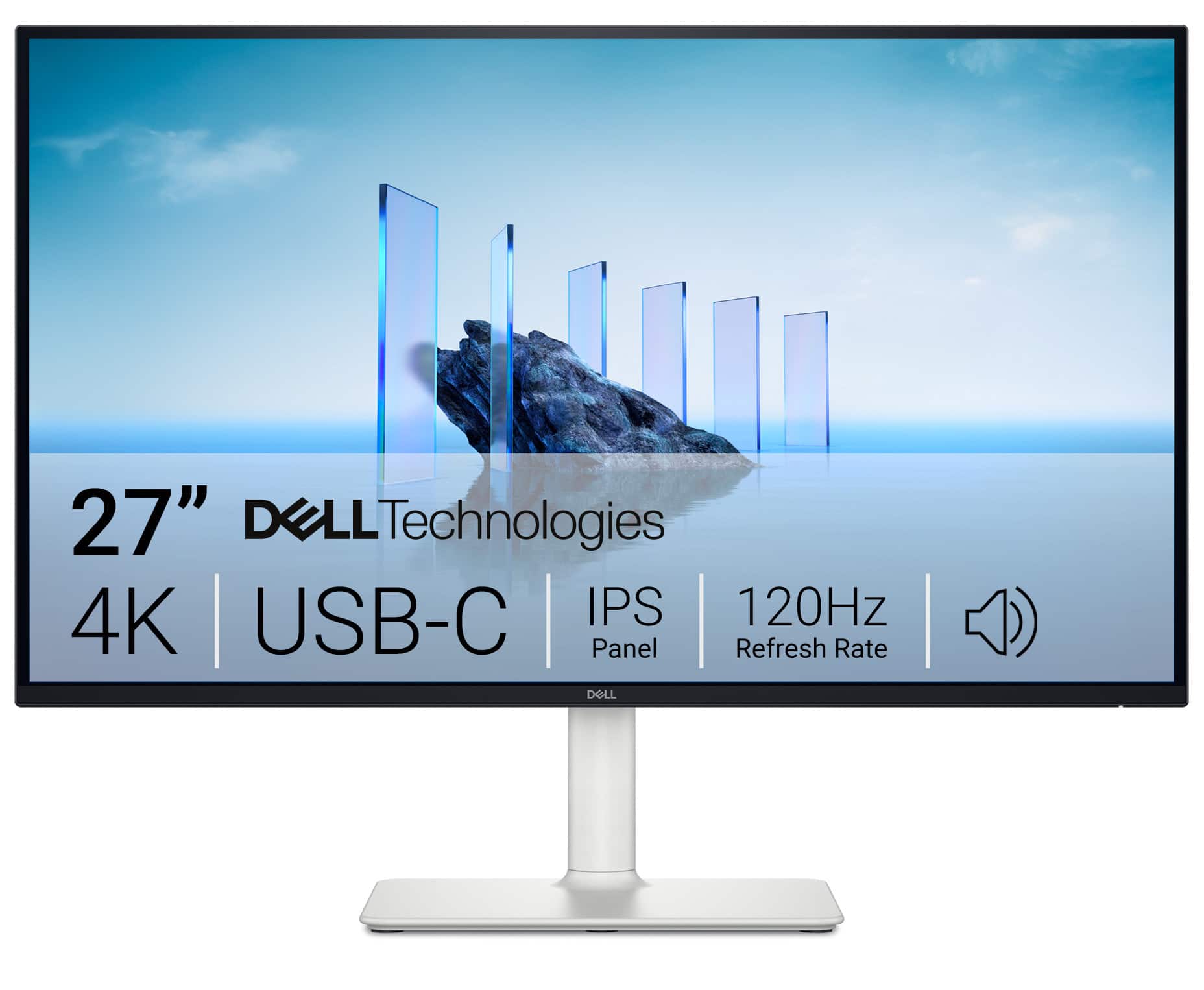
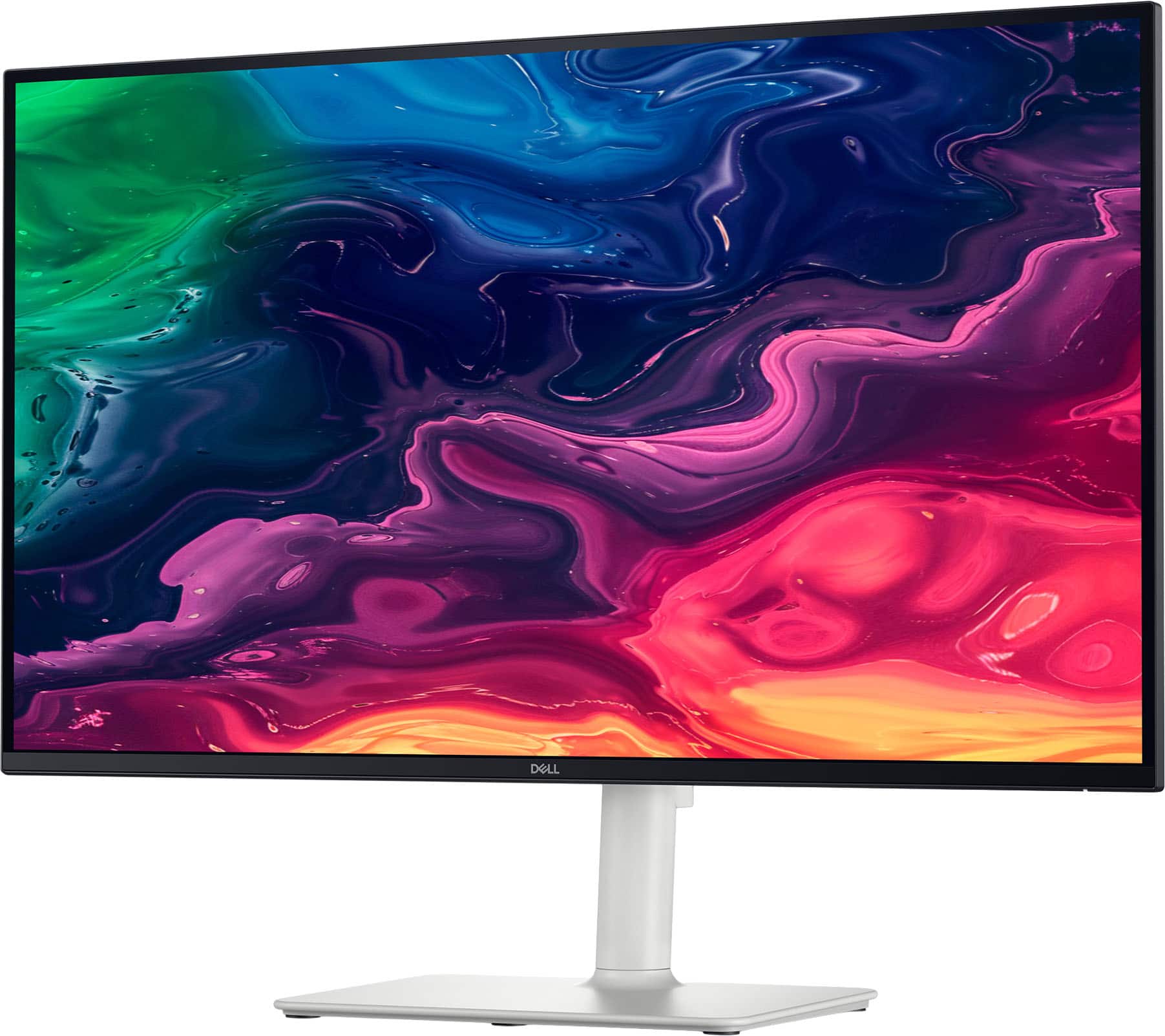
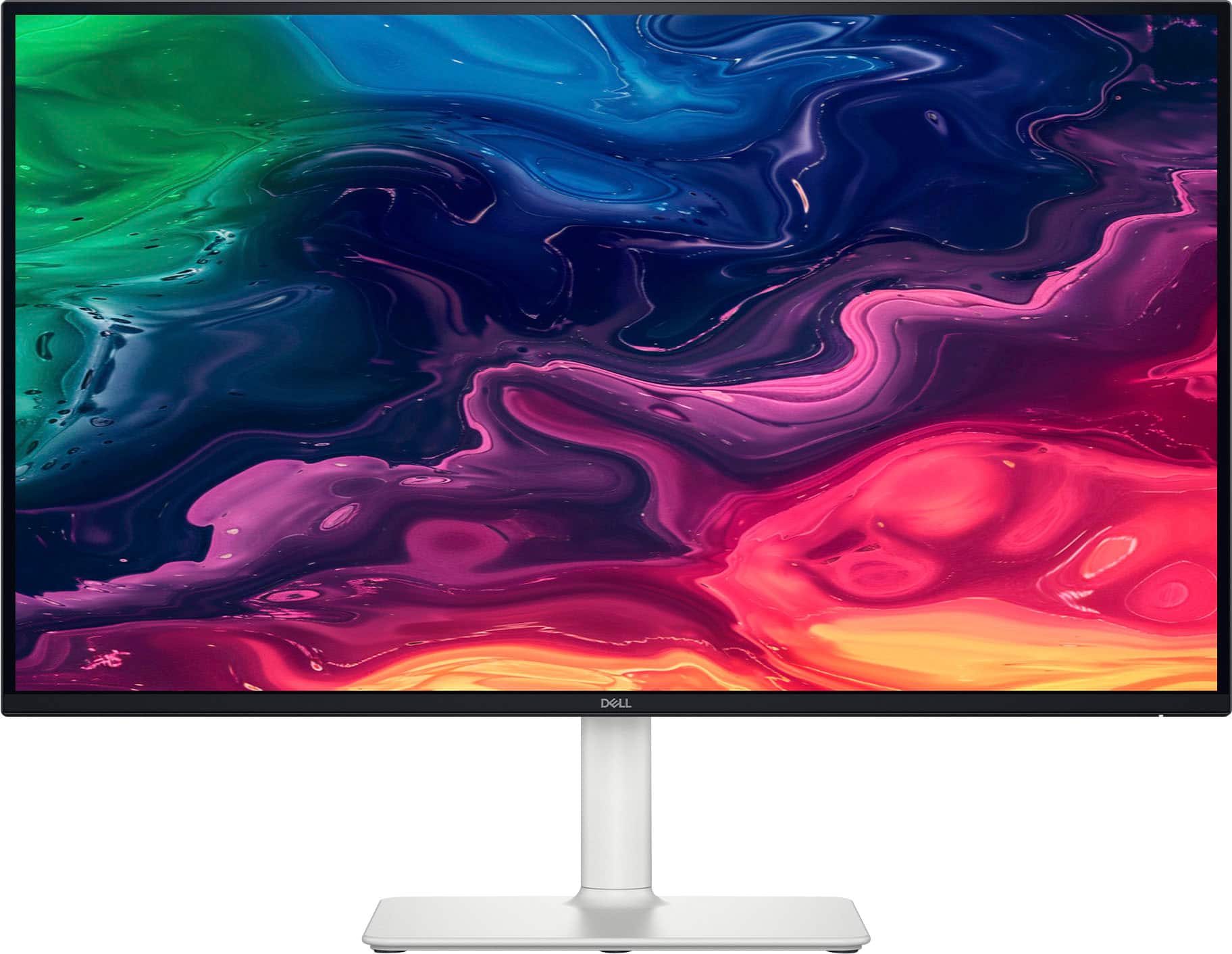
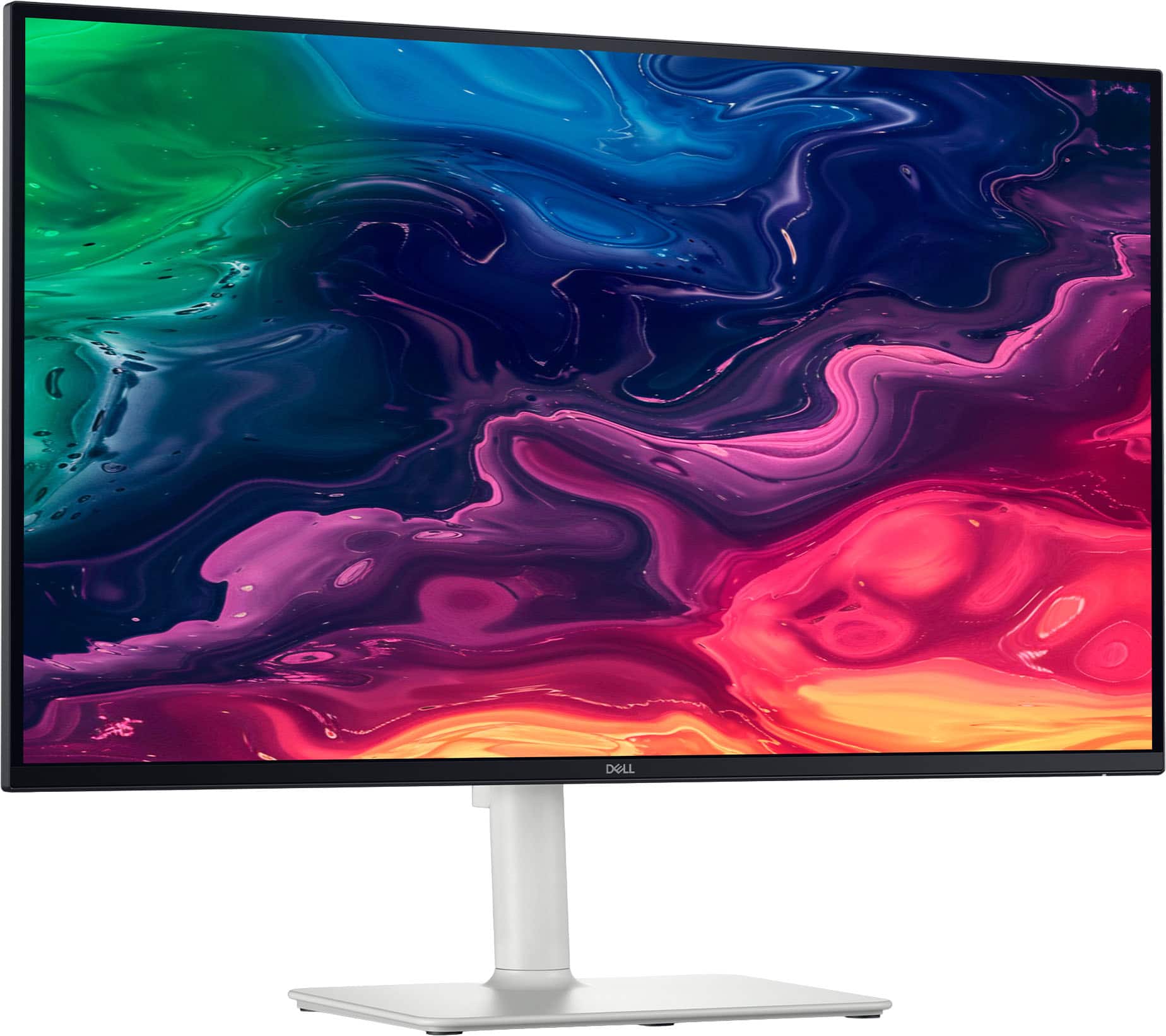
Customers recognize the S2725QC 27" monitor for its excellent screen quality and versatile connectivity options, particularly the convenience of USB-C. The monitor's 120Hz refresh rate and overall performance are also appreciated, along with its adjustable stand and eye comfort features. Additionally, users find the built-in port hub and USB-C power delivery to be quite useful.
This summary was generated by AI based on customer reviews.
- Pros mentioned:Screen quality

Excellent picture, awesome sound
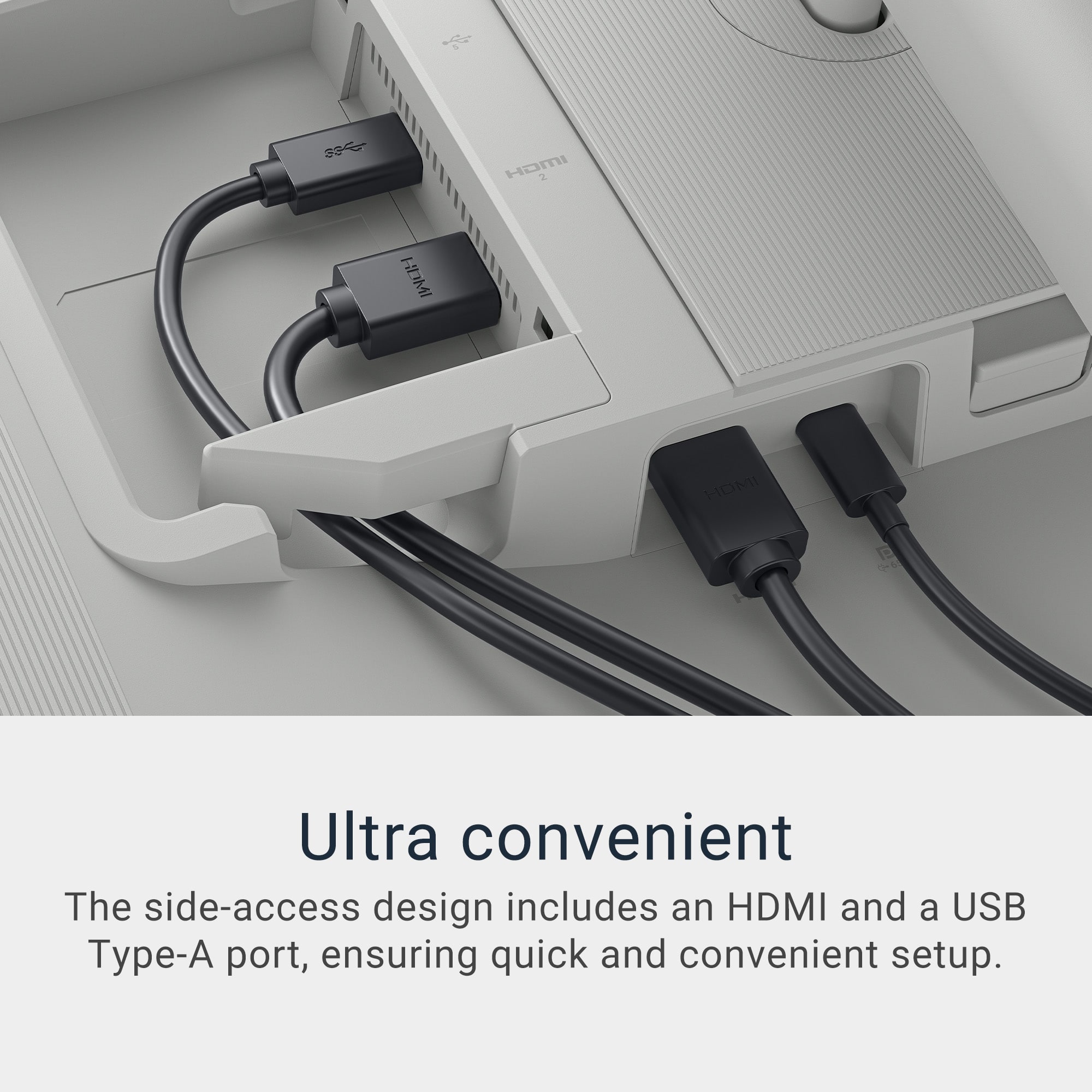
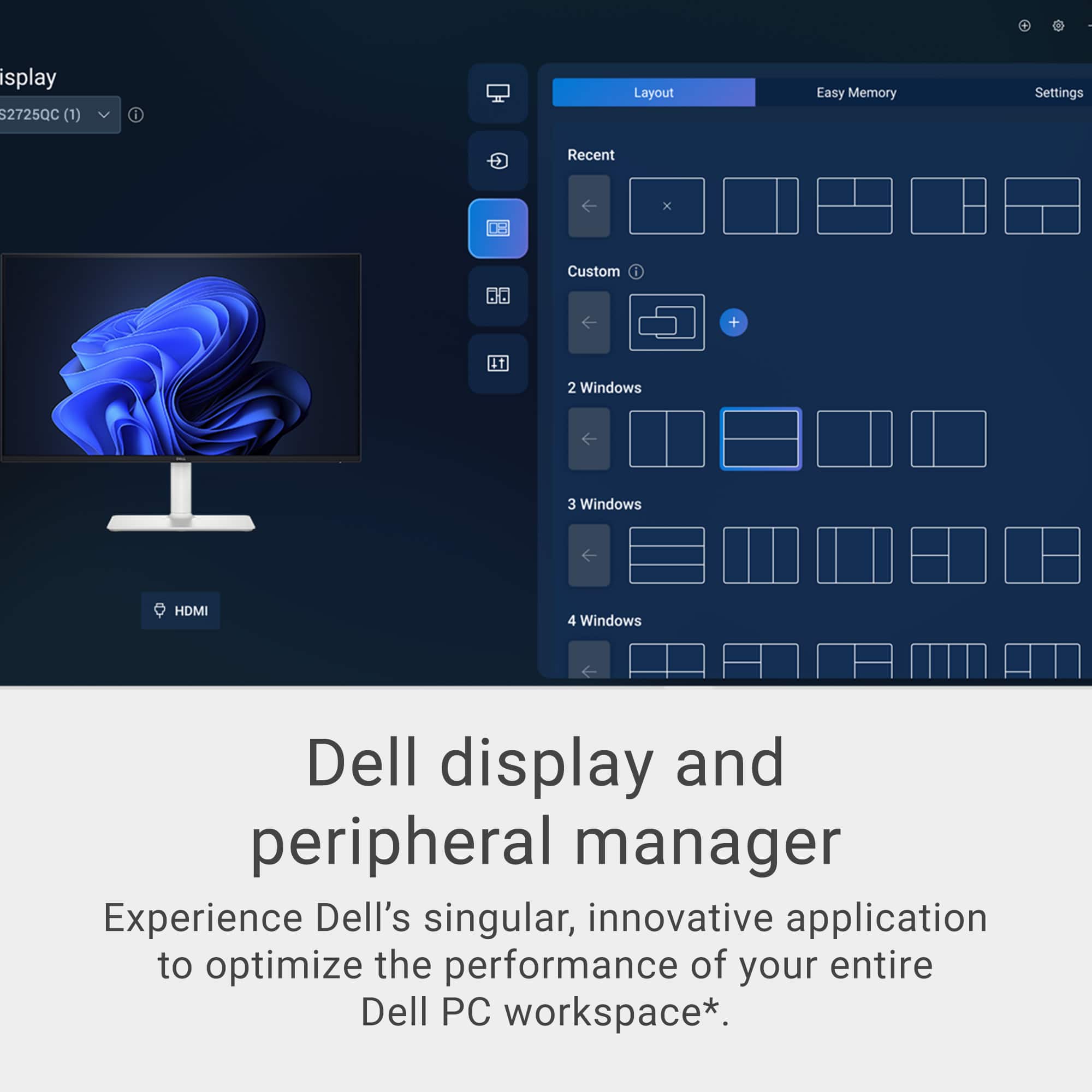
|Posted .This reviewer received promo considerations or sweepstakes entry for writing a review.Excellent picture, awesome sound, and lots of connections. This Dell 27 inch 4K monitor has a great picture. The colors are beautiful, no blur, no streaking, no ghost images, just beauty. Watching 4K UHD movies on this monitor is fabulous. Dark night scenes are no problem, no straining to see what is on screen. The sound coming from this monitor is just AWESOME. The speakers are loud and clear, great quality for watching movies. Connections for everything. Connect multiple devices, computers, phones, flash drives, headphones, game consoles, etc... There are so many connections. The cord management helps keep them out of the way. Using USB-C to connect my laptop instead of a heavier HDMI cable is a great option and works great. It will charge the laptop battery also so no worry about it dying in middle of whatever I'm doing, or having to connect the laptop power cord. The stand adjustments allow for various height and tilt preferences and is simple to put together and attach to the monitor. This monitor and stand are heavier and thicker. Quality built and definitely durable. There was minimal instruction for quick setup included in the box, basically pictures, which was enough to get started as it's really simple. There is also a QR code to get more instructions on their website and at the bottom is a link to download the Dell Display and Peripheral Manager. The Dell Display and Peripheral Manager gives many options of customizing the monitor, including preferences for displaying multiple pages, and allows the settings to be saved. This is an excellent monitor for everyday tasks, streaming movies, and game playing.
I would recommend this to a friend - Pros mentioned:Refresh rate, Screen quality
Great IPS 27” LED Display
|Posted .This reviewer received promo considerations or sweepstakes entry for writing a review.Packed well from Dell and everything included you need for most connections to a PC. Monitor design is excellent. It is well built and high quality. Buttons are smooth and responsive when making adjustments. Stand is excellent and adjustable for most needs. As for the display itself, the 4K UHD screen shines. The screen is plenty bright enough. Colors are true to life in all aspects. Whether doing photo editing or gaming, I found the colors true to life and accurate. Contrast was excellent as well and dark and lights colors were easily distinct from each other. I was able to see details in the background without any issues. The 120Hz refresh rates really excels. Gaming was smooth and graphics looked awesome. No flickering at all in any games I threw at it. As for text, it was clear and easy to read down to 8 font. For me, the 27” size is perfect. Will fit any desk perfectly. It is the right combination of size and compactness. Overall this monitor shined in every aspect. Whether an office person, gamer, or photo editor, I found the Dell S2725QC a great all-around monitor.
I would recommend this to a friend - Pros mentioned:Adjustability, Connectivity, Screen quality
Great monitor for work and casual gaming.
||Posted .This reviewer received promo considerations or sweepstakes entry for writing a review.I’ve been using the Dell S2725QC monitor for both work and gaming, and it’s been absolutely perfect for my needs. The 27-inch 4K UHD display delivers crisp, vibrant visuals that make spreadsheets and design work a pleasure, while also providing stunning clarity for games. For work, the USB-C connectivity is a game-changer—just one cable for power, video, and data keeps my desk clean and efficient. The built-in speakers are surprisingly decent for casual use, and the adjustable stand makes it easy to find a comfortable setup. It was a perfect pair to my ps5. Overall, the Dell S2725QC strikes a fantastic balance between productivity and entertainment. It’s sleek, reliable, and packed with features that make it a standout choice for anyone who needs a versatile monitor. The only con is that it does not have any audio port to hook my speakers directly to the monitor.
I would recommend this to a friend - Pros mentioned:Connectivity, Refresh rate, Screen quality
Buy the Dell Monitor it won't disappoint.
||Posted .This reviewer received promo considerations or sweepstakes entry for writing a review.I’ve been using the Dell S2725QC 27" 4K UHD 120Hz IPS monitor with my MacBook Pro, M2 model, and it has been a fantastic experience all around. From the moment I plugged it in via USB-C, everything just worked seamlessly. The Mac recognized the 4K resolution instantly, and the image quality is crisp, vibrant, and incredibly sharp — exactly what I needed for photo editing, coding, and everyday multitasking. I went from a Samsung 2K monitor that did not have a very good text appearance. It always looked blurry and even the smoothing feature didn't not work. I even tried the Better Display app with no success. The 120Hz refresh rate makes everything feel smooth, even though macOS isn’t fully optimized for high refresh displays — the difference is still noticeable, especially when scrolling or navigating between apps. Color accuracy out of the box was impressive, and the IPS panel offers wide viewing angles with no noticeable color shift. USB-C connectivity is great — the built-in USB hub is a nice touch too. Design-wise, it’s minimal, elegant, and fits well in any workspace. The build quality is solid, and the adjustable stand makes it easy to get the perfect angle. Pros: Stunning 4K resolution with accurate colors 120Hz refresh rate for smooth visuals USB-C with power delivery (charges MacBook Pro) Clean, minimal design Great value for the feature set Cons: Built-in speakers are basic (expected, and not a dealbreaker) Wish the back of the monitor was not grayish/white and black like the rest of the monitor. Overall, the Dell S2725QC is a perfect match for MacBook Pro users who want high-quality visuals, simple connectivity, and a premium feel without breaking the bank. Highly recommended.
I would recommend this to a friend - Pros mentioned:Adjustability, Connectivity, Screen quality
The best 4k monitor under $300
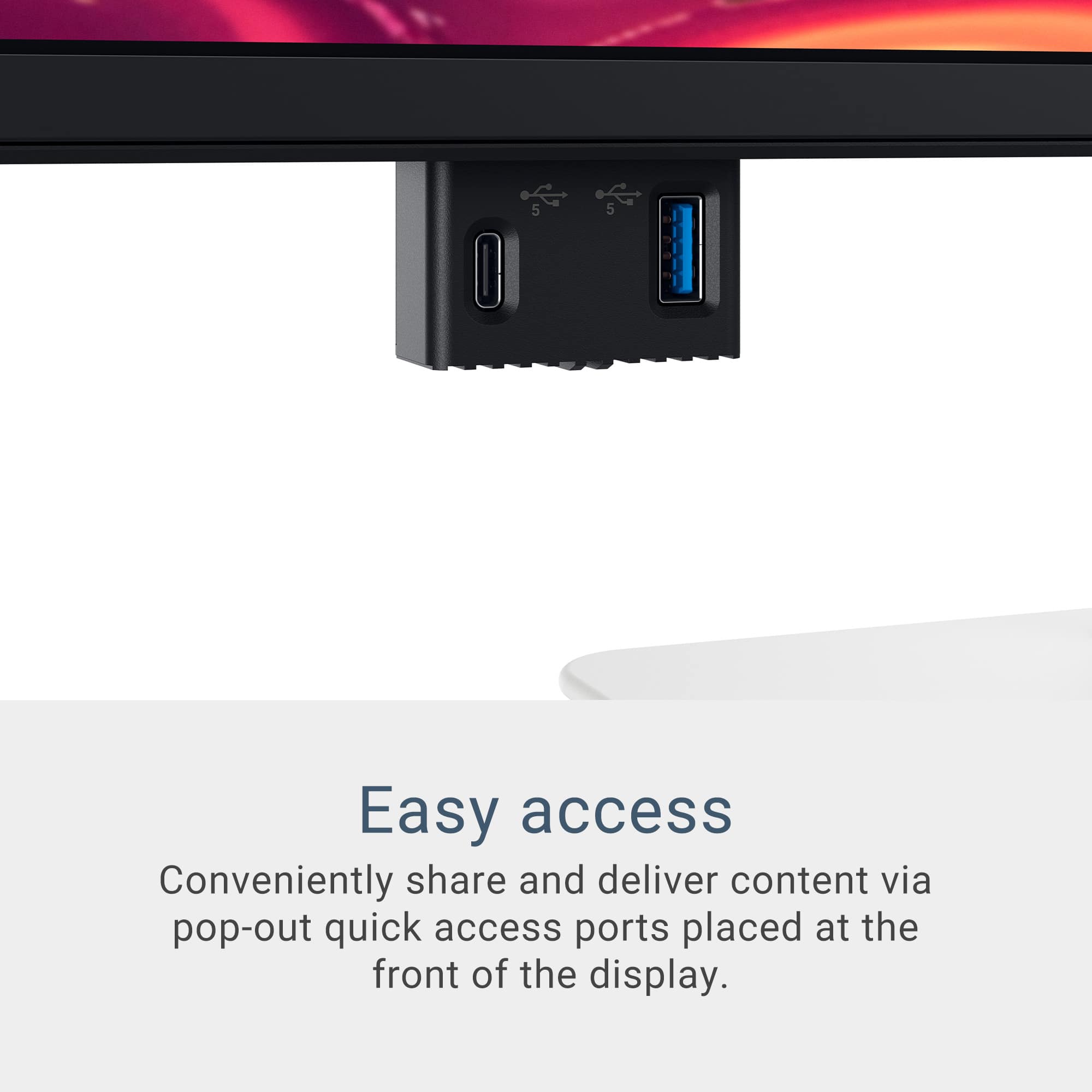
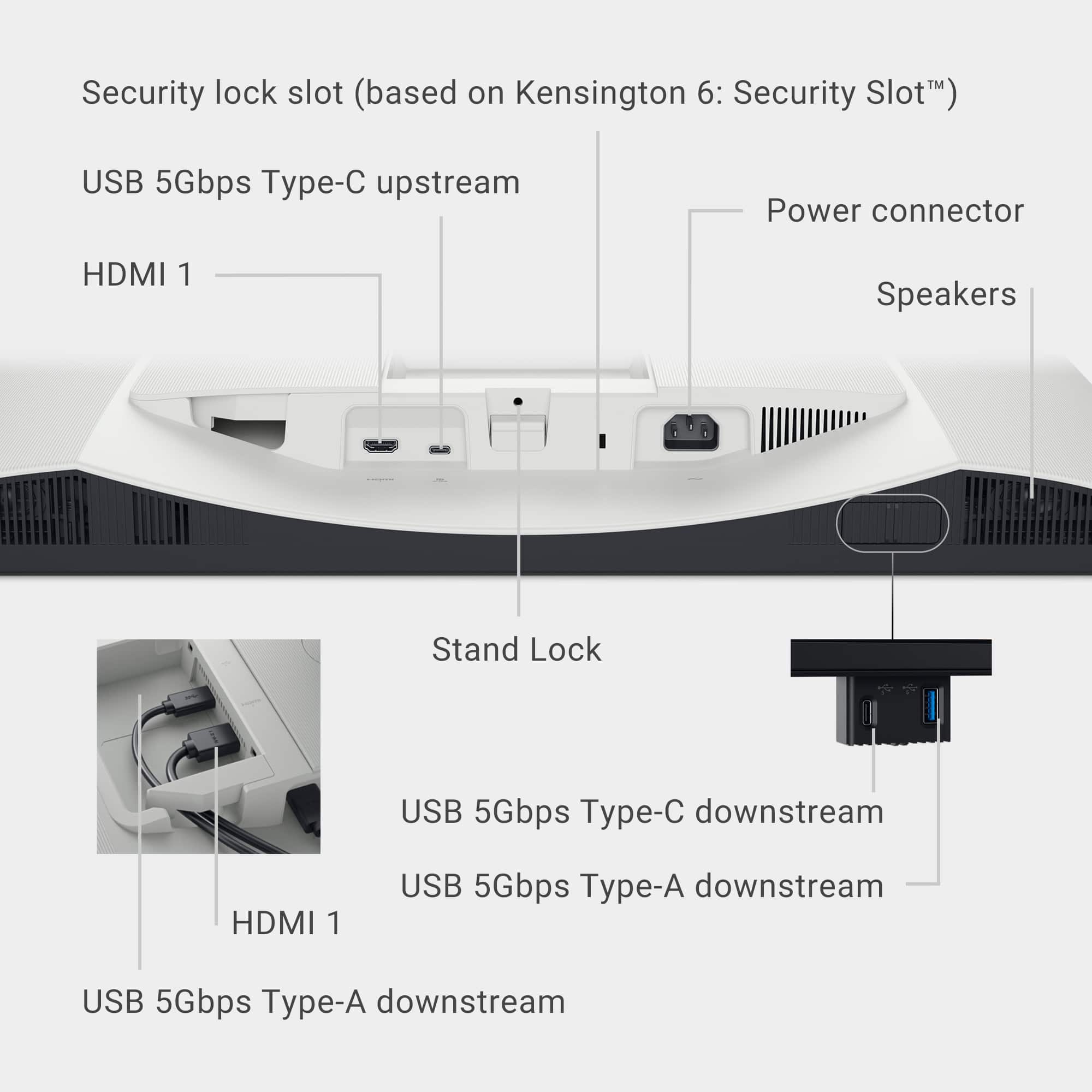
||Posted .This reviewer received promo considerations or sweepstakes entry for writing a review.An amazing 4K monitor for my Mac mini. Probably the best 4k monitors under $300. Picture quality is amazing. Sound is pretty impressive for built-in speakers. For comparison, I connected to both, the USB-C (Video Display) and HDMI. Flawless picture on both. There are plenty of ports for data in the back and, my favorite, the retractable two ports (USB-A and USB-C) on the lower left of the display. The monitor stand adjusts both height and tilt nicely. I had to download the Dell app (Dell Display and Peripheral Manager) to control some features like volume and brightness (need to use the fn key) from my Magic Keyboard. Very good app. I am very please with this monitor.
I would recommend this to a friend - Pros mentioned:Connectivity, Refresh rate, Screen quality

Great Mac mini companion.
|Posted .This reviewer received promo considerations or sweepstakes entry for writing a review.Display is more than enough for most people with its feature set. This is only gonna be for a certain demographic of people who need particular checkboxes addressed. For my Mac mini, out of the box the calibration wasn’t really to my liking, up until I downloaded the necessary software to ensure color accuracy. The display has ComfortView enabled which will always give the screen a weirdish orange hue no matter what you do. The included USB-C cable is short, but that could always be replaced with something better. The boomy built in speakers, 120Hz refresh, and drop down USB-C & A ports are an exceptional value and tremendously make this unit worth it. This was a better product than a Samsung 4K monitor that I had prior especially with the IPS viewing angles. You would think a Samsung display would be much better. Anyway, it’s a decent monitor.
I would recommend this to a friend - Pros mentioned:Screen quality
Amazing Sound/Great Picture Quality and Detail
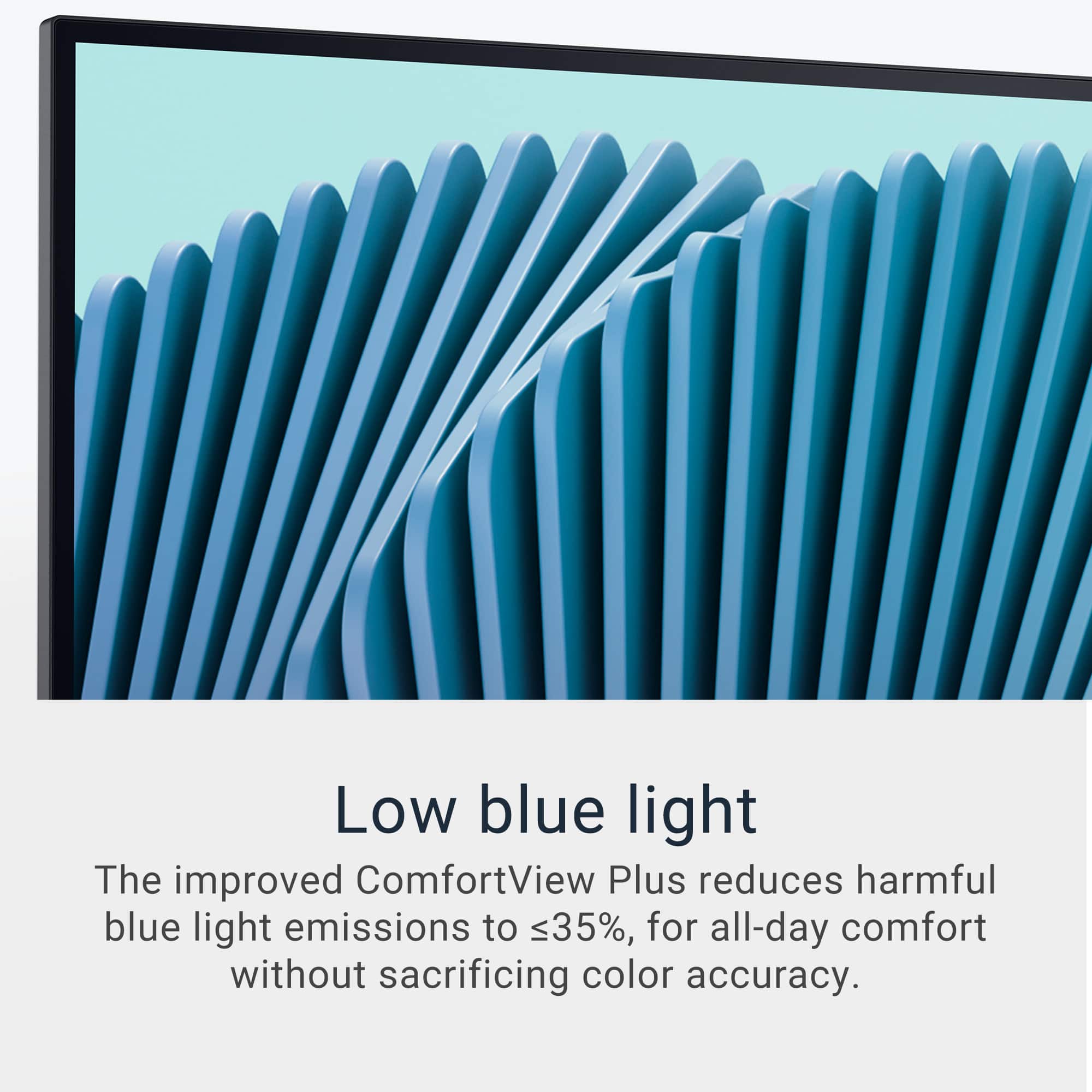
|Posted .This reviewer received promo considerations or sweepstakes entry for writing a review.The Dell 27" Plus 4K USB-C Monitor has amazing sound. Typically, you look for a monitor with a great picture, the Dell monitor is worth the purchase just for the sound quality. The picture is sharp and images are well defined with excellent detail. The monitor has reduced blue light output which is better for your eyes. Not sure how I would test or confirm that but I'm glad to know the blue light is reduced. The monitor has an Energy Star rating, so it is energy efficient, also a big plus. The provided installation instructions are pretty straight forward, 3 pictures. See attached picture. Once attached the monitor seemed a bit wobbly. It moved up and down (tilted) as monitors do but it also moved side to side. Went to the Dell website and confirmed that yes, the monitor is supposed to move side to side. While testing I plugged in a Microsoft Surface and the display on the monitor did not fill the entire screen. A quick search for the issue returned instructions to adjust the display settings. Under System/Display I adjusted the Display Resolution from 1536 x 1024 to 1366 X 768 and the Surface screen filled the entire Dell Monitor. When setting up the monitor it has a couple of questions, language and one about allowing continuous charging, basically asking if you want connected devices to charge when the monitor is powered off. This option uses more energy so for me that was a no. It took me a few minutes to figure out that the "joystick" above the on/off button is how I move around to answer the setup questions. Printed, detailed instructions would have been most helpful. After figuring it out, I found very detailed instructions in the on-line manual. I would recommend giving it a quick read before installing.
I would recommend this to a friend - Pros mentioned:Connectivity, Refresh rate, Screen quality
Crisp image, smooth motion, and great design
||Posted . Owned for 1 week when reviewed.This reviewer received promo considerations or sweepstakes entry for writing a review.This Dell 27” 4K monitor is simply awesome. The image quality is super sharp and colors look vivid and accurate — perfect for editing, gaming, or watching movies. The 120Hz refresh rate makes everything feel smooth, and the USB-C connection is super convenient for laptops. The design looks sleek and premium, and the stand is sturdy and easy to adjust. I’ve been using it daily and couldn’t be happier with the purchase. Totally worth it!
I would recommend this to a friend The little screen with some surprises
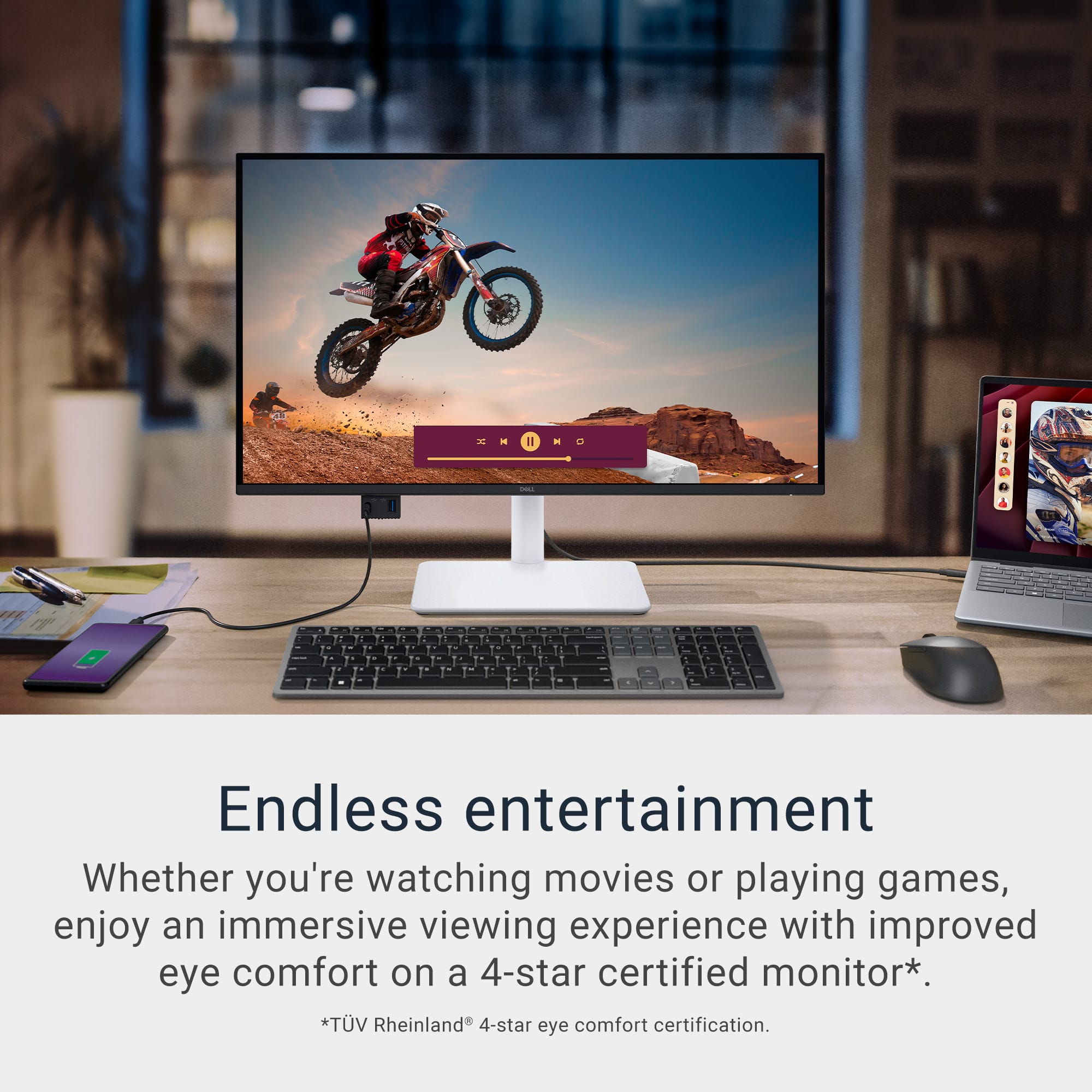
|Posted .This reviewer received promo considerations or sweepstakes entry for writing a review.This Dell - S2725QC 27" IPS LED 4K UHD 120Hz FreeSync Monitor is a great product. Being home based for work and having my equipment supplied by my company I forgot how much I miss a really great monitor. Dell put some thought into both the product and packaging. I have mine connected via HDMI to my hub and the 4K resolution is stunning and clear. How about Dell and Premium Panel Exchange, this allows a free panel replacement during the Dell Limited Hardware Warranty period even if only one bright pixel is found. Premium Panel Exchange is not a standard or upsell Support service, this alone almost makes it worth it. Aside from that these connections: - Optional wireless dongle - You can also add a wireless dongle that will interface with your connected computer - Via the USB-C cable or equivalent, it will send your display signal to your display as well as provide power to your USB-C powered laptop, providing up to 65 watts at the same time. - There are three other available USB ports two USB Type-A 5 Gbps downstream ports, one with charging capabilities and one additional USB Type-C port with 5 Gbps downstream capabilities, along with power delivery of up to 15 watts. - There are also two HDMI ports, which all meet HDMI specifications for HDMI 2.1. And the best.. Two of the USB ports are a pop-out forward-facing in a hidden hub. Did I mention the actual color and clarity of the display... Side by side with another "stock" monitor, there is no comparison, the Dell wins hands down.
I would recommend this to a friend- Pros mentioned:Refresh rate, Screen quality
Good purchase
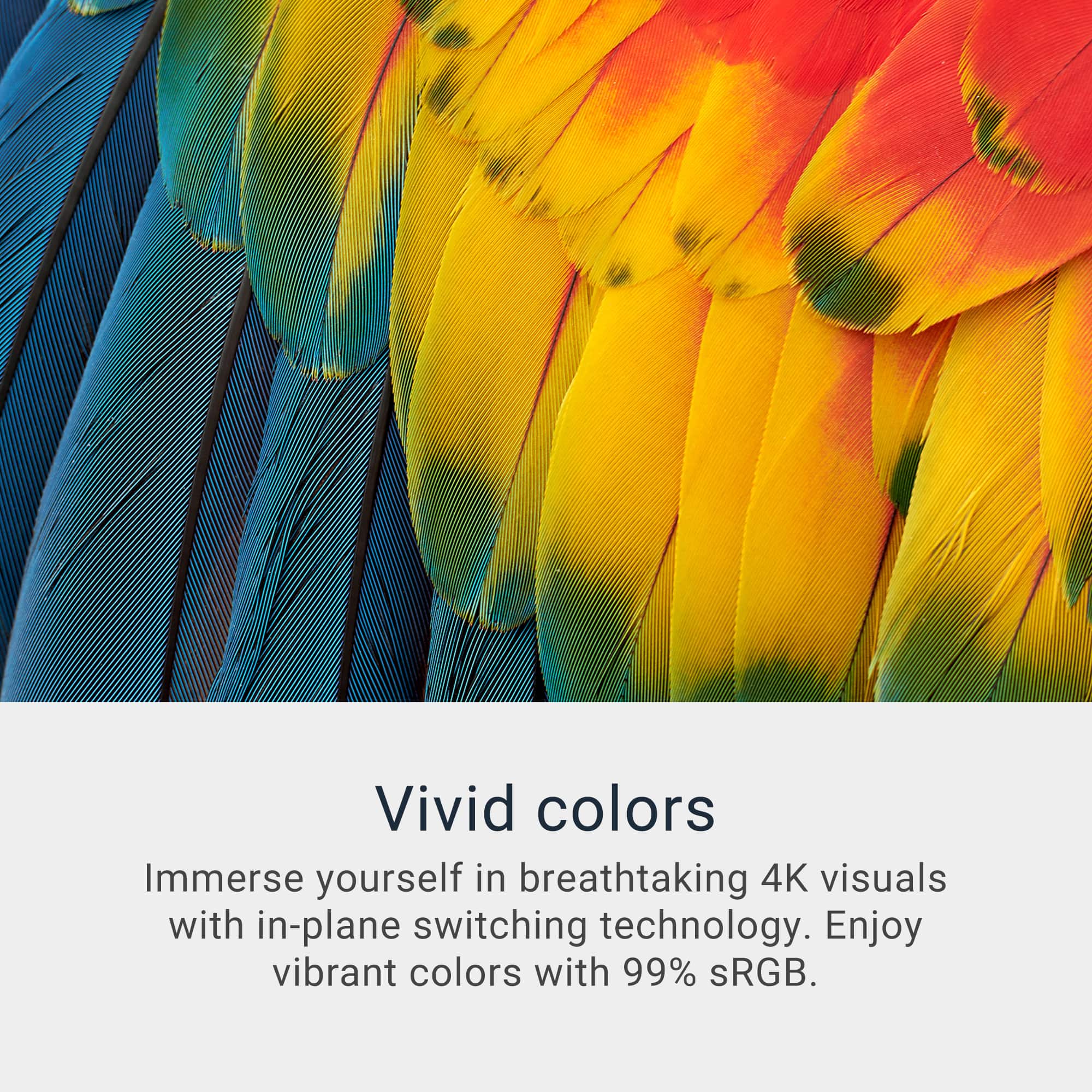
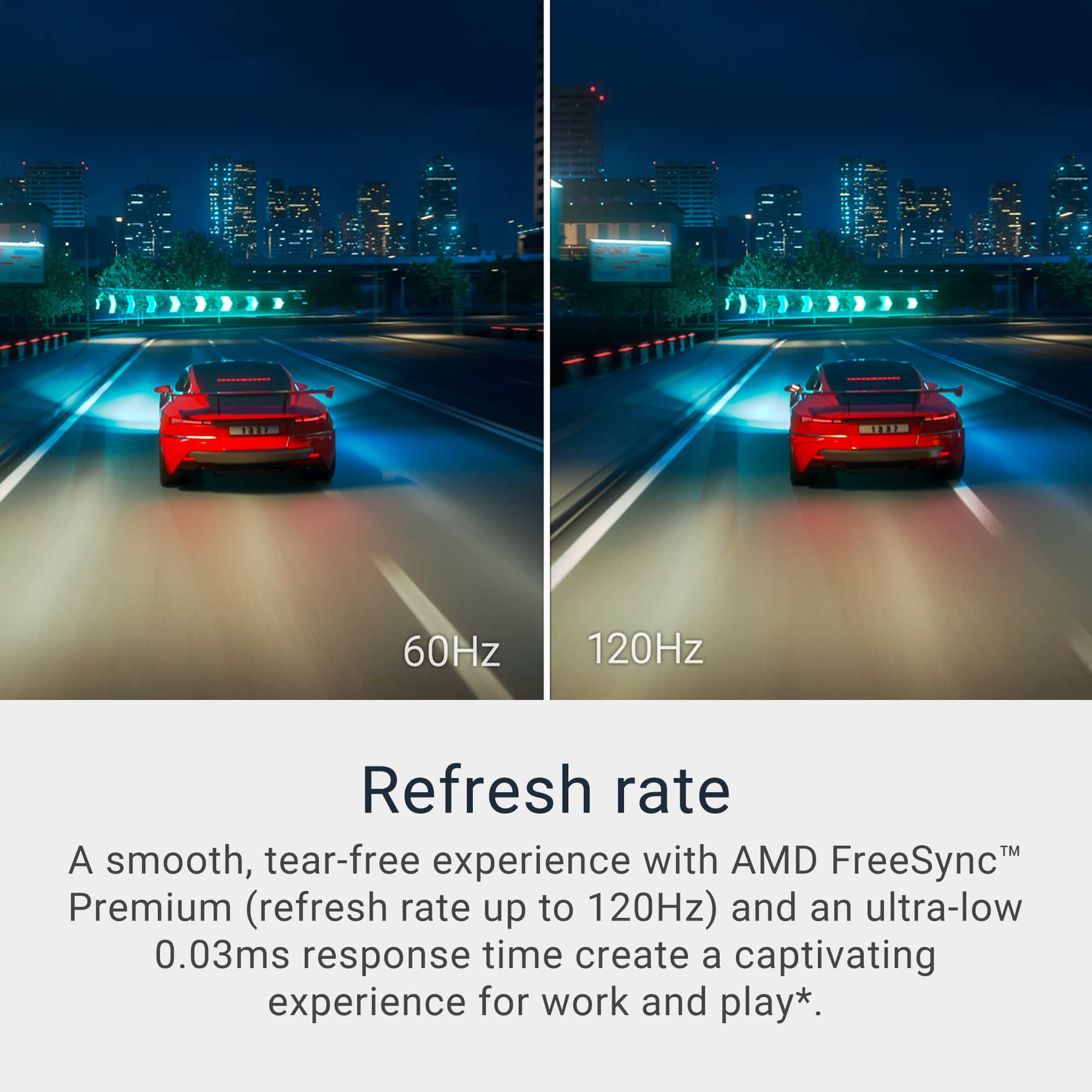
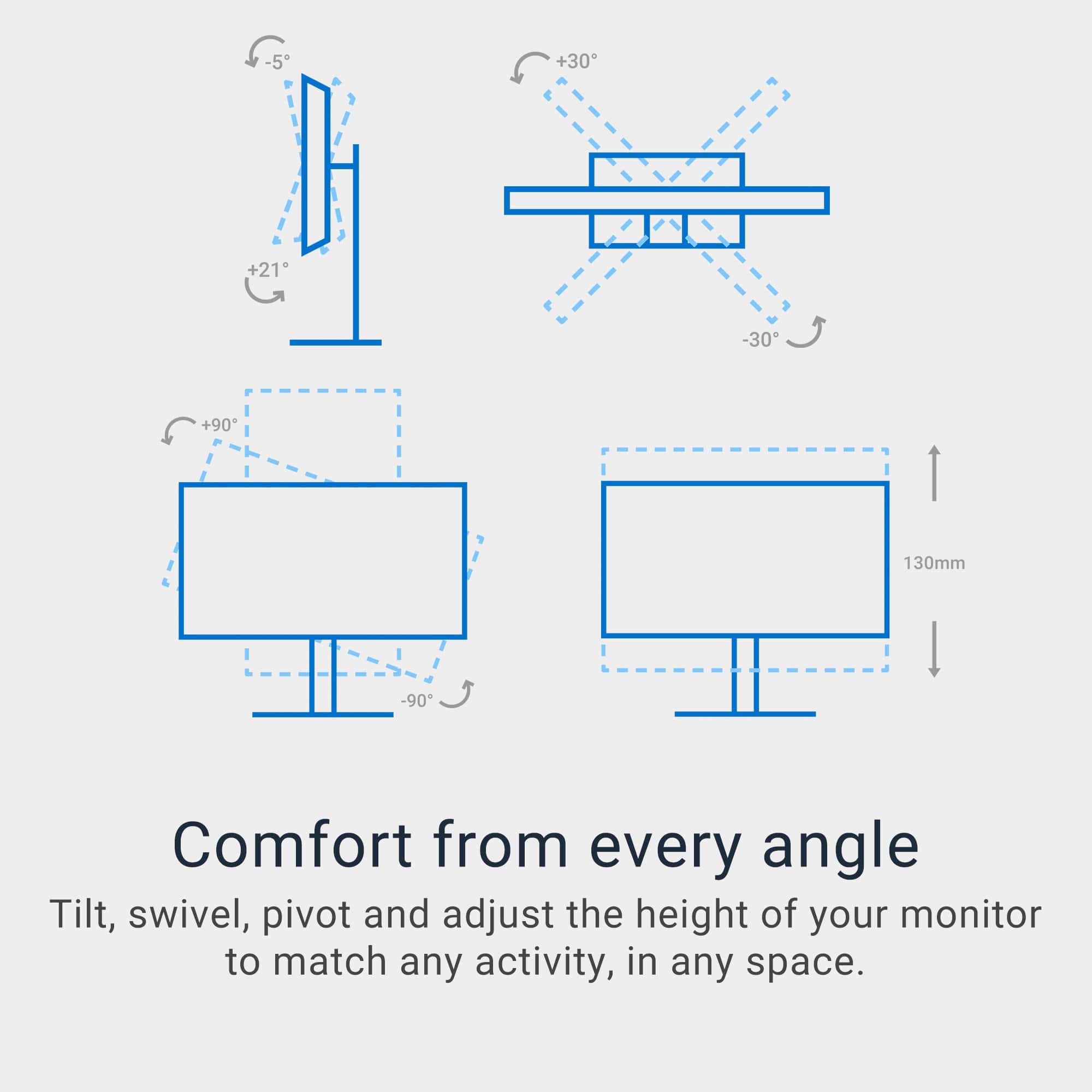
||Posted . Owned for 3 weeks when reviewed.This reviewer received promo considerations or sweepstakes entry for writing a review.Design & Build Quality The Dell S2725QC’s Ash White finish offers a sleek, modern look that fits both home and office settings. Its ultra-slim bezels on three sides (InfinityEdge) maximize screen real estate for a premium, immersive feel, especially great for multi-monitor setups. The stand is sturdy, easily adjustable for height, tilt, swivel, and pivot, and the cable management cutout keeps your workspace tidy. Display Quality Size & Resolution: At 27 inches with a 3840x2160 (4K UHD) resolution, this monitor delivers incredibly sharp and detailed visuals. Text and images are crisp, perfect for productivity, content creation, and entertainment. Panel: The IPS panel means vibrant, accurate colors (99% sRGB), wide viewing angles, and consistent brightness edge-to-edge. Refresh Rate: It supports up to 120Hz for smoother onscreen movement. While 120Hz at 4K is often via HDMI 2.1, many users confirm excellent results in gaming and everyday use—though competitive gamers may want the fastest refresh rates possible. HDR: While not true HDR, it supports HDR content, adding a bit of punch to contrast and color.
I would recommend this to a friend - Pros mentioned:Adjustability, Overall performance, Screen quality
Great quality and very comfortable
||Posted .This reviewer received promo considerations or sweepstakes entry for writing a review.Excellent product. Comfortable to use for long hours, solid build quality, and easy to set up. Very happy with this purchase and would recommend it.
I would recommend this to a friend - Pros mentioned:Connectivity
Perfect for macbook!
Posted .This reviewer received promo considerations or sweepstakes entry for writing a review.Was looking for monitor for macbook, this is the best! Only need type c cable to connect, cool design and beat price for the 4k 27. Don’t regret it at all.
I would recommend this to a friend - Pros mentioned:Screen quality
No Glasses Needed
||Posted . Owned for 2 weeks when reviewed.This reviewer received promo considerations or sweepstakes entry for writing a review.Super simple to setup. Ports are clearly noted. I’m not sure I needed the 27 inch size. It’s quite large but I work with photos and they are very clear and sharp. I’ll need to get used to such a large screen. However, I can fit a lot of data on it! I also like that I can raise and lower the screen easily.
I would recommend this to a friend - Pros mentioned:Connectivity, Screen quality
Crystal-Clear 4K Display with USB-C Convenience –
||Posted .This reviewer received promo considerations or sweepstakes entry for writing a review.I’ve been using the Dell S2725QC 27” 4K USB-C Monitor for a while now, and honestly — it’s been a dream come true. I spent weeks researching the perfect monitor for both work and daily use, and this one checked all the boxes . The 4K resolution is just beautiful. Everything looks sharp, colors pop without being too harsh, and the screen is super easy on the eyes — which really matters during long hours. The ComfortView Plus feature makes a noticeable difference, especially when I’m reading or coding for extended periods. One of my favorite parts? USB-C connectivity. It’s such a relief to plug in just one cable and get power, video, and data — no more messy desk or cable clutter. It even charges my laptop while I work! I use this monitor with my Lenovo Yoga Pro 9i, and together they’ve made working from home so much better. I can split my screen, run multiple apps, and everything just feels smoother and faster. It’s made my setup look and work like a pro.
I would recommend this to a friend - Pros mentioned:Connectivity, Refresh rate
Dell monitors are great for DEV work, A+
||Posted .This reviewer received promo considerations or sweepstakes entry for writing a review.Great monitor! I am using it for software development and the fonts are crystal clear for long coding sessions and minimum eye strain. The USB-C is nice as my docking station will not do 120HZ so have it plugged directly into the laptop to achieve this. Really impressed with this as I was using the 2021 version and this is a big upgrade with the faster refresh rate and a lot easier on my eyes. Great monitor if you can get a deal go for it!
I would recommend this to a friend - Pros mentioned:Refresh rate, Screen quality
Best 4K 120hz monitor
||Posted .This reviewer received promo considerations or sweepstakes entry for writing a review.I’ve been using the Dell S2725QC 27" for video and photo editing, and I’m really happy with it. The 4K resolution is sharp and clear, and colors look accurate and vibrant, which makes my editing much easier. The HDR is surprisingly good too and adds nice depth and brightness to the image without looking overdone. It’s one of the few affordable monitors I could find that offers 4K at 120Hz, and the smoothness is noticeable whether I’m working on videos or browsing. The build quality feels solid, and the USB-C connection helps keep my workspace tidy. For the price, it’s definitely worth it. Just make sure that your warranty is valid in case you ever need support. I’d recommend this monitor to anyone who needs a good screen for creative projects.
I would recommend this to a friend - Pros mentioned:Adjustability, Connectivity
Good for Videos & Office Work
||Posted .This reviewer received promo considerations or sweepstakes entry for writing a review.The monitor seems to be good for my purposes, which is mainly office work and some video editing. I am using with a Mac Studio desktop and the USB-C plug-and-play was convenient. Set up was easy as well, as I just went into Settings and changed the display resolution to match my other monitor. The housing does feel a bit cheap, but it helps make the monitor fairly light and easy to move, which I do sometimes have to do due to my work set up being on a dining room table.
I would recommend this to a friend - Pros mentioned:Connectivity, Screen quality
Great Monitor - Really good value from the sale
||Posted .This reviewer received promo considerations or sweepstakes entry for writing a review.I bought this as a replacement monitor for one that was broken. It has been great. The set up was pretty easy (10 minutes) and the monitor itself is high quality - great colors, good size for a home office and I love the fact that it can power my computer and display the screen through one USB connection - that removes the clutter from my desk. Very pleased.
I would recommend this to a friend - Pros mentioned:Refresh rate
Excellent Value for the Money, Has a Few Quirks
||Posted . Owned for 2 weeks when reviewed.This reviewer received promo considerations or sweepstakes entry for writing a review.This is about as good as you can get for a 4k monitor that has a high refresh rate and costs less than $400. The stand was extremely easy to put together and install onto the display. I will say though it is a bit flimsy and feels cheap when adjusting because it is made out of mostly plastic. Another thing is that the built in speakers are not the greatest quality, I would recommend not using them. At this price point though, I cannot complain about these two things. A major complaint do I have though is this monitor does not come with an HDMI 2.1 cable, only a USB-C cable. I had to find a spare HDMI 2.1 cable in order for this to work for me. I am aware that that the USB-C port is meant to charge a laptop. Additionally, it does support a Display Port Alt connection, however a lot of desktop video cards do not support this type of connection without an adapter. As for the display, do not bother using HDR with this, as the colors look all washed out and terrible. In SDR mode (normal mode) though, the colors look great and are accurate right out of the box. Just make sure that you turn the brightness up and select 120hz in your display settings once you are up and running to get the full experience.
I would recommend this to a friend - Pros mentioned:Connectivity, Screen quality
Great Value 4K 120Hz Monitor
|Posted . Owned for 1 month when reviewed.This reviewer received promo considerations or sweepstakes entry for writing a review.This monitor is a great value for someone looking for a 4K 120 Hz screen. The 27" 4K display was crisp and clear when navigating through UI, reading text, watching content, etc. The speakers on the monitor were also a nice surprise as they are much better quality than a lot of other monitor speakers. It was nice being able to connect my laptop to the monitor through a single cable (USB-C) for display and power. The USB hub on the monitor is also convenient as it allows one to plug in accessories such as external mice, keyboard, or storage devices. You can download the Dell Display Manager application which stops you from having to fiddle with the OSD. The only thing that I did not like about this monitor was the color temperature. It was too warm in comparison to my MacBook display. There is a preset for a "cool" picture, but that picture is too cool when compared to MacBook display. There is no way to fine tune color temperature other than through custom RGB values which is a bit annoying.
I would recommend this to a friend