Customer Ratings & Reviews
- Model:
- C11CL41201
- SKU:
- 12235803
Rating by feature
- Value
Rating 4.5 out of 5 stars
- Quality
Rating 4.5 out of 5 stars
- Ease of Use
Rating 4.4 out of 5 stars
- Pros mentioned:Print quality
Printer
||Posted . Owned for 2 weeks when reviewed.This reviewer received promo considerations or sweepstakes entry for writing a review.Absolutely love this printer!! The INK GOES A LONG WAY!!!!
I would recommend this to a friend - Pros mentioned:Setup ease
Great upgrade
||Posted . Owned for 3 weeks when reviewed.This reviewer received promo considerations or sweepstakes entry for writing a review.This printer was very easy to set up, does everything i need, at a great price
I would recommend this to a friend - Pros mentioned:Size
Best product
||Posted . Owned for 1 week when reviewed.This reviewer received promo considerations or sweepstakes entry for writing a review.Excellent product with great size and top quality printing...
I would recommend this to a friend - Pros mentioned:Noise level
Epson Eco tank printer
||Posted . Owned for 1 month when reviewed.This reviewer received promo considerations or sweepstakes entry for writing a review.Perfect for home use. Good price economic printer very quiet
I would recommend this to a friend - Pros mentioned:Setup ease
Charleston, WV, user
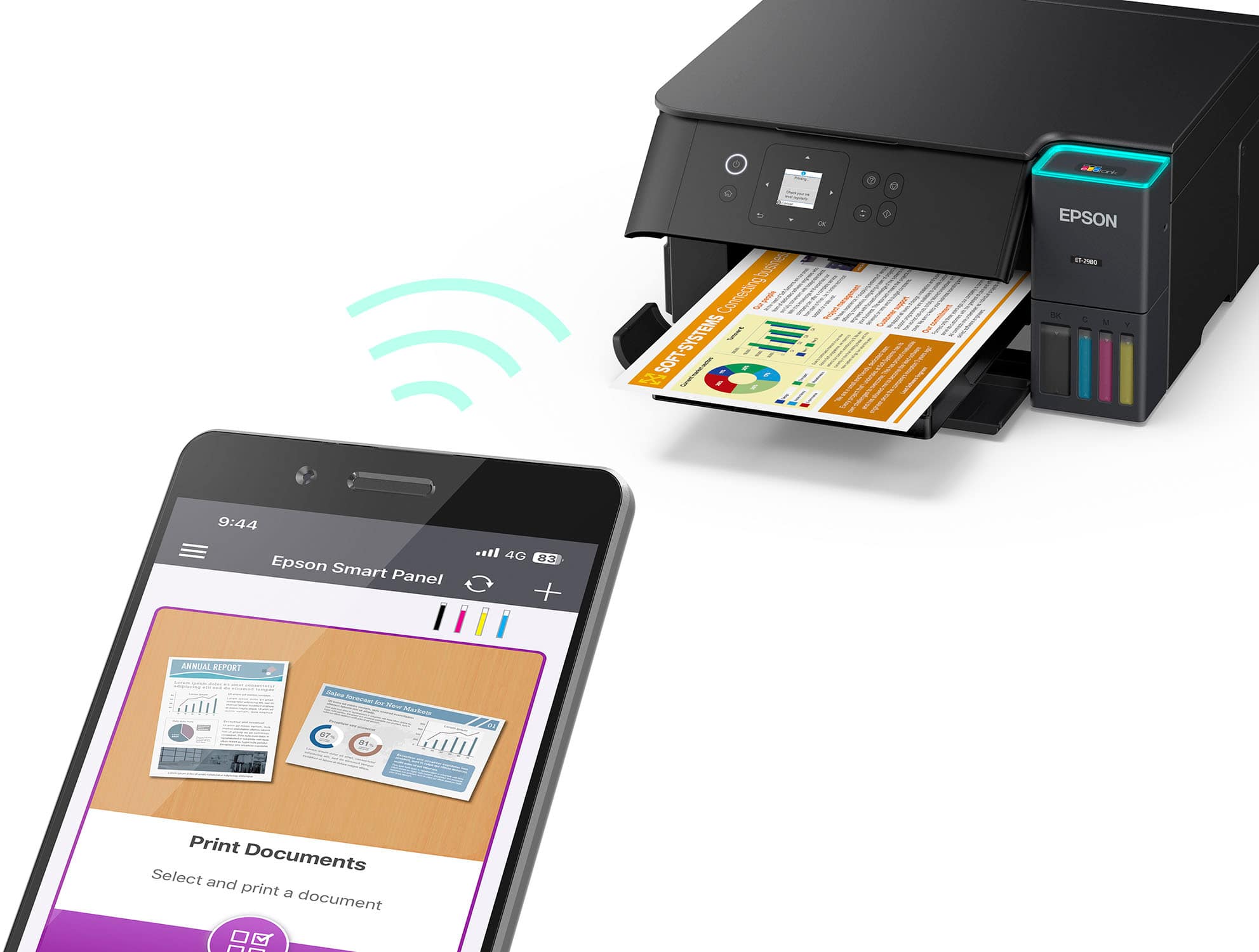
||Posted .This reviewer received promo considerations or sweepstakes entry for writing a review.Works fine. Easy to install using wireless. Haven’t used it enough to provide more comments.
I would recommend this to a friend - Pros mentioned:Setup ease
Printer
||Posted .This reviewer received promo considerations or sweepstakes entry for writing a review.So easy to use! Easy setup. Ordered on line and picked up at store. Only took a couple of hours.
I would recommend this to a friend - Pros mentioned:Setup ease
Nice images
||Posted . Owned for 3 weeks when reviewed.This reviewer received promo considerations or sweepstakes entry for writing a review.Easy to install when you follow directions. Creates beautiful images.
I would recommend this to a friend Epson printer replacement
||Posted . Owned for 3 weeks when reviewed.This reviewer received promo considerations or sweepstakes entry for writing a review.We replaced an Epson with tank inks. We liked it and like this one.
I would recommend this to a friend- Pros mentioned:Setup ease
Fast printer
||Posted . Owned for 1 week when reviewed.This reviewer received promo considerations or sweepstakes entry for writing a review.I love this printer. It texts you through the installation and easy to install.
I would recommend this to a friend Home office printer
||Posted . Owned for 3 weeks when reviewed.This reviewer received promo considerations or sweepstakes entry for writing a review.Does everything I need for a home office printer except scan multiple pages. Can work with it.
I would recommend this to a friend- Pros mentioned:Setup ease
Good printer
||Posted .This reviewer received promo considerations or sweepstakes entry for writing a review.Super easy to setup and has worked well. No problems at all so far.
I would recommend this to a friend Fantastic home printer
||Posted .This reviewer received promo considerations or sweepstakes entry for writing a review.It’s rare for me to review products, but hats off to Epson as this is a quality product that breaks the awful practices of traditional ink replacement. Easy recommend for those of us who still need a reliable home printer.
I would recommend this to a friend- Pros mentioned:Setup ease
Pleased!
||Posted . Owned for 3 weeks when reviewed.This reviewer received promo considerations or sweepstakes entry for writing a review.So far, so good. Easy setup and operating well. Pleased.
I would recommend this to a friend - Pros mentioned:Print quality
Excellent option for home printing needs
||Posted . Owned for 1 week when reviewed.This reviewer received promo considerations or sweepstakes entry for writing a review.Good print quality, bottle ink saves lots of money, easy to install
I would recommend this to a friend Functional for Informal Documents and photos
||Posted . Owned for 1 month when reviewed.This reviewer received promo considerations or sweepstakes entry for writing a review.this newer model is better than the previous. Its not for photo quality printing but the reliability of the ink and easy maintenance is all you need for informal documents.
I would recommend this to a friend- Pros mentioned:Noise level
Epson printer ET-2980
||Posted . Owned for 1 month when reviewed.This reviewer received promo considerations or sweepstakes entry for writing a review.Started out a little noisy but settled down and now is fine.
I would recommend this to a friend ET-2980 review
||Posted . Owned for 2 weeks when reviewed.This reviewer received promo considerations or sweepstakes entry for writing a review.I like the printer. It takes a little research to learn how to use it ie opening the output tray etc
I would recommend this to a friend- Pros mentioned:Print quality

Great printer!
|Posted . Owned for 1 month when reviewed.This reviewer received promo considerations or sweepstakes entry for writing a review.I bought it to make T-shirt decals for our disney trip and the quality was great.
I would recommend this to a friend love the ink refills
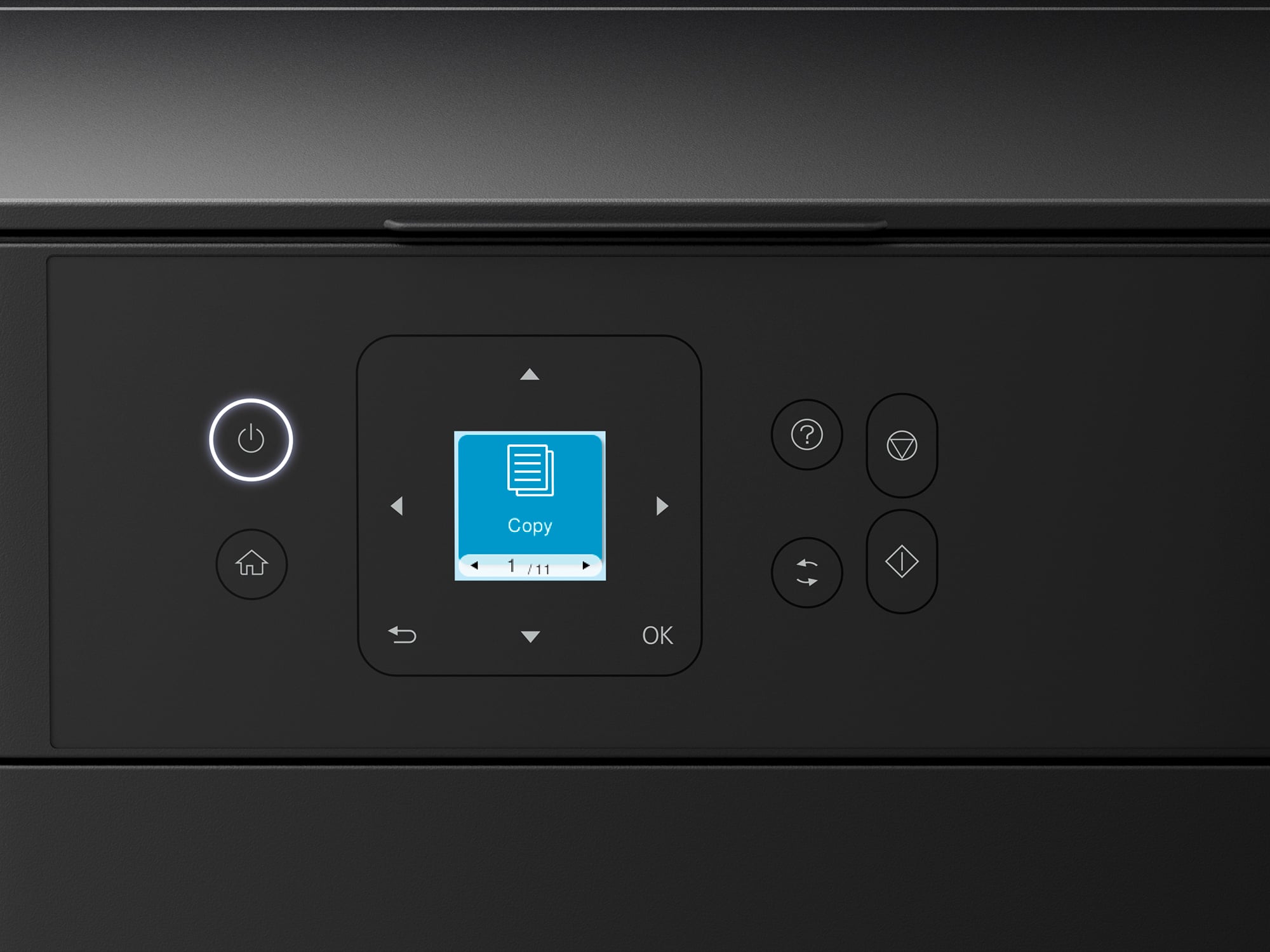
||Posted . Owned for 2 weeks when reviewed.This reviewer received promo considerations or sweepstakes entry for writing a review.Works great, and I am happy with the ink refills. I wish the screen was a little bigger
I would recommend this to a friend- Pros mentioned:Setup ease
EpsonEcoTankWireless
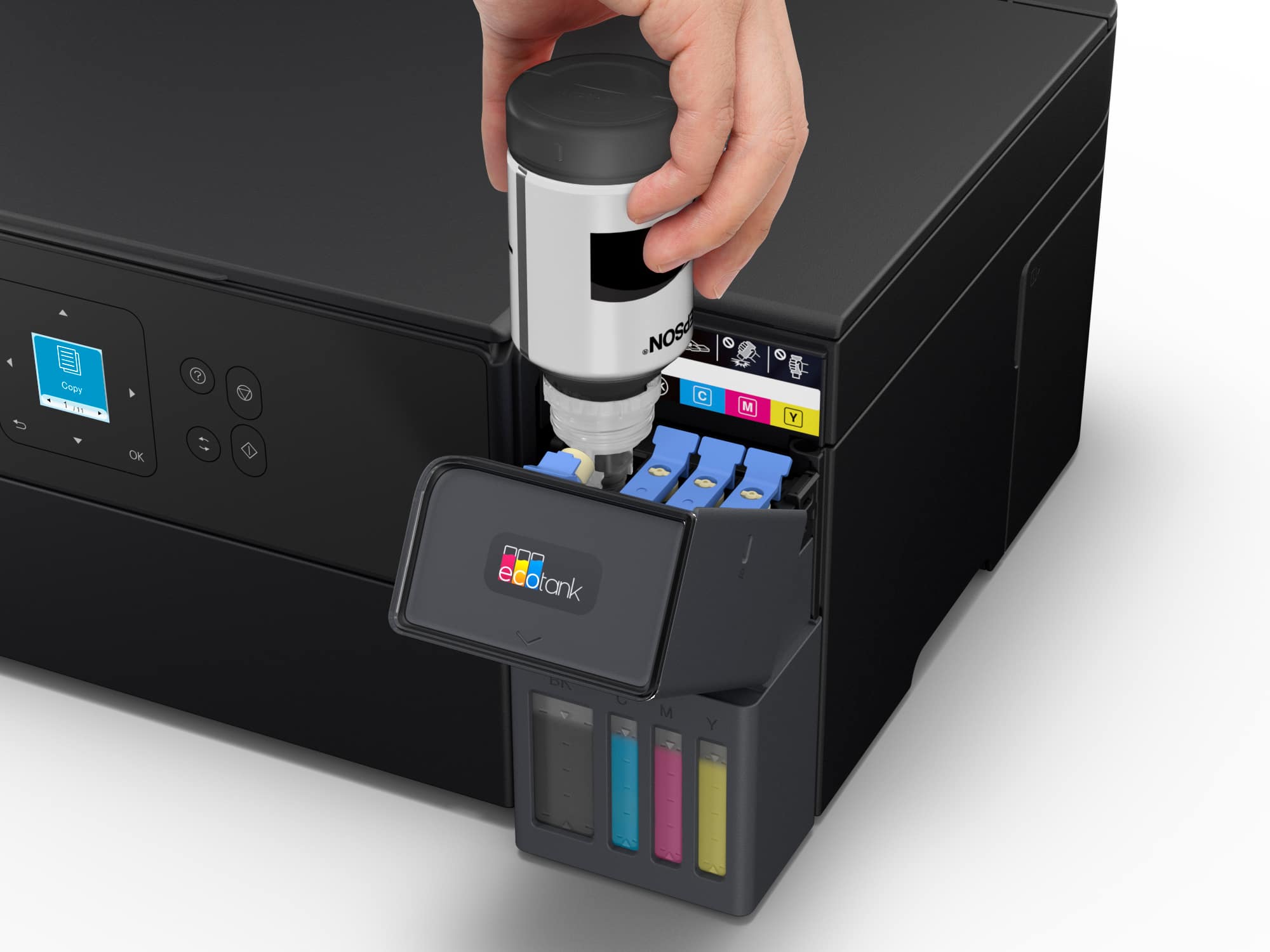
||Posted . Owned for 1 month when reviewed.This reviewer received promo considerations or sweepstakes entry for writing a review.easy setup, reliable, easy to add ink without a big mess
I would recommend this to a friend


















