Customer Ratings & Reviews
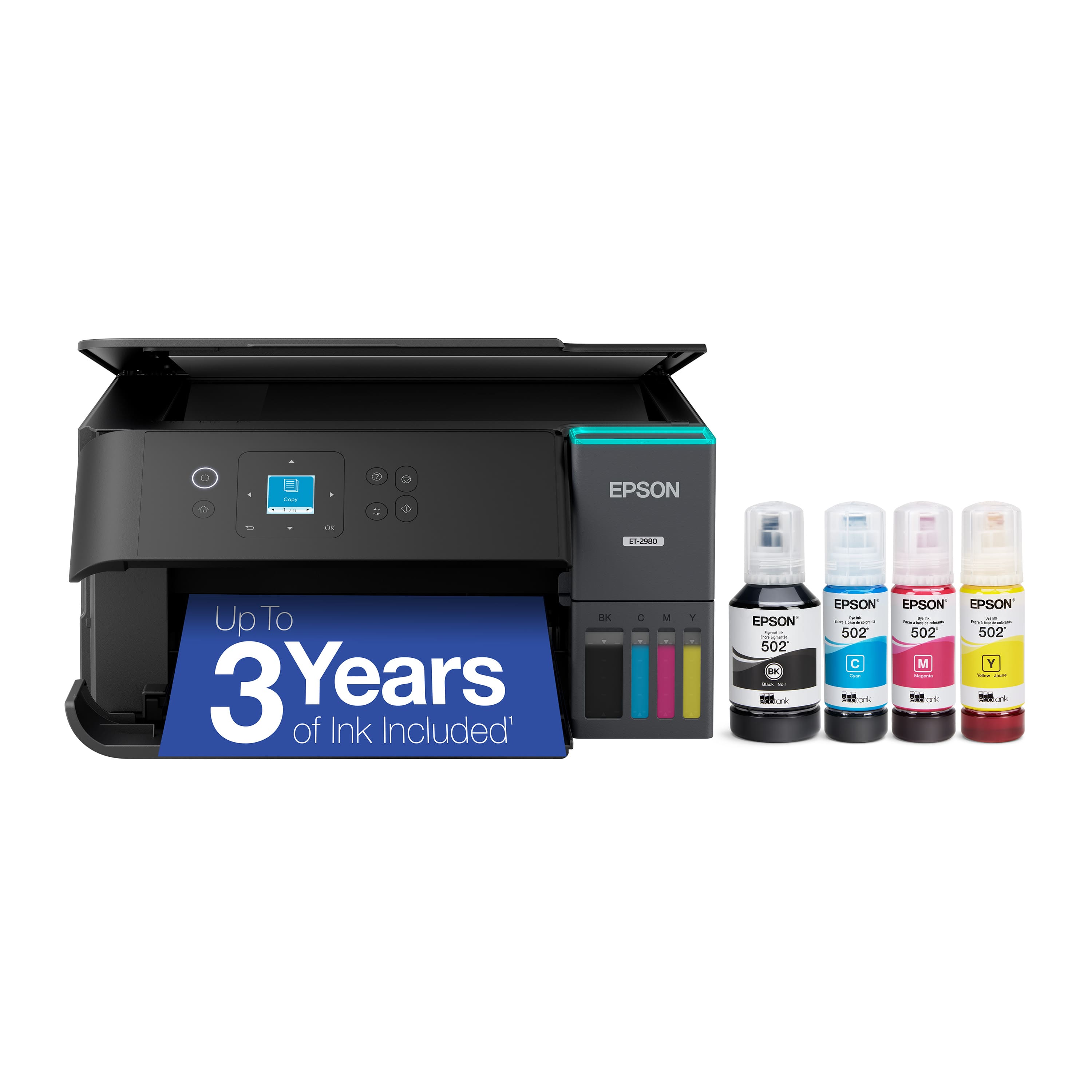
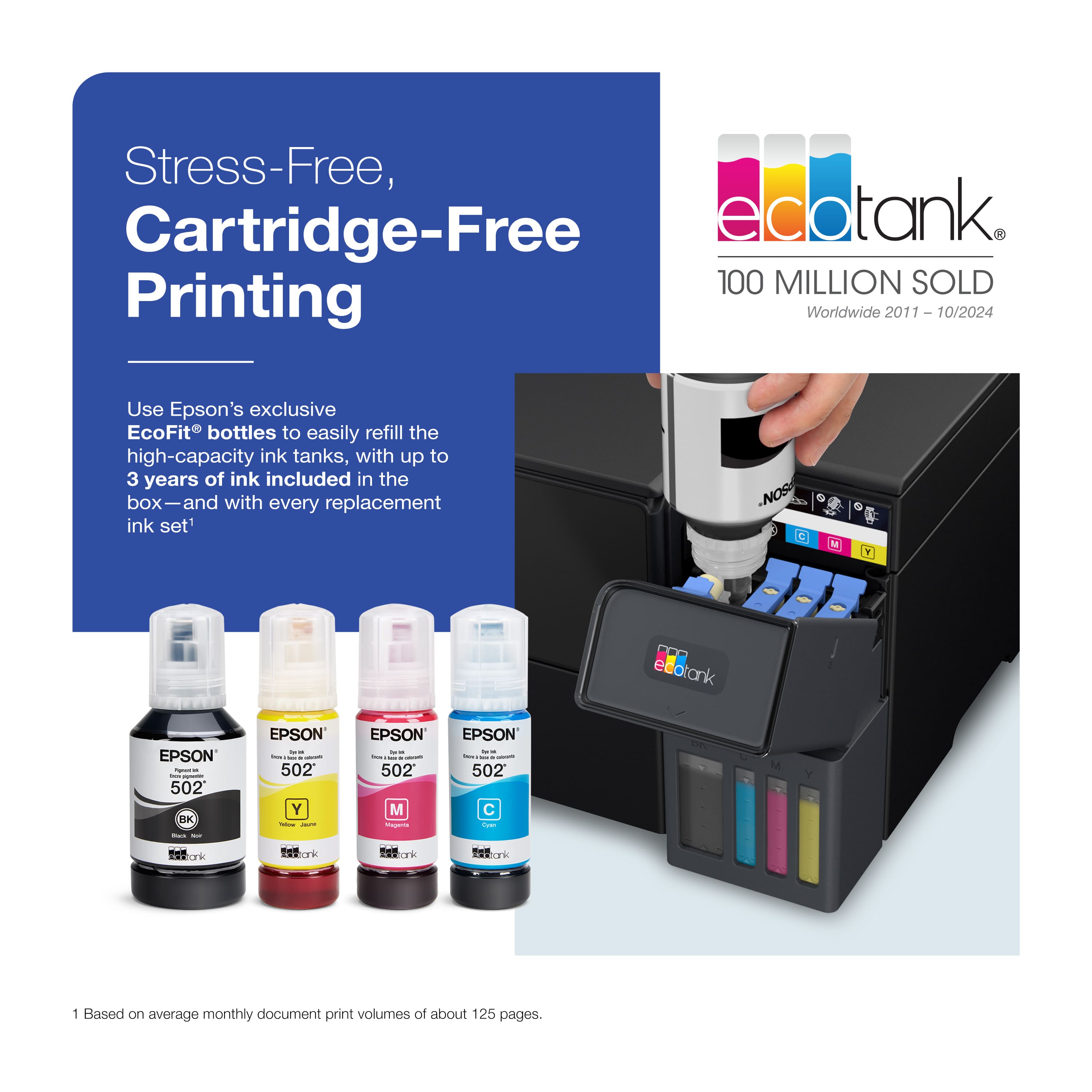
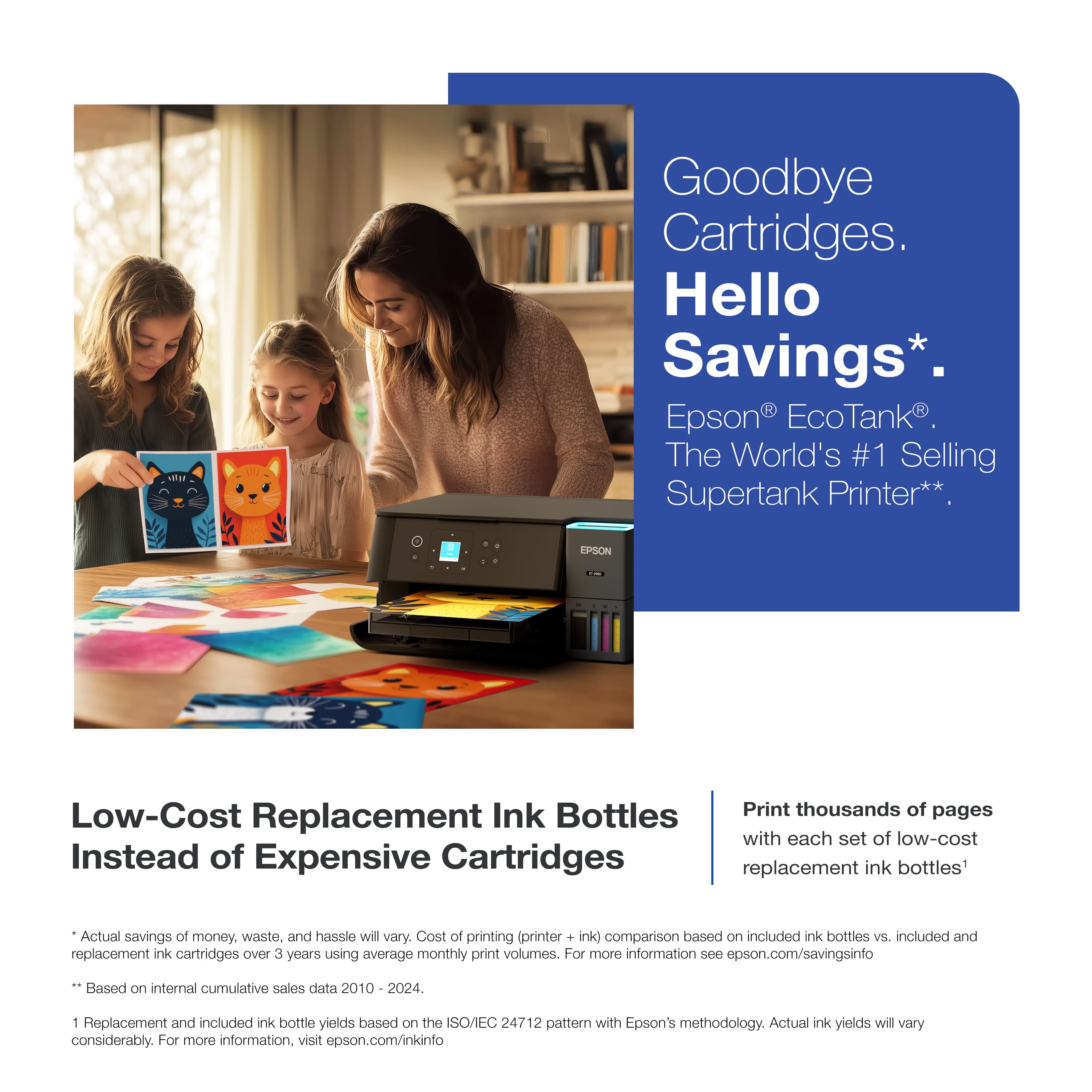
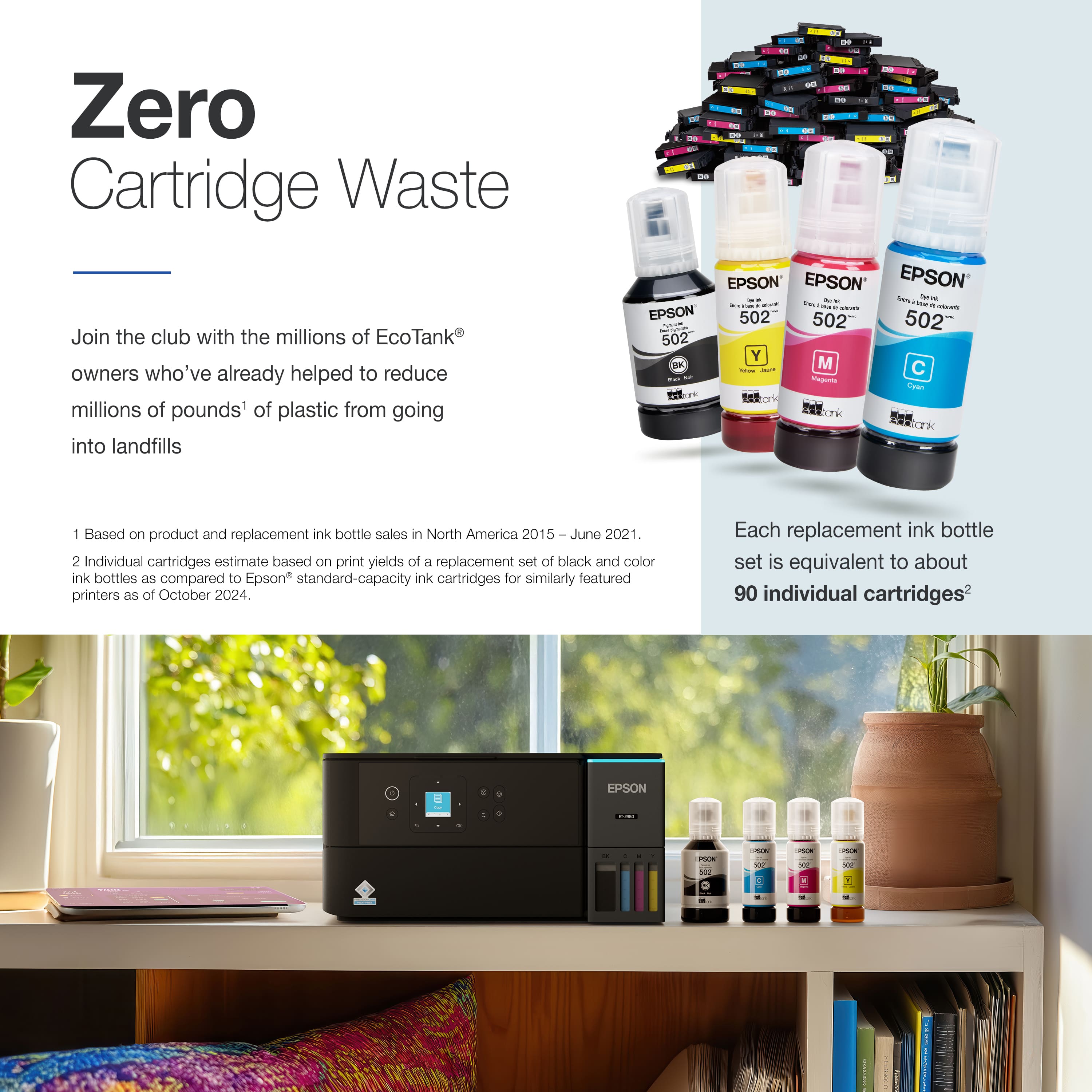
- Model:
- C11CL41201
- SKU:
- 6621250
Rating by feature
- Value
Rating 4.5 out of 5 stars
- Quality
Rating 4.5 out of 5 stars
- Ease of Use
Rating 4.5 out of 5 stars
Customers are saying
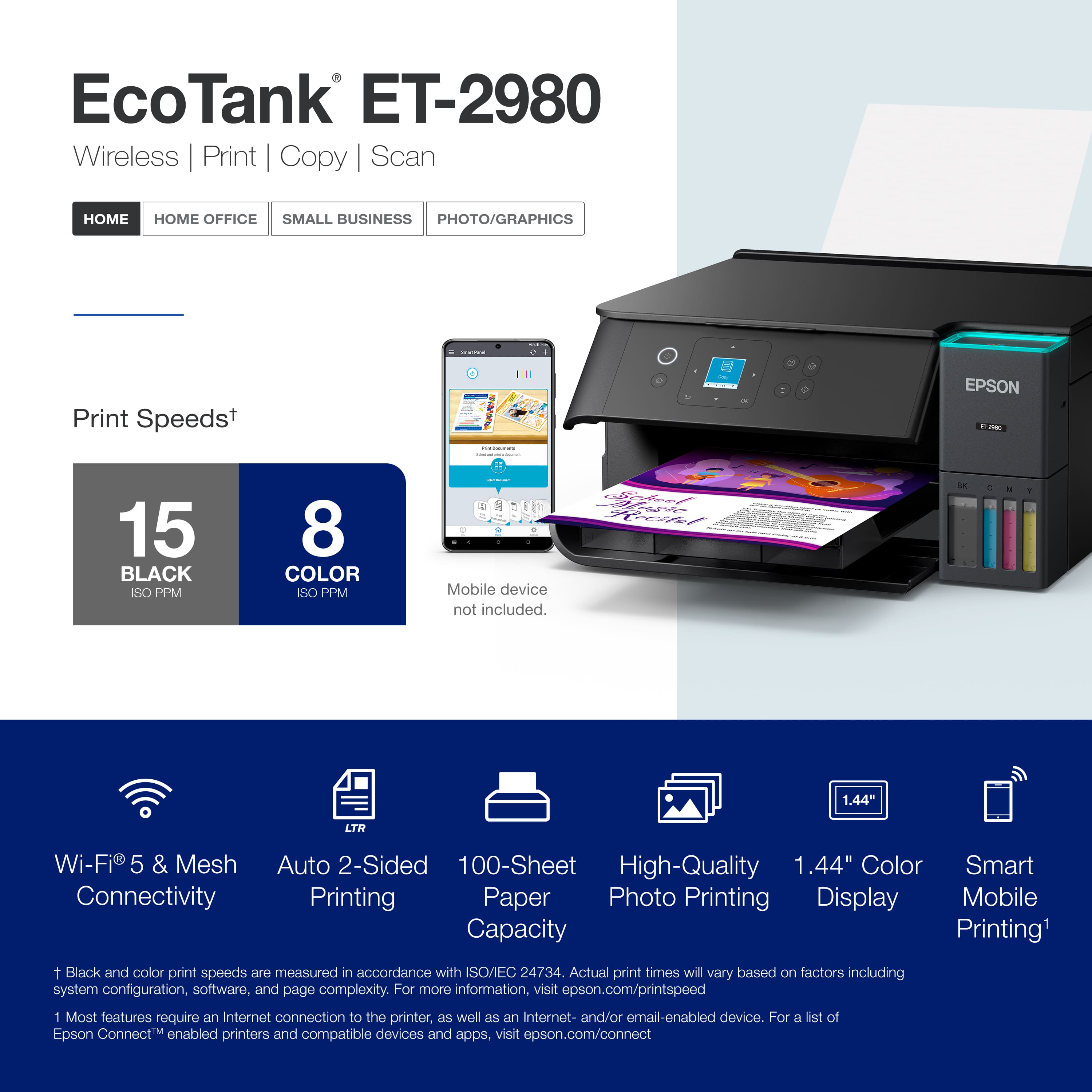
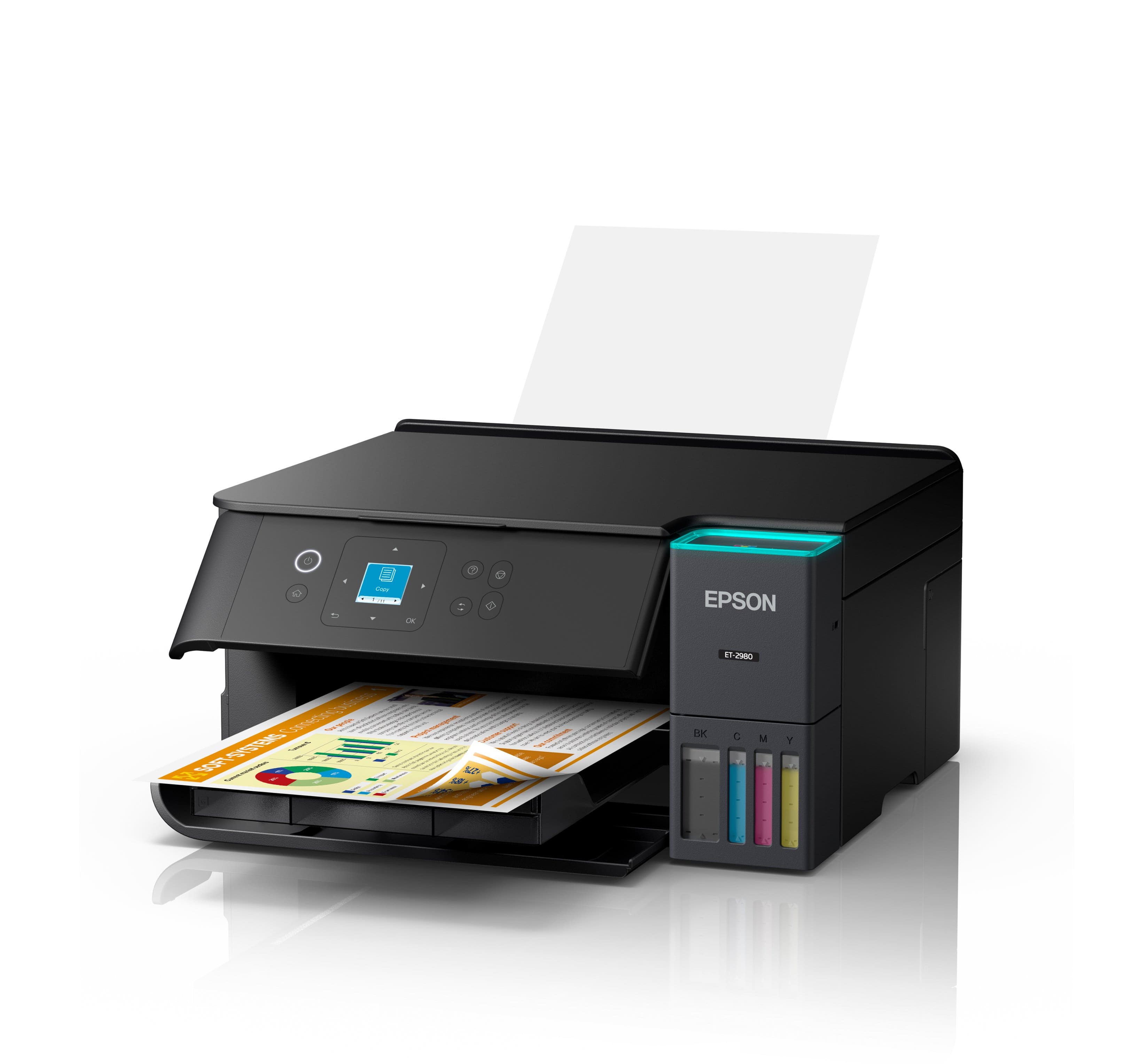
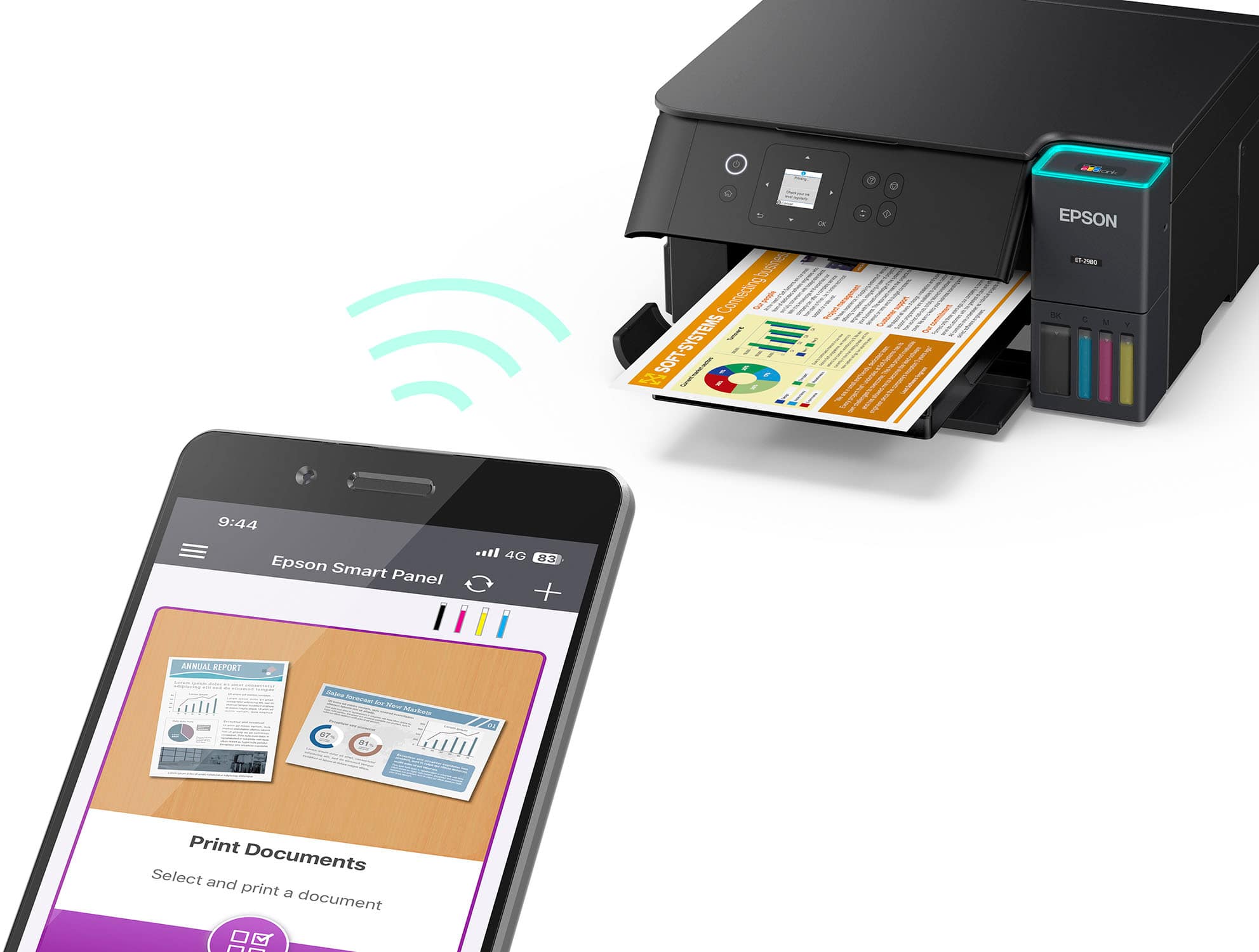
Customers express satisfaction with the EcoTank ET-2980 printer's excellent print quality and easy setup process. Users appreciate the printer's connectivity features and quiet operation. Some customers noted that the printer's size was larger than anticipated, and a few found the button layout confusing.
This summary was generated by AI based on customer reviews.
- Pros mentioned:Print quality
epson 2980
||Posted . Owned for 1 week when reviewed.This reviewer received promo considerations or sweepstakes entry for writing a review.Good print quality but a little difficult to connect and set up
I would recommend this to a friend Not bad and definitely could have been better.
||Posted .This reviewer received promo considerations or sweepstakes entry for writing a review.A little patience is required in setting up the printer ans using it for the 1st time. at first, the printing was terrible but is has improved by repeating the test page I generated. the old epson software was definitely superior and more flexible. the scanner function was very good but the older software was definitely better. I link the ink supply. THAT IS A DEFINITE IMPROVEMENT.
No, I would not recommend this to a friendBrand response from Epson
Posted .Hi ezyErnie, thank you for taking the time to write a review of your new Epson printer. We appreciate your business, and value your feedback. Your ET-2980 includes free technical support for the life of your product, so if you’d like help, feel free to contact us at (562) 276-4382; Hours: Monday – Friday, 7 a.m. to 4 p.m. (PT). Kind Regards, Joseph – The Epson Team.

Good printer, top-feed only
||Posted .This reviewer received promo considerations or sweepstakes entry for writing a review.Overall a good printer. Returned for a similar model that actually has a bottom / paper tray. Didn't realize that this was top-feed only, as that doesn't work in our space due to space constraints but otherwise it would've been fine.
I would recommend this to a friendCant connect to wifi?
||Posted .This reviewer received promo considerations or sweepstakes entry for writing a review.Finding it hard to connect to wifi. Only wotks with wifi direct and only in certain parts of the house.
I would recommend this to a friendThe solution is clear
||Posted . Owned for 1 month when reviewed.This reviewer received promo considerations or sweepstakes entry for writing a review.Clear instructions, crisp colors, fast printing — what’s not to like!?
I would recommend this to a friendKaye Holland
||Posted . Owned for 3 weeks when reviewed.This reviewer received promo considerations or sweepstakes entry for writing a review.I recently had to purchase a new printer and went straight to Epson. This is my second Epson, and I love it. It is improved from my previous one; there has been a small learning curve. I would recommend this printer.
I would recommend this to a friendEpson-EcoTank ET-2980 Wireless All-in-One Color
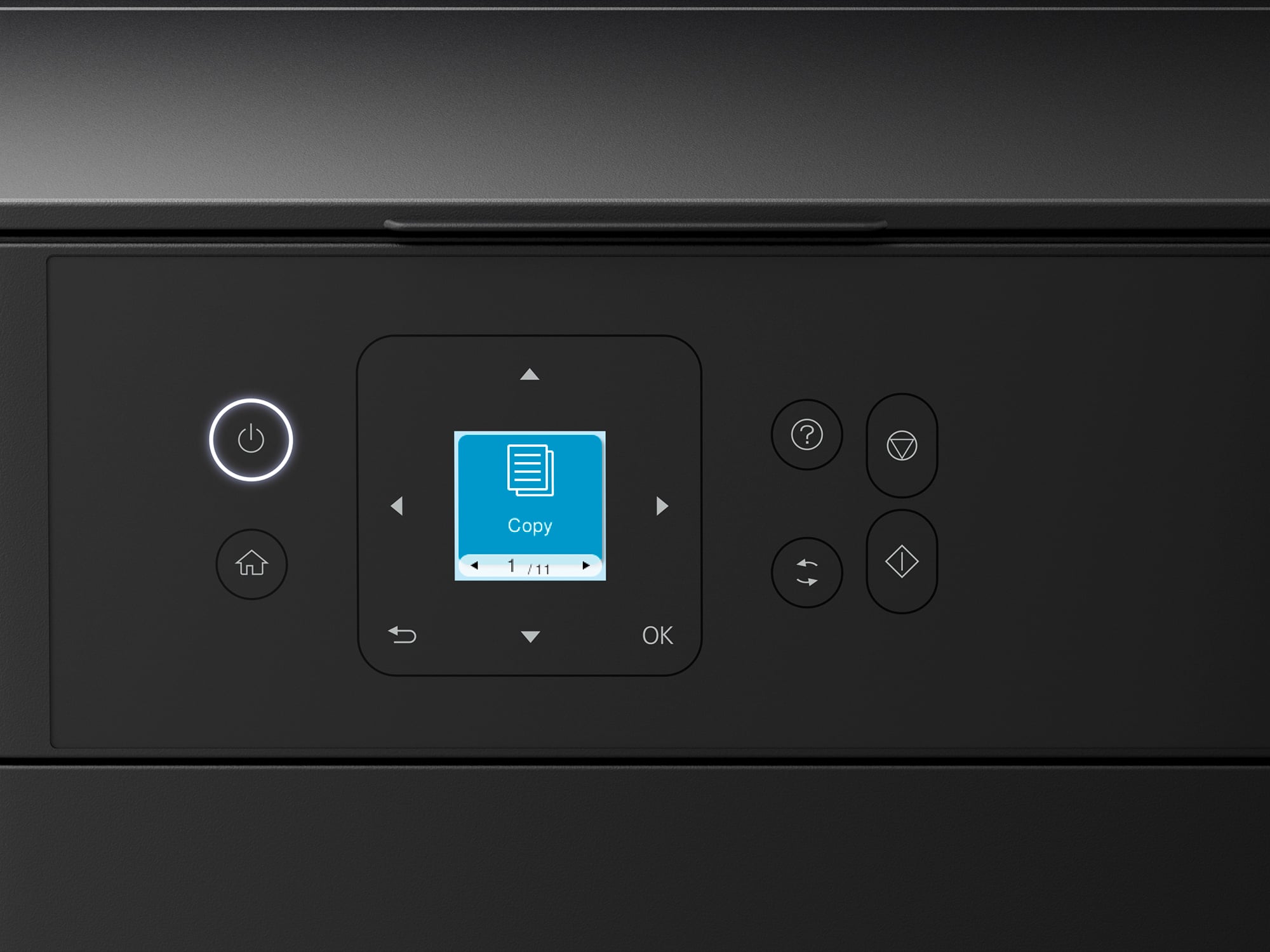
||Posted . Owned for 1 month when reviewed.This reviewer received promo considerations or sweepstakes entry for writing a review.Like the liquid ink as opposed to cartridges and the time frame of usage; good quality images; Printing from the top screen is confusing with placement of images and the sequence of buttons for printing from the top is confusing. Printed instructions should be provided.
I would recommend this to a friendPrinter
||Posted . Owned for 1 month when reviewed.This reviewer received promo considerations or sweepstakes entry for writing a review.Works great not good on instructions but I managed
I would recommend this to a friendPrinter
||Posted . Owned for 2 weeks when reviewed.This reviewer received promo considerations or sweepstakes entry for writing a review.So far does everything as described. Start copying button was confusing as to which button to press
I would recommend this to a friendSaving money, just needs easier instructions.
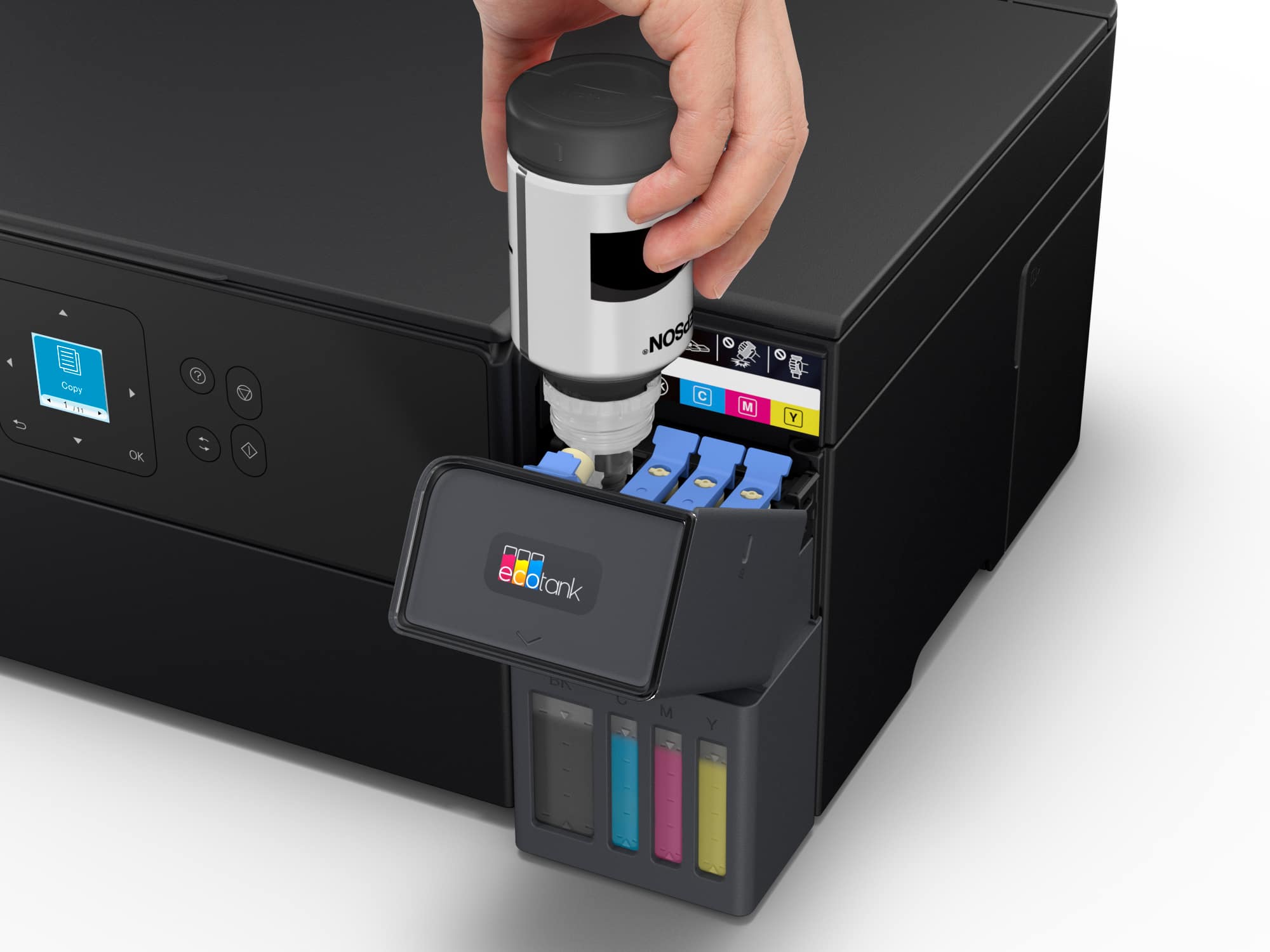
||Posted . Owned for 1 week when reviewed.This reviewer received promo considerations or sweepstakes entry for writing a review.I love the printer so far. The setup was a little long but I can already see the savings on the ink. The instructions need to be better and they need to combine the different functions into one app instead of having different apps for each.
I would recommend this to a friendNice compact printer
||Posted .This reviewer received promo considerations or sweepstakes entry for writing a review.This printer was very easy to setup and has worked great so far.
I would recommend this to a friend- Pros mentioned:Setup ease
Purchased wireless printer
||Posted . Owned for 1 week when reviewed.This reviewer received promo considerations or sweepstakes entry for writing a review.Easy set up and smooth operation. Perfect for home use
I would recommend this to a friend Epson printer
||Posted . Owned for 1 month when reviewed.This reviewer received promo considerations or sweepstakes entry for writing a review.I am very happy with this printer. It is so much better then the HP printer I had
I would recommend this to a friendEpson 2980 printer
||Posted . Owned for 1 week when reviewed.This reviewer received promo considerations or sweepstakes entry for writing a review.Its a very nice printer. The only downside is there are no instructions for what the buttons on the front are for. Not everyone needing a printer is in their 30's. So.e of us are over 60.
I would recommend this to a friendHolds more ink.
||Posted . Owned for 2 weeks when reviewed.This reviewer received promo considerations or sweepstakes entry for writing a review.So far I am happy with my printer. The ink is less expensive and last longer than ink cartridges. Major plus. Thank you. Your staff was very helpful.
I would recommend this to a friendGreat choice for Homeschooling
||Posted .This reviewer received promo considerations or sweepstakes entry for writing a review.As a homeschooling mom, this is a wonderful printer! We print non stop all year long and the ink lasts a long time before needing to be refilled. It has saved us so much money as a one income family.
I would recommend this to a friendSimple and dependable
||Posted . Owned for 1 month when reviewed.This reviewer received promo considerations or sweepstakes entry for writing a review.Runs great from the start ! Great price, and service from Best Buy staff.
I would recommend this to a friendGreat Customer experience
||Posted . Owned for 3 weeks when reviewed.This reviewer received promo considerations or sweepstakes entry for writing a review.I couldn't be more grateful for the clerk's suggestion. I don't remem his name - sorry - but he did an amazing job explaining why this item was worth for me. I love the product, and please reward him. The store is in Ocala FL.
I would recommend this to a friendEPSON PRINTER 2980
||Posted . Owned for 3 weeks when reviewed.This reviewer received promo considerations or sweepstakes entry for writing a review.FRIENDLY & KNOWLEDGABLE GEEKS, ESPECIALLY CHRIS, IS ONE OF THE BEST.
I would recommend this to a friendEpson EcoTank ET-2980
||Posted .This reviewer received promo considerations or sweepstakes entry for writing a review.Ease of setup. So far appears to be very economical. No problems in the first month. Love the option of having color.
I would recommend this to a friend



















