Customer Ratings & Reviews
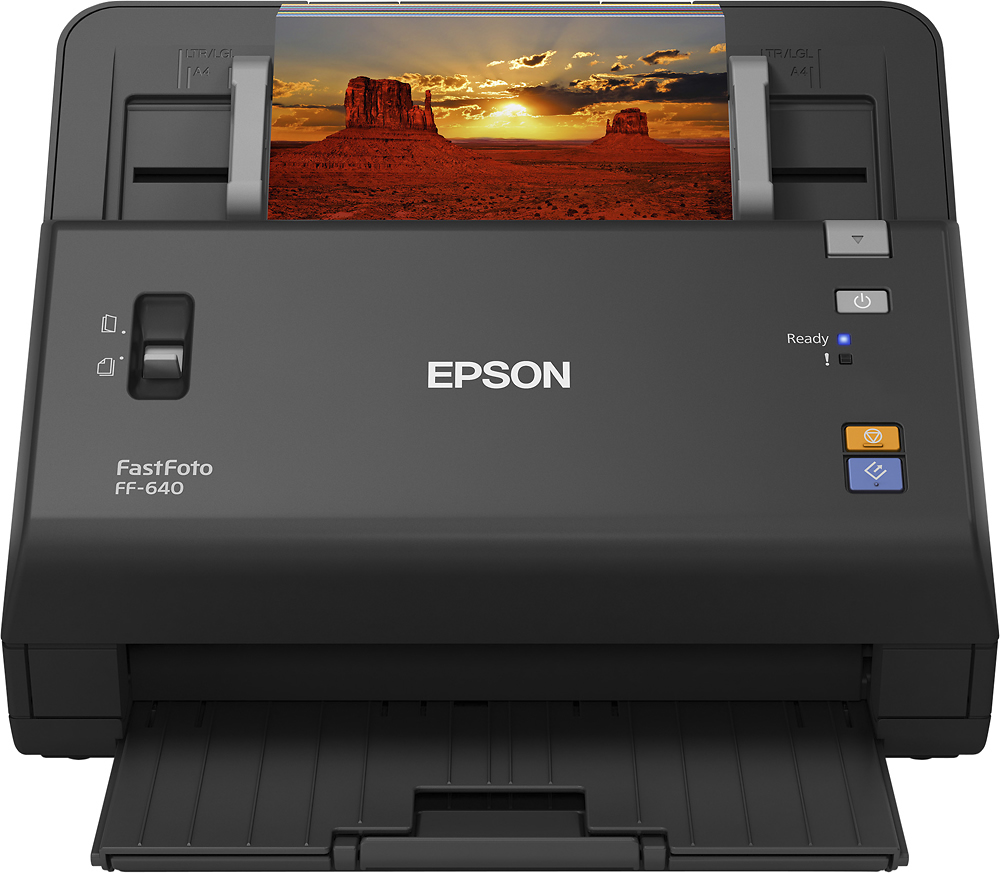
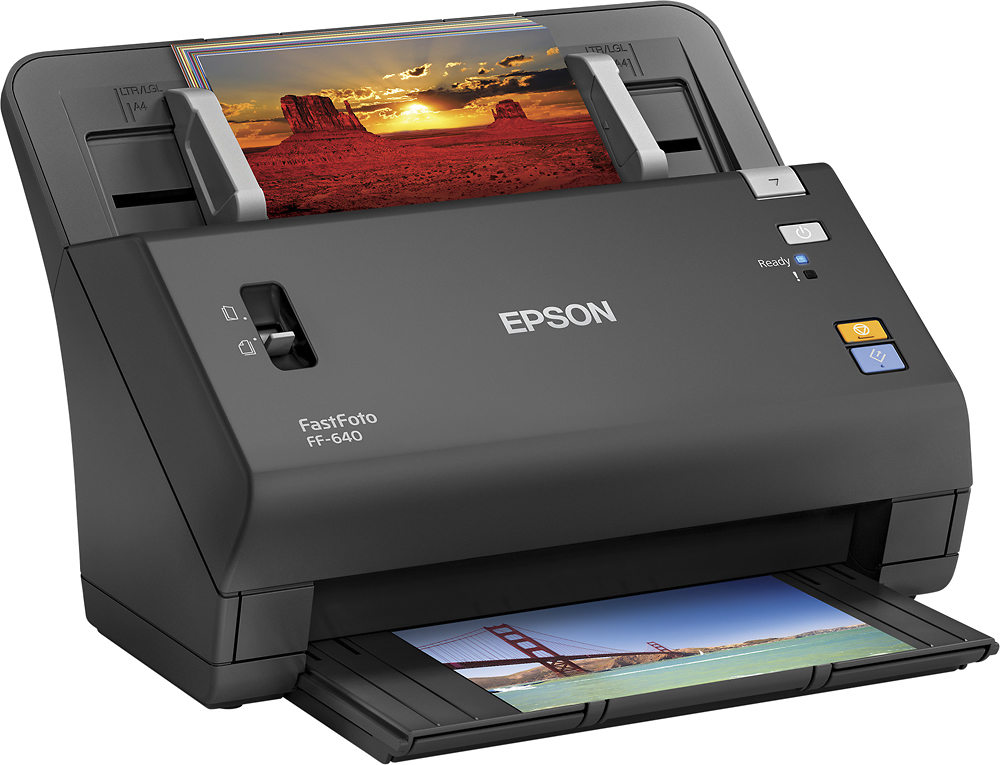
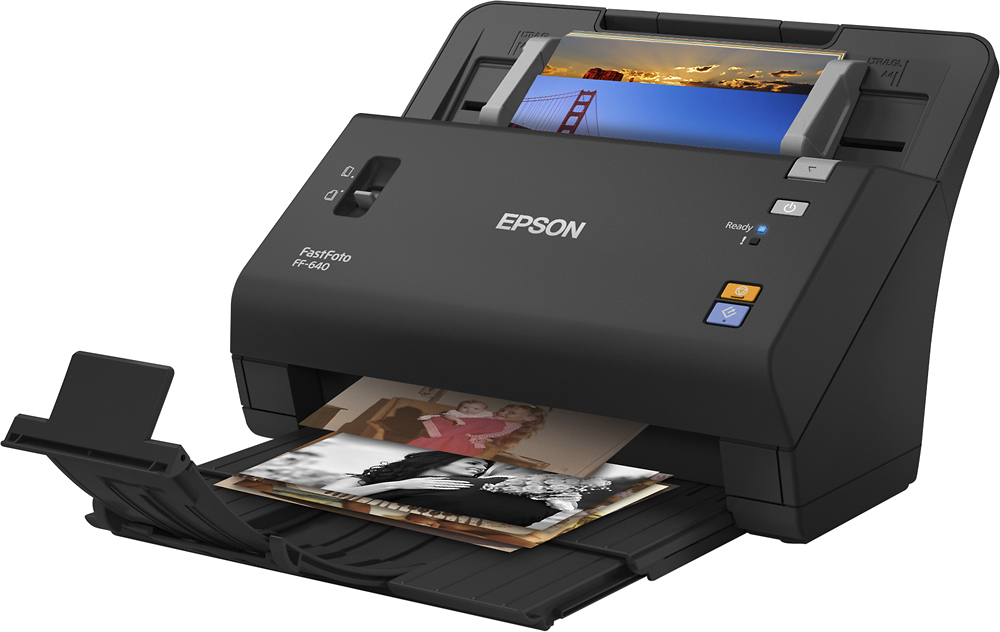
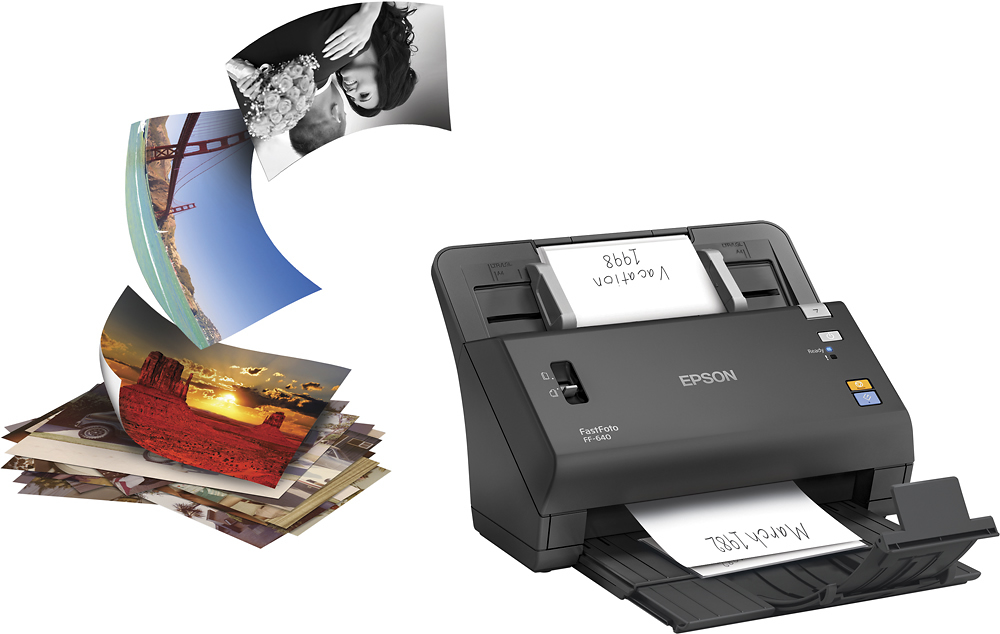
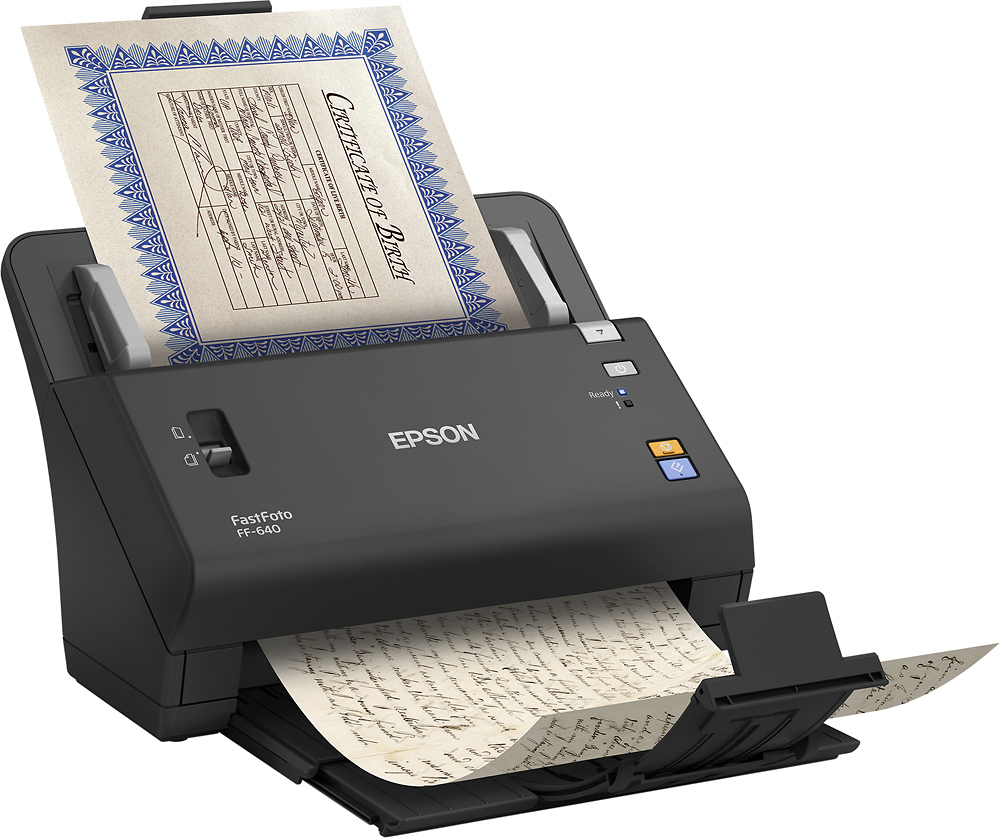

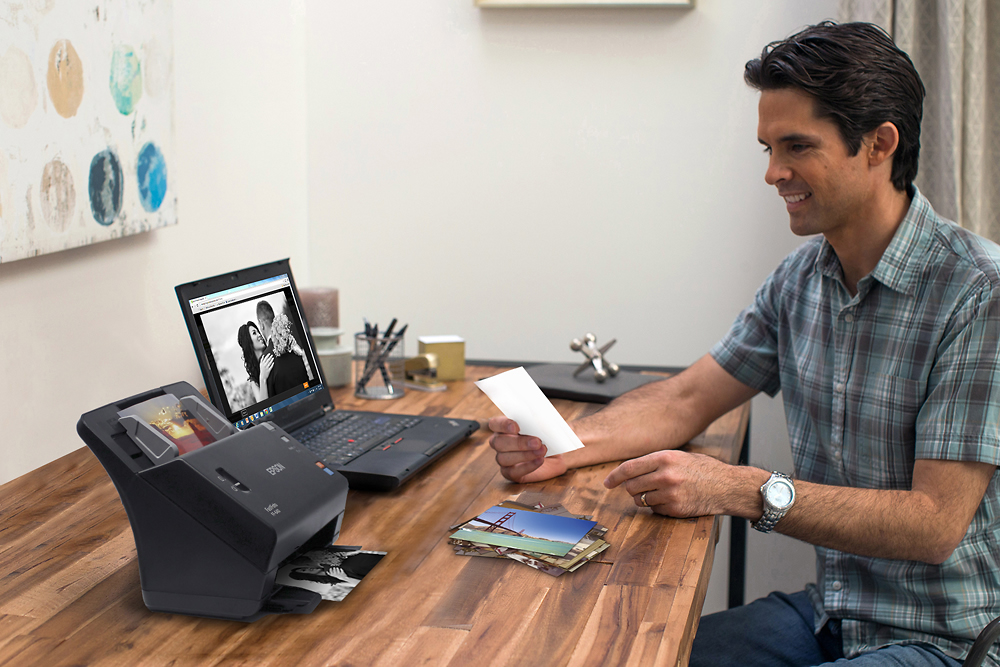
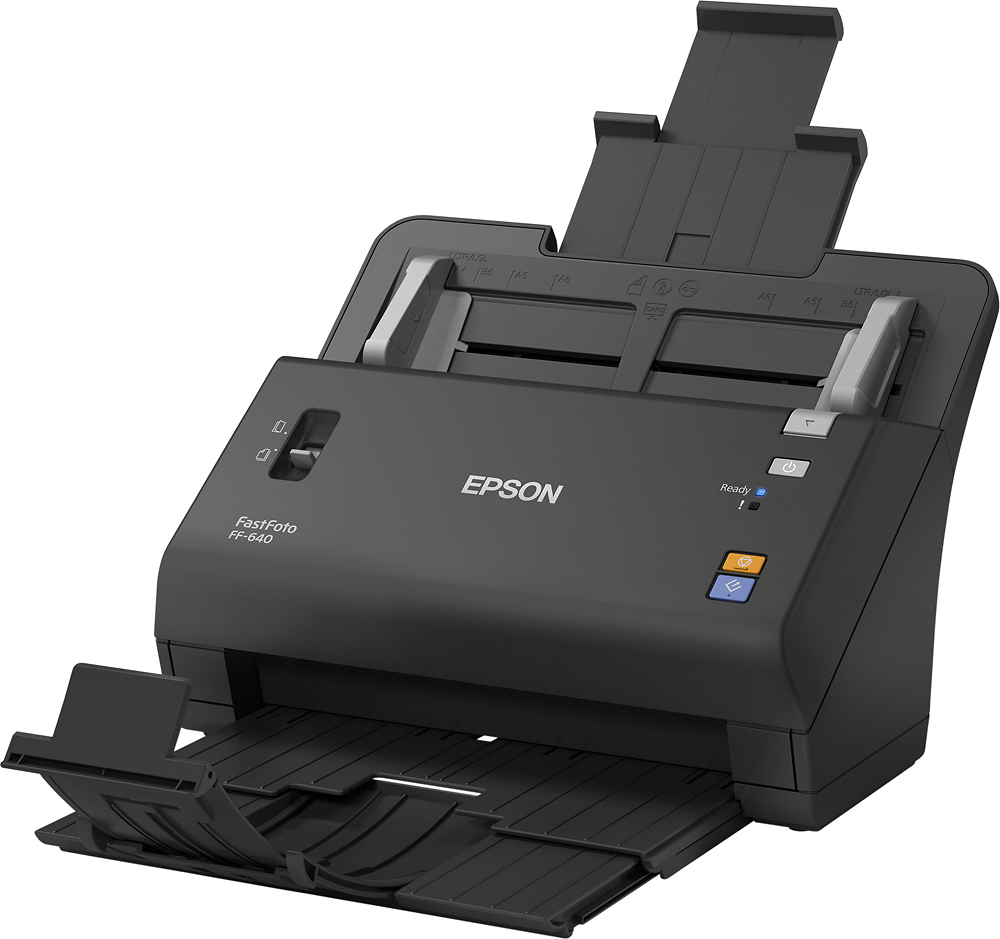
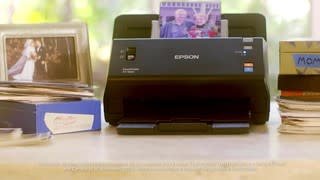
- Model:
- EPSON FASTFOTO FF-640 B11B24
- |
- SKU:
- 5495311
Customer reviews
Rating 4.7 out of 5 stars with 401 reviews
(401 customer reviews)Rating by feature
- Value4.4
Rating 4.4 out of 5 stars
- Quality4.7
Rating 4.7 out of 5 stars
- Ease of Use4.5
Rating 4.5 out of 5 stars
Customers are saying
Customers frequently mention the FastFoto FF-640's ease of use, excellent image quality, and user-friendly software as significant advantages. The scanner's compact size is also a plus for many users. However, some customers find the price to be a drawback, and a few have reported occasional issues with paper handling. Despite these minor drawbacks, the positive feedback on ease of use and image quality is prominent.
This summary was generated by AI based on customer reviews.
- Pros mentioned:Image quality, Scanning speed
Rated 5 out of 5 stars
Awesomely fast scanner!
||Posted .This reviewer received promo considerations or sweepstakes entry for writing a review.This scanner can turn out pictures of high quality in no time flat. It's the third scanner in our home, but the first two took soooooooo...... long. I can finally get my huge picture project done.
I would recommend this to a friend - Pros mentioned:Image quality, Scanning speed
Rated 5 out of 5 stars
Photo Scanner
||Posted .This reviewer received promo considerations or sweepstakes entry for writing a review.The Epson FastFoto ff-640 is awesome. It creates perfect images of your printed photos and as the name suggests, it is fast. It can feed a stack of pictures and name the created files per the naming format you set up. My document scanner took 3 minutes per photo to become a jpg and the quality was not the best. This machine takes 2 or 3 seconds and the result is perfect.
I would recommend this to a friend - Pros mentioned:Scanning speed
Rated 5 out of 5 stars
A Historian's Best Friend!
||Posted .This reviewer received promo considerations or sweepstakes entry for writing a review.Amazing right out of the box! My husband who isn't very techy surprised me for Christmas by buying and setting it up on his own-that in itself is amazing! Some of the pictures we put in were in a very aged state-yellowed and faded, miraculously FastFoto gave us the option of three photos to download. We had so much fun with family on Facebook posting some Really old pics- from the 40's and 50's! FastFoto nailed it! I had a cow when I saw my cc bill, but have totally gotten over that after seeing the results. I can't wait to rebuild my wedding album!
I would recommend this to a friend - Pros mentioned:Scanning speed, Size, Software
Rated 5 out of 5 stars
Fast, Feature Rich Scanning
Posted .This reviewer received promo considerations or sweepstakes entry for writing a review.With photo searching and cataloguing options becoming so exciting these days, it’s a shame to have all those memories locked away in print form where they can’t be easily re-discovered, shared, and enjoyed. That’s where Epson’s FastFoto FF-640 comes in. What once seemed like a daunting task—scanning hundreds of old photos—has been turned into a quick and painless procedure. It’s even sort of *fun*. The FastFoto FF-640 is compact, wickedly fast, and smart. I was scanning my first photo batch within ten minutes of opening the box, and the one-touch operation made it possible for me to get my grandparents involved in digitally archiving our photos. Two features in particular stand out to me. The first is the scanner’s intelligent FastFoto software assistant that pops up when you press the scanning button. It makes it easy to designate batches of photos, sorting and naming them according to your preferences to make it easier to file them away correctly. Second, the FastFoto will automatically detect the presence of written or printed text on the backs of photos and scan both sides of a photograph when it does. You can even adjust how sensitive it is to make sure it’s only scanning actual messages and not photo paper logos! I should also point out that this makes a terrific document scanner. It can chew through a pile of old tax records or bills in seconds, leaving you with a tidy little PDF file that it assembles itself. It even corrects skewed pages, enhances text, and can automatically upload scans to Dropbox or Google Drive for you. In short, the Epson FastFoto FF-640 is the most capable scanning solution I’ve ever used. It doesn’t take up a lot of space on a desk, it’s almost unbelievably fast, and best of all it operates quietly. It’s just as convenient and immediate as using your phone, but with no compromise in scan fidelity. Please note: this is a review for the Epson FastFoto 640 that I received free of charge to do a beta test and review.
I would recommend this to a friend - Pros mentioned:Scanning speed
Rated 5 out of 5 stars
Not only a photo scanner
Posted .This reviewer received promo considerations or sweepstakes entry for writing a review.Few years ago I told my mom that I should scan one day her box of family pictures for preserving them in the event of fire or other natural disaster. We have backup now everywhere for everything, but these old precious photos are the only copy that exists. If something happens, then they are gone forever. For this reason, I always wanted to have a digital backup of them, but I never found the energy and the time to scan them all with a flatbed scanner. Here comes Epson to the rescue with a new super fast and small scanner - the FastFoto FF-640. Not only is it very fast, but also very simple to use. First let me tell you about the setup process. Getting your scanner ready takes only few minutes. You take out of the box, remove all the protective packaging and go to the website written on the quick guide for downloading the scanner software. Since I’m using a Mac computer with this scanner, I downloaded the Mac version. On that page, there are few short videos that I highly suggest you watch. They only take few minutes and you will not only know quickly how to use your new scanner, but also what to do with special photos and documents. During the setup of the software you will be prompted to plug the USB cable and the power cable. Fortunately, the power cable is not a wall wart plug, so you won’t have any difficulties to find a free socket for it. Thanks Epson for that! :) Setup up process is already finished. The software I downloaded installed few applications that I had to update. For scanning photos, the main application is FastFoto. From that application you will be able to personalize few settings, which include uploading all your photos to cloud storage. I did not have great success with Google Drive, but with Dropbox it worked perfectly. I will need to check more deeply why I could not get it working with my Google Drive. That’s the only two cloud storage that it does support for now. By default, the scanner will scan your picture at 300dpi. That’s the dpi they use when mentioning 30 pictures in 30 seconds. I was wishing I could scan at a higher dpi without losing too much speed. Fortunately, you can change that setting for higher 600 dpi and it will still be very fast. At that higher dpi, it will take about 90 seconds for 30 pictures. I’m very impressed! Finally, I took my first pile of pictures, sorted them and gave a quick dust off with one of the two included microfiber cloths. Later, I will be using the second one for cleaning the inside of the scanner. You will notice after many scanned pictures a notification from FastFoto app that it’s time to clean the inside of the scanner. It scanned my first pile of picture as fast as mentioned. Then, I continued with another pile and so on. Out of 1500 scanned pictures, I only had 1 paper jam and it was in fact my fault. Some pictures I had were very thick. For this kind of picture, you have to use the switch on the left of the scanner. When the switch is at the up position, it can scan thicker pictures and the carrier sheet. The provided carrier sheet is useful for those very small pictures, like the passport ones. Epson said to use the carrier sheet for pictures smaller than 3x5, but I scanned many smaller ones perfectly without using it. Only for the very small ones (1 inch x 1 inch) I needed the carrier sheet. Finally, don’t forget to switch back the switch to the down position when you continue to scan a pile of normal pictures. Otherwise, it might grab two pictures at the same time. After you are done with that photo scanning task, you might think you will not be using that scanner so often as we don’t have much new paper pictures these days. Well, let me tell you that this scanner is also an excellent document scanner for everyday use. I personally use it for scanning my documents and my invoices. You know, you always keep them for warranty purpose but when comes the time you need it, it got erased. The ink they use on those invoices doesn’t last long. Well, now as soon as I have a new invoice, I scan it in PDF format with my Epson FastFoto scanner. Also, it is easier for me to find it back when needed. For that purpose, as well as for scanning any document, Epson installed two software – Epson scan and Document capture. Personally, I prefer Epson scan app because I can scan without being in front of the computer using only the scanner physical button. I could not get that with the Document capture app as I had to press the scan button inside the application. Also, it can scan both sides of the sheet in one shot. And if it’s blank, it can ignore it. Definitely, Epson thought about everything here. Super! I have one quick useful tip for you. By default, the scanner is always set to stay on until you manually turn it off. But inside the Configuration Epson Scan app, you can change the value of this function. I changed mine to 60 minutes of inactivity. I don’t have anymore to bother turning it off when not using it. Overall, I’m impressed by this scanner. In one evening I scanned more than 1500 pictures of different sizes and thickness. For scanning photos, you won’t find a better scanner than this one. It does exactly what it promised and it does it overall quite well. Plus, you can continue to use this scanner as a normal one for your day to day scanning. I highly recommend it. This is my review for the Epson FastFoto 640 that I received free of charge to do a beta test and review.
I would recommend this to a friend - Pros mentioned:Ease of use, Scanning speedCons mentioned:Price
Rated 4 out of 5 stars
A gem of a scanner for serious photo scanning
Posted .This reviewer received promo considerations or sweepstakes entry for writing a review.This is a review for the Epson FastFoto 640 that I received free of charge to do a beta test and review. tl;dr This is a little gem of a scanner. Although on the market at a high price point, it is well built, easy to set up, and very very fast. Here's the longer review... I found the scanner easy to set up and operate. It feels very well built and does not have the very thin plastic sheet feeder/catcher that you see on many printers/scanners these days. The software provided is easy to use and does a very good job at automatically enhancing photos. There are 2 resolution settings (300 and 600 dpi) but only 1 format that the images can be saved in (.jpg). This is ok for my everyday use, but I could see it may be a problem for more serious photographers who may want to save in a lossless format. I haven't yet tried to use the scanner with other software. It is, as advertised, extremely fast. Though how long it will take you to scan your photo collection depends on how organized you are - I'd recommend at least sorting your photos into decades (into years if you can) as it greatly helps with the scanning process. The scanner is large enough to also scan documents and comes with a protective sheet feeder for more delicate documents. I saved all my scans directly to Dropbox, and the software has options to save to your hard drive and also load a copy to Google Drive or Dropbox as well. A really nice feature is that it will scan both sides of your photo/document at the same time and save them as separate files. This is selling at a high price point, although I can see why after experiencing how fast it is and seeing the quality of build. That said, at this price point I would have expected to see other features such as the ability to scan negatives as well. Pros: Well built Easy to use Very fast Double sided scanning Cons: Limitations in the in-built software (save formats) Does not scan negatives Price
I would recommend this to a friend - Pros mentioned:Scanning speedCons mentioned:Price
Rated 4 out of 5 stars
Uber fast scanner for photos. Small footprint.
Posted .This reviewer received promo considerations or sweepstakes entry for writing a review.As the name states this is a (super) fast photo scanner. And when I mean fast, I mean FAST. The quality of the scans is great and while I'm no visual aficionado I liked the auto enhancement corrections it made. Within 10 minutes I was up and running. I scanned a ton of old photos I have had boxed up for years. It handled mix matched photos very well. It only jammed on me on two instances: 1) being photos stuck to each other (the photos did not get damaged by during the jam BTW) and 2) when a couple mini wallets made it in my pile that I didn't know about. Cons: 1) The price is high, IMO needs to be around the $400 mark to compete with the Fujitsu. 2) The scan/edit software has some usability issues that need to be addressed (ie zoom resetting). I'm not expecting Lightroom type features, but they need to tweak what's available for the person who's scanning hundreds of photos at a time and who only wants to spend about 5 seconds per photo to make a couple of very quick and simple corrections. (skew, cropping, zooming, cropping carrier sheet scans into multiple pictures). 3) At this price point I would also expect better document scanning features/software. You can scan multiple bills/documents at one time, but there's no quick and easy way to distinguish the separate items and file them separately accordingly. This is a review for the Epson FastFoto 640 that I received free of charge to do a beta test and review.
I would recommend this to a friend - Pros mentioned:Scanning speed
Rated 5 out of 5 stars
Great way to digitize those old photo albums!
Posted .This reviewer received promo considerations or sweepstakes entry for writing a review.I have been wanting to scan my family photo albums into digital form for years, but on a flatbed scanner it would take ages to do one by one and having to tweak each one with an editing program. Its just too much time, and thats why it hasn't got done. The Epson Fastfoto 640 lives up to its name. It scans photos incredibly fast. Just a second to scan each photo. The FF-640 unit itself is compact and fits on your desk easily - its much more compact than a flatbed scanner. You can fit over two dozen photos in the feeder at a time and it will automatically scan them - and even scan the back of them if you'd like! This is a very handy feature when names or locations were written on the back years ago. Epson has been making scanners for decades, so its no surprise their hardware is top notch. However thats only half of the equation. I'd like to speak about their Software now, which is the critical part that makes this scanner a worthy purchase. Scanning software is all too often a secondary thought for hardware manufacturers with few options besides scanning an image and saving it as a jpg. Epson here shows the depth of their experience by including very smart features in their software, which will streamline scanning of old photos into streamlined digital albums. The software is not like photoshop with a million options you don't need or understand. It simply asks you where it should save the images on your computer, what enhancements it should do to your photos such as restoring faded colors (critical for bringing old pictures to life), removing red eye, and auto-enhance, which helps fix photos which have exposure problems, which lots of old photos do. It has two options for scanning resolution, 300 and 600 DPI (dots per inch). What this means is that you can scan 4x6 photos at the higher resolution and then print new, fixed copies at 8x10 or larger. This is a great way to make fresh new enlargements from cherished childhood memories. I've already taken a faded 4x6 from my parents wedding and turned it into a beautiful wedding anniversary present for them. For the savvy folks, the software also has the ability to upload all the scans directly to your Dropbox or Google Photos account. This is the way to share your scans with family all over the world easily. It also scans documents just as fast. You can scan sheets of writing in just a blink of the eye, and it outputs them as searchable PDF files. You can use the included OCR software to turn written word into computer text even. I think the Epson FastFoto FF-640 is the perfect scanner for anyone who is looking to digitize a lot of photos in a little time. This is a review for the Epson FastFoto 640 that I received free of charge to do a beta test and review.
I would recommend this to a friend - Pros mentioned:Scanning speed
Rated 5 out of 5 stars
Incredibly fast
Posted .This reviewer received promo considerations or sweepstakes entry for writing a review.I was more than a little surprised at how fast this thing scans photos. I scanned some of my mom's old photos (one's that existed before SLR much less than smartphones). The software works great although it took some hunting around to find it. There is no CD with the software, but this makes sense as many newer computers don't have CD drives anymore. A flash drive would be a nice and cheap option but no go. Instead we are given a web address that leads to a broken site. Instead I had to google the software and then hunt through a couple of different epson levels before finding it. I am using a Mac and was a little worried that the software would be of the basic "go" function with none of the bells and whistles. But I am happy to report that you get the full suite with a Mac. The suite allows you to organize the scans by decade or year and you can also apply the "enhancements" to a duplicate copy. Over all, it worked great and honestly, better than I expected in terms of speed and features.
I would recommend this to a friend - Pros mentioned:Ease of use, Image quality, Scanning speed
Rated 5 out of 5 stars
"review for the Epson FastFoto that I received fre
Posted .This reviewer received promo considerations or sweepstakes entry for writing a review.this scanner is very easy to use, rich in features and very fast even in high resolution mode. A very well designed scanner and very easy to use. very straight forward to use . Some of its features is to adjust the light of your images I have had it take dark picture and make them look like they should have when they were taken.
I would recommend this to a friend - Pros mentioned:Ease of use, Size
Rated 4 out of 5 stars
Great Way to Save Family Photos
Posted .This reviewer received promo considerations or sweepstakes entry for writing a review.I have wanted to organize and save old photos for some time, so when I had to opportunity to test the Epson FastFoto Scanner and keep it for free, I was thrilled to review it after trying it out. The scanner is just what I was looking for to keep original photos safe, as well as enhance them and have the ability to email them to family and friends. The unpacking and set up of the scanner was very easy. The scanner is compact and lightweight. I love how you can label each photo, and keep them in different folders within the picture area of your computer. The photos are easy to rotate, crop and enhance after they have been scanned. I was able to email an enhanced photo from 1976 to friends prior to our 40th year reunion with success. I also scanned a few small class pictures of my daughter to have in one folder. I first tried to put them in the carrier sheet, but it was too thick to go thru the scanner. I just fed them in groups according to their size through the feeder, and there was no problem with them getting stuck in the feeder. I also scanned a letter sized document with ease, and I liked not having to use my printer/copier/scanner machine. Overall, I thought the product fit my needs very well. The old photo from 1976 didn`t enhance perfectly, but it was much less yellow than the original 40 year old photo. I would recommend this scanner to someone who wanted to organize many photos to one spot for safety and convenience. I am the family member who is holding onto old family photos, so I will continue using my gift to store all my photos on my computer, and send emails to family members so they can also enjoy looking back at family photos
I would recommend this to a friend - Pros mentioned:Image quality, Scanning speed
Rated 5 out of 5 stars
Worth the price if you are serious about scanning!
||Posted .This reviewer received promo considerations or sweepstakes entry for writing a review.This scanner does it all especially when it comes to scanning photos. I used it for scanning hundreds of old developed photos. I found the software useful especially the abilities to do automatic image correction during the scan and to image the backs of the photos if writing was detected by the scanner. Very useful because I used to write notes on many of my photos. Very fast and the images or nice (quality adjustable). Overall, a FANTASTIC product.
I would recommend this to a friend - Pros mentioned:Scanning speed
Rated 5 out of 5 stars
Great quality really quick
||Posted .This reviewer received promo considerations or sweepstakes entry for writing a review.This scanner is a little pricey, coming in at just under $600 on sale, but it does exactly what it says that it will do. No tricks or hidden monthly plans (as with the Neat scanner), and they are not exaggerating about the speed. It scans a stack of up to 30 photos in about 30 seconds. The system requires that you install software on your computer (easy installation on my Mac), which controls the scan process. It appears that it must be hooked up to the computer via a printer cable - as I could find no wi-fi option. When you scan a set of photos, it will give you the options of 300 or 600 dpi, automatic picture restoration, line removal, file format and naming. One interesting option sets detection levels for information printed on the back of the photo. If the scanner sees something back there that is dark enough, it will scan it and name it after the picture with an "a" after it. As with any photo enhancement, it will save a copy of the original picture, just in case you want to keep it. It also ask you to set the year, month (or season), title text and number scheme. It also offers to create a subdirectory for the current scan. The information is written to the file name and numbered accordingly. Finally, it will continue to add scans to the current batch until you tell it that you are done. Overall, this is a great piece of very specialized scanning equipment that is just the thing if you have thousands of old family photos to scan.
I would recommend this to a friend - Pros mentioned:Scanning speed, SoftwareCons mentioned:Price
Rated 5 out of 5 stars
Awesome
||Posted .This reviewer received promo considerations or sweepstakes entry for writing a review.When my grandma passed away in 2005 she took a lot of family knowledge with her. She was the family history buff and everyone took it for granted. After her death I tried to put some family history together and gained a new appreciation for ancestry and preserving family documents and photos. The only problem was that I had a flatbed scanner and it was extremely slow and not great quality. I looked up high capacity scanners but they were so high. I saw this scanner in my local Best Buy and was still a little out off by the price. I received this for Christmas and although i didn't pay for the item myself it is worth every penny . It reliably scans stacks and stacks of pictures with ease. I've scanned thousands of family pictures with pretty much no trouble at all. I love the included software. I love the fact that it scans both front and back of the photos. I love that it scans in 600dpi. Worth it. If you have boxes of precious family memories that could possibly be destroyed get the backed up. It's so easy with this .
I would recommend this to a friend - Pros mentioned:Ease of use, Scanning speed
Rated 5 out of 5 stars
Excellent auto feeding photo scanner!
||Posted .This reviewer received promo considerations or sweepstakes entry for writing a review.I looked for years for an auto feed scanner to scan the 1000s of photos I have from the pre-digital days. This scanner produces great quality scans and the auto feeder really works. Just insert a stack of photos and watch it go. The included software allows you to bulk name the scans. I cannot overstate how much quicker and easier this is than using a flatbed photo scanner. Expensive, but worth the price. Would recommend to anyone.
I would recommend this to a friend - Pros mentioned:Image quality, Scanning speed
Rated 5 out of 5 stars
Solid Performance
||Posted .This reviewer received promo considerations or sweepstakes entry for writing a review.Scanner does a great Job with photos of similar size, if you mix too many different sizes, it challenges the machine to orient them correctly. If photos come out of a sticky-back album, they can cause adhesive residue to build-up in the machine & cause jams. Would be a perfect machine if it did slides & polaroids. Great for what it is though!
I would recommend this to a friend - Pros mentioned:Scanning speed, Software
Rated 5 out of 5 stars
Does the job very well
||Posted .This reviewer received promo considerations or sweepstakes entry for writing a review.This scanner is purpose-built to enable the scanning of large numbers of photos for those of us who want to digitize shoe boxes full of snapshots from years past. Sure, you can use a flatbed scanner to scan prints, but if you (or your parents) have hundreds or thousands of them this process becomes cumbersome to say the least. As for the service bureaus that offer mass scanning, the trade off might be simply cost if enough prints are involved (though the included Epson FF-640 software has some nice naming capabilities which might be better than the series of sequentially numbered files a service bureau would return). The FF-640 is well built and feels solid on unpacking. The feeder can handle 20 or 30 prints in one run, and the cover easily opens when it's necessary to wipe the reading head (if a line appears in the same location on numerous prints it may mean a bit of dust is caught at that point in the scanning sensor). Also, the number sequence is maintained as you put through more prints, which is helpful as well. The FF-640 has two resolutions - 300 and 600 dpi - and can scan the back as well as the front of each print as it passes through the system. In addition, you can elect to let the software auto-correct (remove red-eye, reduce fading, etc.) - that actually works pretty well. The file naming allows you to enter text as well as year-month/season so the final set of files generated from one print might be 1980-June-Vacation-302a where the year/month/text is your selection, the number is the next in the auto-incrementing sequence and the "a" denotes the original scan, while a "b" is the auto-corrected version and a "c" denotes the back scan should you opt to scan the back (you can change this on each scan run). I use Lightroom as a photo cataloging system, and so when I import these sets of 3 I first decide which of the front scans (original or auto-corrected) is the one I prefer (about 75% of the time it's the auto-corrected version I prefer) and then I use the back-scan to pick up details that I can put into the comments or captions or keywords of the Lightroom catalog file. So if I scan 100 images (opting for the back scanning), while I import 300 files into Lightroom I cull out 200 of them and have 100 scanned images with appropriate notations on each. I've gone through 500+ snapshots thus far and know it would take 10X as much time to winnow all this out using a standard flatbed. The only finicky bit is the driver software - the installation instructions are less than wonderful (as is often the case) and scanning drivers have always been difficult to install so it turned out after a couple of calls with tech support (which, by the way, was outstanding) the initial problems I had had to do with having my Epson NX-420 printer/scanner powered on when trying to start the FF-640. So the lesson is, if you have other scanners, be sure to turn off all but the FF-640 before you power it on and all will work fine (on a Mac, anyway). So other than the installation issues about the driver software, this scanner is really quite outstanding - I don't think there's anything else in the consumer market like it.
I would recommend this to a friend - Pros mentioned:Scanning speedCons mentioned:Price
Rated 5 out of 5 stars
Great fast scanner
||Posted .This reviewer received promo considerations or sweepstakes entry for writing a review.My wife wanted to start scanning some of our childhood photos however there were so many that a flatbed scanner was just not feasible. This scanner was perfect. It is a bit pricey however the time that you save to scan a stack of photos makes it well worth the price.
I would recommend this to a friend - Pros mentioned:Scanning speed, Software
Rated 5 out of 5 stars
Excellent for scanning a lot of photos quickly
||Posted .This reviewer received promo considerations or sweepstakes entry for writing a review.This product has been great. It scans quickly and efficiently. SW to adjust the photos works well and cleans up old pics well. If you have a large stack of old photos in albums that you would like to digitize this is the best product that I've seen to do it.
I would recommend this to a friend - Pros mentioned:Scanning speed
Rated 4 out of 5 stars
Almost perfect
||Posted .This reviewer received promo considerations or sweepstakes entry for writing a review.I love my new scanner! I bought it a few weeks ago to try to help organize all the paper photos I have have had sitting around in albums and boxes forever. It is super fast when scanning at 300 dpi, but it's also completely tolerable at 600 dpi, and I think it's better to use the highest quality available. My scanned photos are even better than the originals, and it let me save them to both an external hard drive and to Google Drive at the same time. (Unfortunately, I use Shutterfly for my photo projects and they don't work with Google. I just uploaded from my hard drive, though, so all was not lost.) It also does a great job scanning documents, although I haven't tried the searchable PDF software. It will go a long way in helping me with my New Year's resolution to reduce paper and clutter. My only complaint is that the software is a little glitchy, and I have had to "repair" it or reinstall it a few times. I'm hoping it continues to perform well, as I have a lot of scanning ahead of me. I also wish it could auto-detect whether it is scanning a stack of photos or the special feeder sheet that comes with it for fragile or damaged photos or documents. I keep forgetting to flip the switch on the scanner when I move back and forth between the two. I was about to hire a photo scanning service to do this, so for the price, it was well worth it for me to do it myself. Really, all the hard work is in the organizing, anyway, and you have to do that either way.
I would recommend this to a friend