Customer Ratings & Reviews



- Model:
- 960-001427
- |
- SKU:
- 10643981
Customer reviews
Rating 4.6 out of 5 stars with 290 reviews
(290 customer reviews)Rating by feature
- Value4.4
Rating 4.4 out of 5 stars
- Quality4.6
Rating 4.6 out of 5 stars
- Ease of Use4.6
Rating 4.6 out of 5 stars
Rated 5 out of 5 stars
Easy plug in looks fine
||Posted . Owned for 1 month when reviewed.This reviewer received promo considerations or sweepstakes entry for writing a review.Looks good had every thing I wanted did not have to install any software
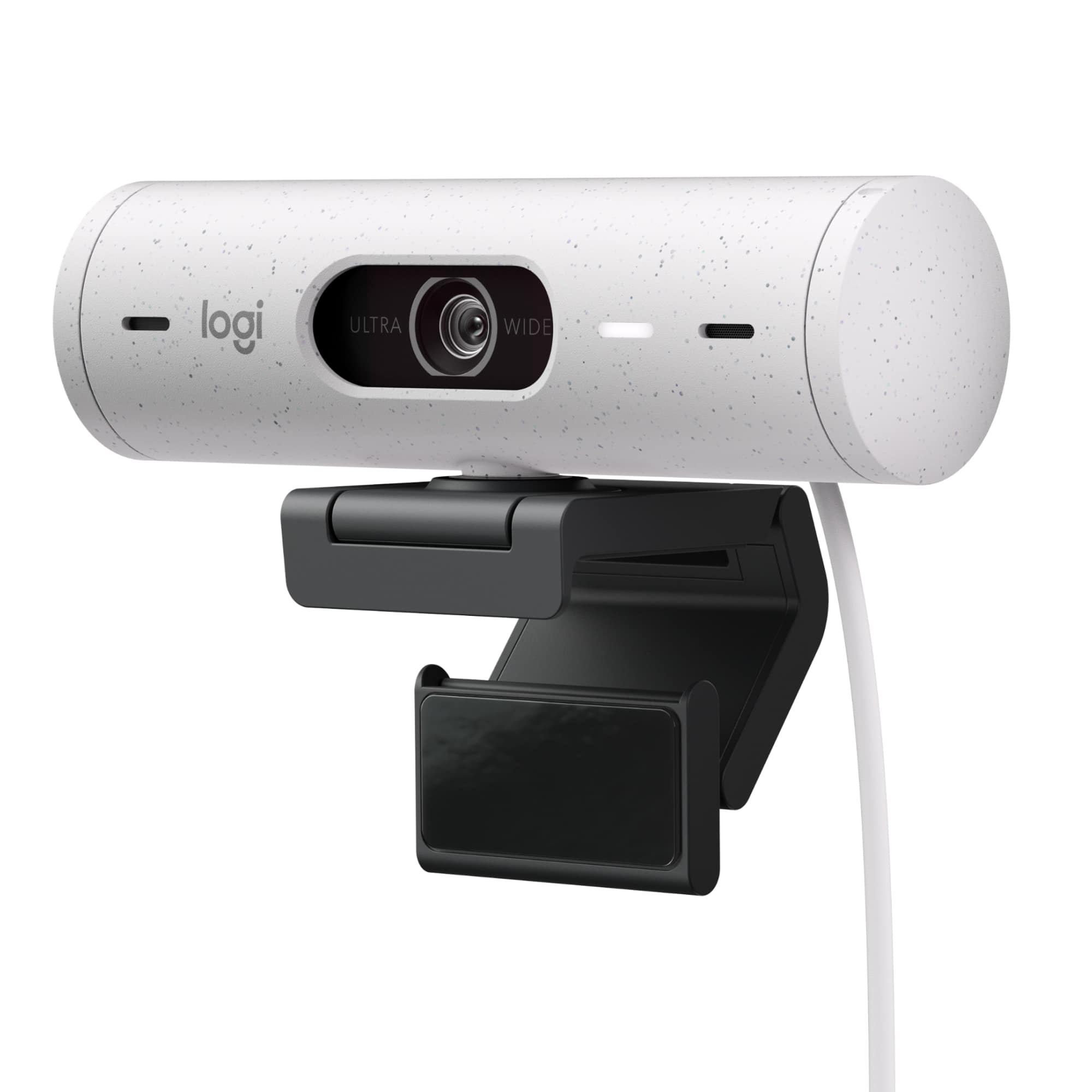
This review is from Logitech - Brio 500 1920x1080p Webcam with Privacy Cover - Graphite
I would recommend this to a friendRated 5 out of 5 stars
Good
||Posted . Owned for 1 month when reviewed.This reviewer received promo considerations or sweepstakes entry for writing a review.Worked exactly like it said it would. Good picture
This review is from Logitech - Brio 500 1920x1080p Webcam with Privacy Cover - Graphite
I would recommend this to a friendBrand response from Logitech
Posted .We're glad to hear you're impressed with the Brio 500's video quality and ease of use! Enjoy crystal-clear video calls and meetings.
Rated 5 out of 5 stars
Great product.
||Posted . Owned for 1 month when reviewed.This reviewer received promo considerations or sweepstakes entry for writing a review.It works as advertised. Great product with a great value.
This review is from Logitech - Brio 500 1920x1080p Webcam with Privacy Cover - Graphite
I would recommend this to a friendRated 4 out of 5 stars
Good picture quality
||Posted . Owned for 2 weeks when reviewed.This reviewer received promo considerations or sweepstakes entry for writing a review.Picture quality is great on this webcam. The mount to a monitor isnt super strong but is fine if you don’t adjust it a lot.
This review is from Logitech - Brio 500 1920x1080p Webcam with Privacy Cover - Graphite
I would recommend this to a friendRated 5 out of 5 stars
Stream on
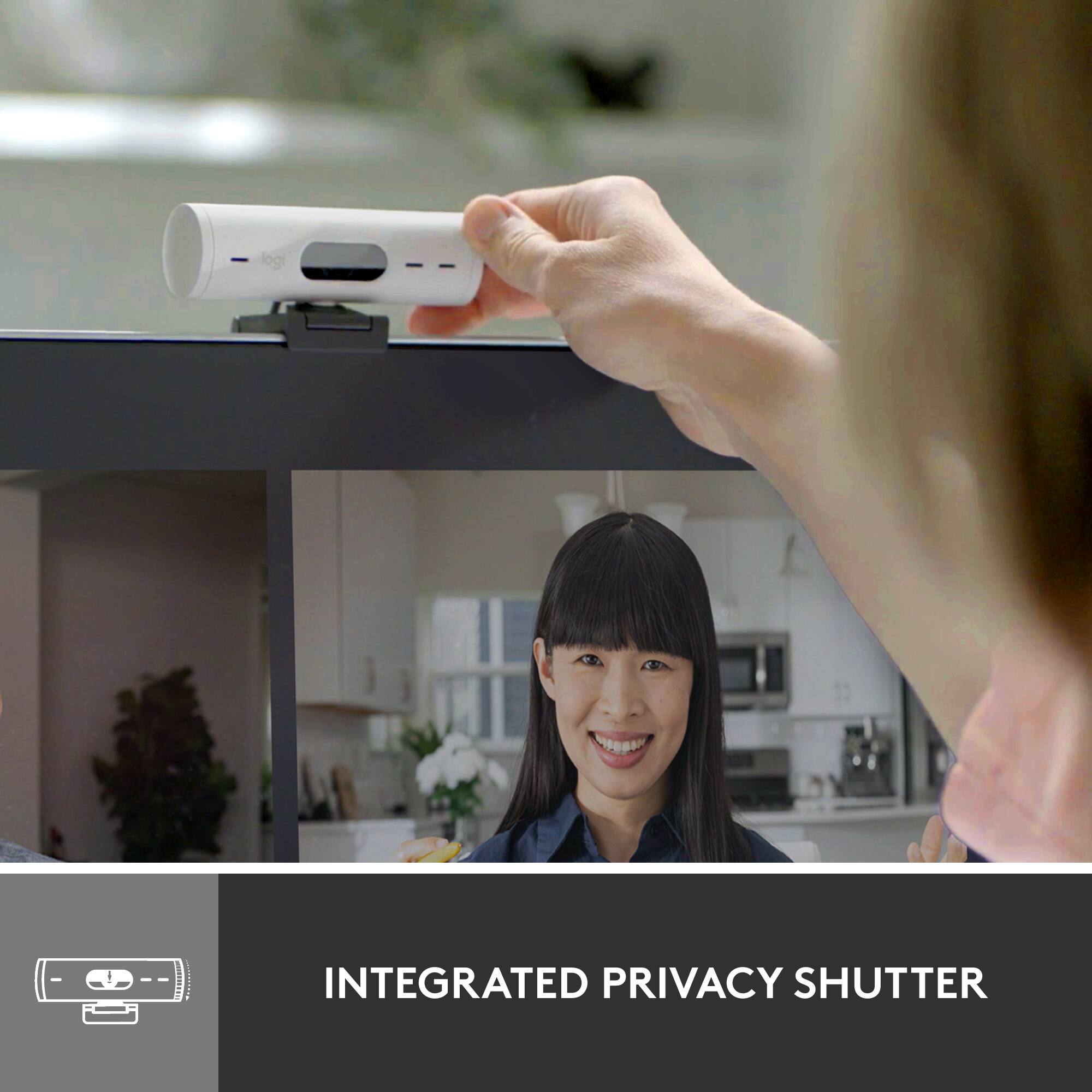
||Posted . Owned for 3 months when reviewed.This reviewer received promo considerations or sweepstakes entry for writing a review.It is a nice webcam works well for streaming and i like the easy to use privacy shield.
This review is from Logitech - Brio 500 1920x1080p Webcam with Privacy Cover - Graphite
I would recommend this to a friendRated 5 out of 5 stars
Camera
||Posted . Owned for 1 week when reviewed.This reviewer received promo considerations or sweepstakes entry for writing a review.Bought this as a gift for grandson for the holiday.
This review is from Logitech - Brio 500 1920x1080p Webcam with Privacy Cover - Graphite
I would recommend this to a friendRated 5 out of 5 stars
A very good buy
||Posted . Owned for 3 weeks when reviewed.This reviewer received promo considerations or sweepstakes entry for writing a review.Excellent and perfectly fits my needs. Price was good, also
This review is from Logitech - Brio 500 1920x1080p Webcam with Privacy Cover - Graphite
I would recommend this to a friendRated 5 out of 5 stars
Great Camera
||Posted . Owned for 2 weeks when reviewed.This reviewer received promo considerations or sweepstakes entry for writing a review.Bought this as a gift for my nephew! He absolutely loved it! Was everything he hoped it would be!
This review is from Logitech - Brio 500 1920x1080p Webcam with Privacy Cover - Graphite
I would recommend this to a friendRated 5 out of 5 stars
Wish i found this earlier
||Posted . Owned for 1 month when reviewed.This reviewer received promo considerations or sweepstakes entry for writing a review.Wasted money witb 3 cheap webcams before I spent just a little bit more for this one.
This review is from Logitech - Brio 500 1920x1080p Webcam with Privacy Cover - Graphite
I would recommend this to a friendRated 5 out of 5 stars
Great camera
||Posted . Owned for 1 week when reviewed.This reviewer received promo considerations or sweepstakes entry for writing a review.Great entry level without spending hundreds on a dslr. Does a good job in low light as well.
This review is from Logitech - Brio 500 1920x1080p Webcam with Privacy Cover - Graphite
I would recommend this to a friendRated 5 out of 5 stars
Solid webcam
||Posted . Owned for 3 weeks when reviewed.This reviewer received promo considerations or sweepstakes entry for writing a review.Great webcam for the money, I use it for work and gaming!
This review is from Logitech - Brio 500 1920x1080p Webcam with Privacy Cover - Graphite
I would recommend this to a friendRated 4 out of 5 stars
Logitech Brio Webcam
||Posted . Owned for 1 week when reviewed.This reviewer received promo considerations or sweepstakes entry for writing a review.OK it was ok a little confused on the hook up but once directed by a friend I worked out well for me
This review is from Logitech - Brio 500 1920x1080p Webcam with Privacy Cover - Graphite
I would recommend this to a friendRated 5 out of 5 stars
Works fine
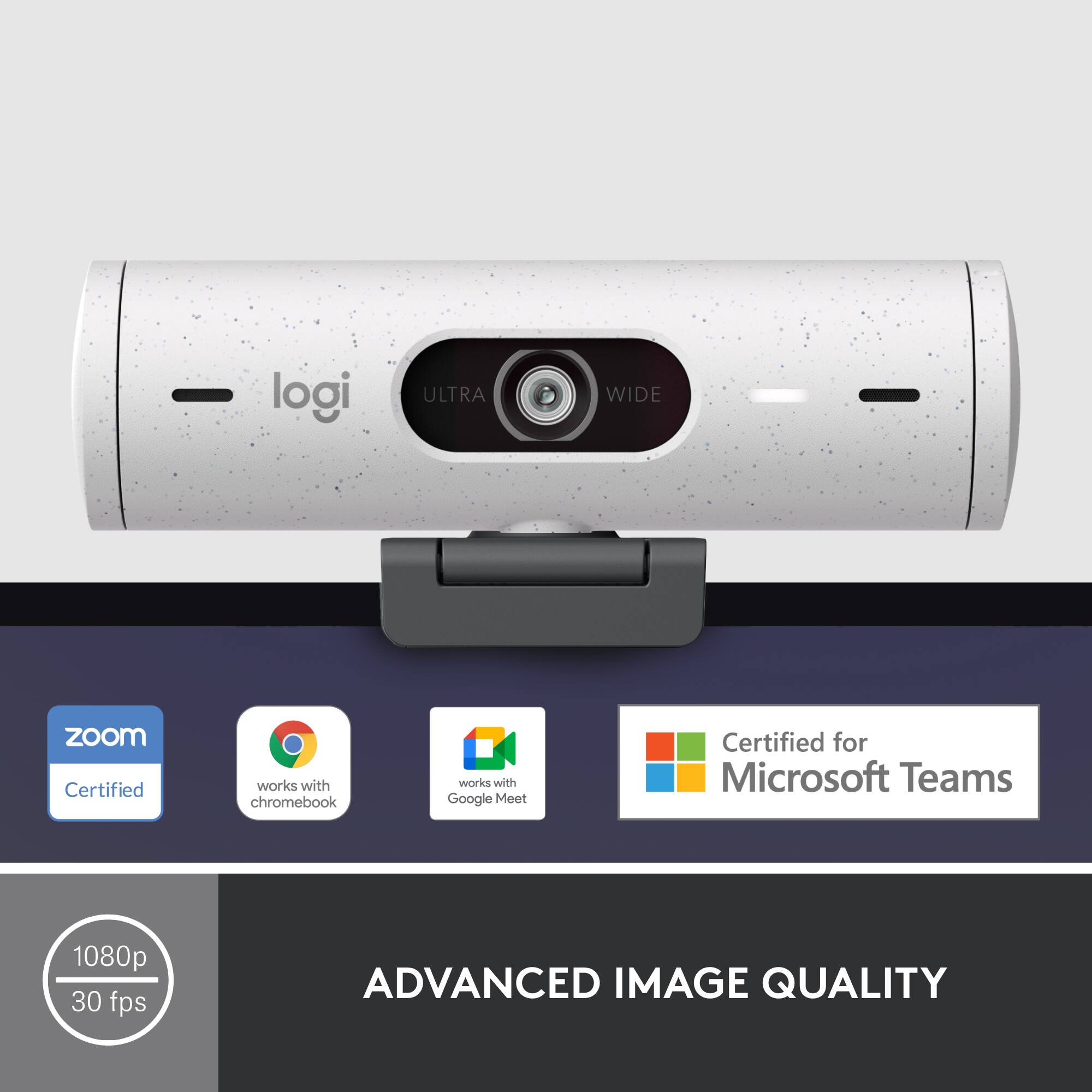
||Posted . Owned for 1 month when reviewed.This reviewer received promo considerations or sweepstakes entry for writing a review.Works fine I have no issues is use it mainly for zoom and it works fine.
This review is from Logitech - Brio 500 1920x1080p Webcam with Privacy Cover - Graphite
I would recommend this to a friendRated 5 out of 5 stars
camera
||Posted . Owned for 1 month when reviewed.This reviewer received promo considerations or sweepstakes entry for writing a review.great camera i love using it. i would recommend this to everyone
This review is from Logitech - Brio 500 1920x1080p Webcam with Privacy Cover - Graphite
I would recommend this to a friendRated 1 out of 5 stars
Unusable
||Posted . Owned for less than 1 week when reviewed.This reviewer received promo considerations or sweepstakes entry for writing a review.First off, anytime you try to adjust the camera the whole thing just pulls right off of the monitor. To solve this problem, they have you use a sticky pad to attach it to the back of your monitor. Ok, so you go ahead and muck up the back of your monitor with their sticky pad. You go to adjust the camera again but now the camera itself just pulls right off of the mount. Why? because its only held onto the mount with a magnet. This camera is unusable due to its absolutely horrible design. Should be 20 bucks.
This review is from Logitech - Brio 500 1920x1080p Webcam with Privacy Cover - Graphite
No, I would not recommend this to a friendBrand response from Logitech
Posted .We're sorry to hear that you've had an unpleasant experience with our product. We take product design and quality very seriously, and we apologize for falling short in this area. Your feedback is instrumental in helping us improve our services and products.
Rated 5 out of 5 stars
As advertised
||Posted . Owned for 4 months when reviewed.This reviewer received promo considerations or sweepstakes entry for writing a review.Does exactly as described. Great fir gaming amd online meetings.
This review is from Logitech - Brio 500 1920x1080p Webcam with Privacy Cover - Graphite
I would recommend this to a friendRated 5 out of 5 stars
Great Images
||Posted . Owned for 1 month when reviewed.This reviewer received promo considerations or sweepstakes entry for writing a review.Easy to install, great image, exceeds my expectations
This review is from Logitech - Brio 500 1920x1080p Webcam with Privacy Cover - Graphite
I would recommend this to a friendRated 5 out of 5 stars
Logitech brio 500
||Posted . Owned for 1 week when reviewed.This reviewer received promo considerations or sweepstakes entry for writing a review.Excellent web cam, effective for professional virtual meetings
This review is from Logitech - Brio 500 1920x1080p Webcam with Privacy Cover - Graphite
I would recommend this to a friendRated 5 out of 5 stars
Good clean design
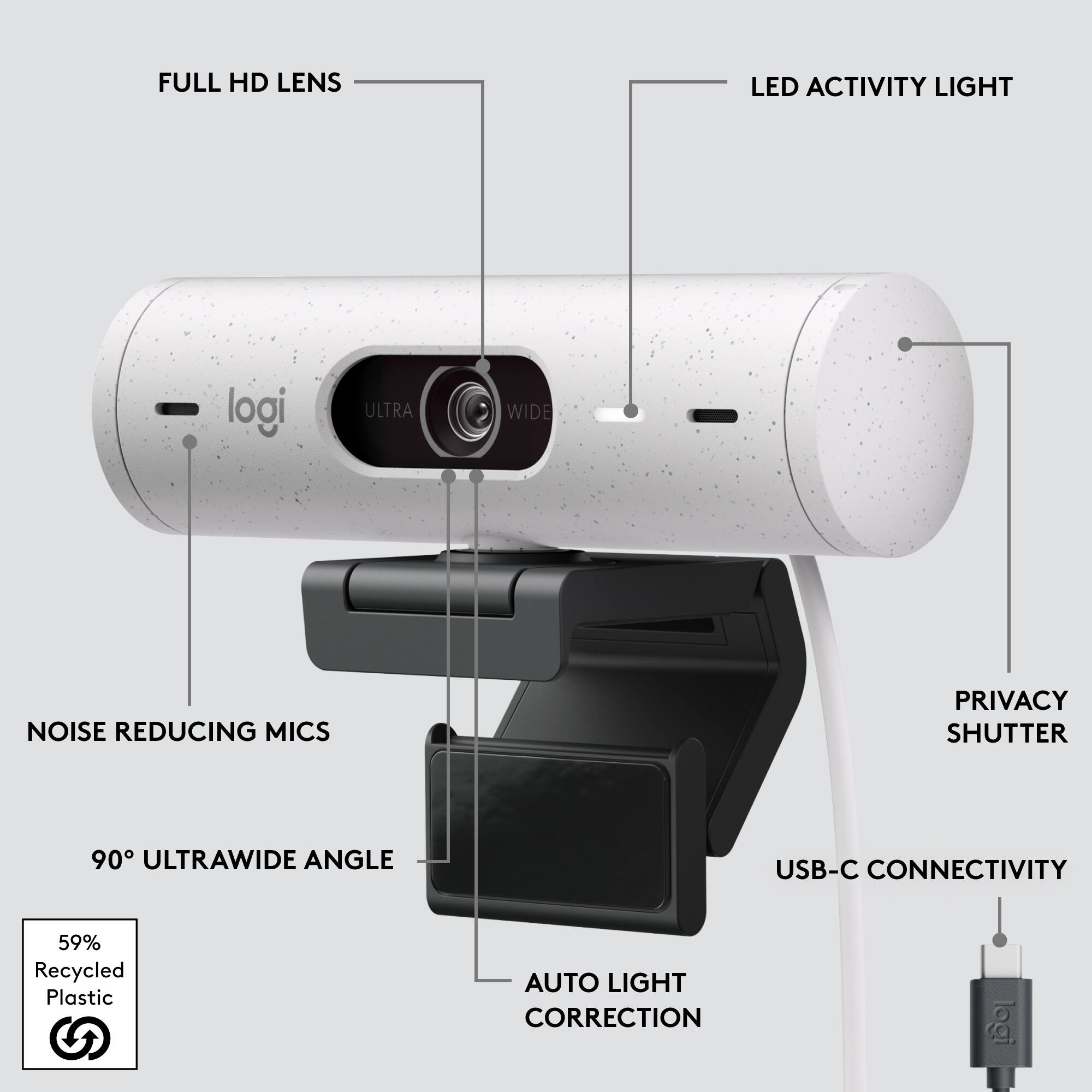
||Posted . Owned for 1 week when reviewed.This reviewer received promo considerations or sweepstakes entry for writing a review.Good design. Smaller lip that hangs over the monitor than previous models, which is a plus for monitors with thin bezels so it doesn't block the screen. Integrated privacy shutter is slick. USB connection is usb-c only, so you may need an adapter.
This review is from Logitech - Brio 500 1920x1080p Webcam with Privacy Cover - Graphite
I would recommend this to a friendRated 5 out of 5 stars
Good Camera
||Posted . Owned for 1 week when reviewed.This reviewer received promo considerations or sweepstakes entry for writing a review.It vastly improved my resolution on Zoom and Skype.
This review is from Logitech - Brio 500 1920x1080p Webcam with Privacy Cover - Graphite
I would recommend this to a friend