Customer Ratings & Reviews
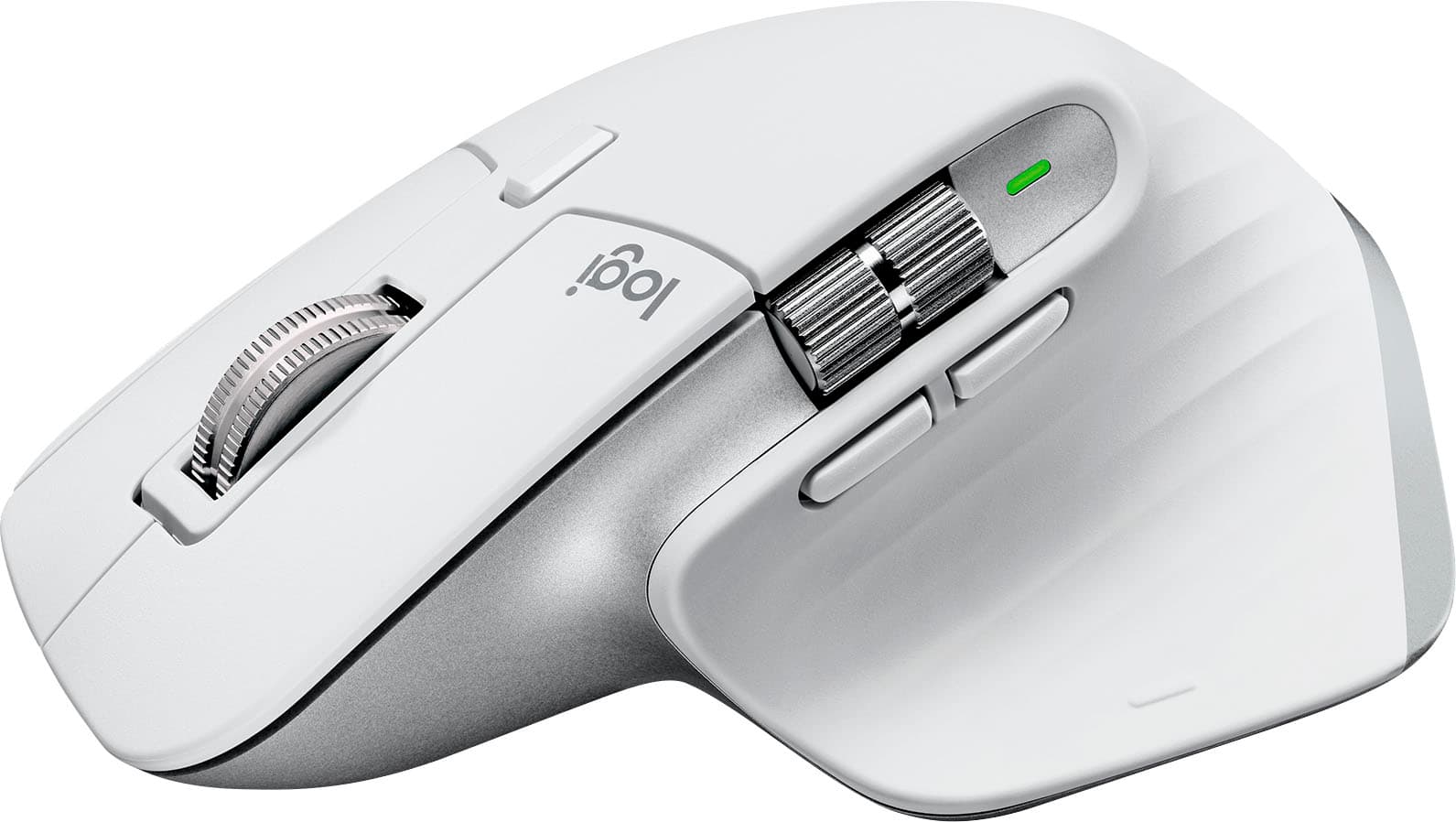




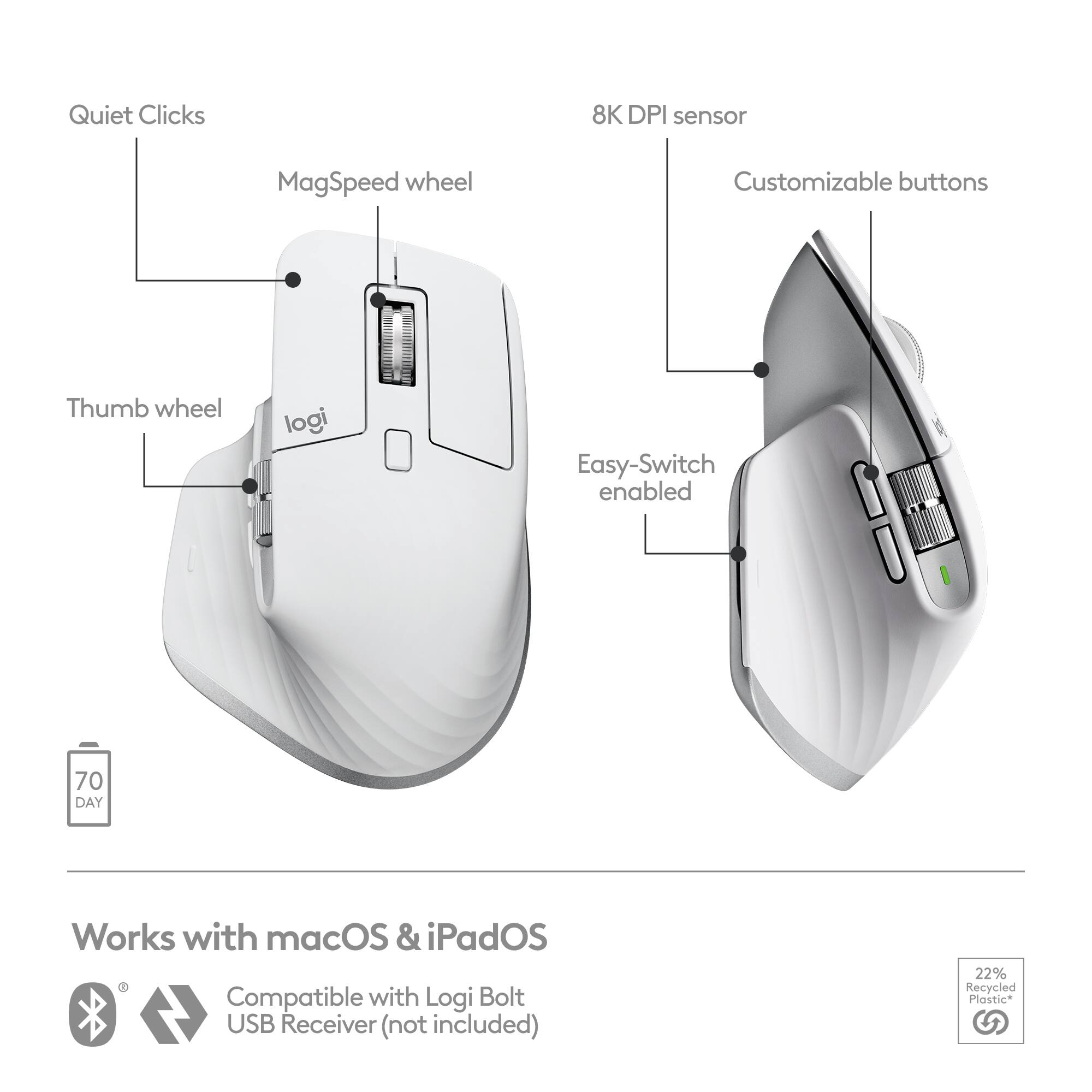
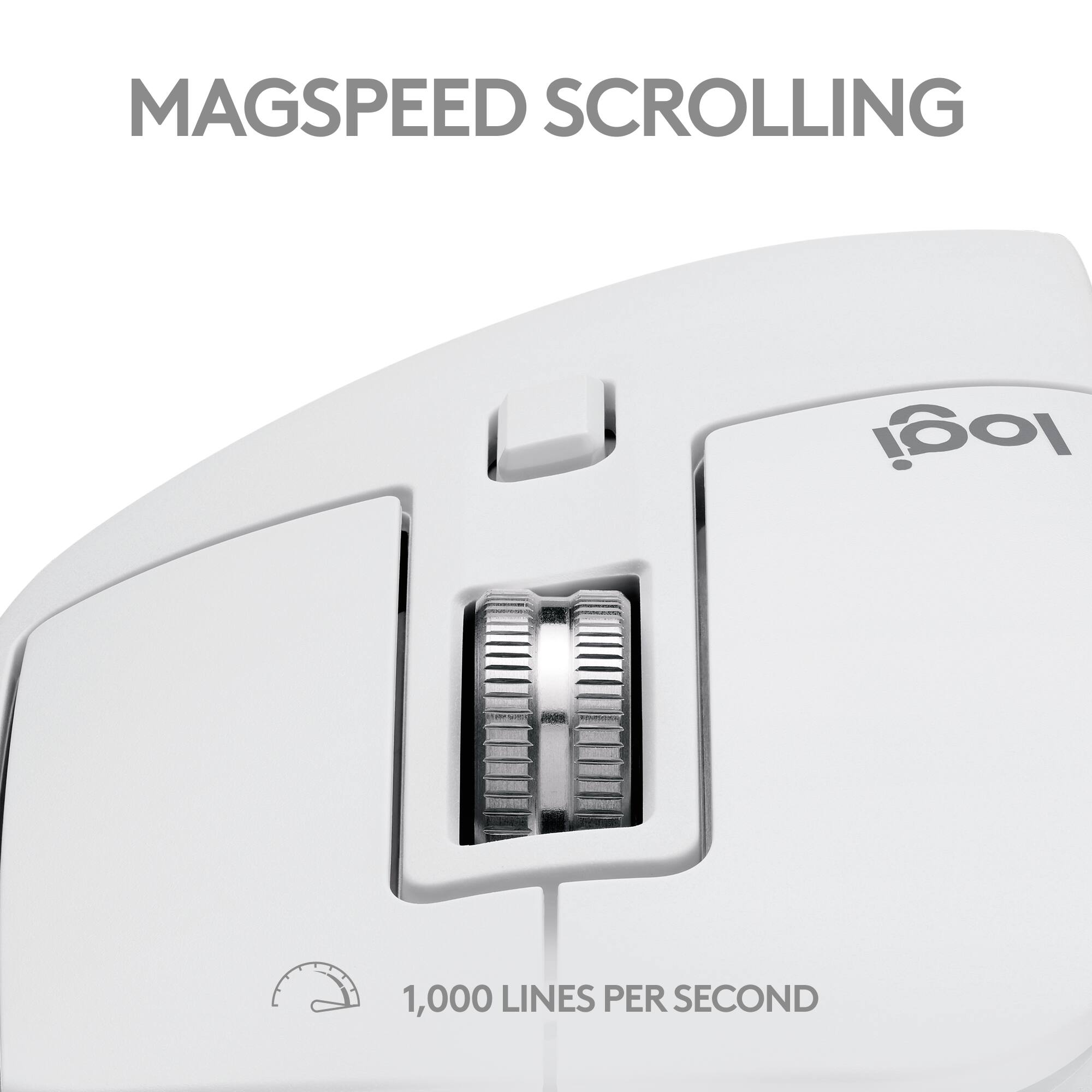

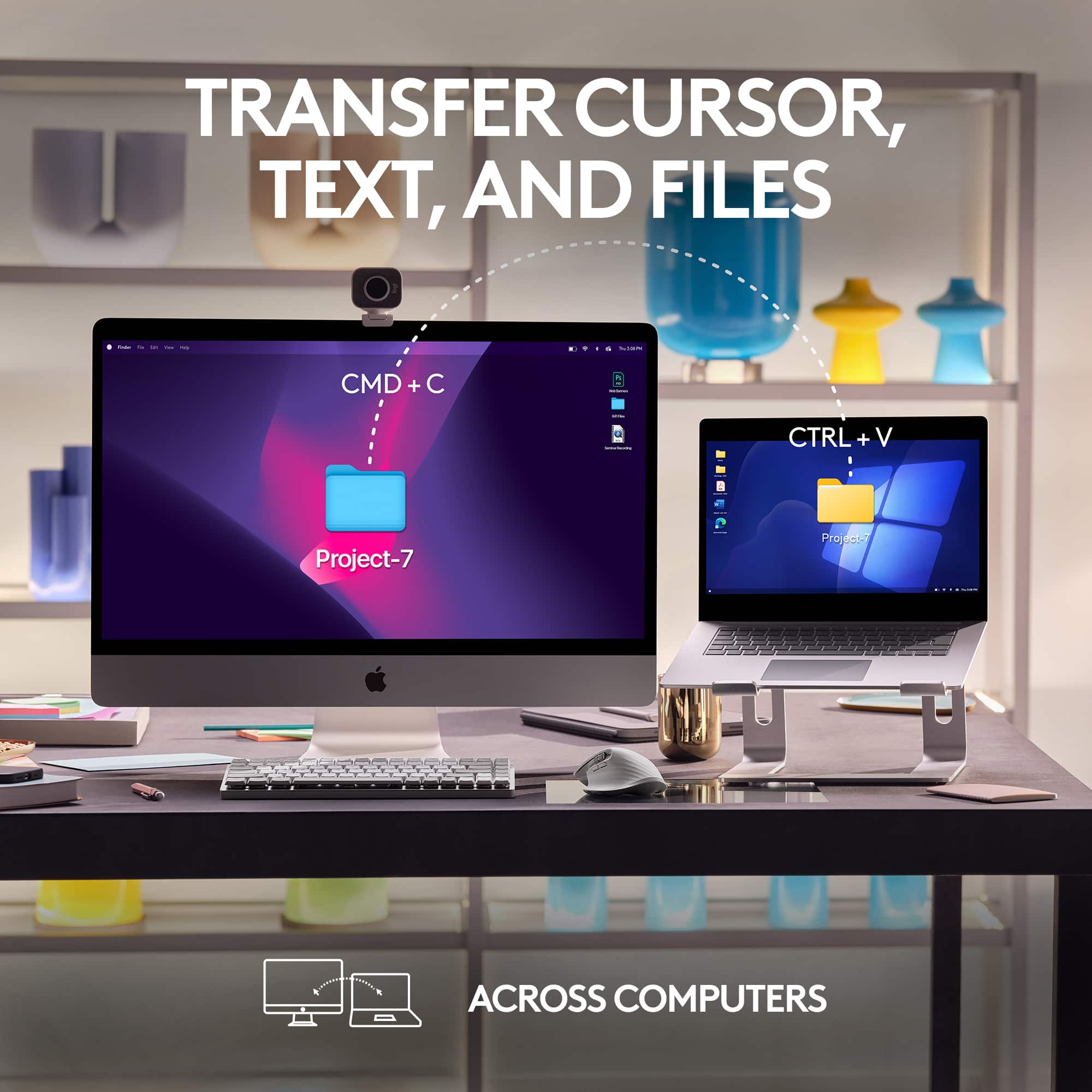

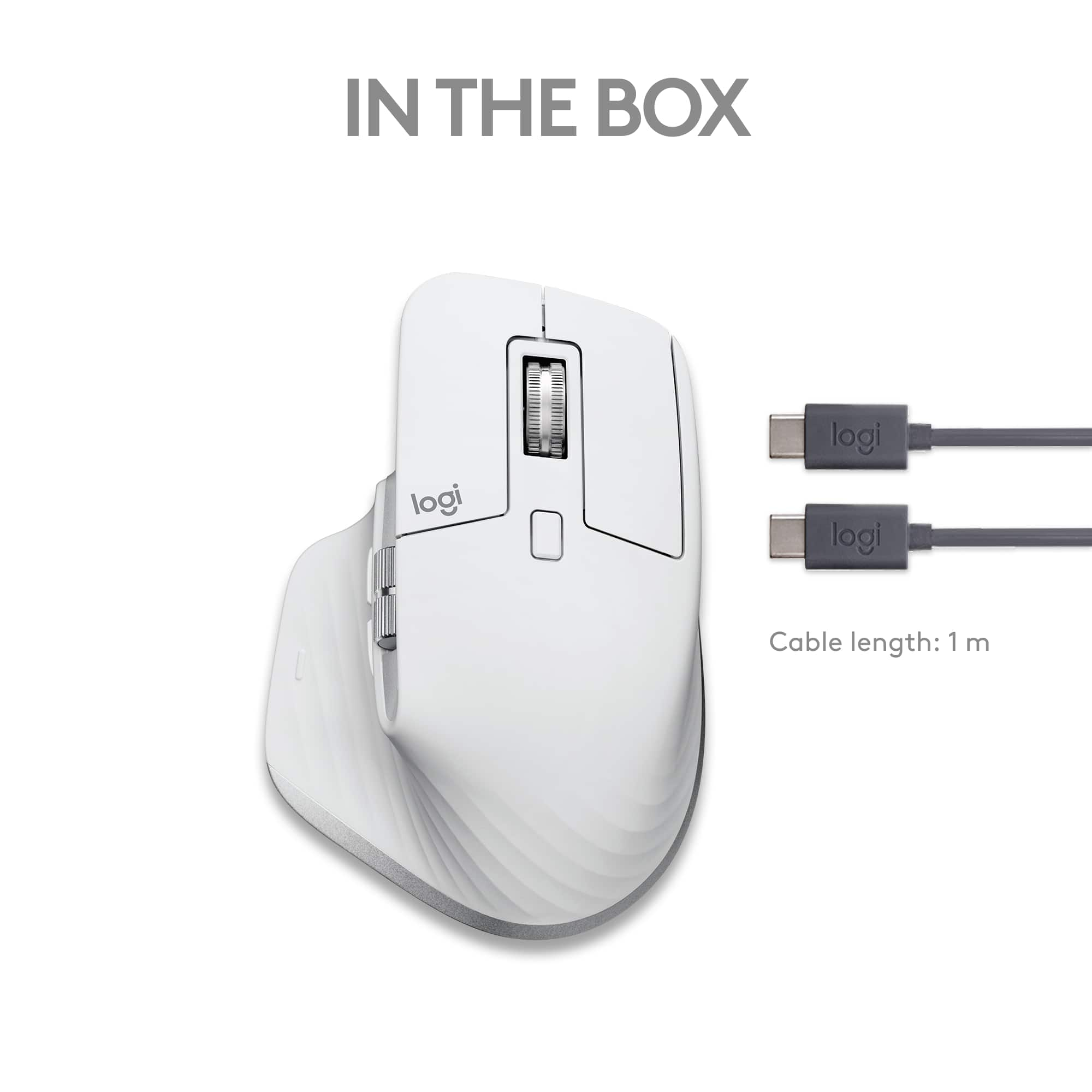

- Model:
- 910-006570
- |
- SKU:
- 6516288
Customer reviews
Rating 4.8 out of 5 stars with 708 reviews
(708 customer reviews)Rating by feature
- Value4.6
Rating 4.6 out of 5 stars
- Quality4.9
Rating 4.9 out of 5 stars
- Ease of Use4.8
Rating 4.8 out of 5 stars
Customers are saying
Customers are pleased with the MX Master 3S for Mac, highlighting its excellent ergonomics, long battery life, and smooth scroll wheel functionality. Users also appreciate its overall performance with Macs, ease of use, and seamless compatibility with macOS gestures. Some customers have noted the mouse's larger size and weight, while others have reported concerns regarding the software and occasional lag.
This summary was generated by AI based on customer reviews.
- Cons mentioned:Lag, Weight
Rated 2 out of 5 stars
Laggy and not comfortable for small hands
||Posted . Owned for less than 1 week when reviewed.This reviewer received promo considerations or sweepstakes entry for writing a review.Got this mouse for my new MacBook and probably used it for less than an hour to set up the laptop. I can't stand it. It's way too tall so it feels uncomfortable to use, plus the lag is absolutely horrendous. Scrolling on a nice wheel only for it to lag is not a great feeling, and even the programmable buttons have input lag. I set the ones pictured under the thumb wheels for forward and back and it never responded well. Other than that, the build quality is nice (but the mouse feels pretty heavy) and pairing it to your device is really quick and easy, so thumbs up to Logitech on that front.
This review is from Logitech - MX Master 3S for Mac Wireless Bluetooth Laser Mouse with Ultrafast Scrolling - Wireless - Space Gray
No, I would not recommend this to a friendBrand response from Logitech
Posted .That's unfortunate! Refer the mentioned steps and check if that helps to resolve the issue: 1. Verify the product or receiver is connected directly to the computer and not to a hub, extender, switch or something similar. 2. Move the device closer to the USB receiver. If your receiver is in the back of your computer, it may help to relocate the receiver to a front port. In some cases the receiver signal gets blocked by the computer case, causing a delay. 3. Keep other electrical wireless devices away from the USB receiver to avoid interference. 4. Try on a different computer. Incase if the issue still persists, reach out to Logitech Support Team.
Rated 2 out of 5 stars
Left Click unresponsive 19 months after purchase
||Posted . Owned for 1.5 years when reviewed.This reviewer received promo considerations or sweepstakes entry for writing a review.Everything about this mouse initially was great. But after only a year and seven months of use, the left click button is unresponsive unless pressed with extreme pressure. Reading other experiences online show this is a similar experience and due to the 1 year warranty, Logitech will NOT do anything about it. In that regard it is a poorly designed product not worth the $100 dollars as there are $10-$15 mice that’s last significantly longer than this.
This review is from Logitech - MX Master 3S for Mac Wireless Bluetooth Laser Mouse with Ultrafast Scrolling - Wireless - Space Gray
No, I would not recommend this to a friendBrand response from Logitech
Posted .We understand the disappointment you're experiencing with your MX Master 3S. We strive to provide high-quality products that meet our customers' expectations. We value your feedback and will use it to improve the durability and reliability of our future products.
Rated 2 out of 5 stars
Logitech will not address the fatal flaws of this
||Posted . Owned for less than 1 week when reviewed.This reviewer received promo considerations or sweepstakes entry for writing a review.Smooth and consistent scrolling does not work on M1 Pro Mac even though this is “made for mac”. Countless complaints about this online. The logi options + software is also a nightmare. I returned this junk asap.
This review is from Logitech - MX Master 3S for Mac Wireless Bluetooth Laser Mouse with Ultrafast Scrolling - Wireless - Space Gray
No, I would not recommend this to a friendBrand response from Logitech
Posted .That's unfortunate and we regret to hear that you had to return the product. We apologize for any inconvenience caused. We'll take this as feedback and certainly pass along to the relevant department. Thanks so much!
Rated 2 out of 5 stars
Didn’t work well for me
||Posted . Owned for 3 weeks when reviewed.This reviewer received promo considerations or sweepstakes entry for writing a review.When first plug into both my iMac mini’s it worked with some spotty connection off/on. Tried in morning and wouldn’t connect on one and kept dropping off.
This review is from Logitech - MX Master 3S for Mac Wireless Bluetooth Laser Mouse with Ultrafast Scrolling - Wireless - Space Gray
No, I would not recommend this to a friendBrand response from Logitech
Posted .We're sorry to hear about the experience. Ensure that your Logitech device is in close range of your computer. If the problem persists, feel free to reach out to our support team for further assistance.