Customer Ratings & Reviews

- Model:
- LS34C502GANXZA
- SKU:
- 10187534
Rating by feature
- Display Quality
Rating 4.7 out of 5 stars
- Ease of Use
Rating 4.7 out of 5 stars
- Features
Rating 4.5 out of 5 stars
Good product
||Posted .This reviewer received promo considerations or sweepstakes entry for writing a review.Good product functions well good colors and settings brightness could be a bit more modular though
I would recommend this to a friendWorth the money
||Posted . Owned for 3 weeks when reviewed.This reviewer received promo considerations or sweepstakes entry for writing a review.I'm very pleased with this monitor . The display port makes gaming on this monitor brings the games to life. I got this on a great sale.
I would recommend this to a friendThis is what you can expect
||Posted . Owned for 1 month when reviewed.This reviewer received promo considerations or sweepstakes entry for writing a review.I'm on the phone now with them. I ordered it for same day delivery from the East Madison store. They tried to tell me to go online and download a label. Send it back to them and they would eventually replace it. I'm not playing that game. They need to send a new monitor out today and pick this up with the same service. This is nothing I did. This is them sending a box through a local delivery service. It was either damaged in the store or delivery. I'm going to leave it outside at my door and dispute the charges in my card.
No, I would not recommend this to a friendGreat product
||Posted . Owned for 2 weeks when reviewed.This reviewer received promo considerations or sweepstakes entry for writing a review.Can’t complain, easy setup and it works well whole my whole ensemble. Color vibrancy is great and navigating the menu for tweeking is easy. The auto HDR is a nice feature and works semlessly.
I would recommend this to a friendGreat monitor
||Posted . Owned for 1 month when reviewed.This reviewer received promo considerations or sweepstakes entry for writing a review.Actually liked this monitor a lot, used it as my daily driver while waiting for a monitor arm for my other gaming monitor. Enjoyed it a lot, great monitor at a great price.
I would recommend this to a friendGreat quality for the price
||Posted . Owned for 2 weeks when reviewed.This reviewer received promo considerations or sweepstakes entry for writing a review.Great for gaming and productivity. Totally recommended.
I would recommend this to a friendThese monitors are great
||Posted . Owned for 1 week when reviewed.This reviewer received promo considerations or sweepstakes entry for writing a review.Work from home and had to get these while they were on sale.
I would recommend this to a friendAmazing monitor
||Posted . Owned for 1 month when reviewed.This reviewer received promo considerations or sweepstakes entry for writing a review.Fantastic monitor!! Super wide! Came super fast and is holding up well so far!
I would recommend this to a friendSamsung High Quality Product
||Posted . Owned for 1 month when reviewed.This reviewer received promo considerations or sweepstakes entry for writing a review.Beautiful and detailed pictures in Ultrawide look great! High refresh rate as well!
I would recommend this to a friendWorks as it Should
||Posted . Owned for 2 months when reviewed.This reviewer received promo considerations or sweepstakes entry for writing a review.Works great, would say you can see the pixelation more than I would like. Keep in mind NOW SPEAKERS.
I would recommend this to a friendI love it
||Posted . Owned for 3 weeks when reviewed.This reviewer received promo considerations or sweepstakes entry for writing a review.Wow so beautiful I love it It’s work so good thank you Best Buy
I would recommend this to a friend
Outstanding monitor for the price
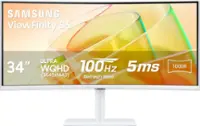
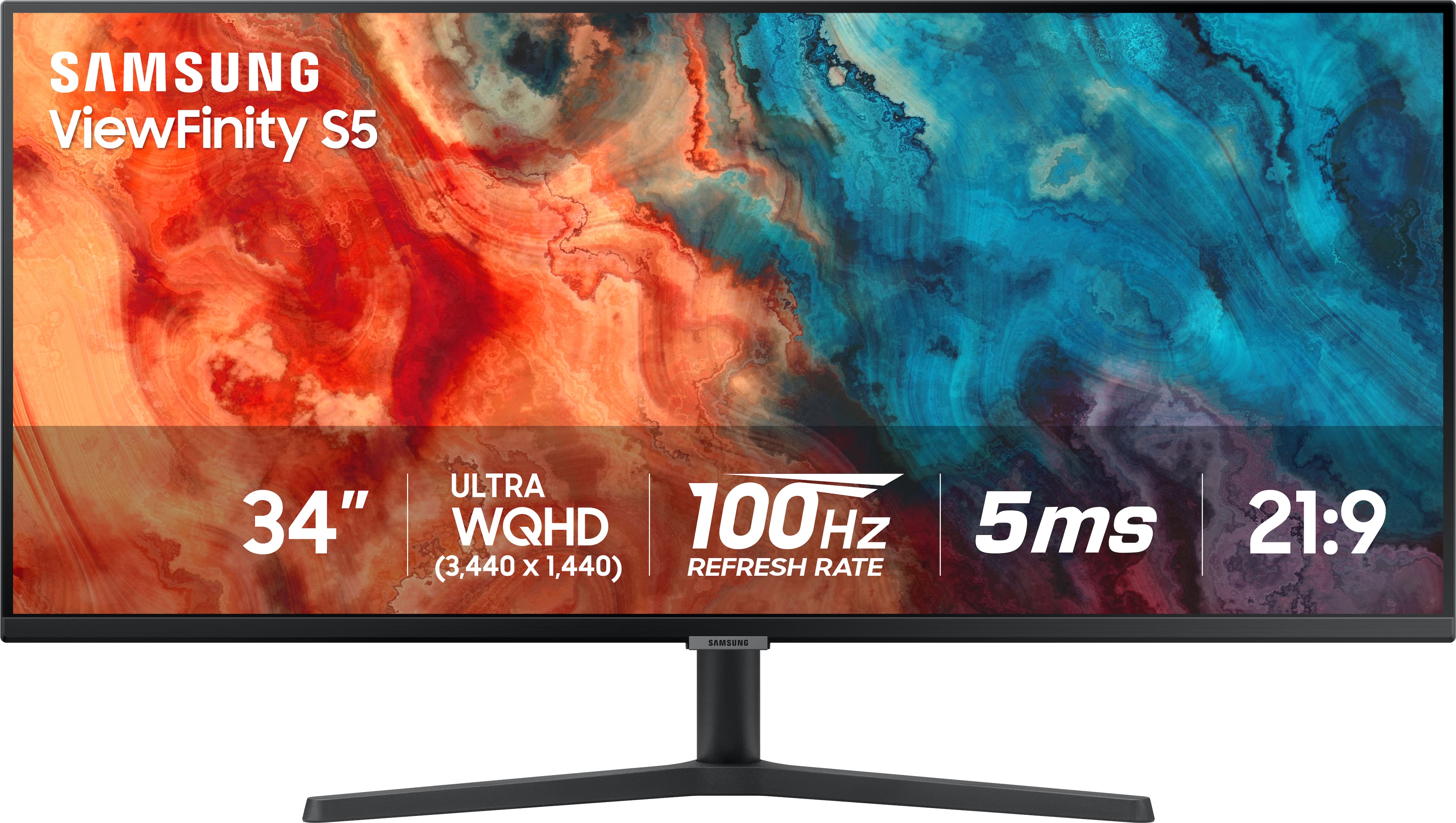
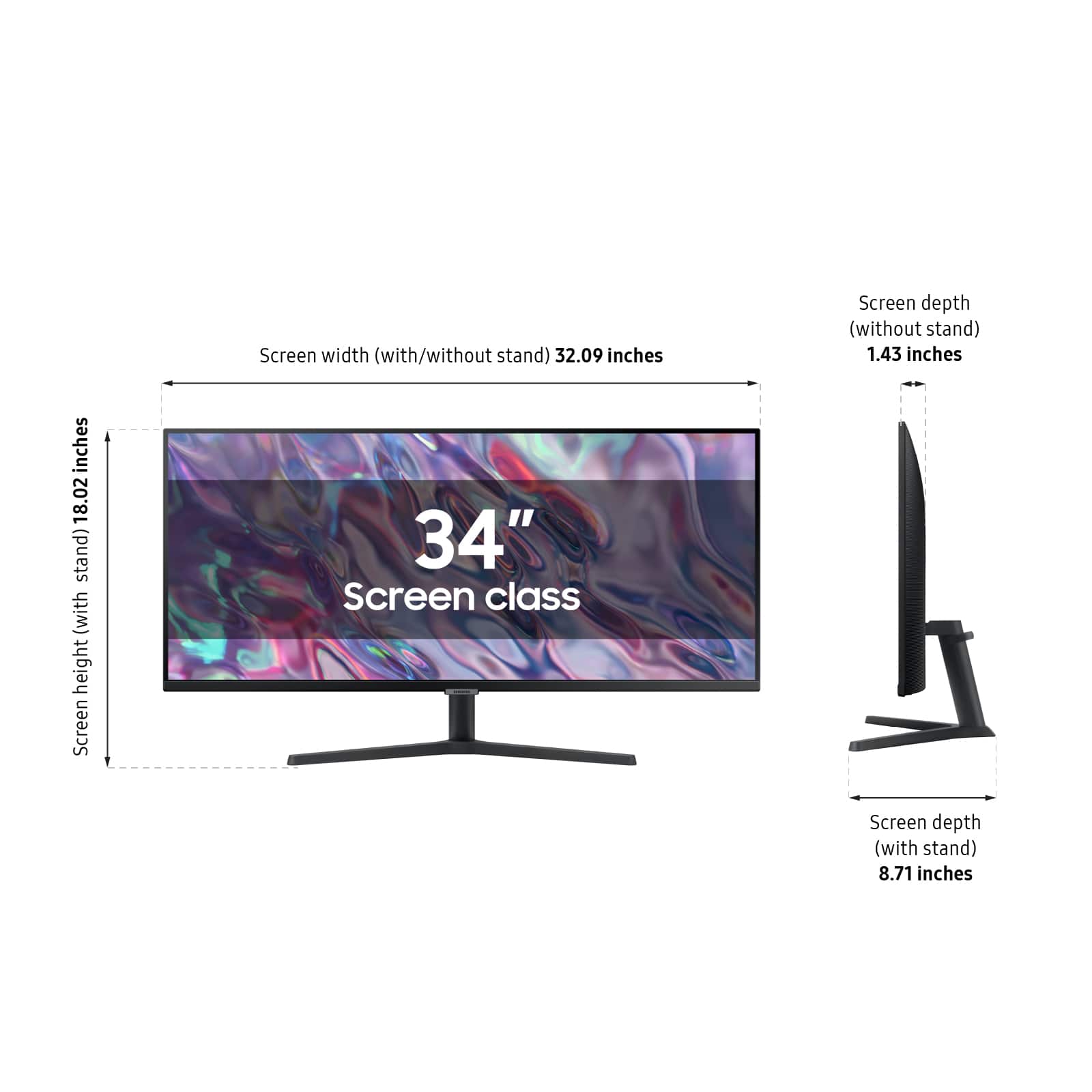
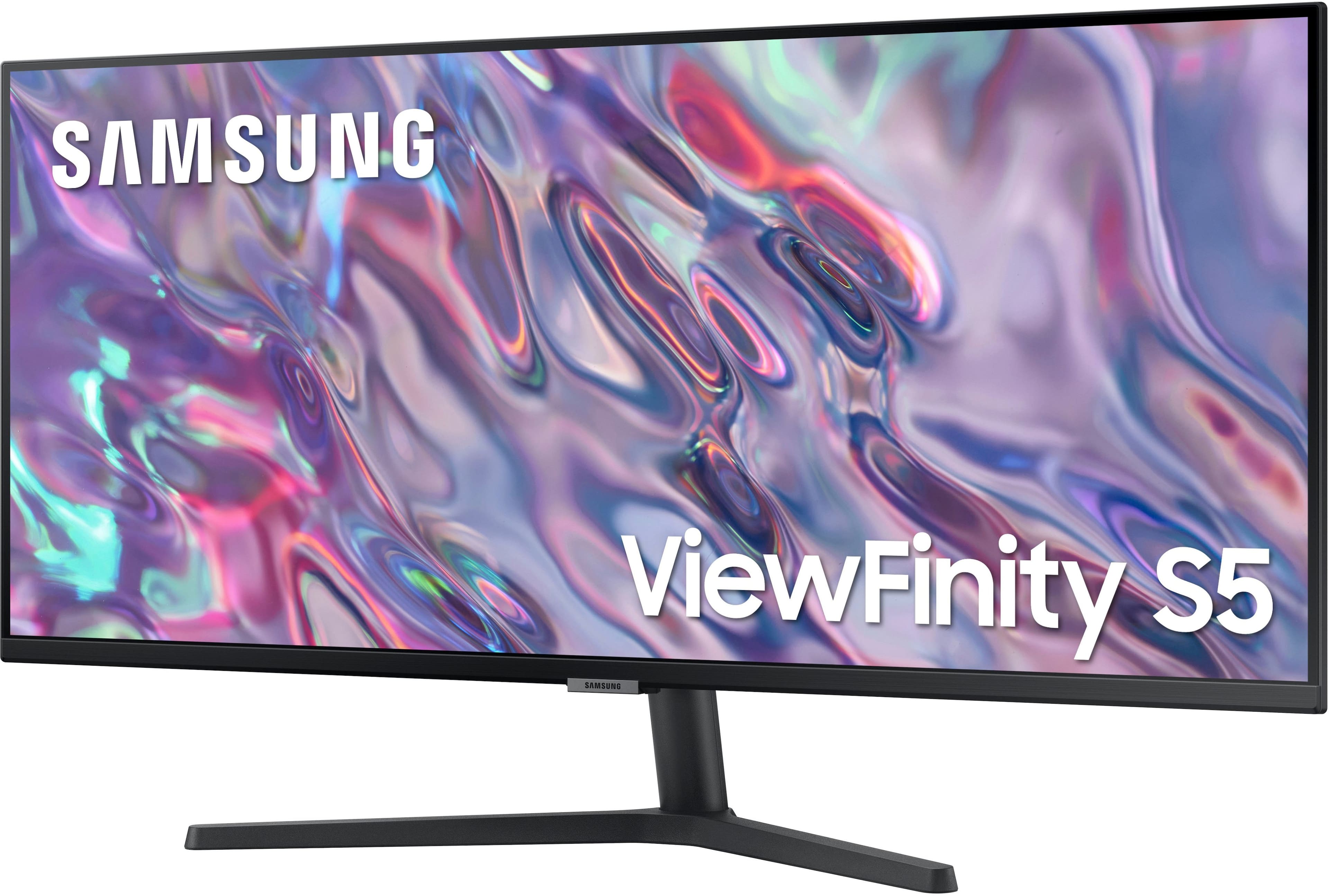
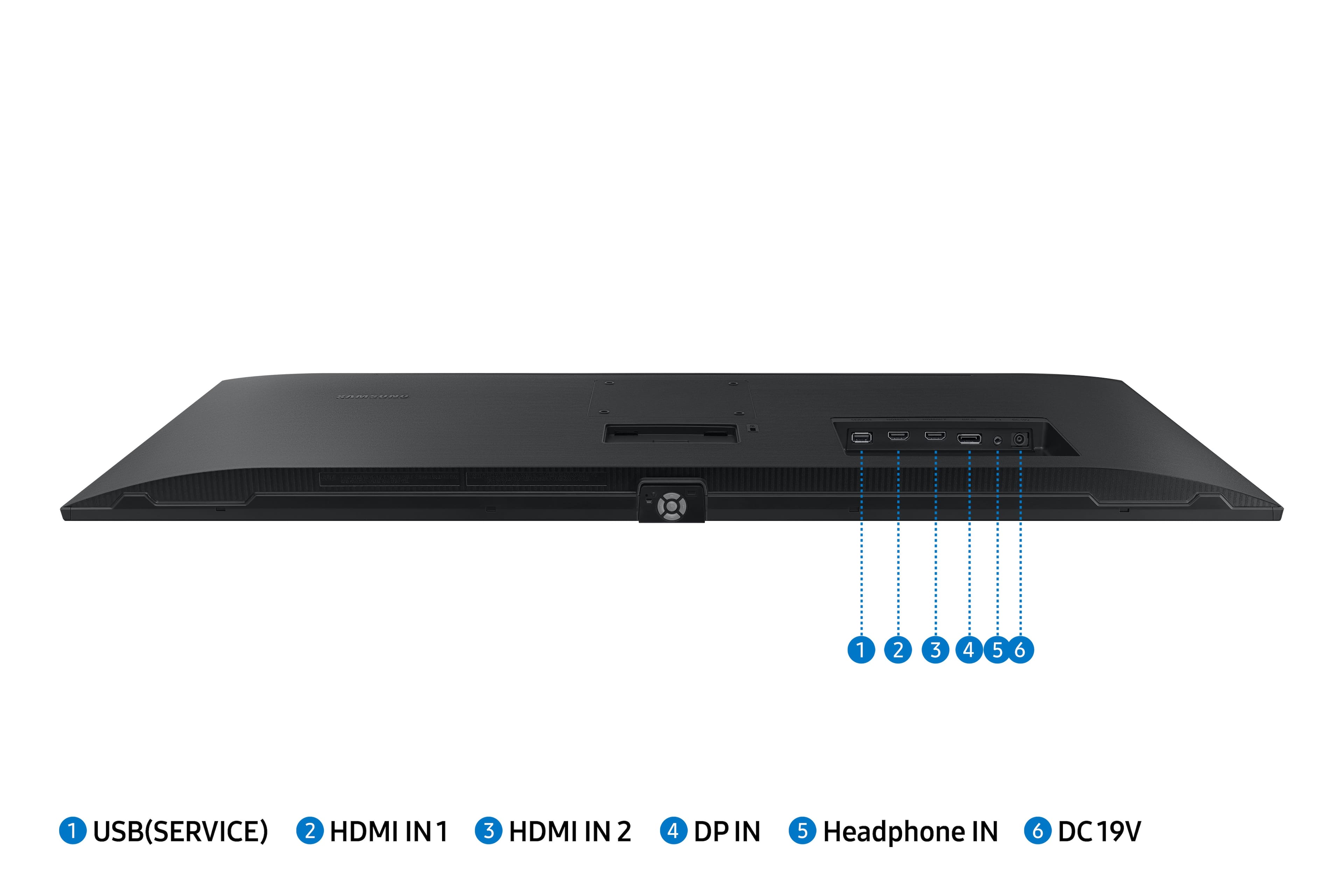
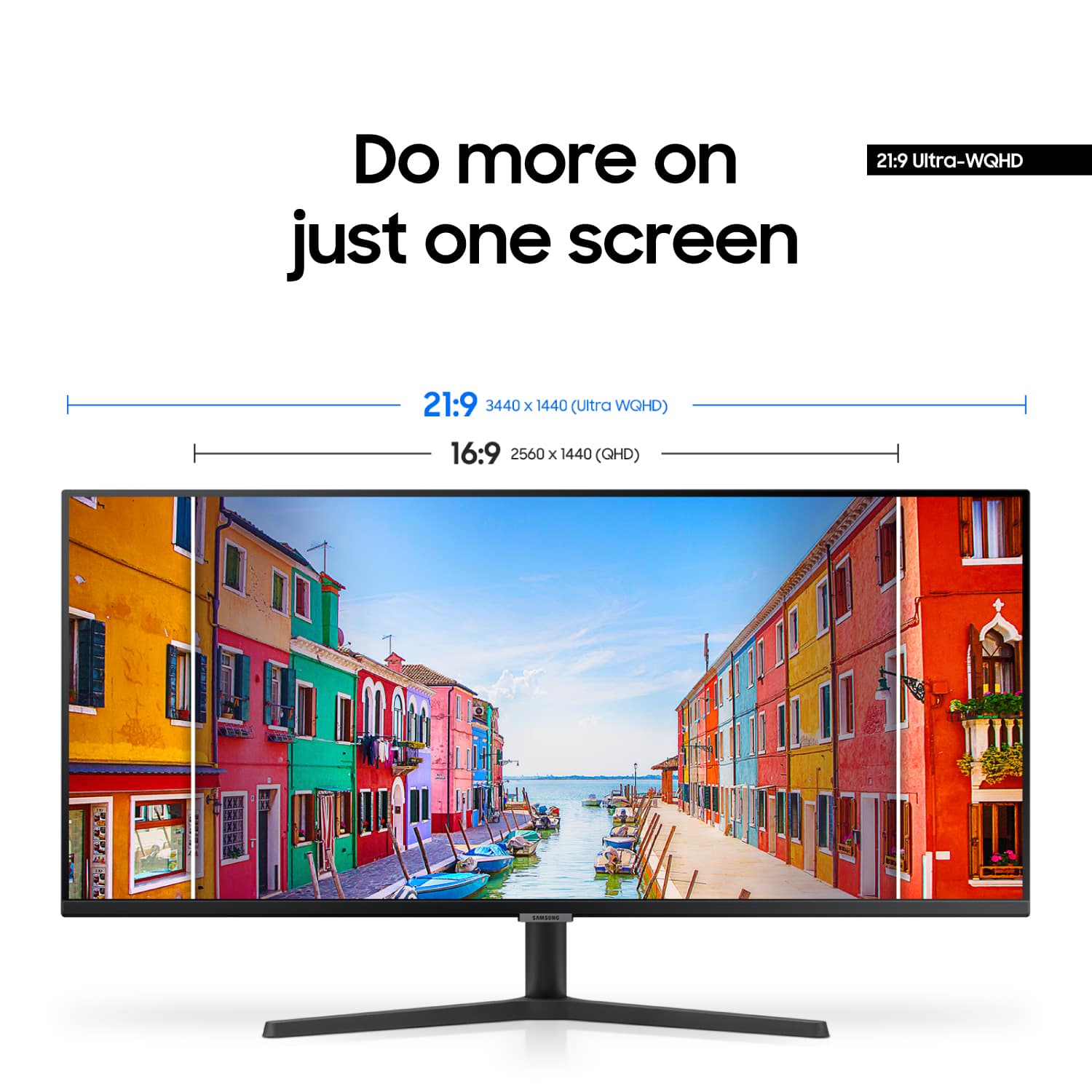
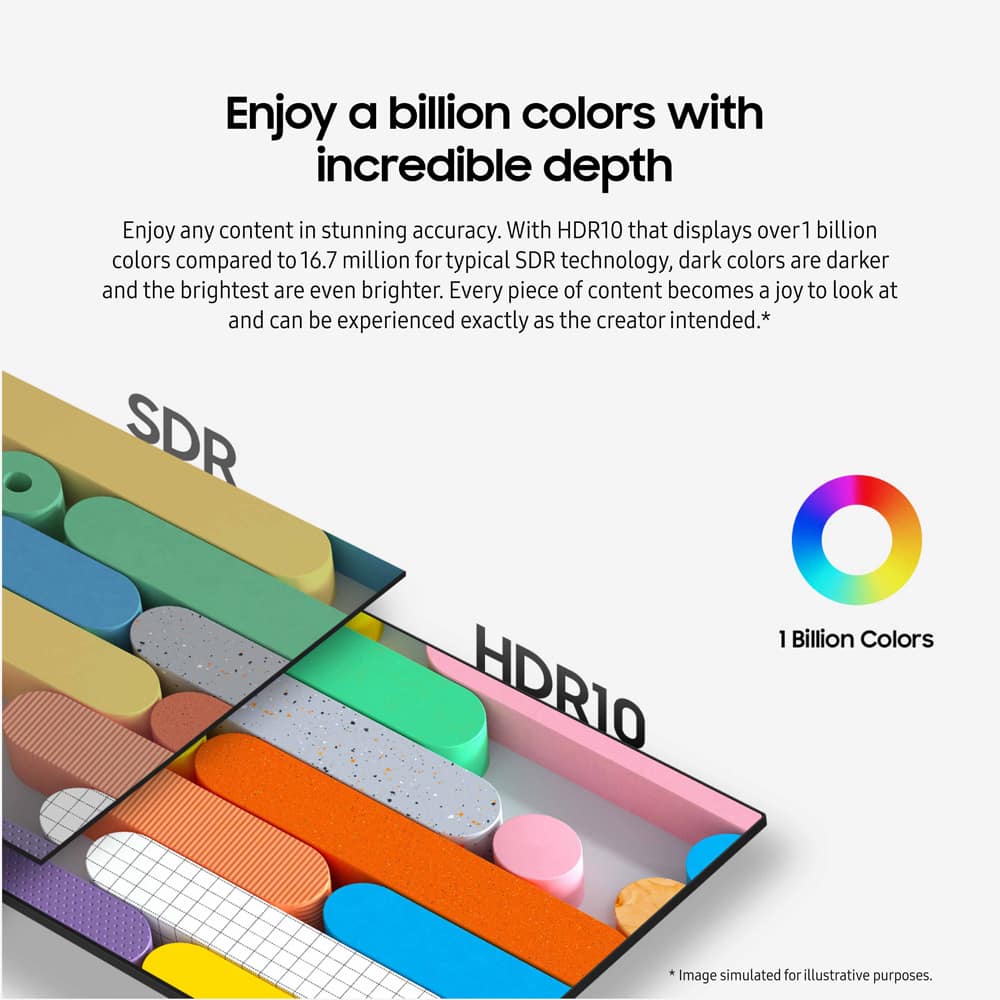
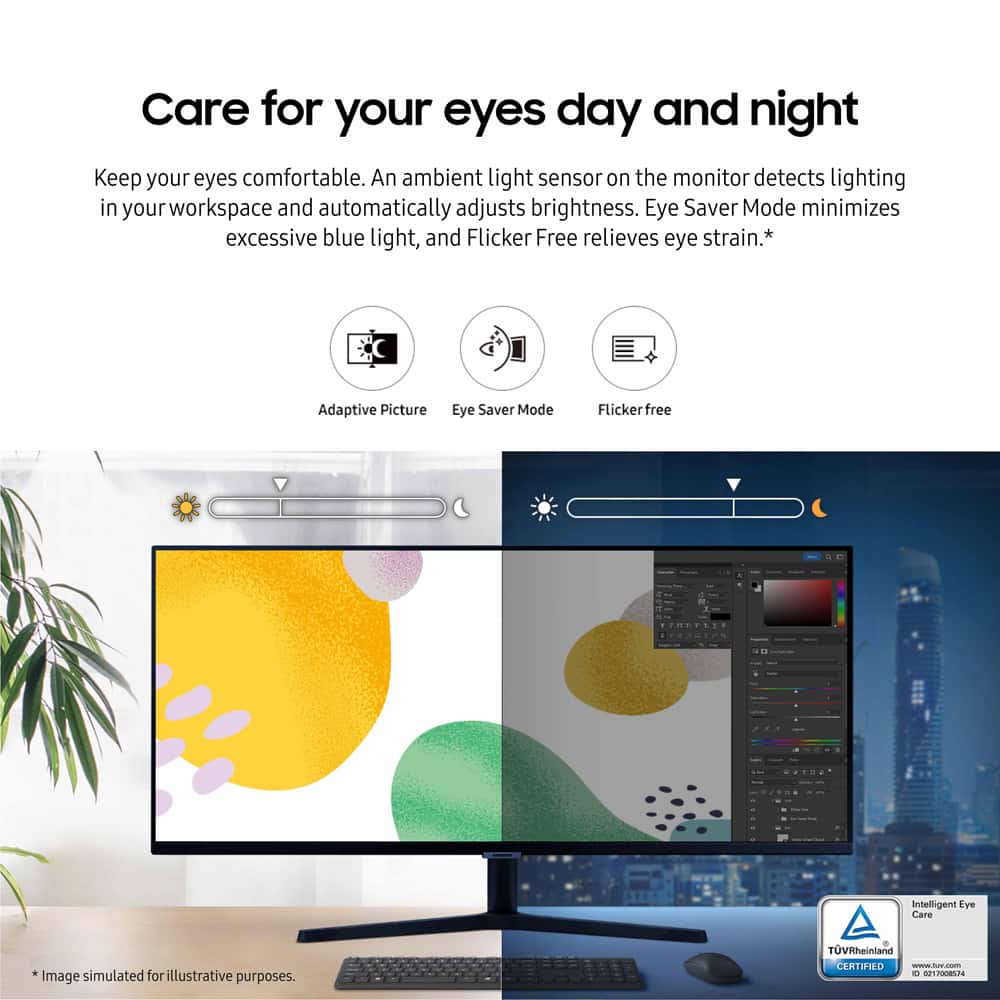
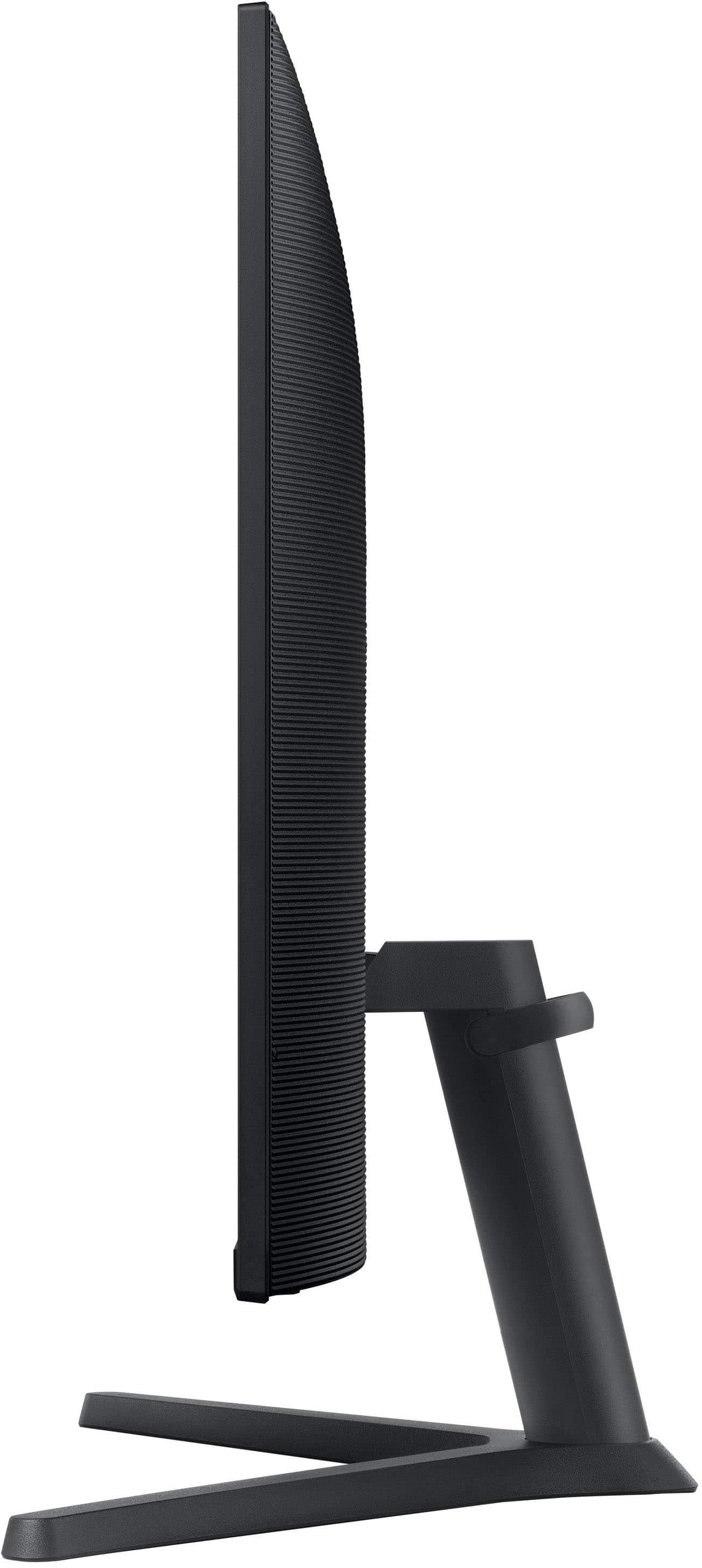
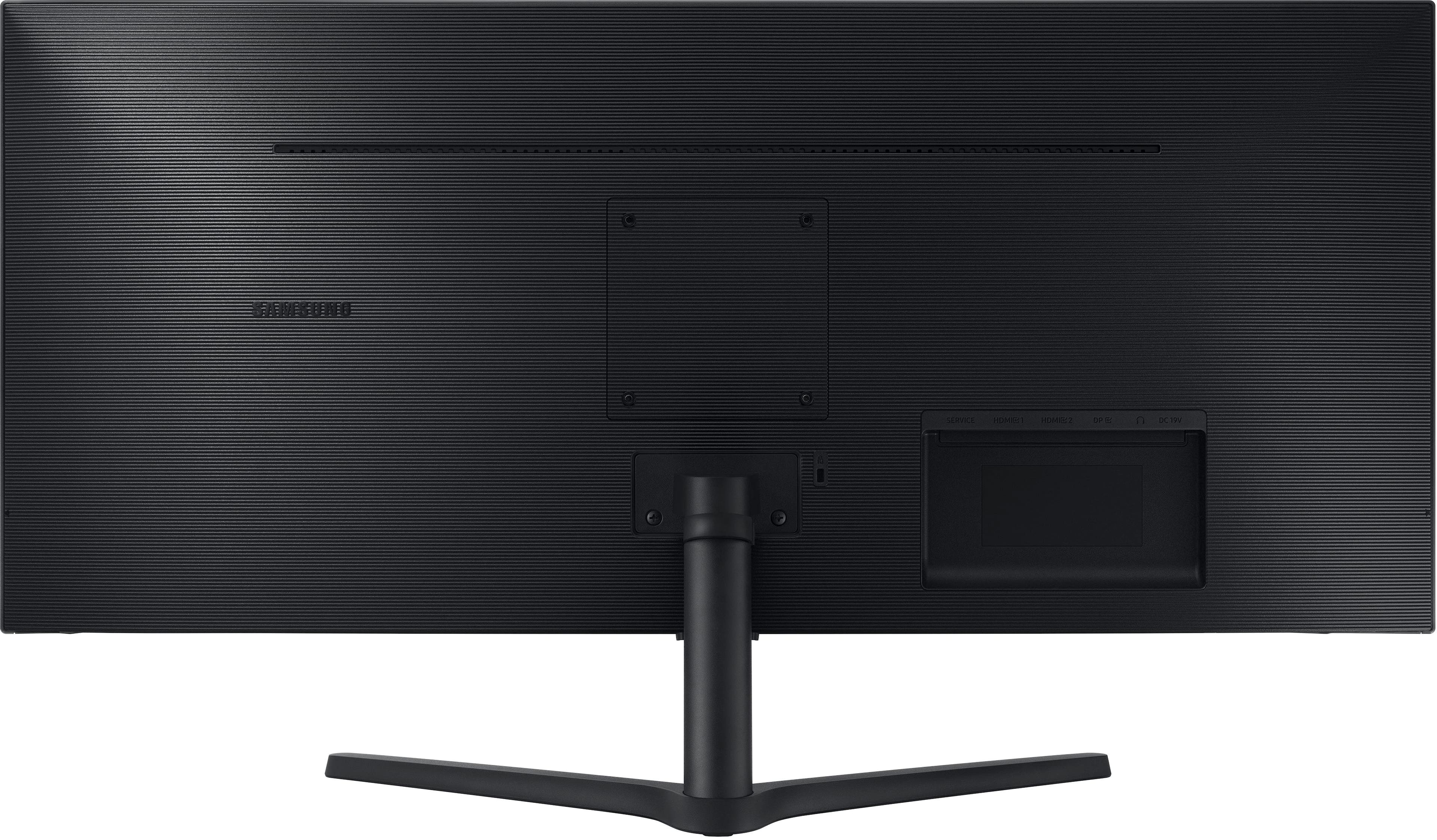
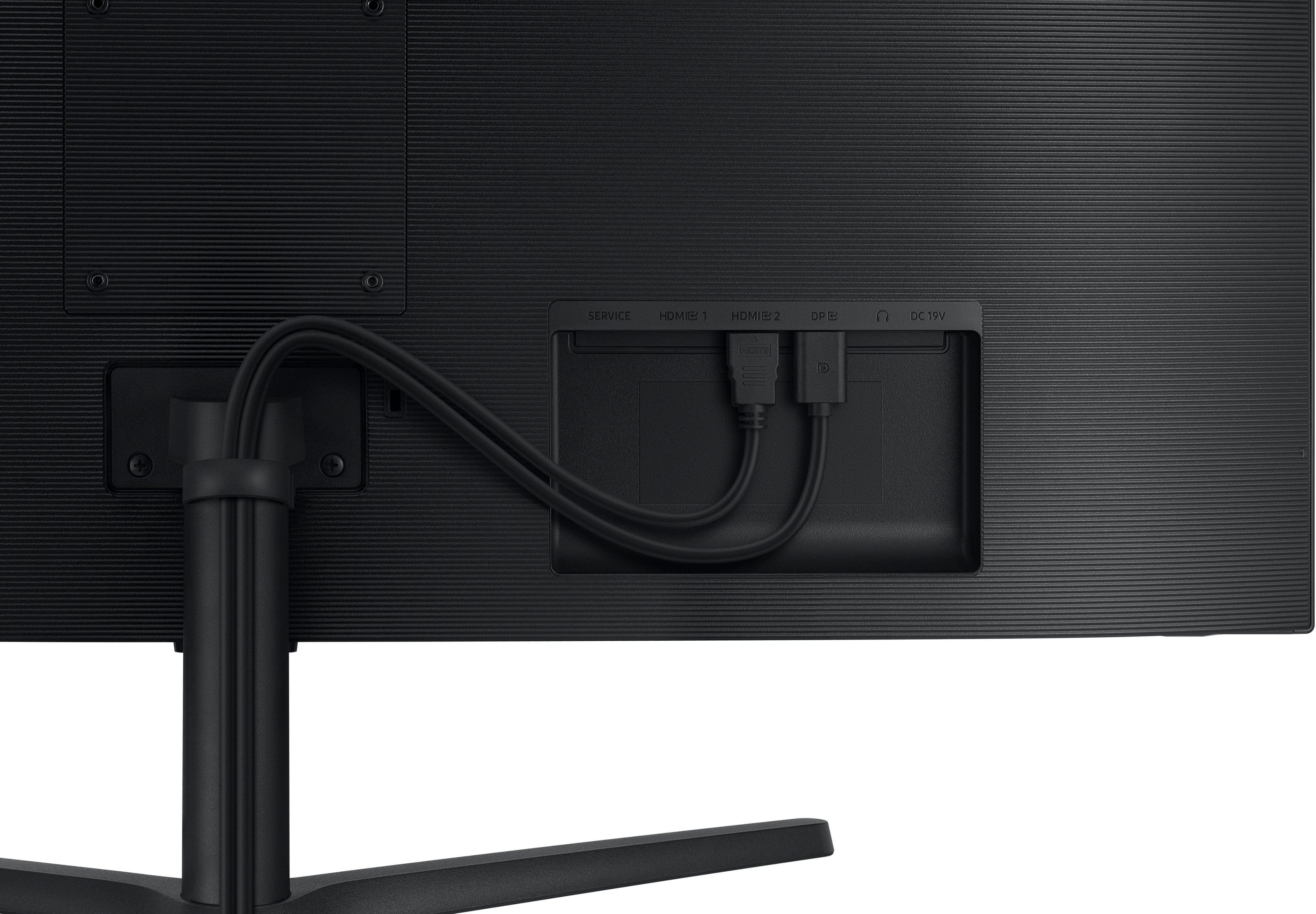
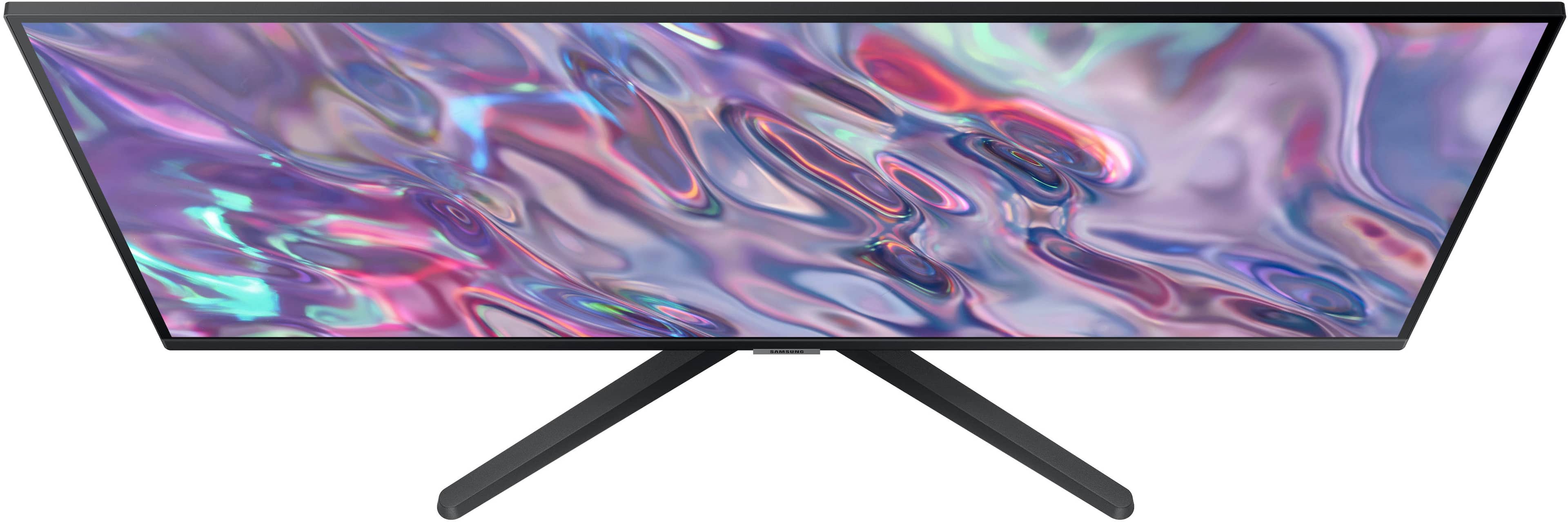
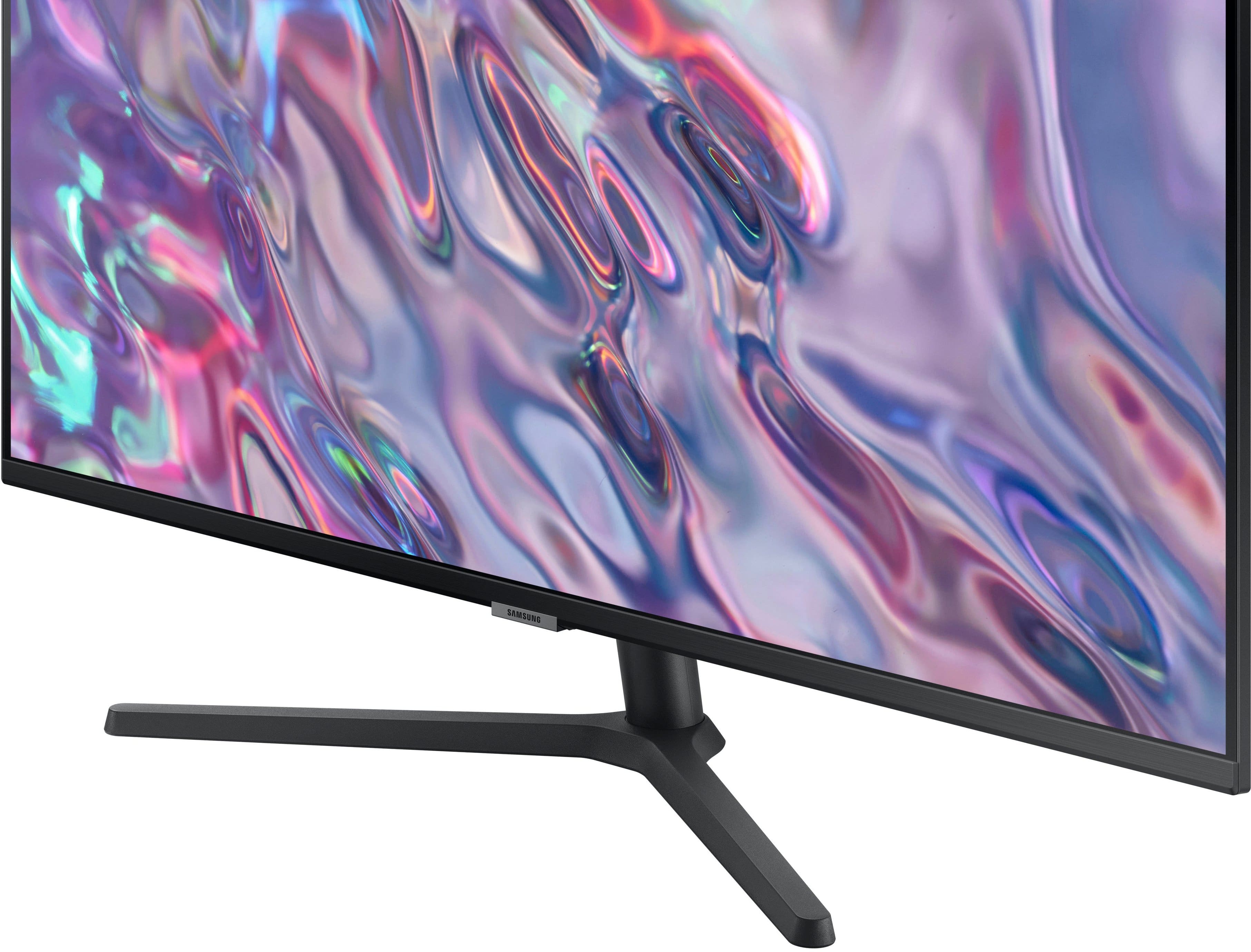
|Posted .This reviewer received promo considerations or sweepstakes entry for writing a review.If you’re considering a 2 monitor setup, this will fit the bill perfectly. It’s good for editing content creation such as photos, video and any other media where extra screen area is a plus. Even if you’re used to a large monitor, say a 27” with a typical 16:9 screen aspect ratio, it may take a little getting used to using this extra wide monitor. At least it did for me, and after I did, I wouldn’t want to go back when it comes to editing photos. With 34 inches of work area you can easily multi task in multi windows all in a comfortable viewing span. I love using it with Photoshop and Lightroom Classic because I can put a mosaic of photos I’m editing up and the work area too. See photos. I’m not going to quote every specification since that’s in the product description above. What I’ll be talking about is how well it performs for everyday use and editing photos. Unboxing and setup was easy. The stand feels sturdy and you can tilt the monitor’s viewing angle but that’s the only movement you get, not pan or rotating. The feet are a bit thick and stick out a bit. I have a small soundbar under my monitor, and unless I want to set it on some blocks to raise it above the feet, it must sit in front of the feet. I’d rather have it right under the monitor, but it’s not a deal breaker. HDMI and DisplayPort cables are included. Adjustments are done with a small round five button pad at the bottom of the monitor in the center. It’s pretty small, but I found it easy to use and the settings menu easy to understand and navigate. One of the things that the monitor offers is blue light protection. This is to reduce the amount of blue and “high Energy Visible” light that can cause eye strain. However, from what my research on the subject produced, is that there’s disagreement as to whether it makes any difference or not. About the only thing that seems to be agreed on is that cooler light (daylight 5500K or higher color temperature) as opposed to warmer light (incandescent light 2700K color temp) can cause sleep issues if you’re looking at cool colors at night before bedtime. Blue light eye protection is off by default. When enabled it auto adjusts brightness and color temp. After making sure all auto color, brightness controls and HDR were off, I connected my datacolor Spyder and calibrated the color. It met specification with a 98% sRGB color gamut. That tells me the monitor has an 8 bit per color channel panel. Also known as 24 bit color. Higher bit counts yield a larger color gamut, as in more colors. From what I can find, an OLED panel generally has 10 bit per color channel depth, or 30 bit color. They have the DCI-P3 color gamut that is 25% wider than sRGB. Deeper colors and true HDR. This monitor has to do some kind of extra processing to simulate HDR. What and how, I’m not sure. Great for watching movies and such, but make sure HDR AND BLUE LIGHT PROTECTION are off if you plan on photo or video editing. Specs quote 3000:1 contrast, and from comparing it to my Dell 2 in 1 with an OLED display as well as other monitors I have, it looks like it hits that mark. My datacolor software doesn’t measure contrast. One thing I looked for was how evenly lit the screen is when looking head on from1 foot away to 5 feet away looking at the center. Up close you will notice some slight color shifting and dimming as you get close to the edges at the sides. Top and bottom from the center, there’s pretty much no change. It is noticeable at about 1.5 feet away and barely noticeable at 2 feet away. 3 feet and beyond, not at all. Next was the scanning from side to side. That’s just moving the mouse across the screen and following it with your eyes and looking for any kind of slight splotches, matte looking or cloudy looking areas. I saw nothing but a perfect screen. I have seen screens get like that with age. The only thing I found was a stuck pixel(s) on the far left bottom of the screen. It’s a black dot and big enough to be seen at up to 4 feet away, but its location isn’t enough to be a deal breaker or even subtract a star from its score. If it were near the center, I would be asking about returning it for another. PIP - Picture in Picture works well if you want two different HDMI devices to share the screen. DisplayPort for getting the maximum performance from the monitor. No built in speakers, but headphone / line out for an analog connection. 2 HDMI inputs and 1 DisplayPort. This monitor isn’t 4K. It’s more like a WQHD and a half. 3440X1440 resolution 8 bit VA panel. VA means Vertical Alignment. Like IPS panels but the liquid crystals are vertically aligned instead of horizontal. Not really much different from IPS. Google it for more info. Conclusion: I think it’s very good value for the price. I was pleased with the color saturation, contrast and sharpness. Especially after I calibrated it. Not that it was that far out and different before. If you plan on watching movies and such on it, the HDR setting really makes things pop by deepening the contrast and making the colors a little hotter. Recommended.
I would recommend this to a friendDecent
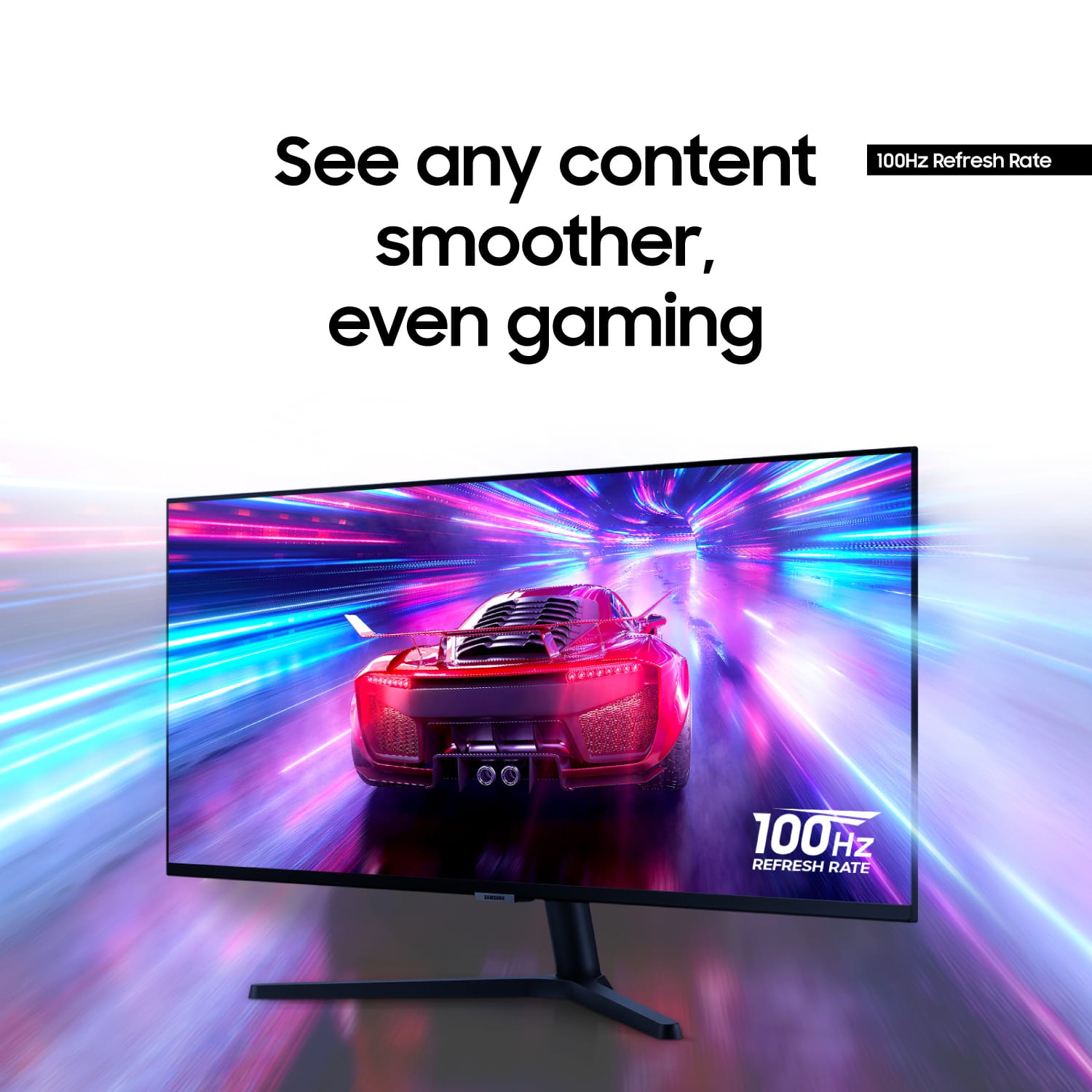
|Posted .This reviewer received promo considerations or sweepstakes entry for writing a review.The Samsung 34 ViewFinity Ultra Wide Monitor is a no-thrills monitor that gets a lot of this Right. The size is just right at 34 inches. No need for a double monitor setup. It has an easy simple setup. The stand is basic with little adjustment. Sadly, you don't get much adjustment for this monitor. This was my first ultra-wide monitor and I can honestly say I'm impressed. With my Monitor I didn't adjust anything inside the settings. I just ran straight out of the box. The colors appeared fine. Watching Videos everything looked fine. Playing games at 2k on an ultra-wide was a different experience. It was a blast to play some older-style games at max settings. With the 100 Hertz that also gives more crisp gameplay and playback over 60 Hz. It has two HDMI 2.0 ports and one 1.2 Display Port. Negatives The brightness is only at 300 nits which is the standard. Not much adjustment up or down. Adjustment setting inside the monitor is lacking and basic. Not the best color accuracy for professional content creation. This is a decent monitor that doesn't break the bank. It's not the upper premium gaming monitor with all the bells and whistles. You do get an amazing monitor that will perform well for the average individual.
I would recommend this to a friendBrand response from Samsung
Posted .We are delighted to hear you've had a positive experience with your ViewFinity S50GC Monitor.
We appreciate the feedback you have provided. If there is anything we can do to assist you and improve your product experience, please don't hesitate to contact Samsung Customer Support via:
1-800-SAMSUNG, available 8AM - 12AM EST (Mon-Fri) / 9AM - 11PM EST (Sat-Sun).
Your thoughts and opinions are very important to Samsung.
Great ultrawide if it's <$300
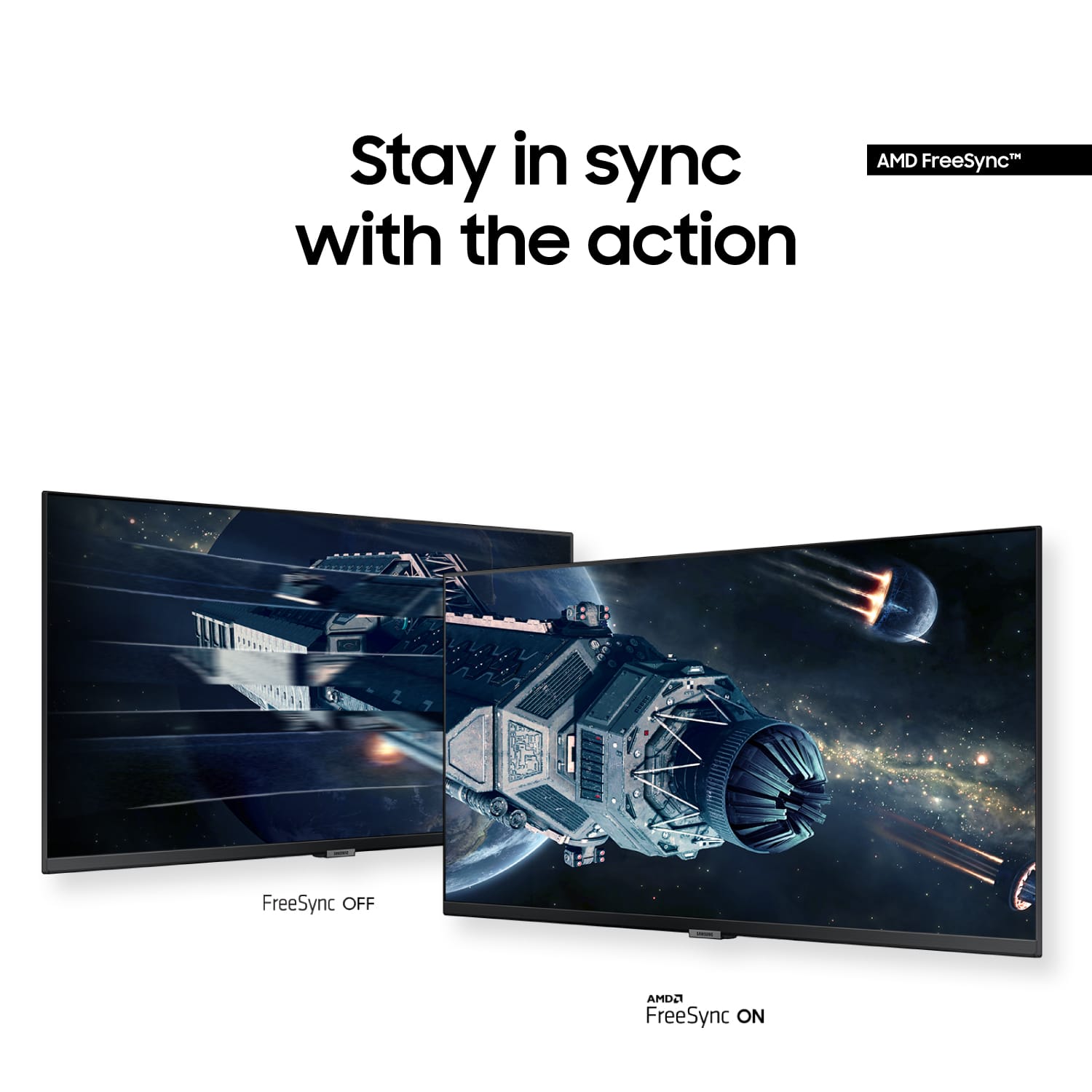
||Posted . Owned for 5 months when reviewed.This reviewer received promo considerations or sweepstakes entry for writing a review.This is a great deal in the $200-300 range, with a 3440x1440p100 max resolution and refresh, support for AMD Freesync, acceptably fast response times, 1 DisplayPort 1.4 and 2 HDMI 2.0 ports. This means most GPUs will power the full brunt without issue, and consoles should go well up to 1440p with VRR on. You also get HDR support, though only basic HDR 400 spec. You'll need to be sure your source and cable are capable, however. For myself, a gaming PC with an RX6750XT, and a Steam Deck with the official docking station, both perform great on this, but did present the reality that the HDMI 2.0 spec won't cope with 3440x1440 any higher than 60Hz, amd forget HDR unless you like dropouts. However, 2560x1440 at 100Hz is possible, and even still does HDR in this state. The neatest feature is PIP and PBP. You drop HDR in all cases, unfortunately, but for this, you get either the full screen plus a second source in any of the 4 corners, taking up between 5.5 and 8" of the screen, so between a phablet and tablet in size, OR you get two half-screens 1720x1440 each, which only comes up on PCs (maybe Mac) as a console will only render their native 16:9 resolution. There's also *some* sort of a KVM thing if you're splitting two Windows machines, as I noticed strange misbehaviors using my actual KVM app, Barrier. You need your own speakers - there is a 3.5mm aux port for your output, which will naturally pass the active source audio through (and you can select the active audio source at will in PIP/PBP). There's finally a USB port that's only for, I presume, firmware updates, but it handles some AmazonBasic-brand USB speaker kit fine (they stay on even with the monitor off though). The last negative I have is the PSU. It's a super thin profile monitor, so it does need an external brick. God forbid you need to use BestBuy Reviews as a source, but it's an A5919_RDY brick with a 19v 3.11a output rating. It's got plenty of length and a right-angle connection, but it's a shame it has to be there. It comes with a basic center stand that pitches forward and back, but VESA mounting on-board for any old stand or arm. Overall, if you can get a deal on this, you won't be disappointed.
I would recommend this to a friendWhy?
||Posted . Owned for 3 weeks when reviewed.This reviewer received promo considerations or sweepstakes entry for writing a review.I was so disappointed at my purchase. I ordered new not refurbished and when I opened the box I was shocking! The cords were thrown in the plastic, there was fingerprints all over the screen, and a piece of hair came out!!
No, I would not recommend this to a friendBad experience with OpenBox purchase
||Posted .This reviewer received promo considerations or sweepstakes entry for writing a review.Just bought this monitor open box at Laurel BestBuy. Got it home and plugged it in and there was a dark plume-shaped shadow on the righthand side. Returned it right away. It was a complete waste of my afternoon on curbside pick up and return + gas. OpenBox rating mentioned that the product was in 'Excellent' condition. Quite the contrary.
No, I would not recommend this to a friendThis monitor is an outstanding value.
||Posted . Owned for 1 month when reviewed.This reviewer received promo considerations or sweepstakes entry for writing a review.I spend several hours a day staring at a monitor doing research in analyzing investments in the stock market. I was suffering from eye strain with my ordinary monitor. This monitor allows me to make the text much larger and view two documents at the same time because of the width. I don't use it for gaming since I'm not in that demographic. But for consuming content it's fantastic it does support a higher refresh rate so there's no flicker. And enhanced resolution since it's a much wider display. I really enjoy it. Very affordable price.
I would recommend this to a friendSamsung 34” ViewFinity S5 -works great with a perk
||Posted . Owned for 1 month when reviewed.This reviewer received promo considerations or sweepstakes entry for writing a review.I mostly use my laptop (MacBook Air) as my main screen with a 24” 4K Samsung monitor as my second screen. That worked well for years. I felt it was time for more real estate. I saw this 34” ultra-widescreen and thought it might be a good experiment. It’s better than I expected. Color is decent and it has three inputs though no USB-C. I placed it on a stand behind my laptop so the relatively low resolution doesn’t factor into the viewing experience much. It also doesn’t have speakers, though it has a headphone jack. Instead, audio is fed to a nearby Bluetooth speaker. The 3440 x 1440 resolution is great for putting two browser windows side-by-side. When I started playing with the on-screen menu I found some handy extra features. The monitor supports both PIP and PBP, so I can plug anything into either of the HDMI and utilize it on either half the screen or a PIP window. I plugged in a Fire stick and started using it right away. It’s nice to know I can do the same with another streaming device, PC or Mac. The stand is quite wide and not very adjustable so it may not work aethetically in every desk setup. Overall, a fantastic value purchase.
I would recommend this to a friendExcellent Ultrawide Productivity Boost - Great Val
||Posted . Owned for 3 weeks when reviewed.This reviewer received promo considerations or sweepstakes entry for writing a review.I’ve been using the ViewFinity S5 for a bit now, and the 21:9 aspect ratio is a game-changer for multitasking. The QHD resolution is sharp enough for detailed spreadsheets and creative work without the massive price tag of a 4K ultrawide. The 100Hz refresh rate makes everyday navigation feel much smoother than a standard 60Hz office monitor. While it’s not a dedicated high-end gaming panel, the AMD FreeSync keeps things fluid for casual sessions. HDR10 is a nice touch for media consumption, though the brightness is best suited for a controlled lighting environment. Overall, it's a sleek, reliable workhorse for a home office setup.
I would recommend this to a friendGreat monitor and love the ultrawide
Posted .This reviewer received promo considerations or sweepstakes entry for writing a review.Overall really enjoying this monitor. This is my first ultra wide monitor, as well as my first monitor over the standard large 27”. I Personally use this at my home setup which is used for both gaming and work. Remote work has been awesome as I used to have 2 27” screens and now have this one and a 27”, which now feels like I have three monitors, or like 1 27” and 2 24” screens. Gaming has been awesome as the upgrade from 60 (what I had) to this screen of 100hz has felt smoother. The quicker refresh rate and additional pixel count has been great too. All in all, a great monitor and I think I will continue enjoying it for years to come.
I would recommend this to a friend