Customer Ratings & Reviews




- Model:
- LS34C502GANXZA
- SKU:
- 10735320
Rating by feature
- Display Quality
Rating 4.7 out of 5 stars
- Ease of Use
Rating 4.7 out of 5 stars
- Features
Rating 4.5 out of 5 stars
Good Monitor
||Posted . Owned for 3 months when reviewed.This reviewer received promo considerations or sweepstakes entry for writing a review.Very good, works perfectly and its too large, good for view
I would recommend this to a friendeasy Win
||Posted . Owned for 3 weeks when reviewed.This reviewer received promo considerations or sweepstakes entry for writing a review.Far better then many other has it allows for easy multi tasking and better gaming quality .
I would recommend this to a friendSamsung 34" monitor
||Posted . Owned for 3 weeks when reviewed.This reviewer received promo considerations or sweepstakes entry for writing a review.HP monitors are better in my opinion, but I needed a new monitor quickly and this is what Best Buy had to compare with my last monitor. It's okay I guess.
No, I would not recommend this to a friendAwesome monitor
||Posted . Owned for 3 weeks when reviewed.This reviewer received promo considerations or sweepstakes entry for writing a review.Excellent monitor, works fantastic and does a great job at what we need it to do
I would recommend this to a friendGreat Price, Great Image
||Posted . Owned for 1 month when reviewed.This reviewer received promo considerations or sweepstakes entry for writing a review.Great Monitor. Works for what I need it for and looks amazing. Great price
I would recommend this to a friendGreat monitor!
||Posted . Owned for 2 weeks when reviewed.This reviewer received promo considerations or sweepstakes entry for writing a review.image quality is excellent. Great for second monitor configuration.
I would recommend this to a friendI like it
||Posted . Owned for 2 months when reviewed.This reviewer received promo considerations or sweepstakes entry for writing a review.Pretty good. I enjoy it a lot. I’m having it in place of two monitors.
I would recommend this to a friendGame on
||Posted . Owned for 3 weeks when reviewed.This reviewer received promo considerations or sweepstakes entry for writing a review.This monitor is on of the best for my gaming experience.
I would recommend this to a friendGreat monitor
||Posted . Owned for 1 month when reviewed.This reviewer received promo considerations or sweepstakes entry for writing a review.Screen is lightly tinted yellow but otherwise a great monitor.
I would recommend this to a friendSecurity monitoring
||Posted . Owned for 1 month when reviewed.This reviewer received promo considerations or sweepstakes entry for writing a review.I use it as a monitor for my security cameras. Love it.
I would recommend this to a friendGreat monitor
||Posted . Owned for 1 month when reviewed.This reviewer received promo considerations or sweepstakes entry for writing a review.I love this for my new gaming setup. Great color. Would recommend.
I would recommend this to a friendgreat product
||Posted . Owned for 1 week when reviewed.This reviewer received promo considerations or sweepstakes entry for writing a review.I highly recomented realy good for gaming and reading
I would recommend this to a friend
Crisp View with Minimalist Form
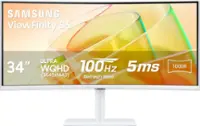
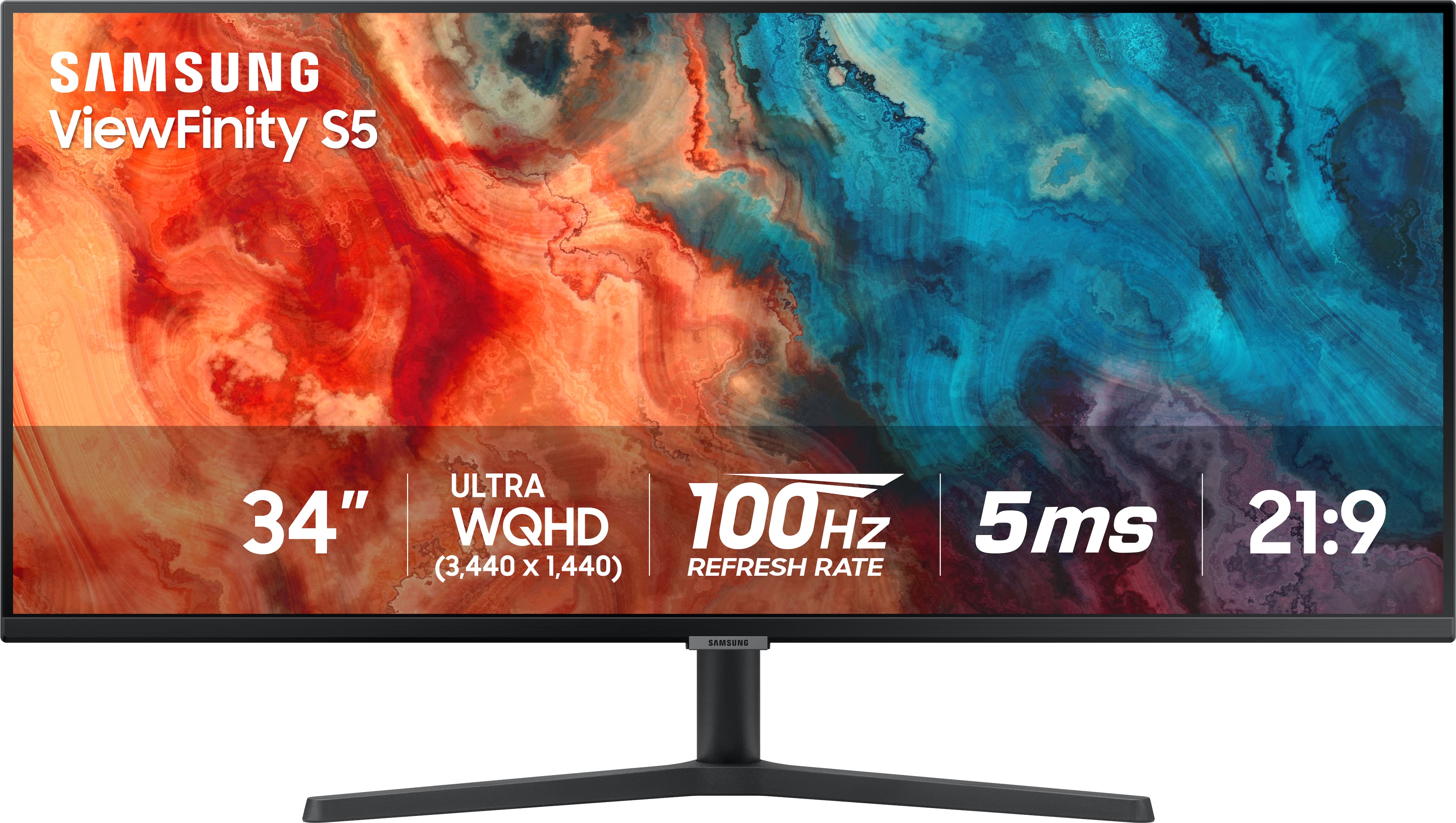
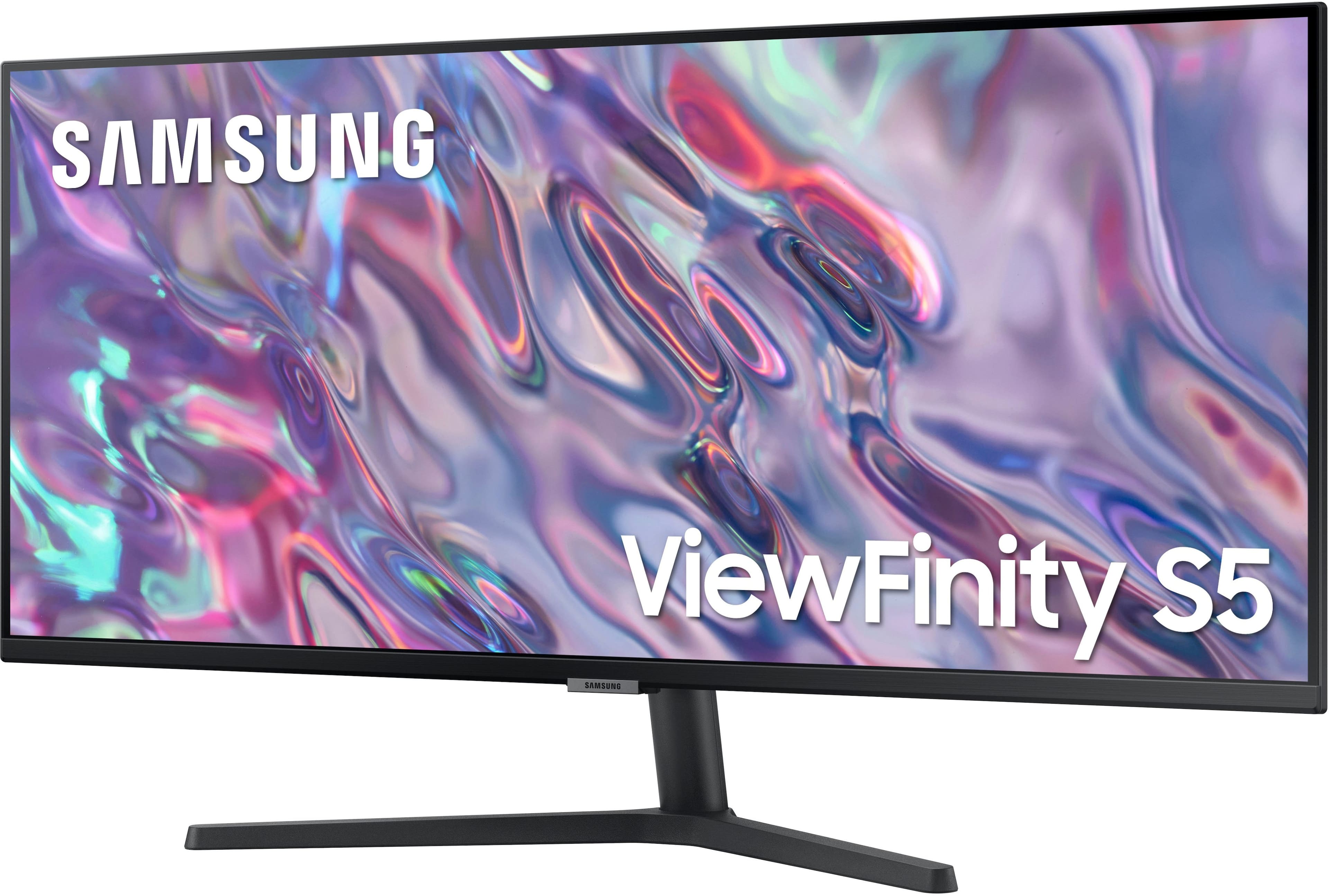
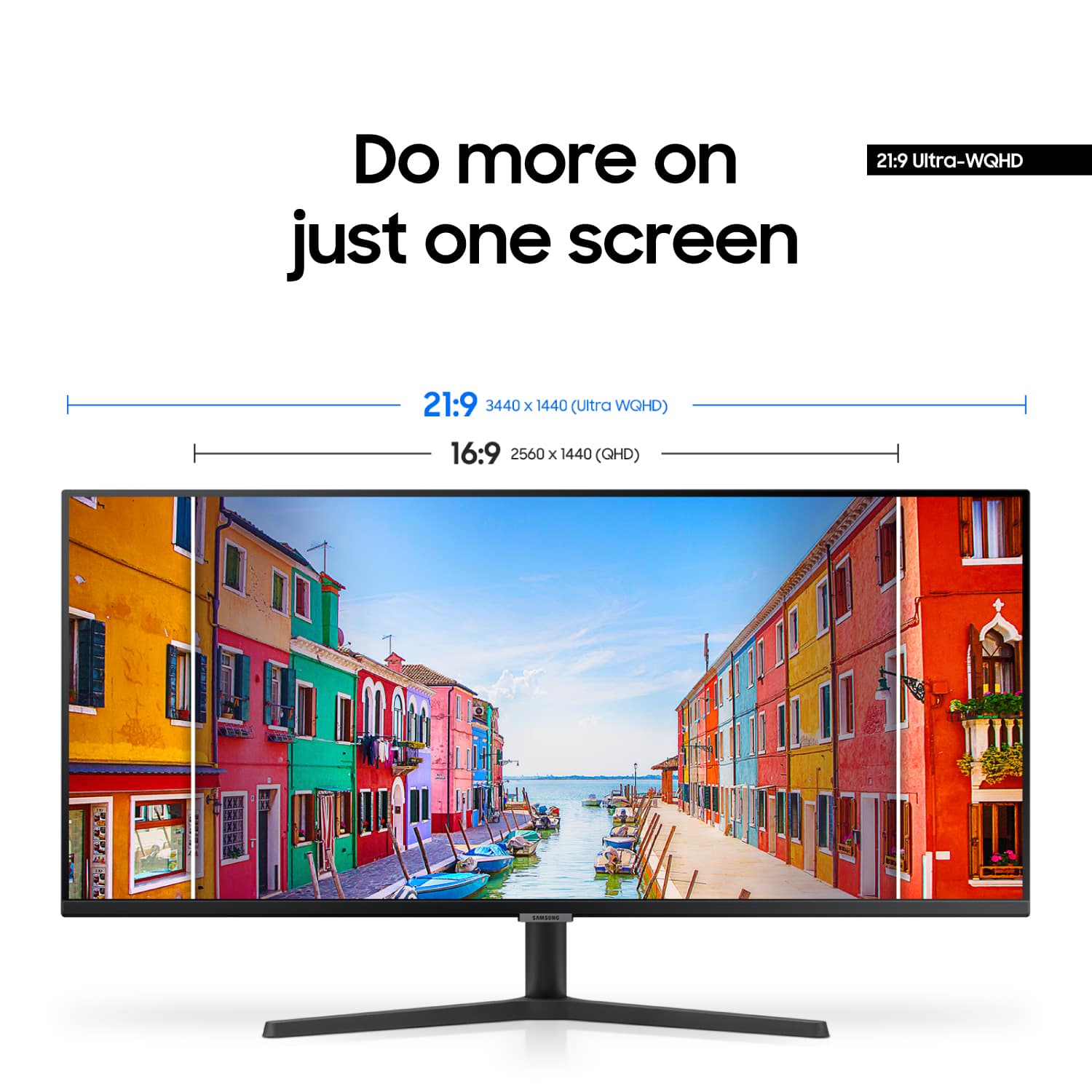
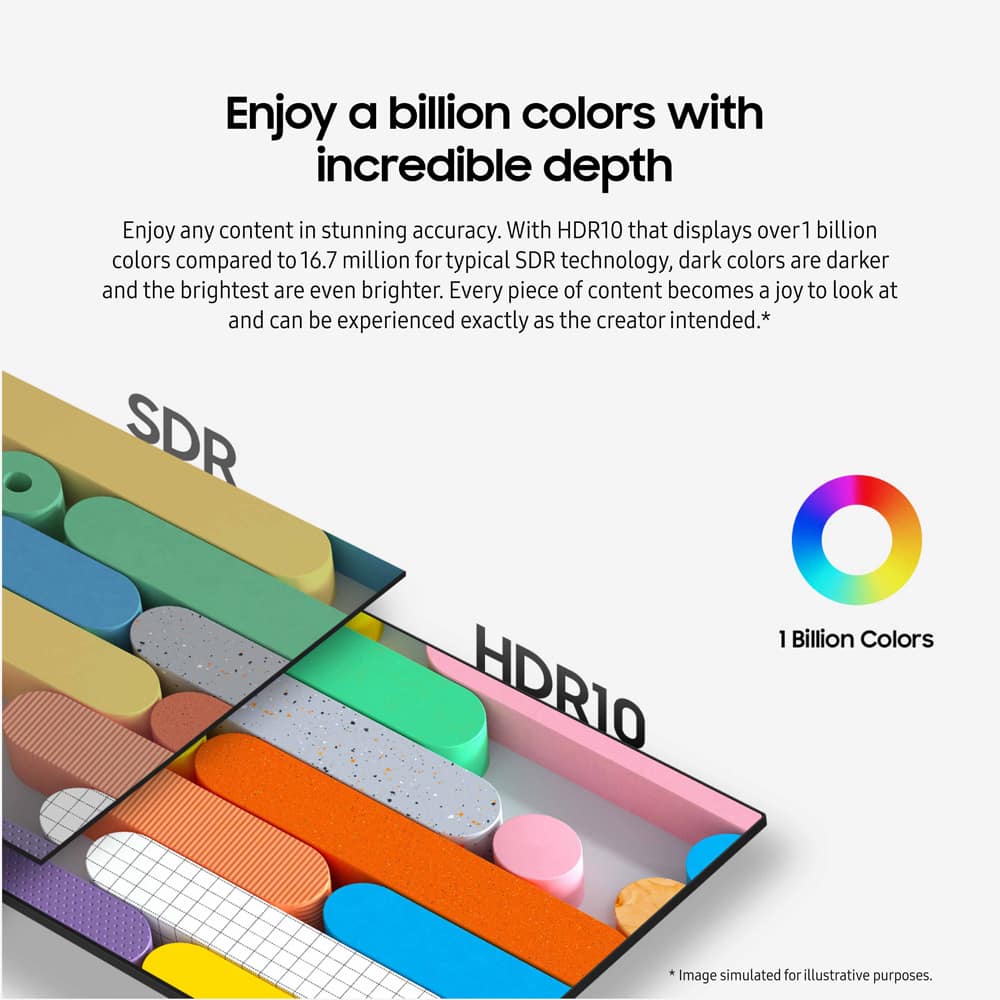
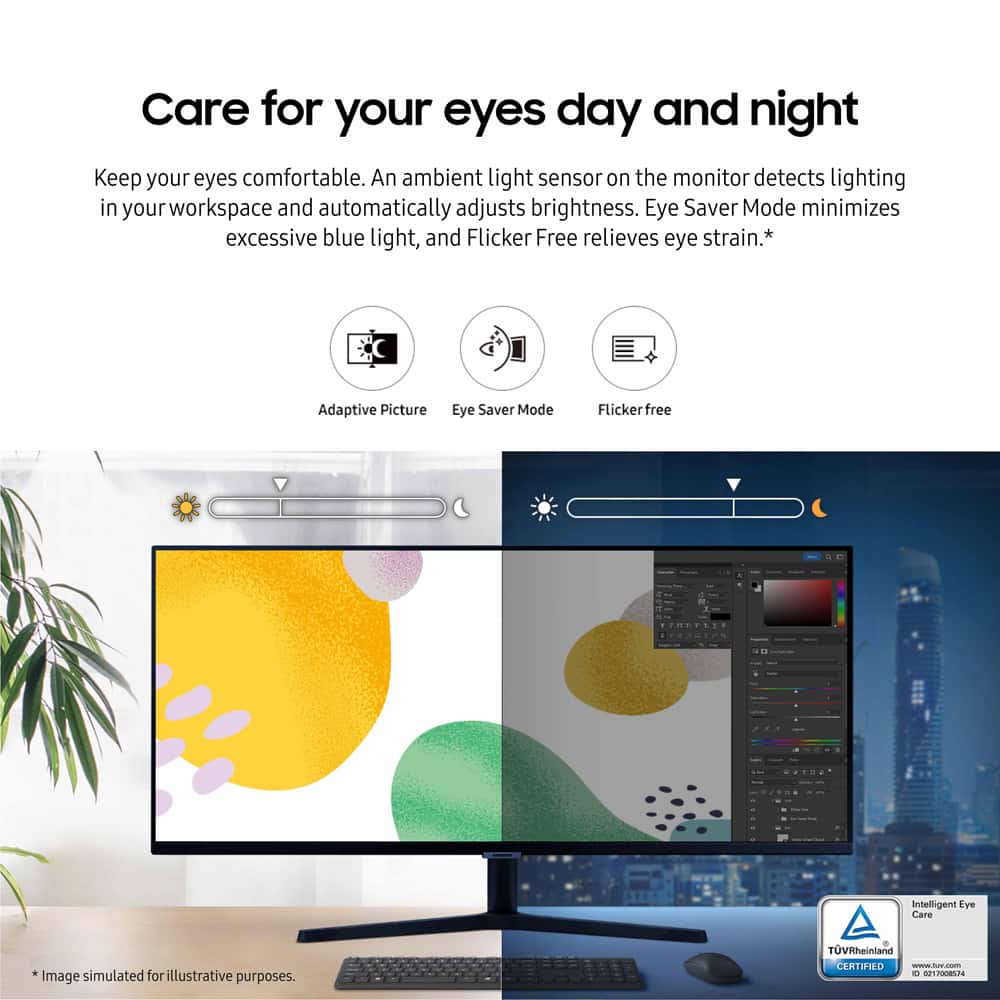
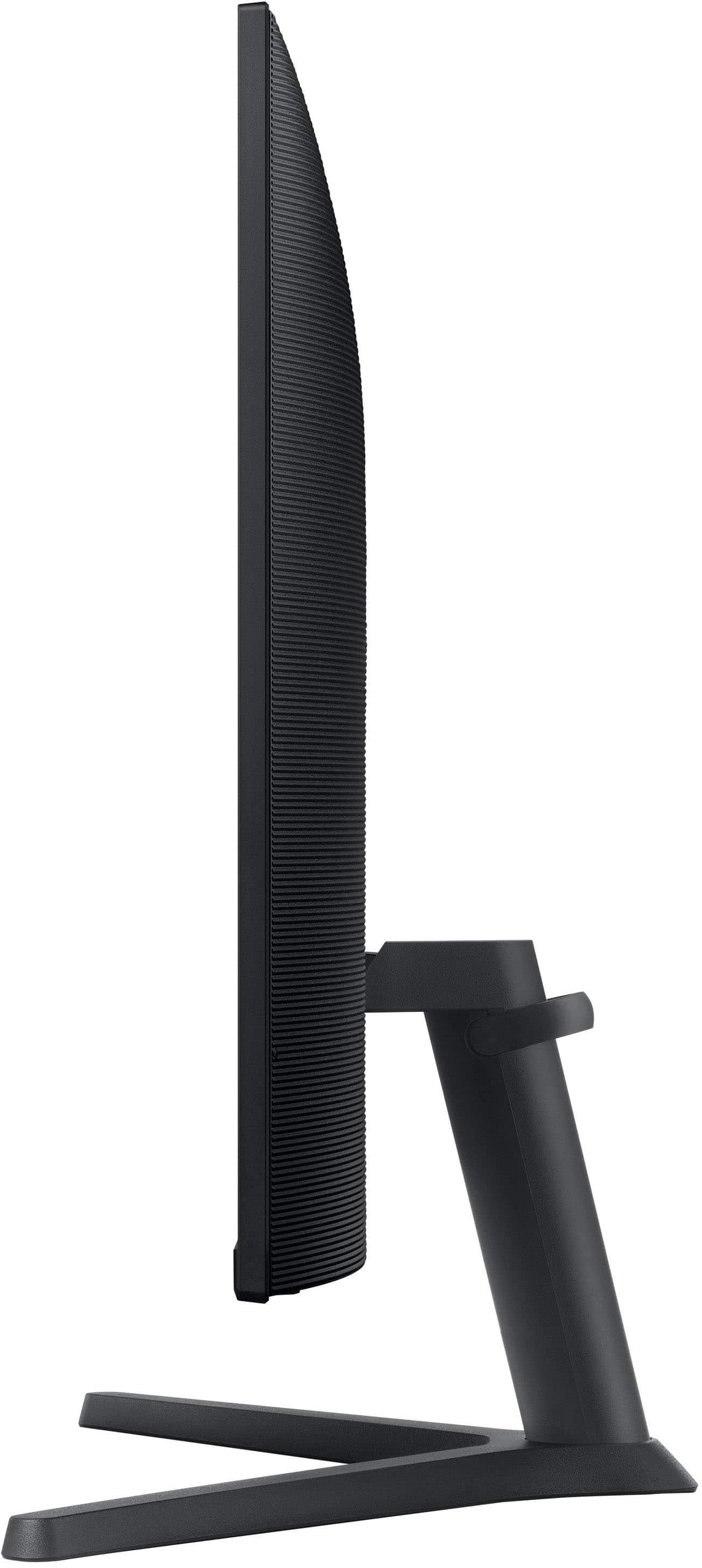
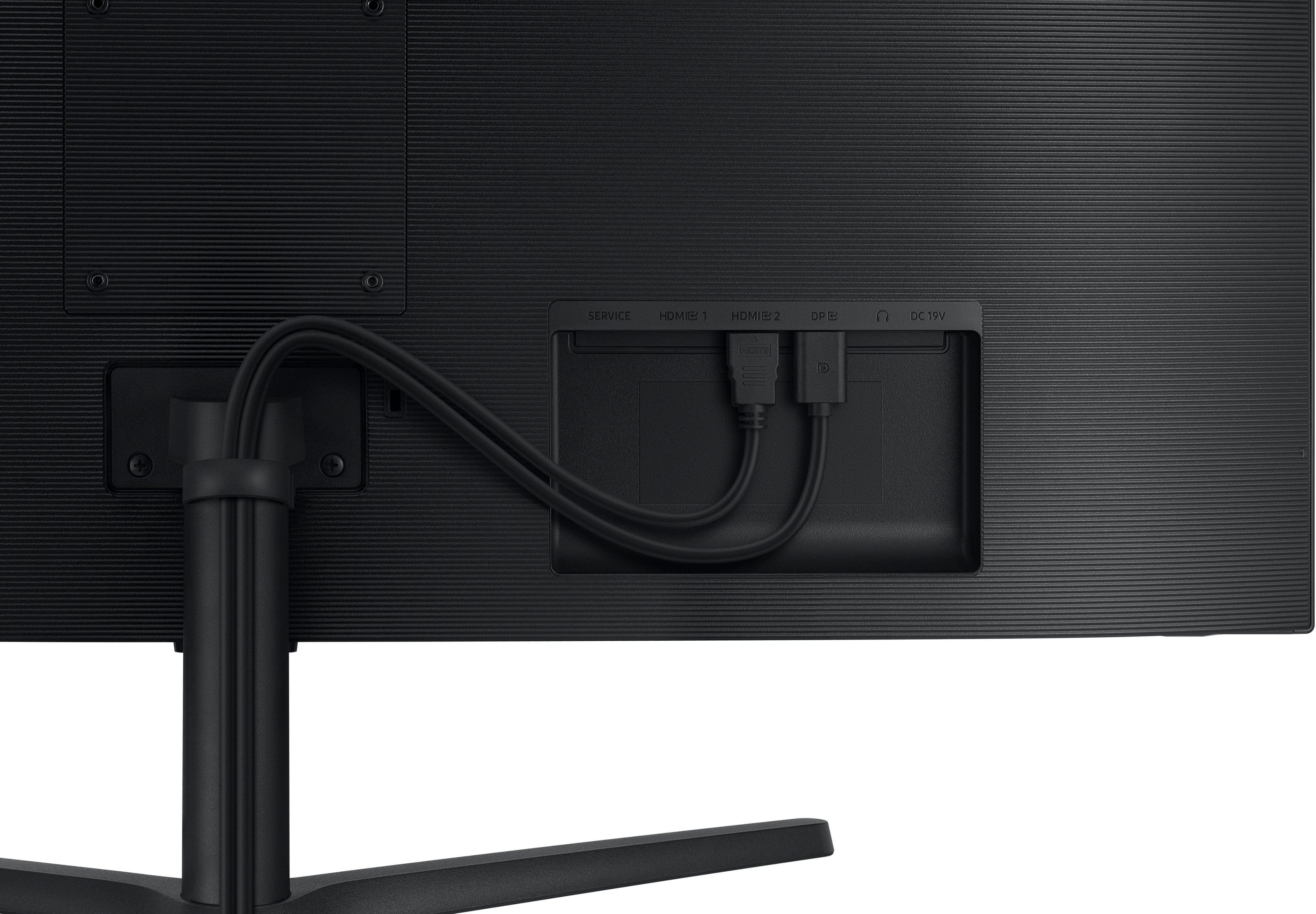
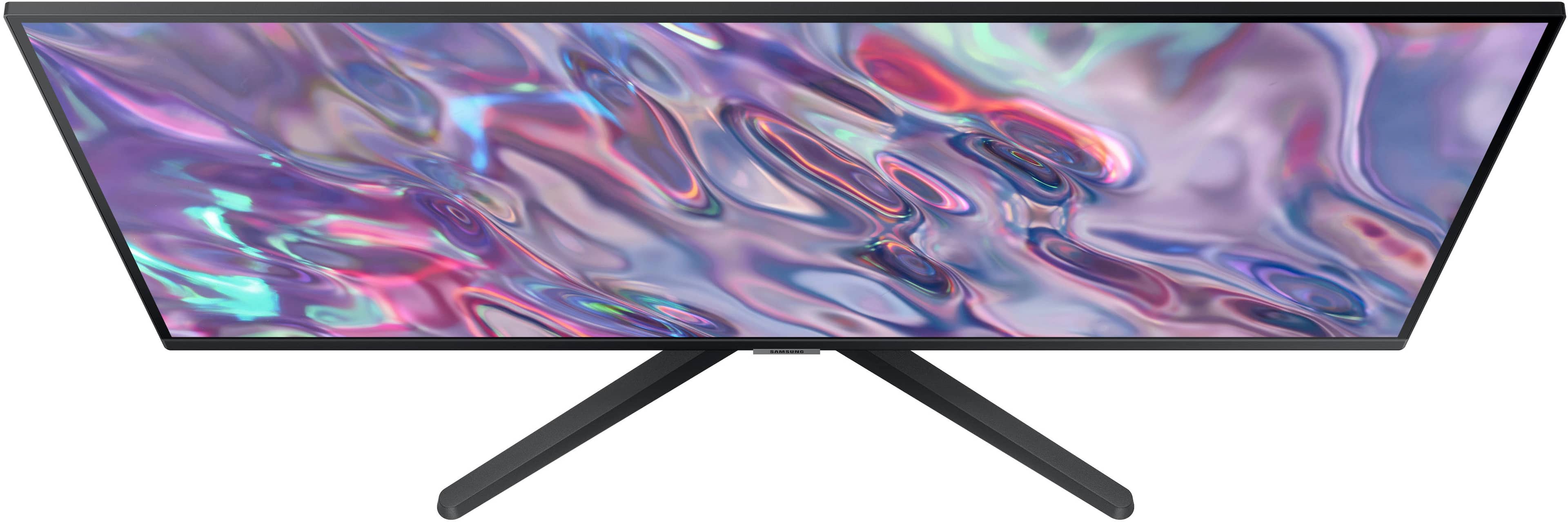
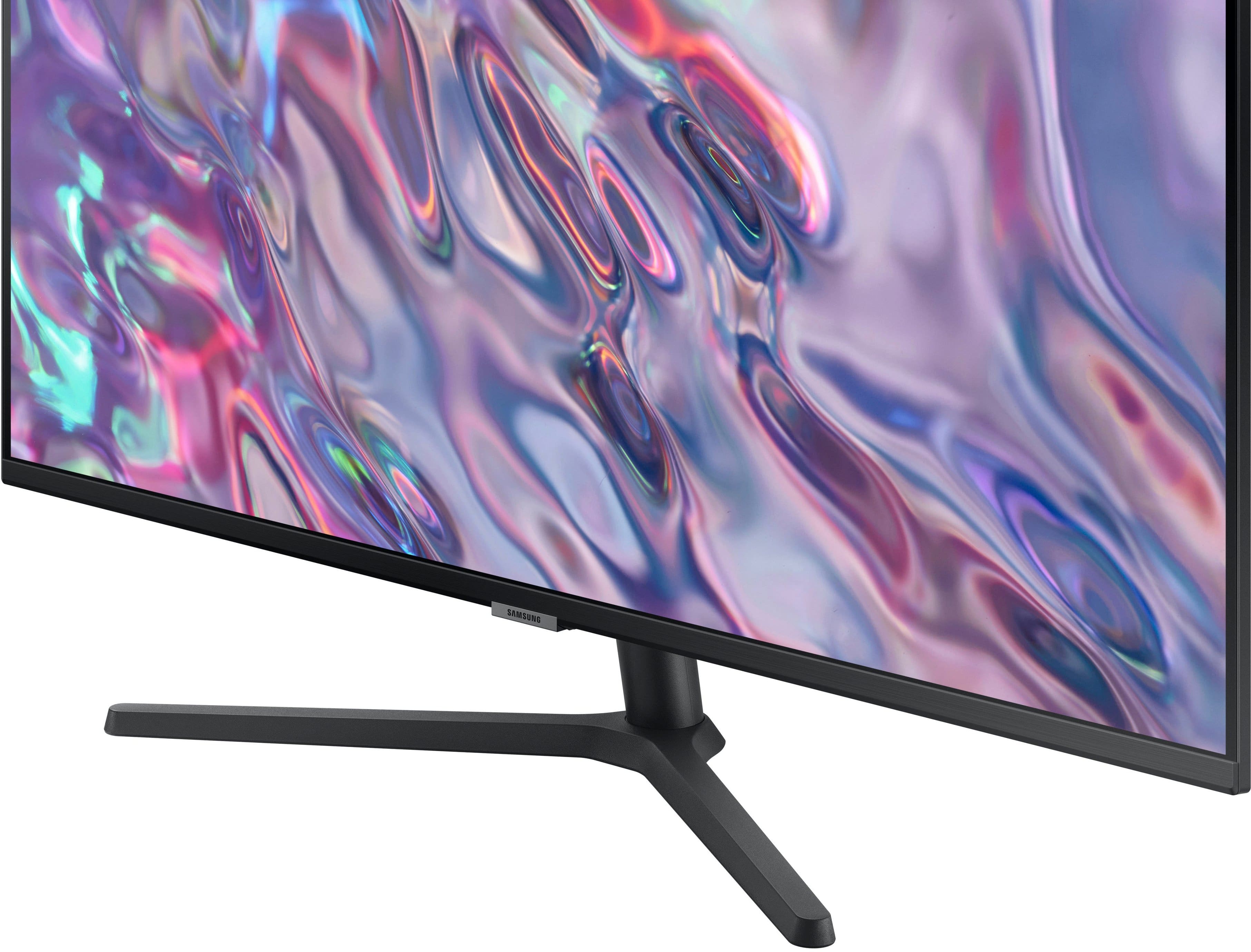
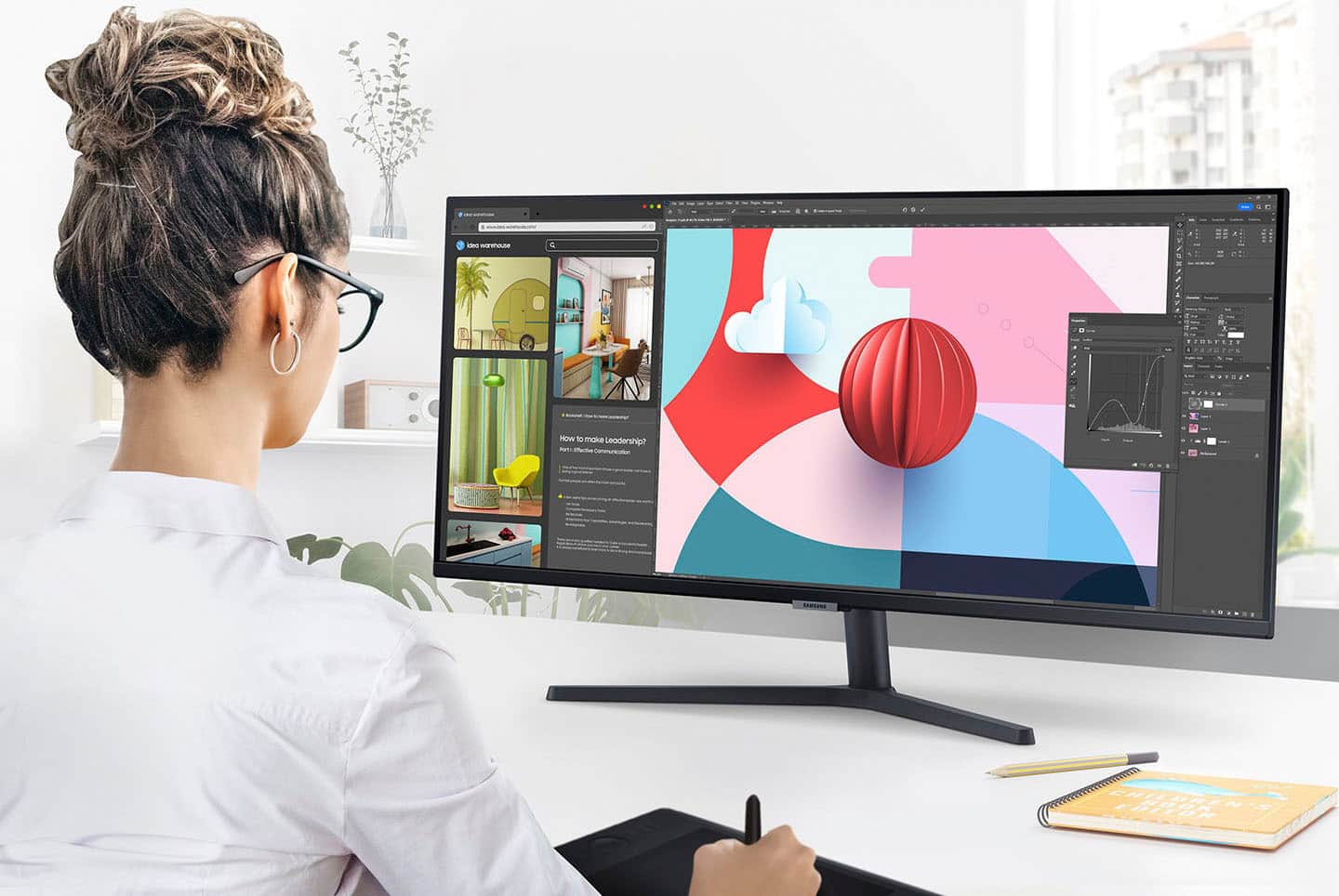
|Posted .This reviewer received promo considerations or sweepstakes entry for writing a review.Over the last several years, we’ve purchased several Samsung products, including their TVs, soundbars, smartphones, smartwatches, & air purifiers. Overall, we’ve enjoyed good value from Samsung & a consistent record of performance, functionality, durability & dependability across multiple devices. I use a multi-monitor setup for my work computer. As one who likes a clean & lean, minimalist look, my arrangement has been more cumbersome than I’d like. Even w/my cable management system, the multiple power cords & HDMI cords from multiple monitors created a cluttered look that annoyed me. So, I was super-excited to replace my old monitors w/this sleek new 34” ultra-widescreen monitor. When hardware design aligns w/required functionality AND desired aesthetics, it makes all the difference! After setting up the new monitor, I walked out of & back into my office to get a fresh look at my new minimalist widescreen perched atop my riseable standing electric desk. I just smiled & whispered, “Wow!” The Ultra-WQHD resolution (3,440 x 1,440), 100Hz refresh rate for less latency & blur & 21:9 aspect ratio all contribute to stunning images & video. And the extra-thin bezel is so refined that it almost appears bezel-less. This accentuates the minimalist look I’ve always wanted & now finally have. After just a few days, I’ve already noticed less eye fatigue. The Intelligent Eye Care system’s ambient light sensor detects the changing light levels in my home office, day & night, & auto-adjusts the brightness. And although I try not to do computer work w/in an hour of bedtime, sometimes I’m forced to work late into the night to meet deadlines. Thankfully, the Eye Saver Mode minimizes excessive blue light which has already begun to help prevent some of the circadian rhythm disruption that I was experiencing from my previous monitors. And given that I sometimes spend up to 12 hrs./day doing computer work, I’m pleased that this monitor includes Flicker Free technology to help further manage screen brightness. My older monitors used technology that turned the backlight on & off rapidly, which, even though I couldn’t detect it, was creating eyestrain. My old monitors were equipped w/lower std. 60Hz refresh rates & bulky ½” bezels. Contrasting my old SDR (Std. Dynamic Range) monitors displaying around 16M colors vs. this new HDR10 (High Dynamic Range) technology displaying 1B+ colors--the difference even to the untrained naked eye is immediately noticeable. Yes, there are darker darks & brighter brights & all that, but it wasn’t until I streamed a movie in HD this weekend that I was awakened to the real difference. I was stunned by the crystal clear clarity of the actors’ headshots--down to even the pores in their faces in the close-up shots. With this level of detail in color, brightness, & shading, there’s really no place to hide for actors today. Finally, as for my work, the Picture-by-Picture/Picture-in-Picture functions flawlessly, allowing me to leave email open on one side & documents or another App open on the other side. Overall, I’m giving this 5 stars. It’s a beautiful monitor at a good value.
I would recommend this to a friendBuy me!
||Posted . Owned for 1 month when reviewed.This reviewer received promo considerations or sweepstakes entry for writing a review.An ocean of viewing area that you can get lost in… beautiful.
I would recommend this to a friendFantastic product
||Posted . Owned for 2 months when reviewed.This reviewer received promo considerations or sweepstakes entry for writing a review.The product was as describedand worked perfectly for my needs
I would recommend this to a friendComputer screen
||Posted . Owned for 1 month when reviewed.This reviewer received promo considerations or sweepstakes entry for writing a review.Love the color on the screen and works perfect with trying to see multiple screens
I would recommend this to a friendHome Office Monitor
||Posted . Owned for 3 weeks when reviewed.This reviewer received promo considerations or sweepstakes entry for writing a review.Product was a great price and does the job and then some as my primary home monitor.
I would recommend this to a friendGreat Monitor
||Posted . Owned for 1 month when reviewed.This reviewer received promo considerations or sweepstakes entry for writing a review.Great monitor, we use it as an extra monitor for our MacBook.
I would recommend this to a friendGreat Monitor
||Posted . Owned for 1 month when reviewed.This reviewer received promo considerations or sweepstakes entry for writing a review.I needed this for work and it’s serving its purpose
I would recommend this to a friendTHE PRODUCT IS INCREDIBLE THE PRICE THE SAME DELIG
||Posted . Owned for 3 weeks when reviewed.This reviewer received promo considerations or sweepstakes entry for writing a review.THE PRODUCT IS INCREDIBLE THE PRICE THE SAME DELIGHTED WITH BEST BUY
I would recommend this to a friend