Customer Ratings & Reviews

- Model:
- LS34C502GANXZA
- SKU:
- 11990285
Rating by feature
- Display Quality
Rating 4.7 out of 5 stars
- Ease of Use
Rating 4.7 out of 5 stars
- Features
Rating 4.5 out of 5 stars
- Pros mentioned:Resolution, Screen size
Samsung 34” ViewFinity S5 -works great with a perk
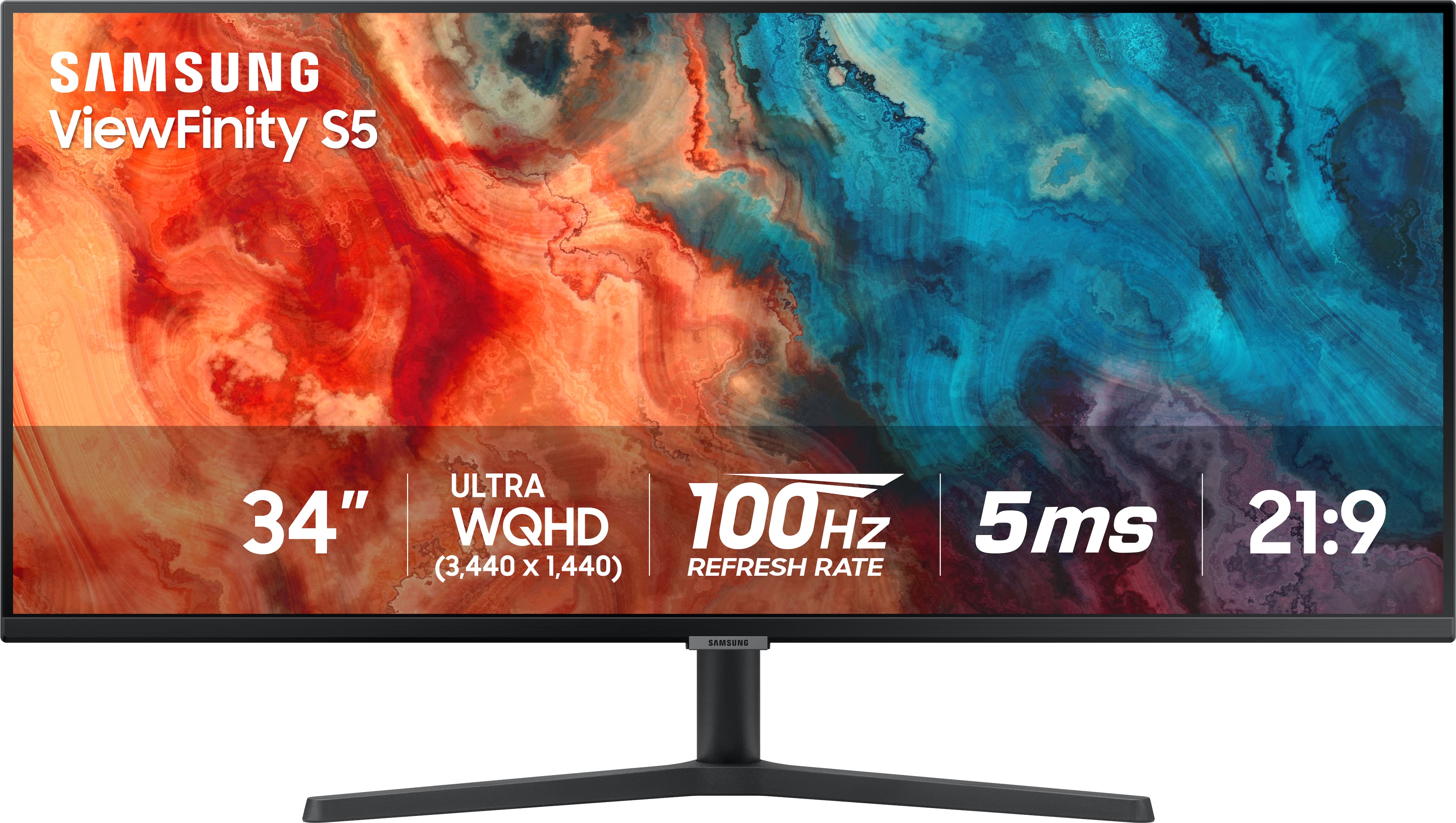
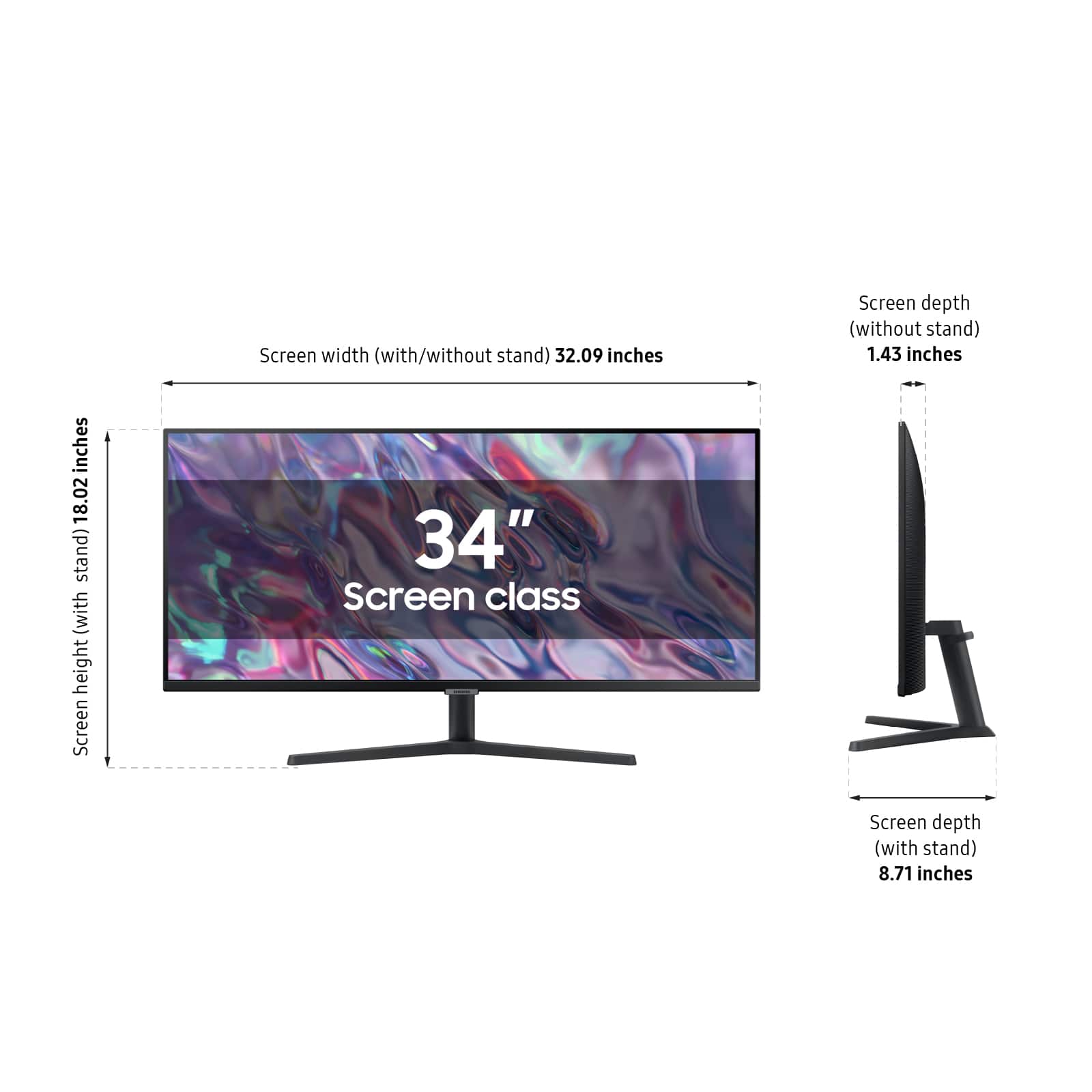
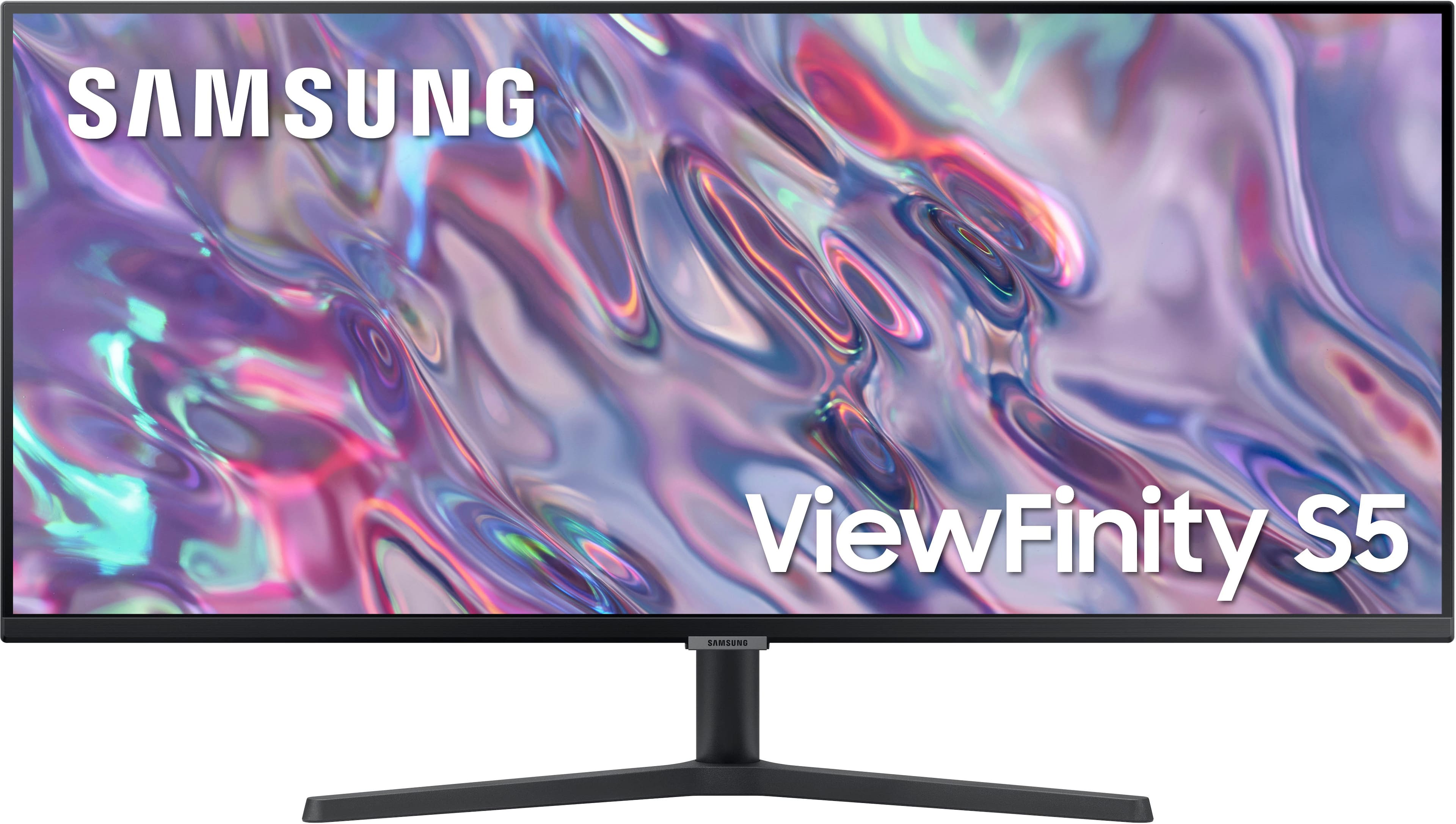
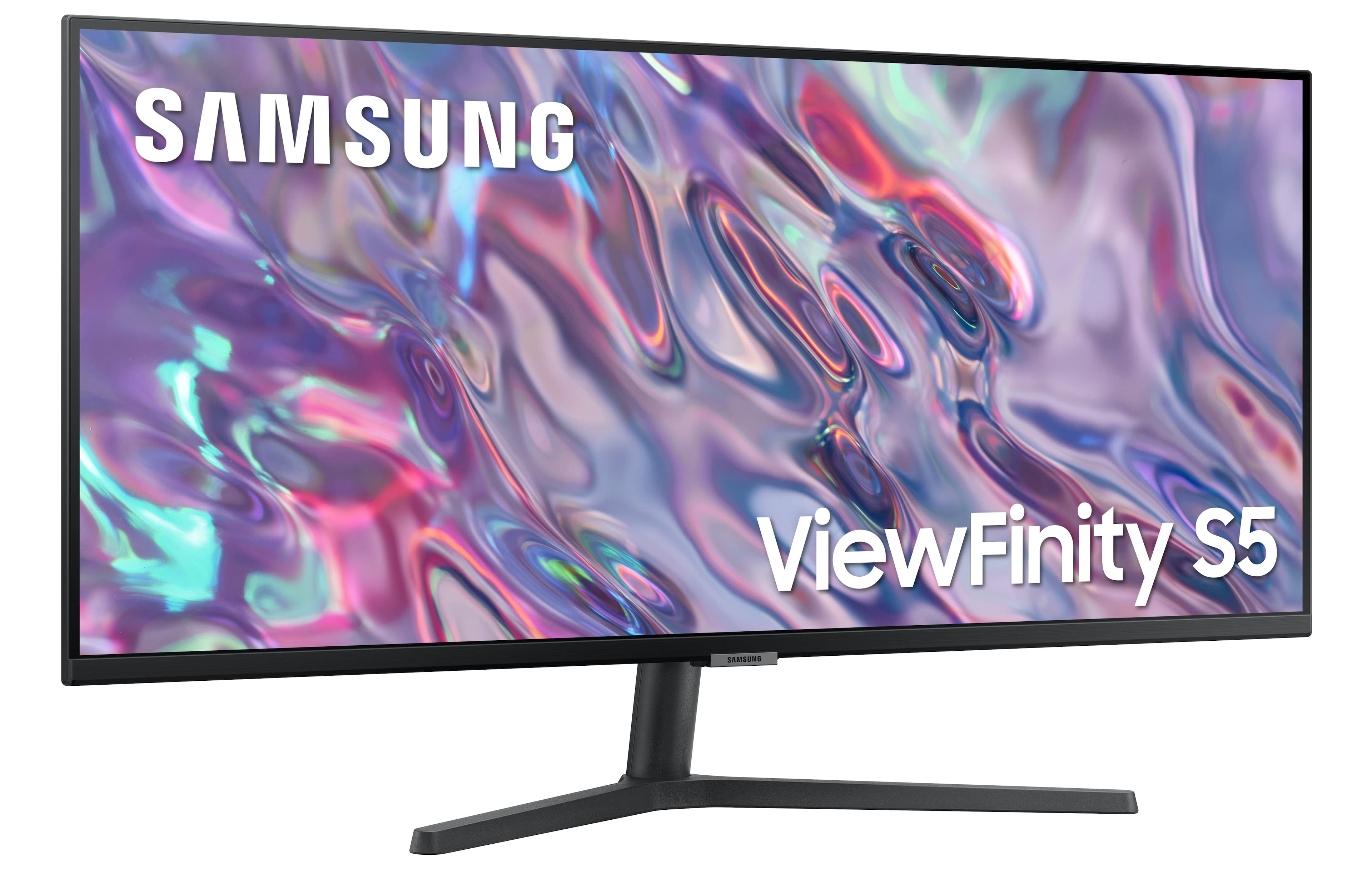
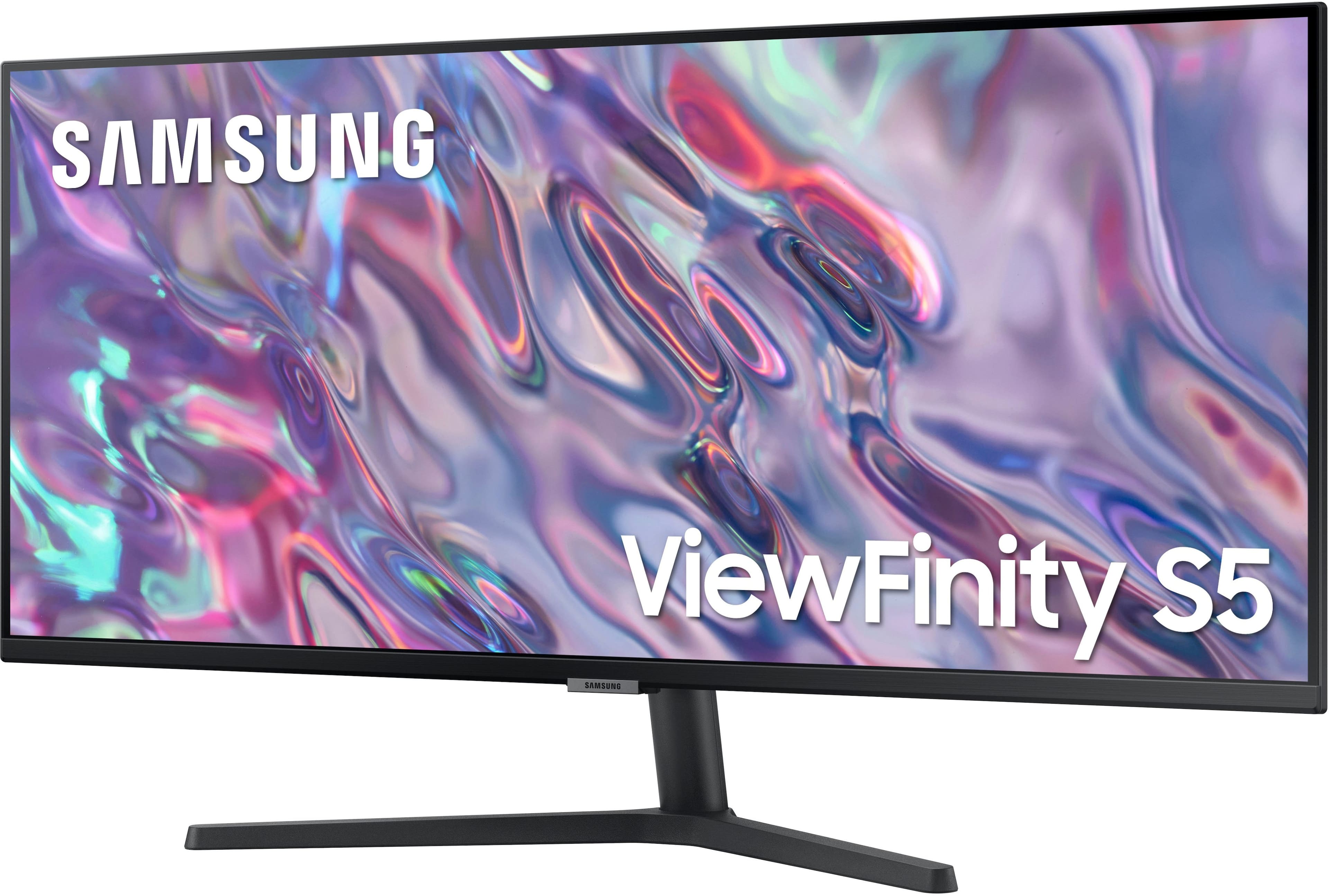
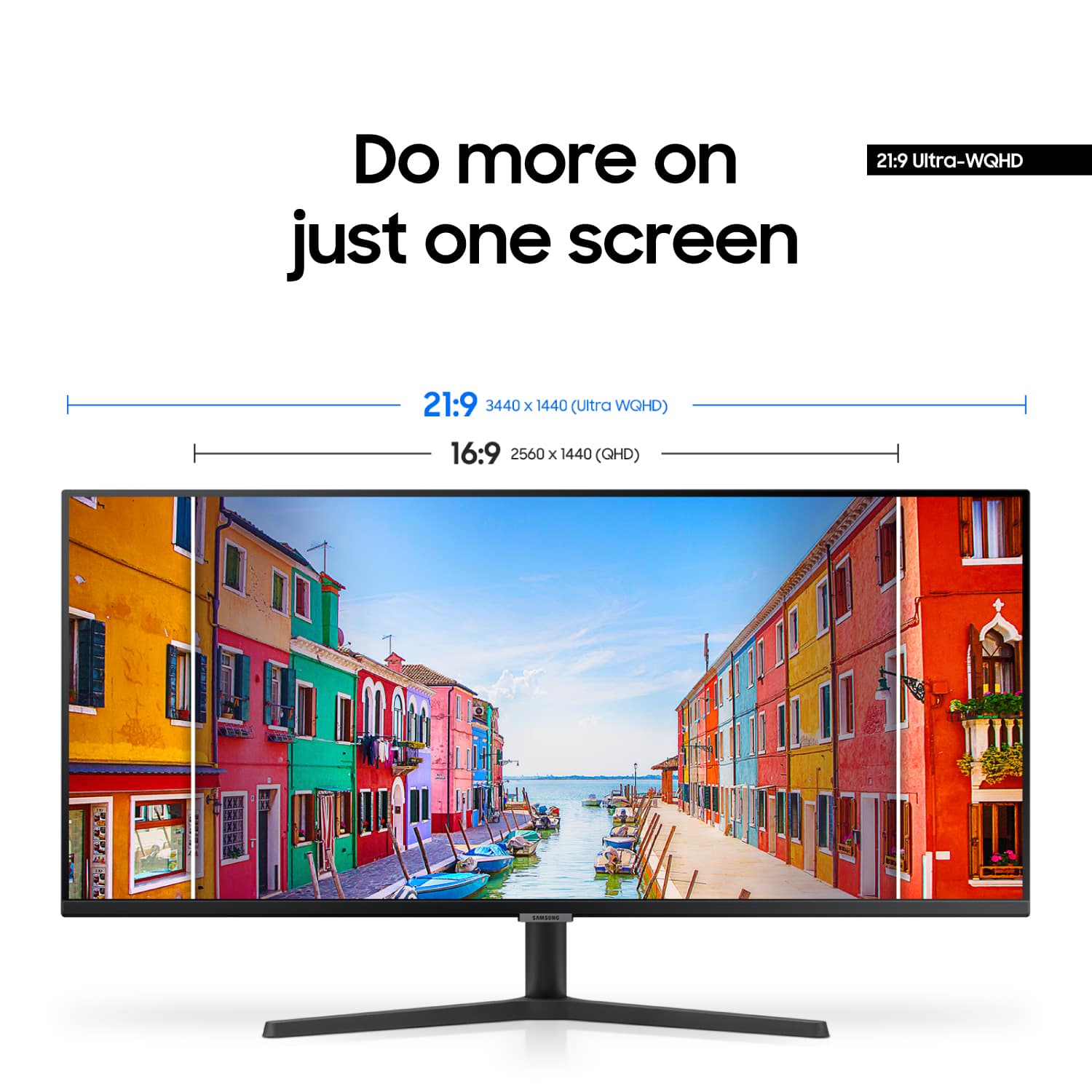
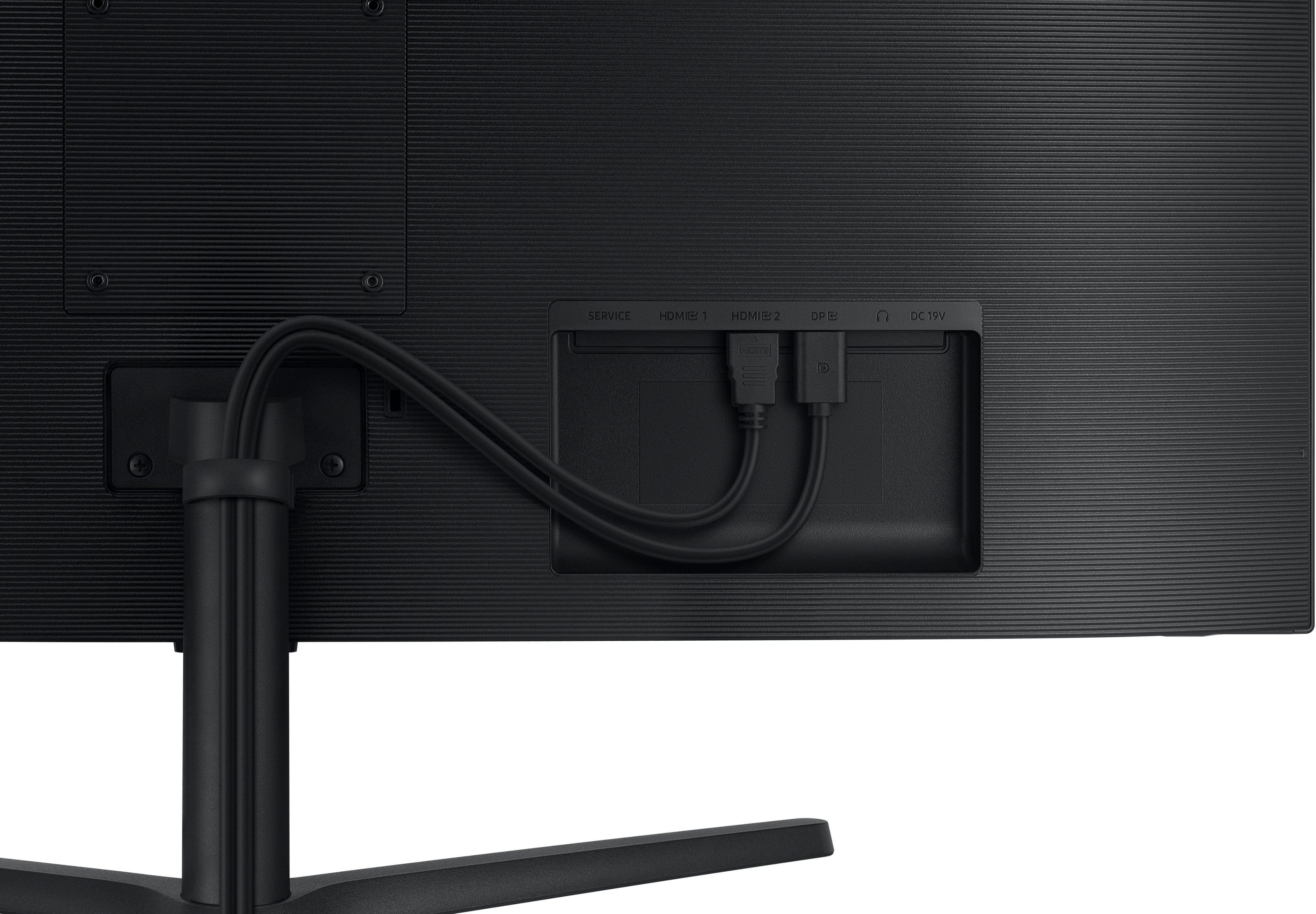
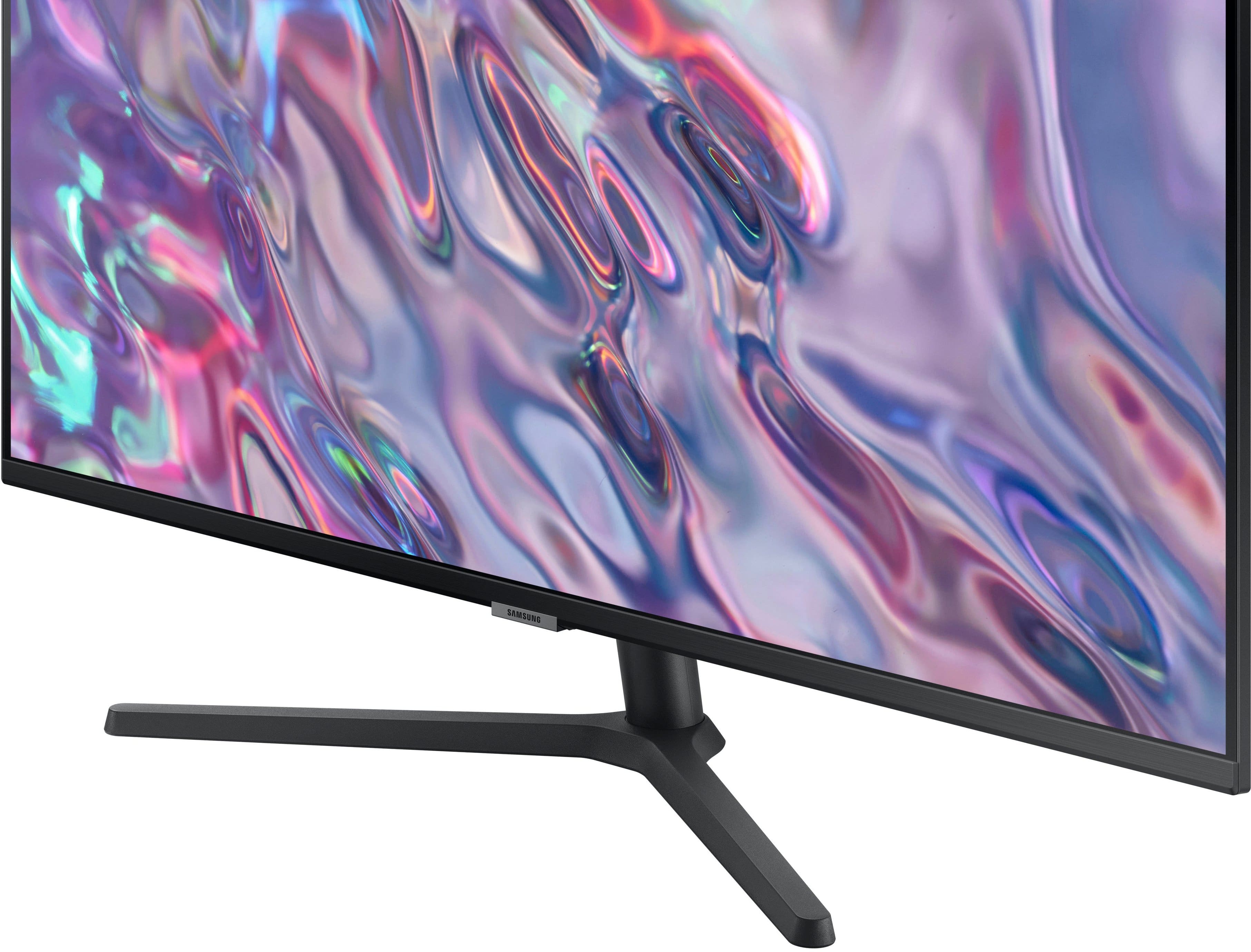
||Posted . Owned for 1 month when reviewed.This reviewer received promo considerations or sweepstakes entry for writing a review.I mostly use my laptop (MacBook Air) as my main screen with a 24” 4K Samsung monitor as my second screen. That worked well for years. I felt it was time for more real estate. I saw this 34” ultra-widescreen and thought it might be a good experiment. It’s better than I expected. Color is decent and it has three inputs though no USB-C. I placed it on a stand behind my laptop so the relatively low resolution doesn’t factor into the viewing experience much. It also doesn’t have speakers, though it has a headphone jack. Instead, audio is fed to a nearby Bluetooth speaker. The 3440 x 1440 resolution is great for putting two browser windows side-by-side. When I started playing with the on-screen menu I found some handy extra features. The monitor supports both PIP and PBP, so I can plug anything into either of the HDMI and utilize it on either half the screen or a PIP window. I plugged in a Fire stick and started using it right away. It’s nice to know I can do the same with another streaming device, PC or Mac. The stand is quite wide and not very adjustable so it may not work aethetically in every desk setup. Overall, a fantastic value purchase.
I would recommend this to a friend - Pros mentioned:Refresh rate, Resolution, Screen size
Monitor works well for CMYK photo/print editing
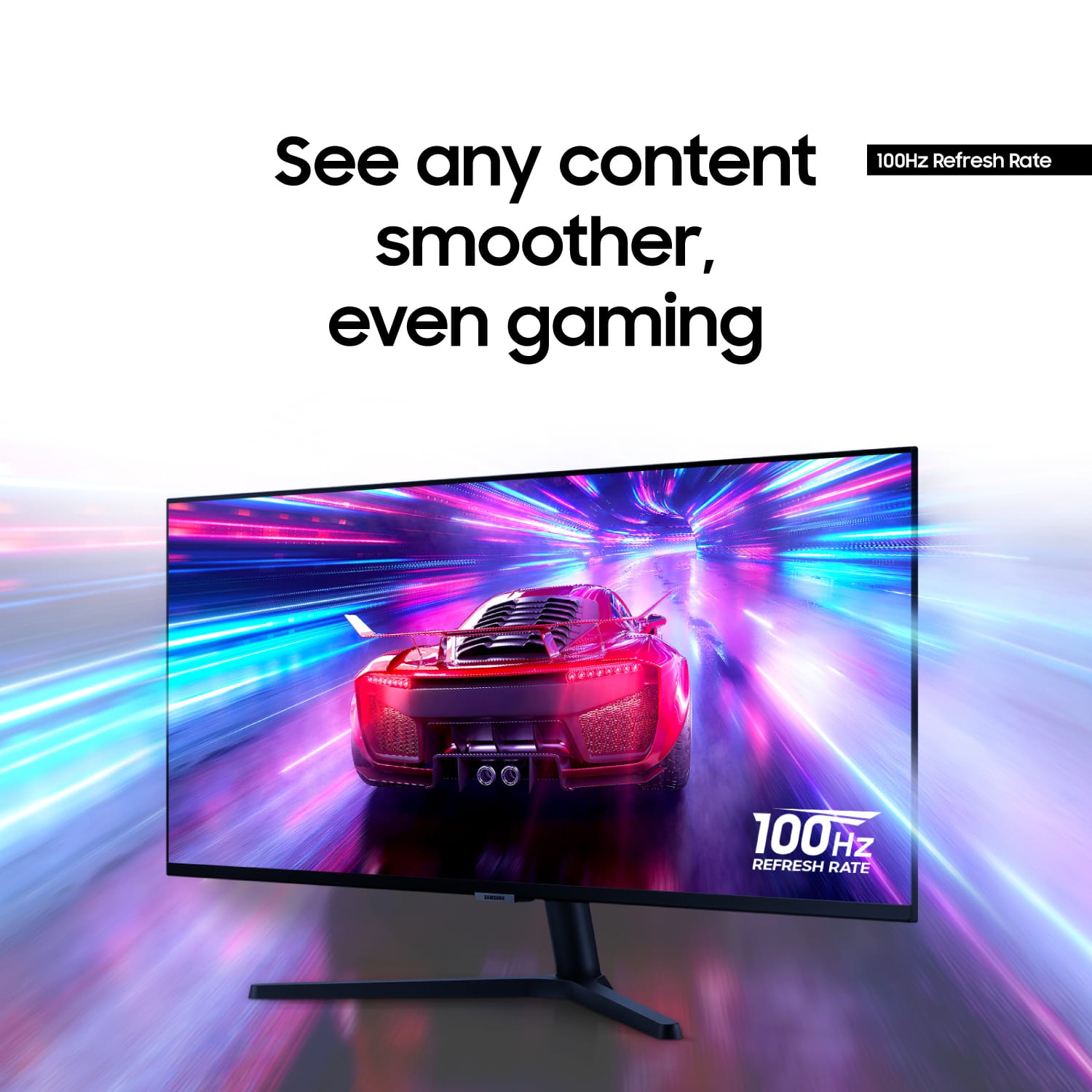
||Posted . Owned for 3 weeks when reviewed.This reviewer received promo considerations or sweepstakes entry for writing a review.I purchased this monitor to replace two 4x3 format 19-inch monitors that were getting a little old. I have other Samsung devices and have found their video to be first-rate. I use this monitor for editing photos and other graphics for primarily print media (CMYK). Other than being set far too bright for photo editing, the color balance was spot on. After going through some calibration steps on Windows 10, I have the levels where they are close enough to print to be able to feel comfortable with the match. The monitor, of course, has a few more "f-stops" range than is possible on CMYK prints--the old Ansel Adams Zone-System applies. In any case, the monitor's fine resolution is great, and 100 fps video is pleasing to the eyes--no flicker compared to the old 70 fps monitors. And there's plenty of screen real-estate for my needs. Incidentally the monitor comfortably fits into the space that my two 19-inch monitors used. One other thing, being able to look at two-page spreads as they appear in a book is great. I'm using the Display Port connection. One final note: be sure to download the Samsung device drivers for Windows; this will probably not automatically happen as Windows may just use a generic driver instead. This will provide better color management.
I would recommend this to a friend - Pros mentioned:Screen size
A View To Review
||Posted .This reviewer received promo considerations or sweepstakes entry for writing a review.I picked up the Samsung 34" ViewFinity S5 as a dedicated display for my external devices, and it’s turned out to be a surprisingly perfect fit for my setup. No Smart‑TV Bloat, no ads, no sluggish menus, no forced updates, no tracking, no “recommendations.” It’s a clean, modern display that doesn’t try to run your life. Whatever device you plug in becomes the brain of the system, which is exactly what I wanted. Still delivers with some legacy devices, like my Sunyo ATS800 tuner/media box, handling the HDMI signal perfectly. No weird overscan, no picture “enhancements,” no fighting the device for control. It just shows the image exactly as it’s meant to be shown. Most people default to a smart TV, but this monitor fills a niche that TVs just don’t cover well. Real Estate - the 21:9 aspect ratio is a game‑changer. Whether I’m multitasking or watching content that benefits from the wider format, the extra horizontal space makes a noticeable difference. TVs are locked into 16:9, so this gives you a more flexible, modern workspace and entertainment setup. Adaptable, future-proof and humble. The S5 is deafeningly silent, no fans, no heat spikes, no background processes. It just sits there and does its job. In a world where TVs are constantly trying to get your attention, this monitor is refreshingly quiet and focused. If you want a screen that stays out of your way and lets your external devices do the thinking, the Samsung 34" ViewFinity S5 is a fantastic choice. It’s not a TV, and that’s exactly why it works so well. For anyone who values modularity, control, and a clean ultrawide workspace, this monitor hits a sweet spot that most smart TVs simply can’t match.
I would recommend this to a friend - Pros mentioned:Refresh rate, Resolution
Where did my mouse go?
||Posted . Owned for 1 year when reviewed.This reviewer received promo considerations or sweepstakes entry for writing a review.As we moved into a new house, everything was going perfectly until I tried to remount my curved monitor and placed pressure on the screen. Big mistake, CRACK! I thought, maybe it will be fine. I knew that was wishful thinking at best... Bought this thing in a pinch because it was on sale, has a decent refresh rate, and a higher resolution that the one I had. I do miss the concavity though, and because my brain got used to it, the straight edge actually looked convex for a time. Interesting phenomenon! I enjoy the ultra-wide, but if it was any larger, I would have to update my whole setup. My only gripe is that it is very easy to lose the cursor! I solved that today with some minor accessibility changes. Overall, a solid pick!
I would recommend this to a friend - Pros mentioned:Refresh rate, Screen sizeCons mentioned:Speakers
Great Monitor with large awesome display
||Posted . Owned for 3 weeks when reviewed.This reviewer received promo considerations or sweepstakes entry for writing a review.Great Large Screen Monitor. Playing games at high refresh rate and Samsung brilliant color scheme makes for an awesome experience. I can easily put 3 windows side by side for multitasking. Just wish it had speakers built in, but I will buy some for it.
I would recommend this to a friend - Pros mentioned:Screen size
Perfect monitor
||Posted . Owned for 1 month when reviewed.This reviewer received promo considerations or sweepstakes entry for writing a review.I love this monitor! The 21:9 aspect ratio makes a huge difference for productivity and entertainment. The ultra-wide screen gives you a lot more room to work with, whether you’re multitasking, watching movies, or gaming. One of the things I really appreciate is the connectivity. It has 2 HDMI ports and 1 DisplayPort, which makes it very easy to connect multiple devices at the same time. Switching between devices is quick and convenient, so I can move from my laptop to another device without constantly plugging and unplugging cables. Another great feature is the PIP (Picture-in-Picture) mode. It allows the monitor to display two devices at the same time by splitting the screen, which is perfect when I want to monitor one device while working on another. Overall, it’s a fantastic monitor with great flexibility and a beautiful ultra-wide display. I’m very happy with it and would definitely recommend it.
I would recommend this to a friend - Pros mentioned:Screen size

Ultrawide screen with multiple inputs PIP and PBP
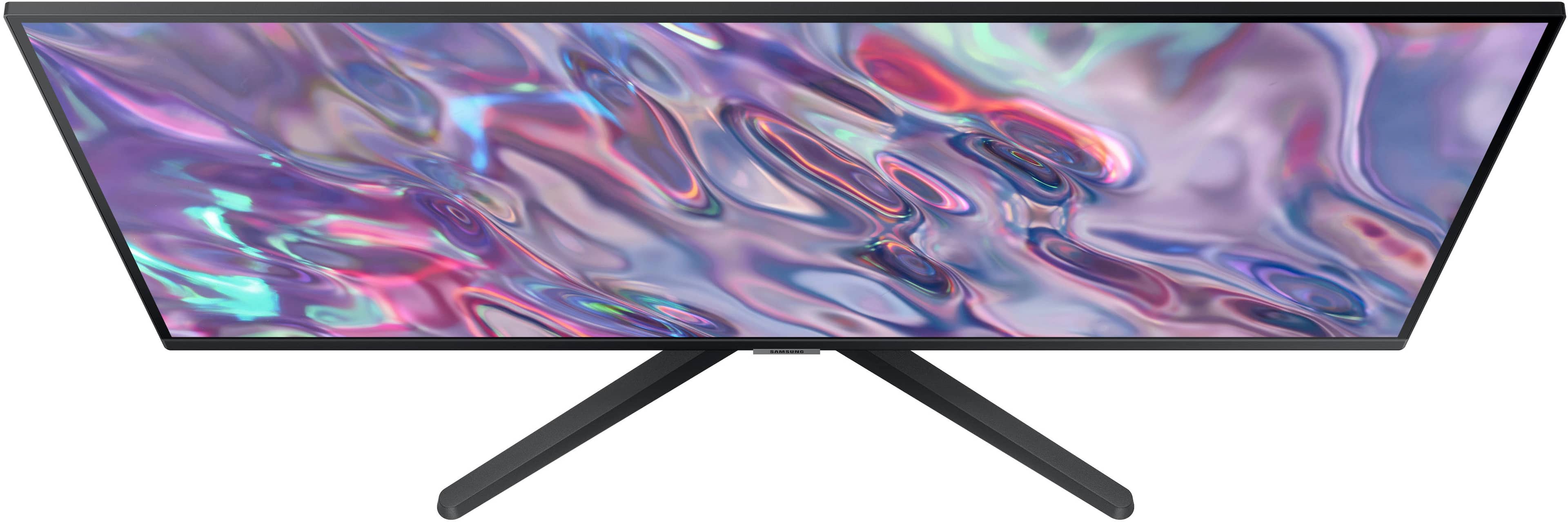
|Posted .This reviewer received promo considerations or sweepstakes entry for writing a review.The Samsung - 34" ViewFinity S50GC Ultra-WQHD 100Hz AMD FreeSync Monitor with HDR10 is an impressive looking monitor. It’s my first foray into the ultra-wide screen craze and I’m starting to appreciate it already. Some of the bosses at work have the higher end curved versions but this will do just fine for my working from home office. I have been using two older 27” Samsung 1080p curved monitors and despite their relatively thin bezels, they’re still a bit too much head turning from one side to the other. I do a lot of multitasking work, coding, large spreadsheets, reporting and monitoring dashboards and with this Samsung 34” ultrawide monitor I can practically fit almost twice as many spreadsheet columns and 1.5 times as many rows I would on a single 27” 1080p monitor as depicted in the attached picture with the yellow highlights showing where the same spreadsheet would end on the 27” screens. All of this in an impressive width of 32” inches. Installation was super easy, only taking a few minutes to attach the stand and connect the external 19 VDC power supply and the included HDMI and DisplayPort cables. Image adjustments are pretty basic but good enough for the average consumer in this price range. It is a bit less crisp and the colors are less vivid than my other monitors, but that’s something also dependent on the signal source. I’ll have to play around with more video card settings on my work laptop, since it certainly looks crisper when connected to my personal desktop PC. One great feature usually only found in older/higher-end TV is Picture in Picture and Picture By Picture which I love about this monitor. That allows me to have my work laptop and personal desktop connected and displaying side by side or in a smaller window, so I can watch or work on other content as needed without having to go to another room. I wish it was a bit brighter since my desk is by a window that gets a lot of sun in the afternoon, but at least the screen has an anti glare coating that helps in bright rooms like mine. All in all this is a budget friendly mid-range monitor with very narrow bezels great for consolidating multiple monitors into one yet still offering tons of screen real estate for work multitasking, watching videos and standard gaming.
I would recommend this to a friend - Pros mentioned:Refresh rate, Screen size
Perfect Ultrawide for Work and Casual Gaming
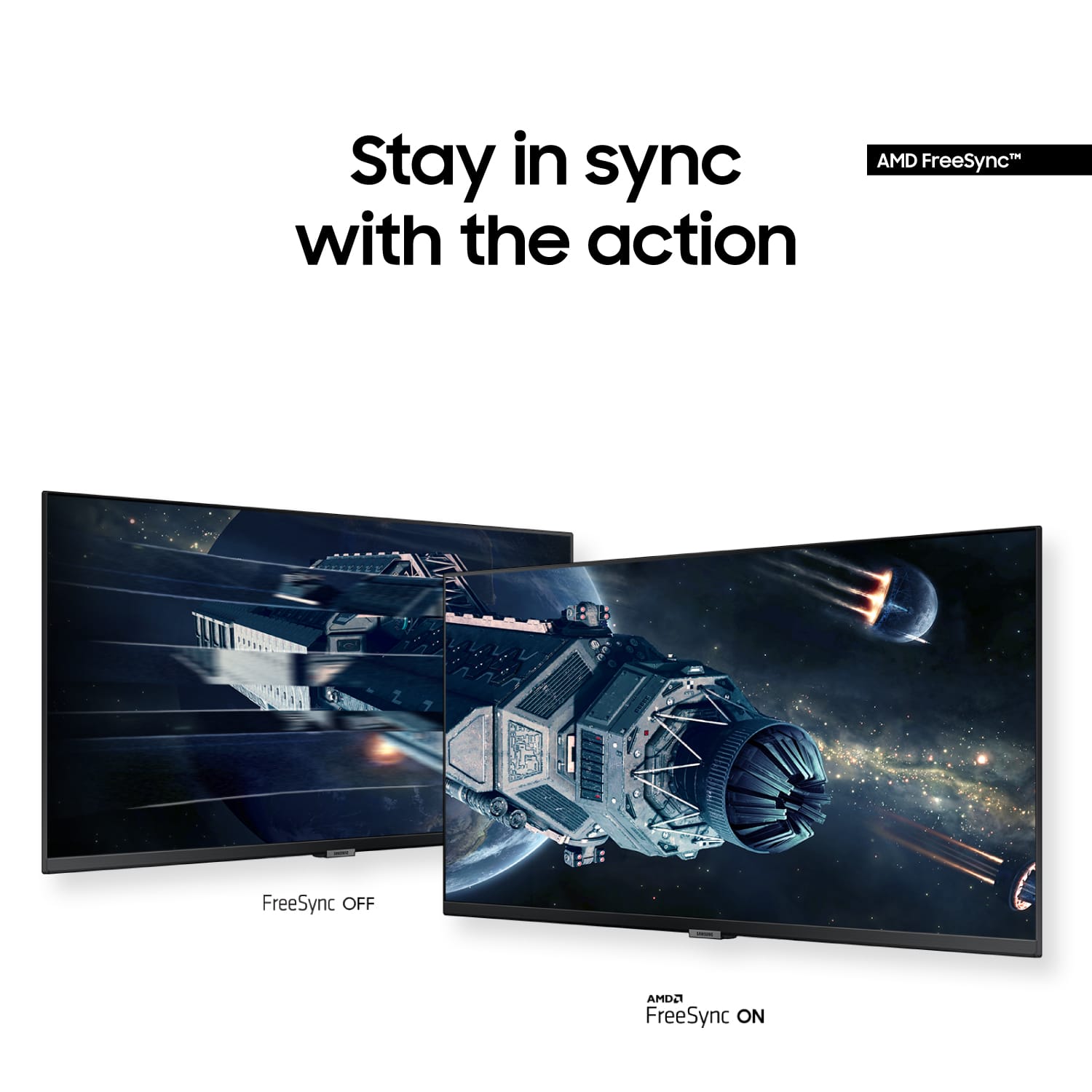
||Posted . Owned for 2 months when reviewed.This reviewer received promo considerations or sweepstakes entry for writing a review.The ultrawide screen is fantastic for multitasking, and the 100Hz refresh rate makes everything feel smoother. Colors look good, HDR10 is a nice bonus, and FreeSync helps reduce screen tearing. Great balance between productivity and entertainment at this size.
I would recommend this to a friend - Pros mentioned:Screen size
Solid Performance with a Bargain Price Tag
||Posted . Owned for 2 weeks when reviewed.This reviewer received promo considerations or sweepstakes entry for writing a review.I recently purchased the Samsung Monitor to extend my Mac display, and overall, it has proven to be a great addition to my setup. The initial draw was undoubtedly the attractive price point, making it a budget-friendly option for those looking to expand their screen real estate without breaking the bank. Upon setting up the monitor, I encountered a minor hiccup in getting the Mac to extend the display seamlessly. Finding the right resolution initially proved to be a bit of a challenge, and I had to experiment with various settings to achieve the desired result. This could potentially be a point of frustration for users less familiar with display configurations, but with a bit of patience and trial and error, I was able to get it working smoothly. Once past the resolution hurdle, the Samsung Monitor truly shines. The display quality is impressive, with vibrant colors and sharp details that enhance the overall viewing experience. Whether I'm working on graphic design projects, watching videos, or simply multitasking with multiple windows open, the extended display provides ample space and clarity. The monitor's sleek design and slim profile contribute to a clean and modern aesthetic, seamlessly blending into my workspace. The build quality is sturdy, and the thin bezels add a touch of elegance to the overall look. Connectivity options are plentiful, offering versatility for various devices. The inclusion of HDMI and other ports ensures compatibility with a range of devices beyond just my Mac, making it a versatile addition to my setup. In conclusion, despite the initial challenge of finding the optimal resolution for Mac display extension, the Samsung Monitor has proven to be a great investment. Considering its affordable price, impressive display quality, and versatile connectivity, it stands out as a reliable and budget-friendly choice for users seeking to expand their workspace without compromising on performance.
I would recommend this to a friend - Pros mentioned:Overall performance
Fabulous Monitor
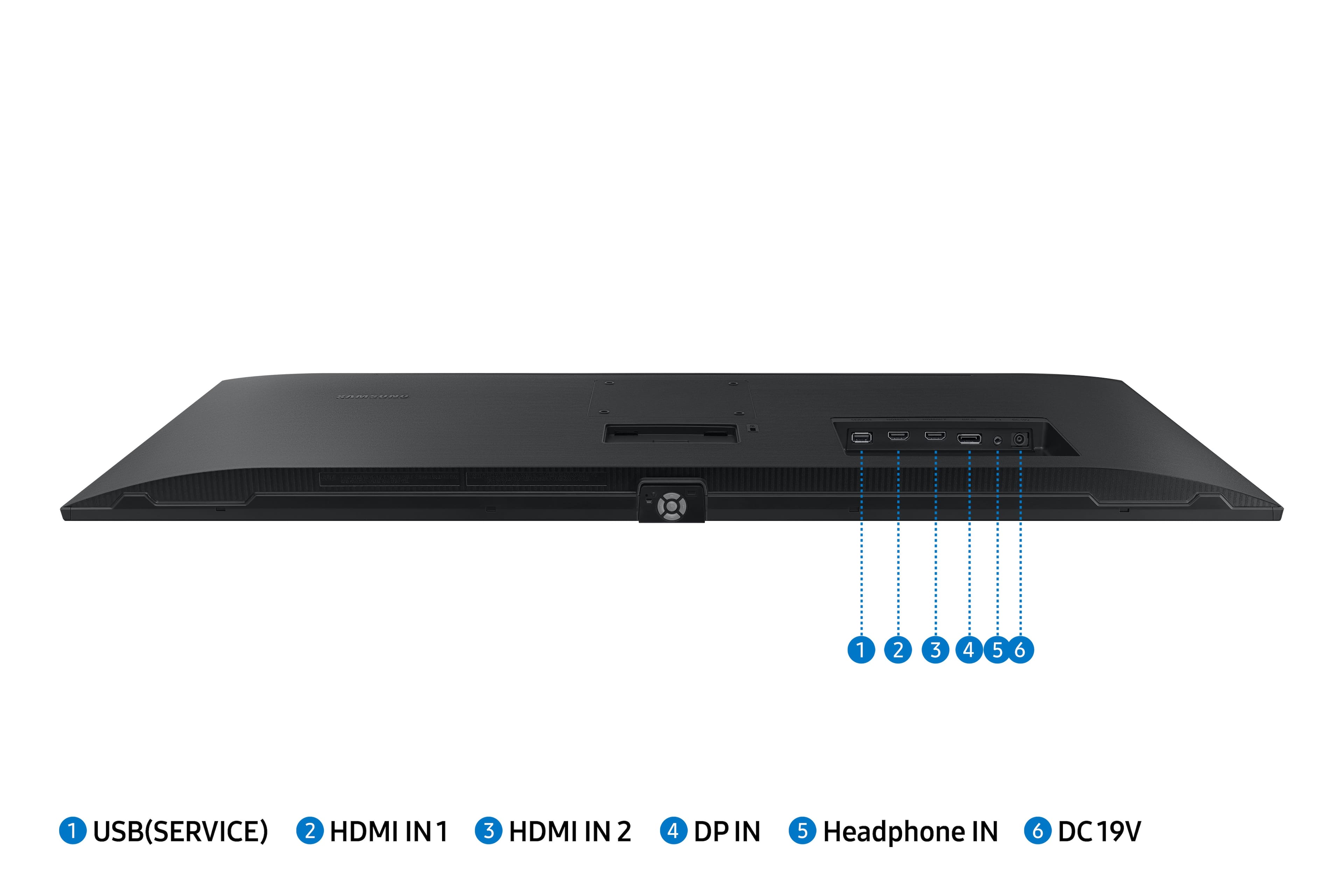
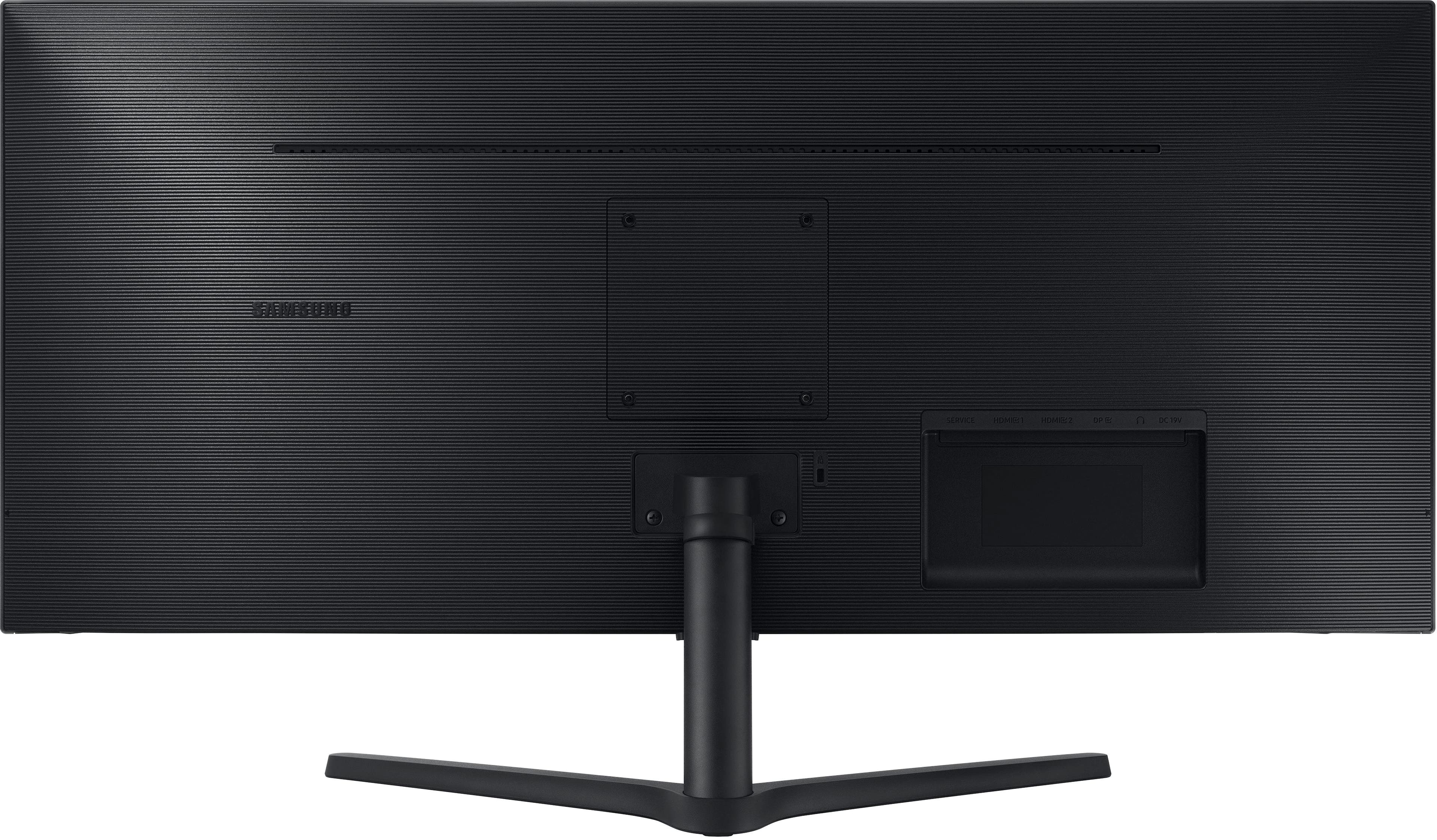
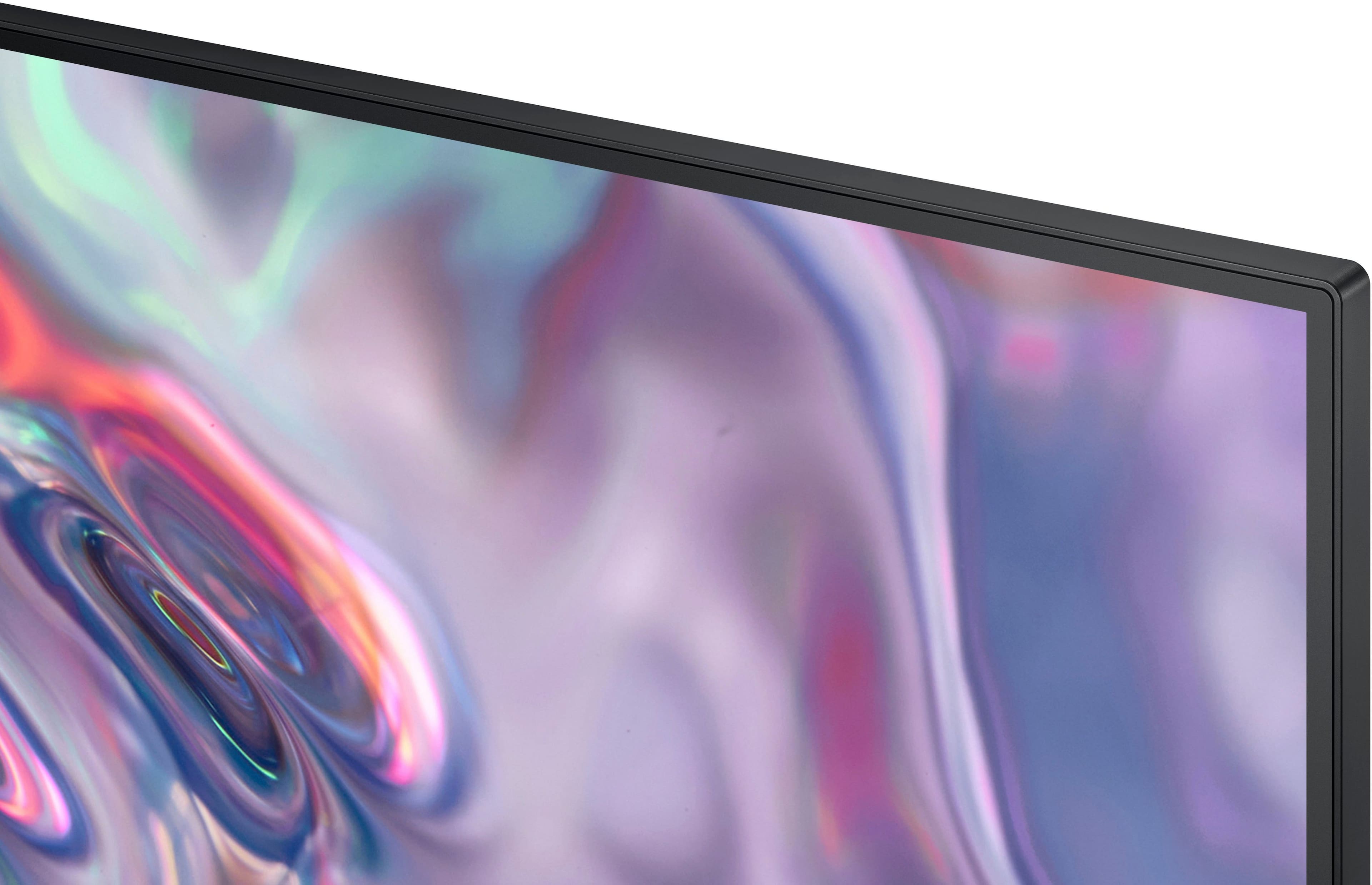
|Posted .This reviewer received promo considerations or sweepstakes entry for writing a review.The Samsung S34C50 monitor is pretty awesome. Attaching the stand was easy. A few screws in the back, and attaching the stand, tighten the screw, and you are all set! It also has a panel you can remove in case you want to mount it to a wall. It comes with two hdmi cables, and a power cord with adapter. Working from home this can serve as dual monitors using the control button at the bottom, select PBP or PIP on the screen and your display settings. Super nice to have one large monitor that can serve up two different sides, and it looks good! The bezel is small, which is a great feature. The picture is super clear and crisp. Connects easily directly to my laptop as well as my docking station. Automatically configures dimensions when you connect it with the hdmi cable. Has several connection ports in the back, two hdmi, DP, and includes one for headphones. The unit itself is super light, but sturdy feeling. The price point is pretty good for this, it’s such a versatile monitor! Watch movies, game away, work! This is the do it all monitor!
I would recommend this to a friend - Pros mentioned:Overall performance, Screen size
Great monitor
||Posted .This reviewer received promo considerations or sweepstakes entry for writing a review.Monitor is excellent. It's bright and responsive and the width covers my whole desk, giving lots of room for multiple windows and apps.
I would recommend this to a friend - Pros mentioned:Resolution, Screen size
Great monitor
||Posted . Owned for 3 weeks when reviewed.This reviewer received promo considerations or sweepstakes entry for writing a review.This is a great monitor with excellent color and resolution. The low profile edge is exactly what I needed for the space it is installed.
I would recommend this to a friend - Pros mentioned:Resolution, Screen size
No need for two monitors
||Posted . Owned for 2 weeks when reviewed.This reviewer received promo considerations or sweepstakes entry for writing a review.High quality resolution! Bought this monitor because of neck issues and I need side by side monitors. This thing is big enough to do side by side spreadsheets without losing functionality of Excel.
I would recommend this to a friend - Pros mentioned:Overall performance, Screen size
Monitor is worth the money
||Posted . Owned for 3 weeks when reviewed.This reviewer received promo considerations or sweepstakes entry for writing a review.Great quality. Clear picture. Big enough so i don't need two monitors. Excellent product
I would recommend this to a friend - Pros mentioned:Refresh rate, Screen size
Perfect for WFH
||Posted . Owned for 2 months when reviewed.This reviewer received promo considerations or sweepstakes entry for writing a review.Samsung ViewFinity S5 Monitor Review While I can't speak to the long-term use of the Samsung ViewFinity S5 monitor, my brief experience with it was very positive. Samsung is known for its quality products [Trusted Source: [invalid URL removed]], and this monitor seemed to live up to that reputation. Great for Work The large 34-inch screen was amazing for multitasking. I was easily able to organize and view multiple windows at once, which made working on instructional videos a breeze. The high refresh rate also made everything look smooth and fluid. A Gamer's Dream As a gamer, I was particularly intrigued by the monitor's specs and disappointed I wasn't able to test it out for gaming. The 100Hz refresh rate and large screen seem ideal for an immersive gaming experience. Difficult Decision Unfortunately, due to an unexpected job change, I had to return the monitor. While I only used it for a short time, parting ways with it was difficult. Overall, I was very impressed and would definitely consider buying this monitor again in the future, especially if I land a remote job that requires a lot of multitasking.
I would recommend this to a friend - Pros mentioned:Overall performance, Refresh rate, Screen size
COOOL
||Posted .This reviewer received promo considerations or sweepstakes entry for writing a review.Amazing colors, amazing refresh rate, amazing overall.
I would recommend this to a friend - Pros mentioned:Refresh rate, Screen size
Samsung 34" Ultrawide
||Posted . Owned for 11 months when reviewed.This reviewer received promo considerations or sweepstakes entry for writing a review.Excellent refresh rate and image quality. I would definetly recommend this Monitor.
I would recommend this to a friend AOC Curved 34" Monitor = A WINNER!
||Posted . Owned for 3 weeks when reviewed.This reviewer received promo considerations or sweepstakes entry for writing a review.This monitor is incredible. I looked at several other brands which I usually purchase (yes, name brands like Samsung) and was a bit worried. AOC, yes, I have heard of them over the years but had not given the brand merit. I say that because I had not bought anything for my office space in 5 or more years. So this was my technology "refresh". I am happy I went with this monitor. The curve is NEEDED, do not spend money on a perfectly flat screen of this size. I initially bought a well known brand with 34" flat, no curve screen...big mistake. Your eyes really have to work to view a powerpoint, a word doc, or even what you are viewing online. Believe it or not, this noticeable but subtle curvature makes ALL the DIFFERENCE in your viewing of the items on your screen. I would highly recommend this AOC and if not AOC, whatever brand, get the CURVED unit!!! You will thank yourself later.
I would recommend this to a friend- Pros mentioned:Screen size
Great for my WFH desktop setup
||Posted .This reviewer received promo considerations or sweepstakes entry for writing a review.I'd used a smaller traditional form factor UHD monitor and switched to this ultrawide format. I'm happy with the change since it allows me to keep multiple apps open side-by-side. The other consideration is that my webcam rides on the top of my monitor, so if I'd just gone with a larger traditional monitor, then the camera would be awkwardly high. The quality of this monitor seems good. I have it mounted to a pre-existing VESA arm so the base doesn't take up any of my desktop space. The blocks on this monitor seem a little less black than my prior UHD monitor but it's acceptable, especially given the good price. I have no plans for gaming so I can't comment on things like refresh rates. It seems a little bit challenged to wake up when I plug my Macbook into the Displayport, but I can't be sure that's not a mac problem.
I would recommend this to a friend - Pros mentioned:Refresh rate
Review: Samsung 34”
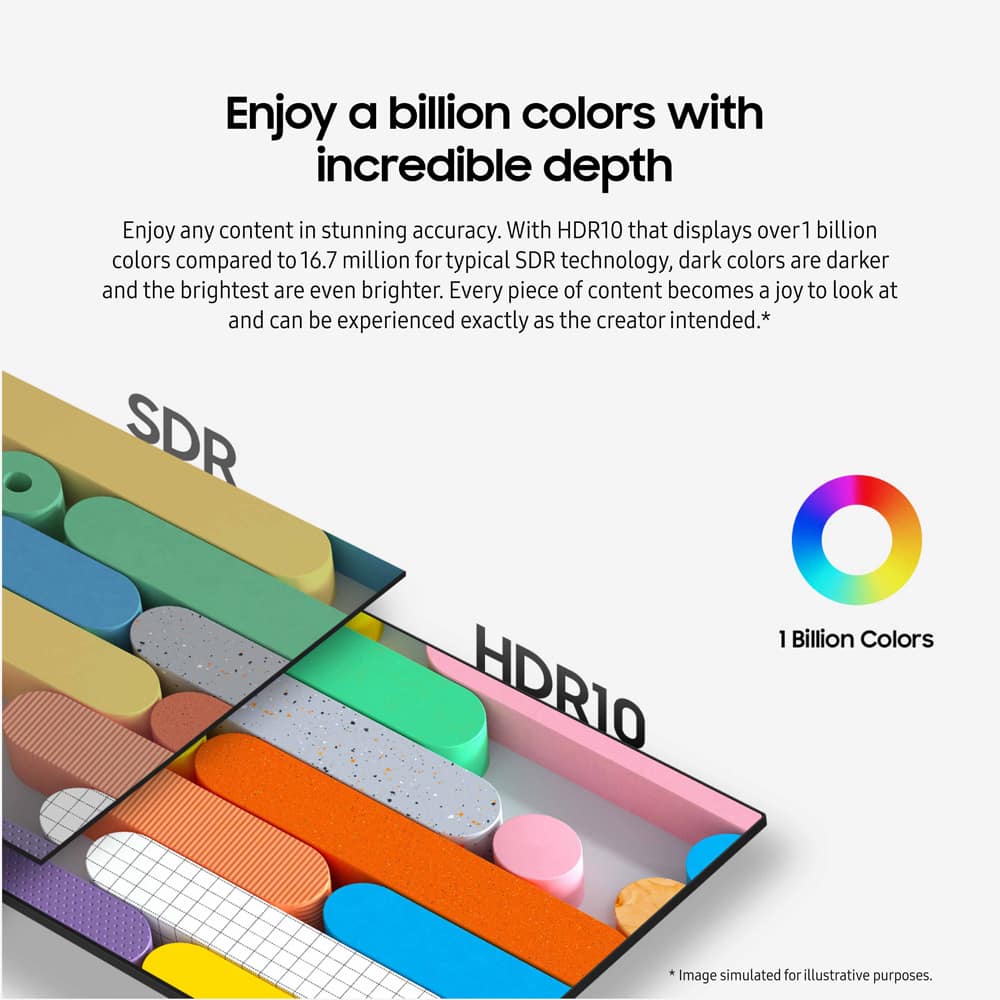
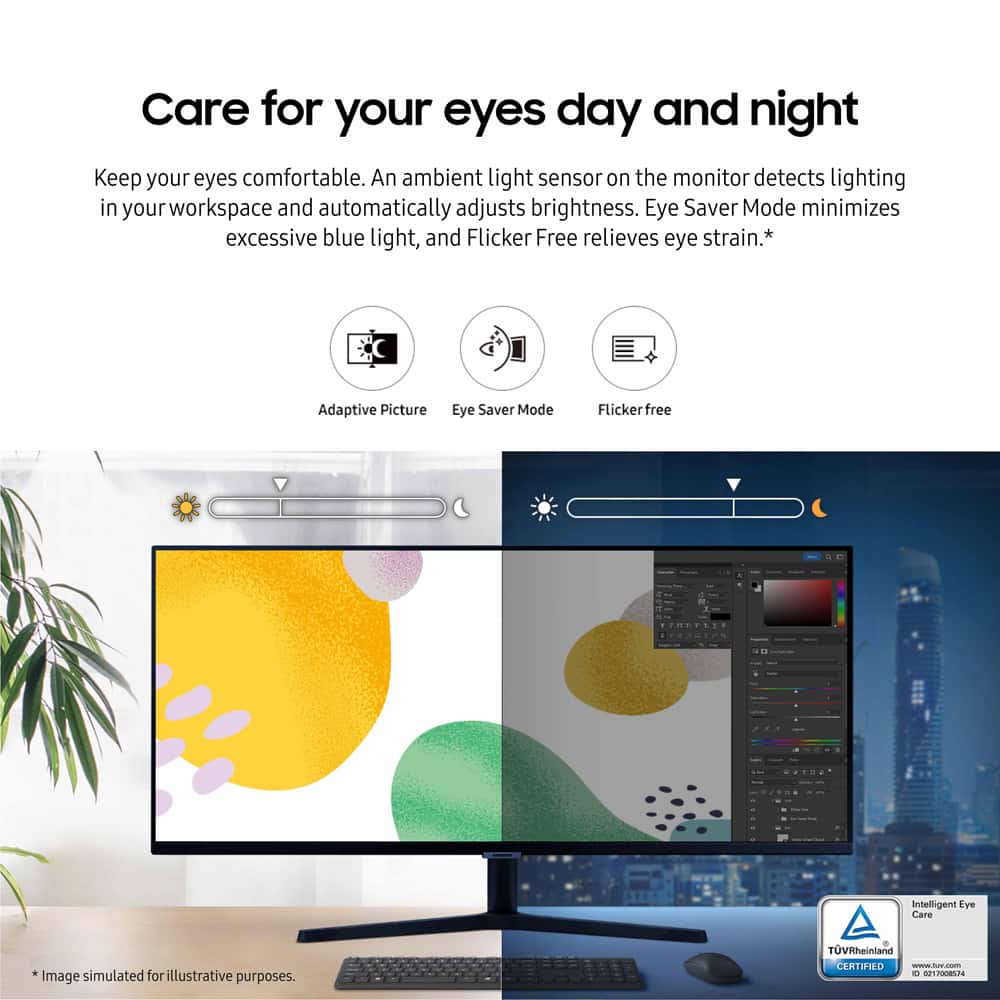
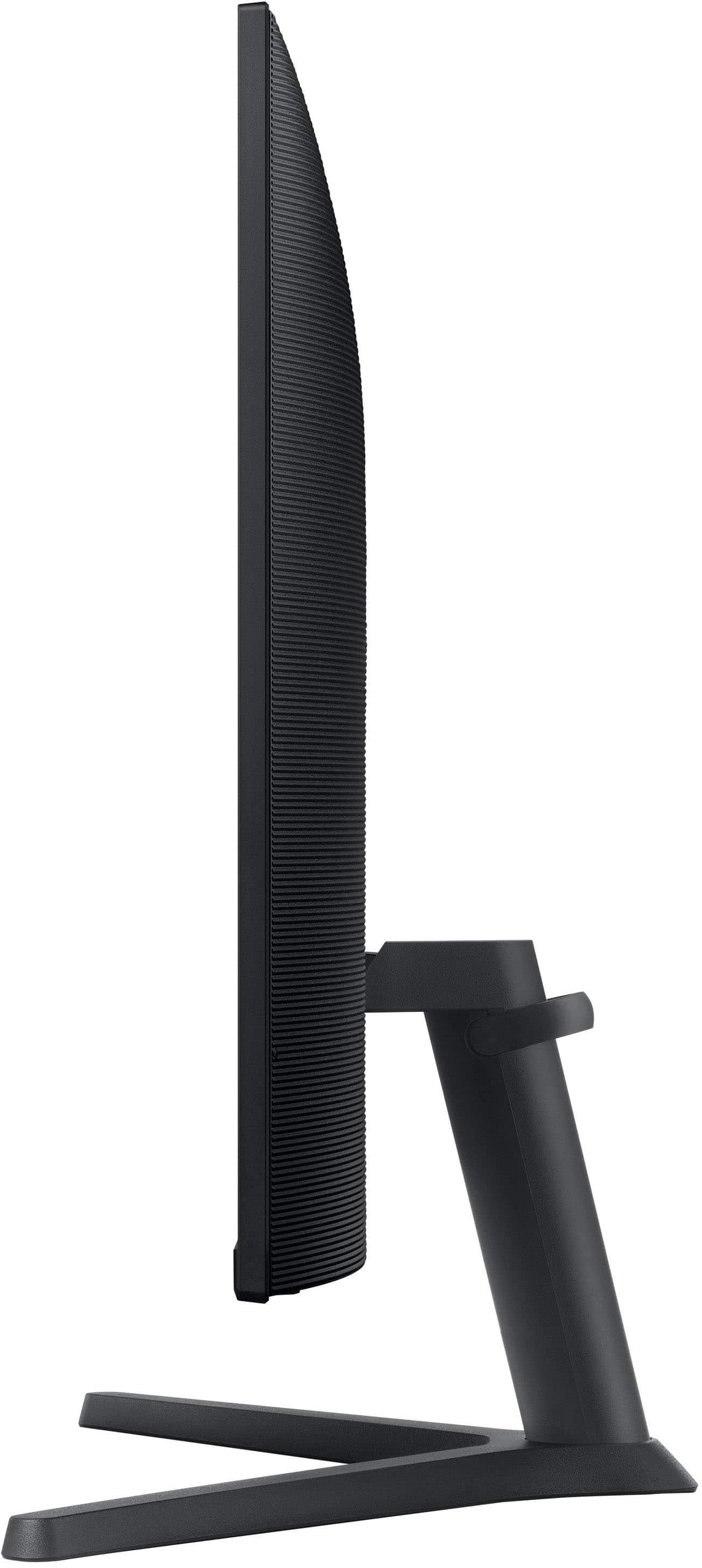
||Posted . Owned for 2 weeks when reviewed.This reviewer received promo considerations or sweepstakes entry for writing a review.Review: Samsung 34” ViewFinity S5 Ultrawide QHD Monitor I've been using the Samsung 34” ViewFinity S5 Ultrawide QHD Monitor for several weeks now, and overall, I'm impressed with its performance and features. Pros: Immersive Display: The 34-inch ultrawide screen with a 21:9 aspect ratio provides an expansive workspace, making multitasking and gaming more enjoyable. Vivid Colors: The HDR10 support delivers over 1 billion colors, enhancing the visual experience with deeper blacks and brighter highlights. Smooth Performance: With a 100Hz refresh rate and AMD FreeSync, the monitor offers smooth visuals, reducing motion blur during fast-paced activities. Eye Comfort: The TUV-certified Intelligent Eye Care features, including Eye Saver Mode and Flicker Free technology, help reduce eye strain during prolonged use. Cons: Limited Color Calibration Options: While the monitor offers basic color adjustments, it lacks advanced features like color filters or presets for specific tasks (e.g., gaming, photo editing). More granular control over color settings would be beneficial for users requiring precise color accuracy. Stand Adjustability: The stand only supports tilt adjustments, lacking height, swivel, or pivot functionalities, which could enhance ergonomic comfort.
I would recommend this to a friend