Customer Ratings & Reviews
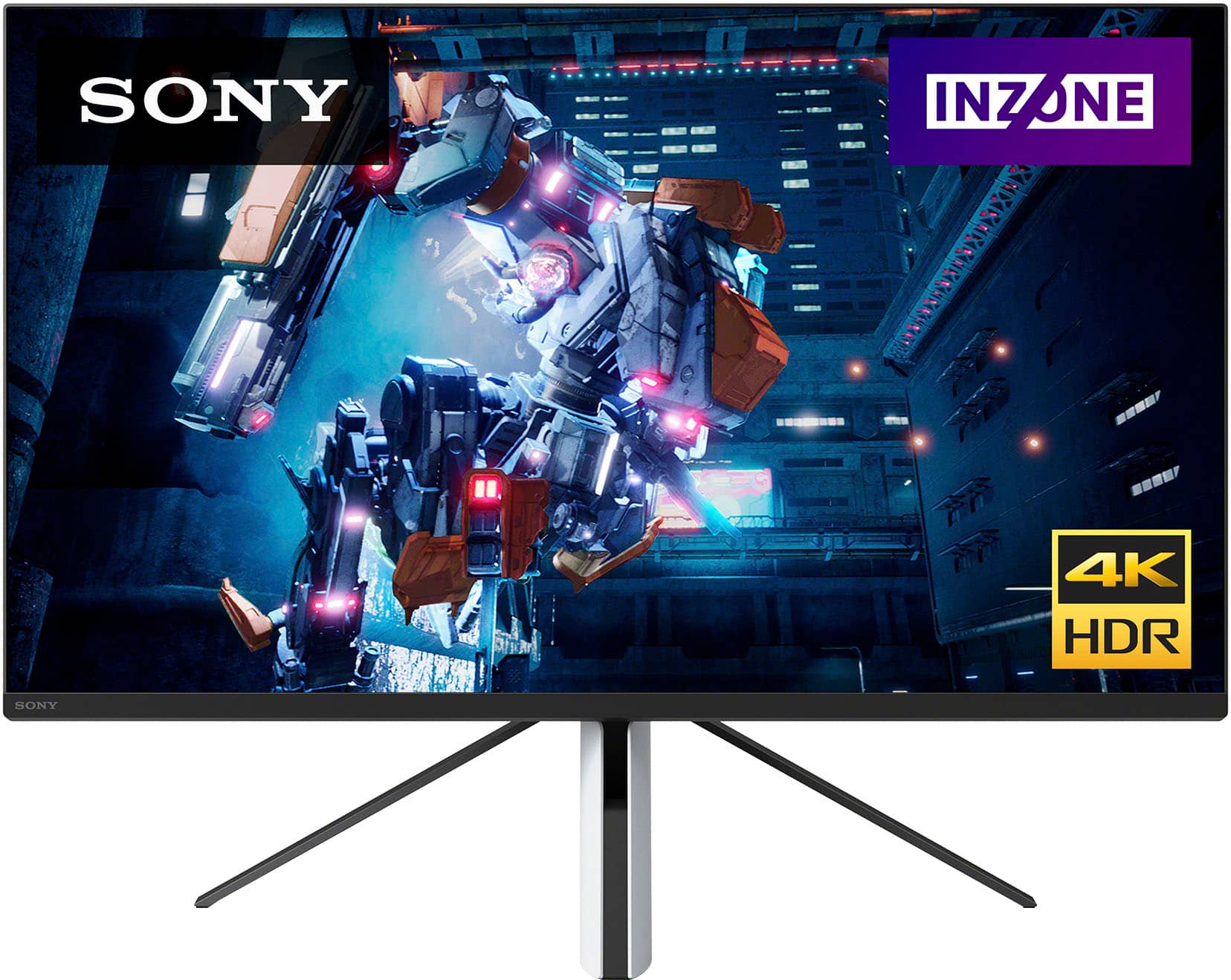
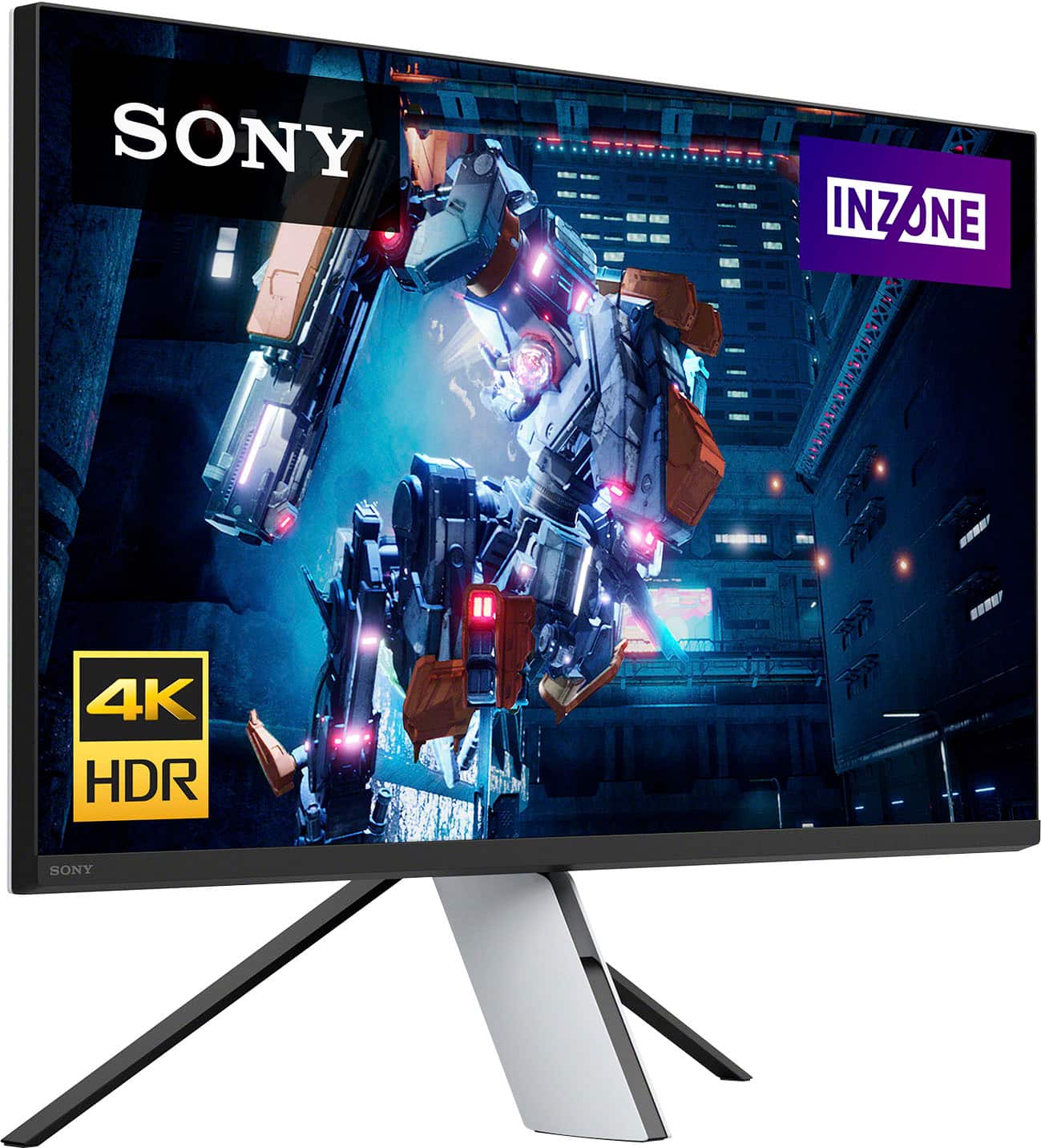
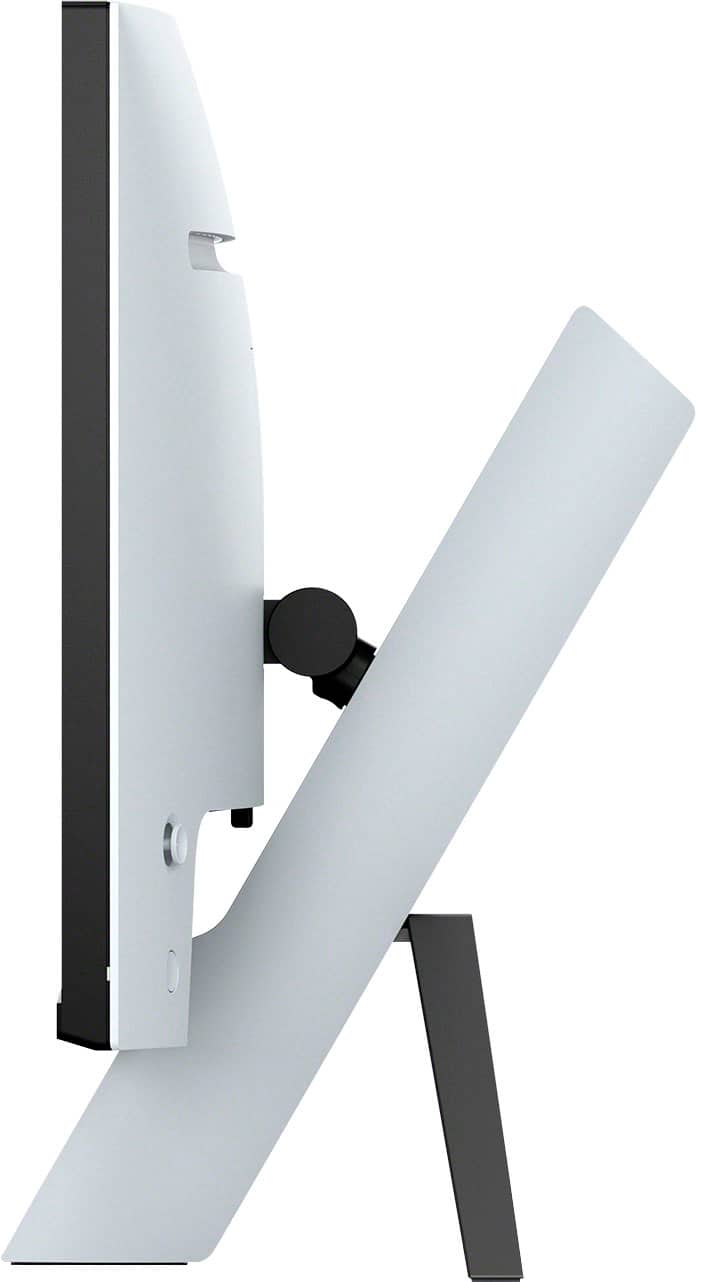
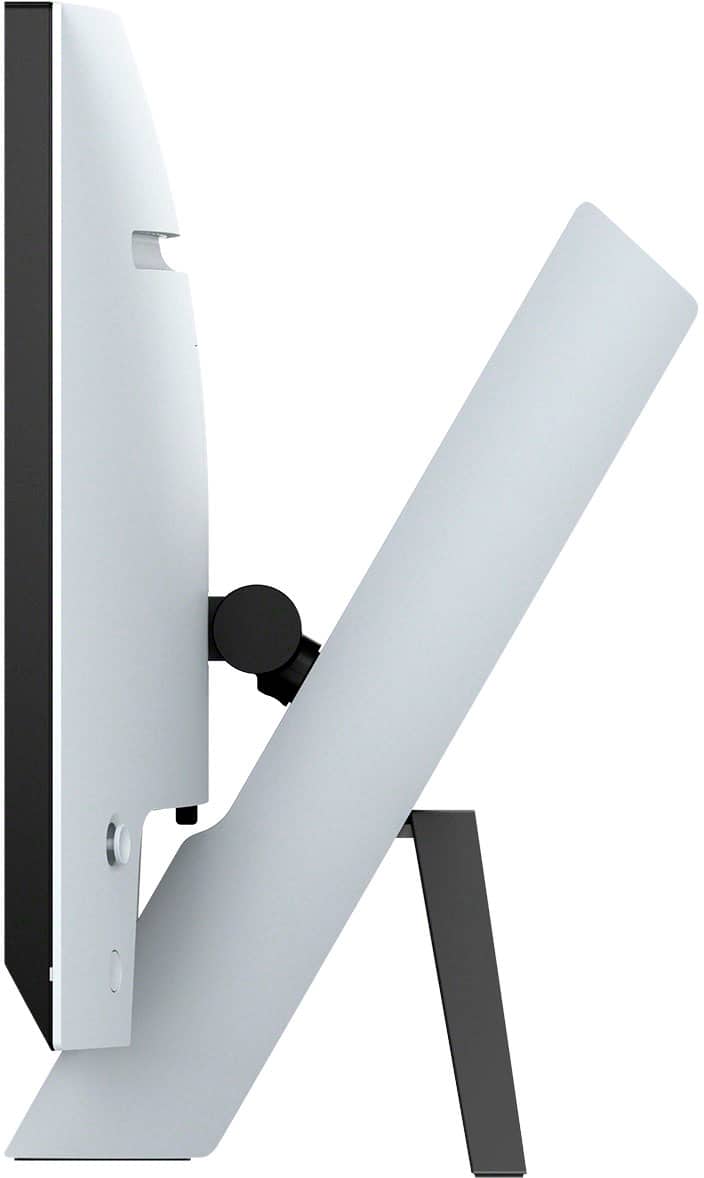
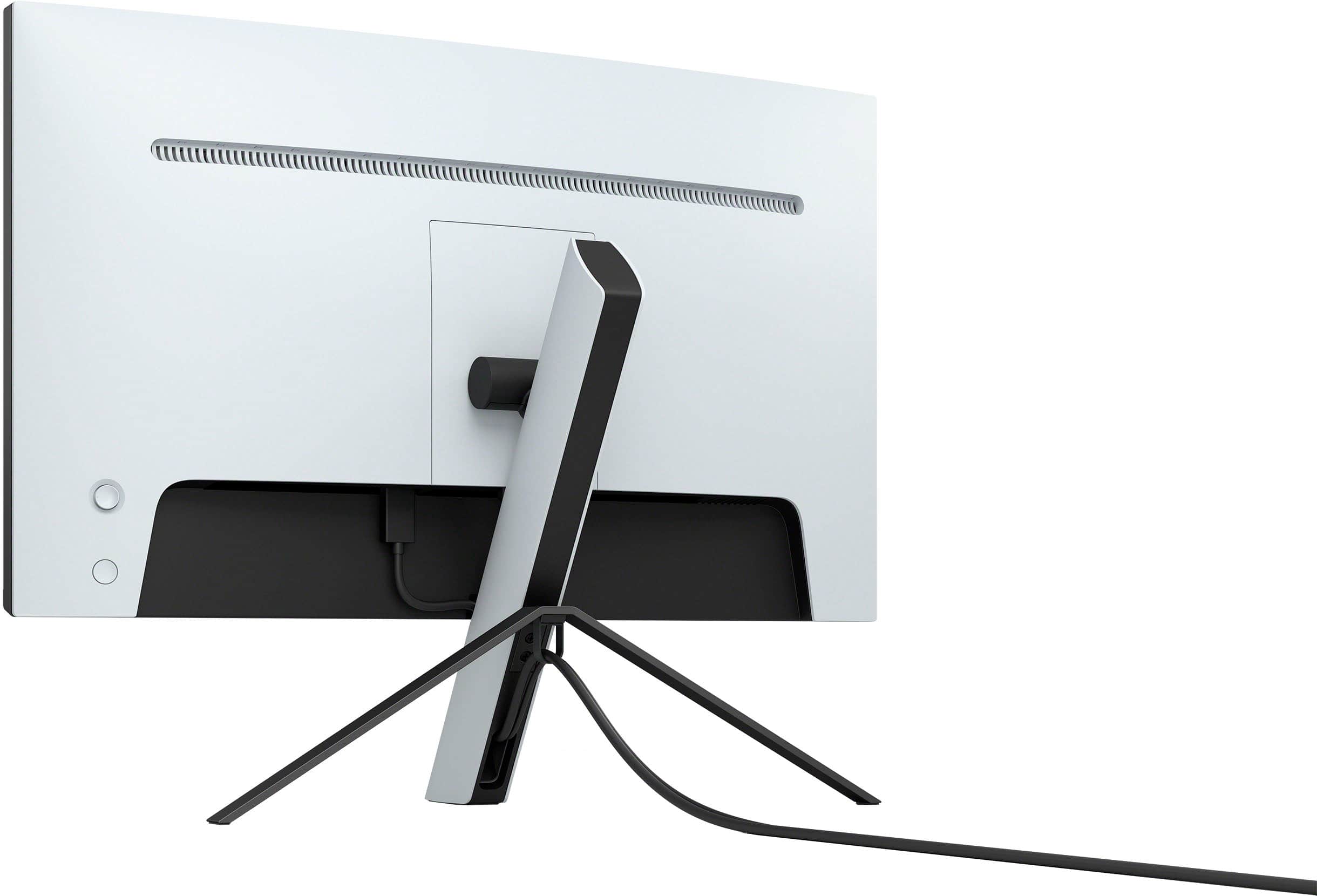
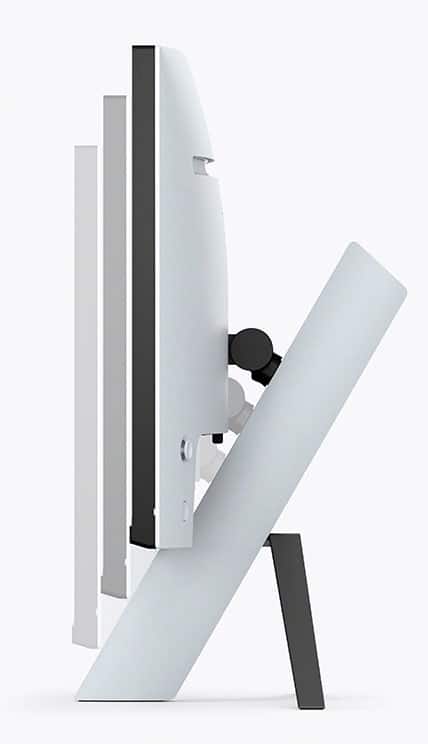

- Model:
- SDMU27M90
- SKU:
- 6512813
Rating by feature
- Display Quality
Rating 4.5 out of 5 stars
- Ease of Use
Rating 4.3 out of 5 stars
- Features
Rating 4.4 out of 5 stars
Customers are saying
Customers are enthusiastic about the picture quality, HDR, refresh rate, and local dimming features of the 27” INZONE M9 monitor, with many praising the vibrant colors and smooth performance. However, some users expressed disappointment with the speakers and stand, citing issues with audio quality and stand adjustability. Concerns were also raised regarding the monitor's price point and the occasional presence of dead pixels. A few users reported screen issues such as random blackouts.
This summary was generated by AI based on customer reviews.
Second time is the charm
||Posted . Owned for 1 week when reviewed.This reviewer received promo considerations or sweepstakes entry for writing a review.This is my second monitor. I had to get a replacement since my first one had two blue streaks. As you can see from the pictures the content looks great. Everything works well and the image quality is very good. 4K 120 works smoothly. I do like the decent amount of preset picture modes. standard has the least customizability and Game 2 allows a great deal of customization. The monitor also has Game1 and Cinema mode. I have used this along with my Alienware 38” widescreen for work and I am very satisfied. Watching streaming and YouTube have been good. I will say I am having trouble updating the monitor and getting the KVM to work. It would be helpful to use this feature for my laptop and my work laptop. This is a con for me since I would prefer a tutorial on how to do it and the instruction are only written. This monitor not having cables is also a pain as at a minimum Sony should have provided the required cables to do the update. Also if you want to VESA mount the monitor you need a square shaped VESA arm to remove the screws. I had to buy a new arm since my other one wouldn’t fit. I included a picture so you can see. The one I used is an Amazon brand. Overall I would say get it the FALD looks great and I am happy. The last picture looks bad but it did it look like that in person. I posted it just in case. Hopefully Best Buy will post this review. They didn’t post my last two attempts.
I would recommend this to a friendBrand response from SonyListens
Posted .Hi kakashi15,
Thanks for sharing your experience with the new INZONE M9 Gaming Monitor. We're sorry that your first monitor had to be replaced due to screen issues. However, we're glad that you are enjoying the design and picture quality of the gaming monitor. We also appreciate your review about having supplied cables.
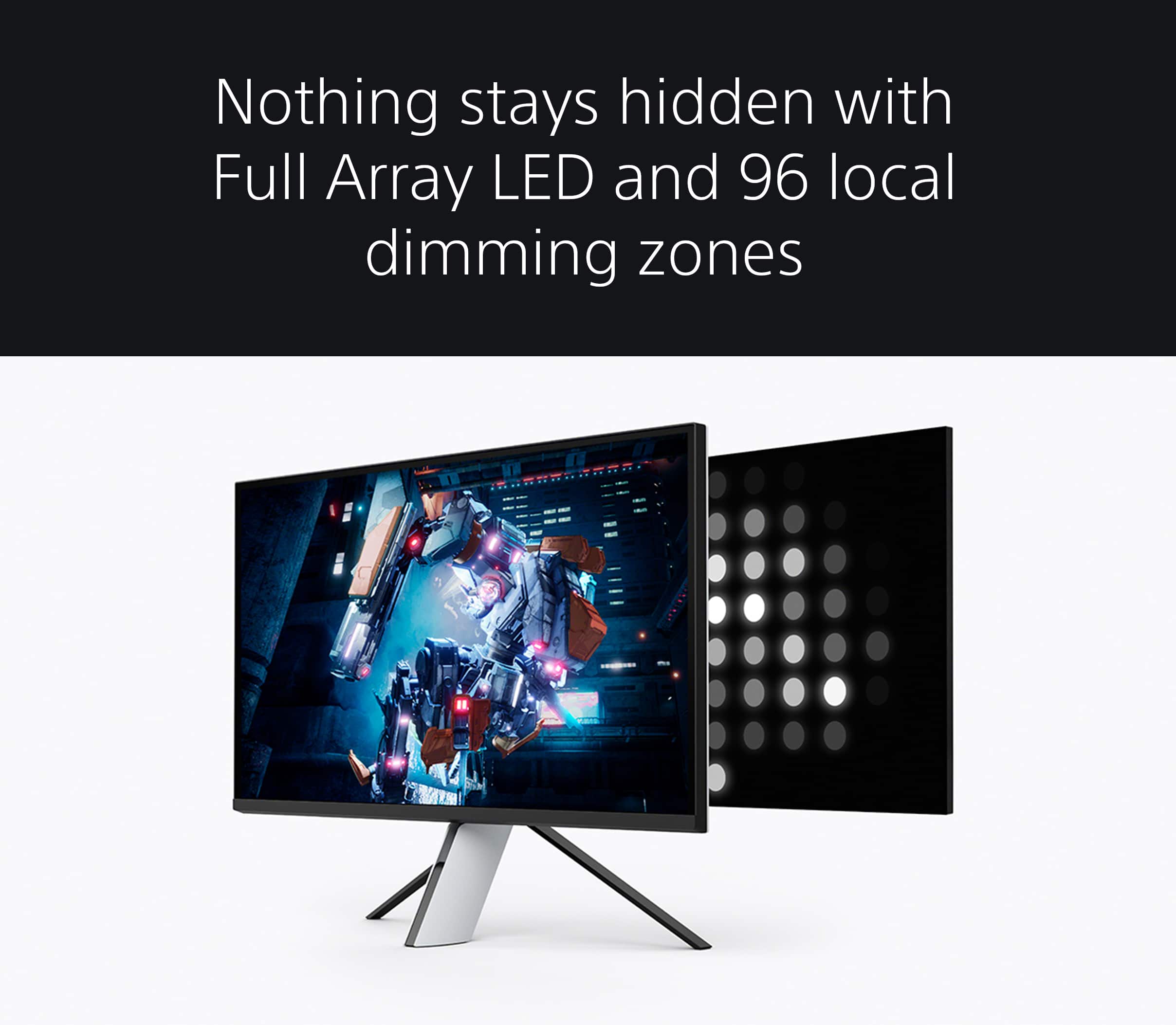
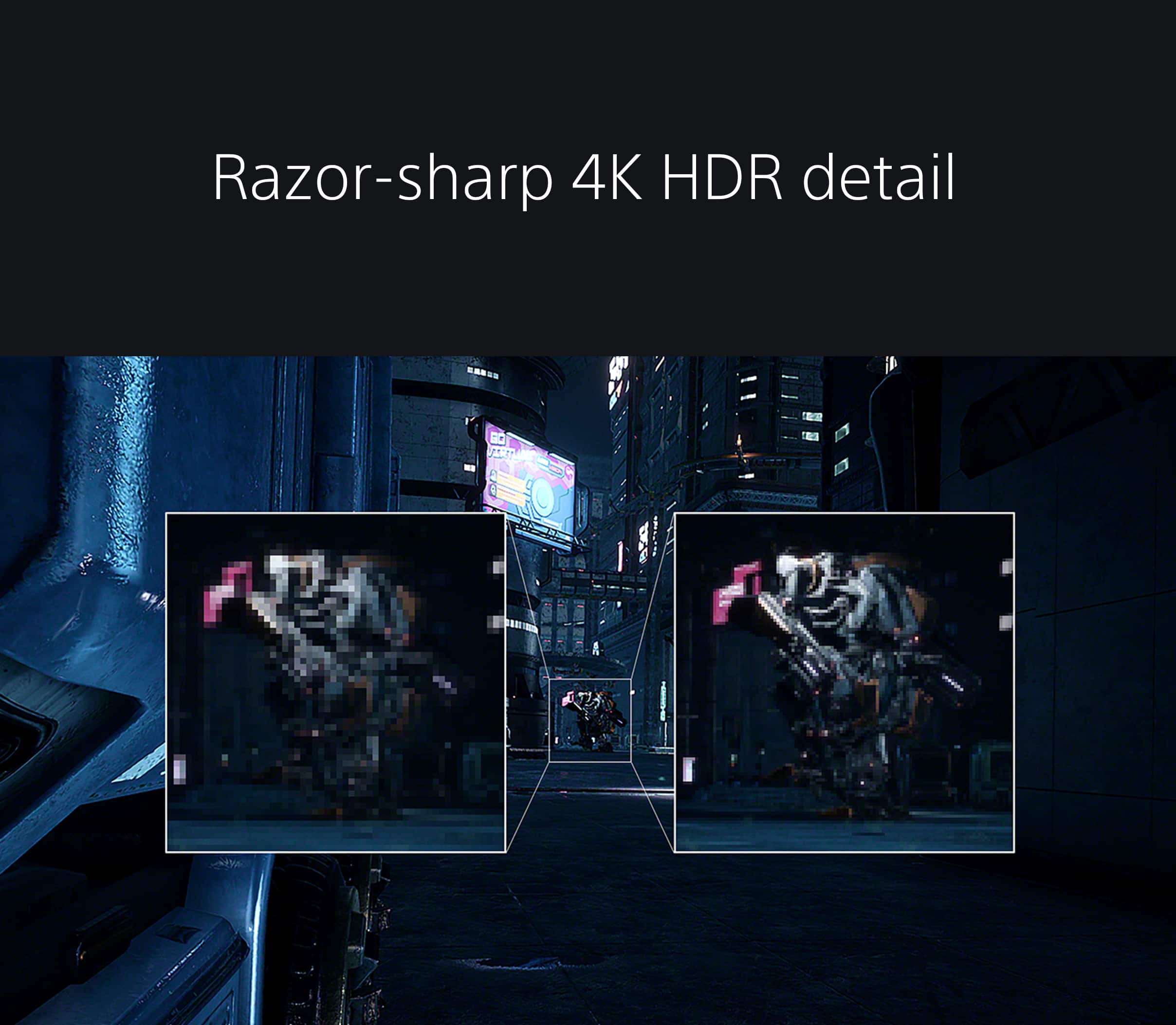
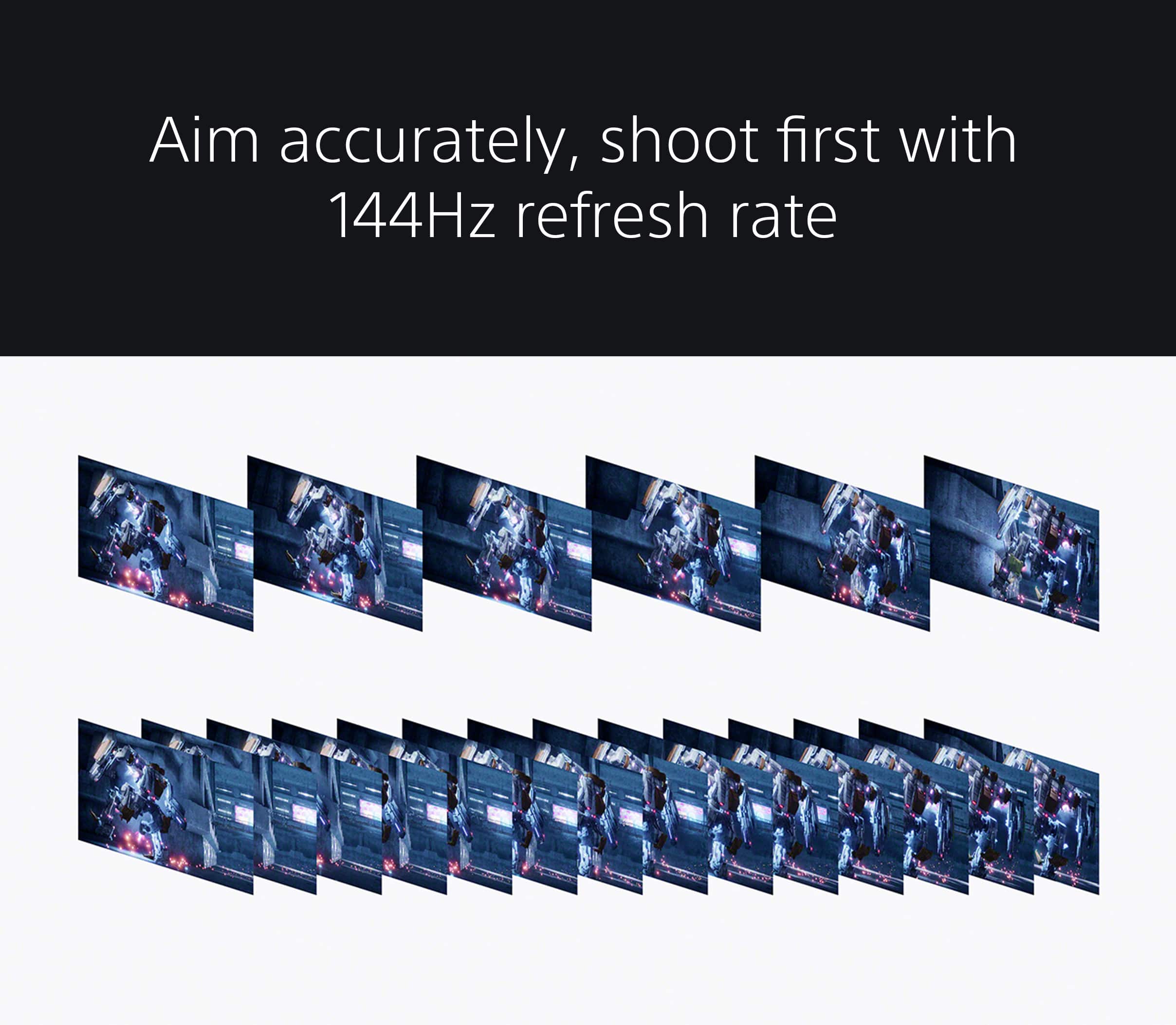
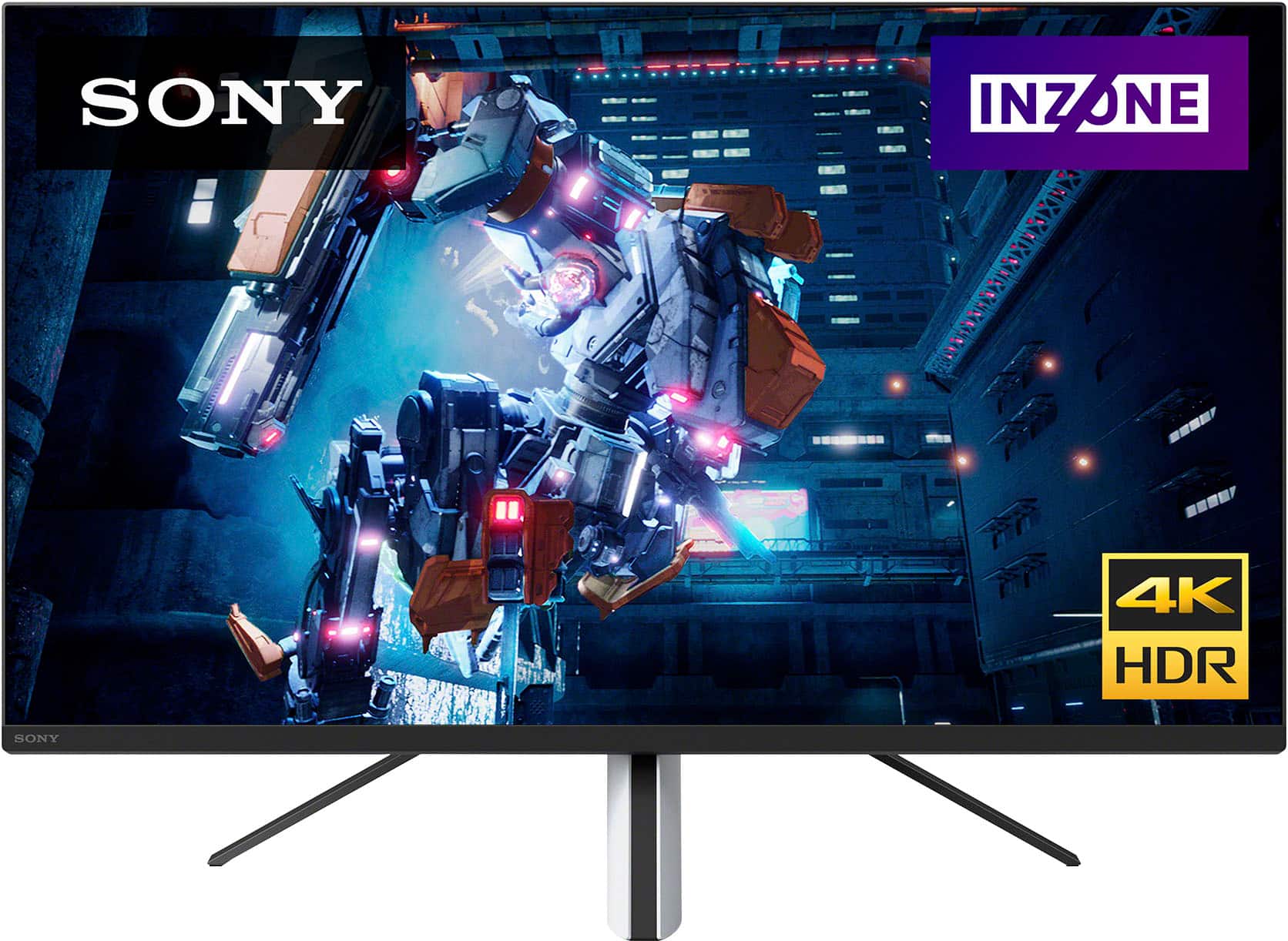
Explore gaming worlds full of brilliant depth and detail. Our 27" INZONE M9 gaming monitor with 4K HDR, Full Array Local Dimming, IPS and over 95% DCI-P3 coverage fills scenes with supreme contrast and color. You’ll react faster too with a 144 Hz refresh rate and IPS 1 ms GtG. Thanks for choosing Sony!
-Craig
Role of the dice refurbished. Got lucky
||Posted . Owned for 8 months when reviewed.This reviewer received promo considerations or sweepstakes entry for writing a review.I bought this as a good quality refurbish. The speakers didn’t work but the monitor resolution worked great. Hooked in some speakers through the audio port and save $$ on the full price. Was worth the shot. The stand has to be screwed in so have a screw driver and check that it has the screws. Mine didn’t. Luckily I had extra monitor mount screws.
I would recommend this to a friendGreat monitor
||Posted . Owned for 1 month when reviewed.This reviewer received promo considerations or sweepstakes entry for writing a review.Purchased open box. Came with everything. Spotless except for a small scratch on the black plastic of the stand. Great picture and refresh rate with RGB a lot of I/O options. Great if you want something to match your PS5 and view the game as Sony intended. Works great as a PC monitor too.
I would recommend this to a friendBrand response from SonyListens
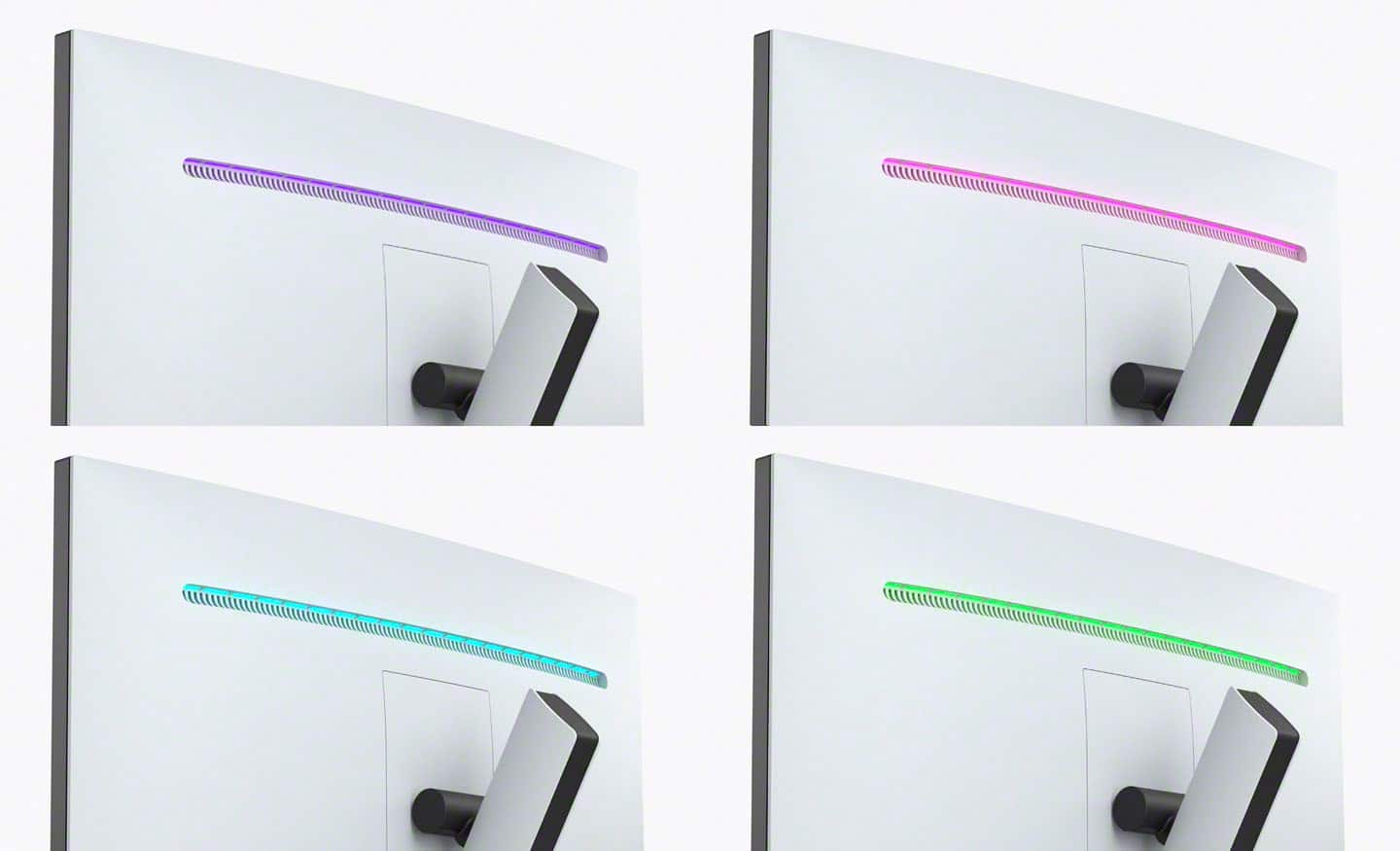
Posted .Hi LeoH, Awesome! We're truly happy to learn your purchase went well and you are enjoying the exceptional picture this gaming monitor delivers. Glad to know you like the fast responsiveness, various connections, and that it works great as a PC monitor. In case you did not know, the rear lighting colors can be customized to match your display with your game, room ambience, or mood. Thank you for upgrading to your INZONE M9 and for choosing Sony! -Jess
- Pros mentioned:Picture quality
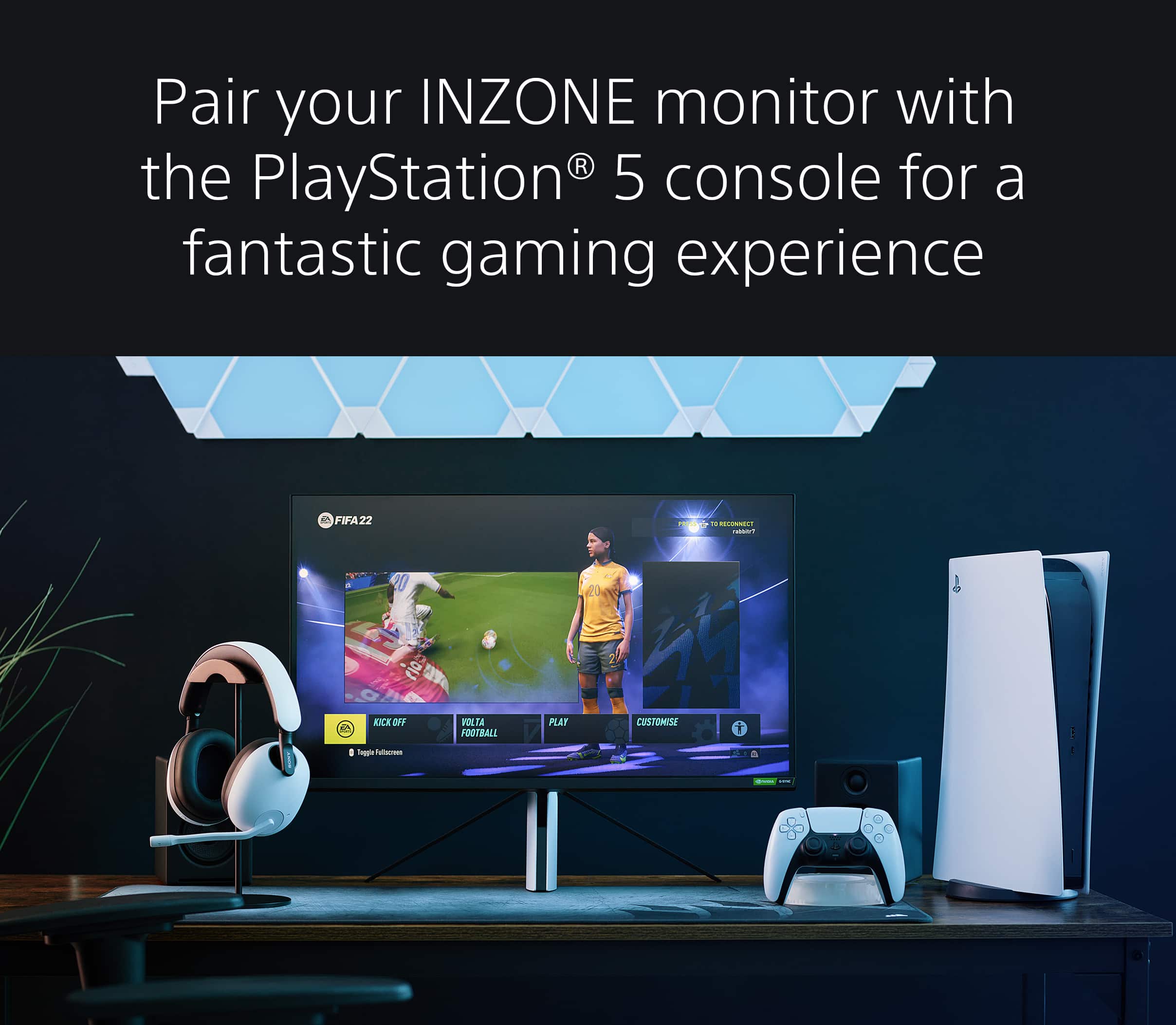
Perfect for PS5
||Posted . Owned for 3 weeks when reviewed.This reviewer received promo considerations or sweepstakes entry for writing a review.This monitor is excellent. The only reason I didn't give it five stars is because of its price. The build is kind of cheap but looks cool and matches the PlayStation 5 perfectly. I also wish it could swivel left and right. If you are looking for a monitor specifically for your PlayStation 5, this monitor features everything you need. From visuals to performance, it's great.
I would recommend this to a friendBrand response from SonyListens
Posted .Hi RickyR, Thank you for sharing your experience with the new Sony 27 inch Gaming monitor. Our 27" INZONE M9 gaming monitor with 4K HDR, Full Array Local Dimming, IPS and over 95% DCI-P3 coverage fills scenes with supreme contrast and color. You’ll react faster too with a 144 Hz refresh rate and IPS 1 ms GtG. We appreciate your feedback regarding the build quality and design of the monitor. Thank you for choosing Sony! -Craig
Decent At Best!
||Posted . Owned for 1 week when reviewed.This reviewer received promo considerations or sweepstakes entry for writing a review.I’m trying to be nice giving this monitor 4 stars… it’s good but I expected more and maybe that’s why it averages 4 stars on the review! First I’ll say it def responds nice! The advertisement saying it’s perfect for PS5 I feel is false I didn’t get a sense of it feeling like it suits it perfectly just bcuz all the video settings was available at the PS5 menu. I also think this monitor is way too expensive and they need to pipe it down to about $500 lol it’s really not that great! The HDR isn’t good to me at all idk if it was some settings I had wrong but I tried and tried to make it look nice on the PS5 and couldn’t get a great image. The best thing about this monitor is the responsiveness it’s kinda like butter not gonna lie but the 4K doesn’t feel like 4K and that’s and no no for me… the screen feel pretty small for 27 also… I’d recommend this monitor if they lower the price ASAP!
I would recommend this to a friendBrand response from SonyListens
Posted .Hi AlonzoW,
Thank you for telling us about your experience with your INZONE M9. Your feedback is extremely important to us and is very much appreciated. For optimum performance, make sure that the software version of the monitor is up-to-date. If you set the Local dimming to Low or Off, this may cause the whole screen to look washed out. You may also try turning off Auto picture mode on the unit and enable options related to HDR output on the connected device.
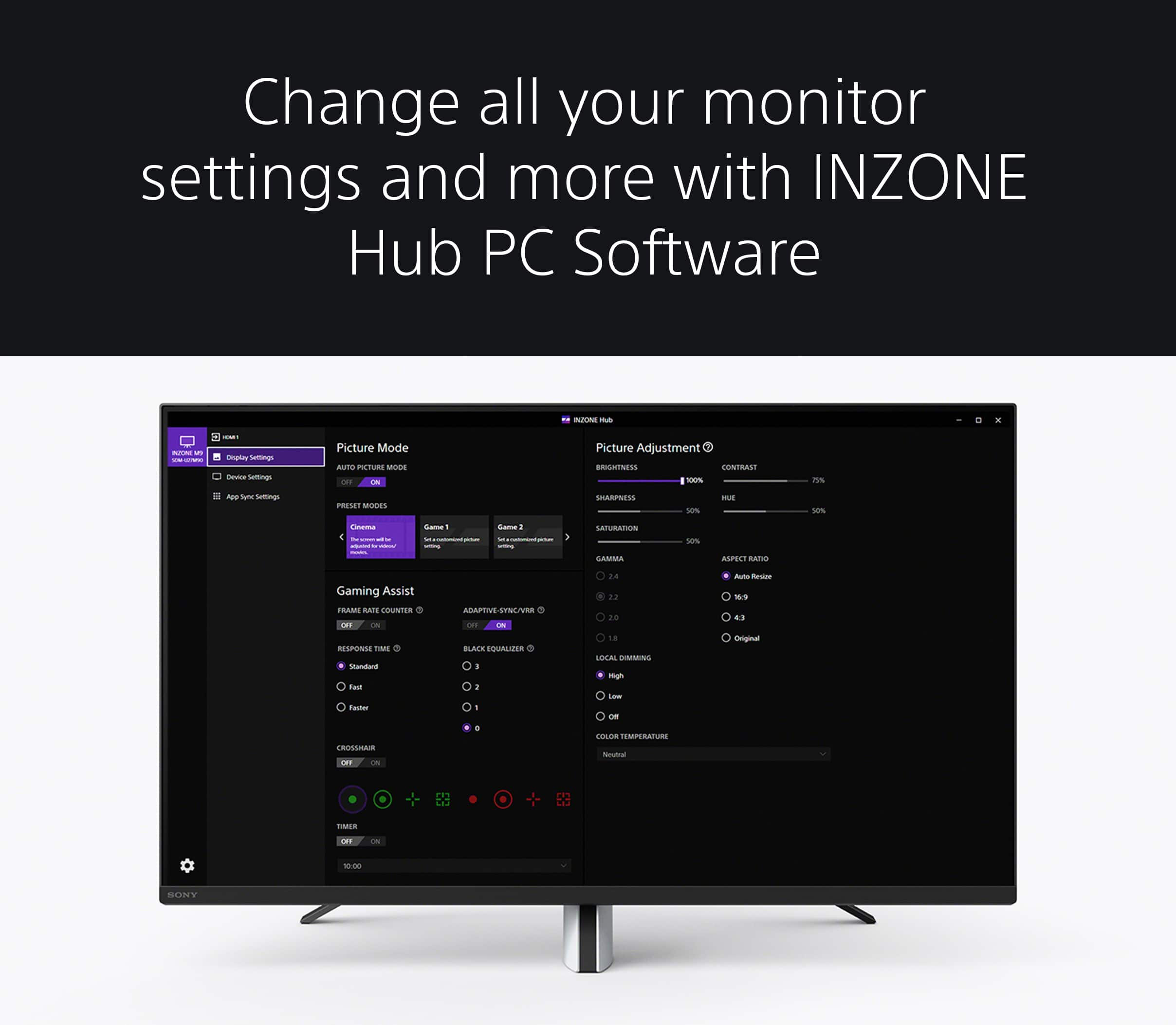
The INZONE M9 also features the INZONE Hub software which allows you to personalize experiences by customizing a wide range of operations, including a variety of sound and picture settings. You can also assign specific picture mode and sound profiles of the headset to individual computer applications and games. Help guides and manuals are also available on our support website. With these steps, you may have had a better experience with the gaming monitor.
If you need further assistance, you can email us at [email protected] with the following details:
Name:
Best Buy Username:
Model Number:
Issue:
Telephone Number:
Despite your concerns, we're happy that you give the INZONE M9 a try and you appreciate the overall performance of this gaming monitor. Thanks for choosing Sony! -Jess
- Pros mentioned:Hdr performance, Picture quality
Indisputibly the Best Modern Gaming Monitor
||Posted . Owned for 3 weeks when reviewed.This reviewer received promo considerations or sweepstakes entry for writing a review.Fantastic monitor, responsive and intelligent. If you’re an owner of a PS5 it’s completely intergrated and fully optimized for an amazing visual performance. Great size, great lighting and vivid color. HDR Certified and Sony’s Full Array Lighting integration makes for an almost life-like experience in gaming as well as streaming options, the monitor is legitimately 4K as applications such as YouTube will acknowledge the monitor as 4K and provide you to option to watch yoir content in true 4K. The matte finish to the monitor makes for an excellent feature with daylight exposure not as impactful on your viewing experience in contrast to a glossy screen finish! Excellent product 10/10! Excellent Price as well!
I would recommend this to a friendBrand response from SonyListens
Posted .Hi ThomastheRadiant,
Amazing! We're thrilled that you are enjoying the picture quality, responsiveness, design, and PS5 compatibility of the monitor. Explore gaming worlds full of brilliant depth and detail. Our 27" INZONE M9 gaming monitor with 4K HDR, Full Array Local Dimming, IPS and over 95% DCI-P3 coverage fills scenes with supreme contrast and color. You’ll react faster too with a 144 Hz refresh rate and IPS 1 ms GtG. Thank you for choosing Sony!
-Ralph
- Pros mentioned:Brightness, Picture quality
Inzone m9 review for gamers on pc and ps5
||Posted . Owned for 9 months when reviewed.This reviewer received promo considerations or sweepstakes entry for writing a review.Superior quality overall. Great color great brightness. Sometimes if there is a lot of dark on the screen you get a halo around white if there is any. But will leave you ready for a ps5 pro. A monitor you will use for years. Works amazing on pc too.
I would recommend this to a friendBrand response from SonyListens
Posted .Hi Devon,
Thanks for sharing your review and experience with the INZONE M9. We're glad that you like the sound, picture quality, and PS5 compatibility of the monitor. Your feedback about the screen is greatly appreciated. The LCD screen is made with high-precision technology to achieve a high level of performance and picture quality. To achieve this level of performance, the backlight setting of the monitor is set to maximize the screen brightness. However, you may notice uneven brightness on the monitor when watching in a dark environment or when the screen is blank. This condition is normal and not a malfunction of the monitor.
For optimum performance, make sure that the software version of the monitor is up-to-date. Please refer to these links for more information:
https://www.sony.com/electronics/support/monitors-inzone-m9-series/sdm-u27m90/software/00284042
https://helpguide.sony.net/tv/u27m90/v1/en/contents/TP1000670514.html
It is also recommended to use a High Speed HDMI cable or the latest version of a display port cable.
You do have the option to use the INZONE Hub software. With this app, you can personalize experiences by customizing a wide range of operations, including a variety of sound and picture settings. For more information, please refer to this link:
https://www.sony.com/electronics/support/monitors-inzone-m9-series/sdm-u27m90/software/00279252
You may also find this link helpful:
https://www.sony.com/electronics/support/televisions-projectors-monitors/sdm-u27m90/articles/00279504
Hope this helps. In case you need further assistance, please email us at [email protected] with the following details:
Name:
Username:
Model Number:
Issue:
Telephone Number:
Or contact our product support team via phone call or chat through this link:
https://us.esupport.sony.com/support/s/support-contact?language=en_US&category=tv
Sincerely,
-Ralph
- Pros mentioned:Picture quality, Refresh rate
Amazing Monitor
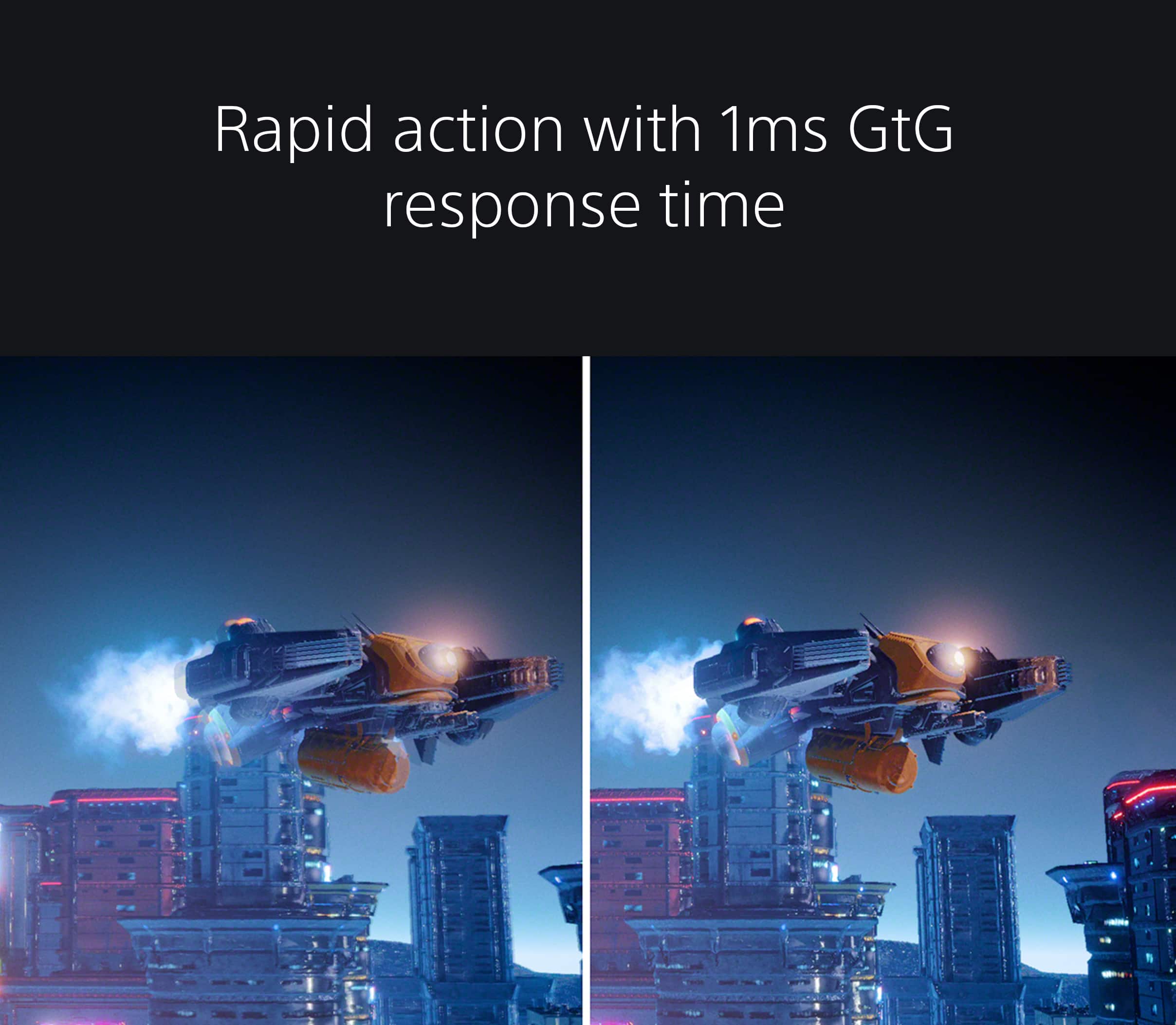
||Posted . Owned for 1 week when reviewed.This reviewer received promo considerations or sweepstakes entry for writing a review.I have used this monitor for a few days and am really impressed. The colors are amazing and gets really bright . Though I mainly game with PC, I also connected my PS5 and was impressed how good it looked. That 144hz is so smooth and 1ms eliminates any blur I had in gaming. Even when I watched a movie on it, it looked crisp and clean. After watching some reviews online, was really curious to see if the benefit of Full Array Local Dimming would be noticed and it was absolutely noticable. The small form factor of the stand opens up some room on my desk and makes it look cleaner. Would definitely recommend this monitor.
I would recommend this to a friendBrand response from SonyListens
Posted .What an amazing review, TomHall! We are so happy that you are enjoying your new INZONE M9 27'' 4K IPS 1ms 144 Hz HDR Gaming Monitor. We are also delighted that you are satisfied with its incredible features and superb performance.
Get into the zone and explore worlds of brilliant detail. Our INZONE M9 gaming monitor with 4K HDR, Full Array Local Dimming, IPS and over 95% DCI-P3 coverage fills scenes with supreme contrast and color. You’ll react faster too with a 144Hz refresh rate and IPS 1ms GtG (Grey to Grey).
Thank you so much for recommending our INZONE M9 and for choosing Sony!
- Romeo
- Pros mentioned:Picture quality
WOW just Wow!
||Posted . Owned for 1 week when reviewed.This reviewer received promo considerations or sweepstakes entry for writing a review.Quick note: My setup is a work in progress lmao! - This monitor is absolutely amazing, the way it automatically sets itself for use with the PlayStation 5, the image quality. I used to play on a Sony Bravia 55inch TV. But decided to take a room and set it up for all my gaming. I’ve been using this monitor for both PS5 and Series X. Definitely feels a lot better than playing on my tv and there’s something in the quality that just makes games look a lot more crisp and better. Don’t let bad reviews influence your decision to buy it, for what I’ve seen 99% of bad reviews were because they received a damaged product. (Can happen with any brand or product, that’s just bad luck.) Anyway if you’re looking for a gaming monitor for your Series X or PS5 this is the one.
I would recommend this to a friendBrand response from SonyListens
Posted .Hi AlexRM,
That's very nice to hear! We're glad you like the monitor for your gaming experience. Explore gaming worlds full of brilliant depth and detail. Our 27 in INZONE M9 gaming monitor with 4K HDR, Full Array Local Dimming, IPS and over 95% DCI-P3 coverage fills scenes with supreme contrast and color. You’ll react faster too with a 144 Hz refresh rate and IPS 1 ms GtG. Thank you for choosing Sony and good luck in your games!
Regards,
David
Awesome product for Gaming!
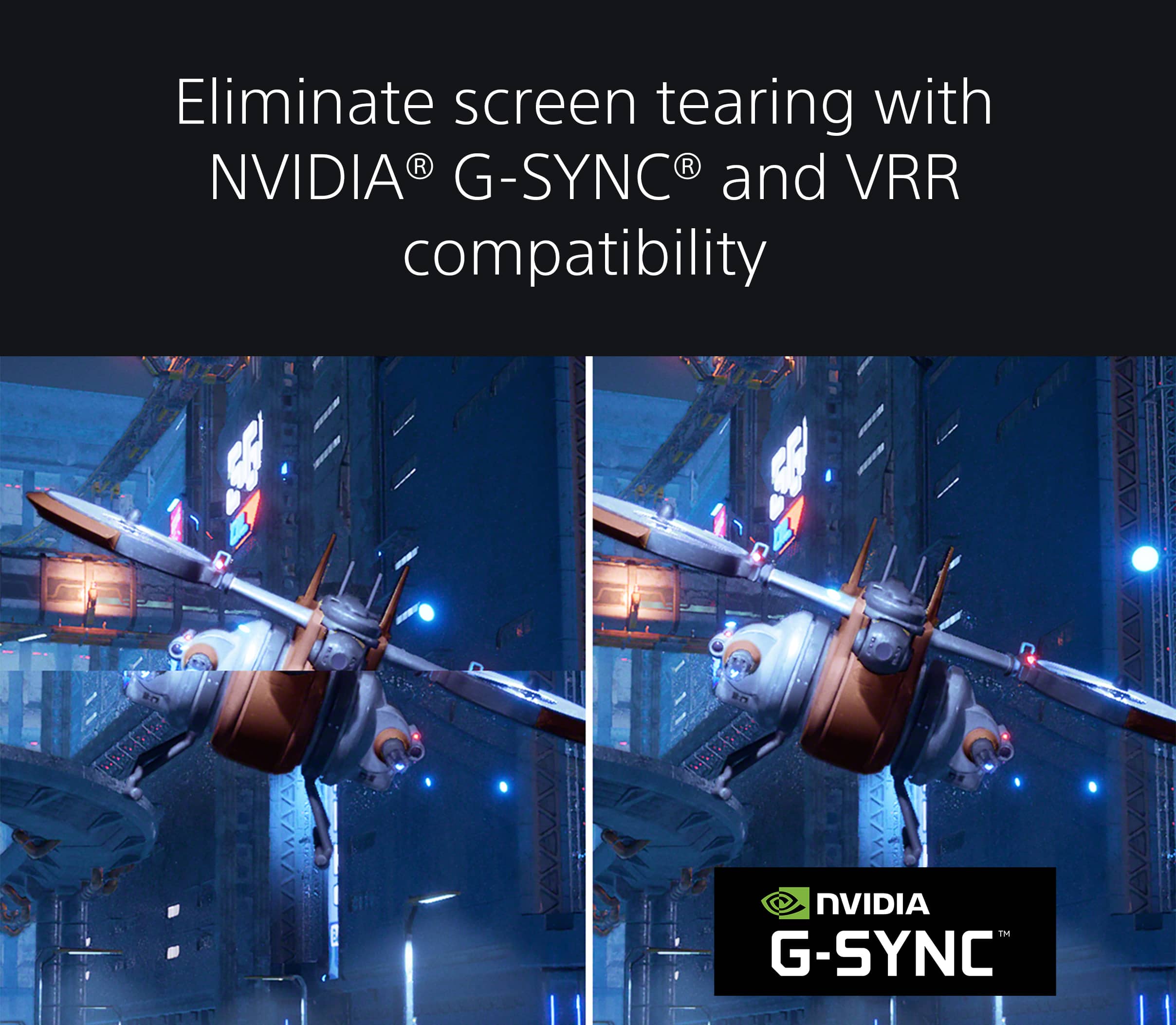
||Posted . Owned for 1 week when reviewed.This reviewer received promo considerations or sweepstakes entry for writing a review.So for me I have had this product now for close to 2 weeks and so far since out of the box it has been amazing!!!! The upgrade from a benq 1080p has been greatly noticeable and I do love that every feature the ps5 has this obviously works well with and displays lovely! Can run now 1080p,1440p, and 4k all in 120hz vrr with hdr on both my consoles as I do own a Xbox series X and it works very well with it! My only drawbacks would be the audio for the monitor speakers isn’t the best so don't expect anything nice from that aspect if you care for it, and also it always reconnects signal when switching almost anything on the console or exiting out of a game for certain games.
I would recommend this to a friendBrand response from SonyListens
Posted .Hi Mrjohnson, we're glad you are enjoying our gaming monitor. We're sorry to hear that you have an issue with the sound quality and signal of your SONY unit. We recommend utilizing the INZONE hub of your monitor. INZONE Hub is computer software that controls INZONE monitors and headsets. It allows you to personalize experiences by customizing a wide range of operations, including a variety of sound and picture settings. You can also assign specific picture mode and sound profiles of the headset to individual computer applications and games.
If there nothing is displayed on the screen, please isolate the issue by following this link:
https://helpguide.sony.net/tv/u27m90/v1/en/contents/TP1000668898.html
If you require any additional support in regards to this product, please email us at [email protected] with the following details: Name: Username: Model Number: Issue: Telephone Number:
Our 27" INZONE M9 gaming monitor with 4K HDR, Full Array Local Dimming, IPS and over 95% DCI-P3 coverage fills scenes with supreme contrast and color. You’ll react faster too with a 144 Hz refresh rate and IPS 1 ms GtG. Thanks for choosing Sony! ~Earl
- Cons mentioned:Stand design
Stand is awful, overall not designed well
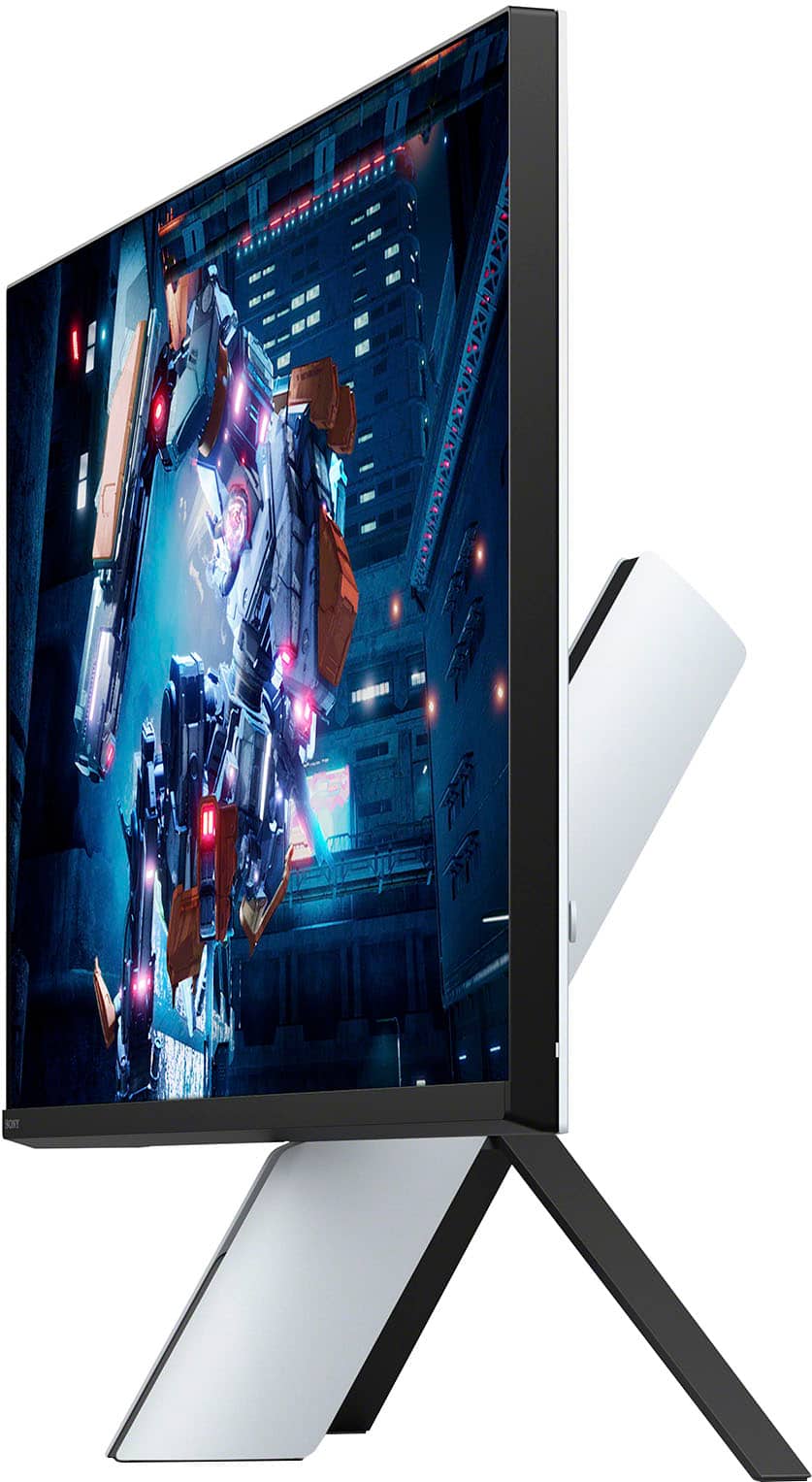
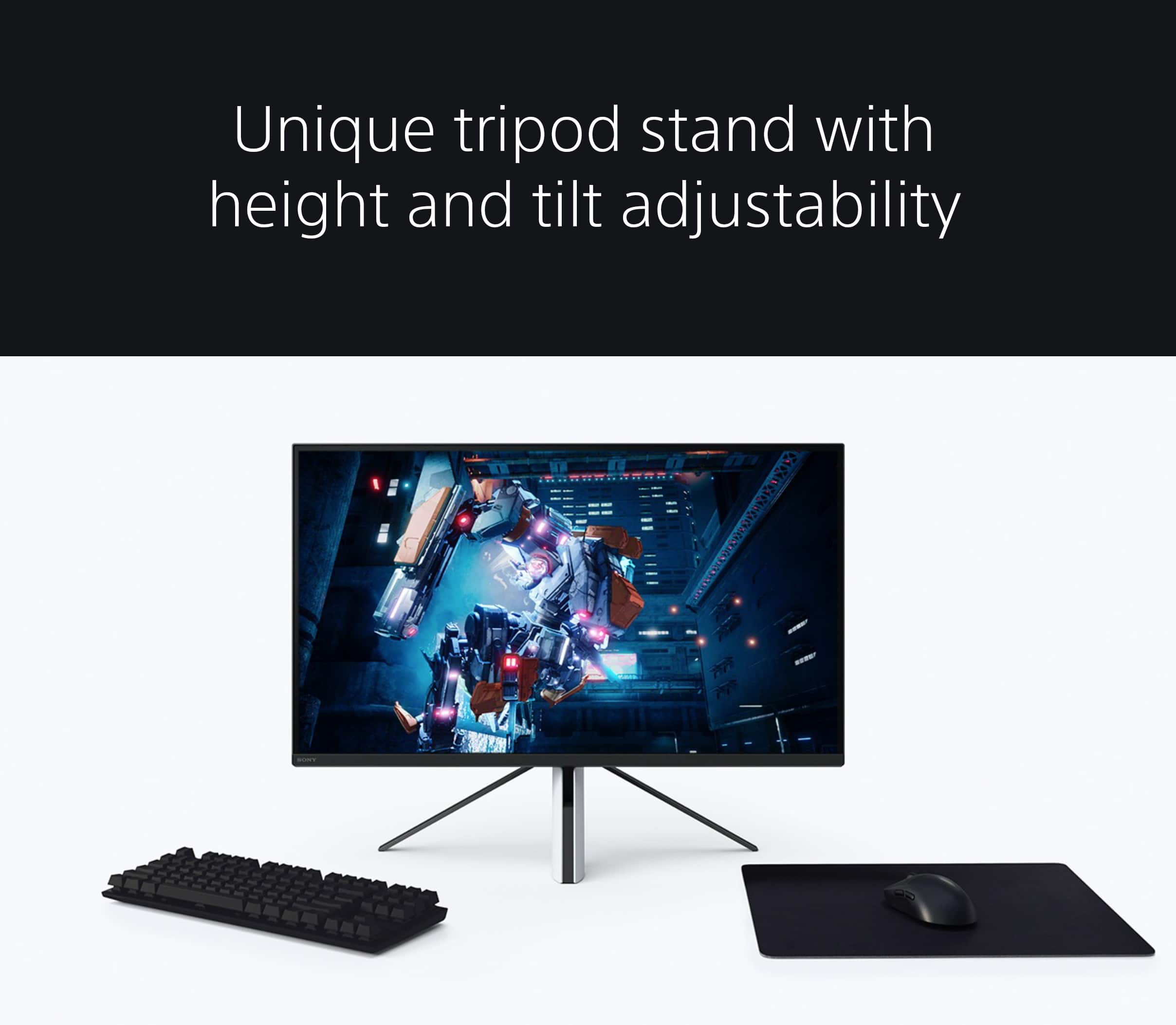
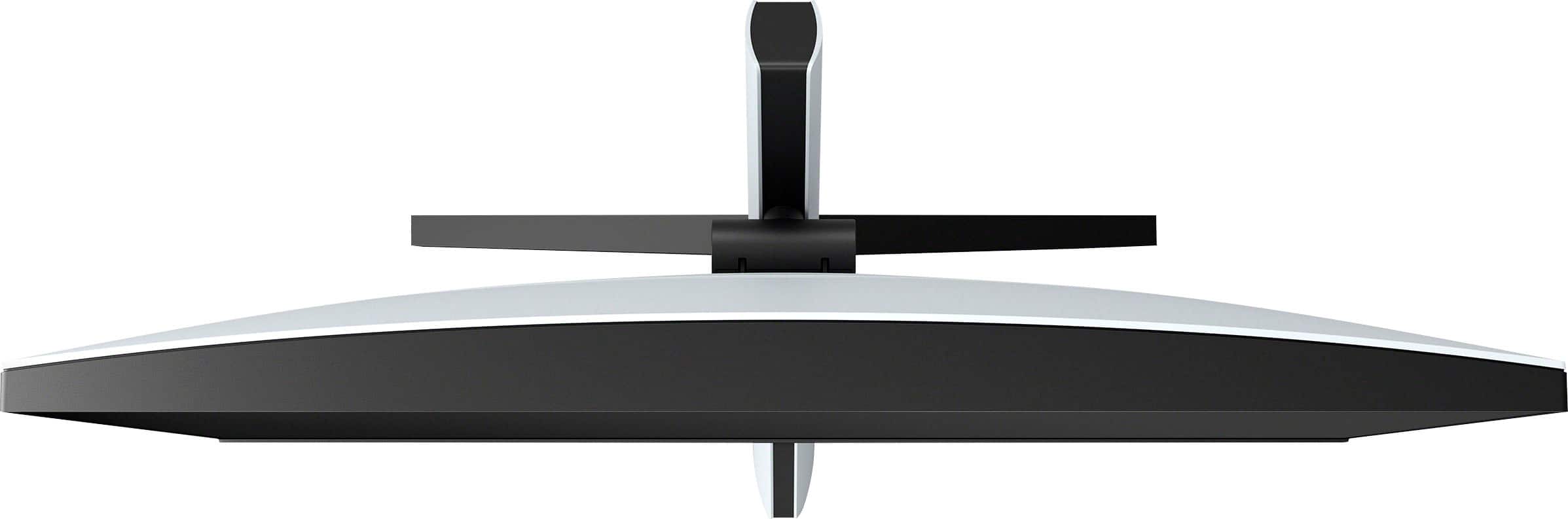
||Posted . Owned for 1 month when reviewed.This reviewer received promo considerations or sweepstakes entry for writing a review.I was very excited for this and waited a long time. Gravely disapponted and I gave it some chances. The stand is unbelievably terribly designed. It takes up so much space and is way to close to the user since its like a tripod design. It also wobbles everywhere at the slightest touch or desk shake. And when you push the monitor down, it comes forward since the front is slanted. The cables are squished in the back too which is so dumb. When switching to hdr, it takes many seconds for the screen to come back up, so back and forth on that is terrible (as well as inital startup). And a side note is that my screen would turn off for 3 seconds randomly while playing which is unacceptable and the point of return for the device. Last photo is my new monitor for reference on space and design, and which, so far, is amazing in every way (I hope it stays like that). No photos of the fronts but a ton of space is saved there too. Now the screen isn’t so close and its perfect everywhere else.
No, I would not recommend this to a friendBrand response from SonyListens
Posted .Hi Daniel,
We're sorry to hear about your issue with the INZONE M9 | 27” 4K IPS 1ms 144 Hz HDR Gaming Monitor. We apologize for any inconvenience.
Change the height and tilt of the display to get the best view of your gaming worlds and the competition. For more details, please check the Setup Guide for setup and connection of the monitor: https://helpguide.sony.net/tv/u27m90/v1/en/contents/TP1000668875.html.
If you are unable to resolve your concern, may we contact you to help? If so, please email the below information to [email protected] or chat with us from Sony’s e-support webpage. Apologies if you disclosed some of this information in your review and to customer service, we just want to ensure that we have your accurate details at the time of communication.
Full Name:
Best Buy Username:
Telephone Number:
Sony Model Number:
Additional Information regarding your experience with the SDMU27M90:
We are sorry for the inconvenience and hope to speak to you to resolve this matter. We appreciate you and thanks again for shopping Sony!
Sincerely,
Jay
decent monitor
||Posted . Owned for 9 months when reviewed.This reviewer received promo considerations or sweepstakes entry for writing a review.good monitor. however i would say definitely more pricey than it should be for the specs. looks nice and runs well but ive had a few problems using it with a second monitor.
I would recommend this to a friend- Pros mentioned:Picture quality
Awesome Monitor
||Posted .This reviewer received promo considerations or sweepstakes entry for writing a review.I’m not a computer geek or have any real knowledge on the best monitors out there but this monitor has been absolutely perfect in my opinion I use it exclusively for my ps5 and it runs great they’re always in sync and I haven’t had a problem after a year so I’m really pleased with my purchase definitely recommend
I would recommend this to a friend Exactly what I needed
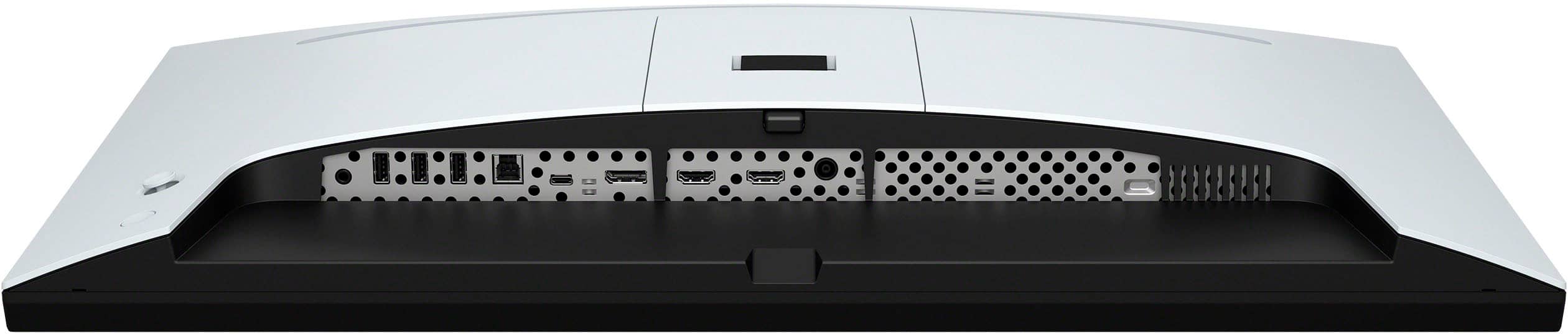
||Posted . Owned for 1 month when reviewed.This reviewer received promo considerations or sweepstakes entry for writing a review.Was looking for a gaming monitor that also included a thunderbolt connection so that I could connect to my macbook air. This monitor allows me to game using my ps5 and do work on my air without using a usb c to hdmi adaptor. Very convenient while looking awesome. 4K gaming never looked better and even though the built in speakers don't sound all that great, it's something until I get something better in the future. Everything I could ask for. The one thing I didn't like is the goofy-looking stand that it came with but I have it mounted on my desk using a monitor arm so that takes care of that issue. Overall, very satisfied with this purchase and would recommend it.
I would recommend this to a friendBrand response from SonyListens
Posted .Hi DanReviews, Thanks for sharing your experience. We are glad that you like your new Sony INZONE M9 4K gaming monitor, and it is exactly what you needed. We take all user input seriously and will make sure your comments reach the appropriate person. Thank you for your purchase. Enjoy your games! Vincent
- Pros mentioned:Picture quality
I’m loving this monitor!
||Posted . Owned for 2 weeks when reviewed.This reviewer received promo considerations or sweepstakes entry for writing a review.I had been wanting this monitor to pair with my PS5 for months! I got really lucky and scored an open box one for very cheap! The pucture is incredible and I’ve had nothing but good times with it.
I would recommend this to a friendBrand response from SonyListens
Posted .Hi KingLouie5th!
It brings us great joy to hear how much you're enjoying your INZONE M9 monitor! We're thrilled it's been such a fantastic addition to your setup. Its 4K resolution and HDR capabilities truly make games come alive, offering an immersive experience.
Thanks for choosing Sony!
Best regards,
Estefany
- Pros mentioned:Picture quality
Amazing for PS5 really good for PC
||Posted . Owned for 7 months when reviewed.This reviewer received promo considerations or sweepstakes entry for writing a review.Overall a great monitor. Very smooth, looks great, and easy to configure. Some small quirks that’s keeping it from 5 stars. I think it’s a bit too expensive. The stand is a bit weird and not as functional.
I would recommend this to a friendBrand response from SonyListens
Posted .Hi DonJr, Thank you for your review! We are glad to hear that you are happy with your new Inzone M9! Explore gaming worlds full of brilliant depth and detail. Our 27 in INZONE M9 gaming monitor with 4K HDR, Full Array Local Dimming, IPS and over 95% DCI-P3 coverage fills scenes with supreme contrast and colour. You’ll react faster too with a 144 Hz refresh rate and IPS 1 ms GtG. Thank you so much for your feedback and for choosing Sony! -Carl
Great quality 1 problem
||Posted . Owned for 2 months when reviewed.This reviewer received promo considerations or sweepstakes entry for writing a review.Monitor is what you’d expect looks great, except there’s a random issue to where you may get a clump of dead green pixels. Happened to me & looking online happened to a few others. Bright side is that Sony was relatively quick at shopping it a new one. Didn’t come yet, but hopefully it doesn’t produce the same problem.
I would recommend this to a friendBrand response from SonyListens
Posted .Hi Melo,
Thanks for sharing your review and experience with the INZONE M9. We're glad that you like the picture quality of the TV. Your feedback about the dead pixels is greatly appreciated. Rest assured that you'll have a better experience with the replacement unit.
Our 27 in INZONE M9 gaming monitor with 4K HDR, Full Array Local Dimming, IPS and over 95% DCI-P3 coverage fills scenes with supreme contrast and color. You’ll react faster too with a 144 Hz refresh rate and IPS 1 ms GtG.
In case you need further assistance, please email us at [email protected] with the following details:
Name:
Username:
Model Number:
Issue:
Telephone Number:
Or contact our product support team via phone call or chat through this link:
https://us.esupport.sony.com/support/s/service?language=en_US.
Thanks for choosing Sony!
-Ralph
- Pros mentioned:Picture quality
GREAT 4K MONITOR FOR THE PS5!
||Posted . Owned for less than 1 week when reviewed.This reviewer received promo considerations or sweepstakes entry for writing a review.I saw the mix reviews and it’s not as bad as people are saying. If you have a PS5 (haven’t tried another console yet) this is the best monitor for the PS5! Audio isn’t great but having audio on a monitor is always a plus! If you do get this make sure you have a PC to update the monitor! These updates has fixed bugs and improved the monitor. No regrets! If you got a PS5 go get this monitor!
I would recommend this to a friendBrand response from SonyListens
Posted .Hi VKing,
You made the right choice with the INZONE M9! Explore gaming worlds full of brilliant depth and detail. Our 27" INZONE M9 gaming monitor with 4K HDR, Full Array Local Dimming, IPS and over 95% DCI-P3 coverage fills scenes with supreme contrast and color. You’ll react faster too with a 144 Hz refresh rate and IPS 1 ms GtG. Thank you for choosing Sony!
-Ralph
INZONE Monitor
||Posted . Owned for 3 weeks when reviewed.This reviewer received promo considerations or sweepstakes entry for writing a review.Best quality picture in monitor I’ve had. Also love how compatible it is to PS5 !
I would recommend this to a friendBrand response from SonyListens
Posted .Hi AppleAirpods, Thank you so much for the positive feedback! You definitely made the right choice! We're thrilled to hear you feel this is the best gaming monitor that you've purchased and you are enjoying the exceptional picture quality with Full Array Local Dimming this gaming monitor delivers. Glad to know it works great with your PS5. At Sony we strive to put forward the best possible products for our customers. You're now able to explore gaming worlds full of brilliant depth and detail. Thank you for your purchase and for choosing Sony! -Jess
A PS5's BFF
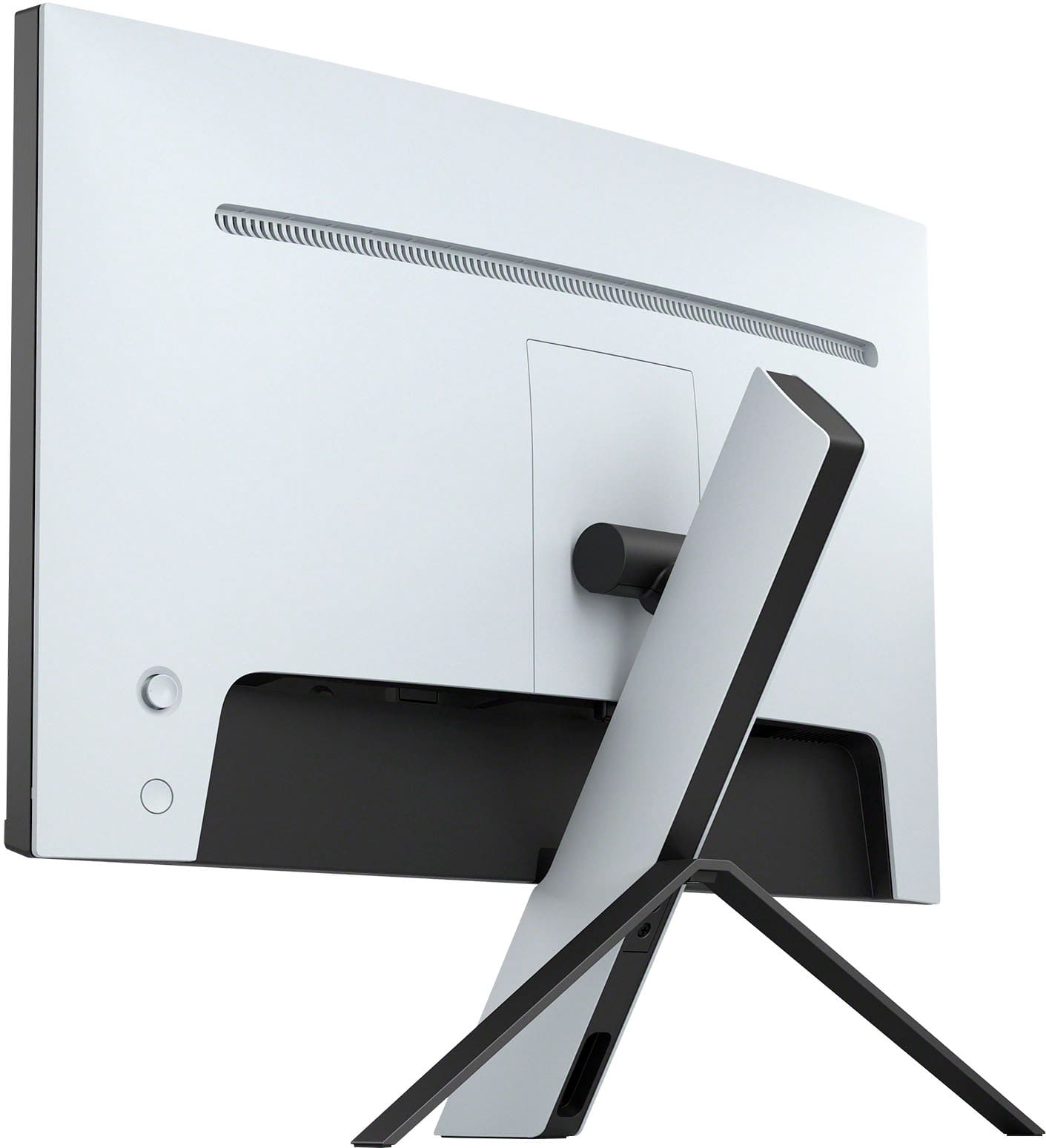
||Posted . Owned for less than 1 week when reviewed.This reviewer received promo considerations or sweepstakes entry for writing a review.A perfect monitor for your PS5, the VRR support really shines when playing Sony games as well. 600 nits is not the highest, but it still shows off gorgeous displays with full HDR 10 support. The menu is navigated with an analog stick on the back, very easy to use. While is might be a high price for an IPS, what it offers in features makes it well worth it for me.
I would recommend this to a friendBrand response from SonyListens
Posted .Hi jayens,
You made the right choice! We're glad that you are enjoying the picture quality and user-friendly functions of the gaming monitor. Explore gaming worlds full of brilliant depth and detail. Our 27" INZONE M9 gaming monitor with 4K HDR, Full Array Local Dimming, IPS and over 95% DCI-P3 coverage fills scenes with supreme contrast and color. You’ll react faster too with a 144 Hz refresh rate and IPS 1 ms GtG. Thanks for choosing Sony!
-Ralph