Customer Ratings & Reviews
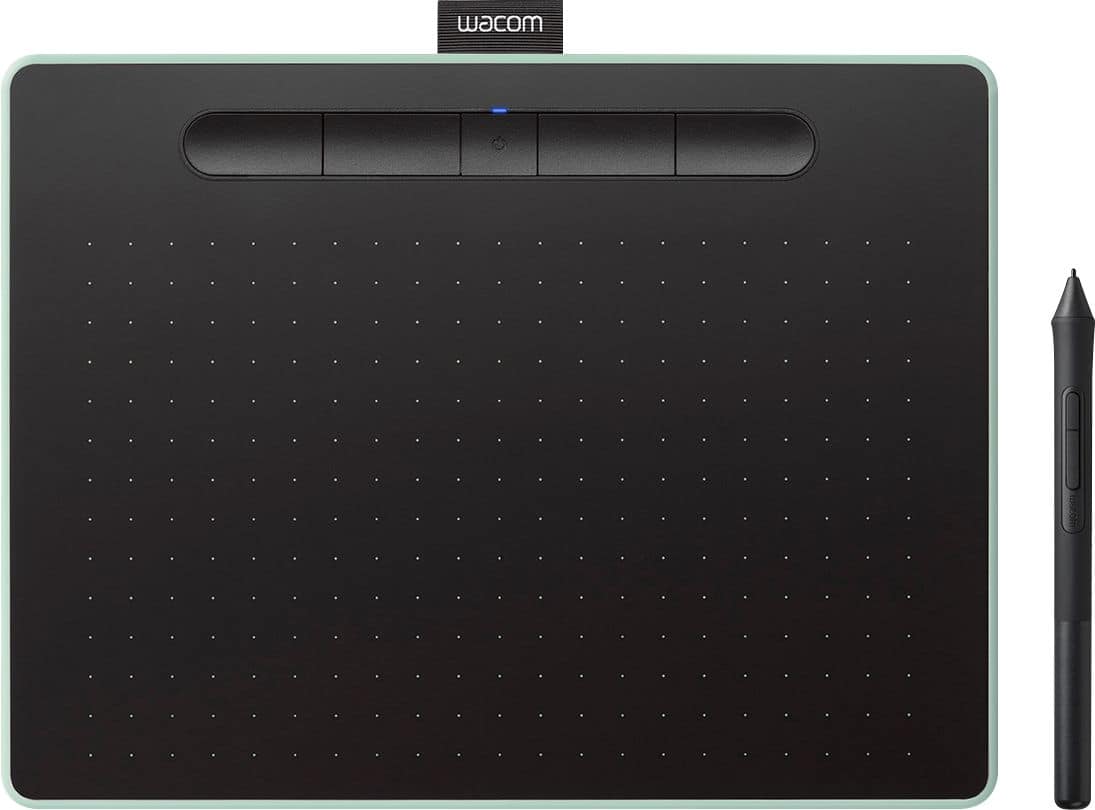
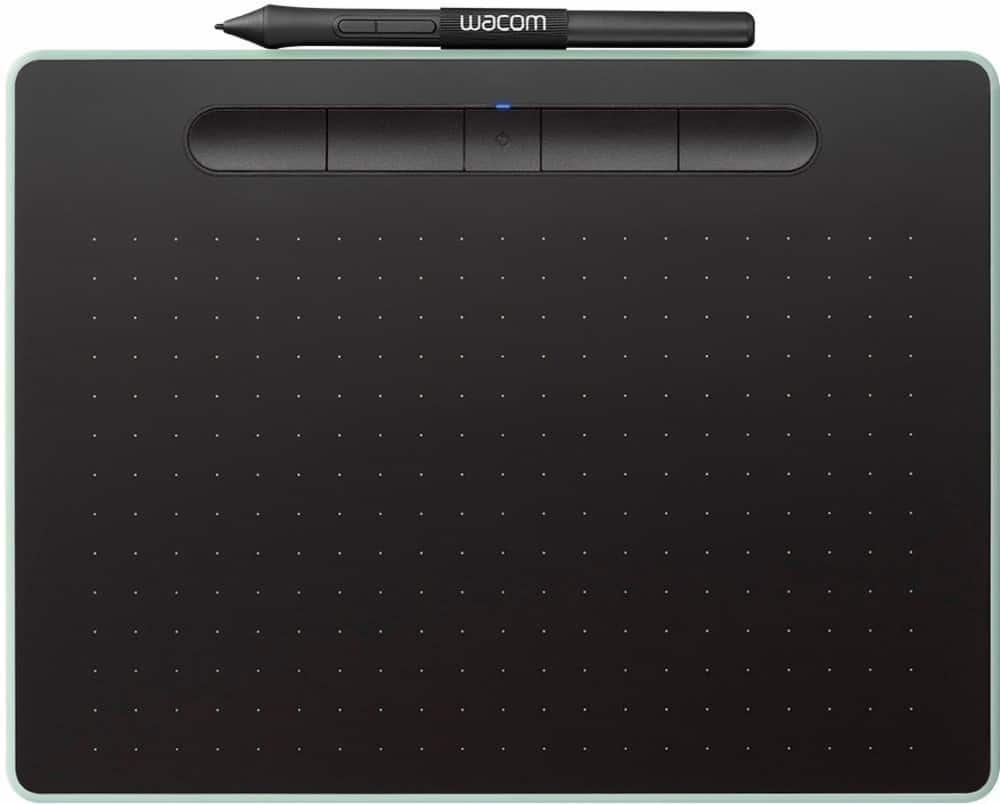
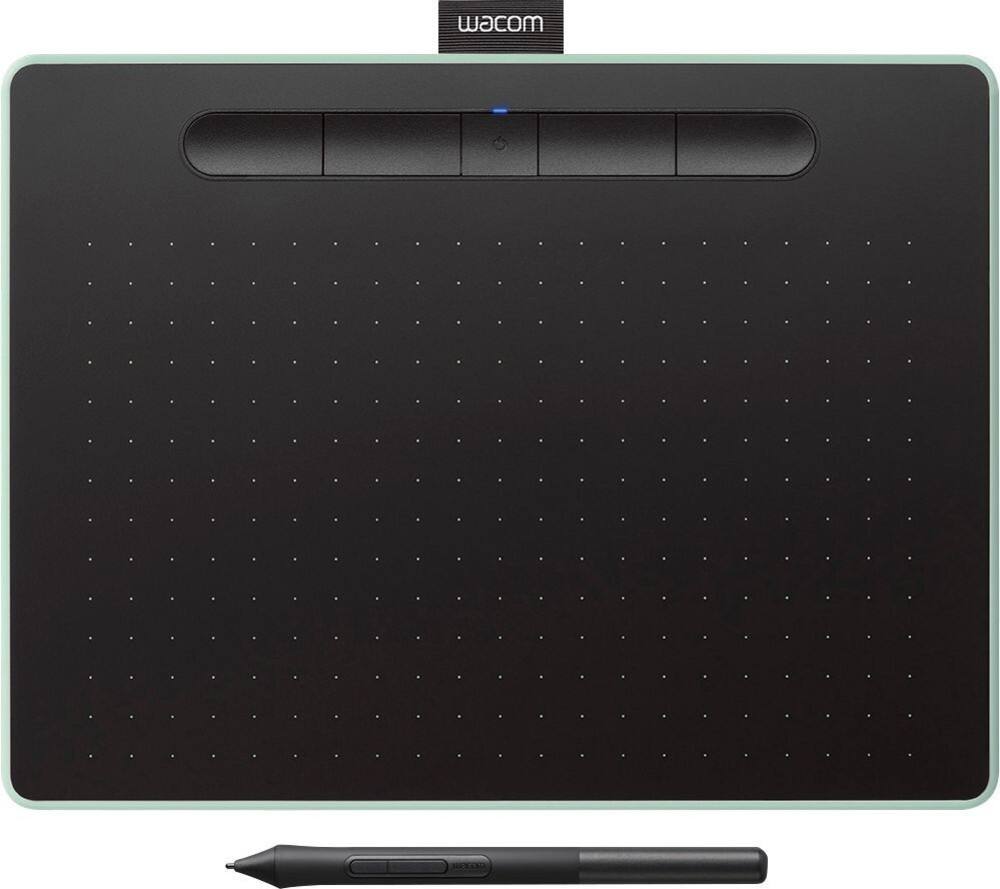




- Model:
- CTL6100WLE0
- |
- SKU:
- 6196631
Customer reviews
Rating 4.6 out of 5 stars with 650 reviews
(650 customer reviews)Rating by feature
- Value4.4
Rating 4.4 out of 5 stars
- Quality4.6
Rating 4.6 out of 5 stars
- Ease of Use4.4
Rating 4.4 out of 5 stars
Customers are saying
Customers are impressed with the Intuos Graphic Drawing Tablet, particularly its ease of use, quality, and ideal size. Many appreciate the convenience of its wireless feature and find it suitable for drawing. Some customers have noted concerns about the software, compatibility, lag, learning curve, and setup.
This summary was generated by AI based on customer reviews.
Rated 5 out of 5 stars
The graphic tablet is awesome
||Posted . Owned for 1 month when reviewed.This reviewer received promo considerations or sweepstakes entry for writing a review.I purchased the graphic tablet for my granddaughter. She loves it
This review is from Wacom - Intuos Graphic Drawing Tablet for Mac, PC, Chromebook & Android (Medium) with Software Included (Wireless) - Black
I would recommend this to a friendRated 5 out of 5 stars
Tablet for daughter.
||Posted .This reviewer received promo considerations or sweepstakes entry for writing a review.Our both girls live this product. It makes nice art with many options.
This review is from Wacom - Intuos Graphic Drawing Tablet for Mac, PC, Chromebook & Android (Medium) with Software Included (Wireless) - Black
I would recommend this to a friendRated 5 out of 5 stars
Great tablet
||Posted . Owned for 4 months when reviewed.This reviewer received promo considerations or sweepstakes entry for writing a review.Great tablet for drawing. Connects easily and easy to use.
This review is from Wacom - Intuos Graphic Drawing Tablet for Mac, PC, Chromebook & Android (Medium) with Software Included (Wireless) - Black
I would recommend this to a friendRated 4 out of 5 stars
Hard to master
||Posted . Owned for 1 month when reviewed.This reviewer received promo considerations or sweepstakes entry for writing a review.Bought for teaching, it’s tricky to get good with but will be a great tool.
This review is from Wacom - Intuos Graphic Drawing Tablet for Mac, PC, Chromebook & Android (Medium) with Software Included (Wireless) - Black
I would recommend this to a friendRated 5 out of 5 stars
Just what we wanted
||Posted . Owned for 1 month when reviewed.This reviewer received promo considerations or sweepstakes entry for writing a review.This pairs up great with the computer we bought to go with it.
This review is from Wacom - Intuos Graphic Drawing Tablet for Mac, PC, Chromebook & Android (Medium) with Software Included (Wireless) - Black
I would recommend this to a friendRated 5 out of 5 stars
Great tool!
||Posted .This reviewer received promo considerations or sweepstakes entry for writing a review.Our Daughter loves it! Great tool for beginners or experienced artists.
This review is from Wacom - Intuos Graphic Drawing Tablet for Mac, PC, Chromebook & Android (Medium) with Software Included (Wireless) - Black
I would recommend this to a friendRated 5 out of 5 stars
Excellent Product
||Posted . Owned for 1 month when reviewed.This reviewer received promo considerations or sweepstakes entry for writing a review.Excellent product and very efficient electronics .
This review is from Wacom - Intuos Graphic Drawing Tablet for Mac, PC, Chromebook & Android (Medium) with Software Included (Wireless) - Black
I would recommend this to a friendRated 5 out of 5 stars
great product
||Posted . Owned for 1 month when reviewed.This reviewer received promo considerations or sweepstakes entry for writing a review.great product would purchase if you only want a small surface.
This review is from Wacom - Intuos Graphic Drawing Tablet for Mac, PC, Chromebook & Android (Medium) with Software Included (Wireless) - Black
I would recommend this to a friendRated 4 out of 5 stars
Good drawing pad
||Posted .This reviewer received promo considerations or sweepstakes entry for writing a review.This drawing pad has the tools to make someone a good drawer my wife uses it all the time.
This review is from Wacom - Intuos Graphic Drawing Tablet for Mac, PC, Chromebook & Android (Medium) with Software Included (Wireless) - Black
I would recommend this to a friend- Cons mentioned:Software
Rated 1 out of 5 stars
No instructions and only limited trial software
||Posted . Owned for 1 month when reviewed.This reviewer received promo considerations or sweepstakes entry for writing a review.Bought this for my 12 year old who is excited for art and drawing and we were both completely disappointed in all aspects of it. Besides a small folded hardware set up guide, there are absolutely NO INSTRUCTIONS! Upon setup, it requires you to register the device but doesn’t explain that you need to create an account. Finally past that, began to download the advertised FREE SOFTWARE INCLUDED and come to find out 3 of the 4 programs are only 90 limited trial use and then requires you pay MORE money to continue to use it. NOWHERE on the box or any description of this product does it state limited trial use. Needless to say, we returned it within days.
This review is from Wacom - Intuos Graphic Drawing Tablet for Mac, PC, Chromebook & Android (Medium) with Software Included (Wireless) - Black
No, I would not recommend this to a friend Rated 4 out of 5 stars
Great product!
||Posted . Owned for 1 month when reviewed.This reviewer received promo considerations or sweepstakes entry for writing a review.This does exactly what I want it to do. I need it for teaching at distance
This review is from Wacom - Intuos Graphic Drawing Tablet for Mac, PC, Chromebook & Android (Medium) with Software Included (Wireless) - Black
I would recommend this to a friendRated 3 out of 5 stars
It’s an okay tablet.
||Posted . Owned for 1 month when reviewed.This reviewer received promo considerations or sweepstakes entry for writing a review.If you’re a serious creative, I wouldn’t recommend this tablet. I’d recommend the pro version which is current discounted at Best Buy. The pro gives you better pressure sensitivity and the pro pen is better as well
This review is from Wacom - Intuos Graphic Drawing Tablet for Mac, PC, Chromebook & Android (Medium) with Software Included (Wireless) - Black
No, I would not recommend this to a friendRated 5 out of 5 stars
It's a great upgrade!
||Posted .This reviewer received promo considerations or sweepstakes entry for writing a review.There are more options with this new device, I have more shading options.
This review is from Wacom - Intuos Graphic Drawing Tablet for Mac, PC, Chromebook & Android (Medium) with Software Included (Wireless) - Black
I would recommend this to a friendRated 5 out of 5 stars
Art stylus
||Posted .This reviewer received promo considerations or sweepstakes entry for writing a review.Nifty pad for photoshop, or general mouse use. Good if you want to do drawing without the clunkiness of a mouse. The pen makes it far more natural feeling.
I would recommend this to a friendRated 4 out of 5 stars
Good device for teaching online
||Posted . Owned for 3 weeks when reviewed.This reviewer received promo considerations or sweepstakes entry for writing a review.I would give it five stars if the Bluetooth connection is more reliable.
This review is from Wacom - Intuos Graphic Drawing Tablet for Mac, PC, Chromebook & Android (Medium) with Software Included (Wireless) - Black
I would recommend this to a friendRated 4 out of 5 stars
Works as advertised
||Posted . Owned for more than 2 years when reviewed.This reviewer received promo considerations or sweepstakes entry for writing a review.Bought it for my husband. He say's he's happy with the performance.
This review is from Wacom - Intuos Graphic Drawing Tablet for Mac, PC, Chromebook & Android (Medium) with Software Included (Wireless) - Black
I would recommend this to a friend- Pros mentioned:Ease of use
Rated 5 out of 5 stars
Great drawing tablet!
||Posted .This reviewer received promo considerations or sweepstakes entry for writing a review.The tablet is easy to use, affordable, and a great start for someone interested in drawing straight to a computer It offers better drawing detail than a computer with a mouse.
This review is from Wacom - Intuos Graphic Drawing Tablet for Mac, PC, Chromebook & Android (Medium) with Software Included (Wireless) - Black
I would recommend this to a friend Rated 5 out of 5 stars
Excellent quality
||Posted . Owned for 1 month when reviewed.This reviewer received promo considerations or sweepstakes entry for writing a review.It’s great for my drawing software!! An I absolutely love it
This review is from Wacom - Intuos Graphic Drawing Tablet for Mac, PC, Chromebook & Android (Medium) with Software Included (Wireless) - Black
I would recommend this to a friendRated 5 out of 5 stars
AWESOME
||Posted .This reviewer received promo considerations or sweepstakes entry for writing a review.This was the best purchase I have made for editing my photos.
This review is from Wacom - Intuos Graphic Drawing Tablet for Mac, PC, Chromebook & Android (Medium) with Software Included (Wireless) - Black
I would recommend this to a friend- Cons mentioned:Compatibility
Rated 1 out of 5 stars
Didn't like it.
||Posted . Owned for 3 weeks when reviewed.This reviewer received promo considerations or sweepstakes entry for writing a review.The Wacom Intuos is the most frustrating piece of hardware I have ever worked with. Despite spending time adjusting parameters and options it never worked consistently or correctly with any of the software I tried it with including the bundled offerings, they are mostly about putting ads in front of you more than getting work done. So I returned it.
This review is from Wacom - Intuos Graphic Drawing Tablet for Mac, PC, Chromebook & Android (Medium) with Software Included (Wireless) - Black
No, I would not recommend this to a friend