Customer Ratings & Reviews
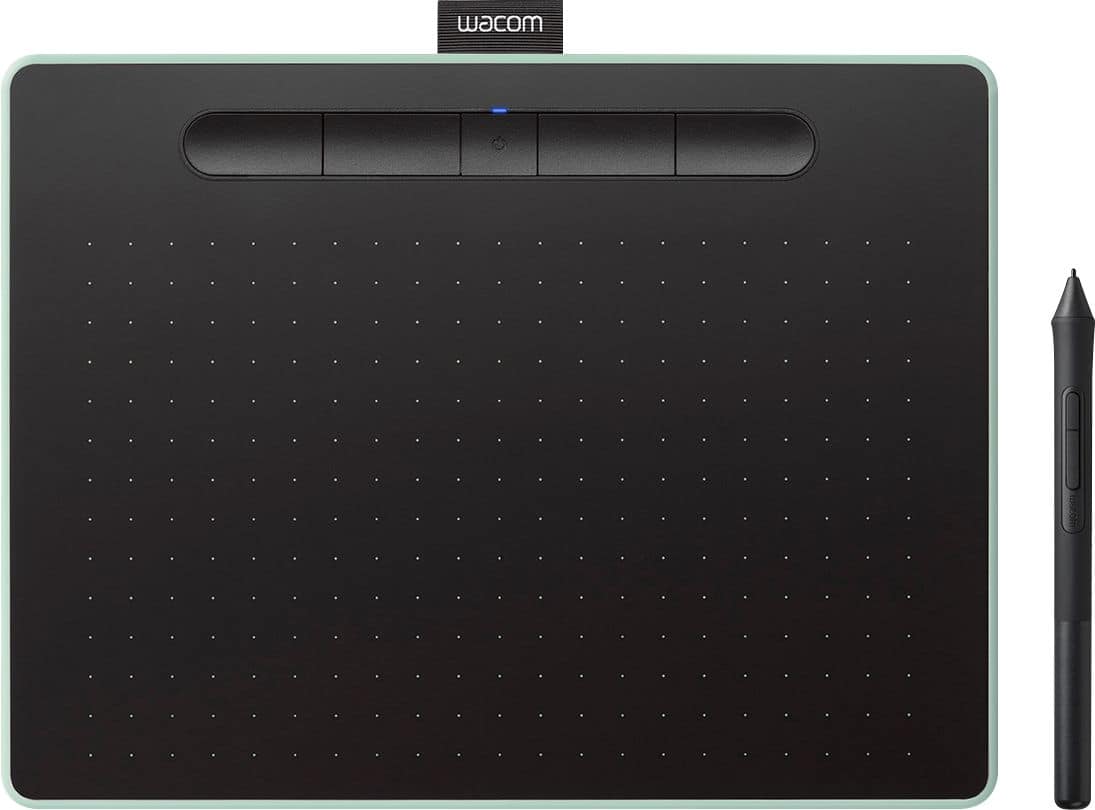
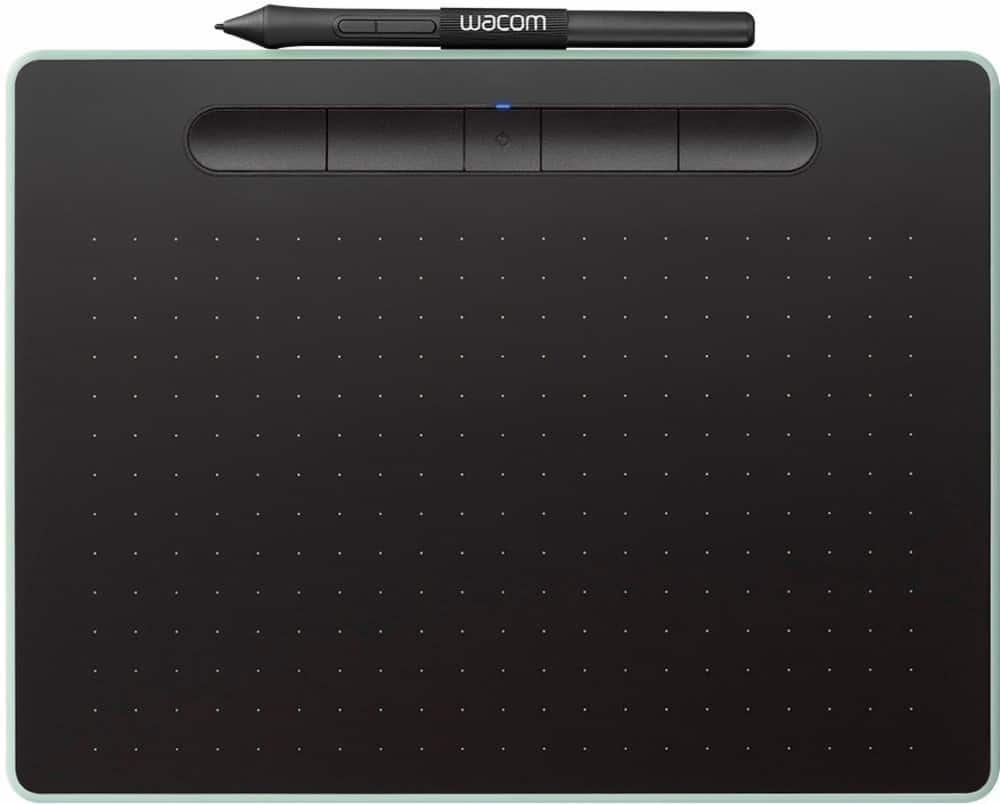
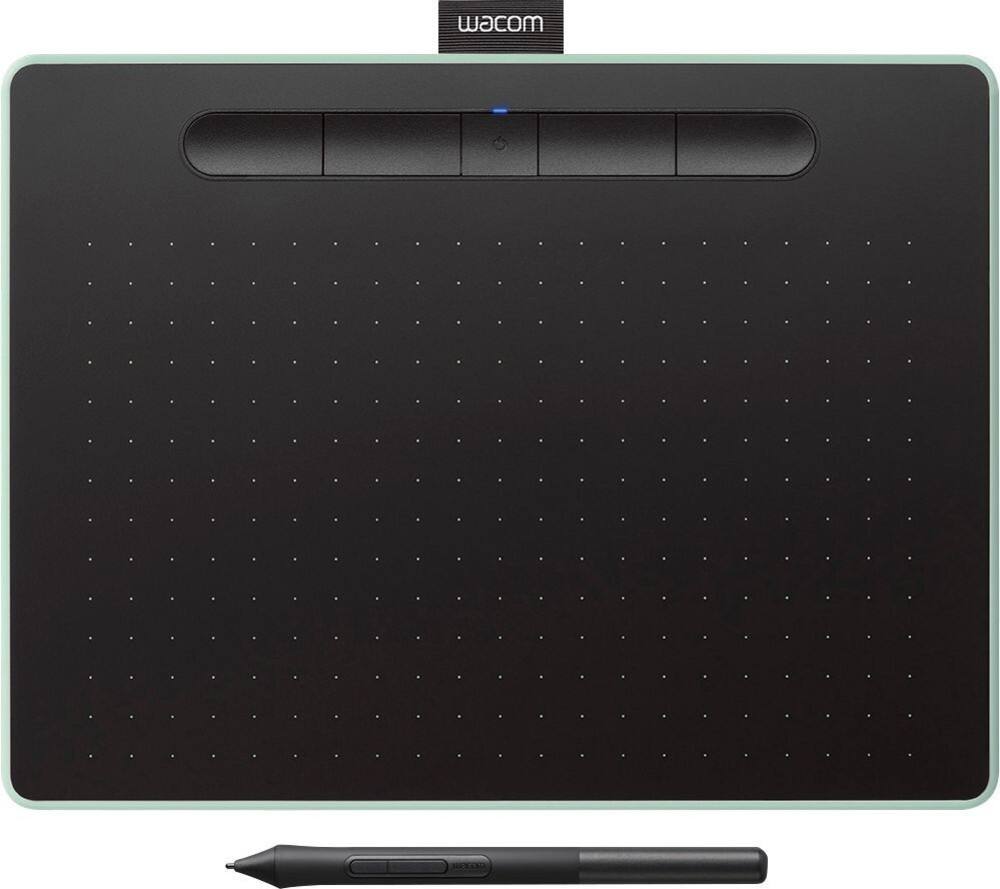

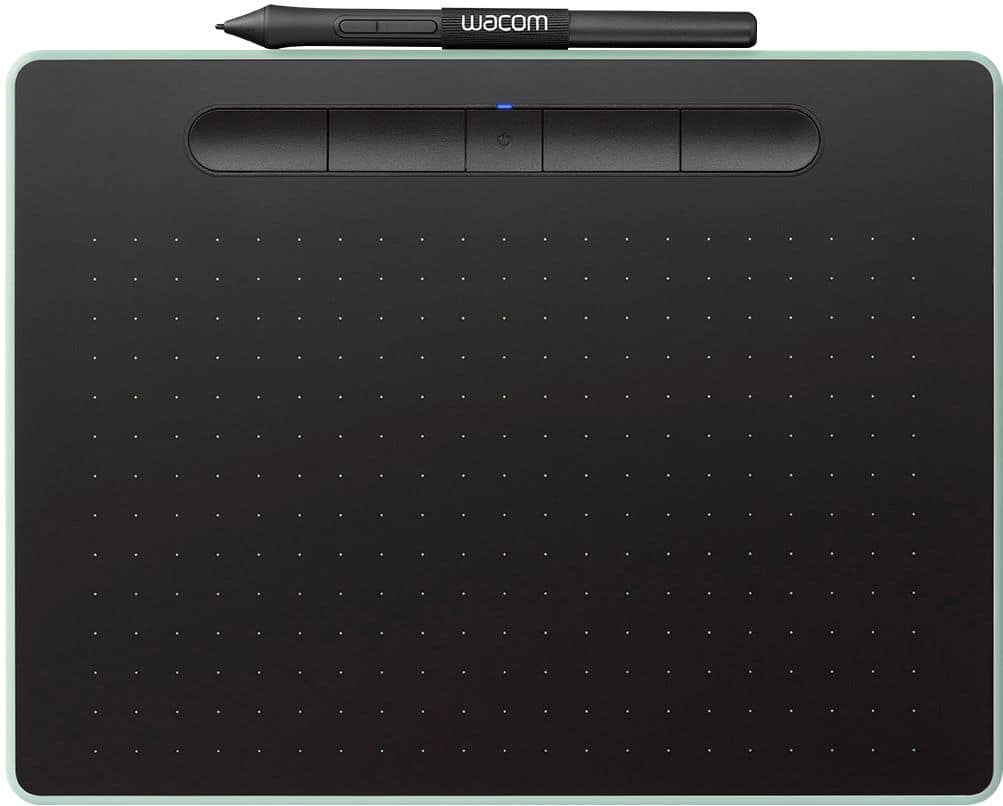



- Model:
- CTL6100WLE0
- |
- SKU:
- 6196631
Customer reviews
Rating 4.6 out of 5 stars with 650 reviews
(650 customer reviews)Rating by feature
- Value4.4
Rating 4.4 out of 5 stars
- Quality4.6
Rating 4.6 out of 5 stars
- Ease of Use4.4
Rating 4.4 out of 5 stars
Customers are saying
Customers are impressed with the Intuos Graphic Drawing Tablet, particularly its ease of use, quality, and ideal size. Many appreciate the convenience of its wireless feature and find it suitable for drawing. Some customers have noted concerns about the software, compatibility, lag, learning curve, and setup.
This summary was generated by AI based on customer reviews.
Rated 1 out of 5 stars
One flimsy tablet
||Posted . Owned for 3 weeks when reviewed.This reviewer received promo considerations or sweepstakes entry for writing a review.I could not use this overpriced flimsy tablet because I tried to install the drivers on two different computers and it still didn't work. It's a USB device how hard could it be? One computer had Windows 10 and my new desktop has Windows 11. I could not get it to work. I ended up buying a gaming mouse that would fits my needs a lot better
This review is from Wacom - Intuos Graphic Drawing Tablet for Mac, PC, Chromebook & Android (Medium) with Software Included (Wireless) - Black
No, I would not recommend this to a friendRated 5 out of 5 stars
Good enough for an amateur
||Posted .This reviewer received promo considerations or sweepstakes entry for writing a review.I bought this for my girlfriend. She loves it. Nice design and functionality. Plug and play makes it very handy of course the free softwares are awesome too.
This review is from Wacom - Intuos Graphic Drawing Tablet for Mac, PC, Chromebook & Android (Medium) with Software Included (Wireless) - Black
I would recommend this to a friendRated 5 out of 5 stars
perfect for graphic artist
||Posted .This reviewer received promo considerations or sweepstakes entry for writing a review.Excellent basic tablet, would recommend next level wacom for serious user. Next level up has the programmable keys on the sides for easier access.
This review is from Wacom - Intuos Graphic Drawing Tablet for Mac, PC, Chromebook & Android (Medium) with Software Included (Wireless) - Black
I would recommend this to a friendRated 2 out of 5 stars
Not enough graphic capabilities
||Posted .This reviewer received promo considerations or sweepstakes entry for writing a review.Tried using the unit and it was not what I was looking for. Needed more graphics possibilities. Good for beginner. Purchased an I-Pad pro that gives more flexibility and options.
This review is from Wacom - Intuos Graphic Drawing Tablet for Mac, PC, Chromebook & Android (Medium) with Software Included (Wireless) - Black
No, I would not recommend this to a friendRated 5 out of 5 stars
A must for graphics/photo detail work.
||Posted . Owned for 1 month when reviewed.This reviewer received promo considerations or sweepstakes entry for writing a review.Perfect for working on photos or graphics. (Fine detail work)
This review is from Wacom - Intuos Graphic Drawing Tablet for Mac, PC, Chromebook & Android (Medium) with Software Included (Wireless) - Black
I would recommend this to a friendRated 5 out of 5 stars
thanx
||Posted . Owned for 3 weeks when reviewed.This reviewer received promo considerations or sweepstakes entry for writing a review.thanx thanx thanx thanx thanx thanx thanx thanx again
This review is from Wacom - Intuos Graphic Drawing Tablet for Mac, PC, Chromebook & Android (Medium) with Software Included (Wireless) - Black
I would recommend this to a friendRated 5 out of 5 stars
Noice!!!
||Posted .This reviewer received promo considerations or sweepstakes entry for writing a review.Nice and big area for kids to doodle on. Got it on sale.
I would recommend this to a friendRated 2 out of 5 stars
Feels Disconnected
||Posted . Owned for 1.5 years when reviewed.This reviewer received promo considerations or sweepstakes entry for writing a review.It feels like using a remote etcha sketch. I had problems trying to get it connected to my pc.
This review is from Wacom - Intuos Graphic Drawing Tablet for Mac, PC, Chromebook & Android (Medium) with Software Included (Wireless) - Black
No, I would not recommend this to a friendRated 4 out of 5 stars
cool
||Posted . Owned for 4 months when reviewed.This reviewer received promo considerations or sweepstakes entry for writing a review.This was a great addition to wife's work tool to help her photography business grow and succeed.
I would recommend this to a friendRated 2 out of 5 stars
Not good
||Posted . Owned for 2 months when reviewed.This reviewer received promo considerations or sweepstakes entry for writing a review.Didn't like the way it tracked for pen. Was hoping to use it for work but it isn't worth it
This review is from Wacom - Intuos Graphic Drawing Tablet for Mac, PC, Chromebook & Android (Medium) with Software Included (Wireless) - Black
No, I would not recommend this to a friendRated 3 out of 5 stars
It works well... but
||Posted . Owned for 1 month when reviewed.This reviewer received promo considerations or sweepstakes entry for writing a review.I’ve had Wacom tablets before and have loved them. This one works well when it’s connect to my desktop, but not so well on wireless. Had to frequently switch to mouse in order to finish simple tasks. Frustrating since that’s one of the reasons I got this model.
No, I would not recommend this to a friendRated 1 out of 5 stars
Handwriting with Wacom is bad experience.
||Posted . Owned for 1 month when reviewed.This reviewer received promo considerations or sweepstakes entry for writing a review.Can't recommend. Wacom Intuos BT M does not give an option to calibrate tilt for your handwriting angle.
This review is from Wacom - Intuos Graphic Drawing Tablet for Mac, PC, Chromebook & Android (Medium) with Software Included (Wireless) - Black
No, I would not recommend this to a friendRated 2 out of 5 stars
Didn’t like it
||Posted .This reviewer received promo considerations or sweepstakes entry for writing a review.I bought the tablet for my daughter. It was not good we bought a different product for her
This review is from Wacom - Intuos Graphic Drawing Tablet for Mac, PC, Chromebook & Android (Medium) with Software Included (Wireless) - Black
No, I would not recommend this to a friendRated 5 out of 5 stars
Hreat
||Posted .This reviewer received promo considerations or sweepstakes entry for writing a review.Working even better than expected. Great product. I Love it
This review is from Wacom - Intuos Graphic Drawing Tablet for Mac, PC, Chromebook & Android (Medium) with Software Included (Wireless) - Black
I would recommend this to a friendRated 2 out of 5 stars
Didn’t purchase a daughter did
||Posted . Owned for 1 month when reviewed.This reviewer received promo considerations or sweepstakes entry for writing a review.Didn’t Purchase Didn’t Purchase Didn’t Purchase this item.
This review is from Wacom - Intuos Graphic Drawing Tablet for Mac, PC, Chromebook & Android (Medium) with Software Included (Wireless) - Black
No, I would not recommend this to a friendRated 1 out of 5 stars
BOO!
||Posted . Owned for 2 months when reviewed.This reviewer received promo considerations or sweepstakes entry for writing a review.Not a very capable drawing "tablet" ... more like a semi-sensitive Mr. Wooley knock off that would ashame a UPS driver collecting a signature.
This review is from Wacom - Intuos Graphic Drawing Tablet for Mac, PC, Chromebook & Android (Medium) with Software Included (Wireless) - Black
No, I would not recommend this to a friendRated 1 out of 5 stars
Terrible
||Posted . Owned for 3 weeks when reviewed.This reviewer received promo considerations or sweepstakes entry for writing a review.Not what I expected. Can't read my handwriting. I wanted to use it to write during a zoom meeting.
This review is from Wacom - Intuos Graphic Drawing Tablet for Mac, PC, Chromebook & Android (Medium) with Software Included (Wireless) - Black
No, I would not recommend this to a friendRated 1 out of 5 stars
Not happy at all
||Posted . Owned for 3 weeks when reviewed.This reviewer received promo considerations or sweepstakes entry for writing a review.Couldn't hold item which was 4 lb under the maximum weight allow! Would only recommend if item is under 5 lb
This review is from Wacom - Intuos Graphic Drawing Tablet for Mac, PC, Chromebook & Android (Medium) with Software Included (Wireless) - Black
No, I would not recommend this to a friendRated 1 out of 5 stars
Sucks
||Posted . Owned for 1 month when reviewed.This reviewer received promo considerations or sweepstakes entry for writing a review.Sucks it’s with less I have test to get it to work so. Don’t buy it
This review is from Wacom - Intuos Graphic Drawing Tablet for Mac, PC, Chromebook & Android (Medium) with Software Included (Wireless) - Black
No, I would not recommend this to a friendRated 1 out of 5 stars
Please do not buy
||Posted . Owned for 3 months when reviewed.This reviewer received promo considerations or sweepstakes entry for writing a review.These tablets are the worst get a iPad They are the best
This review is from Wacom - Intuos Graphic Drawing Tablet for Mac, PC, Chromebook & Android (Medium) with Software Included (Wireless) - Black
No, I would not recommend this to a friend