Customer Ratings & Reviews
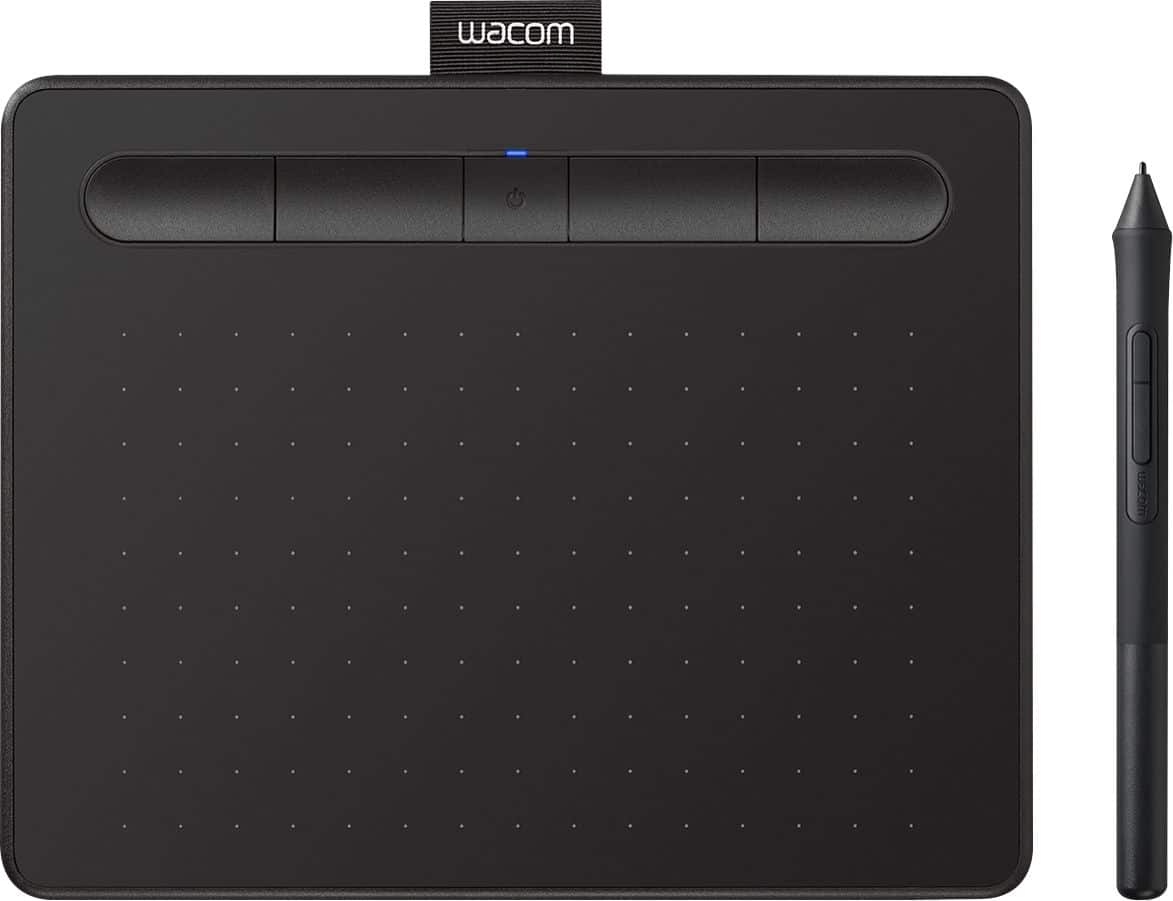
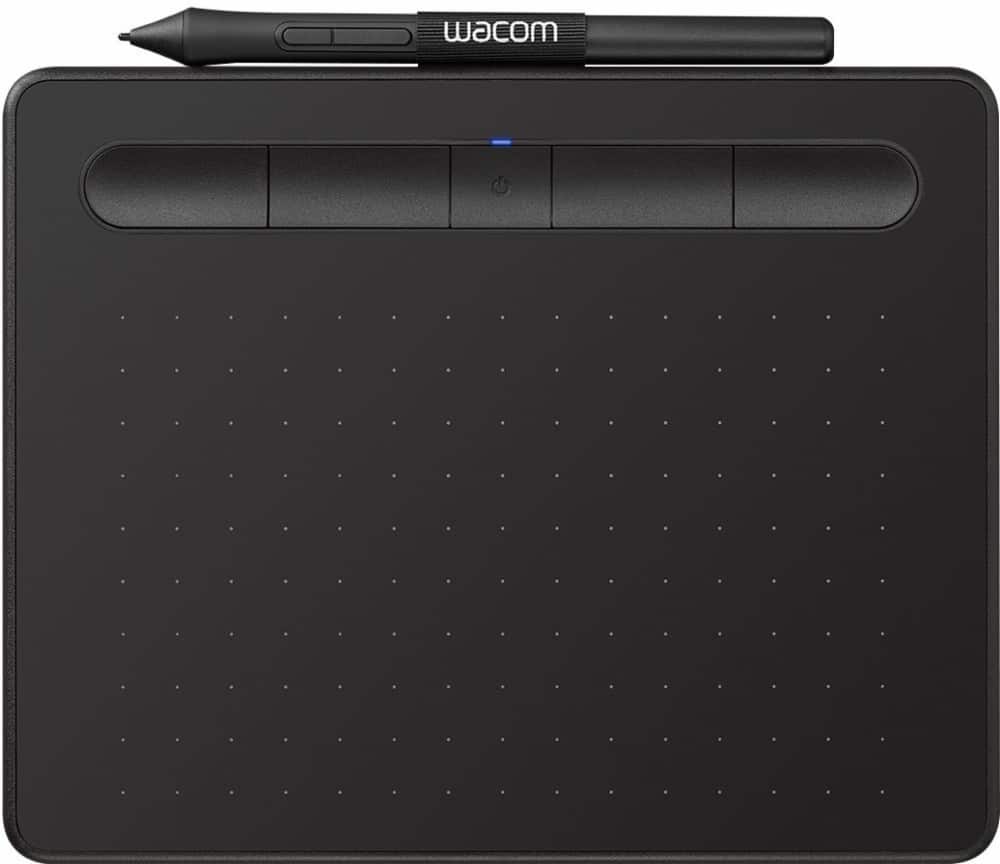

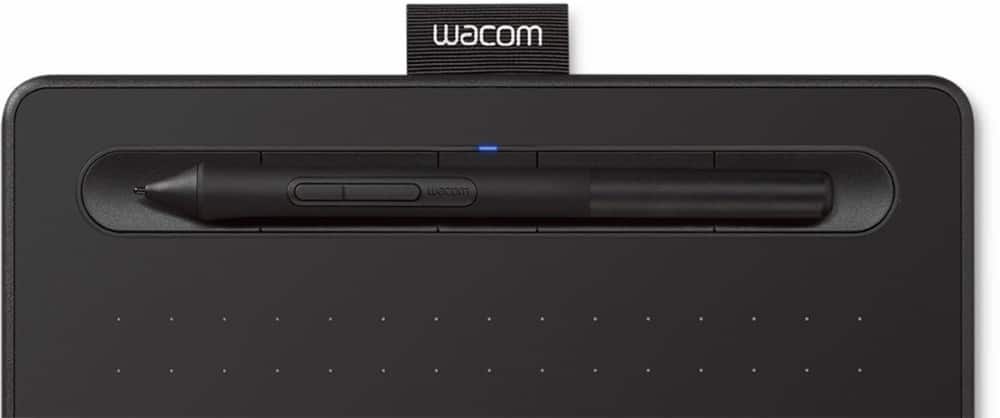


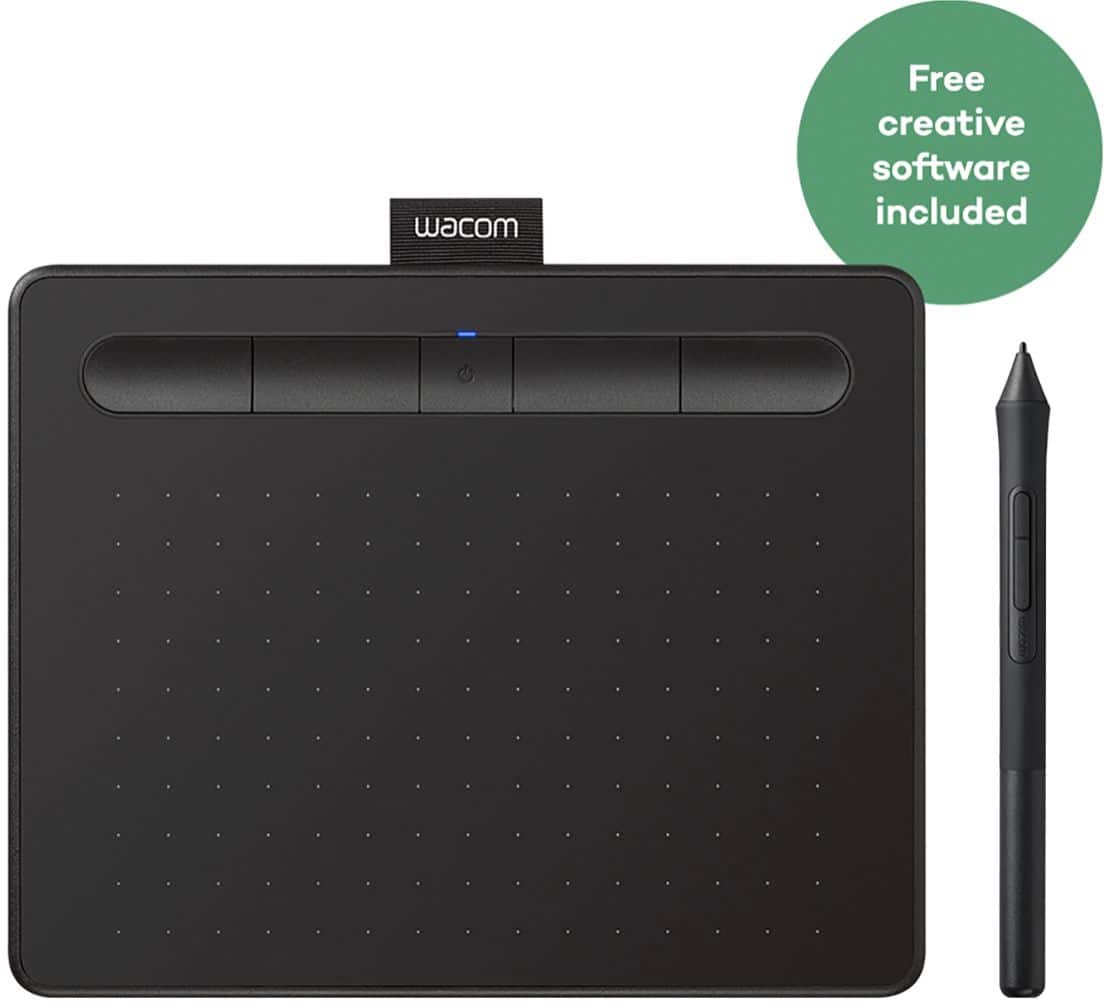

- Model:
- CTL4100WLK0
- |
- SKU:
- 10734042
Customer reviews
Rating 4.5 out of 5 stars with 991 reviews
(991 customer reviews)Rating by feature
- Value4.4
Rating 4.4 out of 5 stars
- Quality4.6
Rating 4.6 out of 5 stars
- Ease of Use4.3
Rating 4.3 out of 5 stars
Rated 4 out of 5 stars
A great choice at a reasonable price
||Posted . Owned for 3 weeks when reviewed.This reviewer received promo considerations or sweepstakes entry for writing a review.I recently purchased the Wacom Intuos Graphic Drawing Tablet, and it has exceeded all my expectations. The tablet is incredibly responsive, making it easy to create precise and fluid lines. The pressure sensitivity is excellent, allowing for a wide range of strokes and detailing. The setup was straightforward, and the included software offers a great selection of tools for both beginners and professionals. I also appreciate the compact and lightweight design, which makes it easy to carry and use anywhere. Overall, the Wacom Intuos has significantly enhanced my digital art experience, and I highly recommend it to anyone looking for a reliable and high-quality drawing tablet.
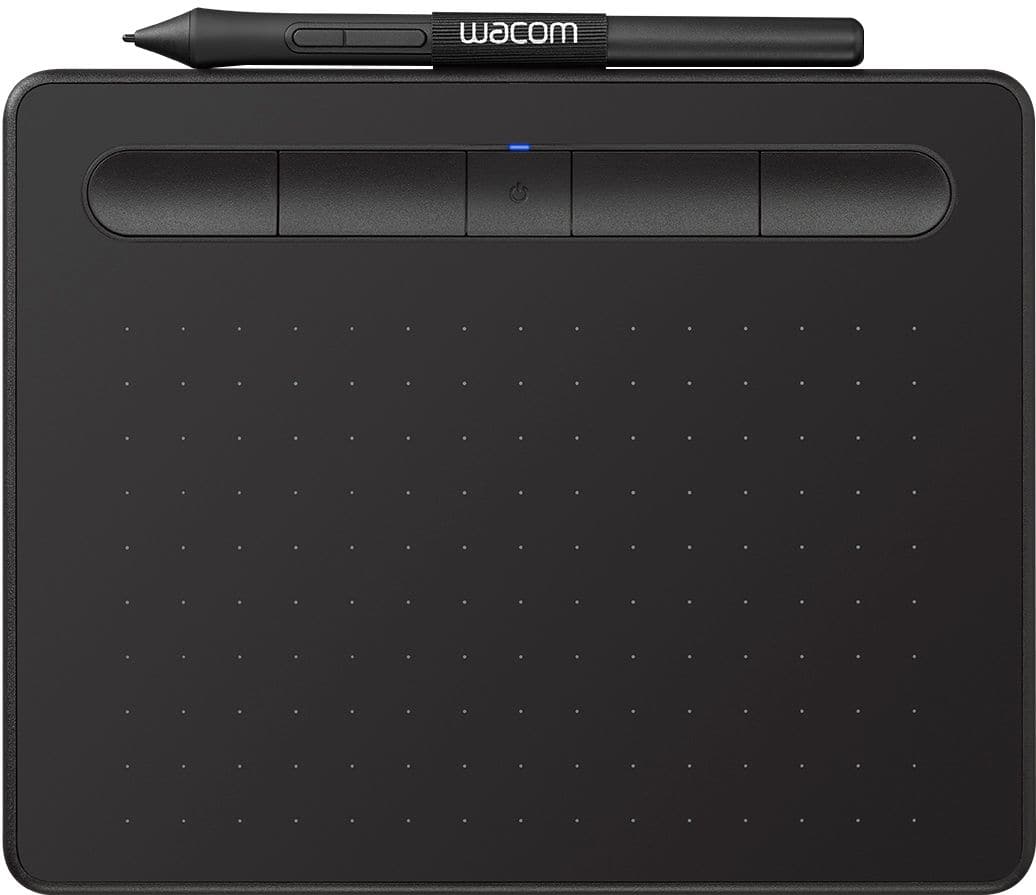
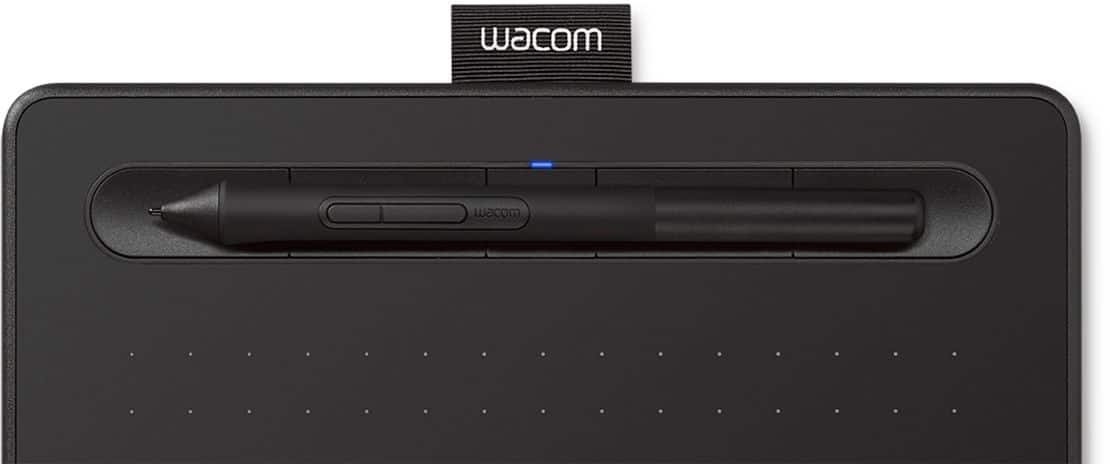
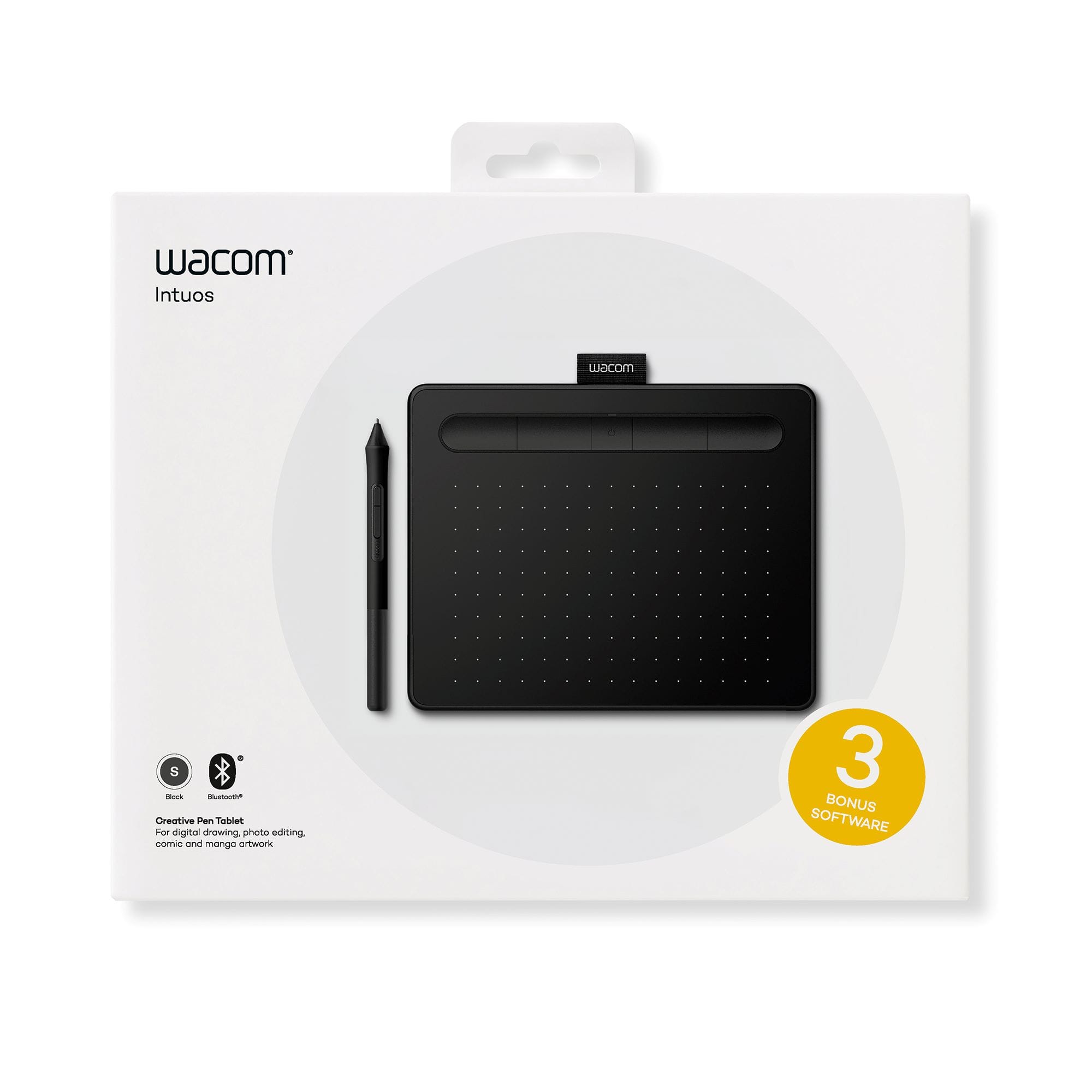
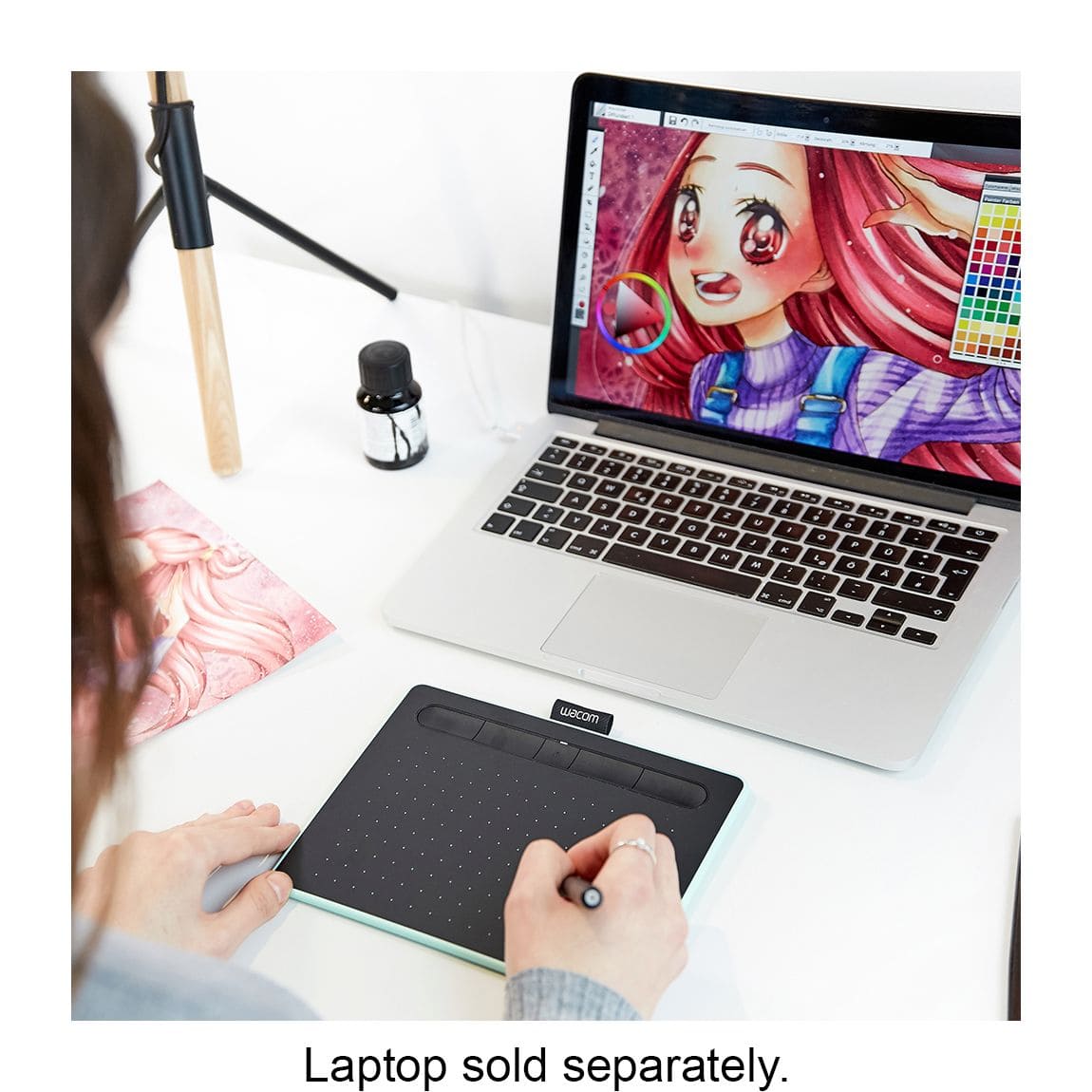
This review is from Wacom - Intuos Graphic Drawing Tablet for Mac, PC, Chromebook & Android (Small) with Software Included (Wireless) - Black
I would recommend this to a friendRated 5 out of 5 stars
Great product!
||Posted . Owned for 3 weeks when reviewed.This reviewer received promo considerations or sweepstakes entry for writing a review.This is an excellent product.It was very easy to connect and It interfaced perfectly with my devices and I was able to draw seamlessly from the pad to my screen.
This review is from Wacom - Intuos Graphic Drawing Tablet for Mac, PC, Chromebook & Android (Small) with Software Included (Wireless) - Black
I would recommend this to a friendRated 5 out of 5 stars
Great for photo editing
||Posted .This reviewer received promo considerations or sweepstakes entry for writing a review.I had been researching the Apple Trackpad 2 to use with Photoshop, but realized that the compatibility with Windows would likely be an issue and would definitely limit the functionality of the Trackpad. So I purchased the Wacom tablet and now only is it bigger but it was also a little cheaper. Very pleased with this product and looking forward to customizing the shortcuts. I also really like that you can hover the pen over the tablet to see where you are on the screen without actually using the tool.
This review is from Wacom - Intuos Graphic Drawing Tablet for Mac, PC, Chromebook & Android (Small) with Software Included (Wireless) - Black
I would recommend this to a friendRated 5 out of 5 stars
got to Love Bluetooth
||Posted .This reviewer received promo considerations or sweepstakes entry for writing a review.Been wanting bluetooth wireless and now can say this works very well, the Free Software with purchase is a gimmick and you only get the free version with limited ability and if you wish the pro version as a cost to you, Unless you need this software highly recommend not wasting time installing the free ware. Works as expected and can customize to how you wish to use it, I have used Wacom in the past and since upgrading to High Sierra which no longer supported my old Wacom was time to upgrade and found this simple to install and setup. Works very well. If you edit photos highly recommend this Wacom Tablet.
This review is from Wacom - Intuos Graphic Drawing Tablet for Mac, PC, Chromebook & Android (Small) with Software Included (Wireless) - Black
I would recommend this to a friendRated 5 out of 5 stars
The beginning of a designer's journey
||Posted .This reviewer received promo considerations or sweepstakes entry for writing a review.At the beginning of the purchase I thought that I would be uncomfortable to work, that I need a screen for drawing, but after I connected to the PC this feeling disappeared. Quickly got used to it and very convenient that there is bluetooth connection and user friendly software. I recommend it as a starter
This review is from Wacom - Intuos Graphic Drawing Tablet for Mac, PC, Chromebook & Android (Small) with Software Included (Wireless) - Black
I would recommend this to a friendRated 5 out of 5 stars
Good deal
||Posted . Owned for 10 months when reviewed.This reviewer received promo considerations or sweepstakes entry for writing a review.a good thing for photoshop owners, connection to macbook is very simple, pen is adaptive, response is super
This review is from Wacom - Intuos Graphic Drawing Tablet for Mac, PC, Chromebook & Android (Small) with Software Included (Wireless) - Black
I would recommend this to a friendRated 4 out of 5 stars
Solid Writing Companion
||Posted . Owned for 3 months when reviewed.This reviewer received promo considerations or sweepstakes entry for writing a review.The Wacom - Intuos Wireless Drawing Tablet was a bit tricky to figure out initially, but it's been a great tool for note-taking once I got the hang of it. It's wireless, compatible with all my devices, and the included software is a plus. A bit of a learning curve, but totally worth it for my notes!
This review is from Wacom - Intuos Graphic Drawing Tablet for Mac, PC, Chromebook & Android (Small) with Software Included (Wireless) - Black
I would recommend this to a friendRated 5 out of 5 stars
Excellent Writing Tablet
||Posted .This reviewer received promo considerations or sweepstakes entry for writing a review.I've had this for a while and never had an issue. Much smaller than the one i had prior, but it works well and covers my entire screen.
This review is from Wacom - Intuos Graphic Drawing Tablet for Mac, PC, Chromebook & Android (Small) with Software Included (Wireless) - Black
I would recommend this to a friendRated 5 out of 5 stars
Wonderful
||Posted . Owned for 3 months when reviewed.This reviewer received promo considerations or sweepstakes entry for writing a review.Wonderful expectations!! As a graphic design student, this is worth a purchase! It's so easy to use and connected automatically to all my adobe programs! The Bluetooth was so easy to set up with my MacBook Pro as well. It's so much fun to use and definitely exceeded what I thought. It's pretty sturdy too, and I haven't had any issues. I bought it in late August and I've had no issues. I did purchase a 2-year warranty in case too, but to be honest not really necessary.
This review is from Wacom - Intuos Graphic Drawing Tablet for Mac, PC, Chromebook & Android (Small) with Software Included (Wireless) - Black
I would recommend this to a friendRated 5 out of 5 stars
Worth it if you play Osu
||Posted . Owned for less than 1 week when reviewed.This reviewer received promo considerations or sweepstakes entry for writing a review.This is a perfect item for games like Osu. Especially now that osu lazer has the tablet settings WITHIN the in game settings. You don’t need to download the software as the Osu settings override anything you do in the original software. This was not the case previously.
This review is from Wacom - Intuos Graphic Drawing Tablet for Mac, PC, Chromebook & Android (Small) with Software Included (Wireless) - Black
I would recommend this to a friendRated 5 out of 5 stars
Great Compact Utility Unit
||Posted . Owned for 1 week when reviewed.This reviewer received promo considerations or sweepstakes entry for writing a review.I have to return mine for a bigger unit, but it installed SO easy, and functions just as smooth and efficient as my larger board. Just way too tiny for my needs. If only for marking up documents and signatures, this is a great little unit that won't clutter the desk. Hoped this would work for my traveling. Just too small for Photoshop artwork.
This review is from Wacom - Intuos Graphic Drawing Tablet for Mac, PC, Chromebook & Android (Small) with Software Included (Wireless) - Black
I would recommend this to a friendRated 5 out of 5 stars
Works as expected
||Posted . Owned for less than 1 week when reviewed.This reviewer received promo considerations or sweepstakes entry for writing a review.Highly recommend for photographers looking to use this tool for photo retouching. You could spend on a more expensive one but if your new to retouching, I recommend trying this one first before dishing out hundreds of dollars. Easy to set up as well. Bluetooth capabilities. I could see this being good for simple drawings os signatures.
This review is from Wacom - Intuos Graphic Drawing Tablet for Mac, PC, Chromebook & Android (Small) with Software Included (Wireless) - Black
I would recommend this to a friendRated 5 out of 5 stars
Great
||Posted .This reviewer received promo considerations or sweepstakes entry for writing a review.I love this little tablet! I do most of my own retouching, so having a tablet is a necessity for me when I need to do intricate work. This one is particularly great because it’s large enough to get the job done, but small enough to take to shoots or to work from a coffee shop. I originally (accidentally) bought the one with a cord, but I love that this one can be wireless as it frees up the ports on my laptop when I’m working on the go.
This review is from Wacom - Intuos Graphic Drawing Tablet for Mac, PC, Chromebook & Android (Small) with Software Included (Wireless) - Black
I would recommend this to a friendRated 5 out of 5 stars
Very nice tool as a human interface
||Posted . Owned for 1 year when reviewed.This reviewer received promo considerations or sweepstakes entry for writing a review.Excellent drawing accessory for professional art. I have used it with both Windows and Mac, and this has flawless integration with both. All you need is to install an additional driver software. The wireless battery support is for around 8hours non stop. Bluetooth is needed for wireless. It is a better ergonomic replacement of a traditional mouse.
This review is from Wacom - Intuos Graphic Drawing Tablet for Mac, PC, Chromebook & Android (Small) with Software Included (Wireless) - Black
I would recommend this to a friendRated 5 out of 5 stars
Good for beginners
||Posted . Owned for 3 weeks when reviewed.This reviewer received promo considerations or sweepstakes entry for writing a review.I was looking for something to start with for my first drawings, this product met my expectations, despite being Bluetooth it is still faster if connected via USB cable. No issues with sensor movements, the pen or anything else. The app is easy to understand and has a couple options for macros and to set the orientation of the tablet (very helpful and comfortable).
This review is from Wacom - Intuos Graphic Drawing Tablet for Mac, PC, Chromebook & Android (Small) with Software Included (Wireless) - Black
I would recommend this to a friendRated 5 out of 5 stars
Don't know what I'd do without it
||Posted . Owned for 7 months when reviewed.This reviewer received promo considerations or sweepstakes entry for writing a review.As a photographer, I retouch my own client photos, and sometimes, if it's urgent, I'll retouch a couple of content shots on set. This is a great tablet to have on hand on days like that since it's compact and can be used wirelessly. It's also Wacom quality which has always been great for me.
This review is from Wacom - Intuos Graphic Drawing Tablet for Mac, PC, Chromebook & Android (Small) with Software Included (Wireless) - Black
I would recommend this to a friendRated 5 out of 5 stars
goodness of earth
||Posted . Owned for 7 months when reviewed.This reviewer received promo considerations or sweepstakes entry for writing a review.I really enjoy using the Wacom tablet. I like the is wireless, and it is so easy to set up. I definitely recommend it. You won't go wrong I waited 6 months before I bought this, but I regret waiting that long. It is so worth it for the price.
This review is from Wacom - Intuos Graphic Drawing Tablet for Mac, PC, Chromebook & Android (Small) with Software Included (Wireless) - Black
I would recommend this to a friendRated 4 out of 5 stars
Digital Drawing Tablet
||Posted . Owned for 2 weeks when reviewed.This reviewer received promo considerations or sweepstakes entry for writing a review.Compact, Wireless, Accurate, digital drawing tablet. I use it for signatures and works great.
This review is from Wacom - Intuos Graphic Drawing Tablet for Mac, PC, Chromebook & Android (Small) with Software Included (Wireless) - Black
I would recommend this to a friendRated 5 out of 5 stars
Works for Me!
||Posted . Owned for 1 year when reviewed.This reviewer received promo considerations or sweepstakes entry for writing a review.This works well for what I need. I had the larger size, and I was constantly hitting the buttons or it just took a lot of space on the desk, so this works perfectly in size and comfort. I use mine for digital covers and I feel like I am working with pen and paper!
This review is from Wacom - Intuos Graphic Drawing Tablet for Mac, PC, Chromebook & Android (Small) with Software Included (Wireless) - Black
I would recommend this to a friendRated 5 out of 5 stars
Great for a beginner! Wireless is a must!
||Posted . Owned for 1 week when reviewed.This reviewer received promo considerations or sweepstakes entry for writing a review.We originally bought the coded version of this tablet. However, the cord gets in the way. So, we returned it, and for $20 more, were able to get the Bluetooth version. That combined with three included software, make this an excellent product. My son uses this daily!
This review is from Wacom - Intuos Graphic Drawing Tablet for Mac, PC, Chromebook & Android (Small) with Software Included (Wireless) - Black
I would recommend this to a friend
People also viewed
- $129.95Your price for this item is $129.95
- $39.95Your price for this item is $39.95
- $149.95Your price for this item is $149.95
- $449.95Your price for this item is $449.95
- $219.95Your price for this item is $219.95$299.95The comparable value for this item is $299.95
- $179.00Your price for this item is $179.00$299.95The comparable value for this item is $299.95
- $249.95Your price for this item is $249.95
- $266.97Your price for this item is $266.97$299.95The comparable value for this item is $299.95
- $99.95Your price for this item is $99.95
- $649.95Your price for this item is $649.95
- $449.00Your price for this item is $449.00
- $219.99Your price for this item is $219.99$329.99The comparable value for this item is $329.99
- $679.00Your price for this item is $679.00
- $499.00Your price for this item is $499.00$569.00The comparable value for this item is $569.00
- $499.00Your price for this item is $499.00
- $59.99Your price for this item is $59.99
 reMarkable - Paper Pro - 11.8" Paper Tablet with Marker Plus and Book Folio in Mosaic Weave - Basalt$779.00Your price for this item is $779.00
- $569.00Your price for this item is $569.00
- $101.54Your price for this item is $101.54$104.17The comparable value for this item is $104.17
- $3,499.95Your price for this item is $3,499.95