Customer Ratings & Reviews
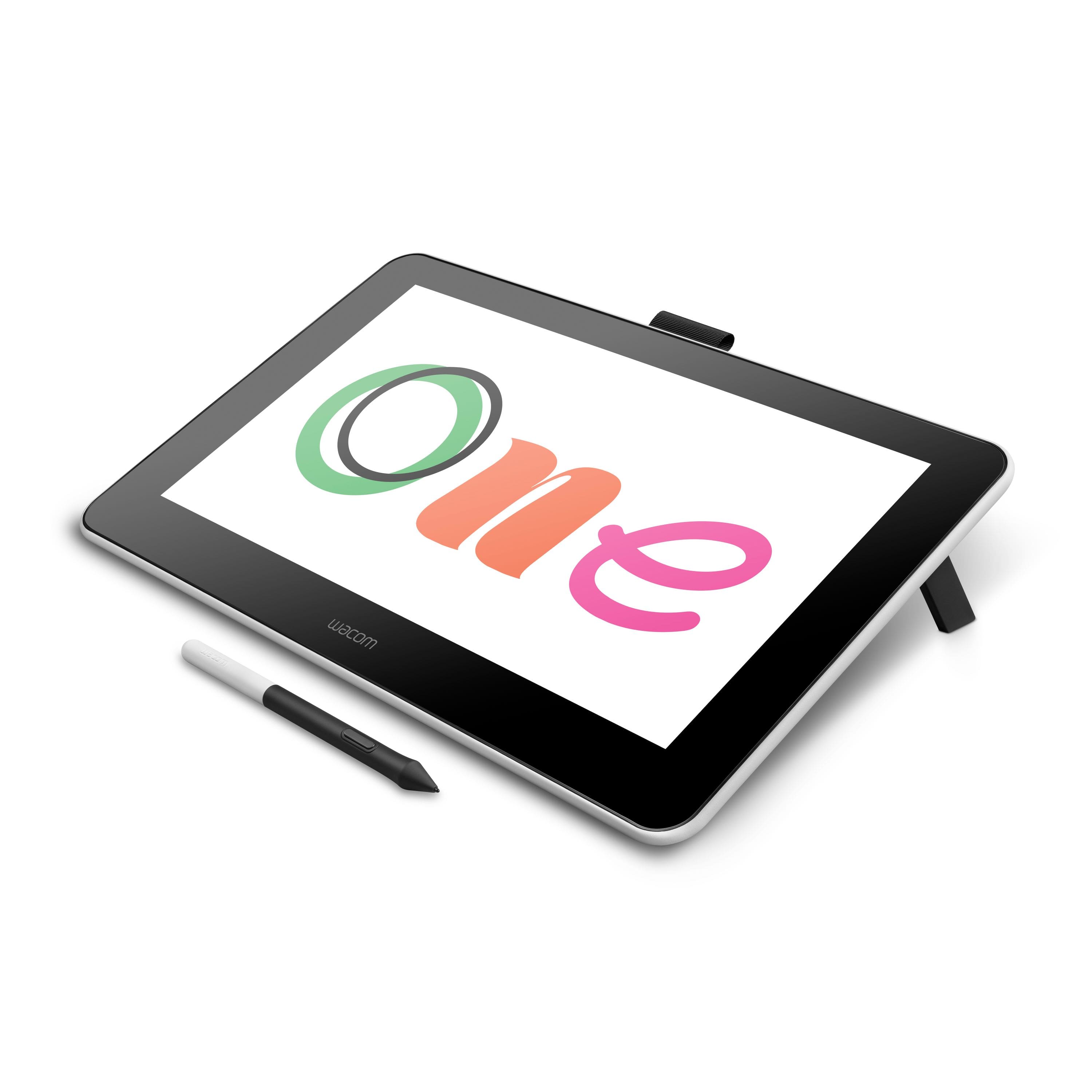
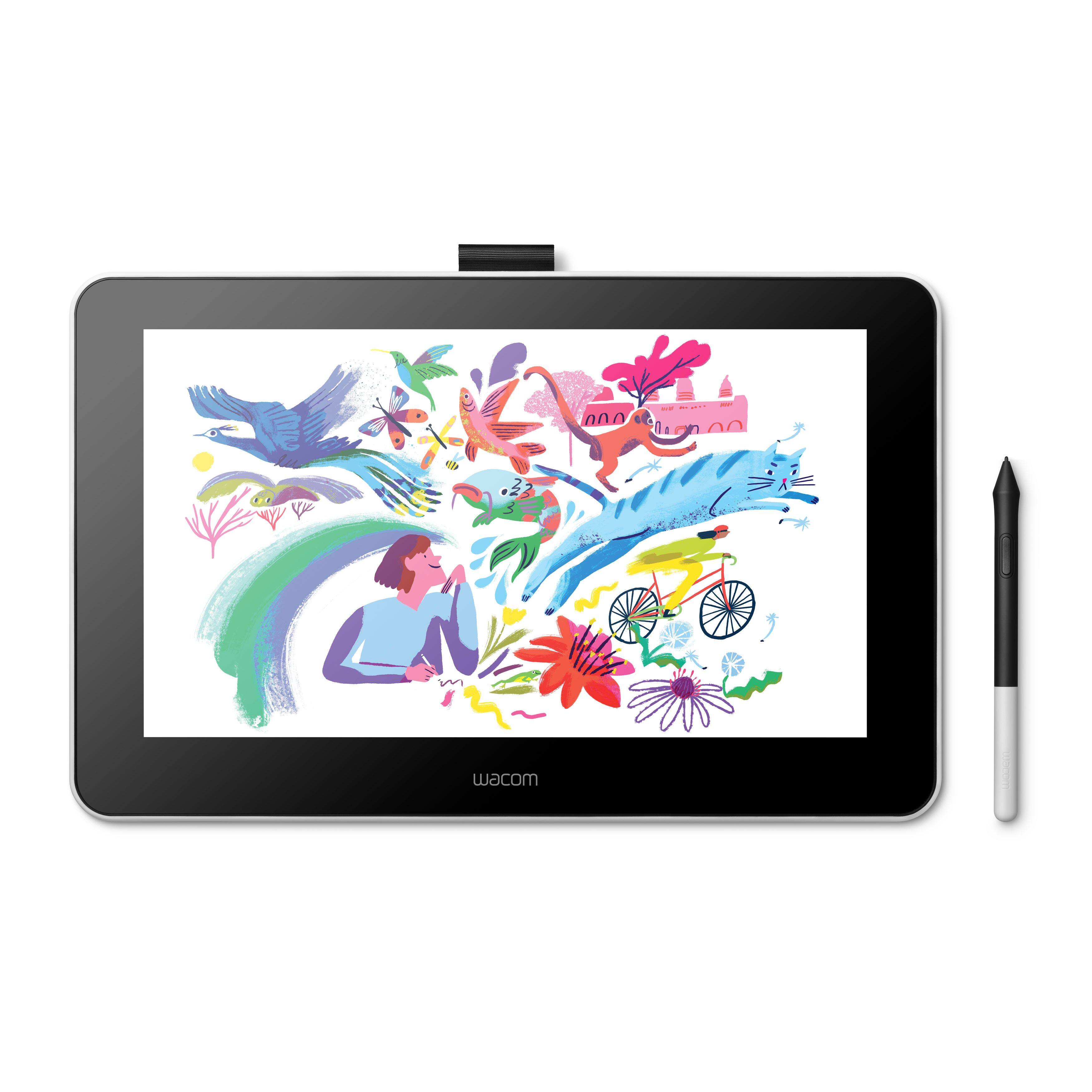
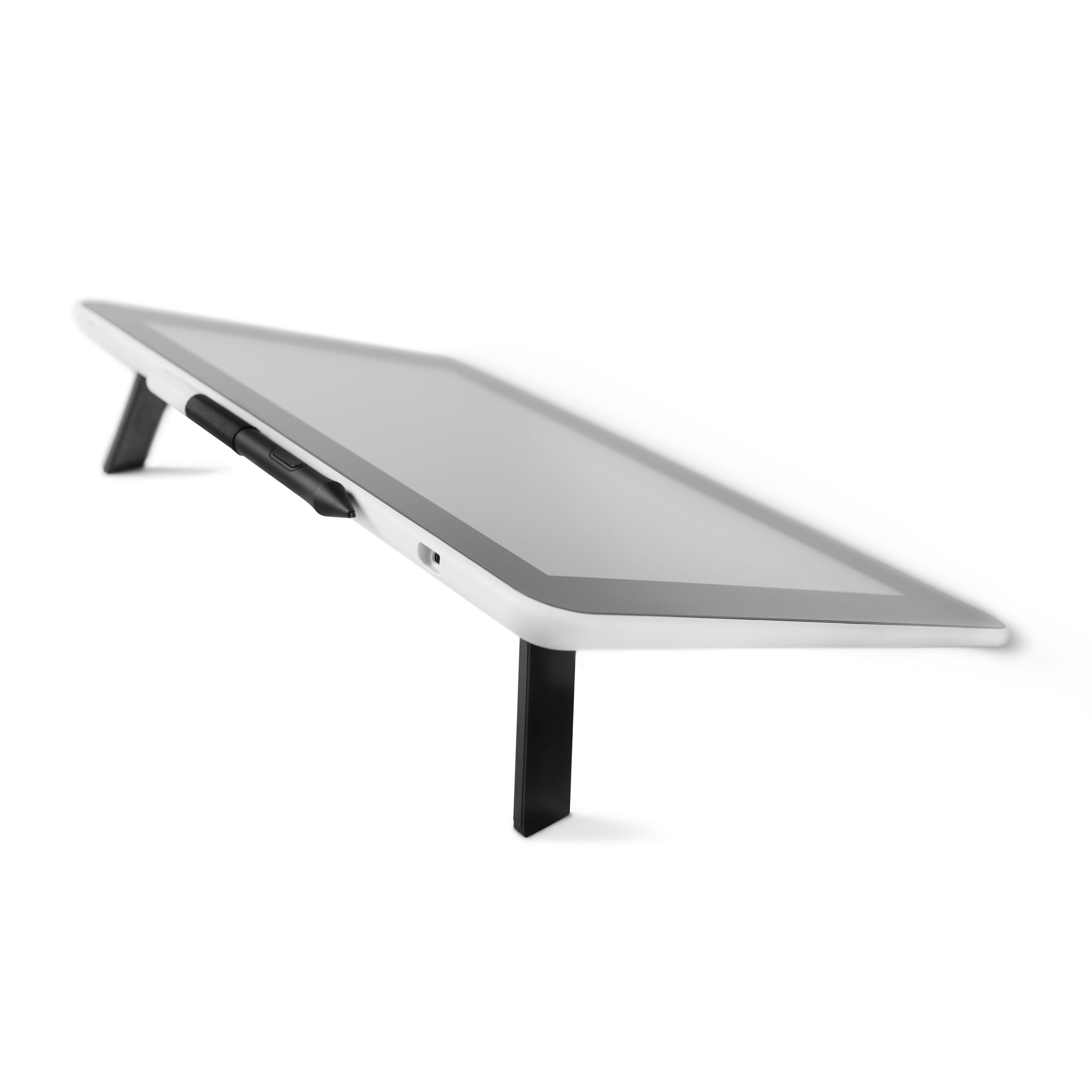
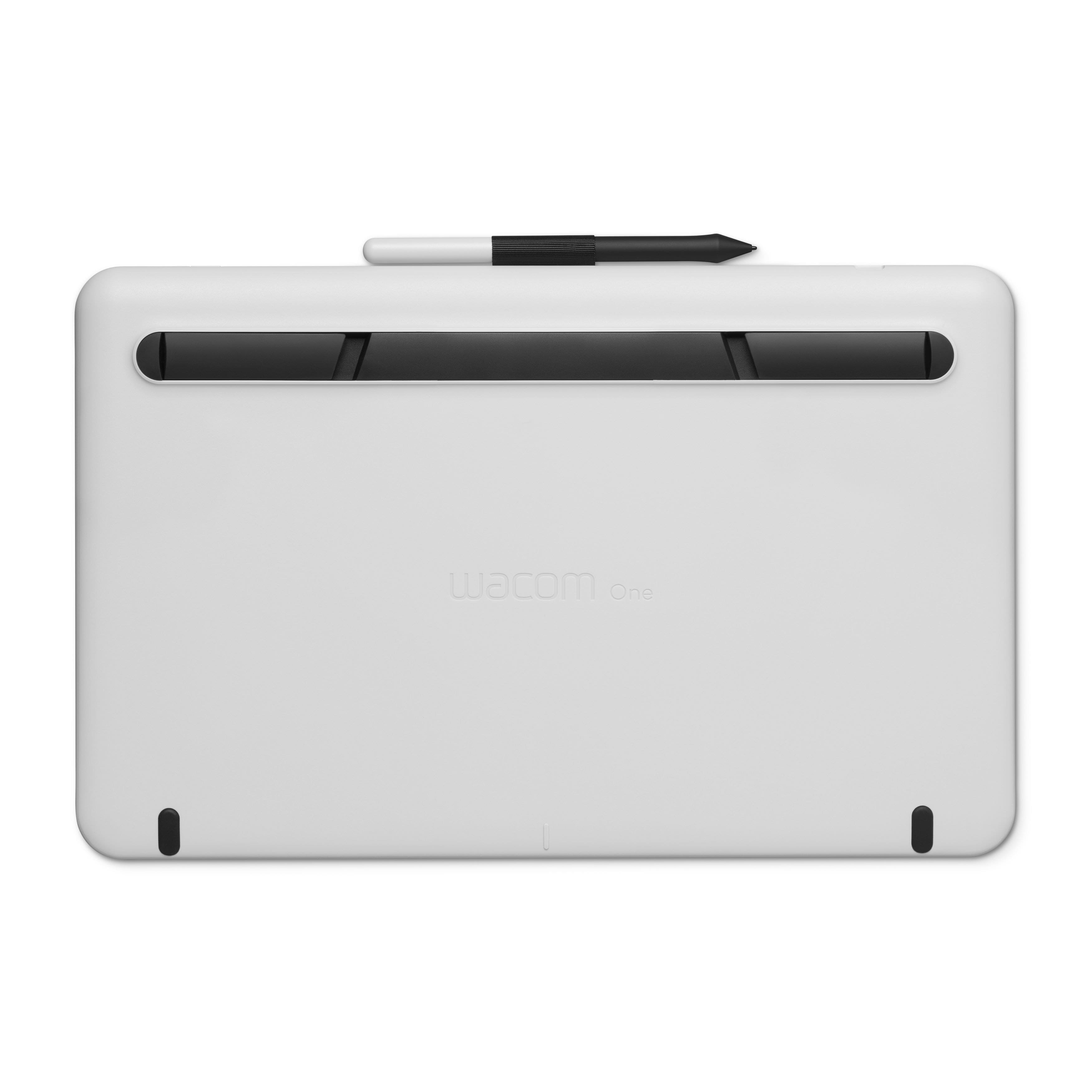
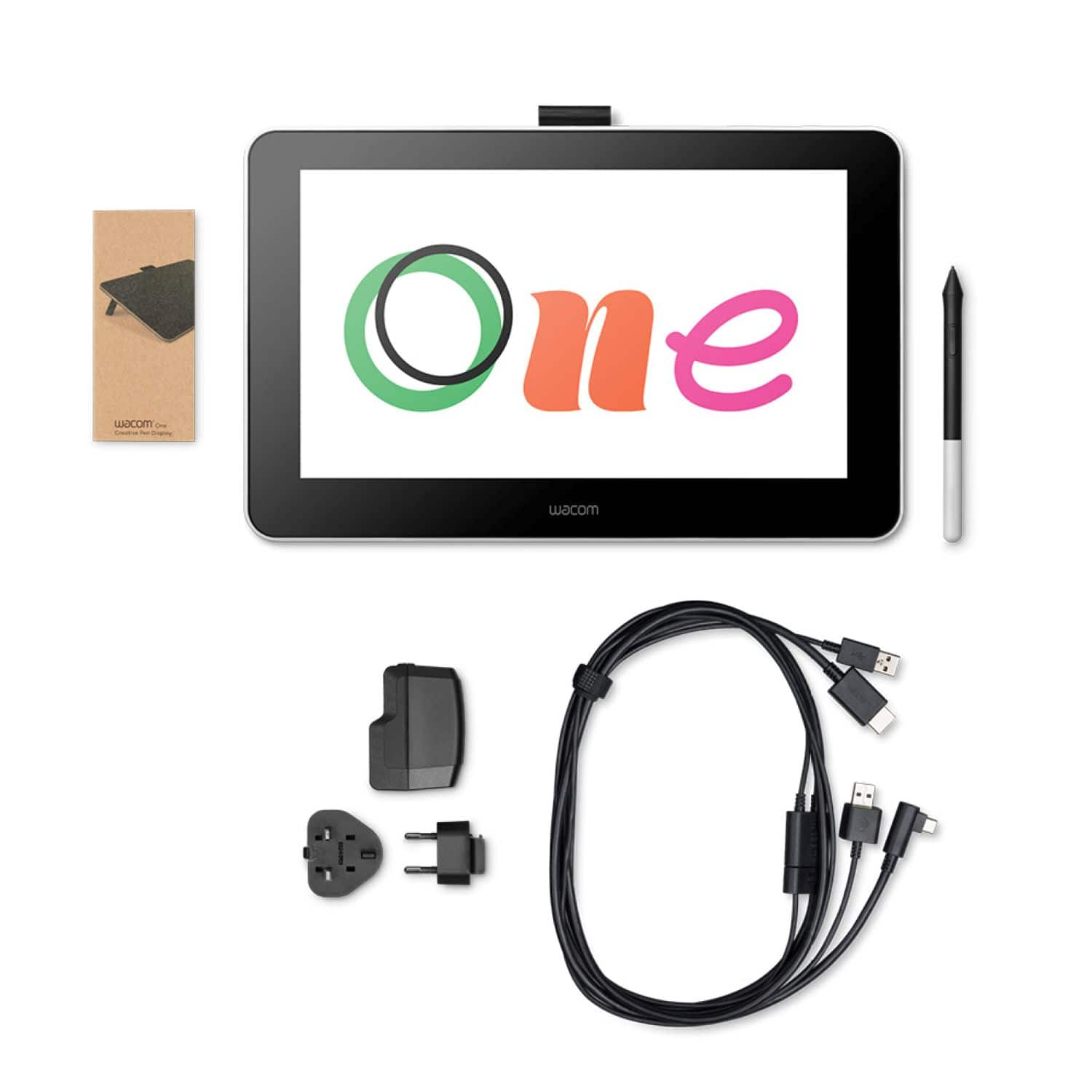
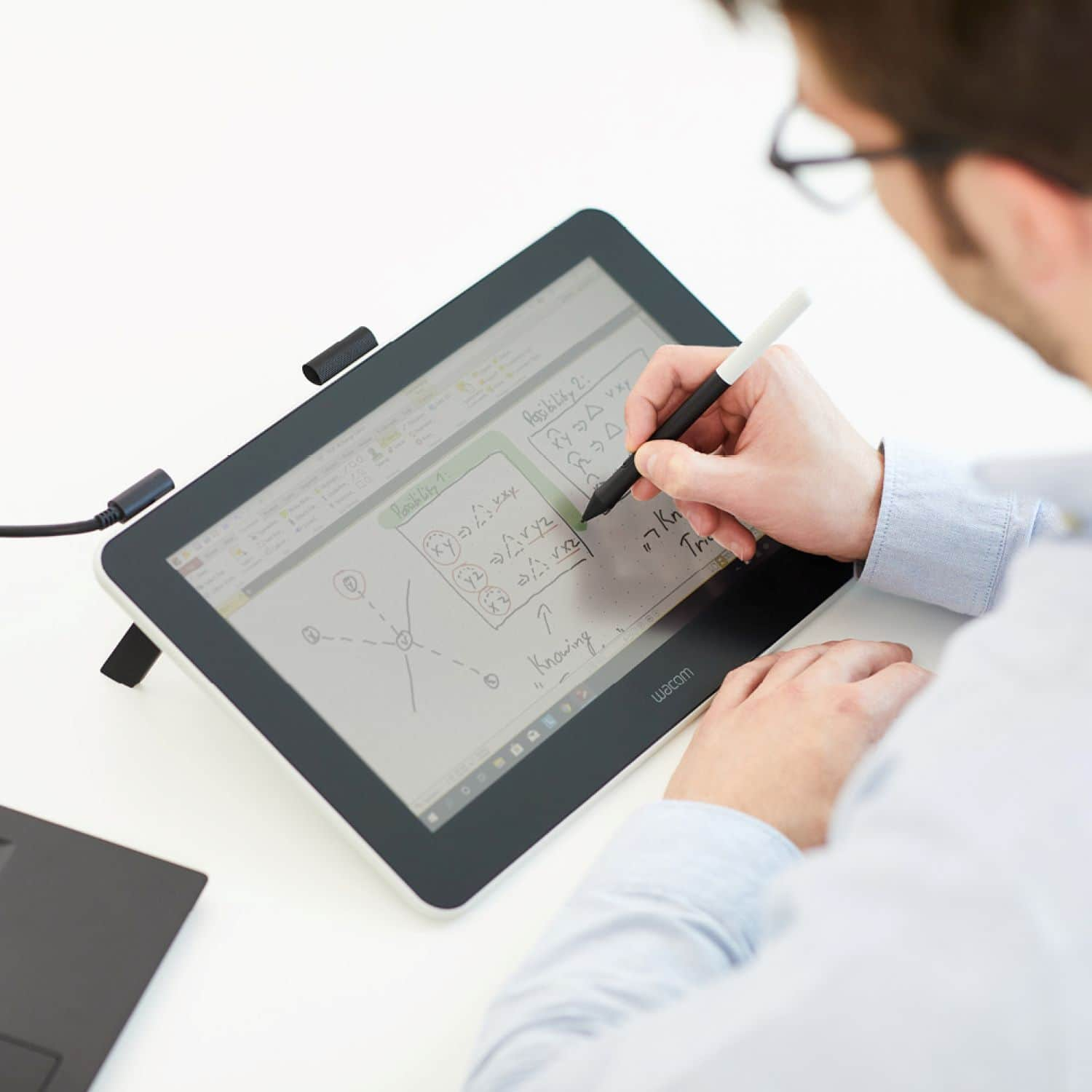
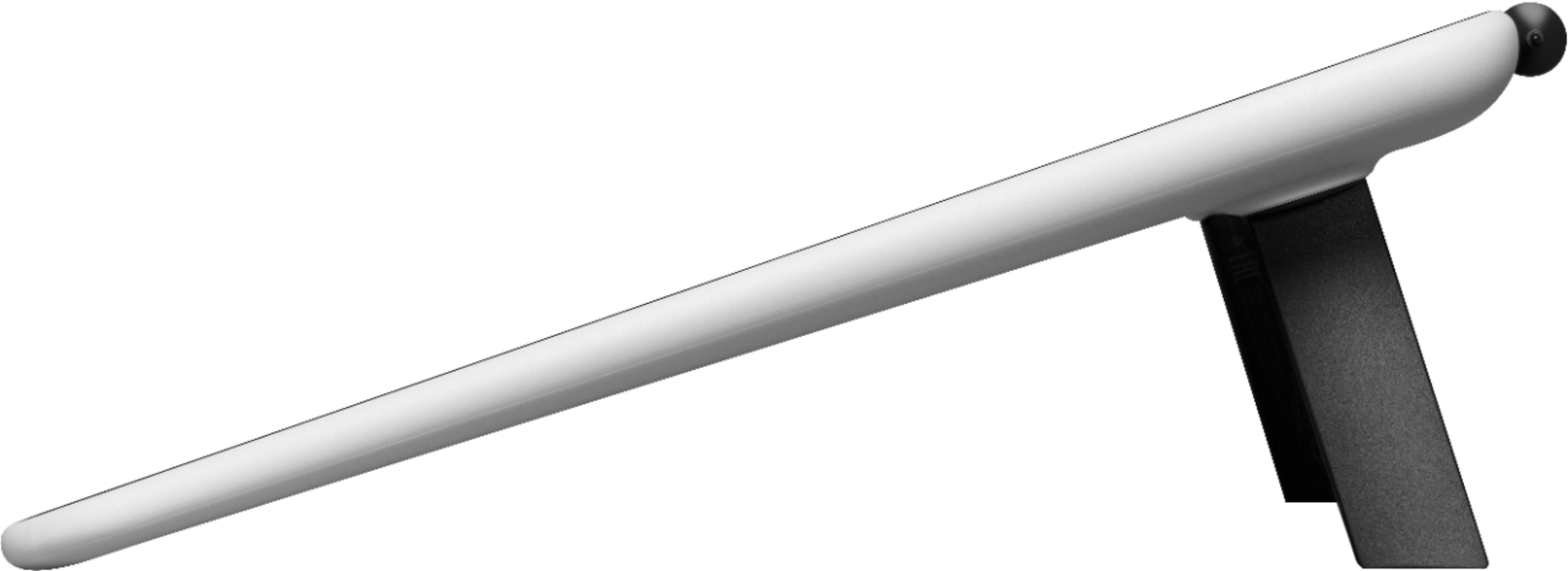
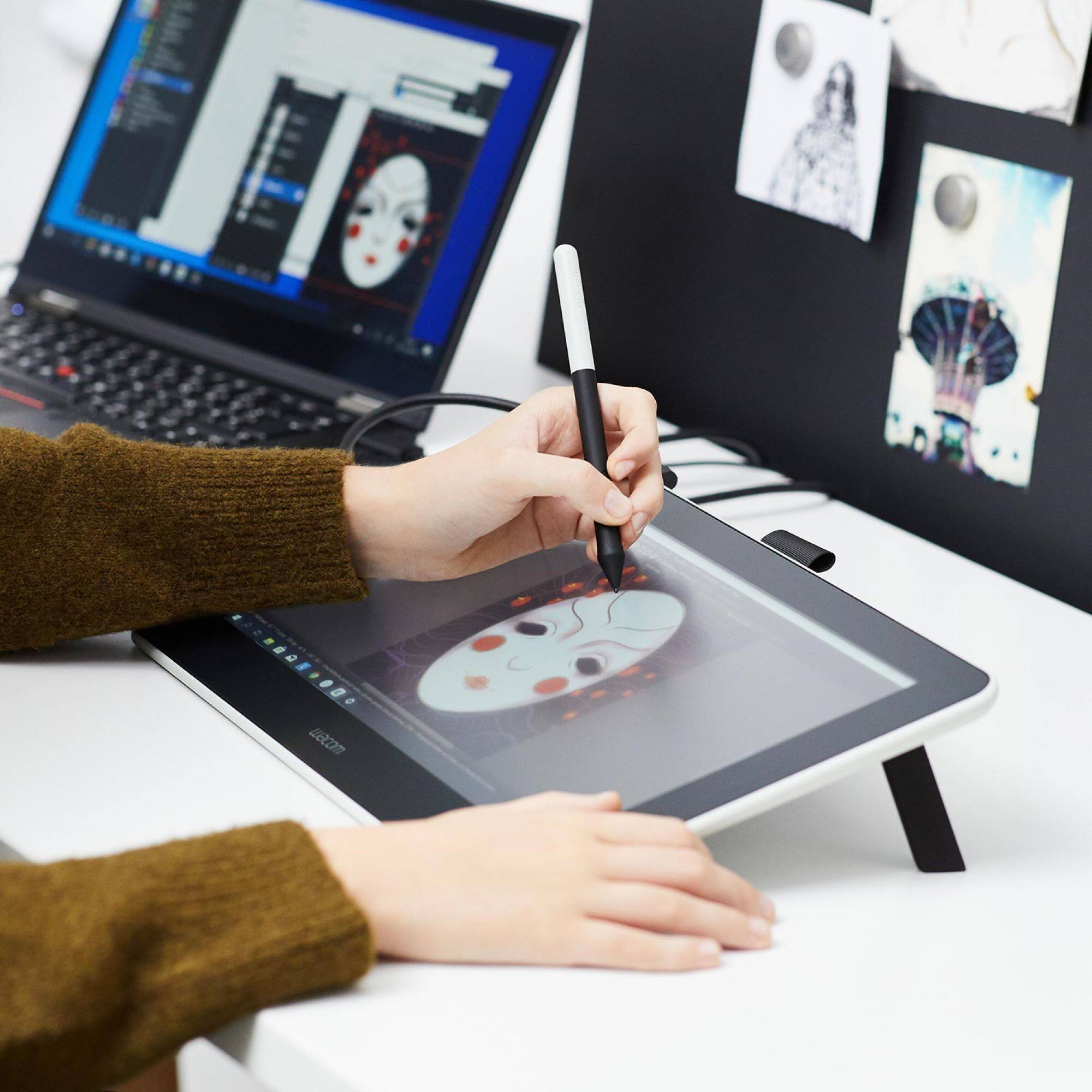
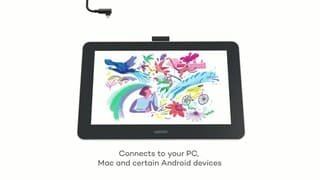


- Model:
- DTC133W0A
- SKU:
- 6393542
Rating by feature
- Value
Rating 4.3 out of 5 stars
- Quality
Rating 4.5 out of 5 stars
- Ease of Use
Rating 4.2 out of 5 stars
Customers are saying
Customers recognize the One drawing tablet's ease of use and convenient screen size as significant advantages. Many appreciate its responsiveness and the included pen, while some find the setup process challenging and the cable management cumbersome. The compatibility with various operating systems is also a point of discussion, with some users experiencing difficulties. Overall, the price-to-performance ratio receives positive feedback.
This summary was generated by AI based on customer reviews.
- Pros mentioned:Ease of use

Its Fun to Draw On But No Portability
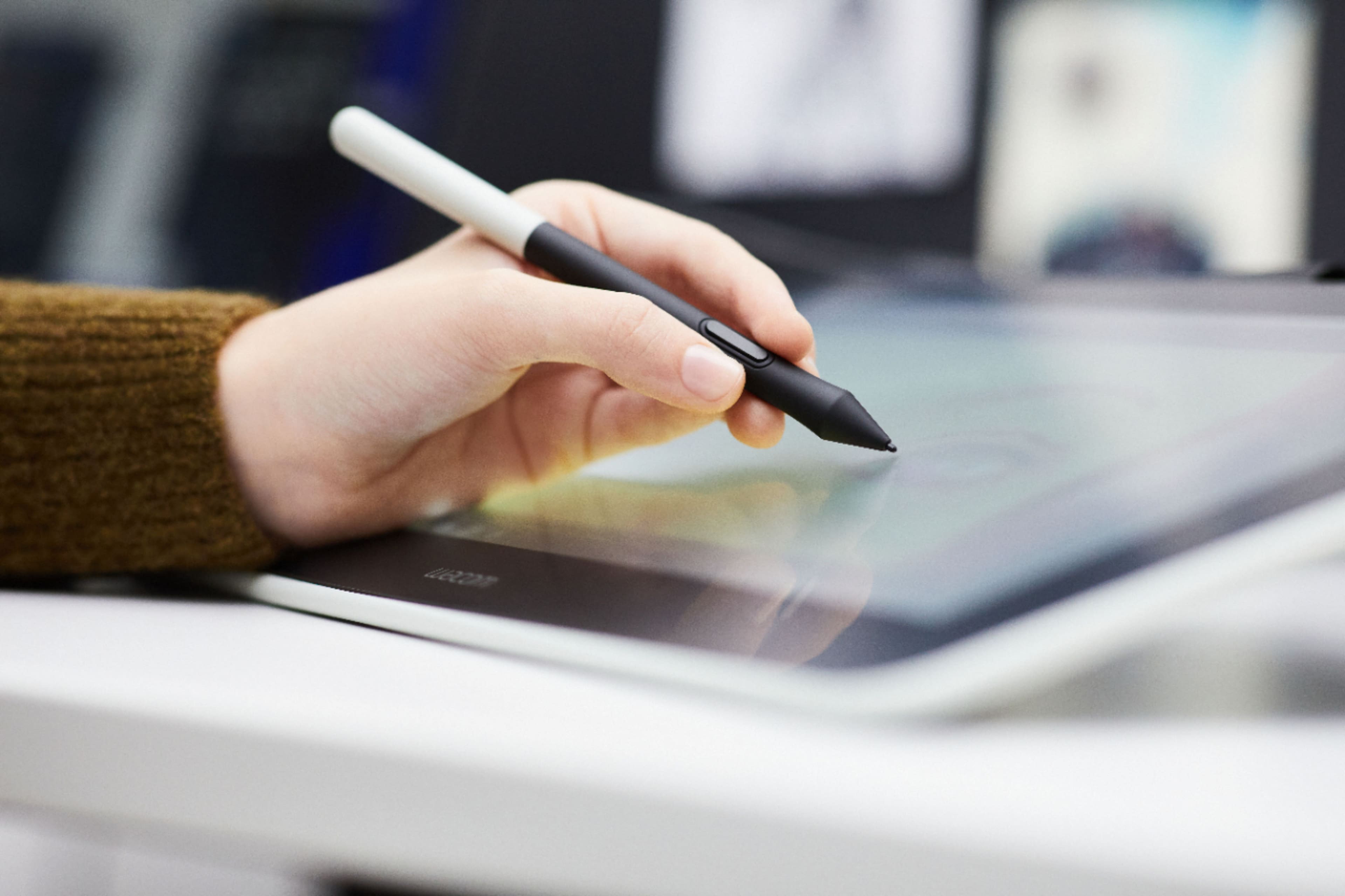
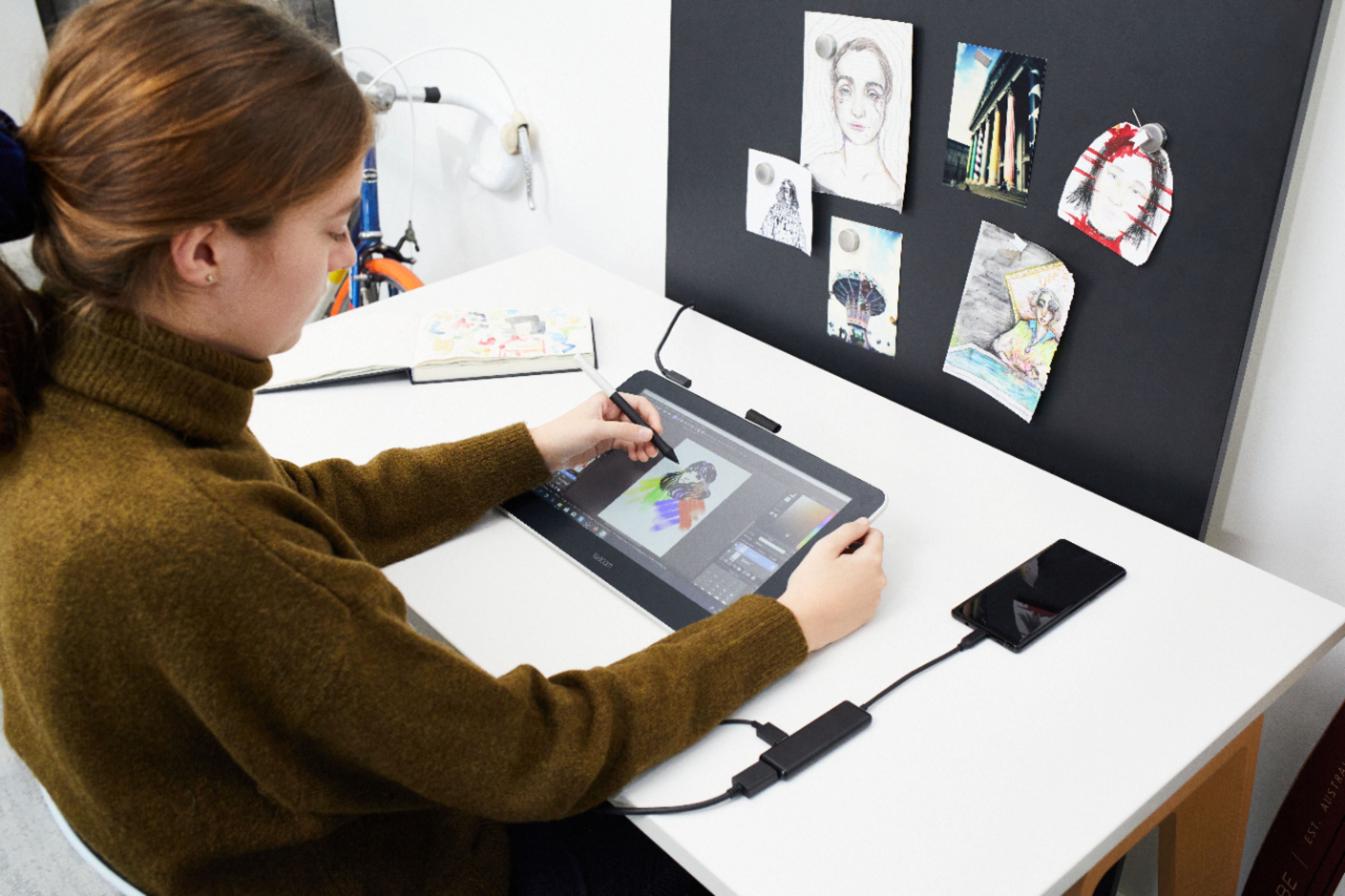
|Posted .This reviewer received promo considerations or sweepstakes entry for writing a review.Well let me start by saying Wacom One is fun to draw on. I had it set it up in no time and found that it works with various apps and software. Being able to draw, annotate is something the Wacom makes very useful and being able to sign digital documents and pdf files saves me so much time. I use to have to print, sign, scan, upload, took me a good 10 minutes now takes me 10 seconds. So the Wacom can become useful in doing so many things. Writing and drawing on it is almost like writing on a white board with dry-erase marker, I think its a little more rougher than writing on glass. The system itself is just basically a second monitor to your computer and this is where my problem comes in. THERE IS NO PORTABILITY! Considering the price and all the laptops and tablets on the market that can handle using a pen, I just don't think its that great. Portability is a big deal and I wouldn't dare lug this thang around with me and connect it to my computer every time. So this can't be used in class for taking notes, you can't draw or sketch sitting on the park bench. I see it being very useful in business or computer labs but there are too many tablets and computers that can handle a pen and then some. Other than that it works great when using it.
I would recommend this to a friend - Pros mentioned:Ease of use, Screen size
Works perfect for me!
||Posted . Owned for 1 month when reviewed.This reviewer received promo considerations or sweepstakes entry for writing a review.Versatile and perfect size. I bought this to replace a larger huion pen monitor that I didn't use as a drawing surface much because it is big and bulky. This tablet is easy to hold and rotate as needed which makes it easier for me to draw VS something that prefers to be kept stationary. The battery free pen is also a big plus. Only issue so far is I need to use it more! Will say I got it on sale. And not sure I would pay full price for it with how much I draw.
I would recommend this to a friend Brings our the artist in you
|Posted .This reviewer received promo considerations or sweepstakes entry for writing a review.So my wife loves to sketch, draw paint, edit videos and photos. Well this tablet is an amazing tool for the job and the best part is you can take this anywhere you go and run it off your phone. Not sure about IOS but we are able to connect it easily to our android devices without issues. The display only works with the pen, so there are no accidental touches or mark when your working and it feels like your actually drawing or sketching on paper. FYI, the screen protector that the tablet comes with does scratch easily so just be careful of that. Other than that a really solid tablet that my wife and kids enjoy.
I would recommend this to a friend- Pros mentioned:Ease of use, Price, Screen size
Good stuff
||Posted . Owned for 3 weeks when reviewed.This reviewer received promo considerations or sweepstakes entry for writing a review.I love it. Sure it’s recomended for beginners, but its been the most useful tablet pen ive used, so was well worth it’s “cheap” price. Much easier to deal with on smaller desk space compared to plenty screens. Also makes a great second monitor in general.
I would recommend this to a friend - Cons mentioned:Cords
WACOM ONE ITS A GO STUDENT ENGINEER PERSPECTIVE
||Posted . Owned for 6 months when reviewed.This reviewer received promo considerations or sweepstakes entry for writing a review.This is NOT a traveling tablet, I currently use it for engineering school and have to connect it directly to the computer via usb and HDMI. If you are looking for a traveling tablet make sure you check to see if it can standalone and not require the above. Aside from that it is a very decent tablet the surface is smooth and the pen is light and when you render you will feel like your drawing on paper, if you have a heavy project definitely get the large. Also the cables are sensitive aside from that I used it with ease do make sure to have an external hard drive for space and computer memory or make sure the desktop or laptop has plenty of memory RAM!
I would recommend this to a friend - Pros mentioned:Drawing, Screen size
Good, but not oustanding.
||Posted . Owned for 5 months when reviewed.This reviewer received promo considerations or sweepstakes entry for writing a review.PROS - • You can draw right on the screen • Smooth and responsive stylus • Large surface area • Legs allow you to angle the screen to make drawing easier (for some) CONS - • Expensive - I don't think it's worth $400, maybe $300. Buy it on sale, if you can. • Sometimes the tablet function doesn't work and you have to reinstall the drivers. • Awkward button position on the stylus (but I have big hands) • No eraser end to the stylus. • The included software (download) is not that great Thoughts: The tablet does what it says and works well. My only complaint is that it sometimes fails to detect as a drawing tablet and you have to reinstall the drivers. The display will work, but it doesn't do it's primary function. It's a minor hassle as it takes less than two minutes, but it should be a hassle at all. I do think it's over priced at $400 I bought mine on sale for $300 and still think that's high. $275 seems more in line. Having to reinstall to use and the high price are turn off. The bonus is it is nice to draw right on the screen. The included software is subpar.
I would recommend this to a friend - Pros mentioned:Ease of useCons mentioned:Setup
My review of Wacom One
||Posted . Owned for 1 month when reviewed.This reviewer received promo considerations or sweepstakes entry for writing a review.Light for travel and any easy transition from an Intuos Pro. Packs away neatly. A lot more cables to wrangle and setup videos did not cover some stumbling blocks. Spent valuable time in line on the Help Desk as it was hard to find an answer to my problems via keywords finding a video answer. Reduced price in sale clinched the purchase.
I would recommend this to a friend - Cons mentioned:Compatibility, Setup
Not what I expected
||Posted . Owned for 1 month when reviewed.This reviewer received promo considerations or sweepstakes entry for writing a review.I bought this for my teen, who loves to draw. I wanted to upgrade the equipment. But it seems the old Wacom drawing pad is still preferred, even though it only shows the work on the computer screen. It seems to be easier to use. Also, it took me quite a while to set the One up. I could not get anything to show on the tablet's screen. It turned out that it was not getting enough power with a regular C-HDMI adapter, and we needed one that boosted power. It would have been nice to know that before I spent hours trying to figure out what was wrong. Be aware, too, that the tablet does not work with older Macs, as it requires current system software. I think if my kid would work with it and get used to it, it would be the preferred unit. But it seems the learning curve is a deterrent so far. I'd recommend it for people with the knowledge and experience to make it work.
I would recommend this to a friend - Pros mentioned:Ease of use, Price
Glad I have it
||Posted . Owned for 1 month when reviewed.This reviewer received promo considerations or sweepstakes entry for writing a review.I bought this so I could use it to with software like adobe illustrator or photoshop ect. And it has been a game changer when it comes to using tools like the paint brush or pen. The price was affordable and it is easier to use than I thought it would be!
I would recommend this to a friend - Pros mentioned:Screen size
It's good
||Posted . Owned for 1 month when reviewed.This reviewer received promo considerations or sweepstakes entry for writing a review.I got this item at a sale price, so it does feel like I got a loot for my money. The quality is what you expect from wacom, it feels good and sturdy. The feel of the stylus on the screen is enjoyable. DO keep in mind that the precision you get from this tablet is similar to the one you'd get from an ipad 10 when drawing. There's the matter of parallax, and it's not as precise as the non display wacom intuous pro line, or of course the cintiq line. BUT it does excell at giving you the display tablet experience on a budget. It's not touch and doesn't have shortcut buttons but for the one at the stylus. So you are still going to be very dependable on your keyboard. I enjoyed the size a lot. It's portable, but not so small that choosing menus on software like ClipStudio (that has a lot of small buttons) is impossible. If I was to change anything from it, it'd be add the touch feature, and LONGER wires. I had to fiddle with my setup quite a bit to be both able to plug it to power and to my laptop at once. But overall I'm very satisfyed with the purchase the feel and the quality.
I would recommend this to a friend - Pros mentioned:Drawing, Ease of use
Upgrade from screenless tablets
||Posted . Owned for 1 year when reviewed.This reviewer received promo considerations or sweepstakes entry for writing a review.This is my second drawing tablet but my first that has a screen. I love it! Easy to set up, easy to use. Keep your drivers updated for good pen calibration, etc. Pen is comfortable to use. No buttons on the tablet but I just bought a separate remote for my own purposes. I would recommend this to anyone wanting to get into digital drawing. Drawing without a screen has a larger learning curve, so if you can afford this--GO FOR IT!
I would recommend this to a friend - Pros mentioned:Screen sizeCons mentioned:Hdmi
Make sure your PC is able to take it
||Posted .This reviewer received promo considerations or sweepstakes entry for writing a review.I wasn't able to attach my PC with the Wacom one while using the PC Monitor since my PC only has 1 hdmi port and that goes to the monitor. Wacom one also needs an hdmi so unless you don't mind using the wacom as a main screen for PC make sure your PC can take the connections.
I would recommend this to a friend - Pros mentioned:Drawing, Ease of use
Excellent, just wish it came with a stand.
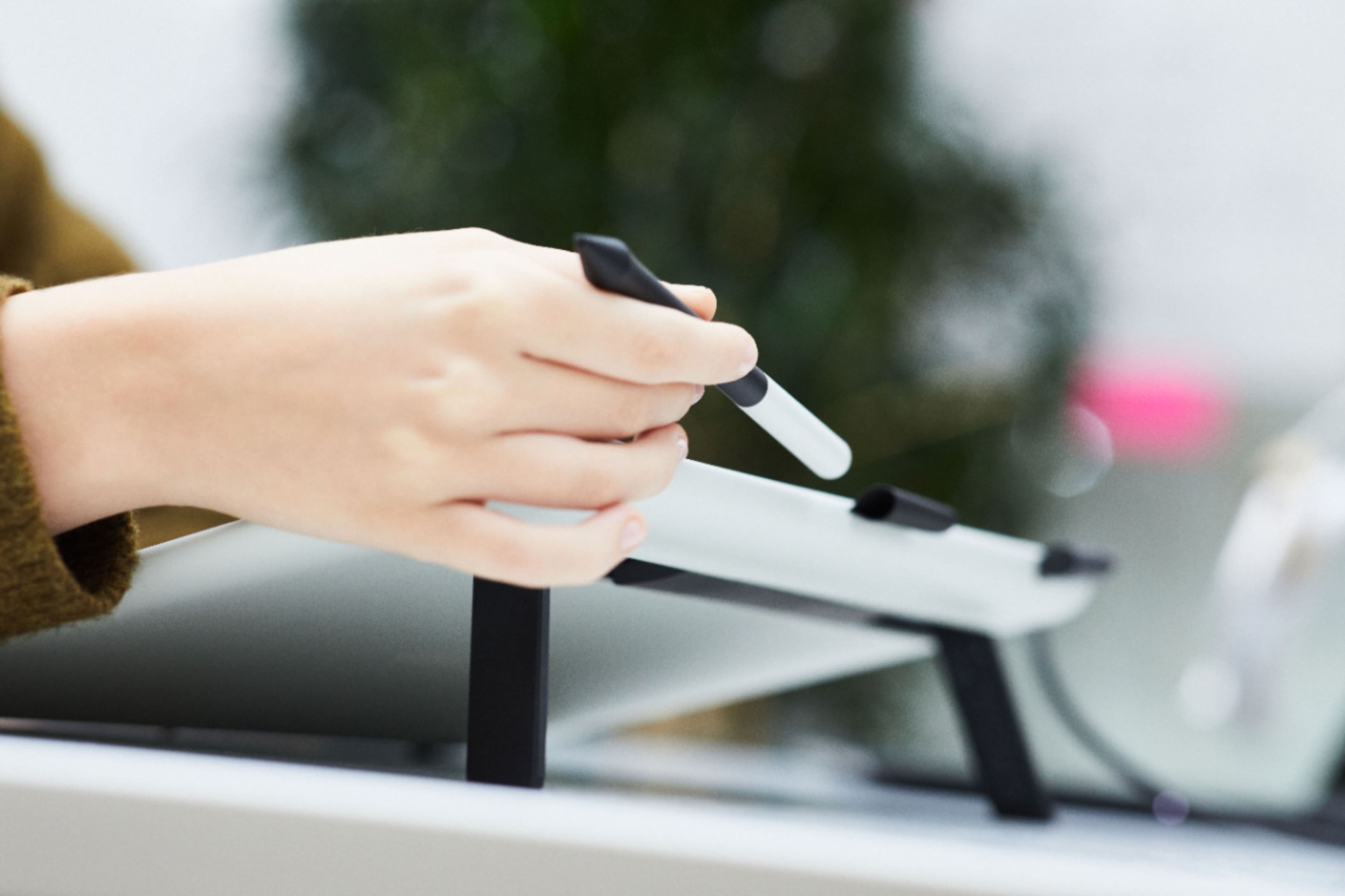
||Posted . Owned for 1 month when reviewed.This reviewer received promo considerations or sweepstakes entry for writing a review.Great tablet, easy to setup and works great for drawing. Also makes a great second monitor when not using it to draw. Dropped a star because it would be nice if it came with a stand or something to prop it up at different angles.
I would recommend this to a friend - Pros mentioned:ResponsivenessCons mentioned:Cords
Really good tablet.
||Posted . Owned for 11 months when reviewed.This reviewer received promo considerations or sweepstakes entry for writing a review.Pros- -Setup relatively easy -Comes with replacement nibs -It offers some free software once you create a Wacom account -Super responsive and lightweight Cons - Cables - Cables are designed weird and can create stress on connections if not placed neatly.
I would recommend this to a friend - Pros mentioned:PriceCons mentioned:Cords
Wacom One
||Posted . Owned for 2 weeks when reviewed.This reviewer received promo considerations or sweepstakes entry for writing a review.The only problem is with the amount of cables. I believe the newer version would eliminate the issue, but I liked the lowet price. Overall a good product at a good price.
I would recommend this to a friend - Pros mentioned:Ease of useCons mentioned:Compatibility
Amazing and Easy to Set Up
||Posted . Owned for 2 weeks when reviewed.This reviewer received promo considerations or sweepstakes entry for writing a review.Purchased my for husband for Christmas. He is an artist and thought it was the most amazing gift. Super easy to set up worked seamlessly with the computer. Only downside is it is only windows and Mac compatible. (No Chromebooks).
I would recommend this to a friend - Pros mentioned:Responsiveness
Built to last, reliable. Low Brightness
||Posted . Owned for more than 2 years when reviewed.This reviewer received promo considerations or sweepstakes entry for writing a review.If you're spending $400 for a wacom one I advice you to save up another $200 for an entry level cintiq. The brightness is quite low. The contrast can be low as well. If you want a bright crisp display I suggest getting an ipad and an apple pencil instead. One thing that I like about these Wacom products is that they are supported by just about any program and OS. Works out of the box with some Linux OS's as well. If you want to mainly draw - ipad If you want to use it to sculpt, draw and use other programs that could use it's pressure sensitivity, the Wacom works, but I suggest getting the next step up since the nib is not easily replaceable and since the nib is plastic it's going to scratch up the screen after enough use.
I would recommend this to a friend - Pros mentioned:Ease of use, Responsiveness
Great start for someone who doesn't know how to dr
||Posted . Owned for 1 month when reviewed.This reviewer received promo considerations or sweepstakes entry for writing a review.Works real good, works right off the bat for my Linux device. It can sense how hard you're pressing on the pen which is super cool. Started trying to play games with it.
I would recommend this to a friend - Pros mentioned:Ease of use
Great drawing tablet
||Posted . Owned for 3 weeks when reviewed.This reviewer received promo considerations or sweepstakes entry for writing a review.Easy to install and easy to use. Worked well with an old program - Micrographix Pictire Publisher 11. Also worked great with Adobe Photoshop Elements 12. Pen is comfortable to hold. Love the onscreen display that makes it easier for fine detail drawing.
I would recommend this to a friend Not amazing. Its tolerable if you're on a budget.
||Posted .This reviewer received promo considerations or sweepstakes entry for writing a review.It's okay. I've had the Wacom One for a year now, and after using it since January of last year, I've concluded that it's decent for a beginner. I bought this new. I think this tablet would be more for those looking to get into digital art for the first time, if you find it on sale like I did. Otherwise, for the original price I would say it isn't worth it, just go for a newer, bigger Wacom or another competitor. The 'One' is good as a secondary screen or monitor, which is what I primarily use it for. I initially bought it for Blender and drawing, as it's intended to be used. It works fine as a drawing device, but I find it lacks in a few ways. The screen, I would say, is the worst part of the device; its not the pen or the One's drivers/software but the brightness, though I've had issues with these too. This is one of my primary reasons for giving the One this rating. The screen brightness is terrible compared to my laptop and other devices. This is my first drawing tablet, so I'm not super knowledgeable about drawing on tablets since I do traditional art, but even from several feet away, I can tell that the screen is dull. At maximum brightness, I still have to strain to see if a color is accurate or not (based on what I picked in a palette) and compare it to what's shown on my laptop to make sure it's not too bright or dark, as the color accuracy is off due to dullness. My old iPad from ten years ago has a higher brightness setting than this thing. Additionally, as mentioned before, I've had some trouble with the pen and drivers and have to restart my laptop each time I want to use Clip Studio Paint or another drawing software. I don't know if it's CSP that is the issue or Wacom, but I'd figure it's Wacom since over time I've tried out different software with the same issue of either the app/software crashing or my device's pen having misalignment problems. Each time I open up CSP, Krita or Blender I have to go through and realign my pen, restarting the One and my device before I can get it to finally work. I've kept up with all the updates possible and yet I still have a ton of problems even just starting some software. Overall, I wish I had waited a little longer to get the XP-Pen Artist Pro or a Huion instead. The price was great when I got it on sale for around 300 bucks, but there certainly is a reason for that sale.
No, I would not recommend this to a friend