Customer Ratings & Reviews



- Model:
- DTC133W0A
- |
- SKU:
- 6393542
Customer reviews
Rating 4.4 out of 5 stars with 853 reviews
(853 customer reviews)Rating by feature
- Value4.3
Rating 4.3 out of 5 stars
- Quality4.5
Rating 4.5 out of 5 stars
- Ease of Use4.2
Rating 4.2 out of 5 stars
Customers are saying
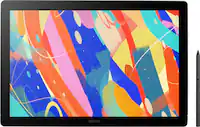
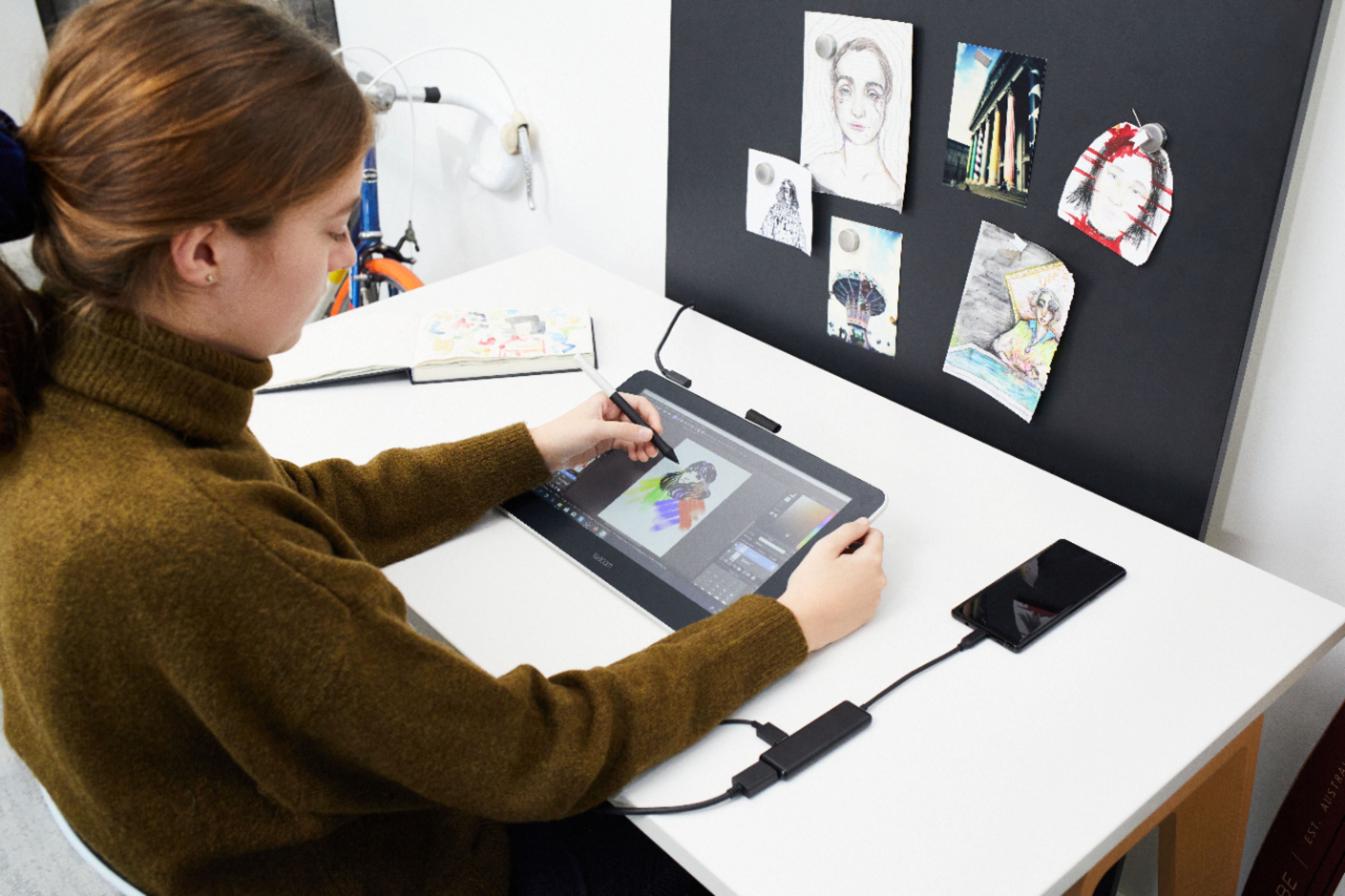
Customers recognize the One drawing tablet's ease of use and convenient screen size as significant advantages. Many appreciate its responsiveness and the included pen, while some find the setup process challenging and the cable management cumbersome. The compatibility with various operating systems is also a point of discussion, with some users experiencing difficulties. Overall, the price-to-performance ratio receives positive feedback.
This summary was generated by AI based on customer reviews.
- Pros mentioned:Ease of use, Screen size
Rated 5 out of 5 stars
Great Value
||Posted . Owned for 3 weeks when reviewed.This reviewer received promo considerations or sweepstakes entry for writing a review.My daughter lives this drawing tablet. She is a graphic design major and it helps her complete her designs easily. The large screen is a plus in comparison to otjer tablets
I would recommend this to a friend - Pros mentioned:Ease of use
Rated 5 out of 5 stars
A happy gift
||Posted . Owned for 5 months when reviewed.This reviewer received promo considerations or sweepstakes entry for writing a review.I bought this for my child. She is homeschooled and adamantly pursues her love for drawing. From the moment she opened her gift on Christmas of 2022 to today, she has barely put it down. She does everything on it, from school work to watching videos and from expanding her art skills to multitasking on her laptop more quickly. She has expressed her love for the tablet multiple times, excited to show me how she can do so much with it. It was a spontaneous buy while online Christmas shopping and one that I'm actually happy I took a chance on. The delivery was prompt and the package in perfect condition. I had no difficulty with set up and my child learned how to use it quickly on her own. 10/10
I would recommend this to a friend - Pros mentioned:Screen size
Rated 5 out of 5 stars
Perfect drawing screen and adorable for artists
||Posted .This reviewer received promo considerations or sweepstakes entry for writing a review.I still love this drawing tablet . It's just better when you can draw on a screen and see what it looks like verses using a tablet that you draw on and have to look at the screen on PC or laptop
I would recommend this to a friend Rated 5 out of 5 stars
Great drawing pad
||Posted . Owned for 1.5 years when reviewed.This reviewer received promo considerations or sweepstakes entry for writing a review.My 13 year old daughter really enjoys using it. It takes her drawings to another level. It's great to see her creations become more vivid and animated. We have had it now about a year and a half with no issues. I'd recommend this product.
I would recommend this to a friend- Pros mentioned:Ease of use
Rated 5 out of 5 stars
Wacom
||Posted . Owned for 3 weeks when reviewed.This reviewer received promo considerations or sweepstakes entry for writing a review.My college girl is having so much fun with this! As she is majoring in Software Development at college, this skill will be very helpful to her.
I would recommend this to a friend - Cons mentioned:Compatibility
Rated 4 out of 5 stars
Ok but not Apple compatible at all.
||Posted . Owned for 2 months when reviewed.This reviewer received promo considerations or sweepstakes entry for writing a review.I like it. I’m struggling to figure it out as it’s not super intuitive, but I do like it. I’m a bit spicy that it won’t hook up to my iPad even with an adapter. If that’s your hope forget it. Keep looking. This one isn’t there yet. It’s not even close to being bright enough and there’s no easy or visible way to brighten it up.
I would recommend this to a friend Rated 4 out of 5 stars
Not a standalone drawing tablet. Do your research!
||Posted . Owned for 3 weeks when reviewed.This reviewer received promo considerations or sweepstakes entry for writing a review.First of all. This is not a standalone drawing tablet, like I was led to believe at Best Buy. Basically, the sales rep didn't have a clue how the drawing tablet worked and led me to believe it was something it is not. It requires a dedicated computer with an HDMI out port to operate. Fortunately, I have a desk top computer with multiple HDMI outputs. It is not battery powered and needs to be plugged in to a house plug to work. Also, the advertised free software (at least the software I tried) is only free for 3 months, then you are required to pay a monthly fee. However, the tablet itself is really good, and I have used it with photo editing software I have purchased. Using a stylist instead of the mouse is better and more accurate. The ability to look at the tablet and see the computer image on the touch screen is nice. The screen is not as bright as I would like, but maybe there is a setting for screen brightness adjustments. All in all, I am happy with my purchase since it was on sale.
I would recommend this to a friend- Pros mentioned:Price, Screen size
Rated 4 out of 5 stars
5th Wacom....
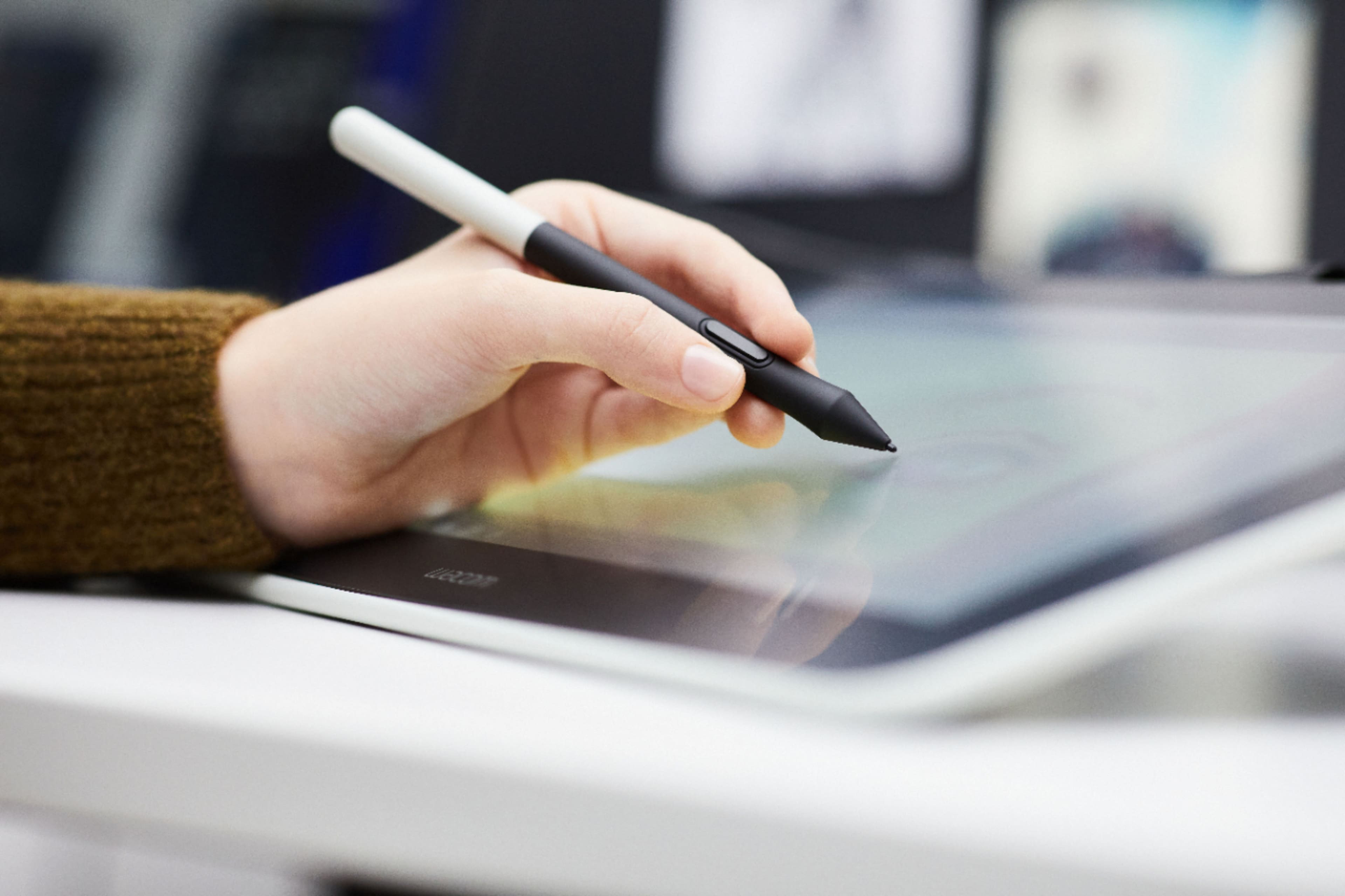
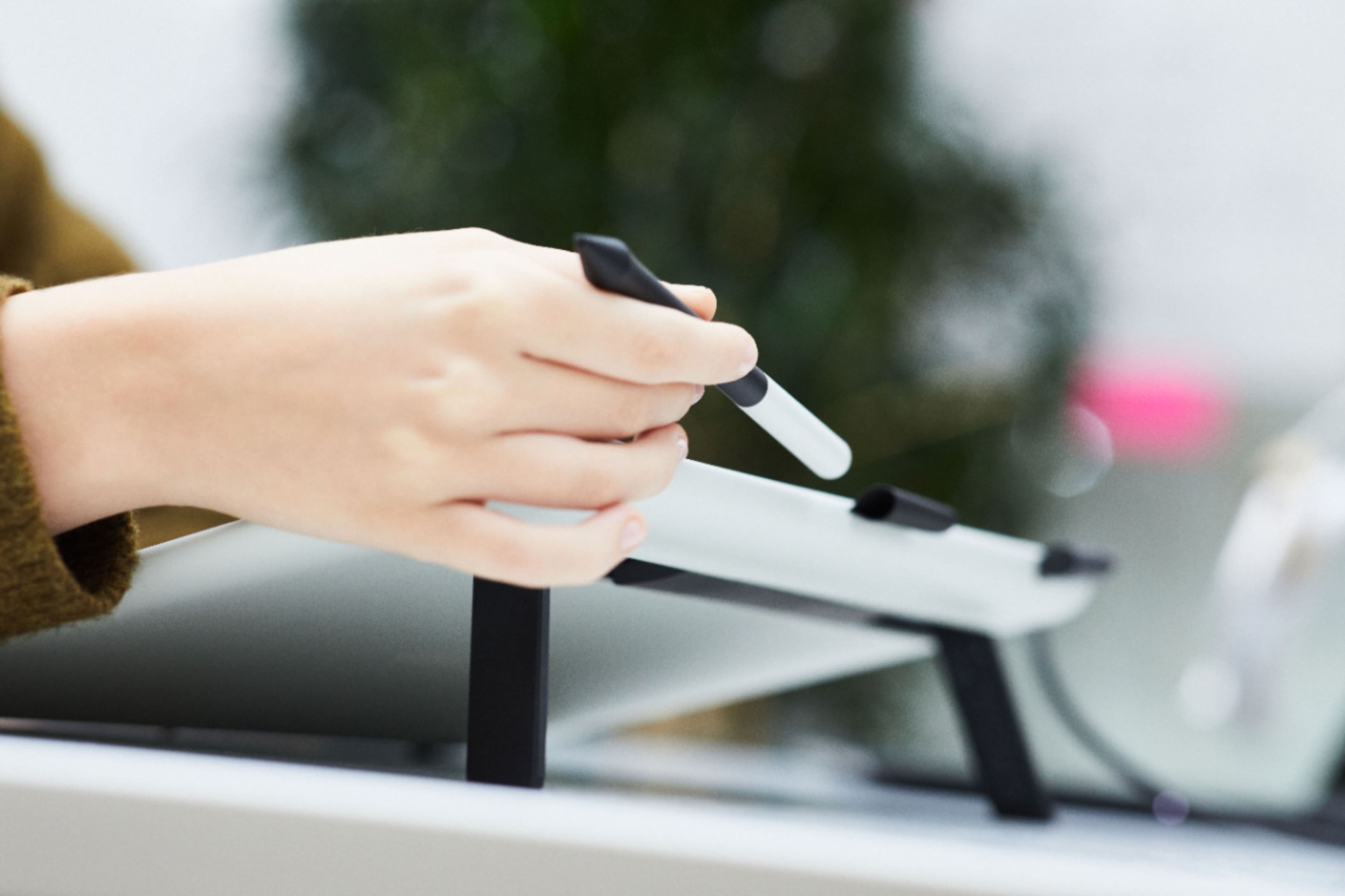
||Posted . Owned for 3 weeks when reviewed.This reviewer received promo considerations or sweepstakes entry for writing a review.I have purchased numerous models of Wacom tablets in the past including a massive 24HD Cintiq on my Desk (The one I have was shipped on pallets with how heavy the stand was). I purchased a very disappointing tablet from Wacom prior to this that was a pen to screen design for double the price. This one here is a the perfect size and cost for what it is. For me, I was concentrating on the cables, connections, etc. Wacom has struggled to make good connectors and this one finally got it right. There is one single cable that connects firmly to the Wacom One and branches off to the block that connects to the computer. No flickering cables, poor connections, having to tilt the cable a certain way to make a connections, etc. This just works as described and at a price point that makes sense. Would recommend to others. My only complaint is the stylst pen it comes with. Unfortunately it has taken me a little while to get use to it since I am use to the higher end pens that Wacom includes with other models. Works, but just feels a little cheap
I would recommend this to a friend - Pros mentioned:Drawing, Ease of use
Rated 5 out of 5 stars
Great tablet!
||Posted . Owned for 1 year when reviewed.This reviewer received promo considerations or sweepstakes entry for writing a review.It works great! Wacom is my favorite of the art tablet brands and it's seamless when drawing on the computer. Highly recommend!
I would recommend this to a friend - Pros mentioned:Ease of use
Rated 4 out of 5 stars
Great for what it's worth
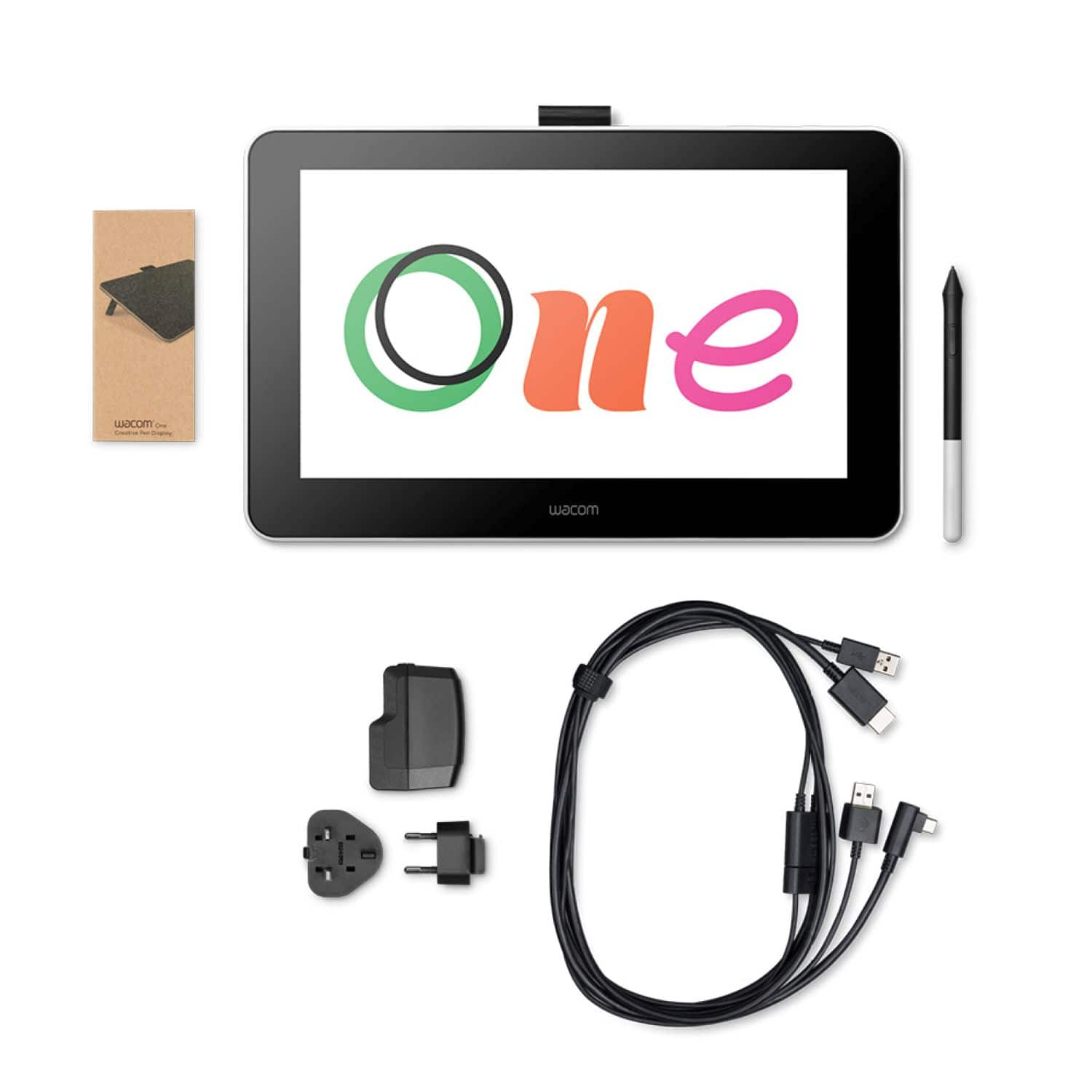
||Posted . Owned for 3 weeks when reviewed.This reviewer received promo considerations or sweepstakes entry for writing a review.Tablet works very well. It's light and pretty easy to use. My one minor complaint is that the cables are a bit of a hassle to work as there's four things to plug in four different places. If you want use use it as a second monitor, make sure your computer has a second HDMI port or you'll be looking for an adapter in pinch like me.
I would recommend this to a friend - Pros mentioned:Ease of use, Responsiveness, Screen size
Rated 5 out of 5 stars
Perfect Entry-Mid level for graphic design.
||Posted . Owned for 3 weeks when reviewed.This reviewer received promo considerations or sweepstakes entry for writing a review.I bought this for my cousin who lives out of the country and he couldn't be happier. This a not a "cheap" buy because is not a $100 bucks quick option but for the price and the features definitely you get a really nice tech piece for students. Perfect size (not to small nor toi big) is not bulky either and vebry responsive and easy to set up. Easy plug and play.
I would recommend this to a friend - Pros mentioned:Ease of use, Screen size
Rated 5 out of 5 stars
A nice Table with a nice size screen
||Posted . Owned for 1 week when reviewed.This reviewer received promo considerations or sweepstakes entry for writing a review.Very easy to set up, works great and easy to use. Its the right size works well under windows or Mac
I would recommend this to a friend - Pros mentioned:Drawing, Price
Rated 5 out of 5 stars
Great drawing tablet
||Posted . Owned for 7 months when reviewed.This reviewer received promo considerations or sweepstakes entry for writing a review.Wonderful drawing tablet and a great deal for the price!
I would recommend this to a friend - Pros mentioned:Ease of use, Screen size
Rated 5 out of 5 stars
5 stars
||Posted . Owned for 3 weeks when reviewed.This reviewer received promo considerations or sweepstakes entry for writing a review.Great price. Great features. Easy to use. Hours of fun.
I would recommend this to a friend - Pros mentioned:Responsiveness
Rated 5 out of 5 stars
Can't go wrong!
||Posted . Owned for 3 weeks when reviewed.This reviewer received promo considerations or sweepstakes entry for writing a review.Excellent art pad, what I enjoy most about this item is how responsive it is - no lag, pressure detection is spot on and the image quality is plenty good, even if you are doing some fine detail work. Wacom does a great job with keeping that feeling of drawing on paper - even on this screen version. I would recommend this product to anybody that does art or design work.
I would recommend this to a friend - Cons mentioned:Compatibility, Cords
Rated 3 out of 5 stars
Too many cords
||Posted . Owned for 1 month when reviewed.This reviewer received promo considerations or sweepstakes entry for writing a review.A bit disappointing. Not super intuitive and a lot of cords. While it works, with a Mac its not as useful as I had hope for power point presentations.
I would recommend this to a friend - Pros mentioned:Ease of use, Responsiveness, Screen size
Rated 5 out of 5 stars
A must investment for any digital artist
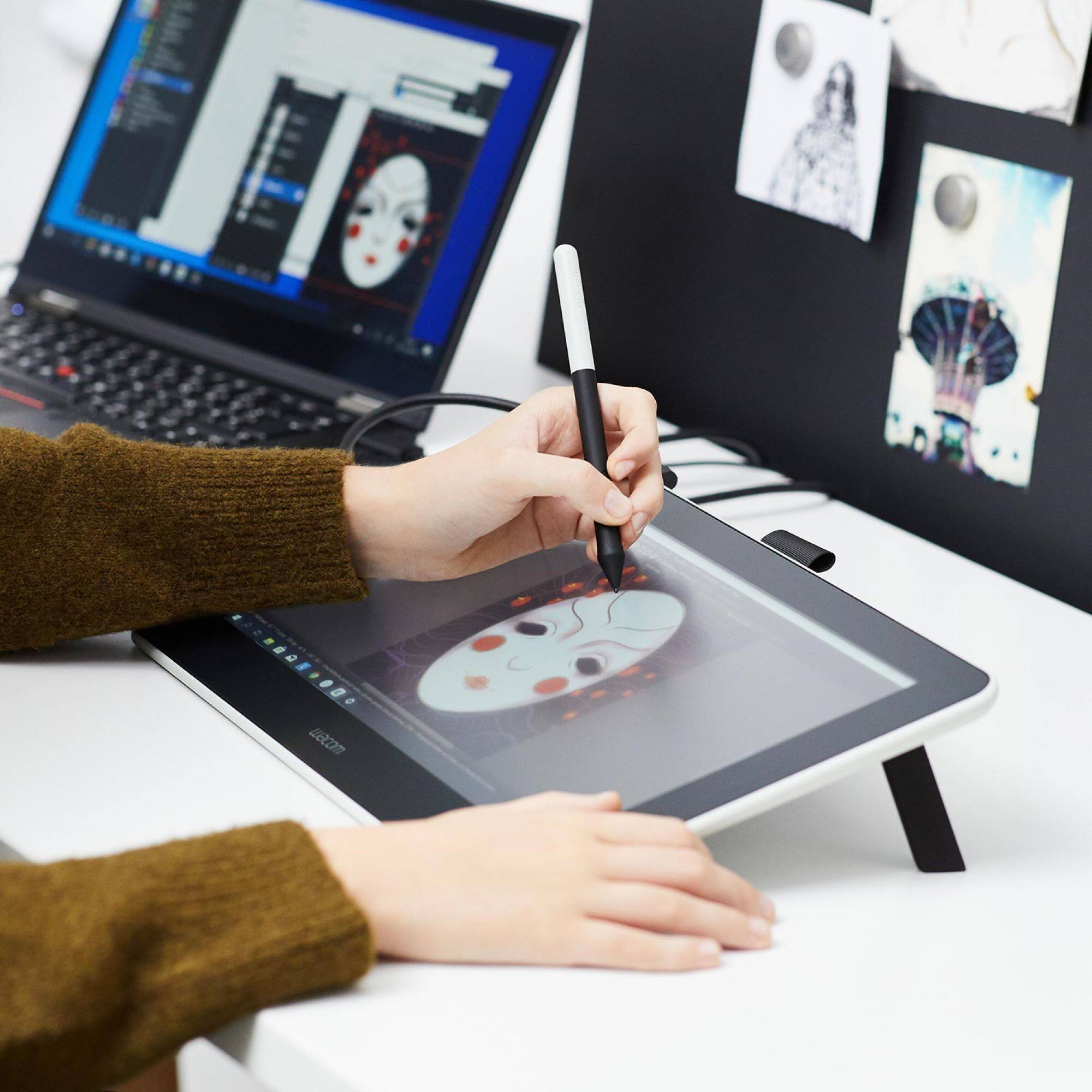
||Posted . Owned for 1 month when reviewed.This reviewer received promo considerations or sweepstakes entry for writing a review.This was easy to install and integrate into our drawing programs. It is crazy responsive and is the next best thing to paper and pen. It doesn't bog the system down with bloatware and feels super natural. The size is perfect for holding in your lap like a drawing pad so I felt very comfortable sketching, zooming, coloring and shading. It is certainly worth the investment.
I would recommend this to a friend - Cons mentioned:Compatibility
Rated 4 out of 5 stars
Crashes my pc, but works well otherwise
||Posted . Owned for 8 months when reviewed.This reviewer received promo considerations or sweepstakes entry for writing a review.It works quite well for a budget tablet, though my favorite brand still is xpen, this works very well and has a nice pen grip, 4 stars because with my specific pc, it keeps causing it to crash, (asus 505ua)
I would recommend this to a friend - Cons mentioned:Compatibility
Rated 4 out of 5 stars
art
||Posted . Owned for 1 year when reviewed.This reviewer received promo considerations or sweepstakes entry for writing a review.good interface for digital art. needs third party software for operation
I would recommend this to a friend - Pros mentioned:Ease of use
Rated 5 out of 5 stars
Great for note taking and meetings!
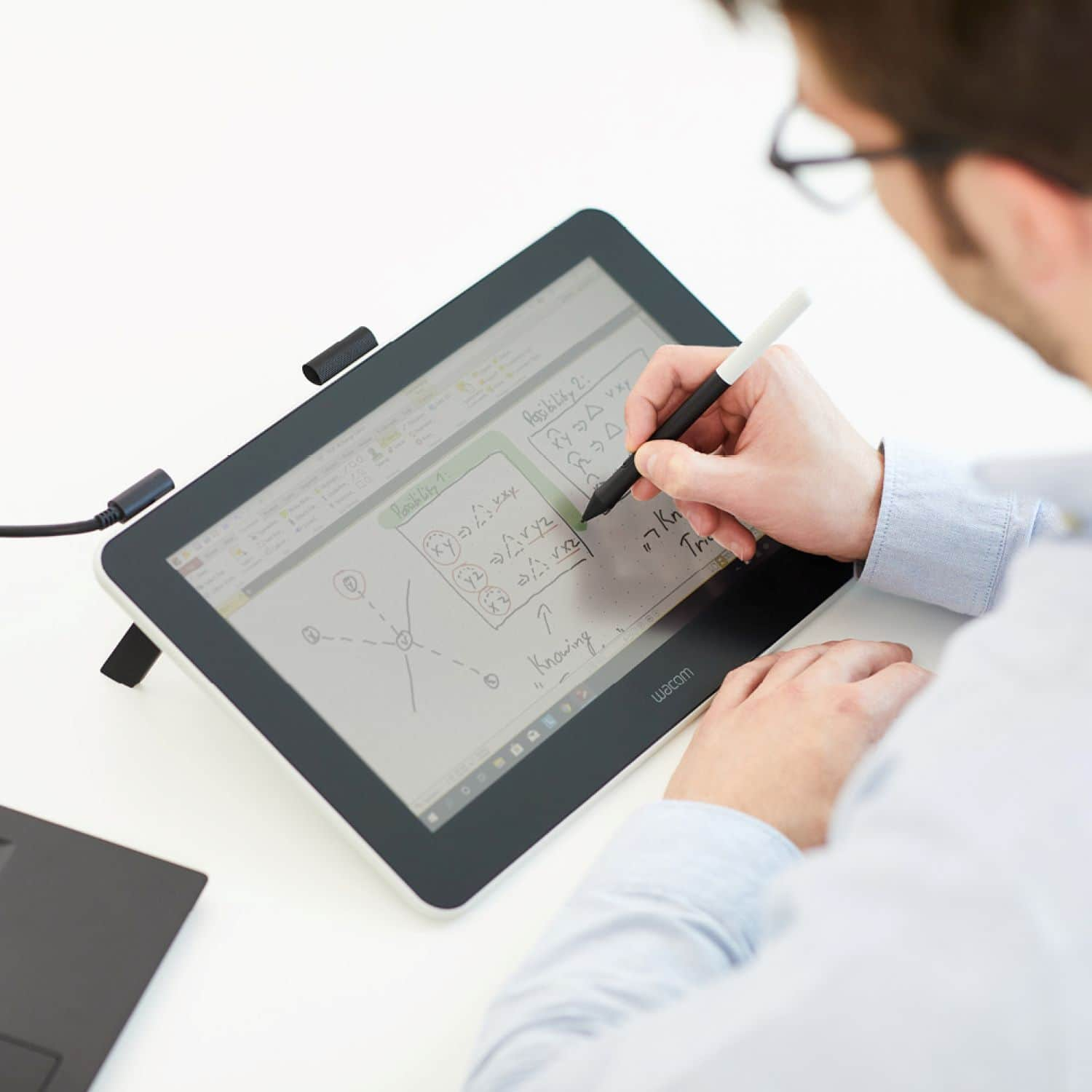
||Posted . Owned for 3 weeks when reviewed.This reviewer received promo considerations or sweepstakes entry for writing a review.I have to say that the Wacom One 13 has turned out to be quite useful as a remote working employee! I use it mostly for note taking and as a virtual whiteboard during meetings. For explaining some things, taking a screenshot with the snipping tool and then quickly marking it up has paid off on its own!
I would recommend this to a friend