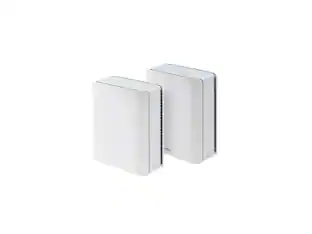
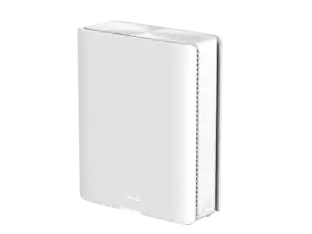
TP-Link - Deco 7 Pro BE11000 Weatherproof Outdoor Tri-Band Wi-Fi 7 Whole Home Mesh Router - Deco BE65 Outdoor - White
Customers are saying
Customers often highlight the Deco BE65 Outdoor router's easy setup and solid build quality. The router's tri-band Wi-Fi 7 connectivity and weather resistance are also frequently praised. Users appreciate the strong signal strength, good coverage, and the usability of the app.
Highlights
Built to Live Outside, Year-Round
Engineered with weatherproof protection (IP65 rated enclosure) that withstands dust, rain, heat, and cold so your Wi-Fi signal stays strong no matter the season (6)
One Network, Indoors & Out
Pairs effortlessly with your existing Deco mesh system so your phone, tablet, and devices automatically stay connected as you move from room to yard. (1)
Stream From Anywhere at Home, Even Your Patio
Enjoy buffer-free streaming, music, and video calls whether you're relaxing by the pool, cooking on the patio, or unwinding in the backyard. (1,2, 3, 6)
Wi-Fi 7 Technology
Bring the Speed and Clarity to Your Home – Inside & Outside. Wi-Fi 7 offers a dedicated 6GHz band for high performance, supporting the latest devices (2)
Versatile Outdoor Mounting Options
Giving you flexibility - mount on the wall, on a pole, or on a tabletop
Connect 200+ Devices Without Compromise
Power your smart home with ease. Connect smartphones, TVs, gaming rigs, and IoT devices—all at peak performance, even in the busiest networks. (1)
11 Gbps Tri-Band Wi-Fi 7
Experience next-gen speeds of up to 11 Gbps across three bands, delivering speed and efficiency even in the most demanding households. (1,3)
Supports PoE/AC Power Supply
Deco BE65-Outdoor supports PoE (Power over Ethernet) as well as AC power supply, allowing it to operate in complex outdoor environments. Two 2.5 Gbps ports with PoE will help you to get rid of extra cables and power adapters.
Multi-Link Operation (MLO) for Ultra-Fast Wi-Fi
Drastically boost speeds and reliability by simultaneously connecting across multiple bands, reducing latency and eliminating dropouts.(2, 3, 4)
Seamless AI-Driven Roaming
Stay effortlessly connected as AI-powered roaming automatically optimizes your connection, ensuring smooth transitions between Decos without interruptions.
Easy Setup & Universal Compatibility
Get online in minutes with the Deco app. Works with all Wi-Fi generations and is compatible with any internet provider.
Enterprise-Grade Security with HomeShield
Keep your network safe and private with TP-Link’s premium security suite, offering advanced parental controls, real-time IoT protection, and network security monitoring. (5, 7)
Smart Home Ready – Works with Alexa & Google Assistant
Control your Wi-Fi hands-free with voice commands—enable guest networks, manage devices, and more with Alexa or Google Assistant.
- Wi-Fi Range3000 square feetWi-Fi Mesh SystemYesNumber of Wi-Fi Satellites Included1Wi-Fi Speed11 gigabits per secondWorks WithAmazon Alexa, Google Home
Reviews
Rating 4.4 out of 5 stars with 38 reviews
- Setup Ease (16)
- Build Quality (10)
- Connectivity (8)
- Coverage (5)
- Weather Resistance (5)
Customer Images
The vast majority of our reviews come from verified purchases. Reviews from customers may include My Best Buy members, employees, and Tech Insider Network members (as tagged). Select reviewers may receive discounted products, promotional considerations or entries into drawings for honest, helpful reviews.

Compare similar products
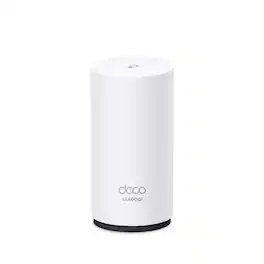
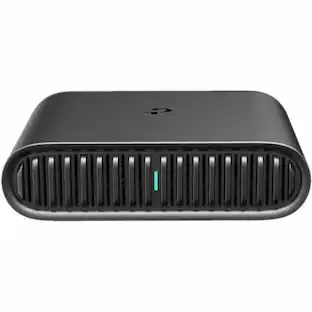
From poolside streaming to front door camera monitoring, reliable outdoor connectivity matters more than ever. Deco BE65-Outdoor delivers fast, weatherproof Wi-Fi 7 coverage, so you have a strong signal where you need it. With flexible mounting options, you can place it where it works best, indoors or outside. If you already own a Deco mesh system, expanding your Wi-Fi outdoors is as easy as plugging in one device. The BE65-Outdoor joins your existing Deco network automatically, adding up to 3,000 sq. ft. of coverage to your yard, patio, driveway, and more — all managed from the same Deco app you already use. Walk outside, and your devices stay connected without skipping a beat. And with TP-Link HomeShield built in, your whole network stays safe and secure. With advanced Wi-Fi 7 features like Multi-Link Operation (MLO), 4K-QAM, and the new 6 GHz band, the system supports up to 200 connected devices with exceptional speed, stability, and efficiency. Designed for high-demand households, it also includes 4 x High-Performance Antennas (Internal), 2 x 2.5 Gpbs PoE Gigabit Ports, AC Power Supply, and a USB 3.0 port for fast connections and transfers. (1, 3, 5)

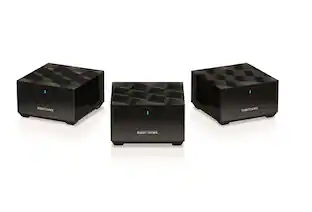
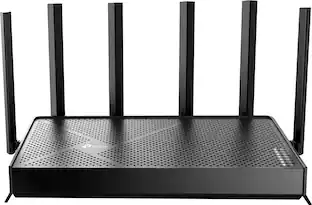
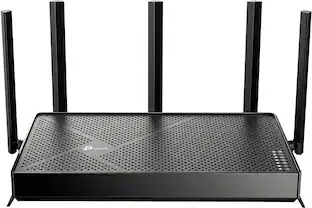
Supercharged with the latest Wi-Fi 7 technology, the Deco BE65 Pro mesh system elevates your Wi-Fi network's power and efficiency to new levels. It provides combined speeds of up to 11 Gbps across three bands with six streams, utilizing Wi-Fi 7 features like MLO, a 320 MHz channel, and 4K-QAM.¹,² Equipped with two 5 Gig ports and one USB 2.0 port, it offers maximum expandability. Its built-in AI-Roaming technology, featuring advanced algorithms and self-learning capabilities, ensures an optimal Wi-Fi experience throughout your home, allowing you to enjoy seamless streaming at the highest speeds.³ TP-Link HomeShield protects your home network with state-of-the-art network and IoT security features.⁵

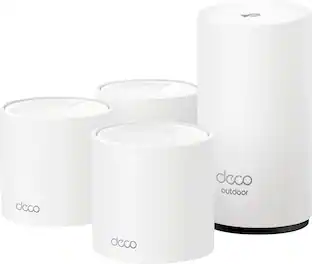
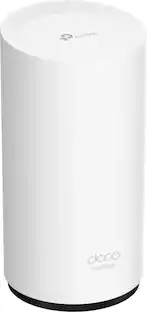
Deco Outdoor seamlessly extends ultra-performance mesh Wi-Fi 6 outdoors to your backyard, guest house, garage, and patio. With flexible mounting and PoE design, it can be set up on a pole, wall, or anywhere outdoors for optimized Wi-Fi Performance. This certified waterproof and dustproof Deco reaches speeds up to 3.0 Gbps and covers up to 2,500 sq.ft.

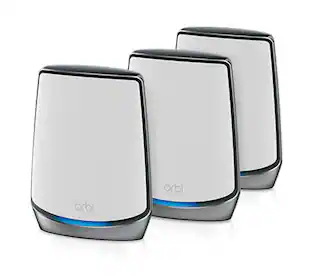
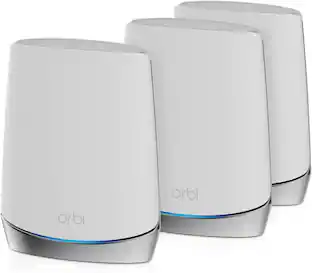
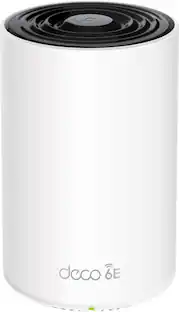
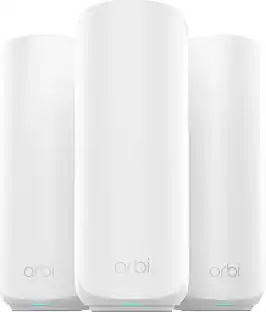
Experience uninterrupted streaming, video calls, gaming and more with Wi-Fi 6E whole home tri-band mesh system. Routers previously operated on 2.4 GHz and 5 GHz bands, with Wi-Fi 6E, connected devices can now operate on the 6 GHz band resulting in faster speeds, greater capacity and expanded coverage throughout your home. Take full advantage of internet plans up to 2.5 Gbps using one 2.5 Gbps WAN/LAN port. Three Deco units work together to provide speeds up to 5400 Mbps and coverage up to 7,200 sq. ft. reaching every corner of your home.
| Pros for TP-Link - Deco 7 Pro BE11000 Weatherproof Outdoor Tri-Band Wi-Fi 7 Whole Home Mesh Router - Deco BE65 Outdoor - White | |||
|---|---|---|---|
| Setup Ease, Connectivity, Coverage, Build Quality, Weather Resistance | Setup Ease, Coverage, Connectivity, Range, Signal Strength | Ease of use, Range, Signal Strength, Setup, Coverage | Ease of use, Coverage, Setup, Speed, Overall Performance |
| Cons for TP-Link - Deco 7 Pro BE11000 Weatherproof Outdoor Tri-Band Wi-Fi 7 Whole Home Mesh Router - Deco BE65 Outdoor - White | |||
| There were no cons for this product— | Size, Web Interface, Performance | There were no cons for this product— | Connectivity, Lag, Parental Controls, Price, App |
Specs
Compatible with Orbi 970?
Answered by TPLinkSupportHi Jeff, Deco Mesh Wi-Fi Systems are compatible with other Deco Mesh models and can be managed through the Deco app. While they may not connect directly via Wi-Fi Mesh to your Orbi or with your Orbi app, you can use the Deco BE65 Outdoor in Access Point Mode by connecting it to your existing network with an Ethernet cable and setting it up through the Deco app.
Power over ethernet? POE
Answered by TPLinkSupportHi LLOYD, Yes! In addition to its standard power adapter, the Deco BE65-Outdoor also supports PoE (Power over Ethernet) for enhanced flexibility and convenience when installing the mesh node for your home.

What warranty comes with this device?
Answered by TPLinkSupportHi Tom, we recommend visiting our Warranty Policy Page for full details regarding the warranty periods for our various products: https://www.tp-link.com/us/support/replacement-warranty/
Does this outdoor mesh router support VPN?
Yes, this router supports VPN clients and server.
This question and answer was generated by AI based on customer and product data.How many devices can connect to this mesh router?
Over 200 devices can connect to this mesh router.
This question and answer was generated by AI based on customer and product data.

Customers often buy these together
Security Camera
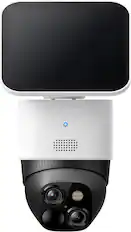
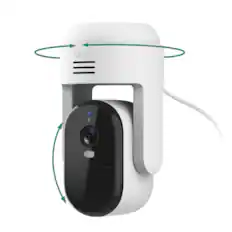
eufy - S340 Outdoor Solar Powered 3K PTZ Security Camera with Dual Lens - White
Labor Day Deal$139.99The price was $199.99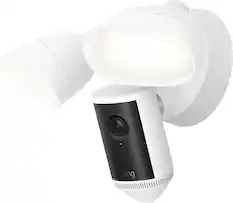
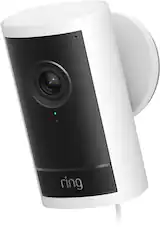
Ring - Floodlight Cam 4K Pro, Retinal 4K video, up to 10x Zoom, ultra-bright motion-activated floodlights - White
Labor Day Deal$229.99The price was $279.99
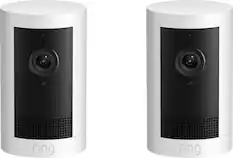
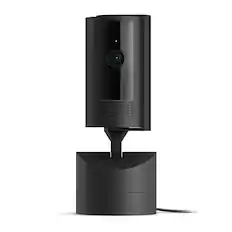
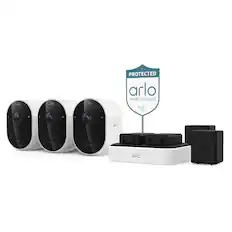
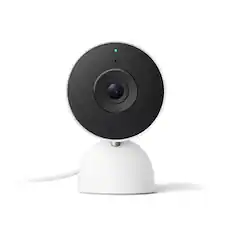



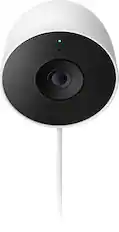
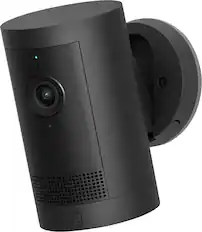
Smart Doorbell

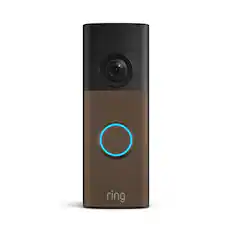
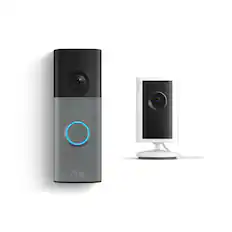
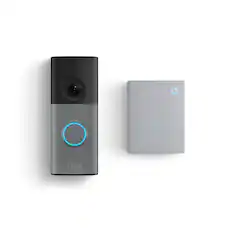
Ring - Battery Doorbell Plus, Retinal 2K with wide-angle video, 6x Enhanced Zoom, Night Vision, Quick Release Battery - Nickel Silver
Labor Day Deal$119.99The price was $179.99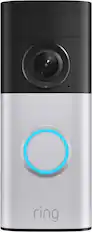
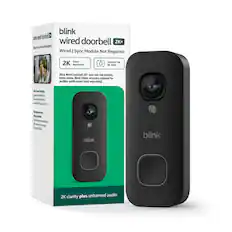
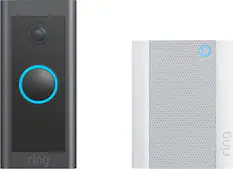
Ring - Wired Doorbell 2K Plus — Retinal 2K, Motion Detection, Night Vision - Nickel Silver
Labor Day Deal$119.99The price was $179.99

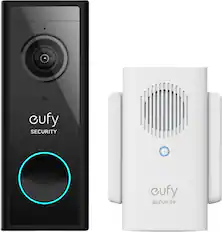


More recommended items
 Smart Speakers and Displays
 Home Security System
 Smart Thermostat
More to consider
 Labor Day Deal$99.99The price was $129.99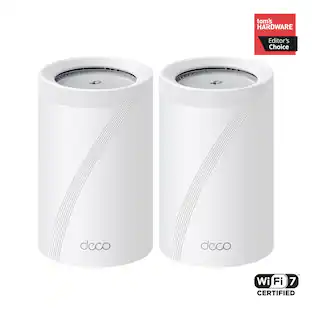
TP-Link - Deco 7 Pro BE11000 Tri-Band Wi-Fi 7 Whole Home Mesh Router System - Deco BE65 Pro (2-pack)
$349.99The price was $449.99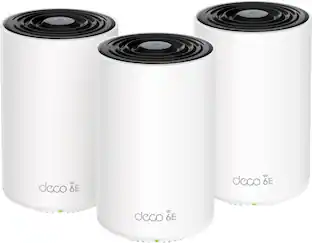 Labor Day Deal$279.99The price was $399.99
 $299.99The price was $499.99
 $1,222.99The price was $1,299.99

Explore tech essentials Sponsored
 $594.95The price was $629.95



Discover related products
 $649.99The price was $699.99
 $233.49The price was $238.45
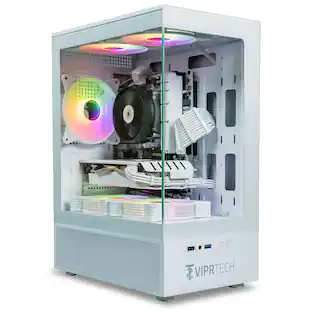 Labor Day Deal$649.99The price was $799.99
 $51.52The price was $61.49
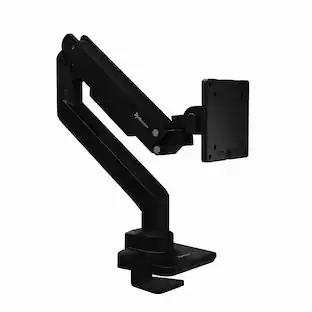 $79.99The price was $89.99





Keep exploring
 $527.34The price was $639.99