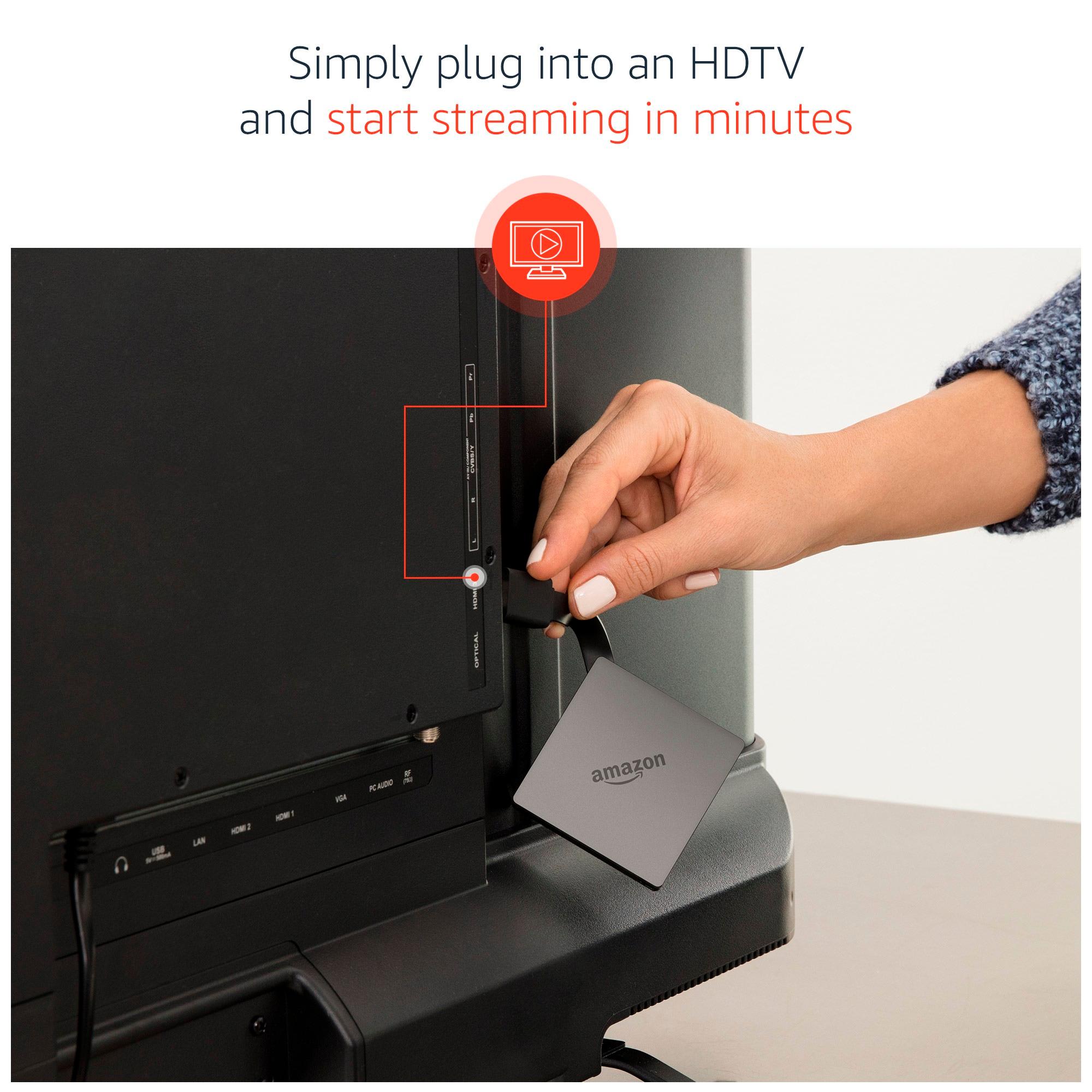
A:AnswerThis device is primarily used to stream Internet-based media to a television (smart-tv's already have this functionality built-in). This device does not receive Internet access on its own. Internet access would still need to be provided separately via your cable company, telephone company, etc. This device would then use Wi-Fi (or Ethernet cable via the purchase of a separate adapter, approx. $15) to access the Internet. With Internet access, this device will allow you to install apps to Subscription-based Internet services such as Netflix, Hulu, SlingTV, HBO Go, etc. A valid subscription would be required for each service. If you have an Amazon Prime membership (also subscription based), you would have instant access to Amazon Prime media without having to install any apps (this being an Amazon product and all, wink). Whether or not you have a subscription to any Internet-based media services, you can of coarse always buy or rent media from Amazon!
This device can be used in addition to a cable subscription, or replace it. Some people already subscribe to Internet-based services and simply use this device to access those services. Some are able to use this device in-place of a cable box(es) to save on monthly equipment charges. Some use this device in conjunction with an antenna to supplant a cable subscription altogether. The amount you can potentially save compared to a cable subscription would depend on your individual entertainment needs. You can google "Amazon Fire TV apps" to find a list of available apps. There's over 6,000 total apps, with roughly 500 related to Movies/TV. Checking into a few of the featured apps would quickly give an idea of what content and channels can potentially be provided. From there you can tally any potential subscription costs and compare to your current cable subscription. With an honest assessment of your entertainment needs and viewing tendencies, you may be surprised by the comparison. There are other options to potentially add third-party Internet-based media access to this device, but beware of piracy laws! Good luck, perhaps you'll be able to join the vastly growing cord-cutting community, or maybe even find a happy medium!
A:Answer4K TV not necessary, and even trying to stream 4K is a huge pain and requires an insane bandwidth. I have 4 of the Generation 2 Amazon TV Boxes and absolutely love them. Get on YouTube and research Kodi. Then look into Terrarium TV app, and also search GearsTV and GFSERVERS paid IPTV services. This Android based box is super stable and once you understand how to set it up you will be thrilled beyond words.
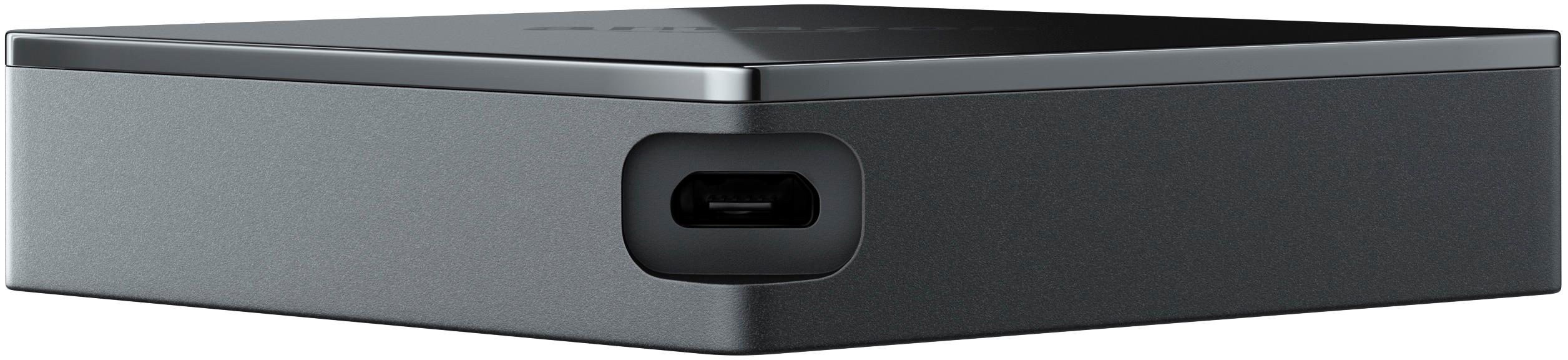
A:AnswerThis version does not have a built-in Ethernet port like the two prior versions. This version can only add Ethernet connectivity with the purchase of a separate Micro-USB adapter (approx. $15).
A:AnswerYes it would make your viewing experience much better (4k) most 4k smart tvs on the market need a 4k streaming device such as the fire tv box. The fire stick will not give you what your looking for there good for extra tv's kids rooms ect...
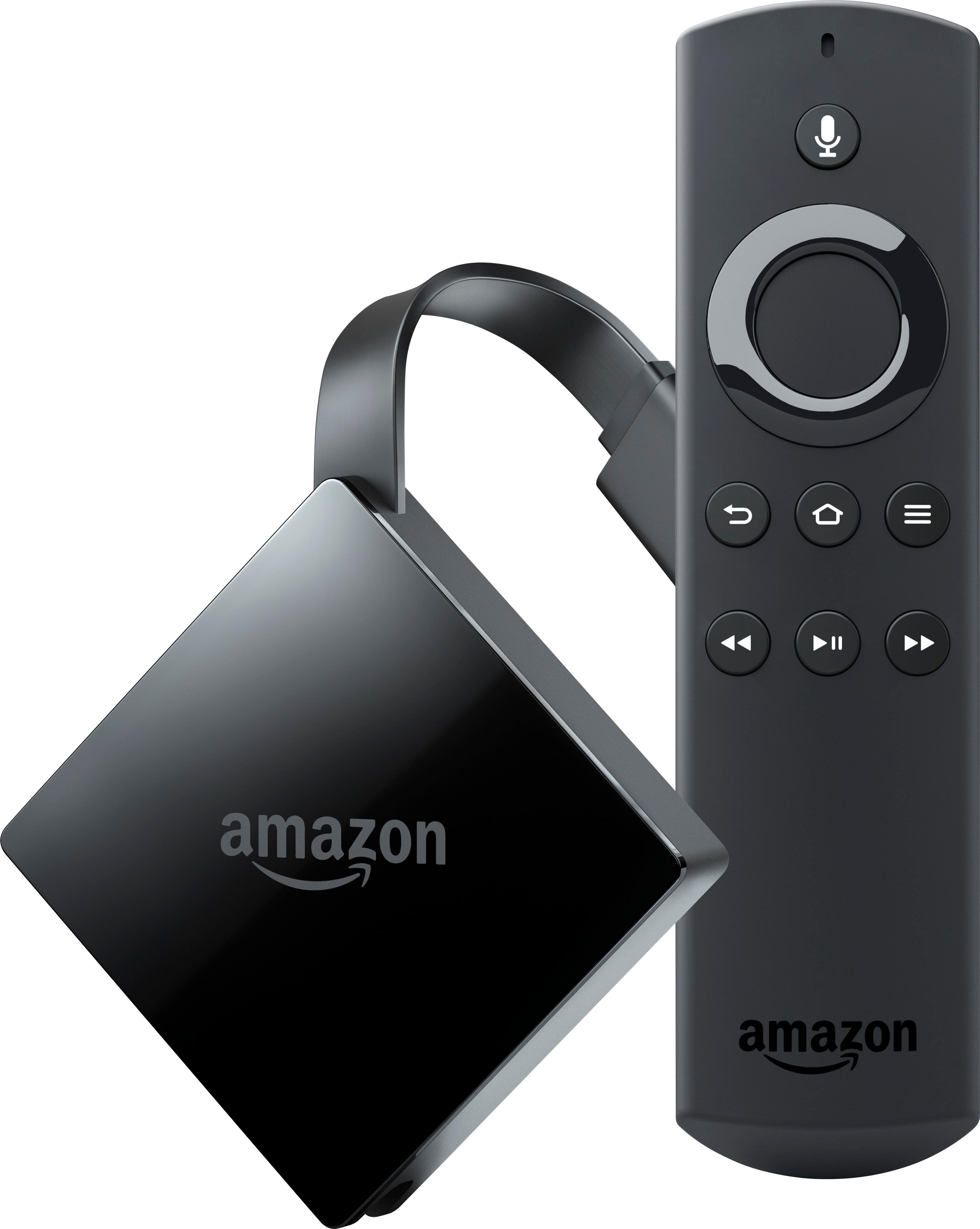
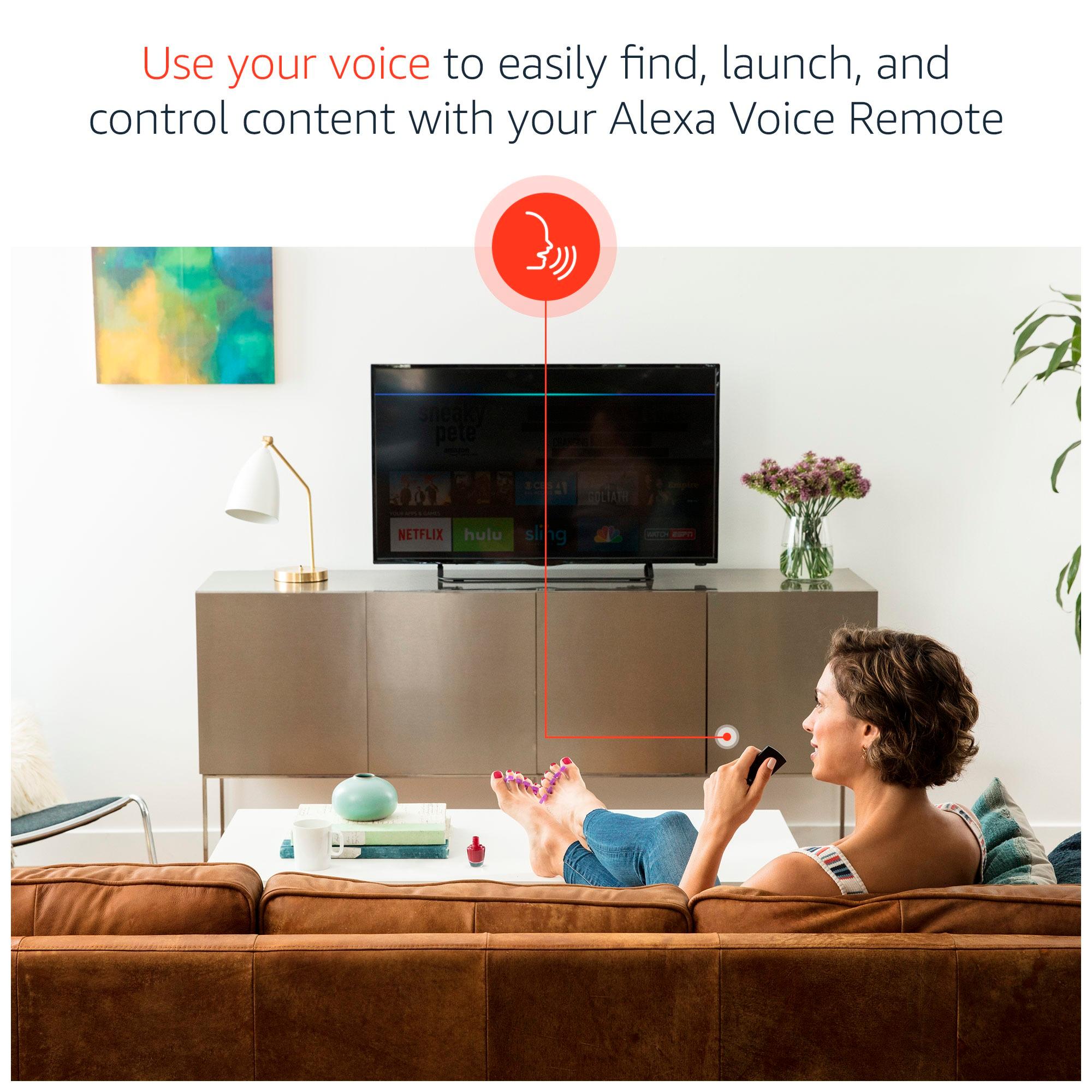
A:AnswerThis replaces the fire stick, no need to buy both. This one also includes Alexa voice control. I have not used the voice control but the instructions say it's simple to set up.
Hopes this answers your questions.
A:AnswerFor me, this didn't replace my cable box. It replaced my DVR. I bought a Roku streaming stick that replaces my cable box and I did sign up for DirectvNow at $30/month. We also bought an HD antennae that gets us local programming. I use this box to record programs from live tv (HD antennae).
A:AnswerNo, only the two previous versions had a built-in Ethernet port. This version requires a separate Micro-USB adapter (approx. $15) to add Ethernet connectivity.
A:AnswerYou don’t need anything to set it up. Use provided remote to do all. Just need amazon account to download apps from AppStore. No need to subscribe into prime or anything. As it’s android based you can install lots of streaming apps to have freely available contents.
A:AnswerShort answer is NO. However, there are streaming services out there that have add ons that have come a long way and I am sure that streaming live content is possible the cable companies will try and prevent that from ever happening or they will all go out of business. For Live TV get an Antenna and for streaming TV shows or movies without commercials get a streaming device. It may not be Live but you can watch all your favorite shows the same day. Do some research.
A:AnswerDepends. The New Model has a faster processor but less Ram ( 1GB vs 2GB from the old Model). Both are 4K capable but the new one also is HDR compatible which the old one isn't. They both have 8gb of internal storage but the OLD version had a Mirco SD slot which the new one doesn't. If you have the old one don't "Upgrade" to the New one. In my opinion it's an upgrade to the Firestick but not the Old Fire TV.
A:AnswerThis version does not have a built-in Ethernet port like the two previous versions. This version can only add Ethernet connectivity with the purchase of a separate Micro-USB adapter (approx. $15).
A:AnswerIt does not have the kodi app pre-installed. It is really not hard to do. I have 3 of these and done them all in about 25-30 min. Just depends on your inet speed