

Early Black Friday DealsNew Doorbusters through SundayShop now

Main Content

Questions & Answers

Your price for this item is $79.99
Page Showing 1-20 of 100 questions
  • QuestionDo I need any special wiring for this thermostat?

    • Answer This thermostat requires a C-wire. If your home does not have a C-wire, you will need to purchase a C-wire adapter kit separately.
    This question and answer was generated by AI based on customer and product data.

  • QuestionWill this thermostat help me save money on my energy bills?

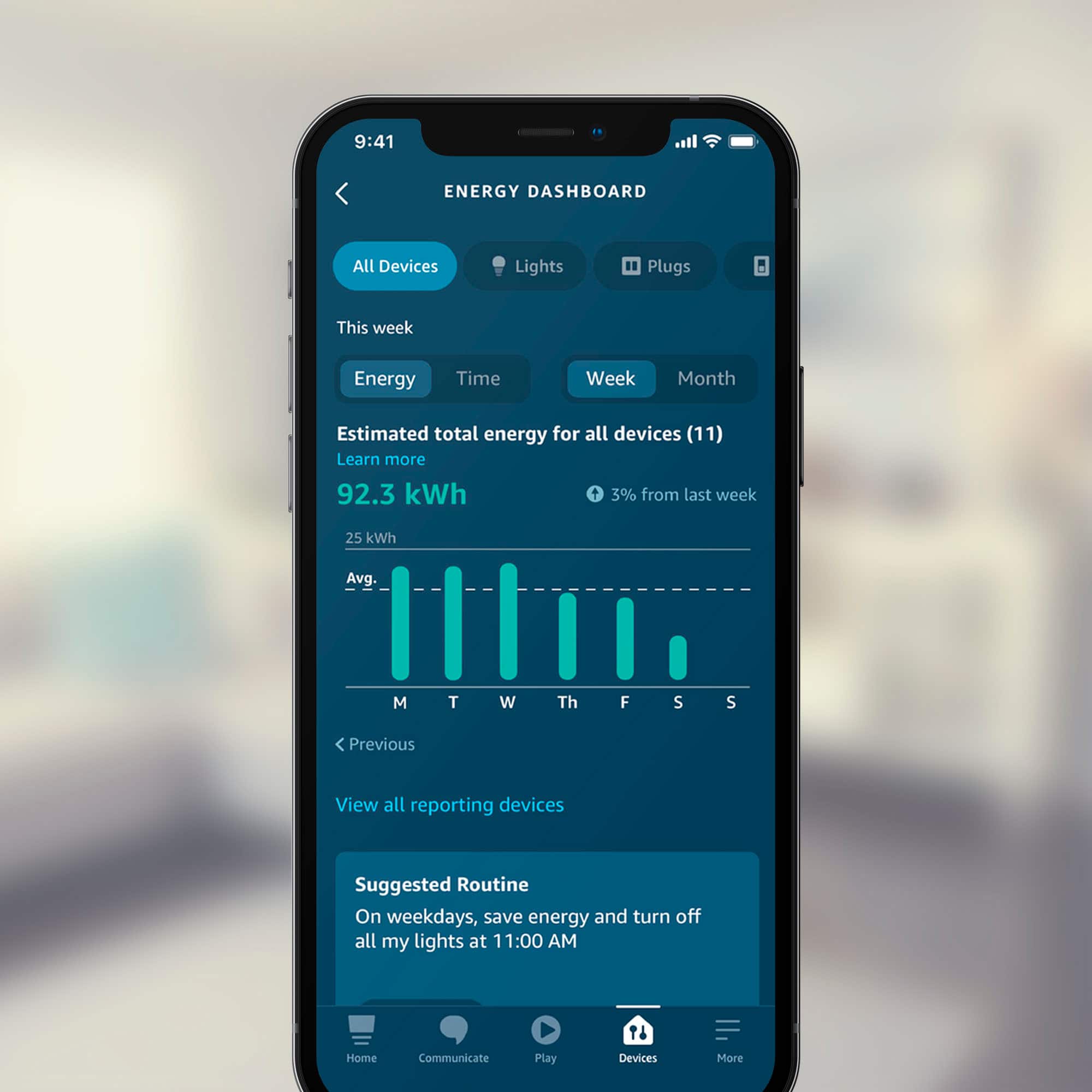
    • Answer Yes, this thermostat is ENERGY STAR certified and can help you save money on your energy bills. After purchase, Amazon will send you an email with details about potential rebates from energy providers in your area.
    This question and answer was generated by AI based on customer and product data.
  • QuestionWhat is the voltage type that this thermostat supports?

    • Answer This thermostat is compatible with low voltage systems.
    This question and answer was generated by AI based on customer and product data.

  • QuestionCan I control the temperature remotely?

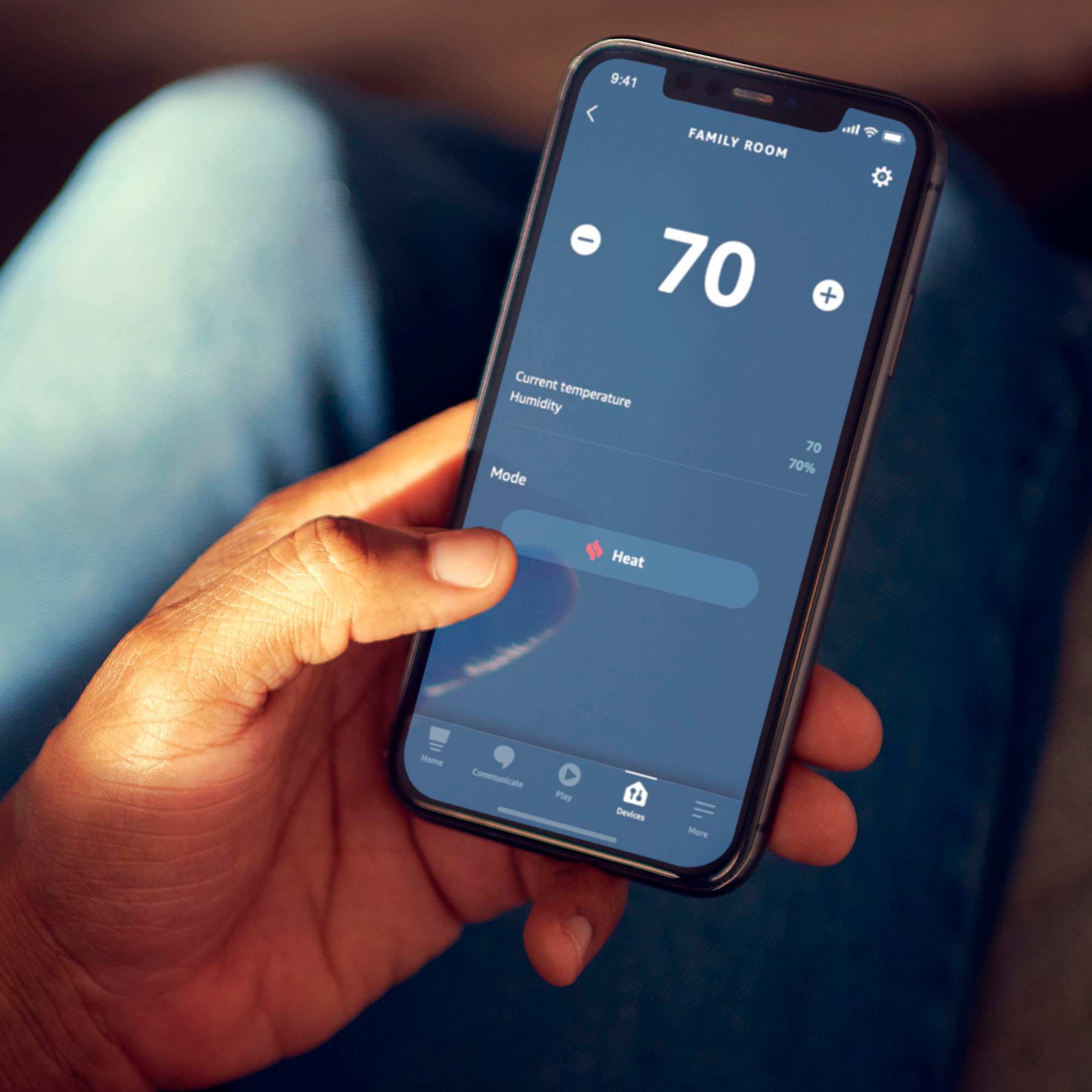
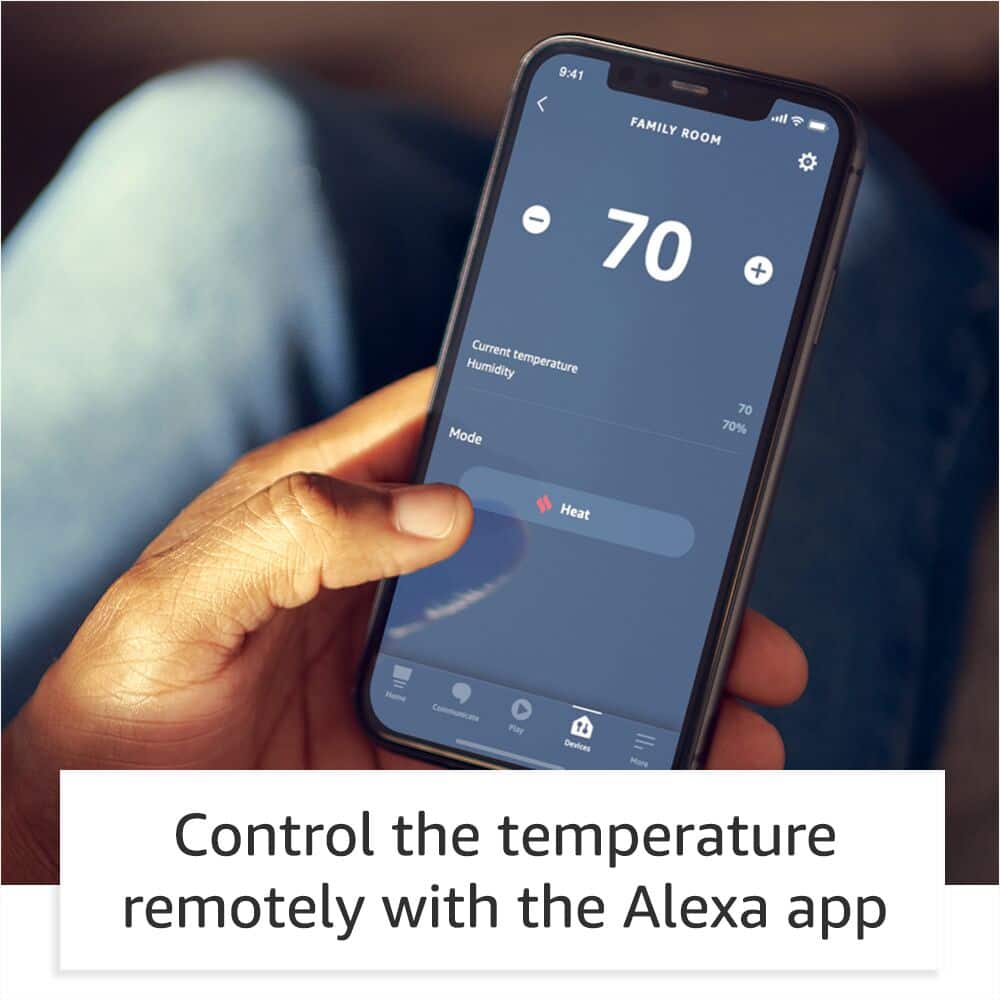
    • Answer Yes, you can set the temperature from anywhere using the Alexa app.
    This question and answer was generated by AI based on customer and product data.

  • QuestionHow do I control the thermostat with my voice?

    • Answer You can control the thermostat with your voice using a compatible Alexa-enabled device, such as an Echo (sold separately), or through the Alexa app.
    This question and answer was generated by AI based on customer and product data.

  • QuestionIs this thermostat compatible with electric baseboard heat?

    • Answer No, this thermostat is not compatible with 110-240V HVAC systems like electric baseboard heat. It is compatible with most 24V HVAC systems.
    This question and answer was generated by AI based on customer and product data.

  • QuestionDoes this thermostat have a touch screen?

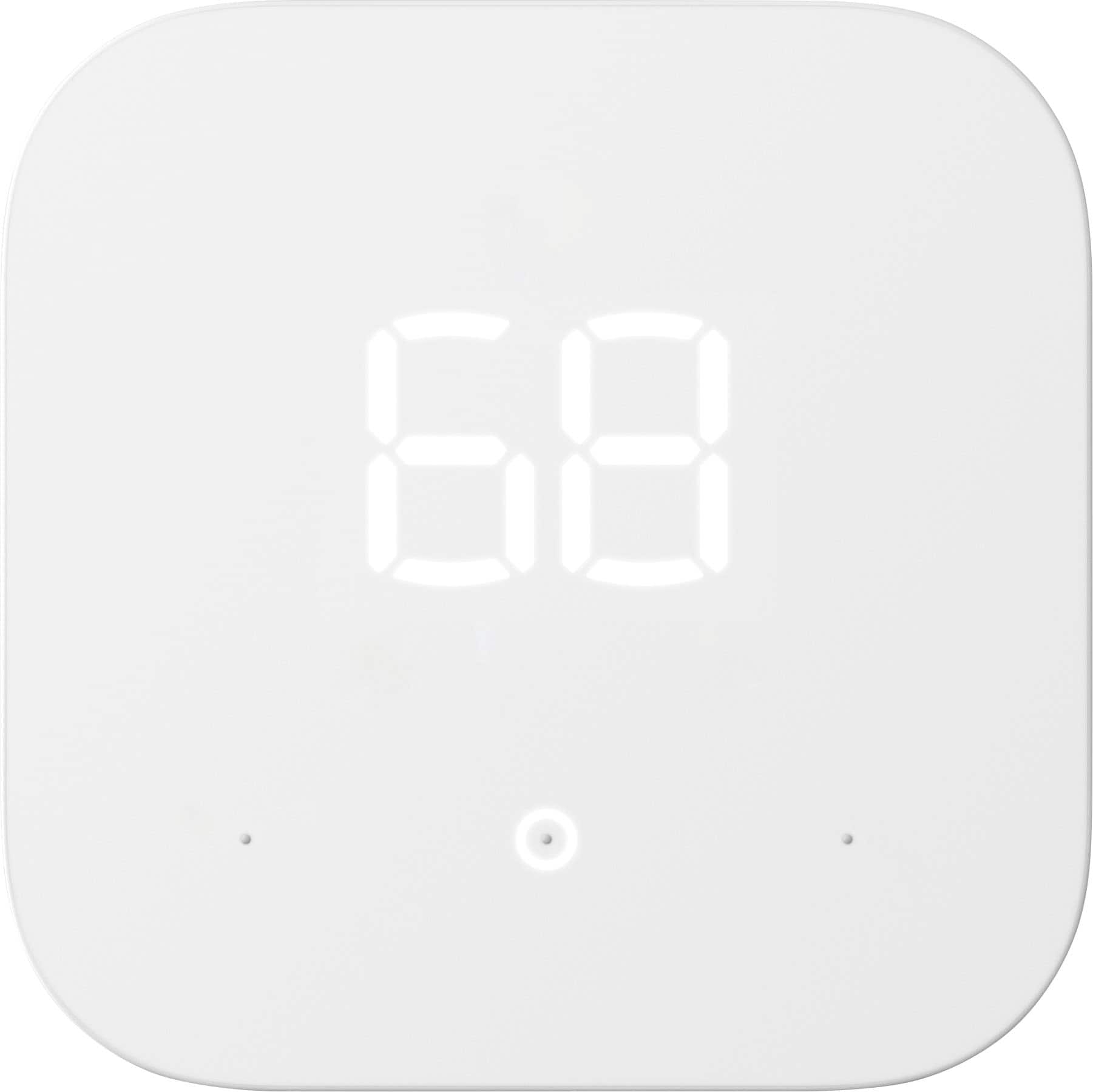
    • Answer No, this thermostat does not have a touch screen.
    This question and answer was generated by AI based on customer and product data.

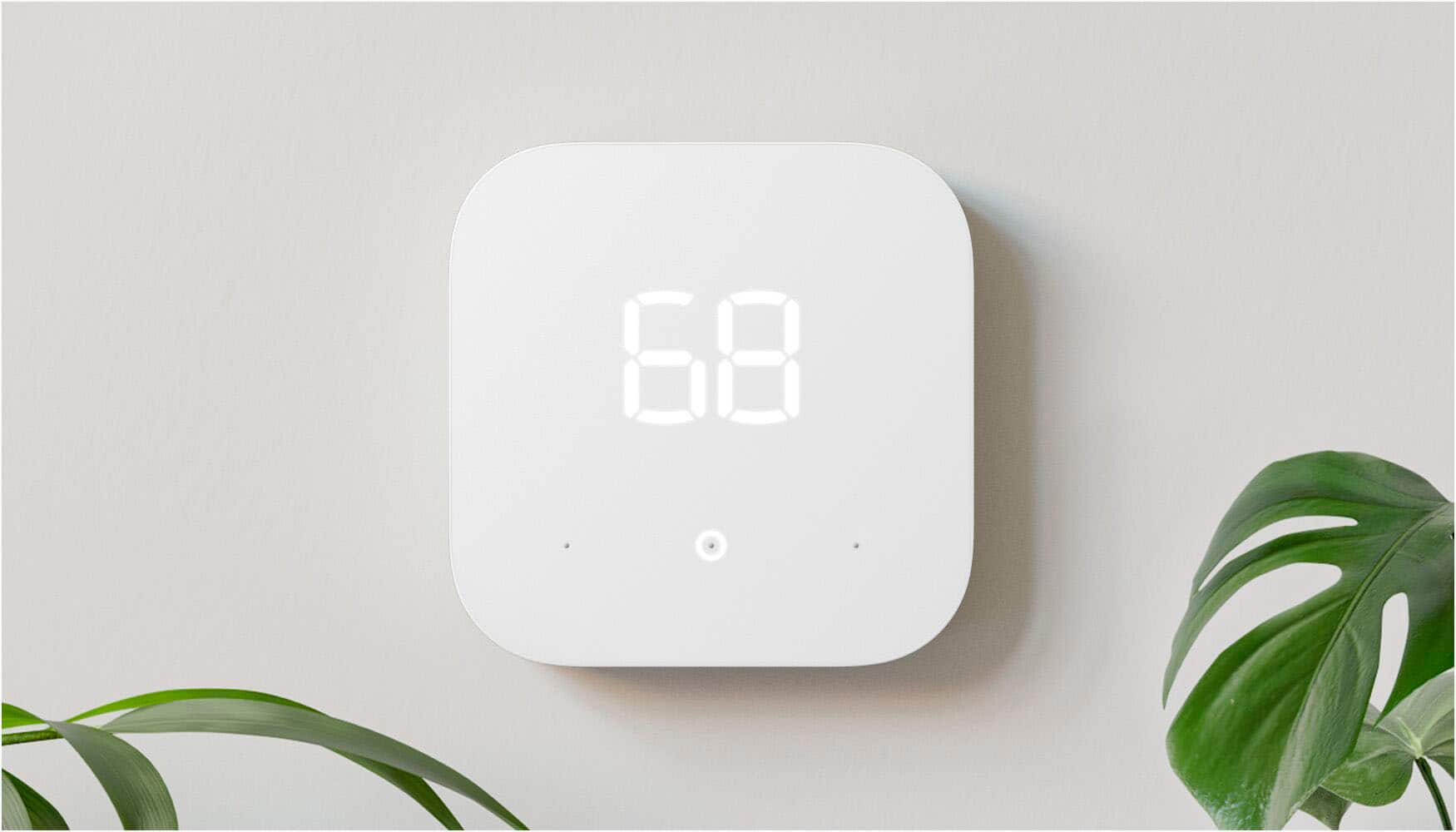
  • QuestionI AM INTERESTED IN THE THERMOSTAT. HOWEVER YOU HAVE LIMITED INFO. DOES IT HAVE GEO FENCING? DOES IT LEARN LIKE NEST? IS THE SCREEN WHIT? OR CAN IT CHANGE COLORS? I AM TRYING TO DECIDE WHICH ONE TO PURCHASE +

    Asked by BOBO.

    • Answer Hello BOBO! This thermostat is a white display and utilizes Alexa for many of the similar features you are asking about using what are called Hunches. Here's how Hunches work: When your phone leaves your home area and nobody interacts with Alexa for a while, Alexa might have a hunch nobody’s home. If no one interacts with Alexa for a while at night, she might have a hunch everyone is asleep. When someone interacts with Alexa or uses smart devices, she can tell that someone is home. Alexa learns from your daily interactions and improves over time. You can also help Alexa know when you go to bed or leave home by saying, “Alexa, goodnight.” or “Alexa, I’m leaving.” The voice features do require an Alexa supported device such as an Echo (sold separately) or through the Alexa app on your smartphone. I hope this answers your questions and that you have a fantastic day!

      Answered by Amazon Devices Customer Support

  • QuestionDoes this have an "Auto" setting for the fan or is it just on or off?

    Asked by LisaH.

    • Answer The thermostat has 4 settings: 1) Off - where neither fan, cooling compressor or heater will turn on 2) Automatic - fan will turn on when either compressor (cooling) or heater are running based on temperature set on thermostat 3) On - fan will run continuously 4) Circulate - fan will turn on turn on when either compressor (cooling) or heater are running based on temperature set on thermostat and it will also run every once in a while, to keep air air circulation going with no cooling or heater.

      Answered by JRMiami

  • QuestionDoes this thermostat has fan only settings like the "Airwave" on Google Nest or the "Circulate Fan" option on Emerson Sensi or Honeywell Lyric T5 models?

    Asked by FanSettings.

    • Answer Our Goodman Gas Furnace is 7+ years old, and we are able to set the fan to Auto, Circulate, or On using the Alexa app. All three options are available on the app under Fan.

      Answered by Dustin

  • QuestionI have two thermostats in my house, one on main floor, one upstairs. Can I name each one differently, will they work independently?

    Asked by FinnNC.

    • Answer Hi FinnNC! Yes, you can use multiple thermostats in a single household. Each device is controlled individually and runs on a separate schedule. However, we are aware that for some customers, the Alexa app will incorrectly display the same schedule for multiple devices. For example, if a change is made in the schedule for one thermostat, the second thermostat shows the same schedule change in the Alexa app. Please note that this is just a temporary app display error and your devices will still follow the designated individual schedule. This will be addressed in next Alexa app update. For a temporary workaround, force close the Alexa app and go to the thermostat of your choice to see the correct schedule. To check another thermostat, force close the Alexa app and view the other thermostat. Hope this helps, have a wonderful day!

      Answered by Amazon Devices Customer Support

  • QuestionCan this be locked with a PIN so others can’t adjust the temperature too high or too low?

    Asked by K.

    • Answer No, you are not able to specifically lock your thermostat. However, you ARE able to set a maximum and minimum allowed temperature, just go to settings in the alexa app.

      Answered by Anonymous

  • QuestionDoes it have the option for emergency use?

    Asked by HollyG.

    • Answer Hi HollyG! Unfortunately the Amazon Smart Thermostat does not currently support running Emergency heat (i.e. electric strips without engaging heat pump). Hope this helps, have a great rest of your day!

      Answered by Amazon Devices Customer Support

  • QuestionCan you set it to specific temps at specific times?

    Asked by Nadia.

    • Answer Yes. There are 4 times you can program and change. Or you can do it twice a day. Whichever you need. I have mine change temps when we get up in the morning at 6 am, at 8 am when we are gone for work (it drops down) and the back up when we get home and down when we go to bed. Works perfect.

      Answered by NewUser

  • QuestionIs this controllable from the ring app?

    Asked by Ring.

    • Answer Hi there! While you cannot control the Amazon Smart Thermostat through the Ring app, you CAN control it through the free Alexa app on your phone. Not only can you control it directly, but you can use Routines to set up automatic detection for things like if the house gets above a certain temperature. I hope that helps, have a great rest of your day!

      Answered by Amazon Devices Customer Support

  • QuestionDo this thermostat require a c-wire

    Asked by Dee.

    • Answer Yes it does, or a power adapter kit

      Answered by Jshnsf

  • QuestionHooking this up to Alexa will it notify me when I am out of town if my furnace has gone out, the temperature is getting really cold.

    Asked by Terri.

    • Answer Hi Terri! While you can easily check your Amazon Smart Thermostat on the go once everything is set up you might want to set up a specific routine to let you know if the temperature gets below a certain measurement. To set up a routine: Open the Alexa app. Open More and select Routines. At the top right, press the "+" icon. Here you can set up a new routine, lets set the "When" setting first. Select 'add an event' and then 'smart home.' Next, select your Amazon Smart Thermostat and pick 'Temperature' and choose when you want to be notified. If you wanted to know if the temperature was below 50 degrees Fahrenheit you'd set 'When' to below, 'Temperature' to 50, and scale to Fahrenheit. Next press 'save.' Now we want to tell Alexa what to do when the temperature is that low. An easy thing to set up is to have Alexa send you notification to your phone via the Alexa app. For this we want to go down to 'Add an action' under 'Alexa Will.' Find and select 'Notifications' and then 'Send Push Notification.' Here's where you put in what you'd like the notification to say. For example, you could set it to "The temperature in the home is below 50" and press next. The app will confirm what you'll be sent, so just press next again. From here you can select 'Save' at the bottom and you're done! Now whenever your Amazon Smart Thermostat sees the temperature get below 50 you'll receive a notification on your phone. I hope that helps, have a great rest of your day!

      Answered by Amazon Devices Customer Support

  • QuestionHi, Do these smart thermostats work with older furnaces, (20,+/- years) and replace our old Armstong thermostat ?

    Asked by Rick.

    • Answer Hello, Rick! I will walk you through a few simple steps to check your home's compatibility with Amazon Smart Thermostat. Here's what to expect: You will be removing your thermostat's faceplate. In most cases this does not require tools. We recommend shutting off power to your thermostat before getting started. First, carefully remove your old thermostat's faceplate. Some faceplates come off when you pull gently on them. Others are held in with clips or screws. Check your old thermostat for high voltage wiring. Look for: Warning labels that say 110v/220v. Wires labeled L1 or L2. Wires with stranded ends. Wires connected by wire nuts. If you see any of these things, Amazon Smart Thermostat won't work with your wiring. When setting up the Amazon Thermostat, it will walk you through how to install. Hope this helps and have a great day.

      Answered by Amazon Devices Customer Support

  • QuestionCan this thermostat be used with a hot water heating system?

    Asked by GENES.

    • Answer Hello GENES! Yes, this device can be used with most 24V HVAC systems which include hot water heating systems as long as it has C-wire power or a C-wire power adapter kit that is sold separately. Thanks so much for your question and I hope you have a fabulous day!

      Answered by Amazon Devices Customer Support

  • QuestionHow much total cost this Amazon Smart thermostat including the installation? How much do you charge for the installation?

    Asked by Bbmy.

    • Answer It’s very easy. I did it myself and it has YouTube video how to install and set up with Alexa App. Thanks

      Answered by Sumee