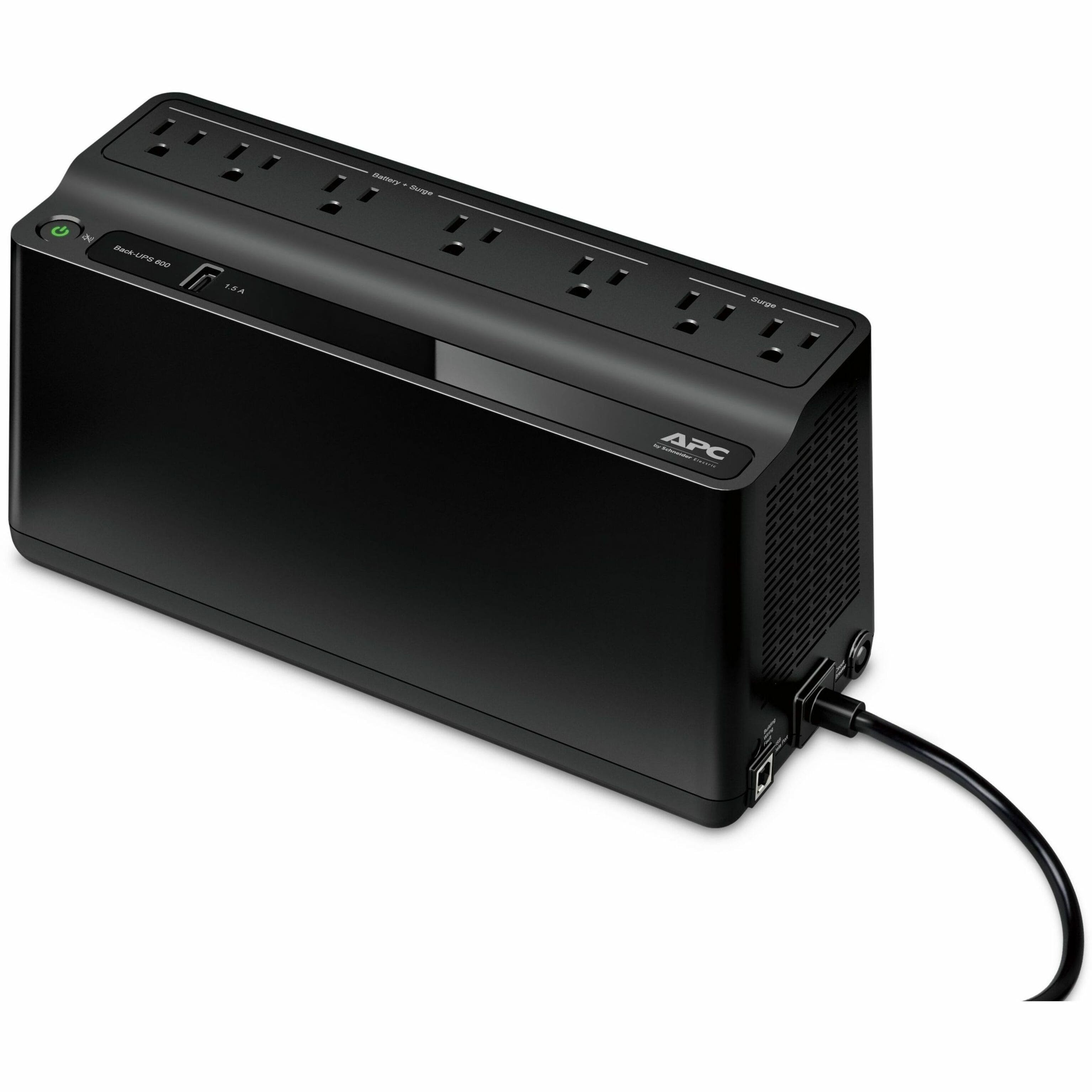
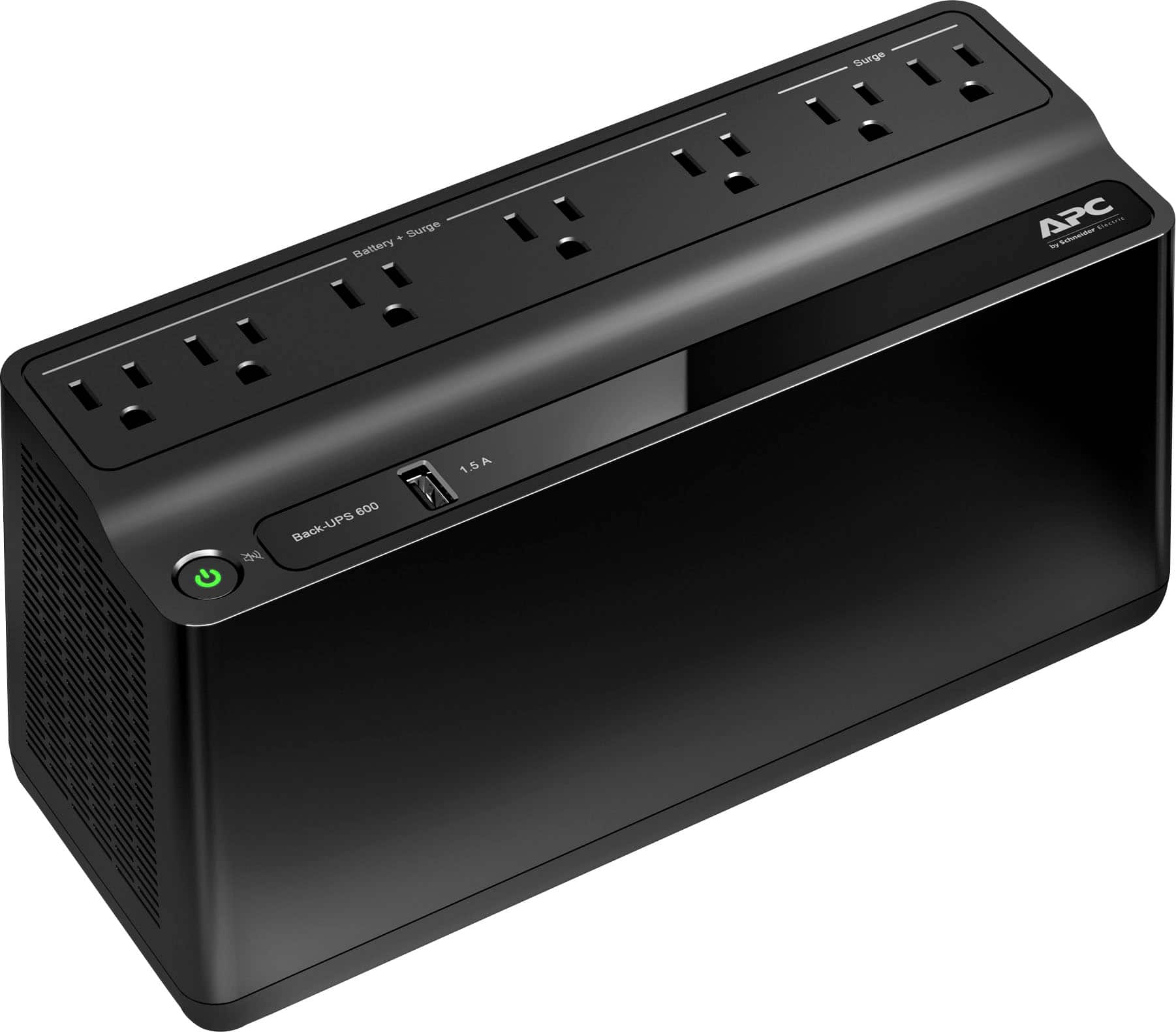
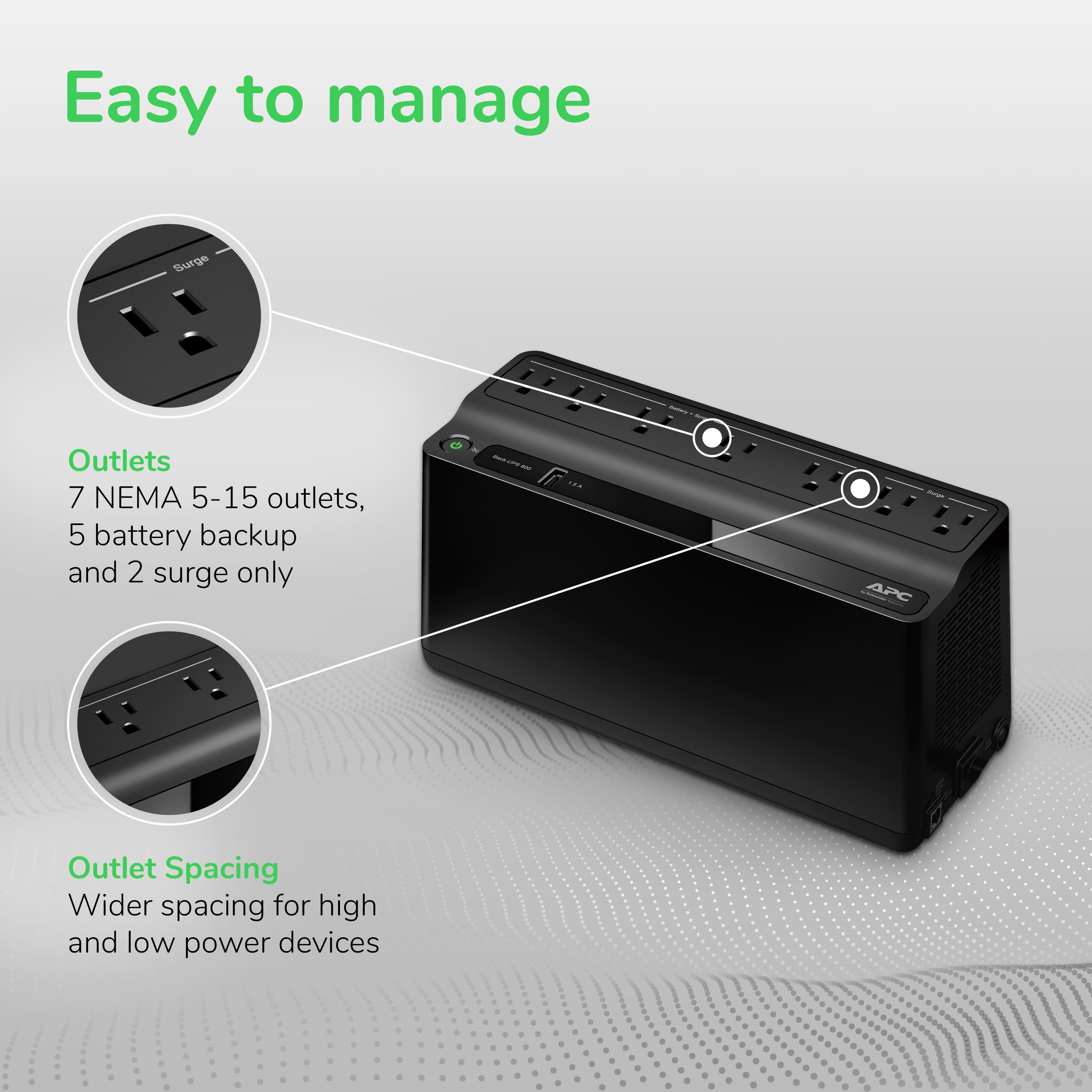
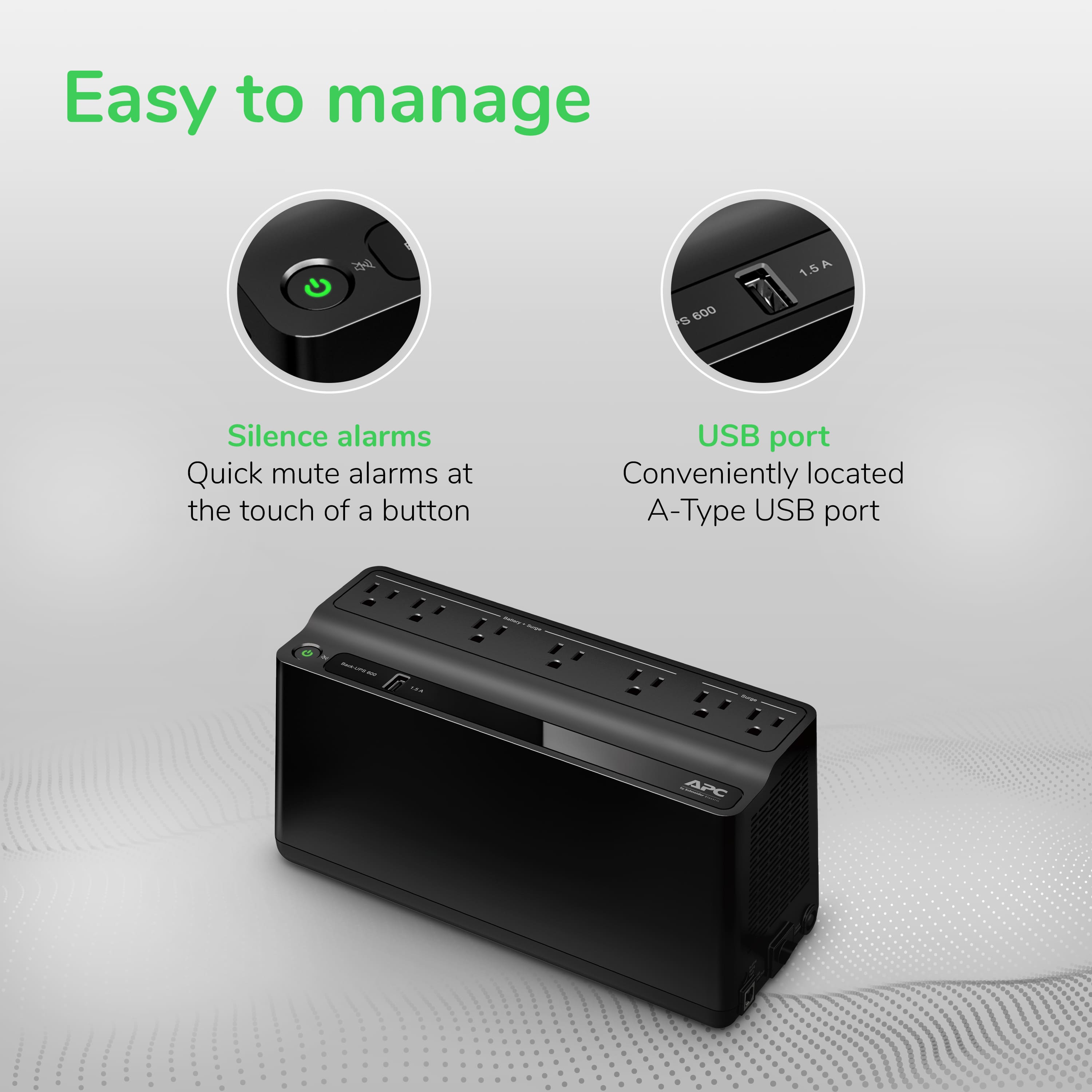
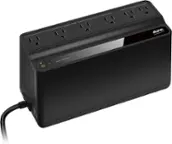
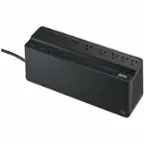
A:AnswerThe version I have the battery is no longer replaceable. APC updated the unit to use batteries that are not replaceable. Not sure what the size was in the older versions.
A:AnswerShould work and remember you need this on all electrical outlets because of of the variance in electricity. The power time depends on how much the system uses. Look near the plug that is where you find the specs.
A:AnswerHello,
We do apologize about this inconvenience. We at APC by Schneider Electric value your feedback and would like to help you with this concern.
Schneider Electric recommends against the use of any surge protector, power strip or extension cord being plugged into the output of any APC Back-UPS and Smart-UPS products.
In order for your UPS to get the best power available, you should plug your UPS directly into the wall receptacle. Plugging your UPS into a surge protector may cause the UPS to go to battery often when it normally should remain online. This is because other, more powerful equipment may draw necessary voltage away from the UPS which it requires to remain online. In addition, it may compromise the ground connection which the UPS needs in order to provide adequate surge protection. All APC Back-UPS and Smart-UPS products provide proper surge suppression for power lines without the need of additional protection.
Maintaining EPP and Warranty:
Plugging any non-APC surge protector, power strip, or extension cord into the output of an APC brand UPS could void your Equipment Protection Policy (EPP). However, the standard 3 year product warranty is maintained. If, after taking into consideration this knowledge base document, you choose to use an APC brand surge protector in conjunction with your APC brand UPS, your warranty and Equipment Protection Policy will be maintained.
Hope this helps!
Please let us know if you still need any additional assistance. Contact our Technical Support Hotline at 1-800-800-800-4272 or chat with us at APC by Schneider Electric.
Callback at Phone - 800-555-2725 and follow the prompts.
For immediate assistance, contact our chat support agents at https://www.apc.com/us/en/tools/chat/ or visit www.apc.com for product specifics and basic troubleshooting.
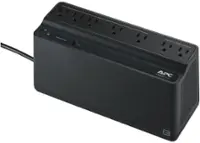
A:AnswerUPS model BE600M1 has a warranty period of 3 6months for the UPS and 12 months for Battery. Warranty period starts at date of purchase. You also see Contractual warranty of the UPS under our UPS web site https://www.se.com/us/en/product/BE600M1/apc-backups-600va-120v-1-usb-charging-port-7-nema-outlets-2-surge/.
For any further assistance with your UPS unit please reach our support team at 1- 800-800-4272 or chat with us, https://www.apc.com/us/en/.
A:AnswerYes, absolutely—that’s exactly how I use mine. I have a heavier load than most people, with two routers, a cable modem, and an 8-port switch. Even so, the APC BE600M1 UPS keeps everything running through outages lasting up to two hours. That means my network stays online for IoT devices to seamlessly reconnect, and I can continue using my tablet during longer outages.
A:AnswerThe APC BE600M1 has a 600VA / 330W capacity, which is suitable for small setups—but probably not all the devices you listed at once. A basic PC and monitor might be fine, but adding a PS5 and a small TV could push the UPS past its limit, especially during an outage. For that kind of load, you'd likely need a higher-capacity unit (1000VA or more) to keep everything running reliably.
As for plugging a power strip into the UPS: it’s technically possible, but not recommended. APC advises against it because it can lead to overloading, interfere with surge protection, and reduce the UPS’s ability to manage power properly. High-power devices like a PS5 or gaming PC should be plugged directly into the UPS’s battery-backed outlets to ensure accurate load handling and safe operation.
A:AnswerYes, you can safely test the APC BE600M1 by unplugging its power cord from the wall outlet. This simulates a power outage and allows you to verify that your connected devices switch to battery power as expected. It’s a standard and recommended method for testing most UPS units.
Unplugging the UPS does not induce a surge or grounding issue with this model. The BE600M1 is designed to handle that transition smoothly. Just make sure your devices are properly connected to the battery-backed outlets (not the surge-only ones) before testing.
I have my UPS set to 'full alarm' mode, where it does 4 beeps every 30 seconds and then goes to a 'low battery' notification of a beep every half second. I usually stop the test at that point (I plug the UPS back in), and log that as how much battery time I can get.
A:AnswerIf your enclosure is vented and was originally made for networking gear, it may be sufficient—but make sure:
- There’s good airflow around the UPS, especially near the vents.
- The enclosure doesn’t trap heat or restrict air movement.
- You avoid placing the UPS near heat-sensitive devices inside the same space.
For reference, APC recommends keeping the unit in a cool, dry, and well-ventilated area to ensure optimal performance. If the enclosure feels warm during normal operation, it’s a good idea to monitor it during a test outage to see how much heat builds up.
A:AnswerThe APC BE600M1 does not require a full 24-hour charge before plugging in equipment, but it’s recommended to let the battery charge for at least 10 hours to ensure optimal performance. That said, the blinking green light and warning buzz you’re experiencing likely indicate one of the following:
- Battery not fully connected: Double-check that the internal battery is securely connected. A loose connection can trigger warning tones and flashing lights.
- Overload condition: If the connected devices draw more power than the UPS can handle (330W max), it will emit a warning and may flash green rapidly.
- Battery still charging: A blinking green light can also mean the UPS is operating on battery power or nearing full discharge. If the unit was just plugged in, it may need time to stabilize.
A:AnswerIt depends on the load. With 6 devices plugged in, to include a 27" monitor and tower PC with a 600watt power supply, mine will last about 15 mins on battery power alone.