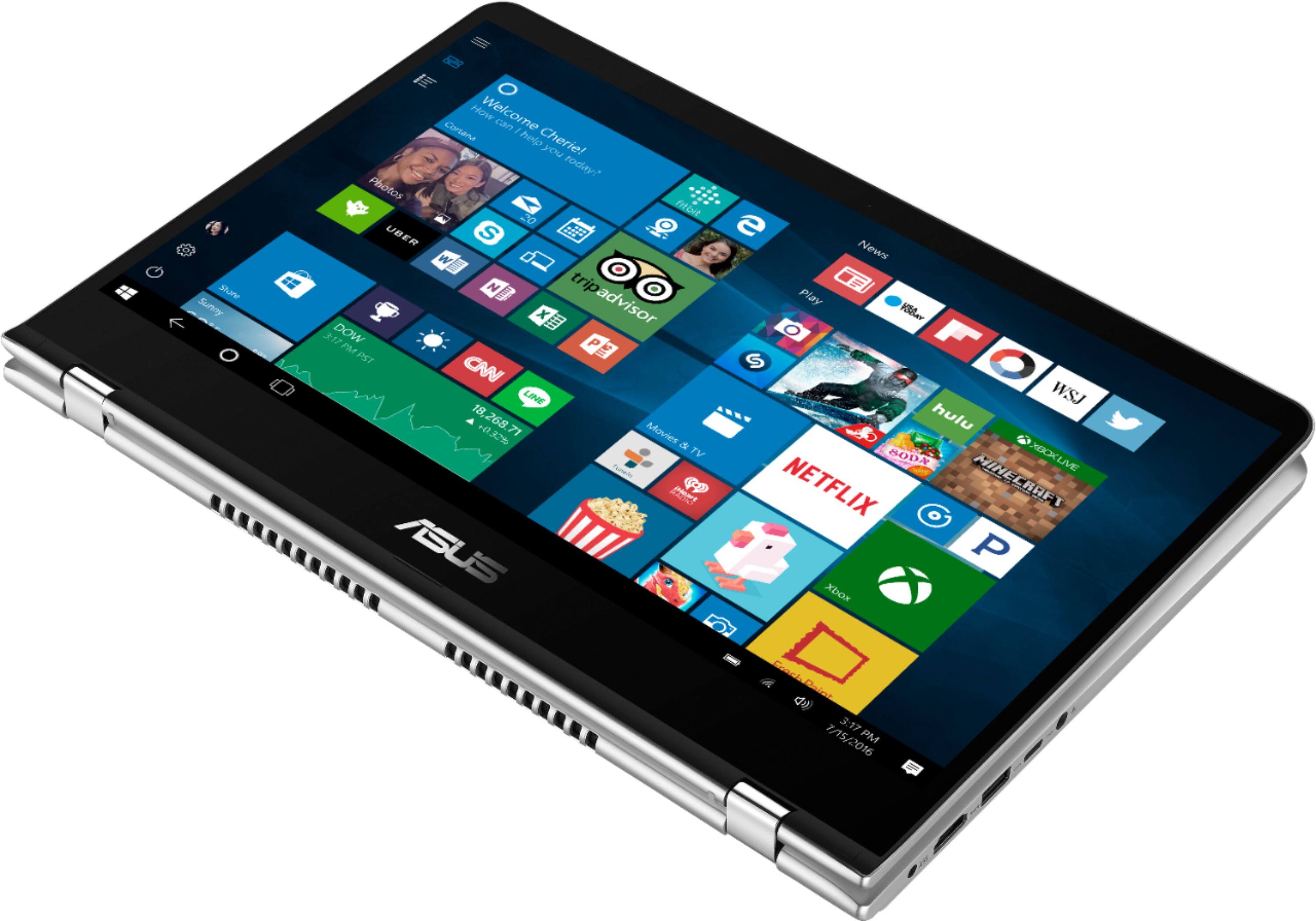
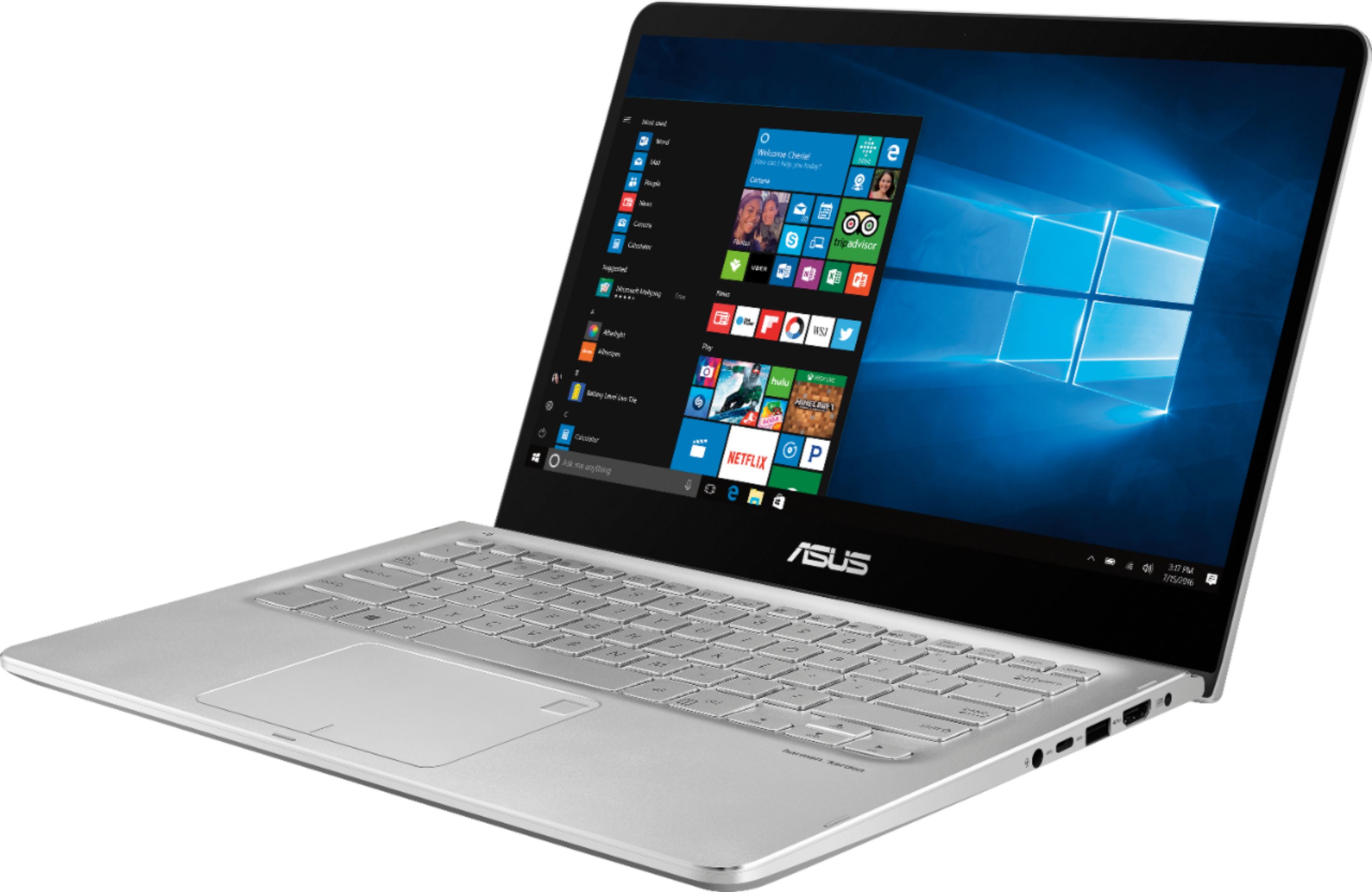
A:Answer I bought two of this model (ASUS Q405UA) specifically because they can be upgraded. The motherboard is a TP410UA that's flashed with a different firmware. When you remove the top case you can see the label on the motherboard. I've attached a picture of the board from the last time I had it disassembled. Unfortunately, I didn't think to take a picture of the other side of the board that shows the m.2 and so-dimm connectors. If you google the TP410UA you can find pictures on the internet that show the other side of the board.
The motherboard does indeed have 8GB onboard which leaves the socket available to add another 8GB bringing the total to 16GB. I'm using Kingston memory, the part number is KVR24S17S8/8. ASUS doesn't seem to have much practical knowledge about this device, and will not give you accurate information about it because they simply don't know. I think this was a one-off model that was created specifically for BestBuy.
If you do want to upgrade to 16GB it is not a simple process. You need to crack the top case, gently release the keyboard, touchpad, and fingerprint reader connections and then remove the battery screws, the battery itself, a few more connectors, and then the motherboard. Lift it out gently starting at the CPU fan. Flip it over and install the dimm. While you're in there you may want to add an m.2 SATA SSD. Only a 2280 fits.