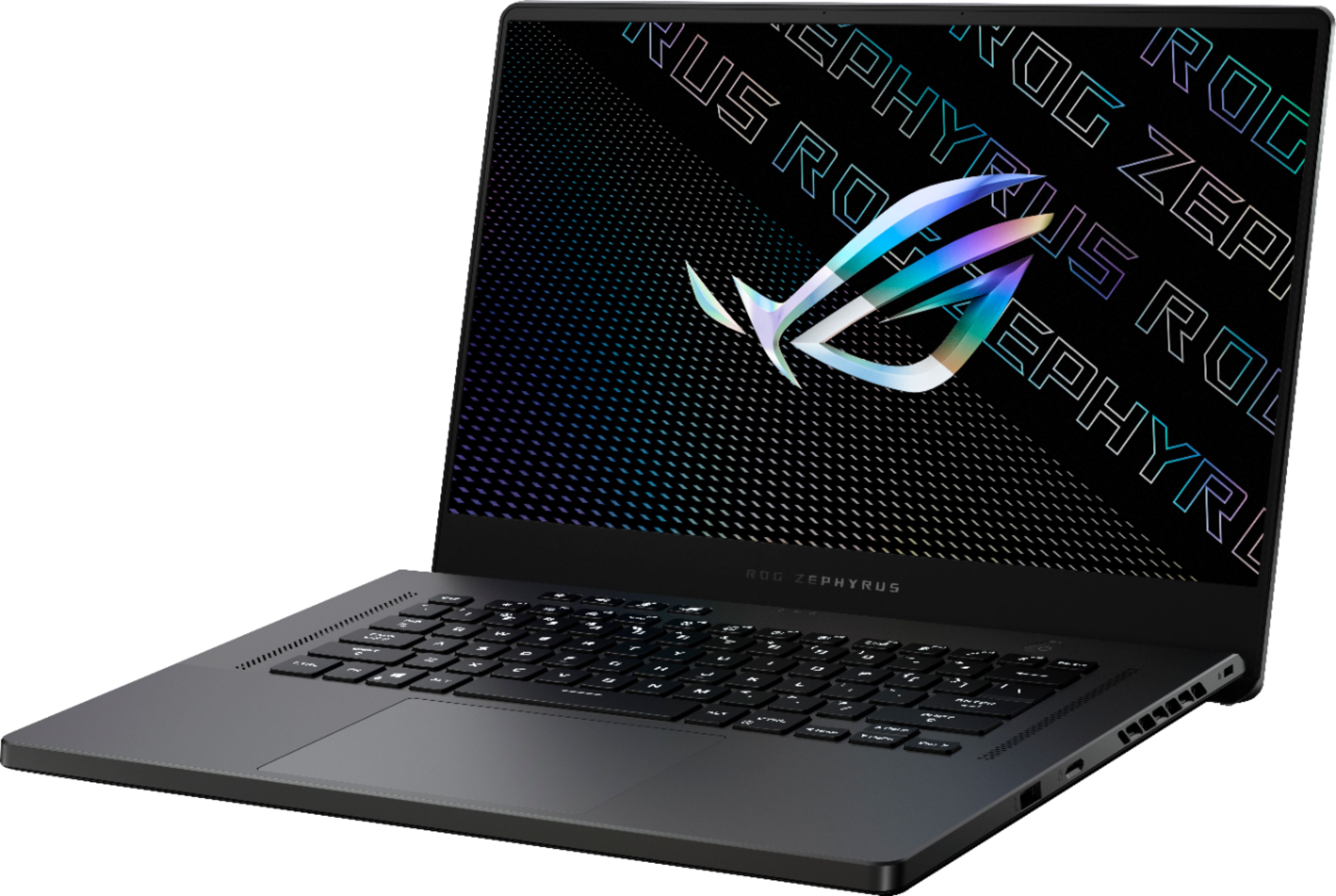
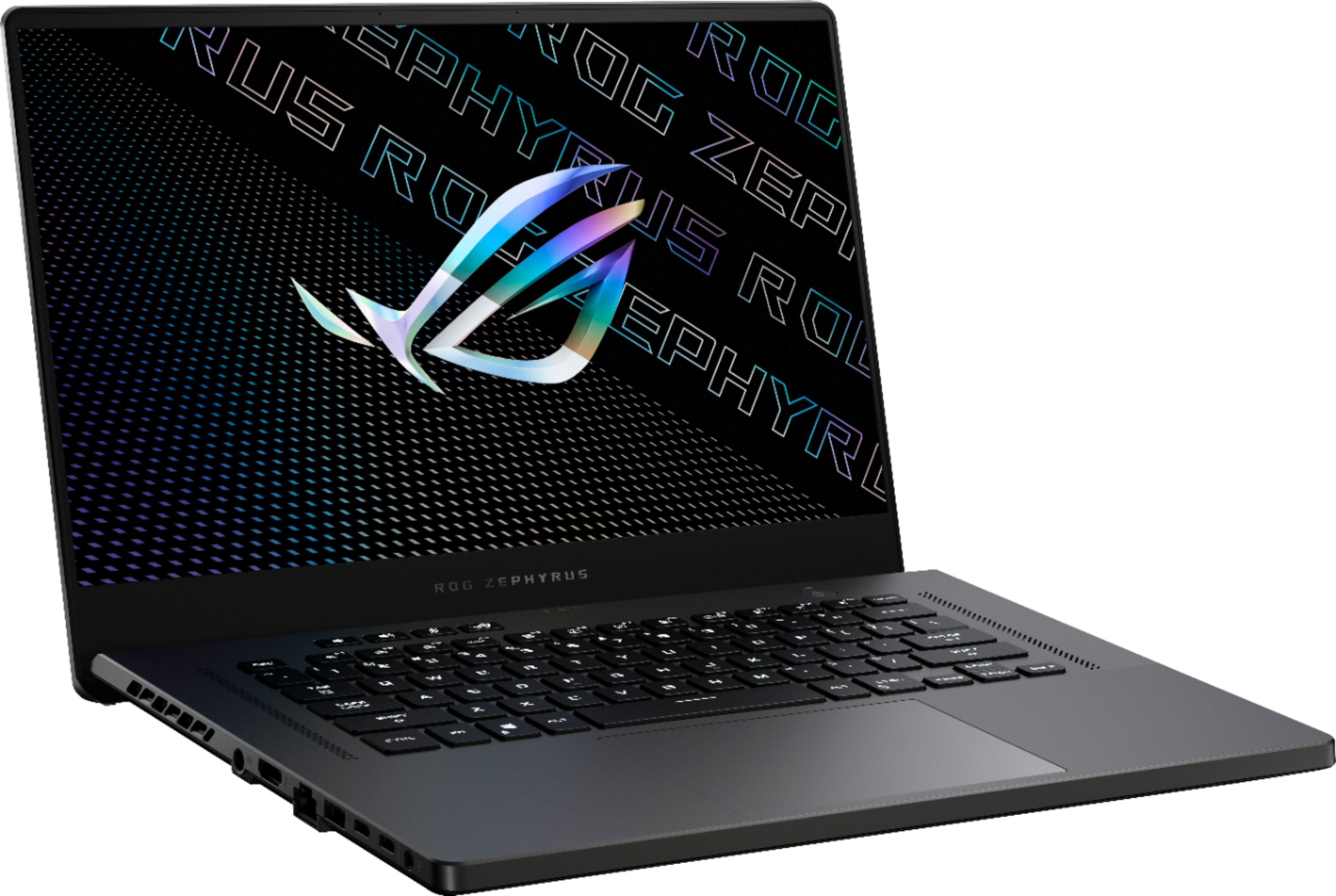
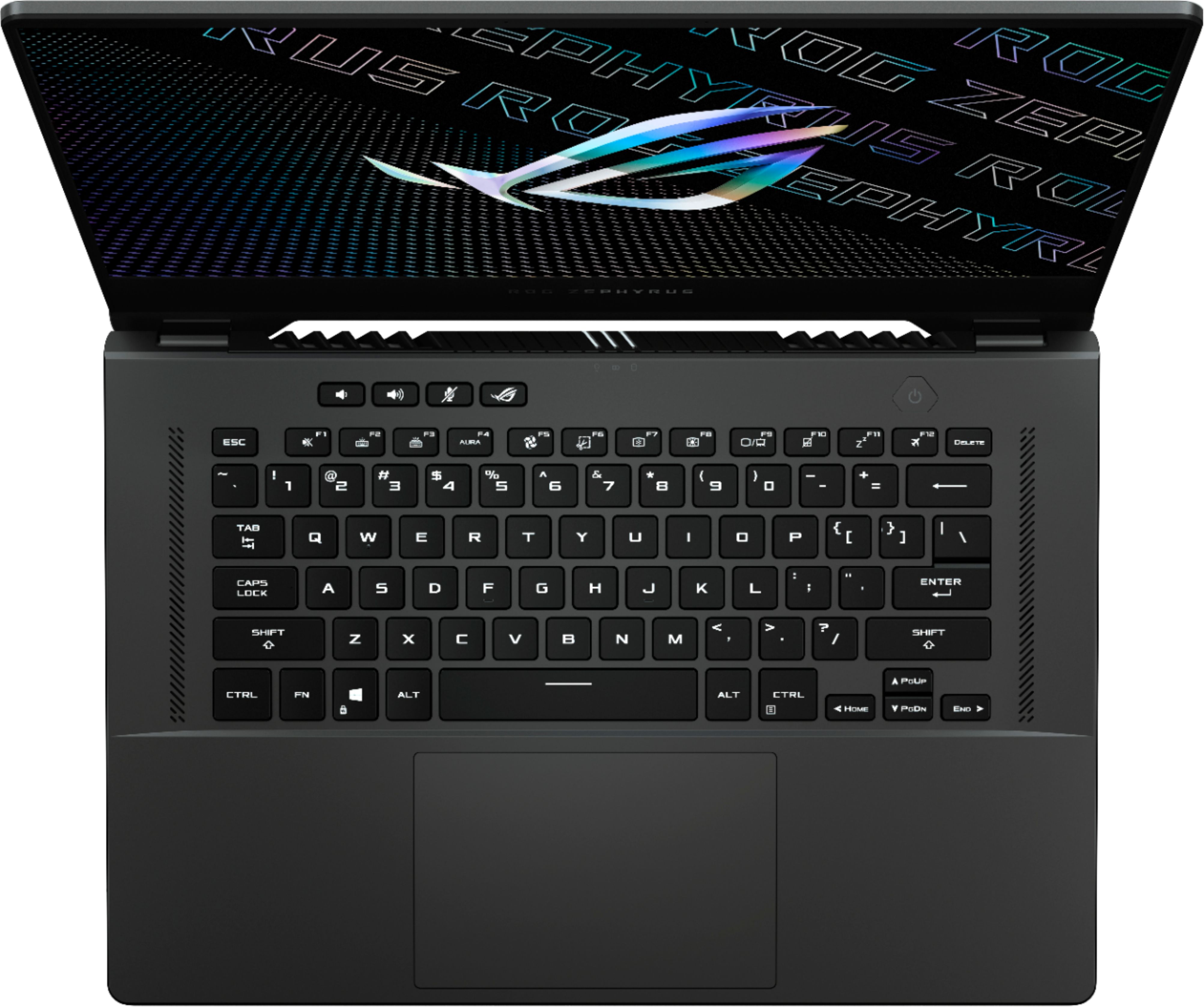
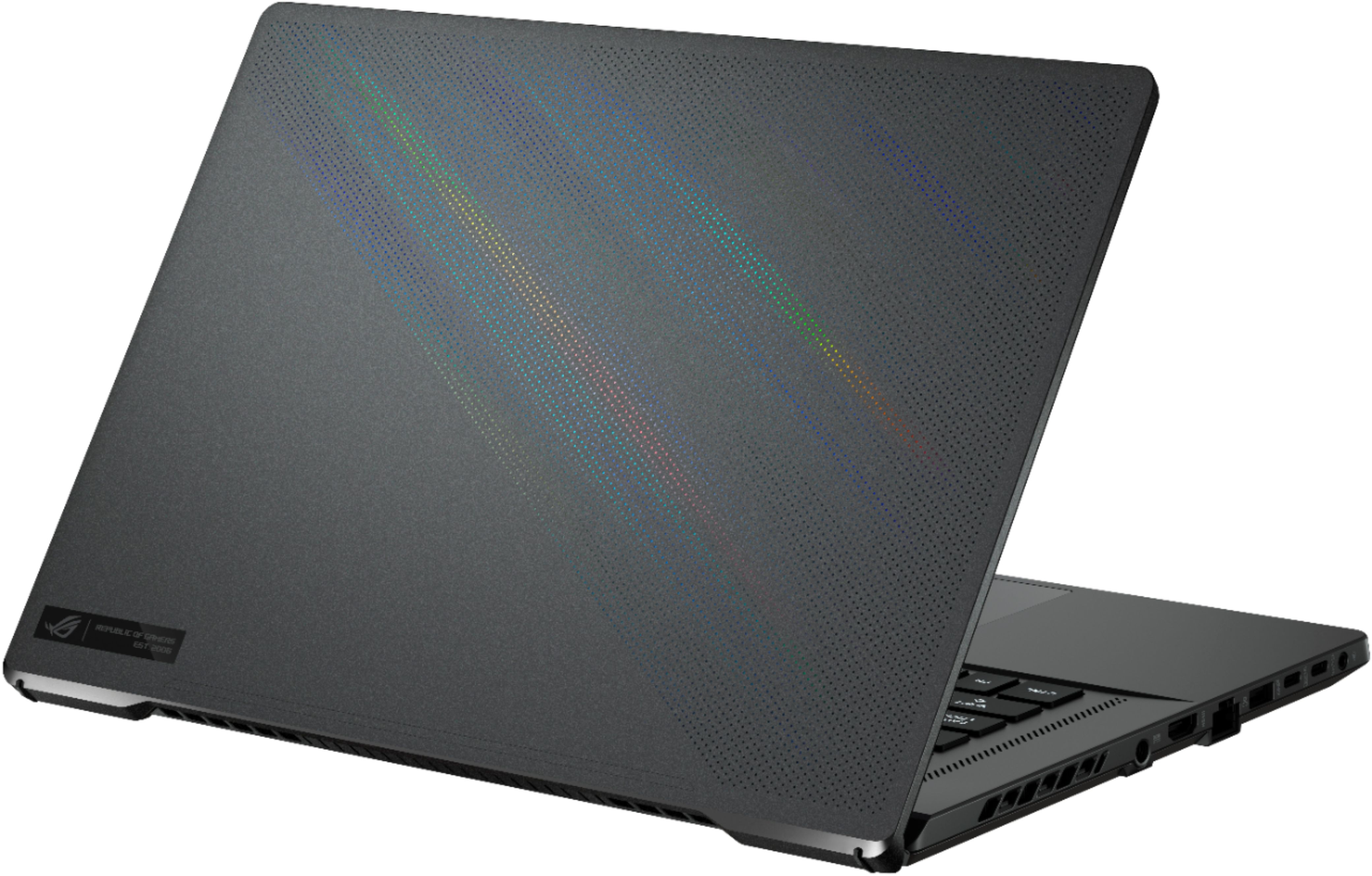
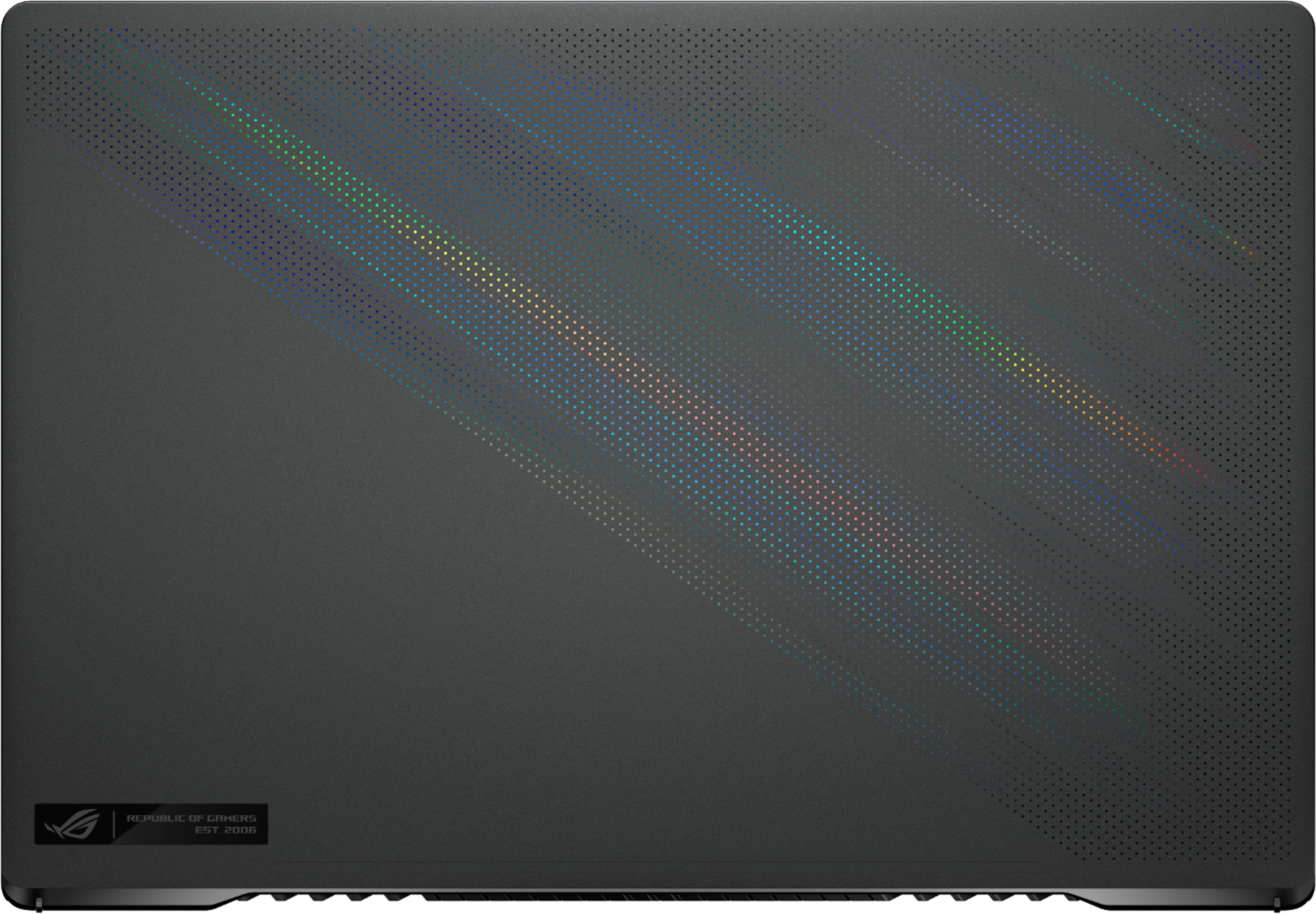
A:AnswerThe Strix brings per-key RGB, robust cooling, aggressive aesthetics like clear plastic and sci-fi trims, added lights, 300hz FHD configurations that sacrifice color accuracy, and more control over internal components like RAM and Storage expansion. That means the Strix is pure performance, with plenty of flash. The G15 brings Apple like polish and refinement while packing in enthusiast level performance. The speakers, screen, keyboard, trackpad, chassis and internals are top notch, but understated. It's all tied together with long battery life in a small package. I'd prefer to go under the radar when bringing a laptop out in public or to a business meeting, but I don't want a typical 'business' laptop.
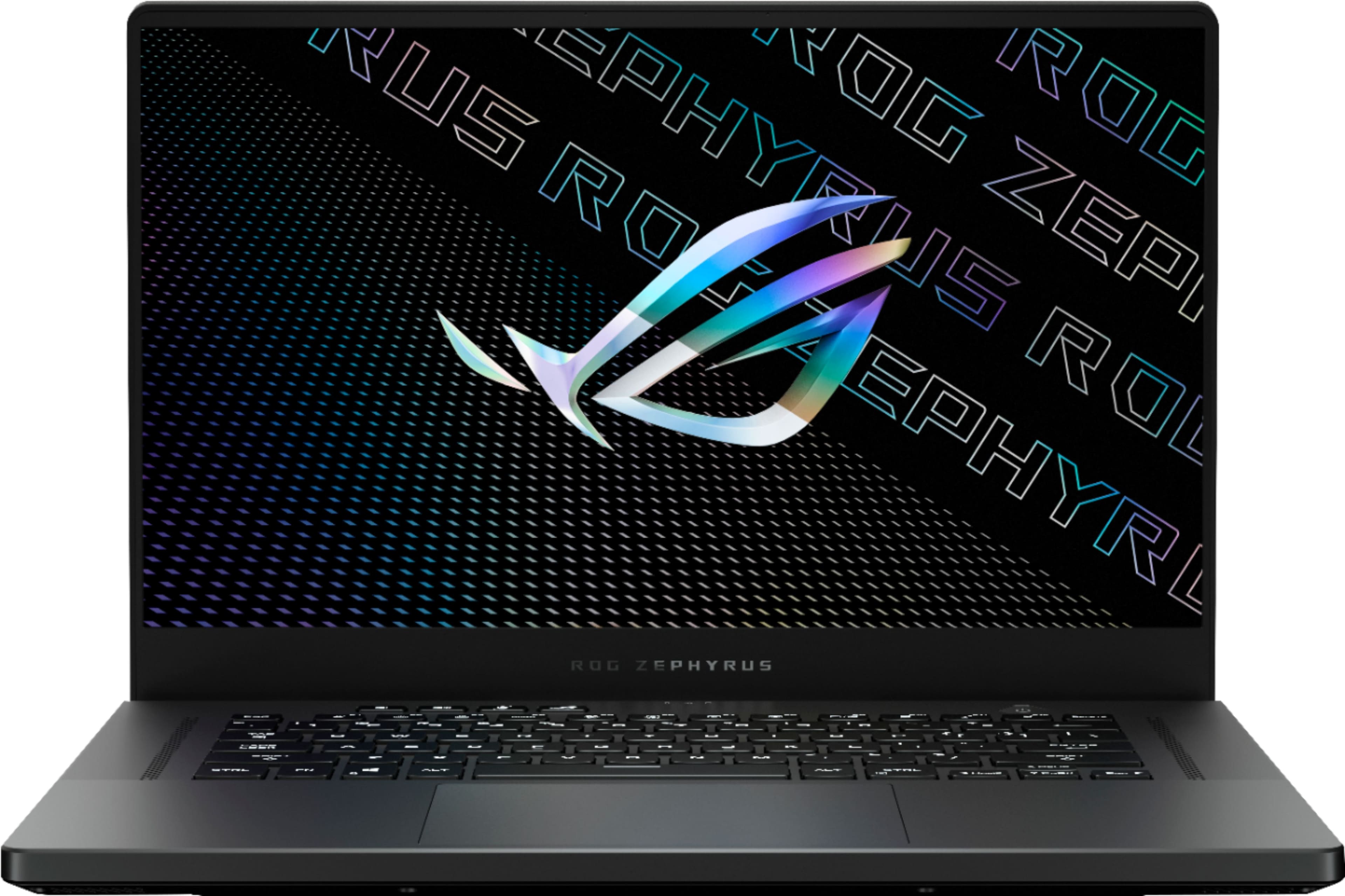
A:AnswerIt has 8GB soldered and 8GB from SODIMM. You can check it here with the same model. You can have at most 40GB but will loose some dual channel performance.
https://www.excaliberpc.com/configurator/configure.html?id=749308#gallery-2
A:AnswerYes, this model has 2 M.2 SS slots. It ships with one M.2 NvME SSD installed. The second slot is available for a second 2280 NvME SSD. According to the service manual available for this model (GA503QR) on Asus' website, both M.2 slots are only compatible with M.2 2280 NvME drives (not M.2 2280 SATA drives). Attached are screenshots showing this in more detail--from the service manual available for this model, on Asus' website.
A:AnswerVery hard to tell at this point. The 3070 Mobile can be configured for 80-125w in laptops, the 80w version is slower than last gen mobile 2070 MaxP and 2080Super, the 125w varient is faster.
It will come down to clocks on the 3070 Mobile, i'm expecting this Model from asus GA503QR (3070 Max Q) to have boost clock of 1410 (up from 1290 on the 80w varient of this card).
I hope the real world boost is close to 1500mhz. Will have to wait to see. If this is the 80w 1290mhz varient, then it's going to be a 3070 in name only and frankly most of us are going to be disappointed.
A:AnswerPersonally I think it’s all a matter of opinion and what you’re using the laptop for. MSI is using the same Intel chips with their RTX 3000 series graphics in this years round of laptops as last year which are okay when it comes to gaming performance due to the higher single core scores but you also have to remember that the Asus with the new AMD processor has a solid single core that a bit below MSI but a better multi core score and handles doing multiple tasks at once a little bit better and is the fastest chip on the market now at least on paper. The Asus also has an updated QHD 165hz screen with 100% DCI- P3 meaning the colors pop a lot more which is good for tasks such as photo and video editing, where as MSI has stayed with the high refresh rate 1080p screens which are great for gaming/ esports. As far as long term the Asus has one stick of soldered ram meaning you can only upgrade to 32 gigs of Ram if need be while MSI I believe is more than that so that would also be something to consider. Also bear in mind that Asus zephyrus laptops do not come with a webcam nor full RGB backlit keyboard (however if the RGB backlit keyboard is something you still prefer, the Strix series does come with that and the 15in version is the same price as the G15 and is slightly better suited for gaming due to the higher power output). Personally since you’re coming from an MSI laptop if you’re looking to upgrade, are used to the brand, need a webcam, and don’t need QHD, then by all means go for the newest GS66, alternatively if you’re a little less focused on gaming but are handling multiple tasks at once, or do a lot of video and or photo editing and prefer a more muted gaming laptop without the flashy keyboard and don’t mind the somewhat limited upgradability with the solid ram, then go for the Asus, hope this answer helps you out a bit!
A:AnswerIt's becoming a common issue now that Asus and Best Buy won't acknowledge. Just look at all the reports over at reddit and within the reviews here too. Many of us are wondering if it's something a driver update could fix, but we're all racing against the return window. If it's a hardware defect, which I'm leaning towards since they introduced their "force cancelling woofers", then we're all screwed. Quite an embarrassing oversight if a feature they were promoting for this turns out to be what's causing this issue.
A:AnswerI suggest everyone who pre-ordered and still hasn't received theirs yet to demand some credit back. BB screwed up shipment here by not updating their carriers eventho they sent us the email with the updated ship date.
A:AnswerThere isn’t a paper money reader, if that’s what you mean, and there isn’t a coin deposit slot either.
Otherwise, I can’t even imagine what your question means.
A:AnswerThe 5900HS is the model to have. Wonderful single core performance, fantastic multi-core performance, and a great approach to battery life that prevents random boosting until it truly is needed on battery.
A:AnswerYes, it supports 100w charging via USB-C, but what happens is if you draw more than the charger can supply (like you try running a game), it stops charging and supplies power to the system. Then resumes charging when you're pulling less power. This can happen repeatedly during gaming or other intensive tasks. I believe all the stopping and starting will decrease the battery life over time.
A:AnswerBased on your question, I presume this is a wired connection using a USB slot. I had the same issue when I plugged my controller into the Type-A USB slot, it would throw the same error.
You will need to connect to one of the USB Type-C slots instead. If you don't already have one, get a USB Type-A to Type-C adapter cable. BB sells them for about $10 but I've seen them on ebay for as low as $2 with free shipping (go figure). Anyway, switch to the C port and your controller will work fine with no errors.
A:AnswerNo, I haven't. I even talked to customer support a couple times today but they just said it's awaiting shipping from their warehouse. I talked to them yesterday and they told me it would ship out on the 9th and I would receive it on the 10th. We'll see....
A:AnswerNot sure why people keep saying this has 16gb soldered and one sodimm slot free. Asus has a ton GA503 variants on its websites across the different regions, but virtually none of the GA503QR’s (the QR means 3070 gpu version) have a 16gb soldered and free sodimm slot configuration. They’re all either listed as 8gb soldered + 8gb sodimm, OR 16gb soldered + 16gb sodimm.
In fact, Asus only lists two GA503 configurations as available at the time of this response. One is a 3060 version, and the other is a 3070 version, which matches the Best Buy specs above exactly. That’s the GA503QR-HQ115T model on Asus’s website, and it clearly says 8gb soldered on board and 8gb in sodimm slot.
https://rog.asus.com/fi/laptops/rog-zephyrus/2021-rog-zephyrus-g15-series/spec/
A:AnswerNo, it does not have. Already contacted Asus PHL on this. Best Buy is scamming people on international warranties on Asus laptops. Better buy in Amazon.
A:AnswerI'm pretty sure someone already answered this question. But its a yes and a no type deal, one ram stick is soldered to the motherboard while the other is upgradable.
A:AnswerIt looks like these come with an HDMI 2.0B plug. This means that we are looking at 4k/60, 1440p/144Hz, 1080p/240Hz. The door may be open for USB-C supported display output that enables 4k 120hz. I will say that the 3070 is unlikely to drive over 60fps at high settings in beautiful games at 4k. On the other hand twitchy shooters that could benefit from the added framerate would be held back by other latency factors on the TV. If not they still are likely to be better suited to 1440/1080 where they have plenty of headroom.