Questions & Answers
- Model:
- EW3280U
- |
- SKU:
- 6404043
Highly rated by customers for: Screen Size, Sound Quality
$419.99Your price for this item is $419.99
Comp. Value: $499.99
The comparable value price is $499.99
Page Showing 1-4 of 4 questions
Q: Question1. How do you turn off BI on BenQ EW3280U, since it changes the colors of the screen? This would ruin Photo editing. Not very smart to change the colors during photo editing. 2. What does the M for Mac Video setting actually do? Thanks, Dave
Asked by DaveW.
- A:Answer Adjusting screen brightness automatically (Bright Intelligence Plus) The built-in light sensor works with Bright Intelligence Plus technology to detect the ambient light, image brightness, contrast, and color temperature, and then balance the screen automatically. It helps keep image details as well as to reduce eye strain. To enable this function, press the B.I.+ key ( ) on the remote control (EW3280U only). Alternatively, go to Eye Care > B.I.+ (Bright Intelligence Plus) > ON. It takes a few seconds to complete the adjustment. If you select Game HDRi or Cinema HDRi from HDR Mode, the Bright Intelligence Plus function is enabled automatically. +'50RGH *DPH+'5L &LQHPD+'5L 'LVSOD\+'5 2)) EW3280U +'50RGH *DPH+'5L &LQHPD+'5L +'5 2)) EW2780U / EW2780Q To enable B.I+ or HDR respectively, see Adjusting screen brightness automatically (Bright Intelligence Plus) on page 38 or Enabling HDR function on page 39. The Bright Intelligence Plus function works with certain color modes only. If it is not available, its menu options will become grayed out. The performance of Bright Intelligence Plus may be impacted by the light sources and the monitor tilt angle. You can increase the light sensor sensitivity from Eye Care > B.I.+ (Bright Intelligence Plus) > Sensor Sensitivity if needed. See page 52 for more information.

Answered by Eddie
Q: QuestionWill the built in KVM switch work if you buy two and set them up as dual monitors?
Asked by Bellboy.
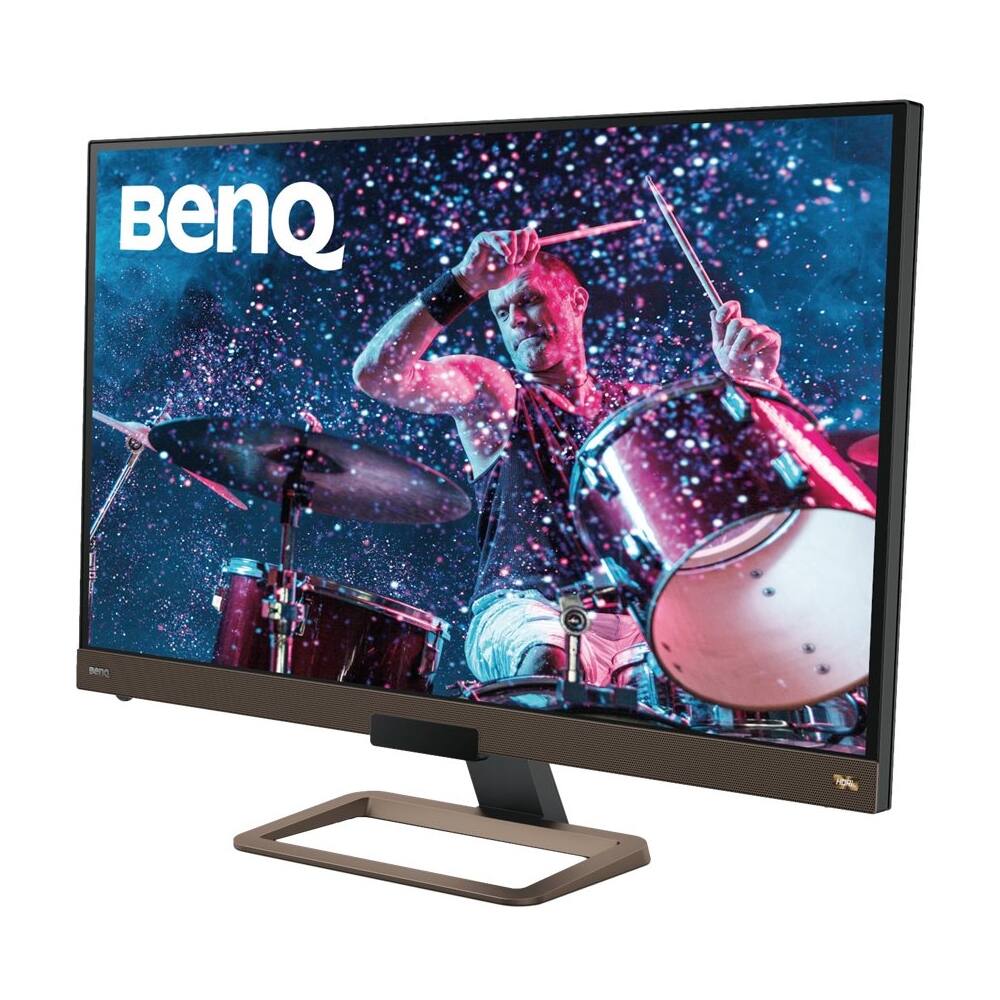
Q: QuestionWhat kind of speakers does this monitor have ? 2 w , 2.5 ...? Thank You
Asked by Anonymous.
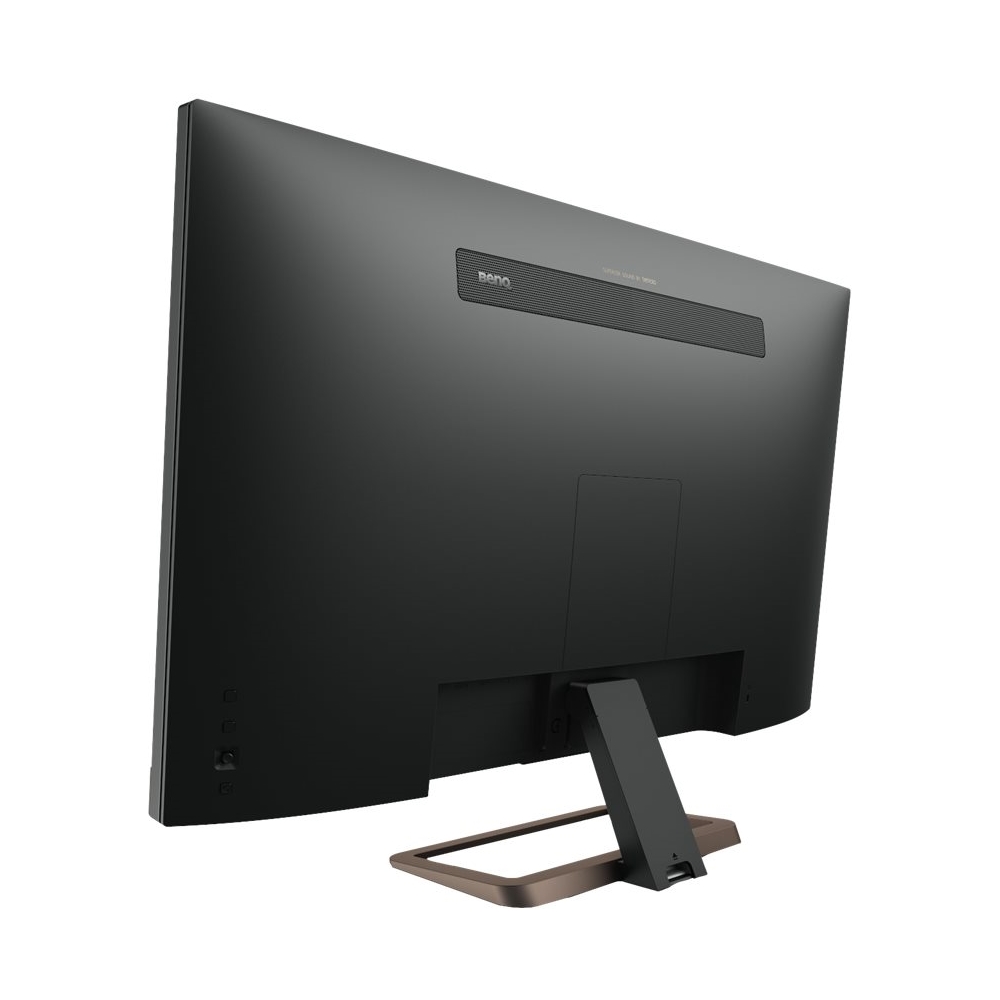
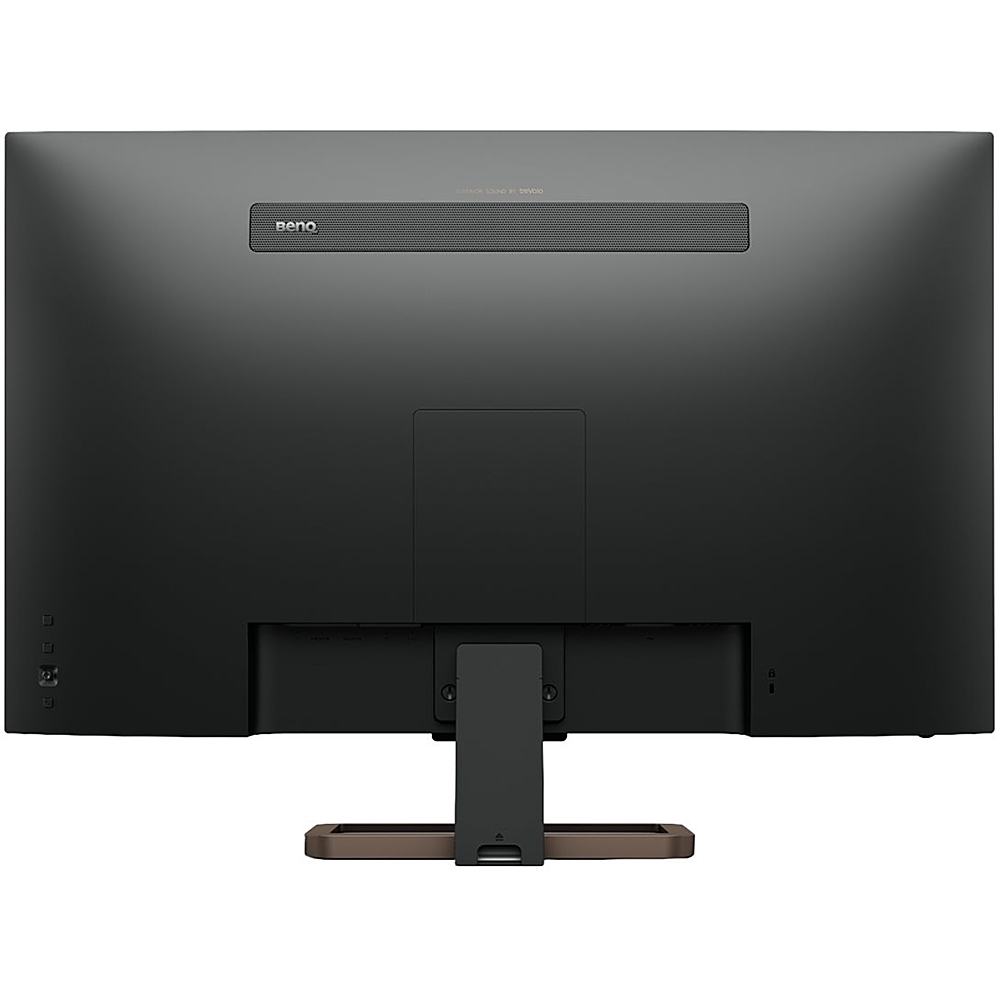
- A:Answer This monitor features twin 2-watt speakers, and one 5-watt subwoofer.
Answered by SonicHarmony
Page 1, Showing 1-4 of 4 questions
Top Rated
- Black Friday Deal$279.99Your price for this item is $279.99
- Black Friday Deal$104.99Your price for this item is $104.99
- Black Friday Deal$86.99Your price for this item is $86.99
- Black Friday Deal$99.99Your price for this item is $99.99
- Black Friday Deal$179.99Your price for this item is $179.99
- Black Friday Deal$219.99Your price for this item is $219.99
- Black Friday Deal$259.99Your price for this item is $259.99
- Black Friday Deal$209.99Your price for this item is $209.99
- Black Friday Deal$149.99Your price for this item is $149.99
- Black Friday Deal$79.99Your price for this item is $79.99
- $69.99Your price for this item is $69.99$159.99The comparable value for this item is $159.99
- $279.99Your price for this item is $279.99$499.99The comparable value for this item is $499.99
- Black Friday Deal$114.99Your price for this item is $114.99
- $179.99Your price for this item is $179.99$389.99The comparable value for this item is $389.99
- Black Friday Deal$99.99Your price for this item is $99.99
- $169.99Your price for this item is $169.99
- $1,499.00Your price for this item is $1,499.00$1,599.99The comparable value for this item is $1,599.99
- Black Friday Deal$129.99Your price for this item is $129.99
- Black Friday Deal$89.99Your price for this item is $89.99
- Black Friday Deal$129.99Your price for this item is $129.99