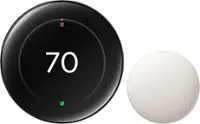
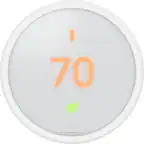
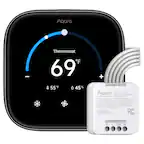
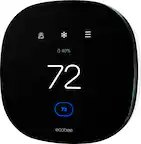
A:AnswerI think you have to purchase 2 Nest thermostats as these are hard wired to each furnace. We are in the same situation, although we've only purchased one for now. It does require WIFI so be sure you are near an internet wifi connection to make it work correctly.
A:AnswerIt depends mate. Do you have two zone? if the answer is you only have one zone than no. But if you have two zone than you will need two nest to control each zone.
A:AnswerThe Nest has a couple safeguards for unruly teenagers. It also might be worth some counseling to get those teenagers to listen to you while in your home.
A:AnswerIf the thermostat is set at 73 and I am warm, I can turn the thermostat to 72 and it kicks on. So I would say 1 degree difference. I have never stood there and watched it but I would assume, based on my experience, that if you have it set to 72 then the AC is going to kick on at 73. It will run the compressor till it reaches 72 then turn the compressor off and it will run the fan for several more mins blowing all the cool air out of the system. Which keeps it cooler and saves money.
A:Answerwe have found that the number of rush hour days are limited by our utility company and they seem to be relatively rare, i.e., averages a day every couple of weeks or so
A:AnswerThat is not an issue, it's an efficiency feature. Starting and stopping cost money. It will also do that based in the temperature outside, it knows if the house may be warmer or cooler later. Make sure you have it in cool mode only.
A:AnswerYes it will work anywhere that you put it and will use temperature from your room to turn on air. Mine is in the front not door of house and gets all the heat from open and closing door. Can’t wait for the sensors. Hope this helps
A:AnswerThe nest app does have an auto- schedule that learns your habits and when nobody is home. You can find this function by selecting the settings wheel on the nest home screen, then select your main thermostat. Auto- sensing isthe second option.
You can also make a schedule for every day of the week. This can be done by selecting your main thermostat from the home screen (under the house pic). At the bottom of the screen you'll see schedule.