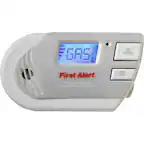
A:AnswerNO ... First Alert use 3 wires ... 2 for AC and 1 common for Alarm ...
Nest only has the 2 AC wires ... it does Alerts to other Nests using Wifi
A:AnswerNest Protect uses a Split-Spectrum Sensor capable of detecting fast-flaming fires and smoldering fires using a 450nm wavelength of light to detect the tiny particles created by fast fires. It also uses a 880nm infrared wavelength to look for larger particles created by smoldering fires. You can learn more about Split-Spectrum Sensor here: https://nest.com/support/article/What-is-the-Split-Spectrum-Sensor as well as get a more in-depth look in our Split-Spectrum Sensor White Paper available at the bottom of the previous link!
A:AnswerMy house was gutted and all upgraded as per city of Toronto code.
My Nest protect passed with my city site inspector and signed off as all code compliance.
A:AnswerHi Rob. Thanks for your question. To learn how to manage your Nest Protect remotely, please click here:
https://support.google.com/googlenest/answer/9249356?hl=en#zippy=
A:AnswerHi there, you can log into the Nest app on as many phones as you need to. If the other phone belongs to someone else, you can invite them to the Home. Use the gear icon, go to Family & Guests and then choose Add a home member. Take a look at this article to find more details: https://support.google.com/googlenest/answer/9304271?hl=en&co=GENIE.Platform%3DAndroid#zippy=%2Cfind-out-who-has-access-to-your-nest-home
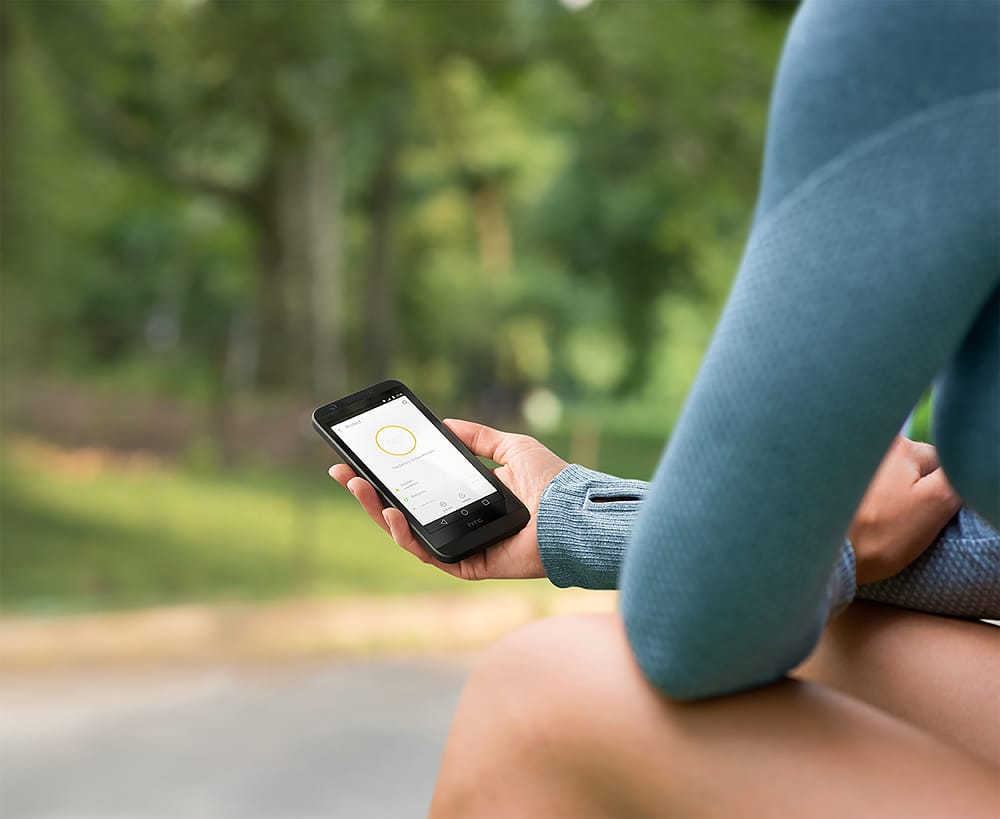
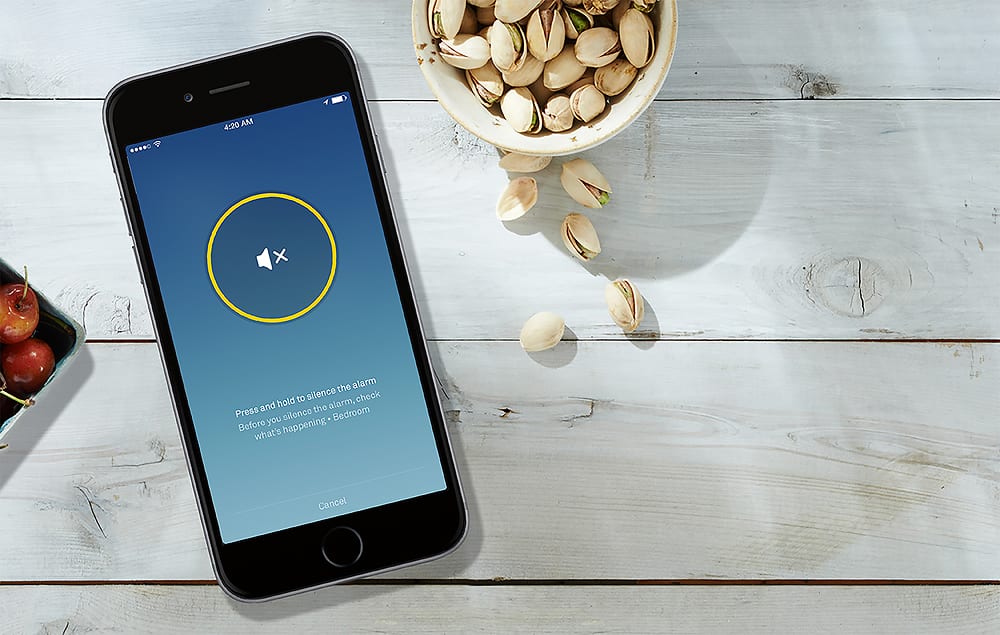
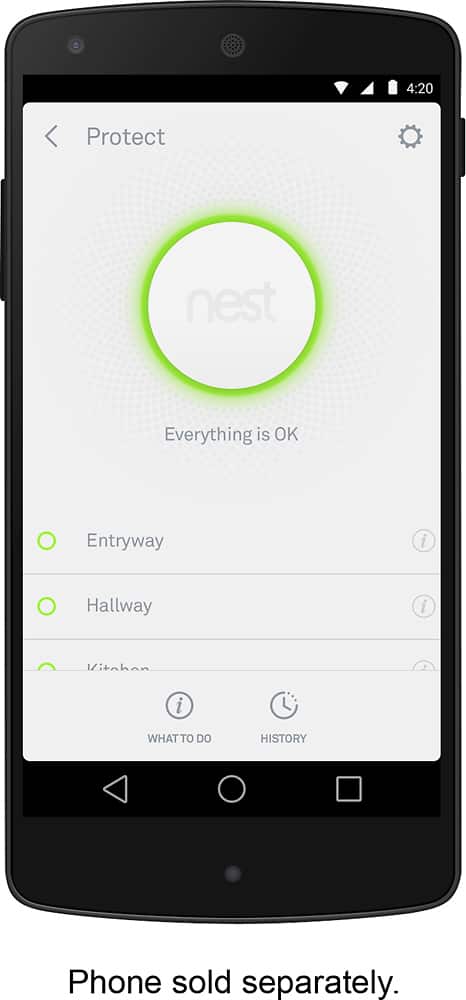
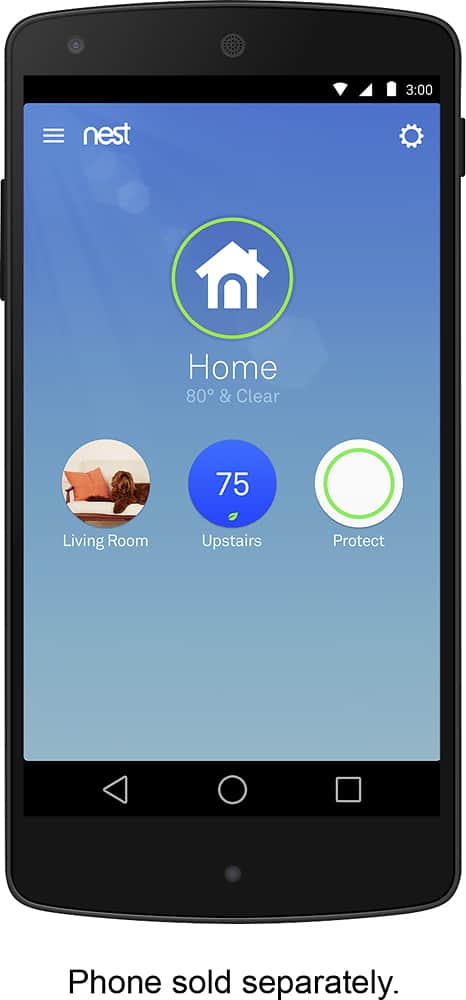
A:AnswerHey there! We appreciate your interest! The Nest Protect is exclusive to the Nest app. You can control and manage the device settings using the Nest app even when you’re not at home as long as your Nest Protect and the app (phone or tablet) are both online. Learn more using this link: https://support.google.com/googlenest/answer/9229922
A:AnswerHey there, PeterB! We appreciate your inquiry. We’re continuing to support the Nest Protect and the Nest app, as well as to deliver critical security updates and software fixes and owners like you shouldn’t notice any difference with your service. Google commits to bring users the same feature and software support you’ve always had. However, we made the difficult decision to stop support for Nest Secure and Dropcams starting April 8, 2024. Check this link to learn more about these changes: https://www.googlenestcommunity.com/t5/Blog/An-update-for-our-Nest-Secure-Dropcam-and-Works-with-Nest-Users-and/ba-p/391449
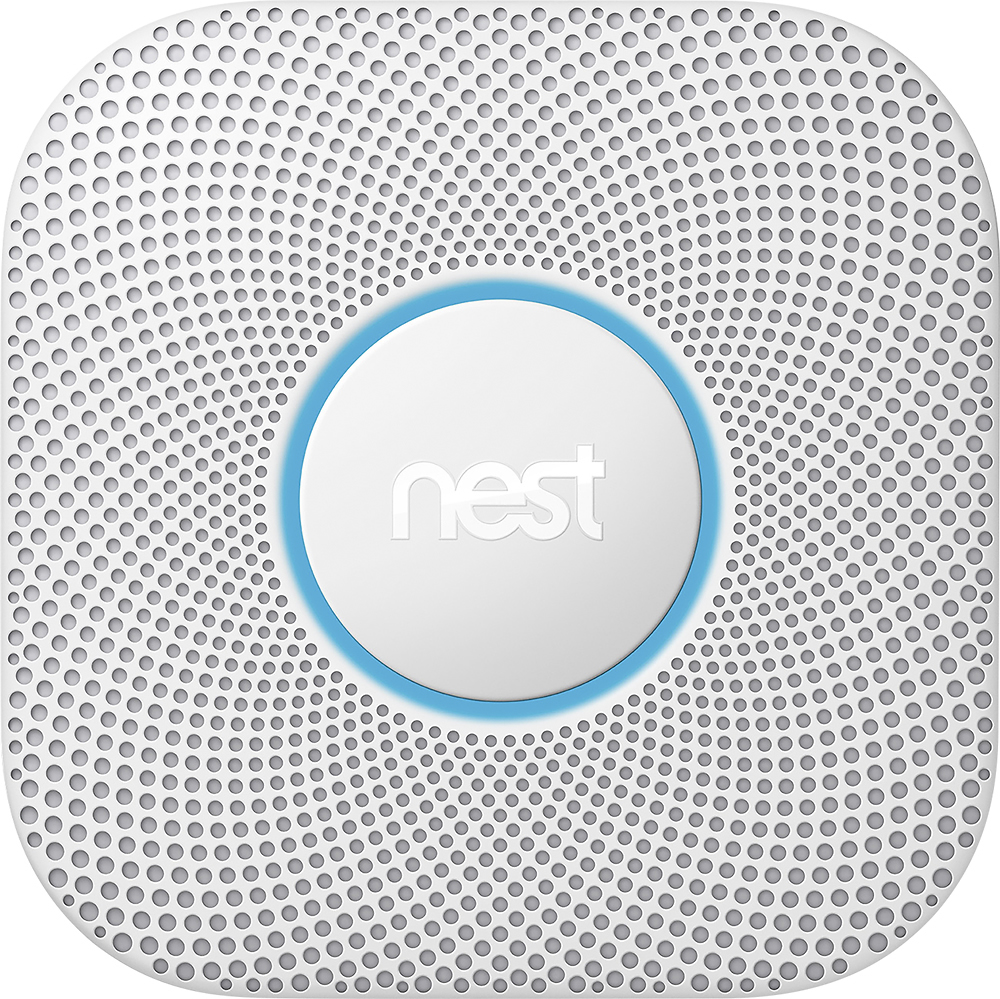
A:AnswerHello there, Don. Thanks for your interest in Nest Protect(wired). No, the device doesn't support adding an exterior siren. We recommend checking this Google Help article for more details about the device: https://support.google.com/googlenest/answer/9229922
A:AnswerI'm not certain if you're question is pertaining to local code or size, but either way in regards to size the nest is a little bit bigger then any Kidde I've run into by at least 1" circumference. Local codes, ALWAYS check with your local municipality before installing any electric stuff or safety gadgets, it's a pain to do anything twice let alone the issues that potentially arise when talking safety concerns.
A:AnswerPathlight is designed to turn on in dark rooms or hallways. If there’s enough light to see, Pathlight usually won’t turn on. If the issue persist, we recommend contacting our support team here: https://support.google.com/googlenest/gethelp