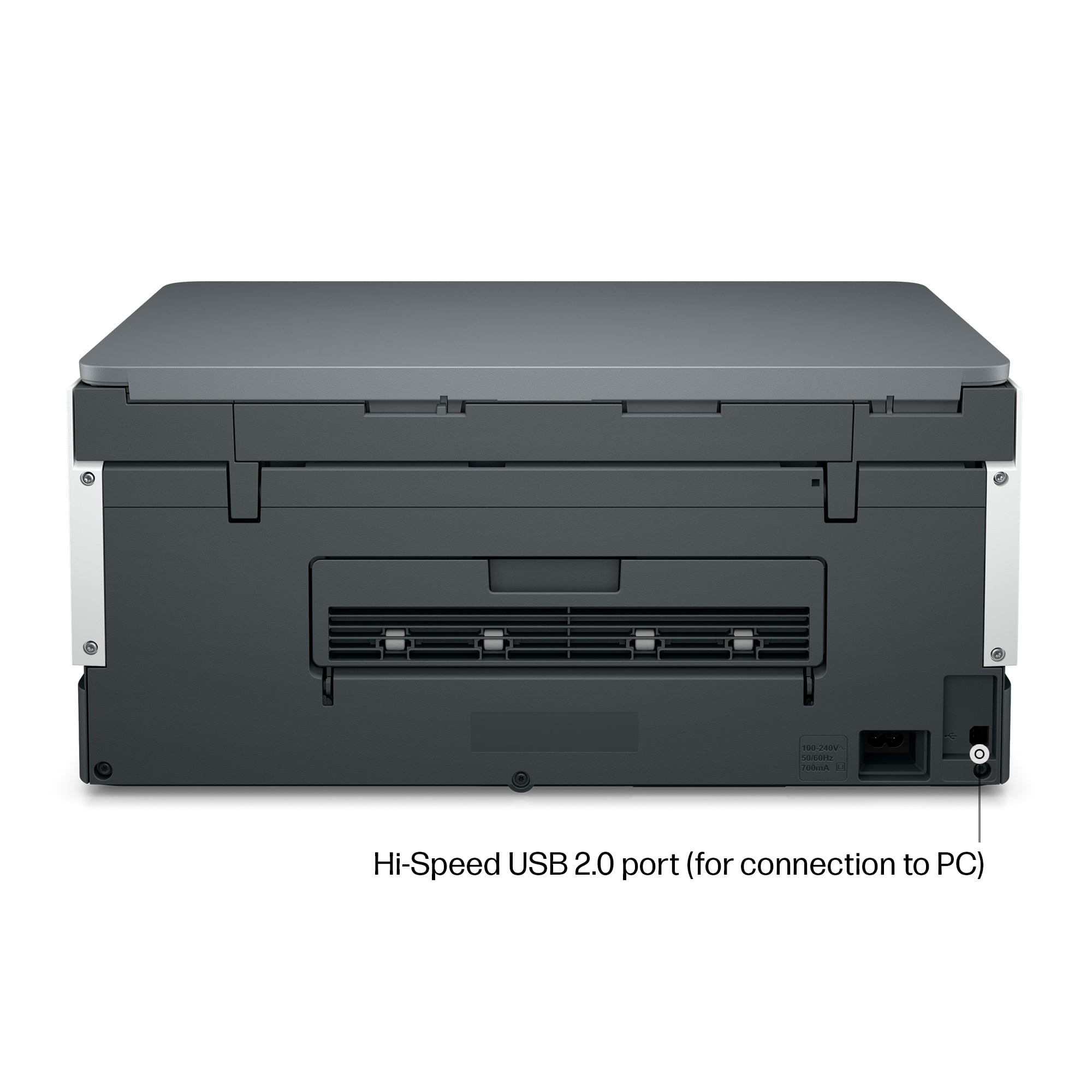
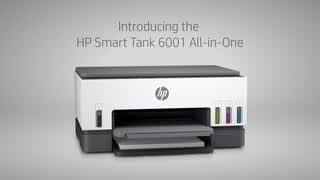
A:AnswerThank you for the question. Yes, you'll be able to connect to the computer with a USB cable, however, the printer needs to be connected to the internet 24/7 to avail yourself of the free HP+ ink and warranty offers.
A:AnswerTo confirm the compatibility of your desktop with this printer, you would want to check the operating system against the printer's system requirements. For Macs, the system requirements are: macOS v10.14 Mojave, macOS v10.15 Catalina, macOS v11 Big Sur; 2 GB HD; Internet required.
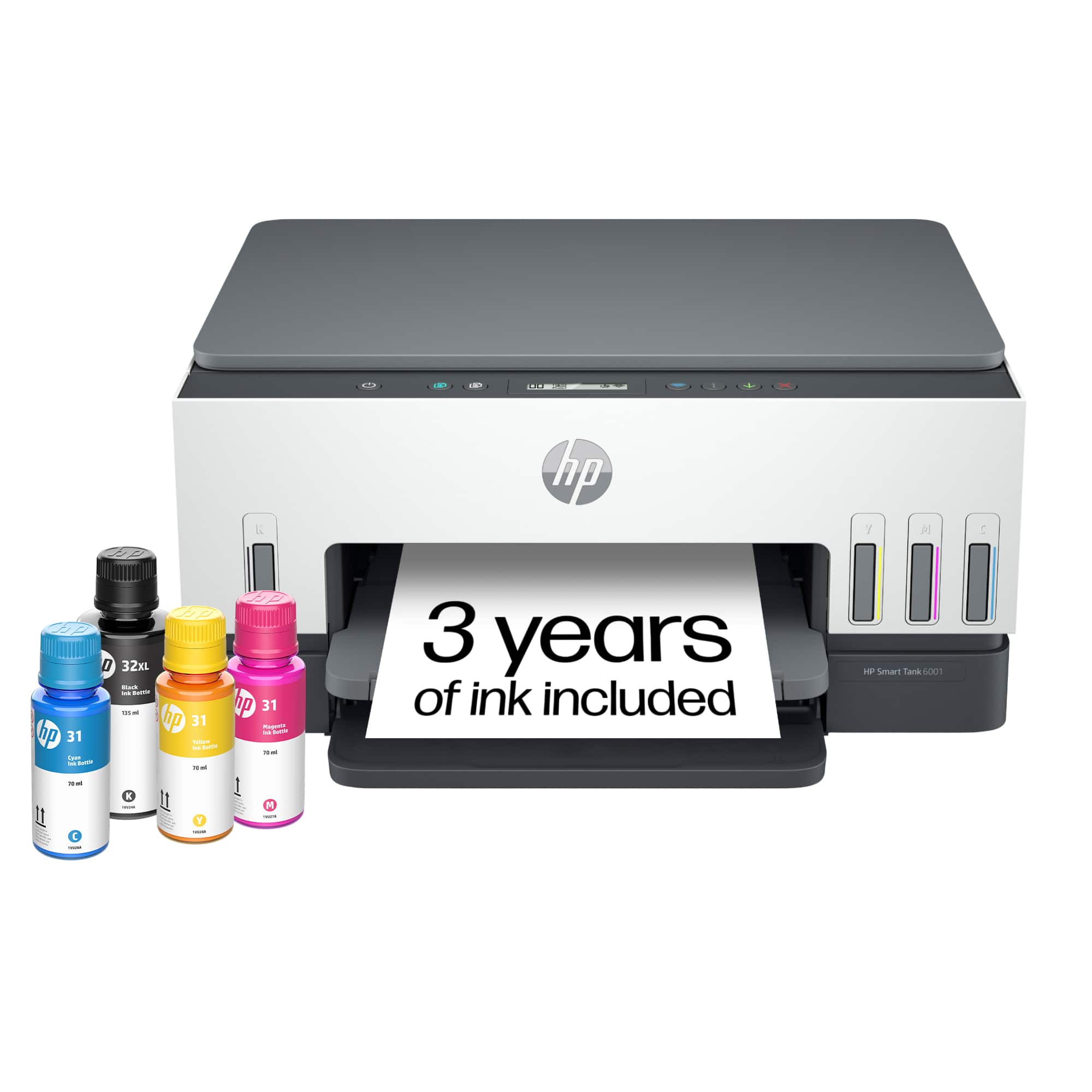
A:AnswerIt would happen at work sometimes printer work best with HP printer paper n make sure you fan the 50-100 copies before putting them into the hopper. Like any other thing mechanical it could malfuntion right out of the box. Good Luck!
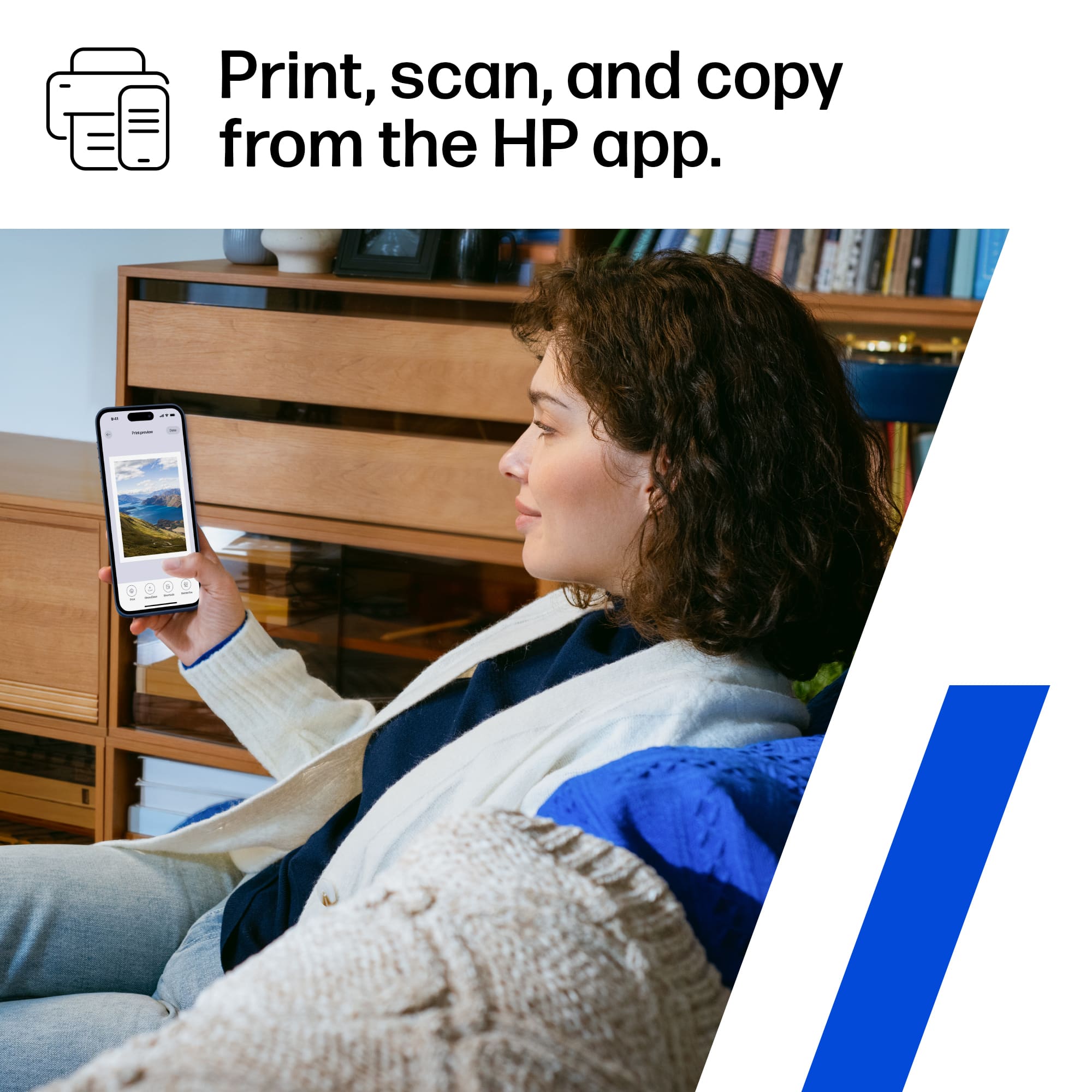
A:AnswerHello, all the HP printers are compatible with Apple OS. You can set up your printer the easiest way using the HP Smart app you can download through the Apple store. Thank you for being an HP customer!
A:AnswerYes, it does. When you get the labels, you should be able to download the correct template for the labels. When you're ready to print, you'll specify the template for those lables.
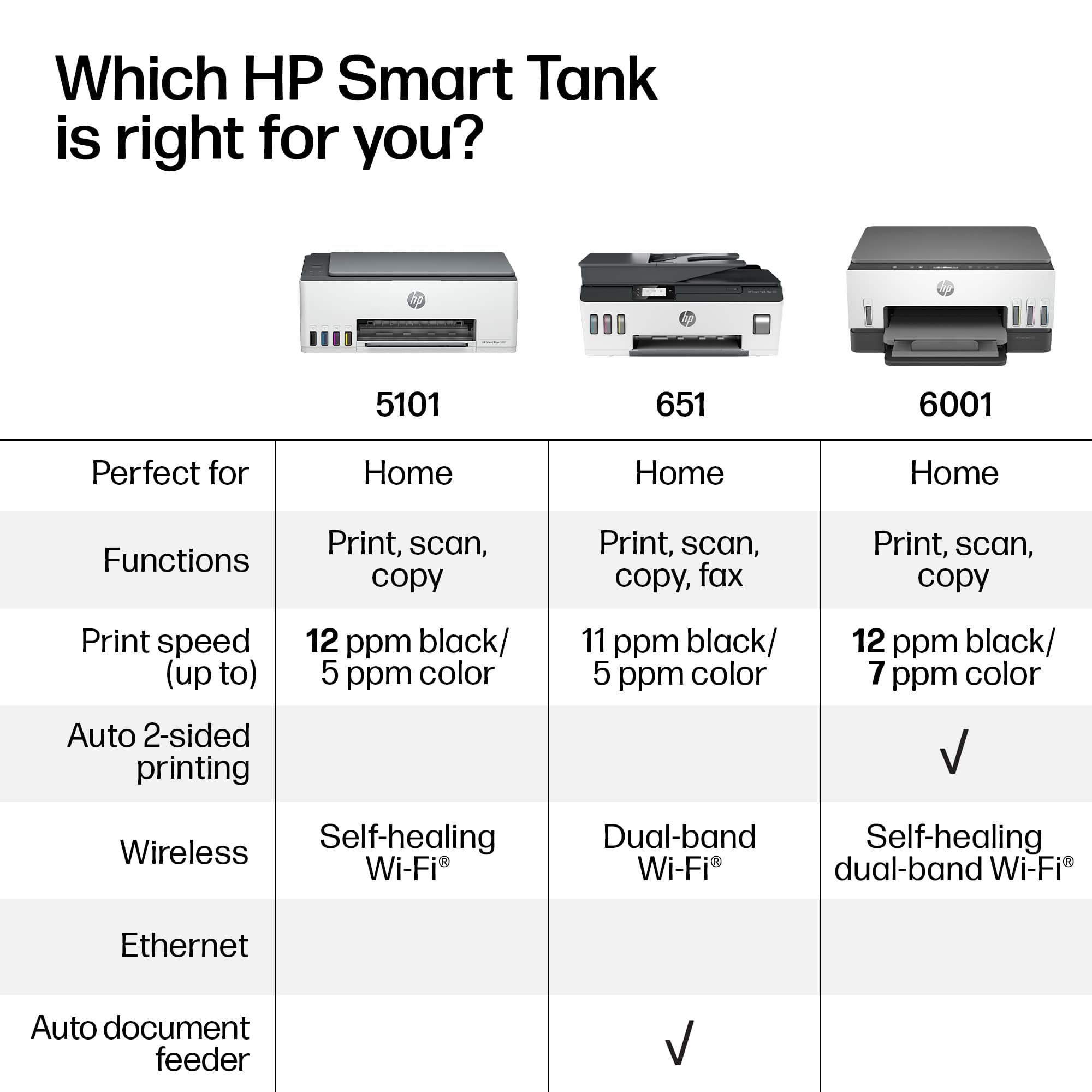
A:AnswerThis model can also be connected with a USB printer cable, but it will not support an Ethernet cable. You can use it with both a Dell and Apple computer.
A:AnswerHello. Thanks for your question. You would need to look at another printer that allows scanning legal-size documents through the ADF (Auto Document Feeder) on top. The HP Smart Tank 7301 Wireless All-In-One Inkjet Printer does have the ADF (Auto Document Feeder) on top.